If you have diabetic peripheral neuropathy and you stand at a desk, the right mat is not a luxury—it is a medical-grade comfort tool. The best anti fatigue mat for diabetic neuropathy is one that provides 3/4" to 1" of polyurethane cushioning, a gently contoured (not aggressively textured) top surface, beveled edges to prevent trip hazards on numb feet, and enough surface area to allow micro-movements of your stance. People with neuropathy lose protective sensation in the soles, so the mat must do the proprioceptive work your nerves no longer do—reducing pressure on the metatarsal heads, dispersing weight evenly across the heel, and absorbing the joint-jarring impact of standing on a hard floor for hours.
Below we walk through what to look for in 2026, how to pair an anti-fatigue mat with the correct desk height, which standing desks complement the mat best, and which features to absolutely avoid if you have numb feet, foot ulcers, or a history of Charcot foot.
Why diabetic neuropathy changes the anti-fatigue mat equation
A typical anti-fatigue mat is designed for an able-bodied worker who can feel hot spots and shift weight reflexively. Diabetic peripheral neuropathy disrupts that feedback loop. You may not notice that you have been standing on the outside edge of your foot for forty minutes, that a small pebble is pressing into your arch, or that an aggressive massage-bump pattern is creating a pressure sore. For people with diagnosed neuropathy, the best anti fatigue mat for diabetic neuropathy is not the most cushioned or the most textured—it is the one that minimizes pressure points while maximizing stable support.



Podiatrists who treat diabetic patients generally recommend the following mat characteristics:
- Closed-cell polyurethane foam with a density between 55 and 65 kg/m³. Too soft and your foot sinks unevenly; too firm and you lose the fatigue-reducing benefit.
- Smooth or very lightly contoured top. Avoid aggressive nubs, deep grooves, or "reflexology" bumps marketed for circulation—they can cause unnoticed skin breakdown.
- Beveled, low-profile edges. A 20-degree taper to the floor prevents the toe-catch falls that are a leading cause of injury in neuropathy patients.
- Non-slip backing that grips hard floors and low-pile carpet equally well.
- Surface area of at least 20" x 30" so you can reposition without stepping off the mat.
Comparison: mat-friendly standing desks for neuropathy users in 2026
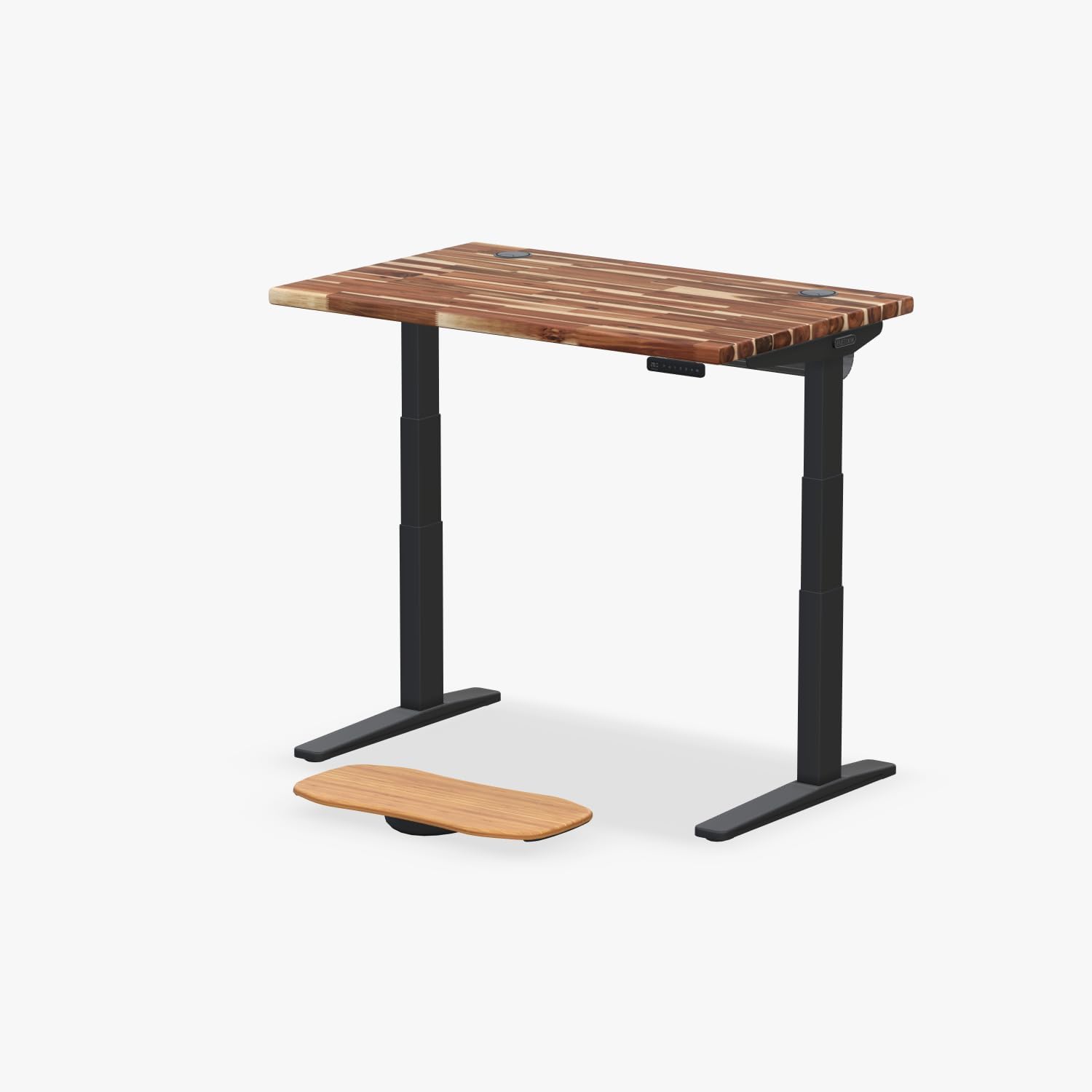
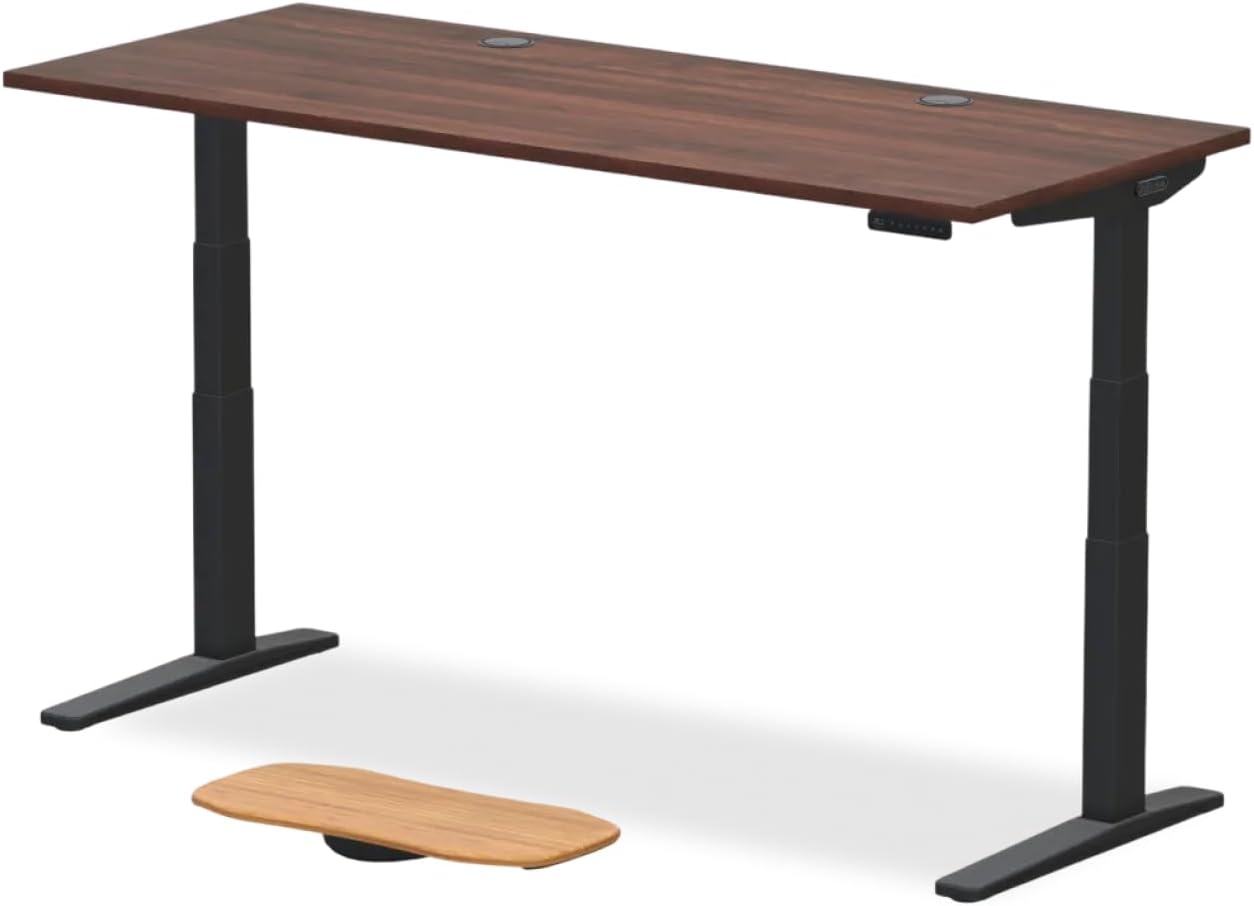
Your mat works best when paired with an electric, height-memory standing desk so you can alternate between sitting and standing without bending over to crank a manual handle. Below are three desks that pair well with a thick anti-fatigue mat (remember: a 1" mat adds 1" to your effective standing height, so motor-driven height memory matters).
| Desk | Surface Size | Height Memory | Capacity | Best For |
|---|---|---|---|---|
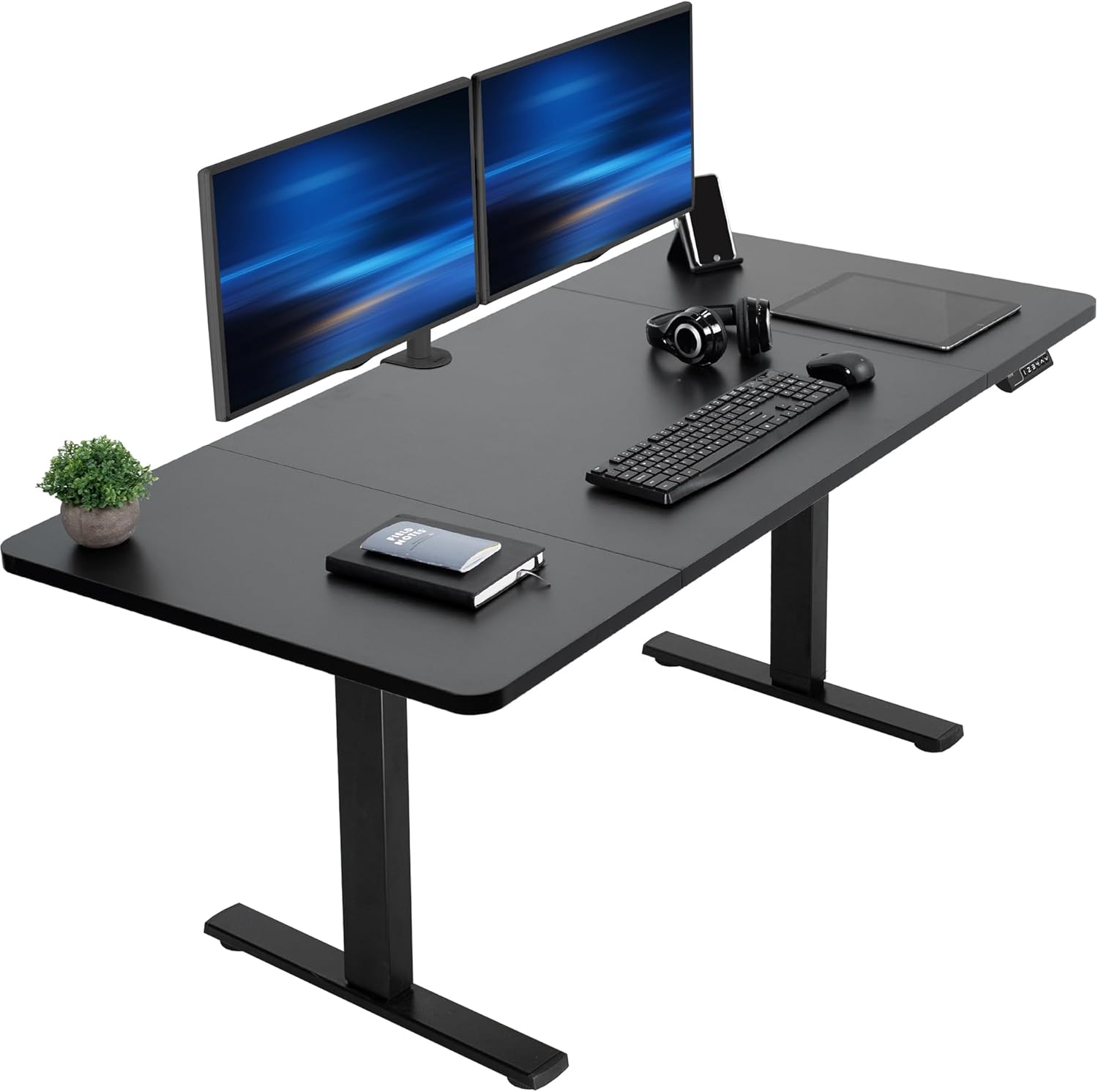
| VIVO Electric 60 x 24 | 60" x 24" | Yes (4 presets) | 220 lbs | Larger workspaces, dual monitors |
| Veken 47.2" Wood Top | 47.2" x 23.6" | Yes | ~176 lbs | Home offices, compact footprint |
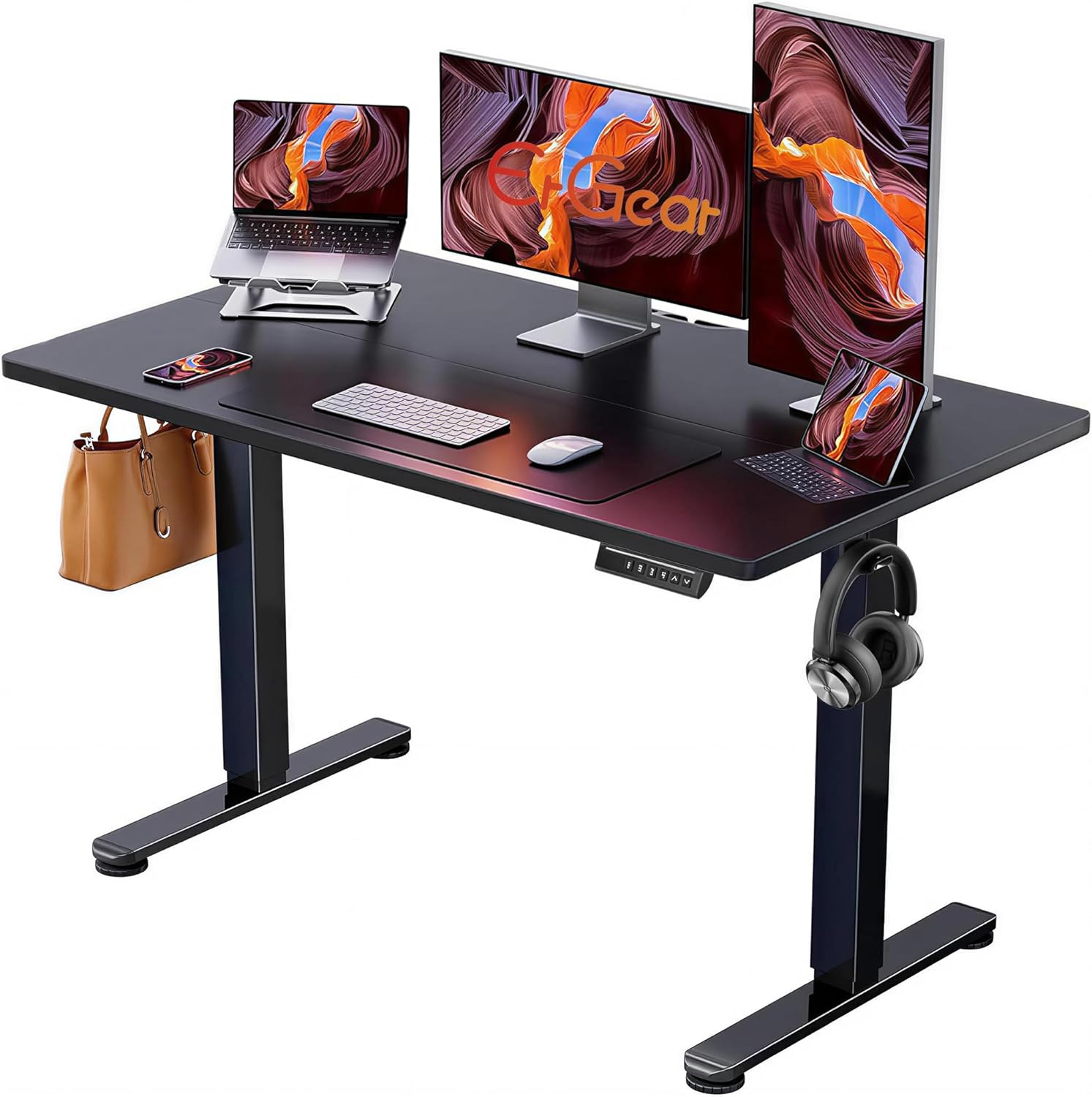
| ErGear 48 x 24 | 48" x 24" | Yes | ~176 lbs | Budget setups, single monitor |
Top standing desk picks to pair with your anti-fatigue mat
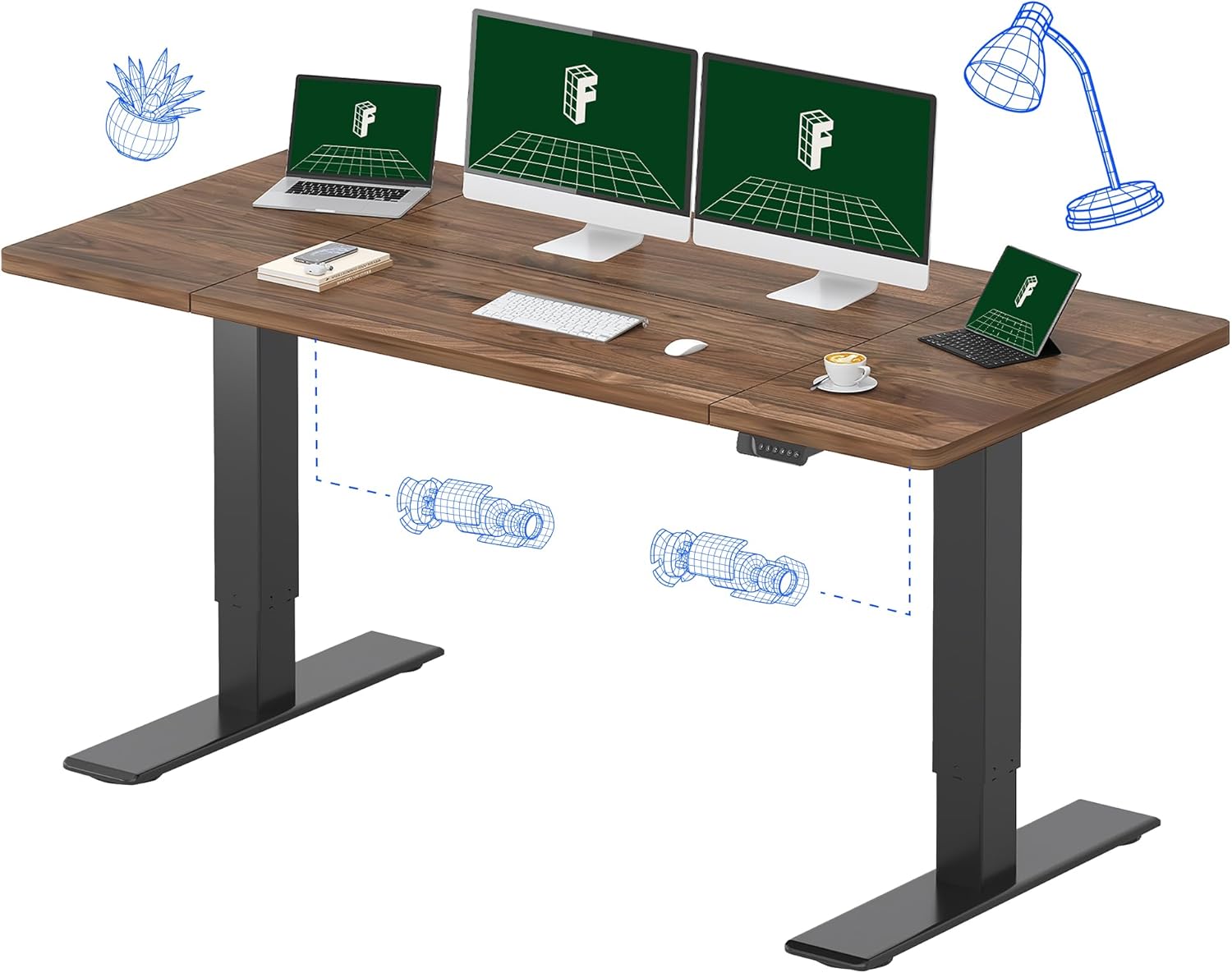
VIVO Electric 60 x 24 in Standing Desk — best for dual-monitor neuropathy users
If your neuropathy makes long-distance reaching uncomfortable (it shifts your center of gravity and increases foot-pressure asymmetry), a 60-inch desk lets you keep monitor, keyboard, phone, and water bottle in a tight arc. The VIVO Electric 60 x 24 supports 220 lbs—enough for two monitors, a docking station, and a desktop tower—and the four programmable height presets are critical: with a 1" cushioned mat under your feet, you cannot eyeball desk height the way an able-foot user can. Save your seated height, your standing-with-mat height, your standing-without-mat height, and a perch-height for fatigue breaks. Check current price on Amazon.
Veken 47.2" Standing Desk with Wood Desktop — best compact pairing
For smaller rooms or for users who want a warmer wood-grain aesthetic over industrial black, the Veken 47.2" is the right size to pair with a 24" x 36" anti-fatigue mat without the mat sticking out into your office walkway. Smooth desktop edges matter here too—if you tend to lean on the desk to relieve foot pressure (a common neuropathy compensation), beveled wood is kinder to forearms than sharp MDF. View the Veken 47.2" on Amazon.
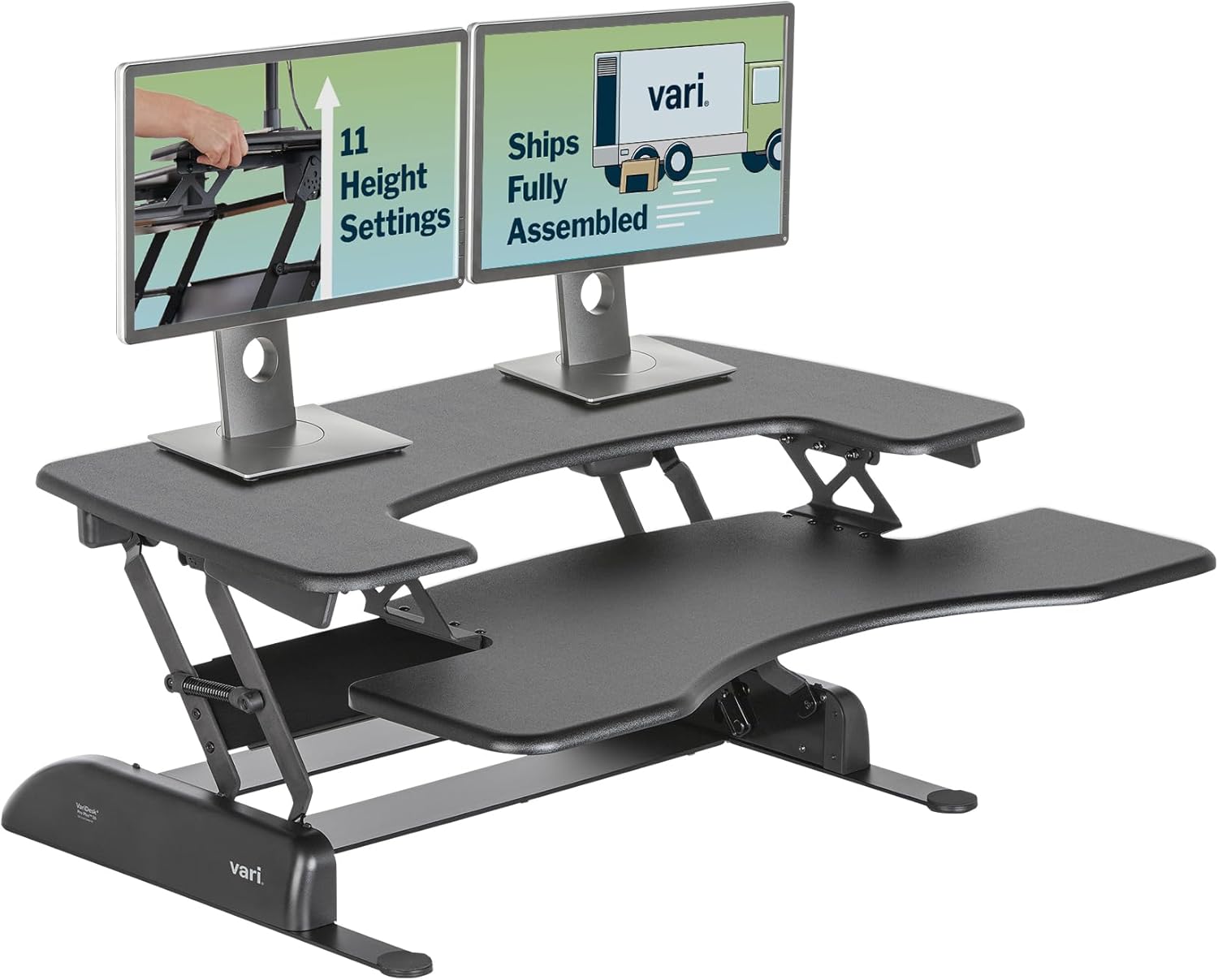
ErGear 48 x 24 Electric Standing Desk — best budget option
The ErGear hits the trifecta neuropathy users need: electric height adjust (no bending), memory presets (no re-measuring with mat on or off), and a 48" x 24" surface that fits a thick cushioned mat plus an under-desk footrest for circulation breaks. At a lower price point, it leaves budget for a higher-quality anti-fatigue mat—which is the right place to spend your money if you have neuropathy. See the ErGear on Amazon.
How thick should an anti-fatigue mat be for numb feet?
For diabetic neuropathy, the sweet spot is 3/4" to 1" (19–25 mm). Mats thinner than 1/2" do not provide enough cushioning to reduce metatarsal pressure, while mats thicker than 1.25" can destabilize the ankle—dangerous when your proprioception is impaired. If you have moderate-to-severe neuropathy or a history of falls, lean toward 3/4". If you are early-stage and primarily managing fatigue and tingling, 1" gives more cushioning headroom.
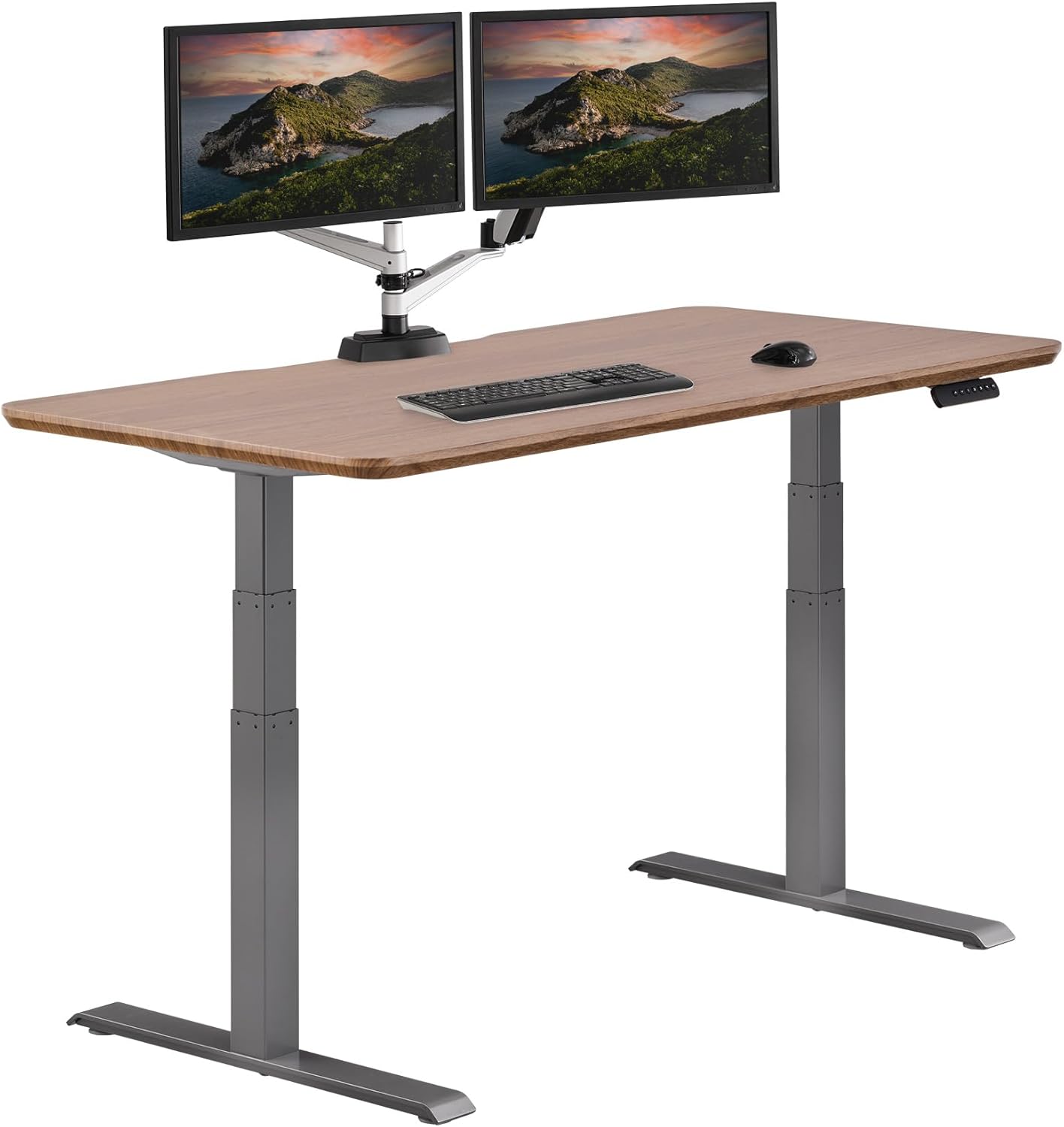
Remember that the mat thickness changes your effective standing height. If your ergonomic standing height is 43" without a mat (elbows at 90 degrees, monitor at eye level), it becomes 42" with a 1" mat. That is why programmable memory presets on your desk are essential—you cannot intuit the right height when your feet cannot feel the difference.
Surface texture: what to avoid with diabetic feet
Walk into any office-supply store and you will see anti-fatigue mats covered in massage nubs, reflexology bumps, raised rings, or aggressive textured zones. These are marketed for circulation, and for an able-bodied user with intact sensation they can be pleasant. For diabetic neuropathy patients, they are a hazard. You cannot feel when a bump is creating a pressure point. Hours of unnoticed pressure on insensate skin is the exact mechanism that produces diabetic foot ulcers—and ulcers, in neuropathy patients, can progress to osteomyelitis and amputation.
Choose a mat with a smooth or very gently waved surface. Some manufacturers offer a "diabetic-safe" or "medical-grade" surface—this is what you want. A flat polyurethane top is almost always safer than a textured one for this population.
Footwear on the mat: yes or no?
Always wear footwear on your anti-fatigue mat, even at home. The American Diabetes Association recommends that people with neuropathy never go barefoot, even indoors. The combination of a supportive diabetic shoe (or extra-depth insole) plus a quality anti-fatigue mat distributes pressure far more effectively than either alone. Slippers with hard rubber soles can also work; avoid thin socks alone, which can slide on a smooth mat surface and create fall risk.
Building the full ergonomic standing-desk stack for neuropathy
The mat is the foundation, but it is part of a system. For complete relief from diabetic-neuropathy foot fatigue at a standing desk, you want:
- An electric, memory-preset standing desk so you alternate sit/stand effortlessly.
- A 3/4" to 1" smooth-top polyurethane anti-fatigue mat with beveled edges.
- Properly fitted diabetic footwear or extra-depth shoes with custom or off-the-shelf cushioned insoles.
- A small under-desk footrest or rocker bar to encourage micro-movements and calf-pump circulation.
- A timer or app reminder to alternate sit/stand every 30–45 minutes—neuropathy patients should not stand longer than 45 minutes continuously.
For more setup help, see our companion guides on finding your correct standing desk height with neuropathy, choosing diabetic footwear for standing desks, and building a sit-stand schedule for peripheral neuropathy.
Frequently Asked Questions
Can an anti-fatigue mat help diabetic peripheral neuropathy in the feet?
Yes—indirectly. The mat does not treat the underlying nerve damage, but it significantly reduces the mechanical fatigue, joint compression, and pressure-point loading that make neuropathic symptoms (burning, tingling, numbness) feel worse during prolonged standing. Most users report that a quality 3/4" mat reduces end-of-day foot pain noticeably within the first week of use.
Is a gel mat or a foam mat better for numb feet from diabetes?
Closed-cell polyurethane foam is generally better than gel for diabetic neuropathy. Gel mats can feel unstable underfoot—an issue when your proprioception is already impaired—and they tend to develop permanent depressions where you stand most. High-density polyurethane foam provides consistent cushioning, recovers fully between uses, and gives a more stable platform for users with balance or sensation deficits.
How long can someone with diabetic neuropathy safely stand at a desk?
Most physical therapists recommend limiting continuous standing to 30–45 minutes for people with diagnosed peripheral neuropathy, then sitting for at least 15 minutes before standing again. Even with the best anti-fatigue mat, insensate feet cannot give you warning signs of overload. Use a timer. The total standing time per day can still reach 3–4 hours; it just needs to be split into safer intervals.
Should the anti-fatigue mat be larger than the desk footprint?
No—match it to your natural standing zone, roughly 24" x 36" for most users. A mat that extends far beyond your standing area creates trip hazards when you move your chair in and out, which is especially risky if you cannot feel your feet brushing the edge. A 20" x 32" or 24" x 36" mat with beveled edges is the standard recommendation.
Do I need a special diabetic anti-fatigue mat, or will any high-quality mat work?
You do not strictly need a mat marketed as "diabetic." What you need are the underlying features: smooth or gently waved surface (not aggressive bumps), 3/4" to 1" thickness, polyurethane foam, beveled edges, and non-slip backing. Many general-purpose premium kitchen and workstation mats meet these criteria. Avoid massage/reflexology mats specifically.
Can I use a thick rug instead of an anti-fatigue mat?
No. Rugs compress permanently, do not recover between uses, and rarely provide the 3/4"+ of true cushioning needed to reduce metatarsal pressure. They also lack beveled edges and non-slip backing, which makes them a fall risk for users with numb feet. A purpose-built anti-fatigue mat is the right tool.
What desk height should I program once my anti-fatigue mat is in place?
Stand on your mat with the footwear you will normally wear at the desk. Let your arms hang at your sides, then bend your elbows to 90 degrees. Your desk surface should be roughly at that elbow height, or 1"–2" below it for typing comfort. Save that as your "standing with mat" preset. Save a separate preset for "standing without mat"—you will need it if the mat is ever being cleaned or replaced.
Bottom line for 2026
The best anti fatigue mat for diabetic neuropathy is a smooth-top, 3/4" to 1" polyurethane mat with beveled edges and non-slip backing—paired with a memory-preset electric standing desk like the VIVO 60 x 24, Veken 47.2", or ErGear 48 x 24, plus properly fitted diabetic footwear and a 30–45 minute standing timer. Skip aggressive massage textures, skip gel mats, and never go barefoot on the mat. With this setup, most neuropathy patients can comfortably reclaim a standing-desk workflow without putting their feet at risk.
Key Takeaways
- Choosing the right best anti fatigue mat for diabetic neuropathy means matching capacity and output ports to your actual devices
- Always check actual watt-hours (Wh), not just watts — runtime depends on Wh, not peak output
- Also covers: diabetic neuropathy standing mat
- Also covers: numb feet anti fatigue mat
- Also covers: neuropathy relief mat standing desk
- Compare price-per-Wh across models to find the best value for your budget