The best anti-fatigue mat for radiant heated floors in 2026 is one with a low R-value (under 0.5), a thin-to-medium profile (½" to ¾"), and a heat-stable polyurethane or 100% PVC-free gel core that will not trap excess warmth, off-gas, or yellow when sitting over hydronic or electric warm-floor systems. You want a mat that cushions your feet without acting as thermal insulation, so the radiant heat still rises into the room and the floor sensor does not overshoot. In this guide we explain exactly which mat materials are compatible with warm floors, how to size a mat for a sit-stand workstation, and which complementary standing desks pair best with that setup.
Why most anti-fatigue mats fail on radiant heated floors
Radiant systems, whether electric resistance cables under tile or PEX hydronic tubing in a slab, work by sending low-grade infrared heat upward. They are designed assuming the floor surface stays mostly uncovered. The moment you drop a thick foam mat on top, three things go wrong. First, the mat acts as an insulating blanket: its R-value blocks heat transfer into the room, forcing the system to run hotter and longer. Second, the trapped heat builds up under the mat, which can soften cheap EVA foam, accelerate yellowing, and in worst cases trigger your floor sensor's overheat cutoff. Third, certain PVC and vinyl mats off-gas plasticizers more aggressively when warm, leaving you with that telltale chemical smell every morning.
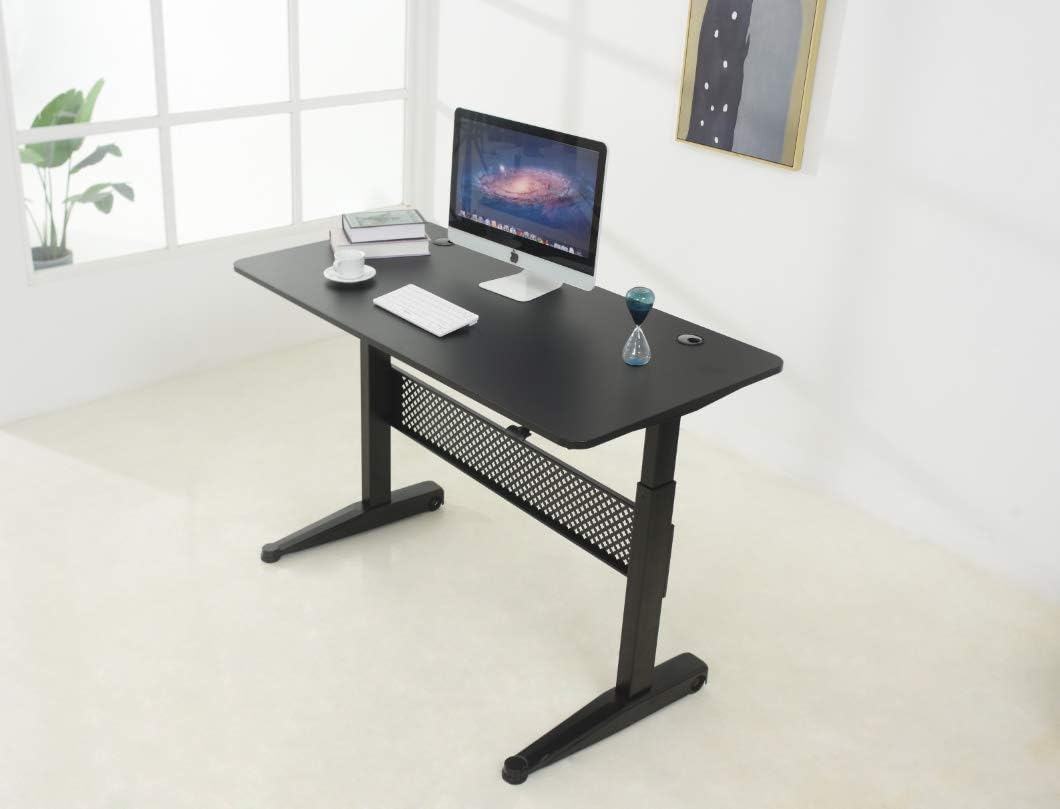



Choosing an anti-fatigue mat for radiant heated floors therefore comes down to four numbers and one material rule. The numbers: an R-value below 0.5, a thickness between 0.5" and 0.75", a continuous-use temperature rating of at least 140°F, and a footprint no larger than 36" x 24" so heat can still escape around the perimeter. The material rule: prefer 100% polyurethane (PU) cores or natural rubber over PVC and EVA foam. PU stays dimensionally stable to about 200°F, does not contain phthalates, and recovers its loft even when warm.
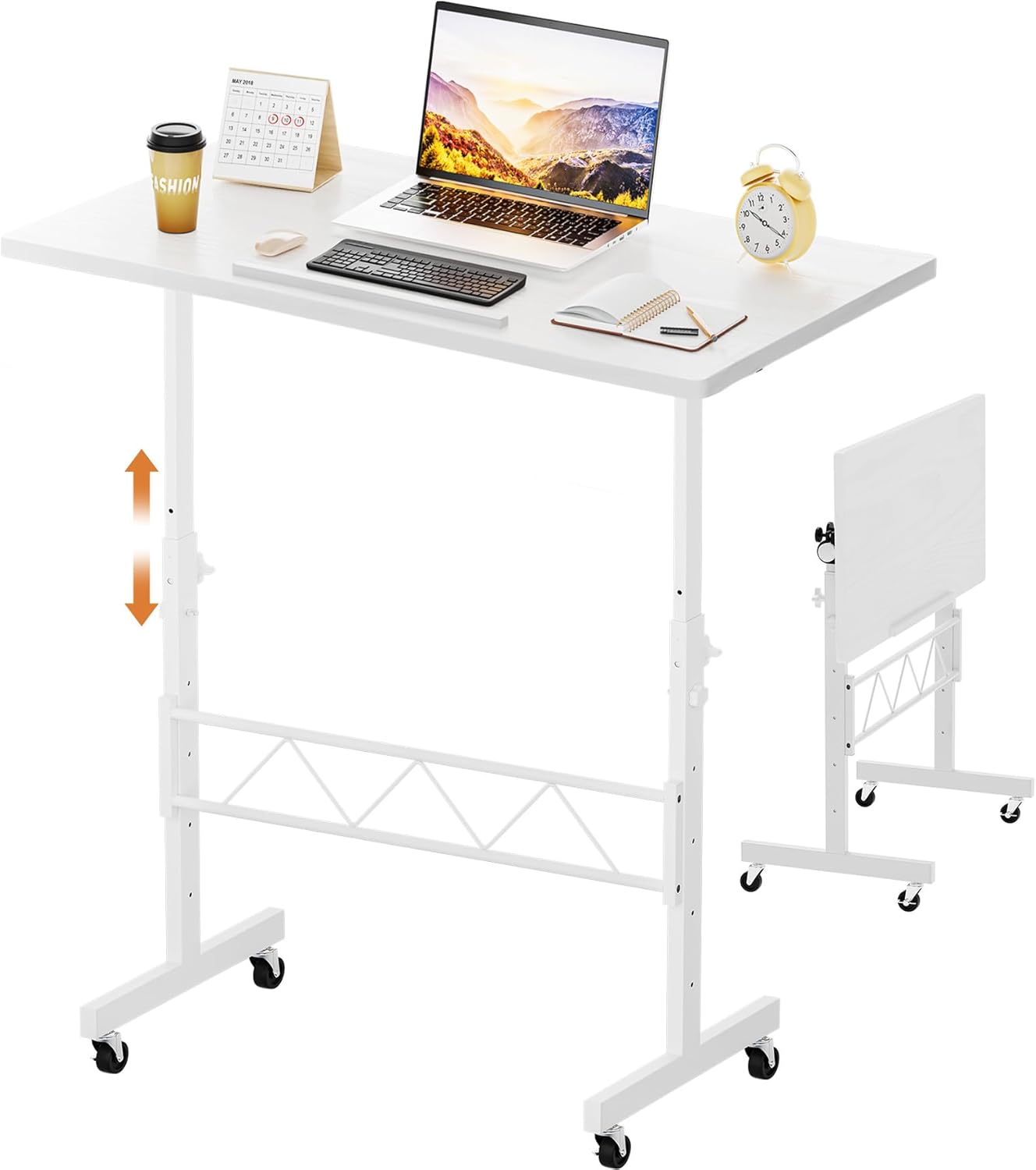
What to look for: a quick spec checklist
Before we get to product picks, run any candidate mat through this five-point screen. If it fails any one of them, keep looking — there are too many mats on the market in 2026 to settle.
- R-value under 0.5: Manufacturers rarely publish this, so look for "radiant-floor compatible" or "low thermal resistance" callouts. Thin, dense PU usually clocks in around R 0.3.
- Thickness 0.5"-0.75": Thicker mats trap heat and force you to step up onto a platform, which defeats ergonomic neutral posture.
- Heat rating 140°F+: Hydronic floors usually run 80-85°F at the surface, but localized spots above tubing can hit 95-100°F. Electric mats can briefly exceed that during warm-up.
- Non-staining backing: Avoid black recycled-rubber backings on light tile or LVP — heat accelerates dye migration. Look for tan, gray, or clear PU undersides.
- Beveled, non-curling edges: Warm floors make warped edges worse. Beveled PU edges stay flat and won't catch a desk chair caster.
Comparison: standing desks that pair well with a heat-safe mat
Because the search for an anti-fatigue mat for radiant heated floors almost always comes from sit-stand workers who just installed warm floors in a home office, here is how the most popular 2026 electric desks compare for a radiant-floor workstation. The right desk leaves enough footprint clearance for a 36" mat without blocking your floor's heating zones.
| Desk | Surface size | Lift capacity | Memory presets | Best mat footprint | Radiant-floor fit |
|---|---|---|---|---|---|
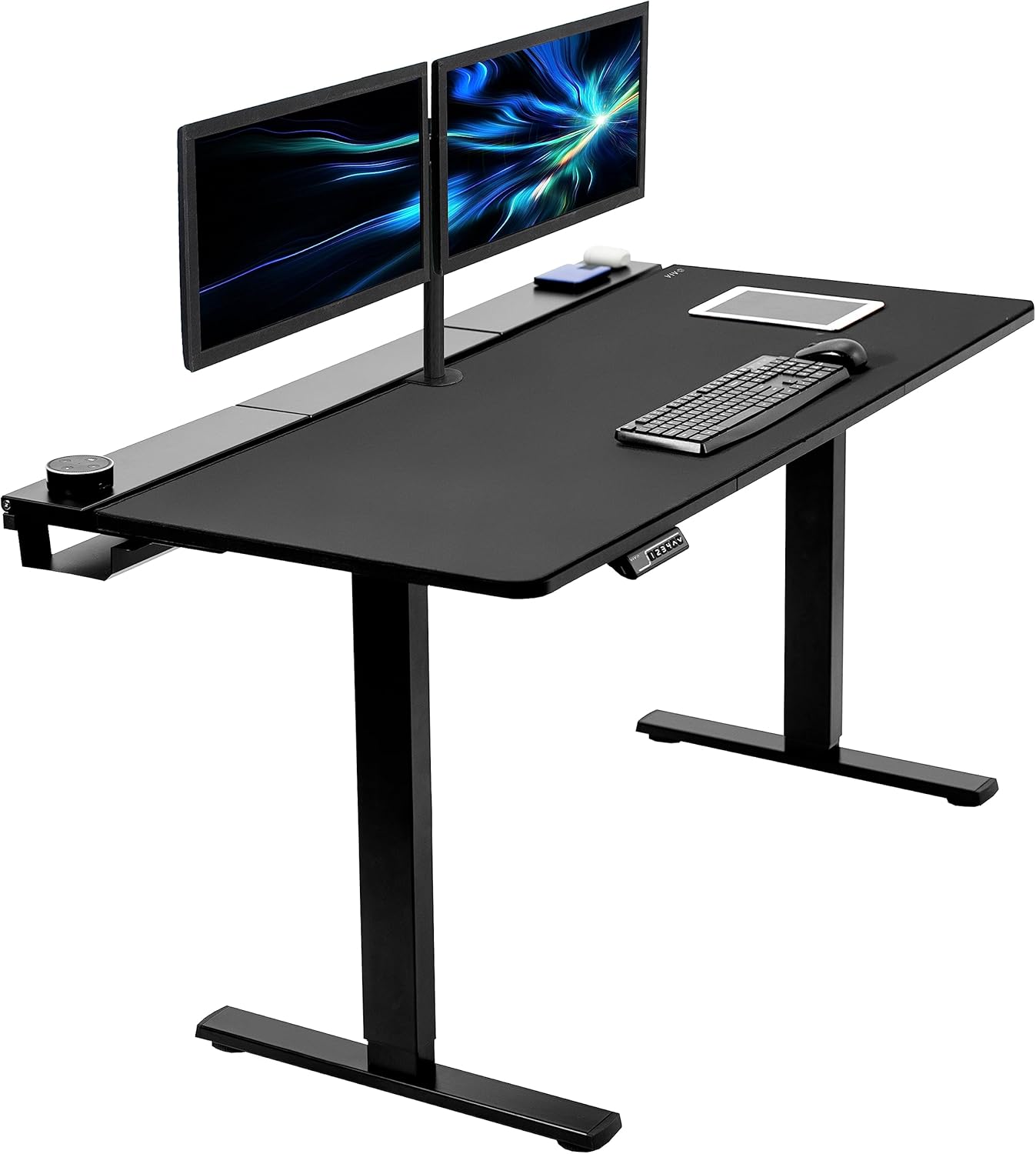
| VIVO Electric 60 x 24" | 60" x 24" | 220 lbs | Yes | 36" x 24" PU | Wide base spreads load — minimal thermal hot spots |
| Veken 47.2" | 47.2" x 23.6" | 176 lbs | Yes | 32" x 20" PU | Compact frame leaves more open floor for heat rise |
| ErGear 48 x 24" | 48" x 24" | 176 lbs | Yes | 32" x 20" PU | Mid-size footprint, good for smaller home offices over hydronic loops |
Top picks for a warm-floor sit-stand setup in 2026
The mat does the cushioning, but the desk above it controls how long you actually stand. If you can't easily transition sit-to-stand, you'll abandon the mat within a week. These three desks all share the traits that matter on a radiant floor: leveling feet (not flat plates) to allow airflow underneath, modest base footprints, and quiet motors that won't vibrate against a tile substrate.
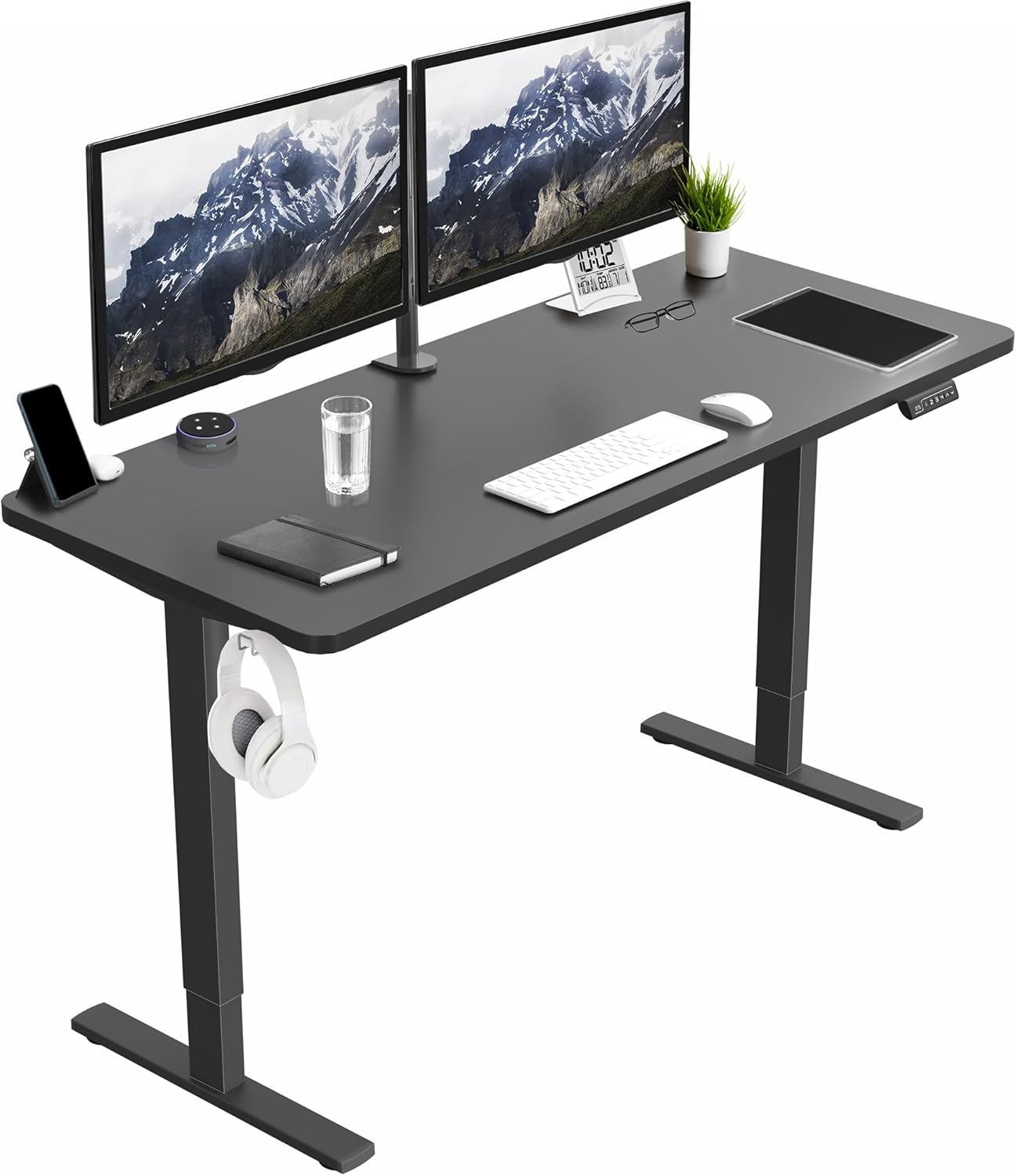
Best wide surface for dual monitors: VIVO Electric 60 x 24" Standing Desk
If you run two monitors plus a laptop dock, the 60-inch VIVO is the only desk on this list with enough width to keep both screens at arm's length. The dual-motor lift is rated for 220 lbs, which matters when you've already paid for a heated subfloor and don't want to wrestle a wobbly desk on top of it. Memory presets mean you actually use the stand position — critical, because an unused mat is just a tripping hazard. The narrow leveling feet sit on roughly 4 square inches each, so they don't blanket any single tubing loop the way a flat-footed desk would. Pair it with a 36" x 24" PU mat centered between the feet. Check the VIVO 60 x 24" desk on Amazon.
Best compact pick for small home offices: Veken 47.2" Standing Desk
Smaller rooms over hydronic floors benefit from leaving as much floor area exposed as possible — the more open tile, the more even your room heating. The Veken's 47.2-inch wood top is wide enough for a 27" monitor and a keyboard tray but leaves real estate around it for heat to rise. The wood top also adds a small thermal mass benefit: it warms slightly throughout the day and re-radiates gentle warmth toward your hands, something glass and laminate tops won't do. A 32" x 20" PU mat fits exactly under the desk without overhanging the foot zone. See the Veken 47.2" desk on Amazon.
Best value lift for budget builds: ErGear 48 x 24" Standing Desk
If you're already over budget after installing radiant heat, the ErGear delivers the same memory-preset electric lift mechanism as the premium desks at a meaningfully lower price. The 48" x 24" surface is the sweet spot for single-monitor setups, and the steel frame's narrow leveling feet are gentler on warm-floor LVP than the broad rectangular bases you'll see on cheaper crank desks. Combine with any 0.5" PU mat and you have a complete warm-floor-safe workstation for well under what a single premium chair costs. View the ErGear 48 x 24" desk on Amazon.
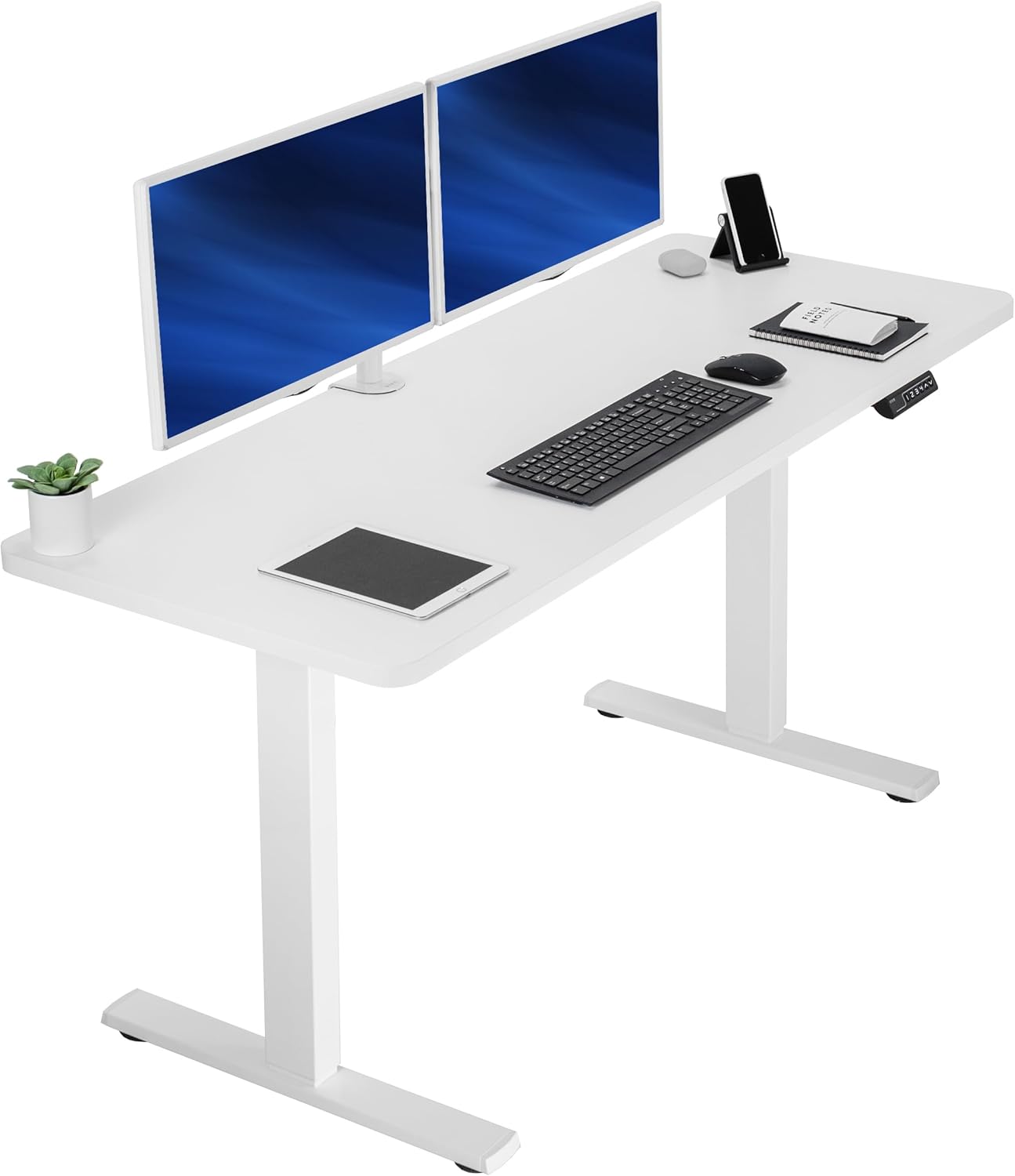
How to install your mat over a radiant heated floor
Installation is where most people accidentally void their floor warranty. Three rules:
- Wait 30 days after first heat-on before placing any mat. Hydronic slabs need that time to finish curing and reach steady-state temperature so you don't trap moisture under the mat.
- Never tape or adhere a mat to a heated floor. Adhesives degrade at 90°F+ surface temps and can leave residue that's nearly impossible to remove from porcelain or LVP. A properly beveled PU mat stays put under its own weight.
- Lift and air the mat weekly. Even a low-R-value mat creates a small thermal gradient. Flipping it once a week prevents long-term shadowing on tile grout and lets the substrate fully equalize.
If your radiant system uses a floor temperature sensor (most modern thermostats do), confirm the sensor is not directly under your mat zone. If it is, the sensor will read cooler under the insulating mat and command the system to overheat the rest of the room. The fix: move the sensor 12"+ outside the mat footprint, or switch the thermostat to ambient-air control mode.
Sit-stand cadence matters more than the mat itself
Even the perfect anti-fatigue mat for radiant heated floors won't help if you stand for four hours straight. Current 2026 ergonomic guidance is roughly 20 minutes sitting, 8 minutes standing, 2 minutes walking — repeated. Warm floors actually improve compliance here, because cold concrete is the number-one reason people abandon standing desks in winter. With radiant heat, your bare or sock-clad feet stay comfortable on the mat indefinitely, and many users report standing 30-50% longer per session after installing heated floors.
For more on workstation pairing, see our guides on standing desks for cold basements, anti-fatigue mats for hardwood floors, and ergonomic accessories for home offices.
Frequently Asked Questions
Can you put an anti-fatigue mat on a heated floor without damaging the system?
Yes, as long as the mat has an R-value under 0.5, a heat rating of at least 140°F, and a footprint smaller than about 6 square feet. The combination keeps the floor sensor reading accurately and prevents the heating element from overworking. Avoid thick memory foam, EVA foam, and PVC mats — all three insulate too well and can shorten the life of an electric mat system.
What R-value is safe for an anti-fatigue mat over radiant heat?
An R-value of 0.5 or lower is considered safe for both hydronic and electric radiant systems. For comparison, a typical 1-inch memory foam mat has an R-value around 2.0 — four times the safe limit. Dense polyurethane mats at ½" thickness typically test around R 0.3, which is the sweet spot of cushion and heat passthrough.
Will a polyurethane mat off-gas when warmed by a heated floor?
Quality 100% polyurethane mats from major brands are formulated for continuous-use temperatures up to 200°F without meaningful VOC release. Cheap PVC or vinyl mats, by contrast, can release plasticizer odors when warmed even to 85°F. If you smell anything in the first week of use, return the mat — a properly compounded PU mat is functionally odorless even on a warm floor.
Should I get an electric or hydronic radiant floor for a home office with a standing desk?
For dedicated home offices under 200 square feet, electric radiant under tile or LVP is typically faster to install and easier to zone independently from the rest of the house. Hydronic is more cost-efficient for larger spaces and pairs naturally with whole-house boilers. Either system works fine under a low-R-value anti-fatigue mat, so your decision should come down to room size and existing heating infrastructure, not mat compatibility.
Does a standing desk damage radiant floor heating cables?
Standard electric desks like the VIVO, Veken, and ErGear models distribute their weight through four leveling feet, each contacting roughly 4 square inches of floor. That's well below the point-load limits of properly installed electric mats (typically 50+ psi) and hydronic slabs (effectively unlimited). The risk is from rolling chairs and dropped tools, not from the desk itself.
How thick should an anti-fatigue mat be for warm floors?
Aim for ½" to ¾" thick. Thinner mats (¼") don't provide enough cushion for full-day standing, while thicker mats (1"+) trap too much heat and create a noticeable insulating layer your thermostat will fight against. The ½" to ¾" range gives you joint relief without compromising your heating system's efficiency or the floor sensor's accuracy.
Can I leave the mat down 24/7 or should I roll it up at night?
If your mat meets the R-value and heat-rating specs above, leaving it down 24/7 is fine. The small efficiency loss is negligible. However, lifting and airing the mat once a week is good practice — it prevents long-term thermal shadowing on the floor finish and lets you inspect for any moisture buildup, which is especially important during the first heating season of a new hydronic slab.
Final verdict
For 2026, the winning warm-floor workstation formula is straightforward: a ½" polyurethane mat with an R-value under 0.5 and beveled edges, paired with an electric sit-stand desk sized to your monitor setup. The VIVO 60 x 24" wins for dual-monitor users, the Veken 47.2" for small offices, and the ErGear 48 x 24" for budget-conscious builds. Skip PVC, EVA foam, and anything thicker than ¾". Your knees, your floor sensor, and your utility bill will all thank you.
Key Takeaways
- Choosing the right anti-fatigue mat for radiant heated floors means matching capacity and output ports to your actual devices
- Always check actual watt-hours (Wh), not just watts — runtime depends on Wh, not peak output
- Also covers: heat safe standing desk mat
- Also covers: mat for hydronic heated floors
- Also covers: radiant heat compatible floor mat
- Compare price-per-Wh across models to find the best value for your budget