If you have Ehlers-Danlos syndrome (EDS) with hypermobility, finding the best ergonomic chair for Ehlers-Danlos syndrome means looking beyond standard "lumbar support" marketing. Your joints subluxate under static loads, your fascia fatigues faster than average, and an eight-hour workday in a fixed posture can trigger flares lasting days. The right WFH setup pairs a fully adjustable chair (synchronous tilt, adjustable seat depth, 4D armrests, and firm-but-yielding cushioning) with a height-adjustable desk so you can rotate between sitting, perching, and standing every 20-30 minutes. Below we cover the chair features that actually matter for hypermobile joints, plus the sit-stand desks we recommend pairing with the best ergonomic chair for Ehlers-Danlos syndrome in your 2026 home office.
Why standard ergonomic chairs fail people with EDS
Most "ergonomic" office chairs are designed for a neurotypical body with normal connective-tissue tension. For people with hEDS, hypermobile spectrum disorder (HSD), or classical EDS, those chairs create three predictable problems:



- Hip subluxation from deep, soft seat pans. Sinking too far into a memory-foam cushion lets the femoral head drift, especially during long Zoom blocks.
- Shoulder instability from fixed armrests. Armrests that don't adjust in width, height, depth, and pivot force you to hike one shoulder, partially dislocating the glenohumeral joint over hours.
- Cervical strain from passive headrests. Heavy or sticky-out headrests pull the head forward of the cervical spine's neutral axis, which is brutal for anyone with craniocervical instability (CCI), a common EDS comorbidity.
The fix is a chair with a firm, flat-front seat pan, 4D armrests, a synchronous (not just "tilt-back") recline, and a removable or fully adjustable headrest — paired with a workstation that lets you change positions frequently.
The single most important rule for EDS-friendly WFH setups
Even the best ergonomic chair for Ehlers-Danlos syndrome becomes a problem if you sit in it for eight straight hours. EDS physical therapists almost universally recommend position rotation: 20-30 minutes sitting, 10-15 minutes standing or perching, repeat. That means a fixed-height desk is a dealbreaker. The chair is half the system; the height-adjustable desk is the other half.
For more on the standing side of the equation, see our guides to choosing a standing desk for taller users and anti-fatigue mats for chronic-pain conditions.
What to look for in an EDS-friendly chair
Seat pan
Adjustable depth (sometimes called "sliding seat") matters more than padding. You want 1-2 inches of clearance behind your knees so your hamstrings aren't compressed, which prevents the pelvic posterior-tilt slump that strains the SI joints. Firm foam (around 50-60 ILD) beats plush memory foam every time — you need support, not a sinkhole.
Armrests
Look for 4D: height, width, depth, and pivot. Hypermobile shoulders need the elbow supported directly under the glenohumeral joint, not splayed wide or tucked in. If you can find armrests that pivot inward to support a keyboard-typing position, even better.
Lumbar and thoracic support
EDS bodies need active support that conforms but doesn't collapse. Mesh backs with separately adjustable lumbar pads (height + depth) work well. Avoid one-piece molded-foam backs — they assume a spinal curvature your body may not have.
Tilt mechanism
A synchronous tilt (seat and back recline at proportional but different angles) preserves hip flexion while letting the spine offload. Lockable in multiple positions is ideal so you can change posture every half hour.
Base and casters
Soft-wheel casters for hard floors, hard-wheel for carpet. A wider 5-star base (27+ inches) is more stable for users who get dizzy standing up — important if you have POTS, which co-occurs with EDS in 30-80% of cases.
Sit-stand desks we recommend pairing with an EDS chair
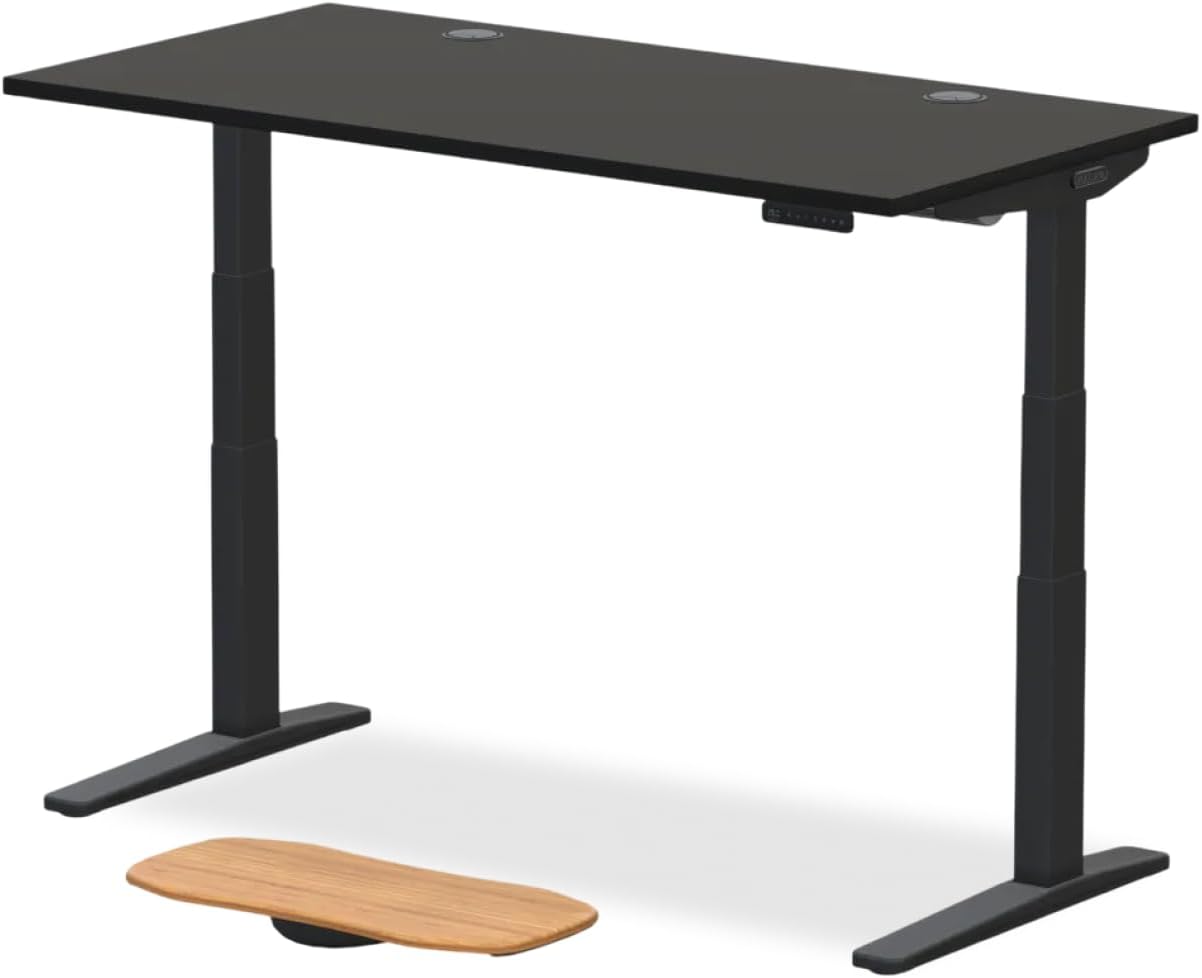
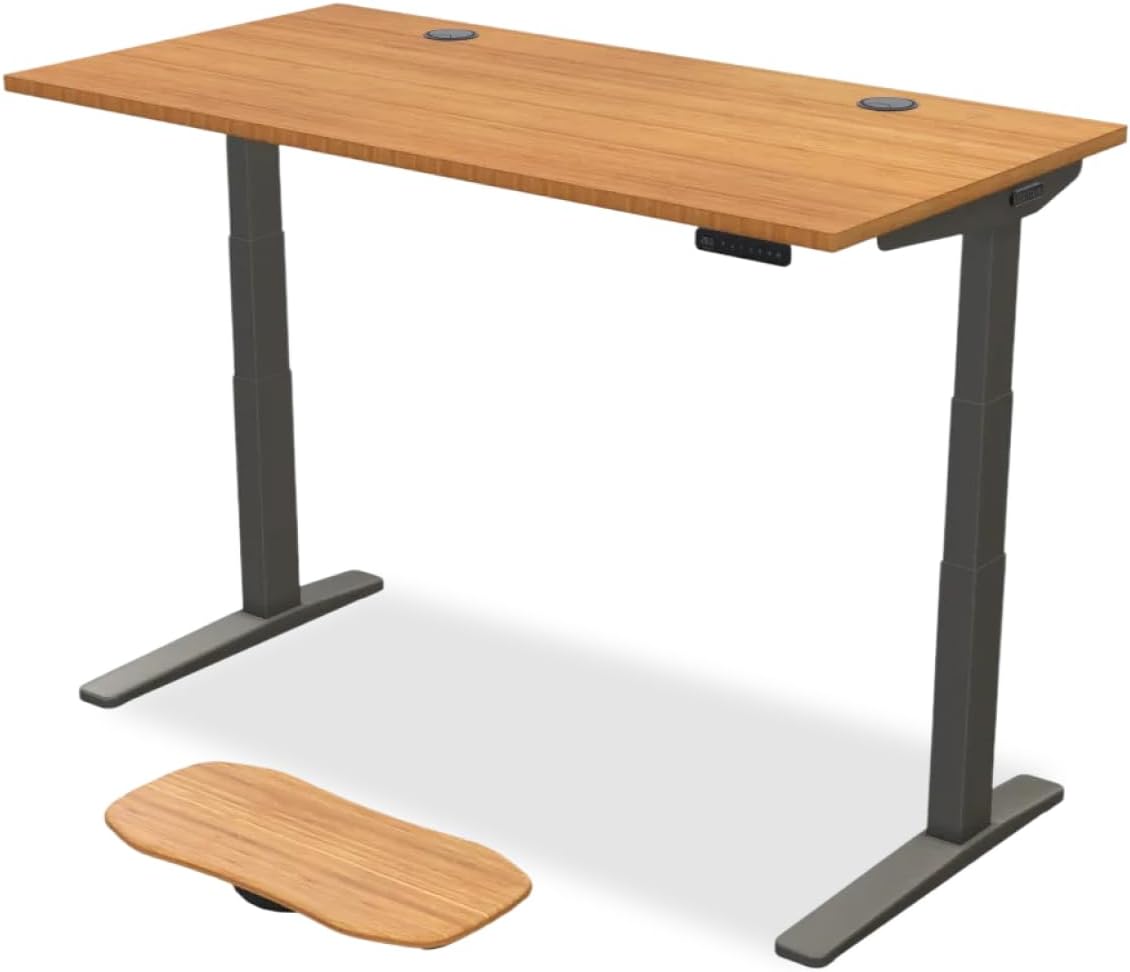
Below are the height-adjustable desks we recommend pairing with whichever ergonomic chair you choose. All three have memory presets, which matters a lot for EDS — you don't want to manually crank a desk and trigger a wrist or elbow flare every time you shift positions.
Best overall pairing: VIVO Electric 60 x 24 Standing Desk
The 60-inch width gives you room for a monitor, document holder, and a wrist-friendly keyboard tray. Memory-height presets mean you can program your sitting height, perching height, and standing height once and tap-and-go. The 220 lb weight capacity easily handles a heavy monitor arm, which is critical — a good monitor arm prevents the forward-head posture that wrecks the cervical spine of CCI patients.
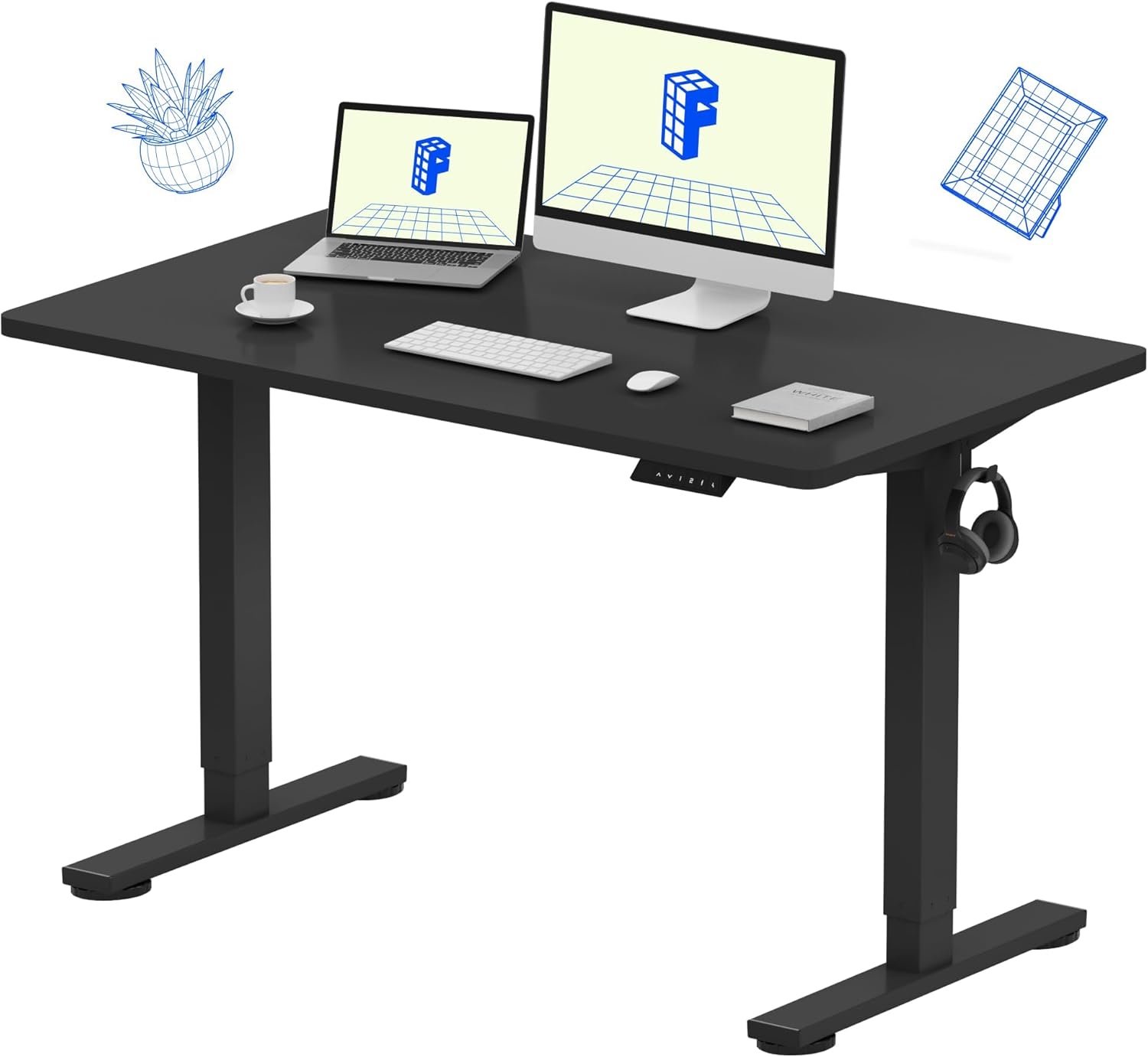
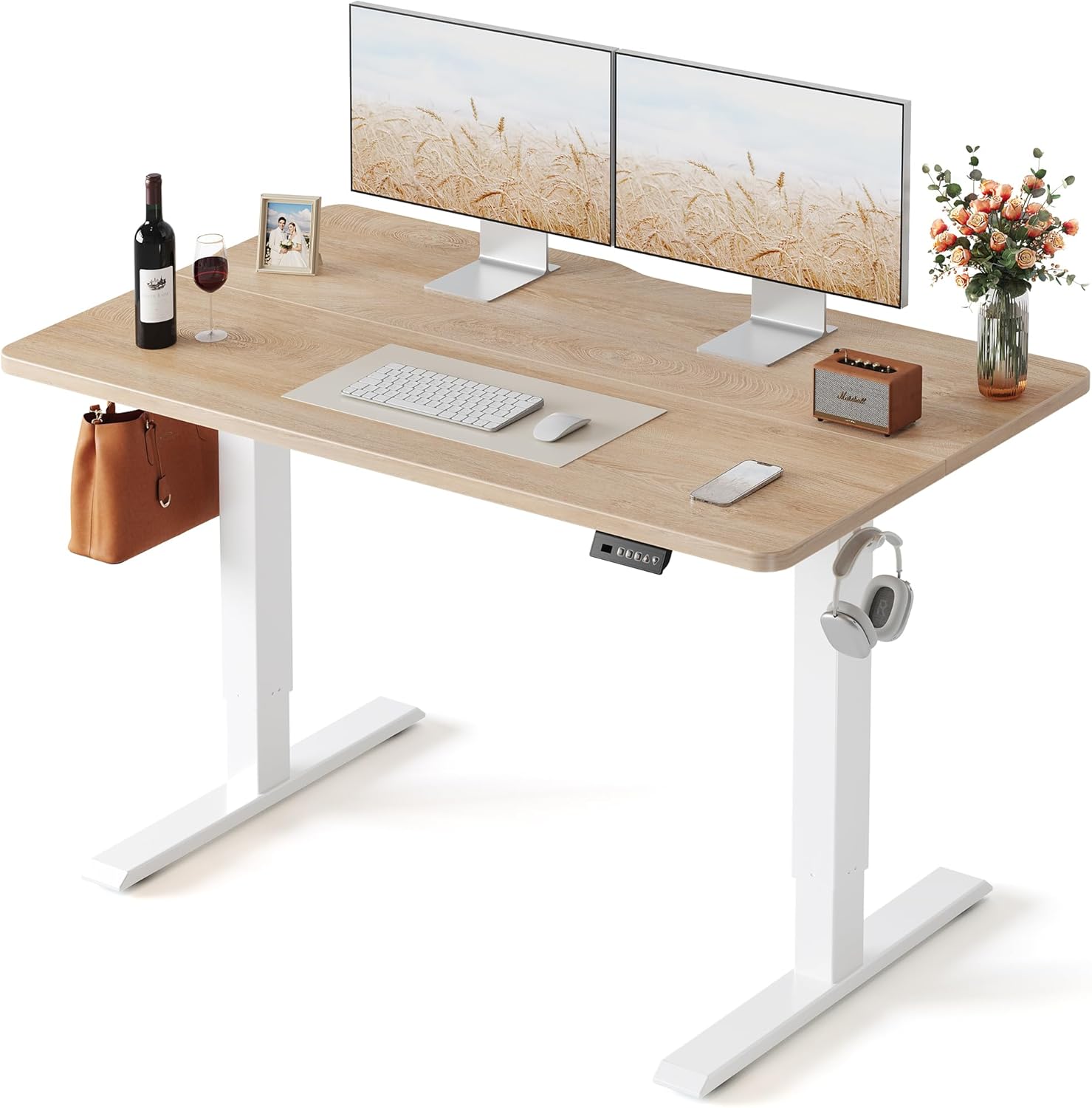
Best for small spaces: Veken 47.2" Standing Desk with Wood Desktop
A 47-inch wood-top desk that fits in apartments and small home offices. The wood desktop is warmer under fatigued forearms than a laminate or steel surface — a small comfort but real for people whose skin and connective tissue mark or bruise easily. Adjustable height range works for users 5'2" to 6'2".
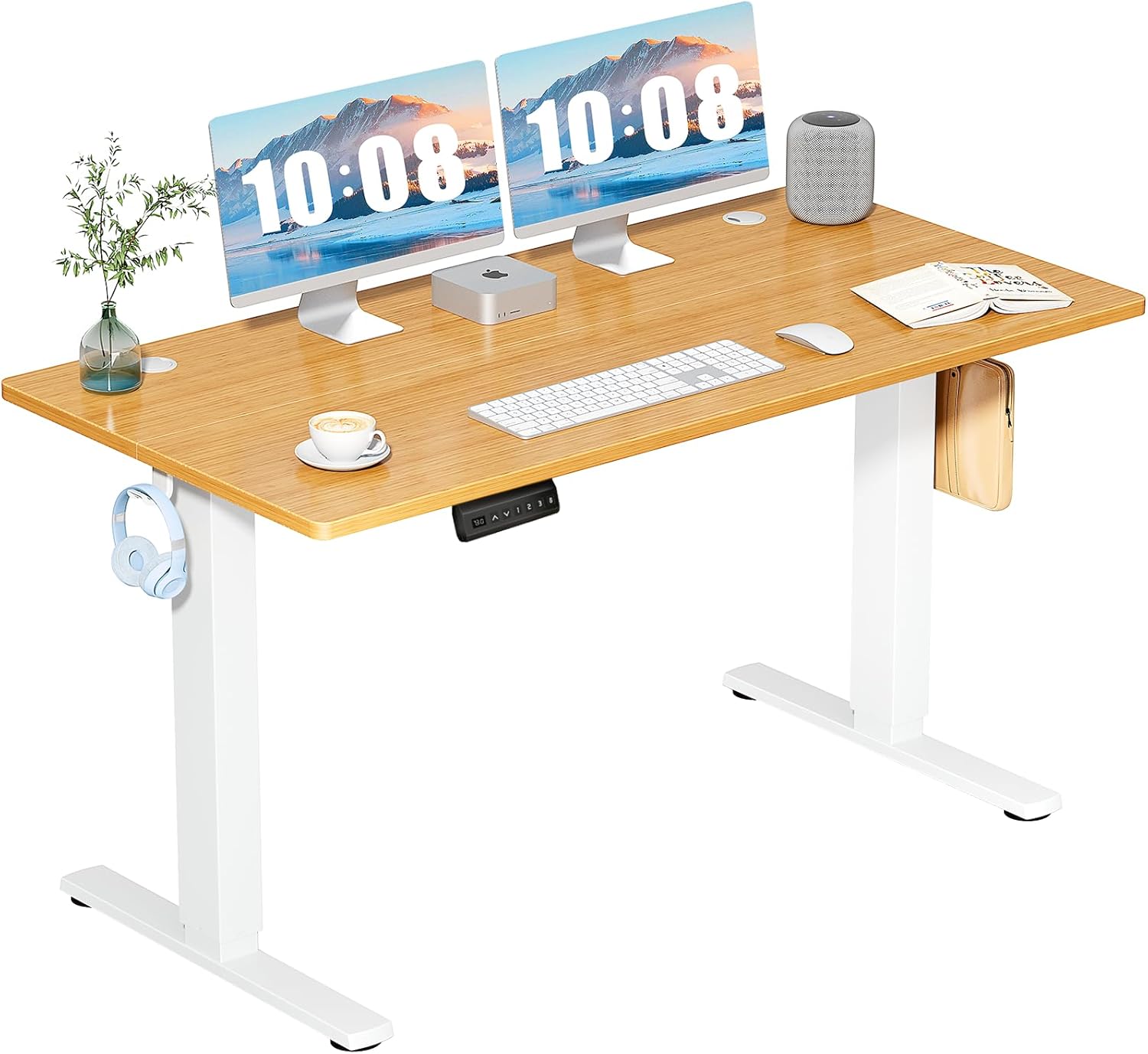
Best budget pick: ErGear 48 x 24 Electric Standing Desk
A reliable 48-inch electric sit-stand with memory presets at a price point that leaves budget for a quality chair. The 24-inch depth is appropriate for laptop-plus-monitor setups. Lift is smooth and quiet, which matters if you take video calls and don't want a clunky motor every time you change positions.
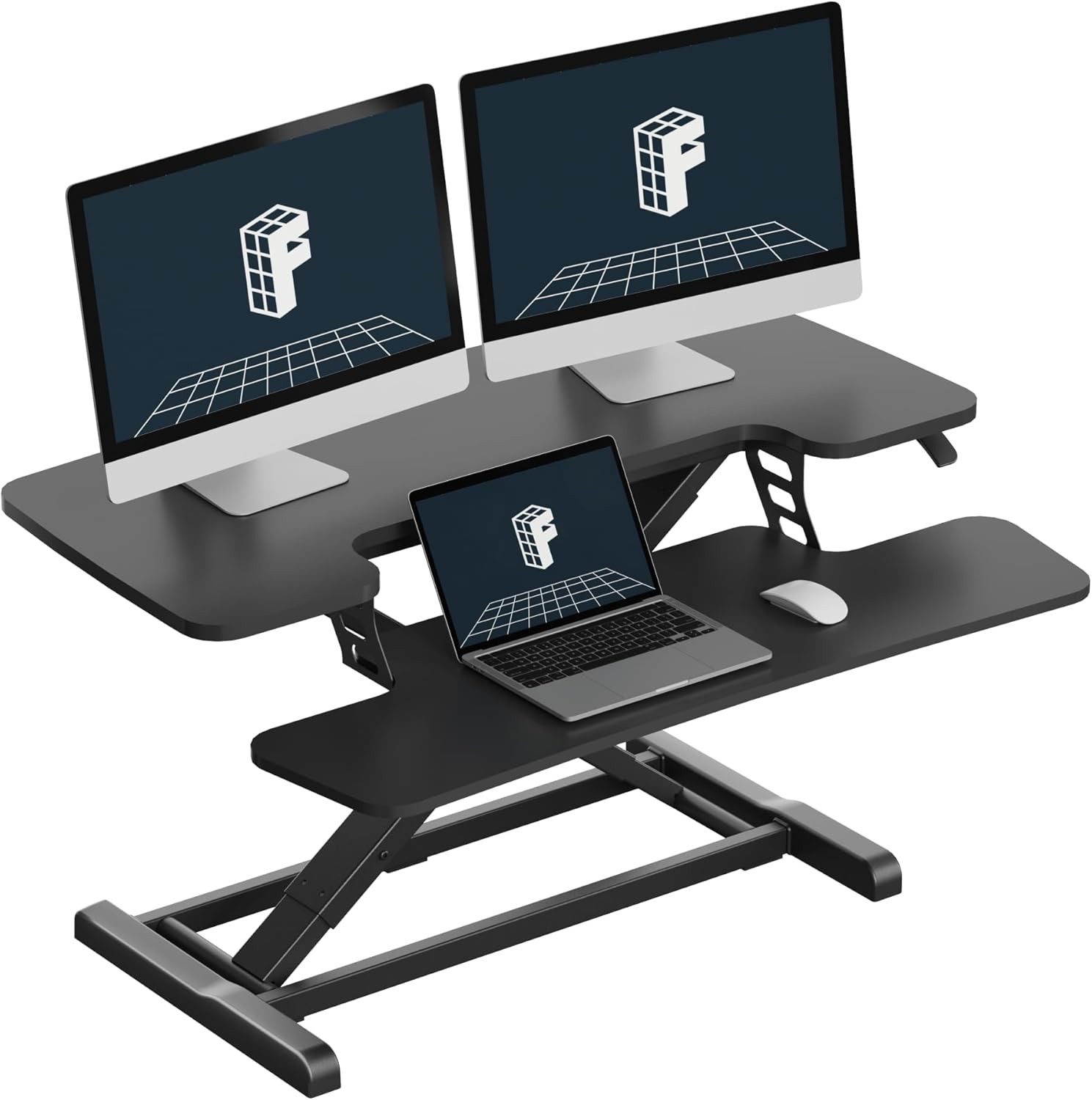
Standing desk comparison for EDS WFH setups
| Desk | Size | Memory presets | Weight capacity | Best for |
|---|---|---|---|---|
| VIVO Electric 60 x 24 | 60" wide | Yes | 220 lbs | Dual-monitor EDS setups, monitor arms |
| Veken 47.2" Wood-top | 47.2" wide | Yes | Standard | Apartments, small home offices, warmer surface |
| ErGear 48 x 24 | 48" wide | Yes | Standard | Budget-conscious WFH, quiet motor |
Setting up your chair-and-desk combo for hypermobility
Once you have the gear, the configuration matters. Here is the protocol most EDS-specialized occupational therapists recommend:
- Set seat height first. Feet flat, knees at or slightly above hip level (around 90-100 degrees). Hyperextending knees — a common EDS habit — is what wrecks your menisci over years.
- Adjust seat depth. Slide the pan so two fingers fit between the back of your knee and the front edge.
- Set armrests. Elbows at 90 degrees, shoulders relaxed and not shrugged. If you find yourself shrugging within 10 minutes, your armrests are too high.
- Program desk memory. Sitting height = elbow height. Standing height = elbow height while standing barefoot. Save both.
- Set a 25-minute timer. When it goes off, switch positions. Non-negotiable for EDS bodies.
Accessories that compound the benefit
A great chair and great desk get even better with a few add-ons specifically helpful for connective-tissue patients: a coccyx-cutout cushion if you have SI joint instability, a footrest with a rocking mechanism to keep ankles mobile during sitting periods, a monitor arm to eliminate forward-head posture, and split or vertical keyboards to reduce ulnar deviation that aggravates wrist subluxations. Compression sleeves on elbows during long typing sessions help proprioception, which is reduced in EDS.
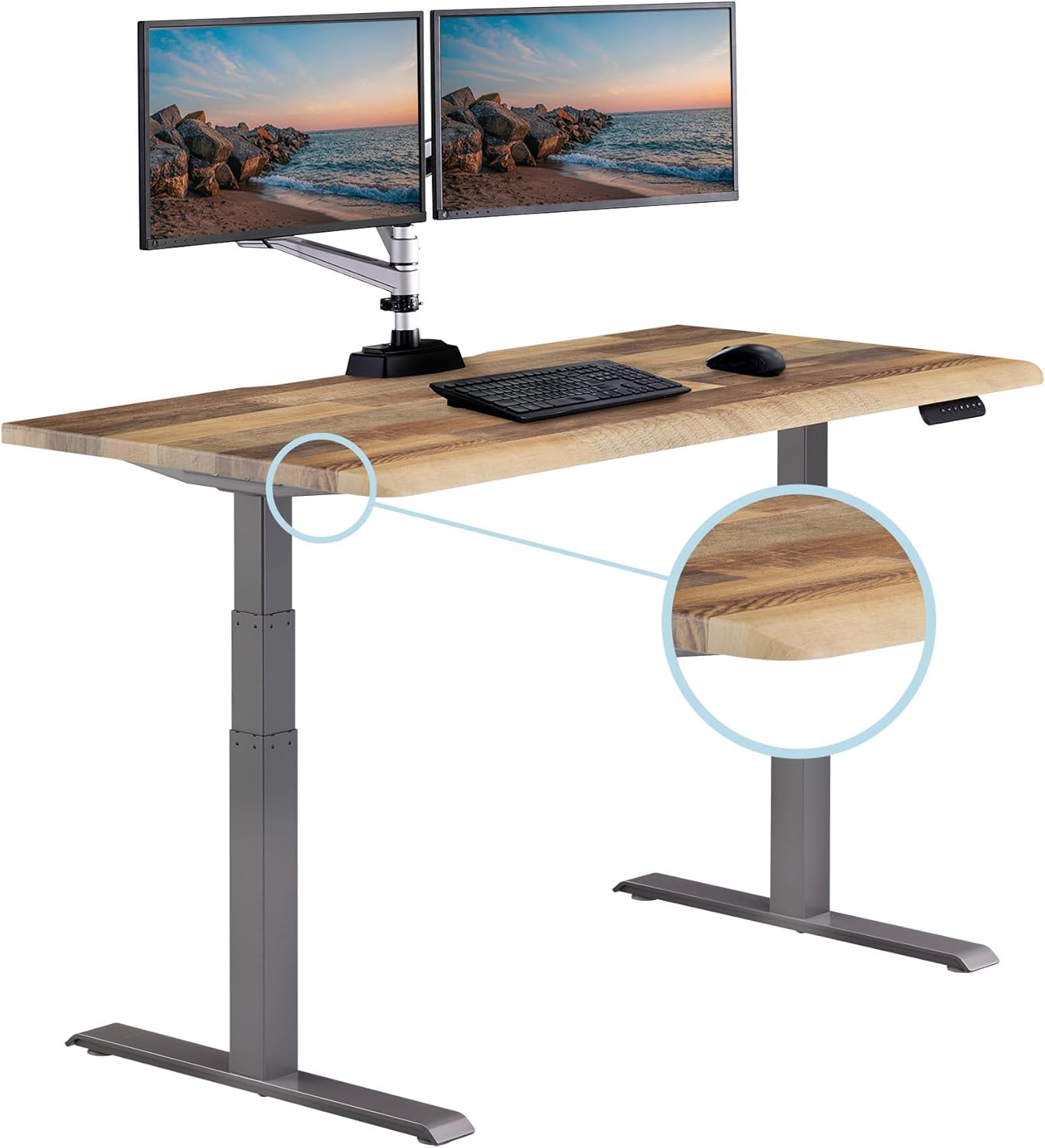
For deeper reading, our guides on keyboards for wrist hypermobility and monitor arms for cervical instability cover the accessories side in detail.
Frequently Asked Questions
What chair features matter most for hypermobile EDS during WFH?
Adjustable seat depth, 4D armrests, firm (not plush) cushioning, a synchronous tilt mechanism, and a removable or fully adjustable headrest are the five must-haves. Lumbar support should adjust independently in both height and depth. Skip anything marketed as "memory foam comfort" — you need joints supported, not joints sinking.
Is a saddle chair better than a traditional ergonomic chair for EDS?
For some users with SI joint instability, yes — saddle chairs open the hip angle to around 135 degrees and reduce pelvic posterior tilt. But saddle chairs offer no back support, so they work best as a second chair you rotate into for 20-30 minute intervals, not as your only seat. Pairing a saddle stool with a sit-stand desk gives you three positions: seated traditional, perched on the saddle, and standing.
Should I get a kneeling chair if I have Ehlers-Danlos syndrome?
Probably not as a primary seat. Kneeling chairs load the tibial tuberosity and patellar tendons, which is a problem if your knees subluxate or you have patellofemoral instability. They can work in short rotations for some users, but most EDS occupational therapists prefer a sit-stand desk over a kneeling chair for position variety.
How often should someone with EDS change positions during a workday?
Every 20-30 minutes. Static postures fatigue connective tissue faster than dynamic movement, and EDS bodies have less margin before fatigue becomes microtrauma. A sit-stand desk with memory presets makes position rotation low-friction — you tap a button instead of fighting a hand crank.
Are mesh-back chairs or padded chairs better for hypermobility?
Mesh tends to win for EDS users because it conforms without collapsing, breathes well (helpful if you have dysautonomia and temperature dysregulation), and distributes pressure across a larger area without creating sink points. A premium mesh back with independently adjustable lumbar is usually more supportive than a foam-padded back at the same price.
Can a standing desk replace an ergonomic chair for EDS?
No. Standing for eight hours is just as bad as sitting for eight hours for hypermobile joints — your knees hyperextend, your hips drift, and your fascia fatigues. The sit-stand desk and the ergonomic chair are complements, not substitutes. You need both, and you need to rotate between them every half hour.
What desk height range works best for EDS users with POTS?
Look for a desk with a low minimum height (around 24-25 inches) so you can sit fully reclined if you need to manage a POTS flare, and a high maximum (47-50 inches) so taller users can stand without rounding the upper back. The VIVO 60-inch and ErGear 48-inch desks both cover this range comfortably for users from 5'0" to 6'4".
Key Takeaways
- Choosing the right best ergonomic chair for Ehlers-Danlos syndrome means matching capacity and output ports to your actual devices
- Always check actual watt-hours (Wh), not just watts — runtime depends on Wh, not peak output
- Also covers: EDS hypermobility office chair
- Also covers: chair for joint hypermobility remote work
- Also covers: ergonomic chair for connective tissue disorder
- Compare price-per-Wh across models to find the best value for your budget