The best ergonomic chair for fibromyalgia pressure point pain in 2026 combines memory-foam or gel-infused cushioning, dynamic lumbar support, fully adjustable armrests, and a synchronous tilt that lets you shift weight without re-engaging tender points. For remote workers managing widespread musculoskeletal pain, look for a seat pan with a waterfall edge to reduce thigh compression, breathable mesh to prevent overheating around tender points, and a pneumatic height range wide enough to pair with a sit-stand workstation. Below, we break down the medical criteria that matter most, how to test fit at home, and the companion sit-stand desks that make any ergonomic chair for fibromyalgia pull double duty for whole-body pain control.
Why Fibromyalgia Changes the Ergonomic Equation
Fibromyalgia is characterized by 18 classic tender points, including the lower neck, upper trapezius, lateral epicondyles, gluteal region, greater trochanter, and inner knee. A standard office chair concentrates load on at least four of these locations, which is why many remote workers with fibromyalgia describe a chair that felt fine at hour one but unbearable by hour four. The pressure does not have to be severe to trigger a flare; it simply has to be sustained. That is why the ideal ergonomic chair for fibromyalgia is not the firmest, the plushest, or the most expensive—it is the one that distributes load broadly and lets you reposition without effort.



Add to this the autonomic features of fibromyalgia: heat intolerance, skin sensitivity (allodynia), and rapid fatigue from static postures. A leather executive chair traps heat. A heavily contoured gaming chair forces a fixed pelvic angle. Both can worsen symptoms. A 2024 review in Pain Medicine recommended micro-movement and position variation every 20–30 minutes for fibromyalgia patients with desk jobs—which is exactly why pairing your chair with an adjustable-height desk is non-negotiable.
Six Features Your Ergonomic Chair for Fibromyalgia Must Have
1. Waterfall Seat Edge with Multi-Density Foam
A waterfall edge curves down at the front of the seat pan, eliminating the pressure ridge behind the knee that often triggers thigh and calf tender points. Multi-density foam—firmer at the base, softer at the contact layer—cradles the ischial tuberosities (sit bones) without bottoming out during 8-hour shifts.
2. Independent Lumbar Height and Depth Adjustment
Fixed lumbar bumps often land below the actual L3–L5 region for shorter users and above it for taller ones. For fibromyalgia, the support must hit the exact lordotic curve to avoid creating a secondary trigger point in the paraspinal muscles.
3. 4D Armrests
Height, width, depth, and pivot adjustability allow the elbows to rest at 90 degrees without shrugging the shoulders—critical because shrugged shoulders activate the upper trapezius tender points within minutes.
4. Synchronous or Forward Tilt
A 2:1 synchronous recline keeps the seat angle following your back, so the hip flexors do not contract every time you lean back. Forward tilt of 3–5 degrees opens the hip angle when typing, reducing piriformis pressure.
5. Breathable Mesh or Performance Knit
Trapped heat amplifies allodynia. Look for elastomeric mesh or 3D knit fabrics rated for at least 40% air permeability.
6. Pneumatic Range That Pairs With a Sit-Stand Desk
Your chair must drop low enough (16–17 inches) and rise high enough (21+ inches) to keep your forearms parallel to the desk surface across multiple desk heights. This is where most fibromyalgia ergonomics plans fall apart—and where a programmable standing desk earns its keep.
Why the Desk Matters as Much as the Chair
Even the best ergonomic chair for fibromyalgia cannot offset 8 hours of static sitting. Pressure-point pain follows a predictable arc: tolerable for 30–45 minutes, building between minutes 45 and 90, intolerable past two hours. The only intervention proven to reset that arc is changing posture entirely. An electric sit-stand desk with memory presets lets you switch to standing at a single button press—no rummaging for a crank, no pausing your video call. The three desks below were selected because their memory presets, weight capacities, and travel ranges suit fibromyalgia users who need to alternate positions frequently and predictably.
Comparison: Top Sit-Stand Desks to Pair With Your Ergonomic Chair
| Desk | Surface Size | Memory Presets | Weight Capacity | Best For |
|---|---|---|---|---|
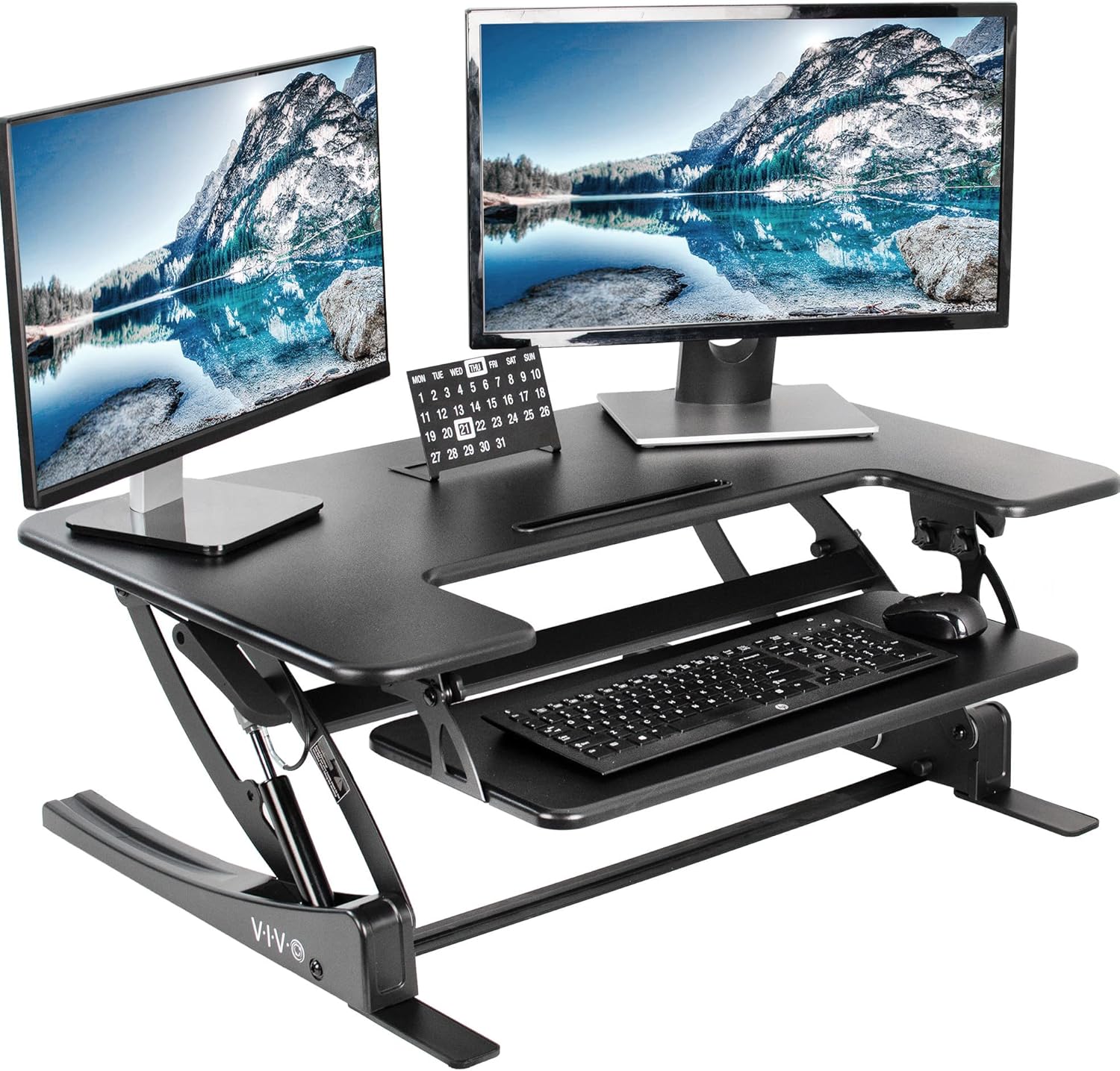
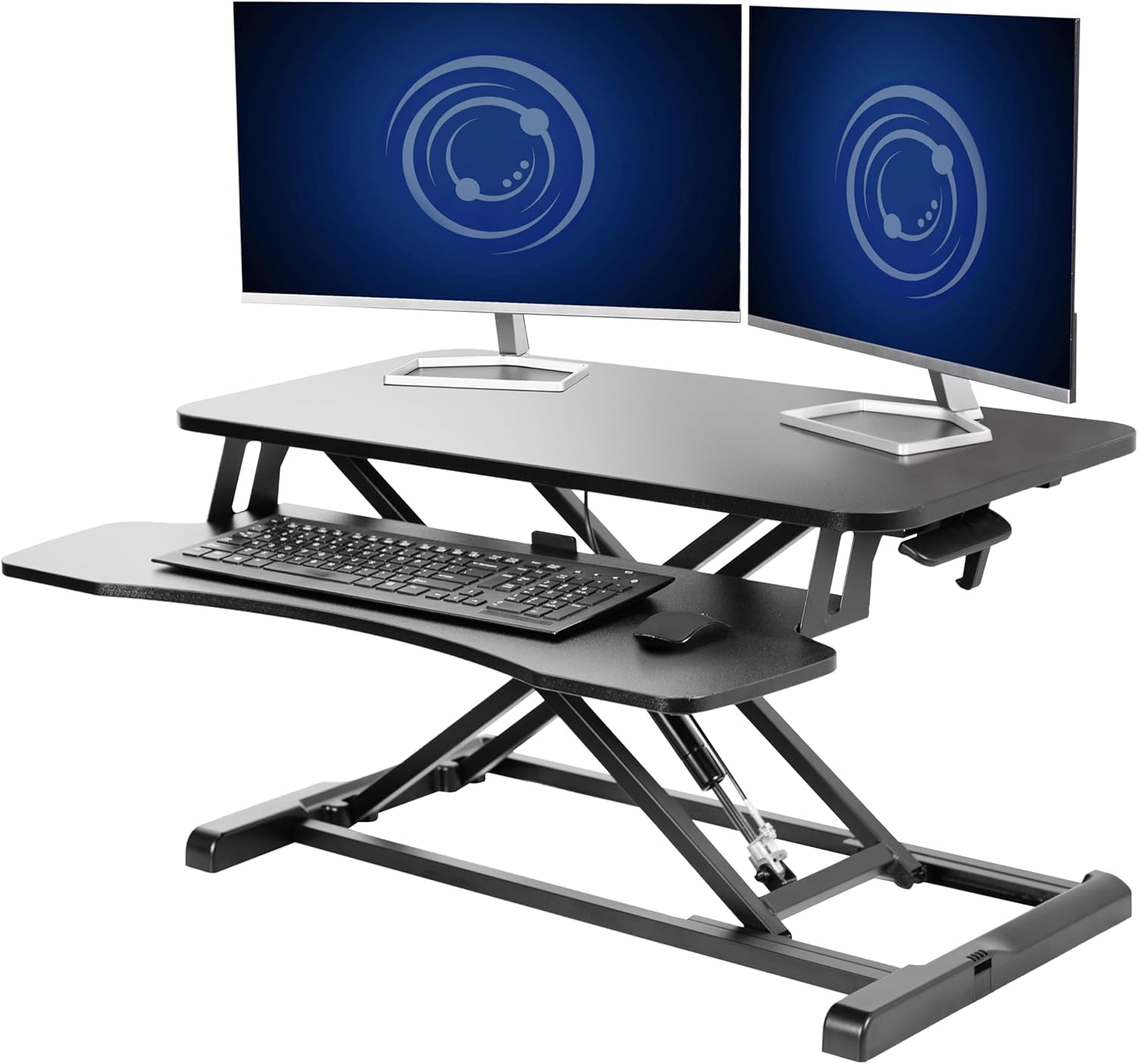
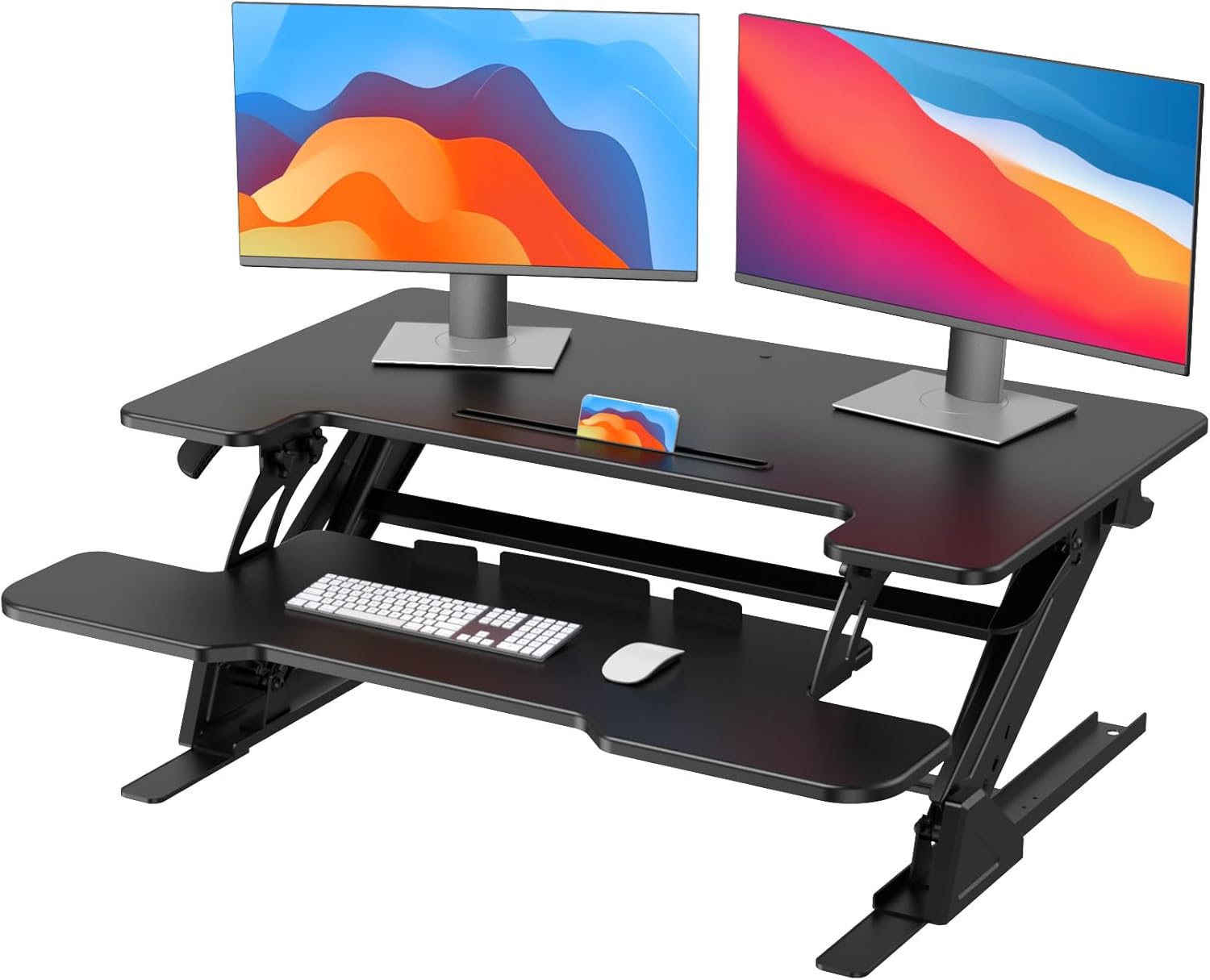
| VIVO Electric 60 x 24 | 60" x 24" | Yes (programmable) | 220 lbs | Dual-monitor remote workers |
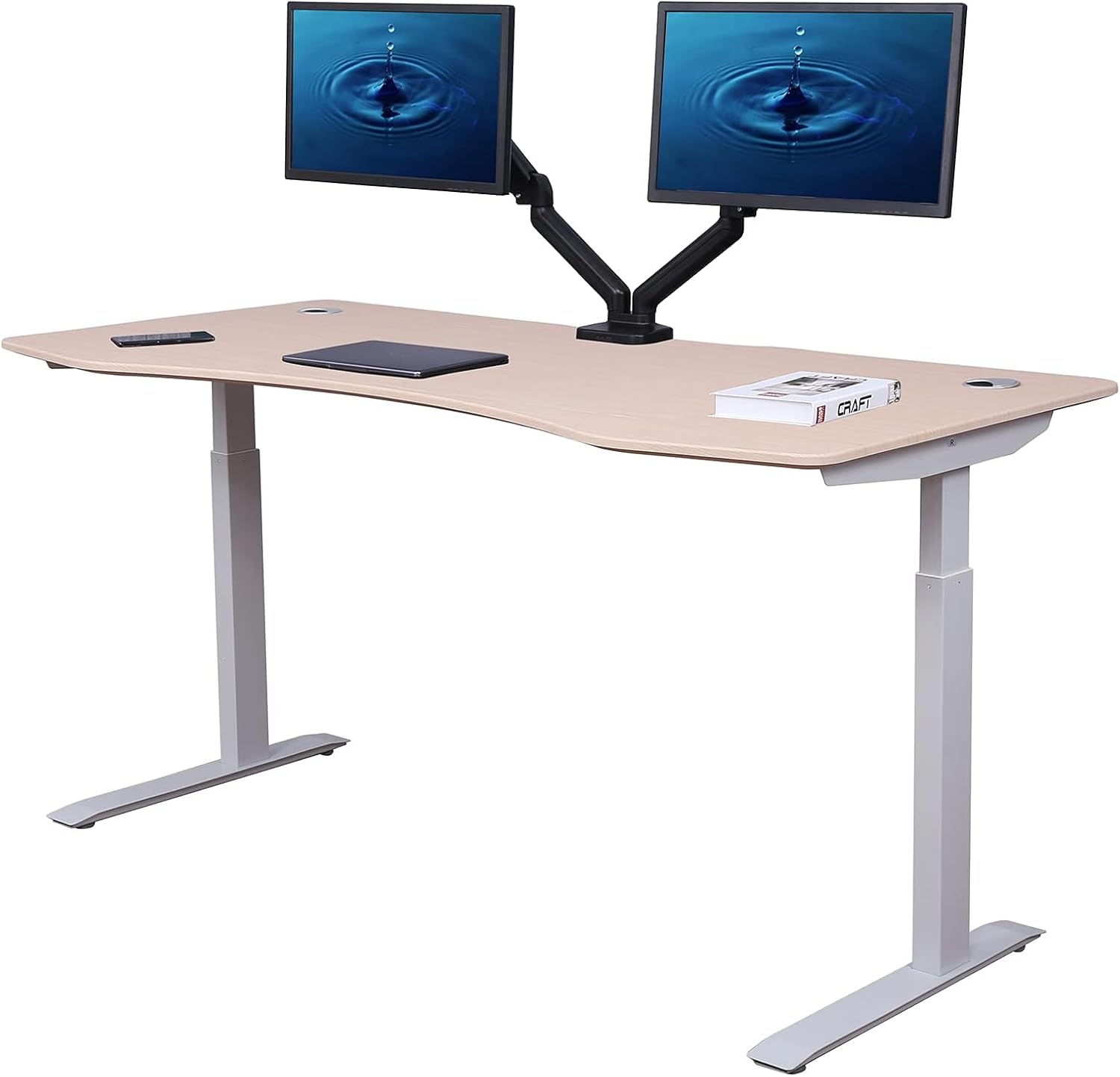
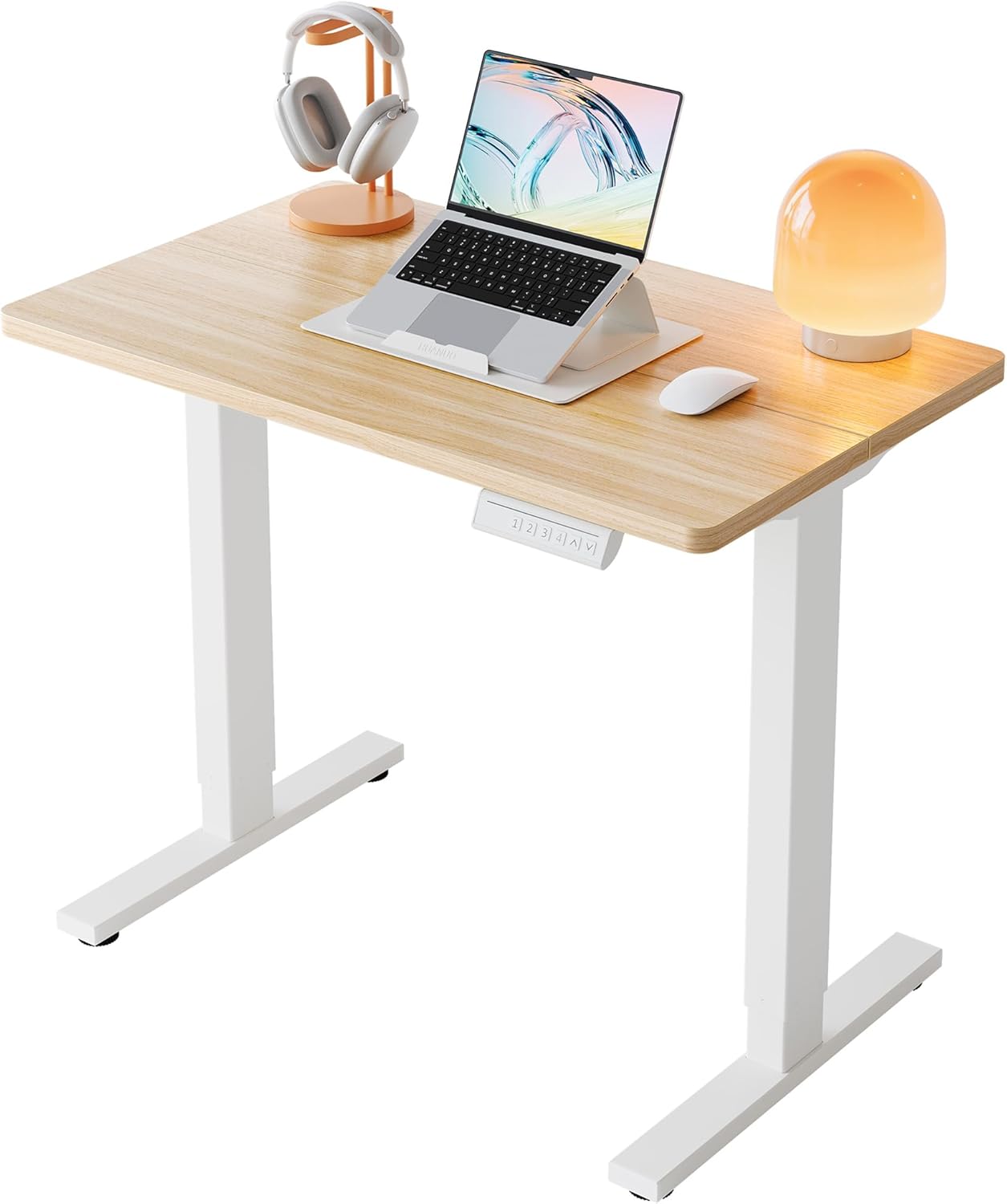
| Veken 47.2" Wood-Top | 47.2" wide | Yes | Standard | Smaller home offices, warm aesthetic |
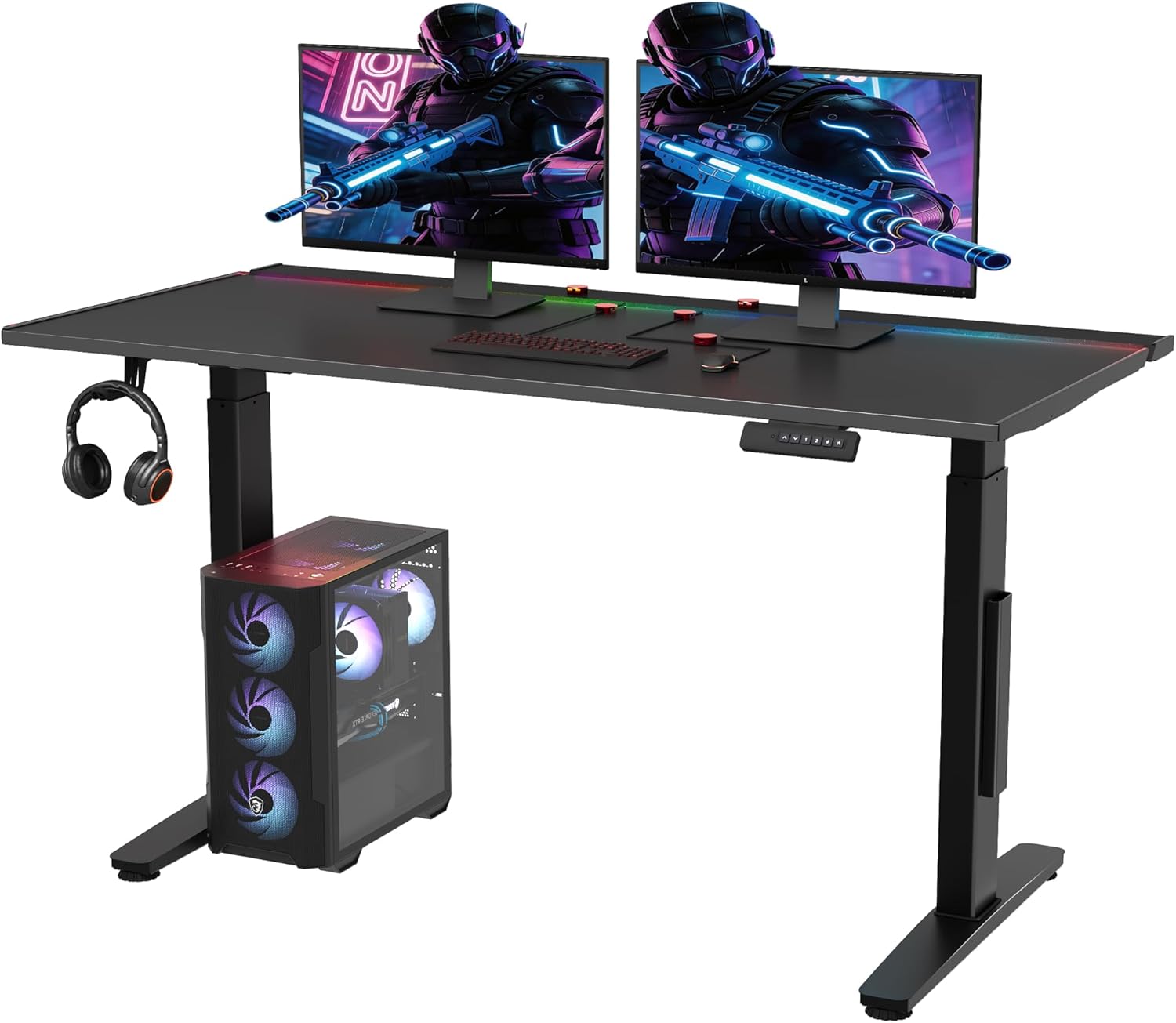
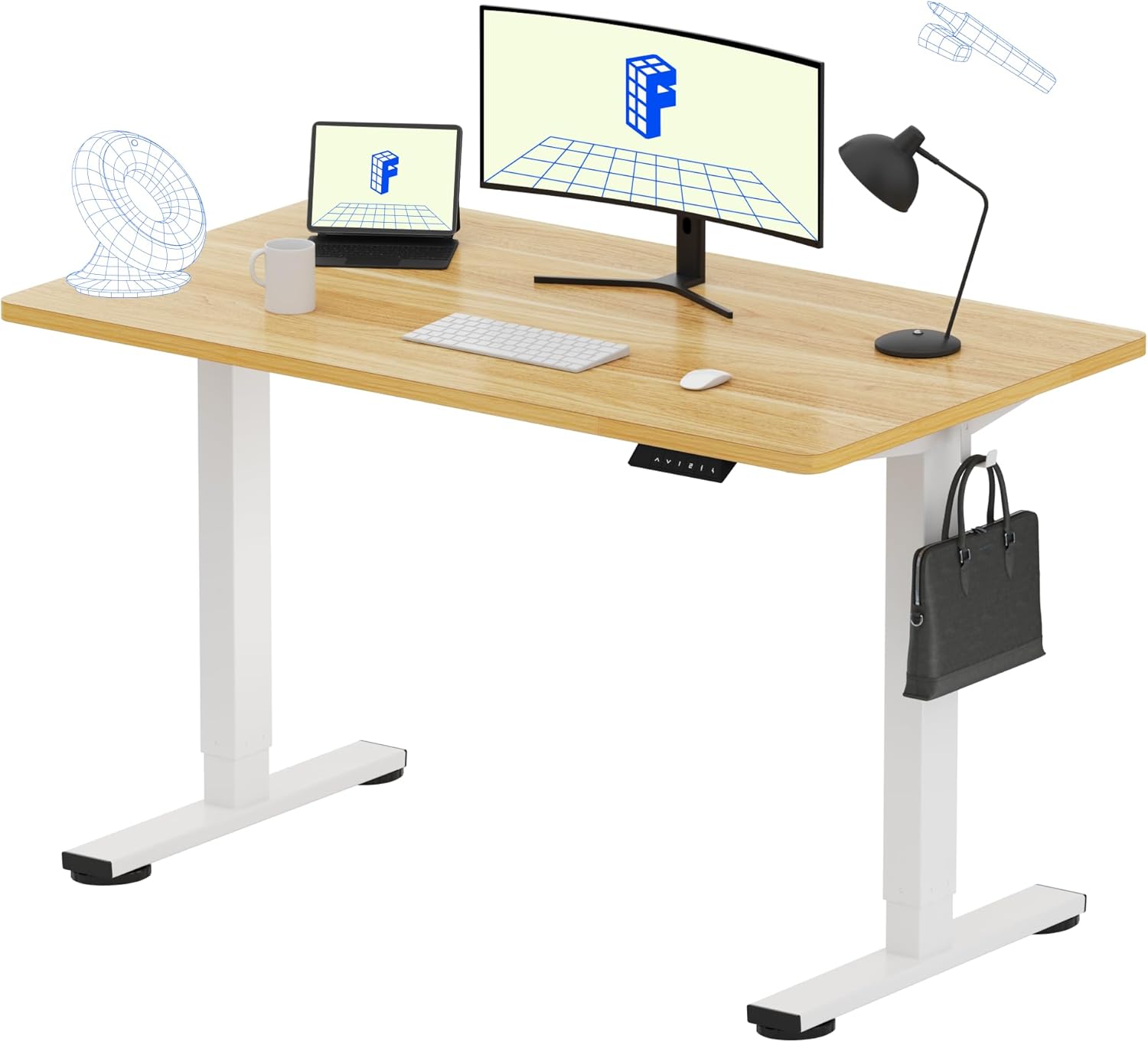
| ErGear 48 x 24 | 48" x 24" | Yes (memory) | Standard | Budget-friendly daily alternation |
Companion Desk Picks for Fibromyalgia Remote Workers
VIVO Electric 60 x 24 Standing Desk — Best for Dual-Monitor Setups
The wide 60-inch surface gives you room to spread out monitors, keyboard, and a heating pad without crowding your wrists into a pronated position—an underrated trigger for lateral epicondyle tender points. The 220-pound capacity easily handles two monitors plus a monitor arm, and the memory height adjustment means you can save your perfect seated height and your perfect standing height, then toggle between them every 30 minutes. For fibromyalgia remote workers who do video-heavy work and cannot afford fumbling with controls mid-call, the one-touch presets are the single most useful feature. Pairing this with a high-back ergonomic chair gives you the widest possible range of position changes throughout the day. Check current price on Amazon.
Veken 47.2" Standing Desk with Wood Desktop — Best for Smaller Home Offices
If your remote work setup is a corner of a bedroom or a converted closet, the 47-inch Veken hits the sweet spot between functional surface area and apartment-friendly footprint. The wood desktop is warmer underhand than melamine, which matters when fibromyalgia-related skin sensitivity makes cold laminate feel like sandpaper. The adjustable height range pairs comfortably with most mid-back ergonomic chairs in the 16–21 inch seat-height range, so you can lock in elbow-at-90-degrees posture whether you are seated or standing. Check current price on Amazon.
ErGear 48 x 24 Electric Standing Desk — Best Budget Pick With Memory Presets
Memory presets are the feature that determines whether a sit-stand desk actually gets used or quietly stays at one height. The ErGear delivers programmable memory at a price point that beats most competitors, making it the practical entry point for fibromyalgia remote workers who are not yet sure how much standing they will tolerate. The 48 x 24 inch surface fits a laptop stand, an external keyboard, and a vertical mouse comfortably—the three peripherals most often prescribed for fibromyalgia-related wrist and shoulder pain. Check current price on Amazon.
How to Set Up Your Chair-and-Desk Combo for Pressure Relief
Start with the chair, not the desk. Sit fully back, adjust the lumbar to fit the small of your back, and lower the seat until both feet rest flat with a 2–3 finger gap behind the knee. Now raise or lower the desk until your elbows sit at 90–100 degrees with relaxed shoulders. Program this as your seated preset. Stand up, find your standing elbow height the same way, and program preset two. Set a timer for 30 minutes and switch. Within two weeks, most users with fibromyalgia report meaningful reductions in afternoon tender-point flares.
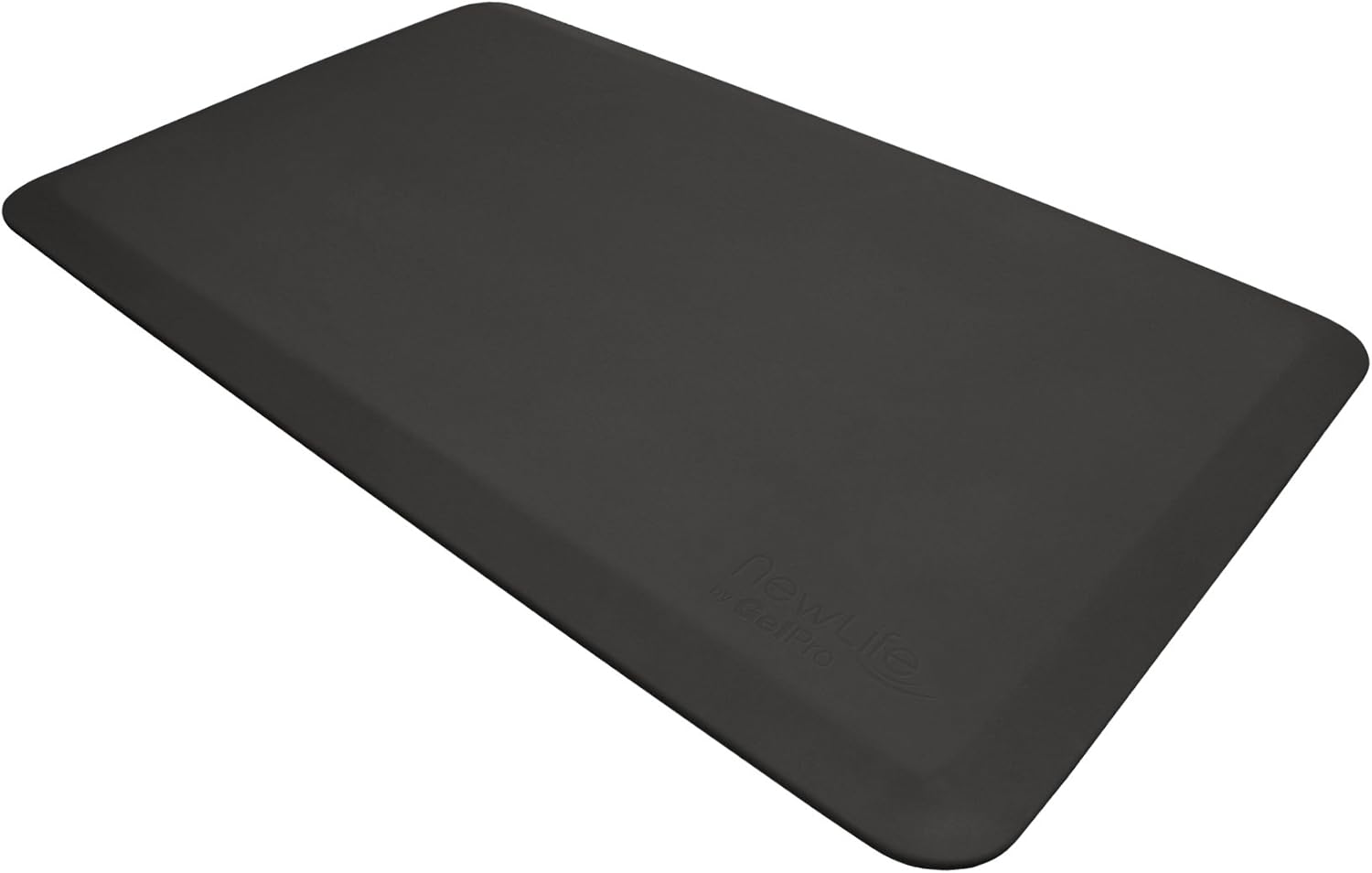
For more on supporting accessories, see our guides to lumbar cushions for chronic pain, memory-foam seat cushions for coccyx relief, and anti-fatigue mats for joint pain.
Frequently Asked Questions
What kind of ergonomic chair is best for fibromyalgia tender points in the hips and tailbone?
Look for a chair with a waterfall seat edge, a memory-foam or gel-infused cushion at least 3 inches thick, and a seat pan you can tilt forward 3–5 degrees. The forward tilt unloads the ischial tuberosities and reduces pressure on the greater trochanter and coccyx—three of the most commonly aggravated tender points for desk-based remote workers.
Is mesh or padded better for fibromyalgia pressure point pain?
Both can work, but the deciding factor is temperature sensitivity. If you experience heat-triggered flares or allodynia, elastomeric mesh wins because it dissipates heat and conforms without pressure ridges. If you experience cold-triggered stiffness, a multi-density foam with a knit cover may feel better. Avoid leather, which traps heat and creates seam-line pressure points.
How often should I alternate sitting and standing if I have fibromyalgia?
Most clinical guidance points to a 30-minute sit, 10-minute stand rhythm as a starting point, gradually working toward closer to 50/50. Use programmable memory presets so the transition takes one button press—decision fatigue is real, and a desk that takes 20 seconds to adjust will not get adjusted.
Can a standing desk replace an ergonomic chair for fibromyalgia?
No. Standing for full workdays creates its own pressure points at the heels, plantar fascia, and lumbar paraspinals—all of which fibromyalgia tends to amplify. The goal is variation, not elimination of sitting. A quality ergonomic chair plus a sit-stand desk is the proven combination; either one alone tends to plateau in benefit within a few weeks.
What chair height should I set if I am 5'4" with fibromyalgia?
Aim for a seat height where your feet are flat on the floor (or on a footrest) and your knees sit slightly below your hips, opening the hip angle. For most 5'4" users, that lands between 16.5 and 17.5 inches. Then raise the desk to match elbow-at-90-degree height rather than forcing the chair to fit the desk—a top source of shoulder tender-point pain.
Are gaming chairs good for fibromyalgia?
Generally no. Bucket-style gaming chairs use bolsters that create lateral pressure on the iliac crest and lateral epicondyles, both fibromyalgia tender-point regions. They also tend to lock the pelvis at a single angle, which prevents the micro-movement remote workers with fibromyalgia depend on for symptom control.
What desk accessories should I add for fibromyalgia neck and shoulder pain?
A monitor arm to bring the screen to eye level, a split or low-force keyboard to relax the upper trapezius, and a vertical mouse to neutralize forearm pronation. See our adjustable monitor arm guide for fit recommendations that pair well with the desks above.
The Bottom Line for 2026
The single biggest mistake fibromyalgia remote workers make is buying an expensive ergonomic chair and stopping there. Pressure-point pain is a function of sustained load, not just load itself—which means the chair and the desk have to work together. Pick a chair with a waterfall seat, independent lumbar adjustment, 4D armrests, and breathable mesh; pair it with a programmable sit-stand desk; and lock in a 30-minute alternation rhythm. That combination consistently outperforms any single piece of furniture, no matter the price tag.
Key Takeaways
- Choosing the right ergonomic chair for fibromyalgia means matching capacity and output ports to your actual devices
- Always check actual watt-hours (Wh), not just watts — runtime depends on Wh, not peak output
- Also covers: fibromyalgia office chair tender points
- Also covers: chair for chronic widespread pain wfh
- Also covers: soft seat ergonomic chair fibro flare
- Compare price-per-Wh across models to find the best value for your budget