If you are searching for the right ergonomic chair for herniated disc L4 L5 recovery while working from home, you need three things together: a chair with deep lumbar support that targets the lower lumbar curve, a sit-stand desk so you can offload disc pressure every 30-45 minutes, and a monitor at eye level so you stop craning forward. An L4-L5 disc bulge gets aggravated by static sitting beyond 30 minutes, anterior pelvic tilt, and unsupported lumbar lordosis. The fastest 2026 fix for WFH workers is a chair with adjustable lumbar depth (not just height), paired with an electric standing desk that lets you alternate postures throughout the day.
Why L4-L5 Herniations Demand a Specific Chair Profile
The L4-L5 segment carries the highest compressive load of any lumbar level during seated work. When you slouch into a generic office chair, intradiscal pressure at L4-L5 can climb 40-90% above standing pressure, according to classic Nachemson disc-pressure studies that still inform 2026 ergonomic guidelines. That is why a generic mesh chair from a big-box store rarely cuts it for a documented herniation. You need a seat pan that supports the ischial tuberosities without compressing the posterior thigh, a backrest that pushes the lumbar spine into a neutral 30-40 degree lordotic curve, and a recline mechanism that lets you periodically open the hip angle past 100 degrees to reduce shear on the L4-L5 disc.
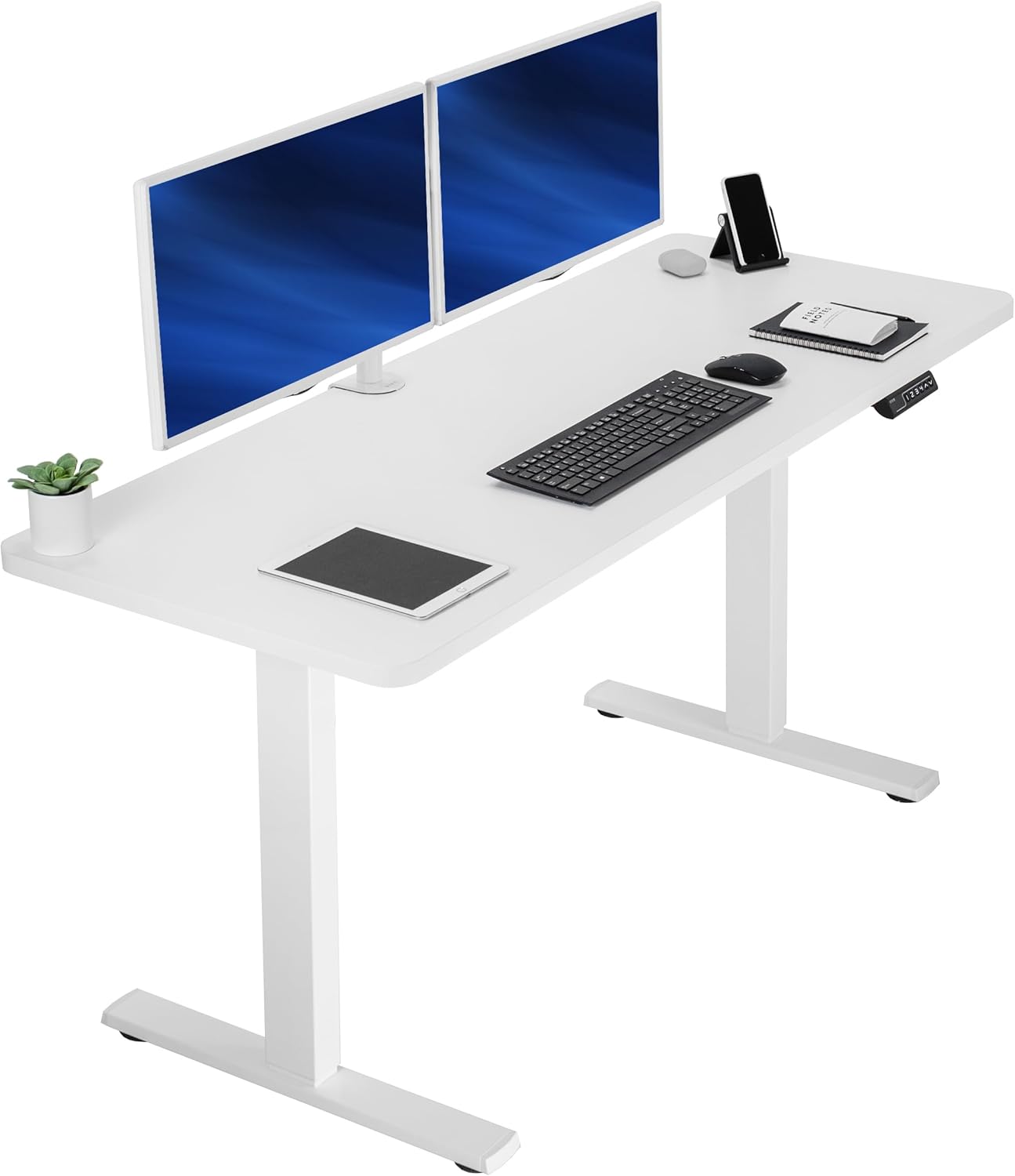



The other half of the equation, the one most buyers miss, is the workstation itself. Even the best ergonomic chair for herniated disc L4 L5 recovery cannot save you if you sit in it for nine hours straight. Standing breaks of 10-15 minutes every half hour are what most physiotherapists prescribe during the acute and subacute recovery phases. That requires a height-adjustable desk you actually use, which means memory presets, smooth motors, and a surface large enough for your full monitor and keyboard setup so you do not collapse the standing posture by leaning over a cramped surface.
Chair Features That Matter for Lumbar Recovery
When shopping for an ergonomic chair for herniated disc L4 L5 support, prioritize these specifications over brand prestige:
- Adjustable lumbar depth and height — not just a fixed lumbar bump. You need to align the pad with your L3-L4 area so the support pushes the L4-L5 disc into neutral, not flexion.
- Seat pan depth adjustment (sliding seat) — so you can leave 2-3 fingers of clearance behind the knees, preventing posterior thigh compression that triggers slumping.
- Forward seat tilt option — useful for opening the hip angle when you must sit through a long call.
- 4D armrests — height, width, depth, and pivot so your shoulders stay relaxed and you do not collapse the thoracic spine, which cascades into L4-L5 flexion.
- Synchro-tilt or recline lock — lets you offload disc pressure by reclining to 110-130 degrees periodically during the day.
- Headrest — supports cervical neutrality, which directly affects lumbar posture through the kinetic chain.
Beyond the chair, the desk pairing is non-negotiable. Below are the three standing desks we recommend for L4-L5 recovery workstations in 2026, chosen for stable transitions, memory presets that make habit-stacking easy, and surface depths that support proper monitor distance.
Best Standing Desks to Pair With Your Recovery Chair
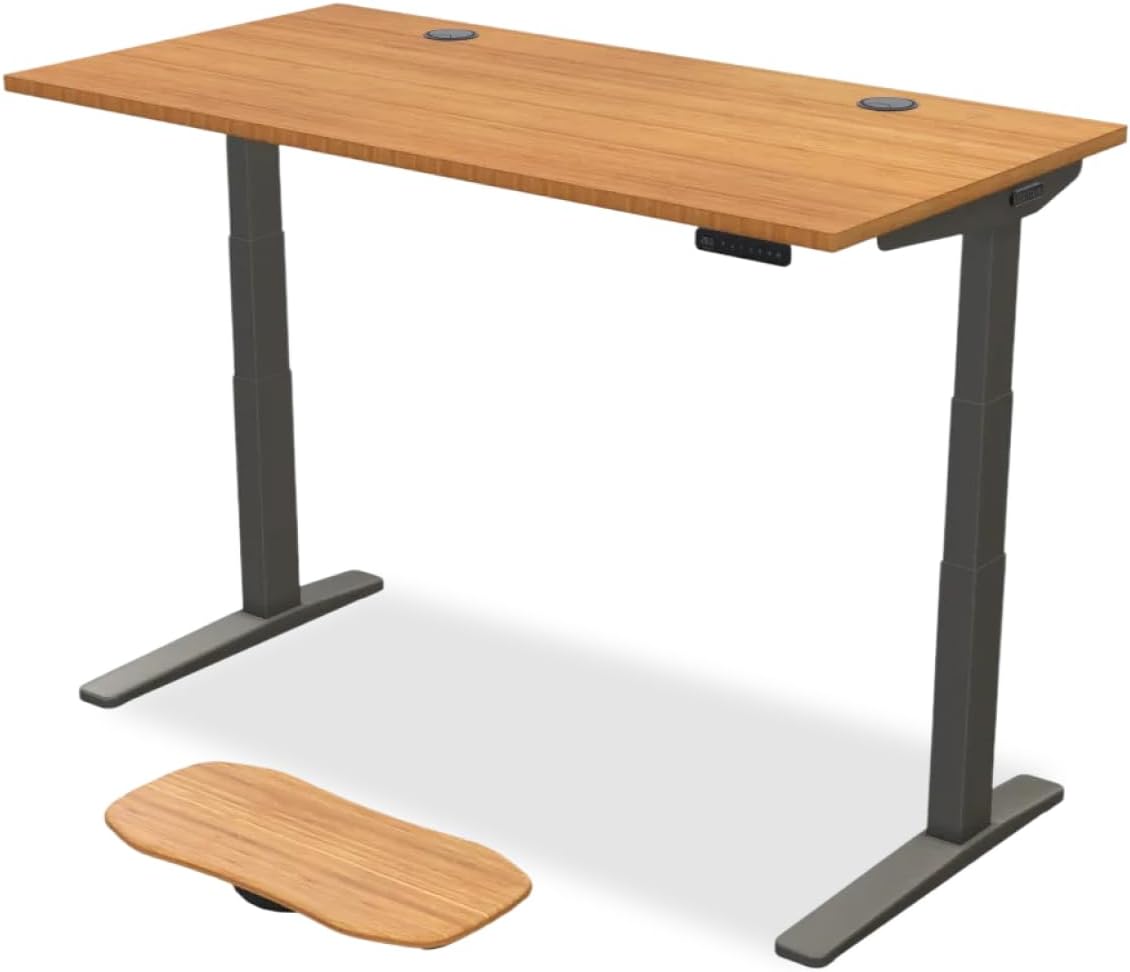
1. VIVO Electric 60 x 24 in Standing Desk — Best Overall for L4-L5 Recovery Workstations
The VIVO Electric 60 x 24 in desk is our top pick for herniated disc recovery because the 60-inch surface gives you room for a primary monitor on a riser and a separate keyboard tray zone, which is critical for keeping your wrists neutral and your spine stacked while standing. The dual motors handle 220 lbs, meaning a heavy chair, monitor arm, and books will not stall the transitions — a stalled transition is the number one reason recovery patients stop using their standing desk. Memory presets let you save a precise sitting height (elbow at 90 degrees with your recovery chair) and a precise standing height (elbows at 90, monitor at eye level) so you can switch postures in under five seconds with no setup friction. The black finish is fingerprint-friendly for daily wipe-downs. Check the VIVO 60 x 24 Electric Standing Desk on Amazon.
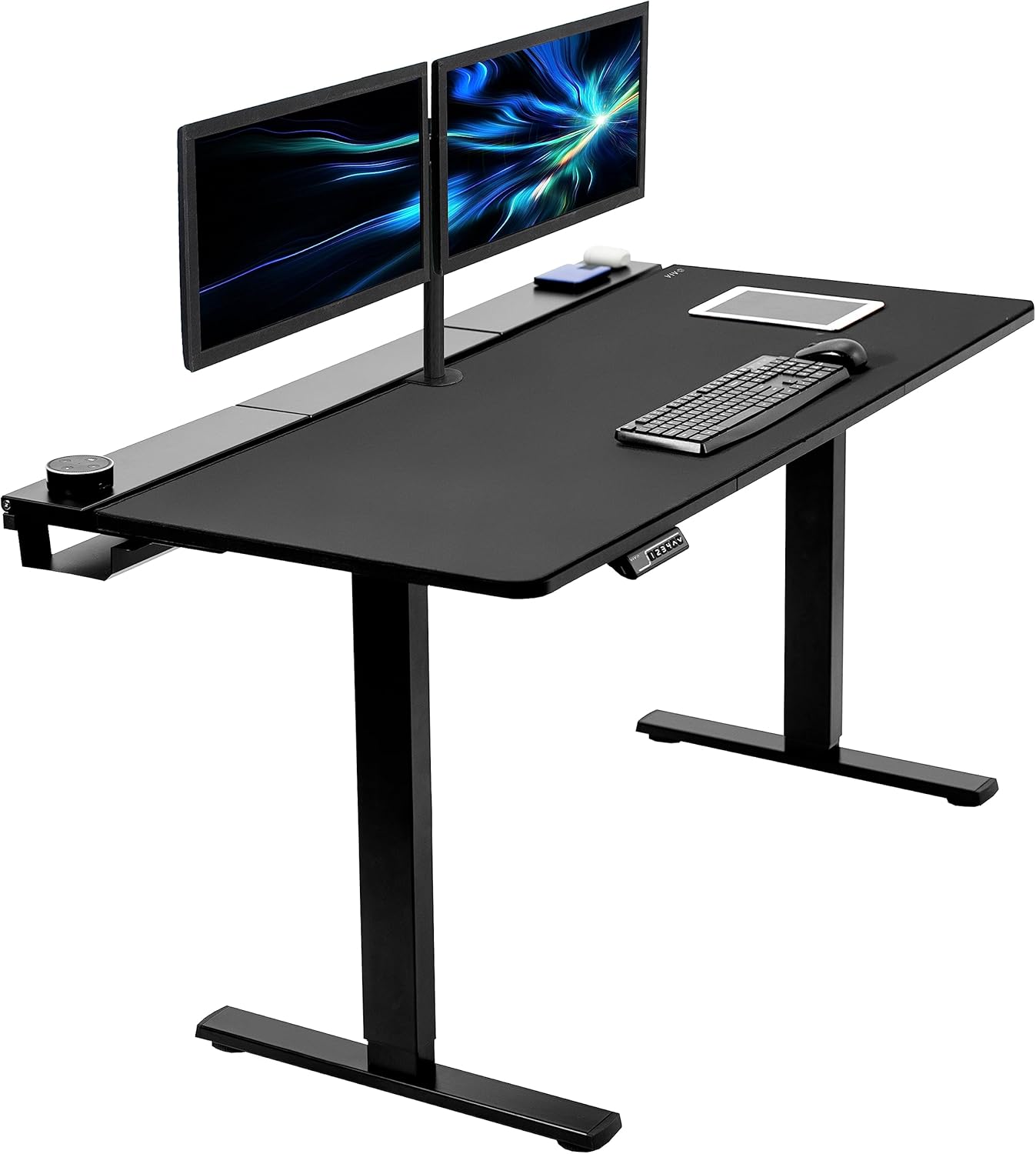
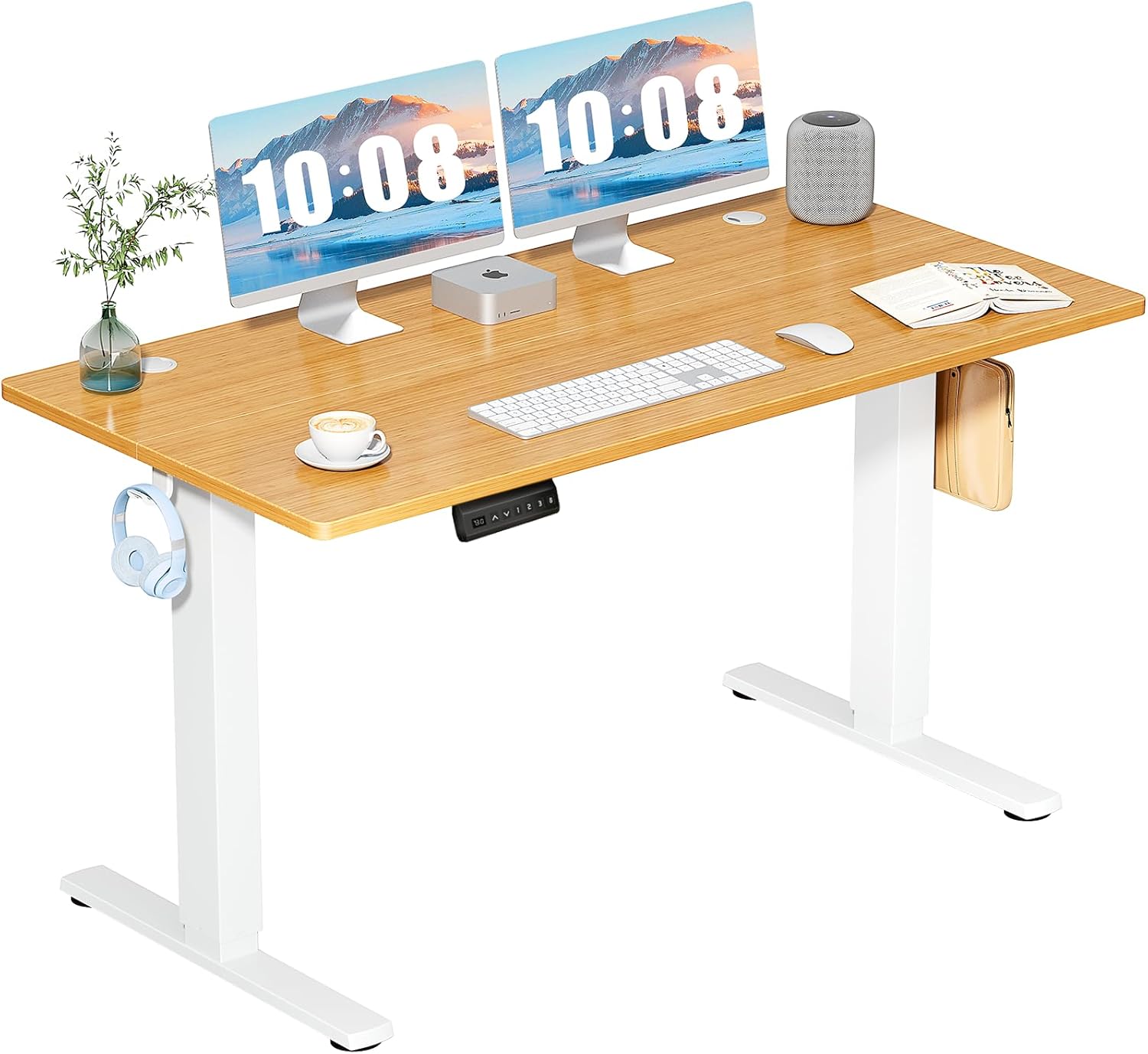
2. ErGear 48 x 24 Inches Electric Standing Desk — Best for Smaller WFH Rooms
If your home office is a guest bedroom corner or a converted closet, the ErGear 48 x 24 inch model is the smarter choice. The 48-inch width still fits a 27-inch monitor at proper viewing distance (20-30 inches from your eyes), and the 24-inch depth keeps the keyboard within neutral reach so you do not extend your arms and pull your shoulders forward — a posture cascade that loads L4-L5. Memory height presets reduce the cognitive load of switching positions, which matters during acute disc recovery when fatigue makes you skip transitions. The motor is quiet enough for video calls, so you can stand during meetings without broadcasting motor whine to your team. See the ErGear 48 x 24 Standing Desk on Amazon.
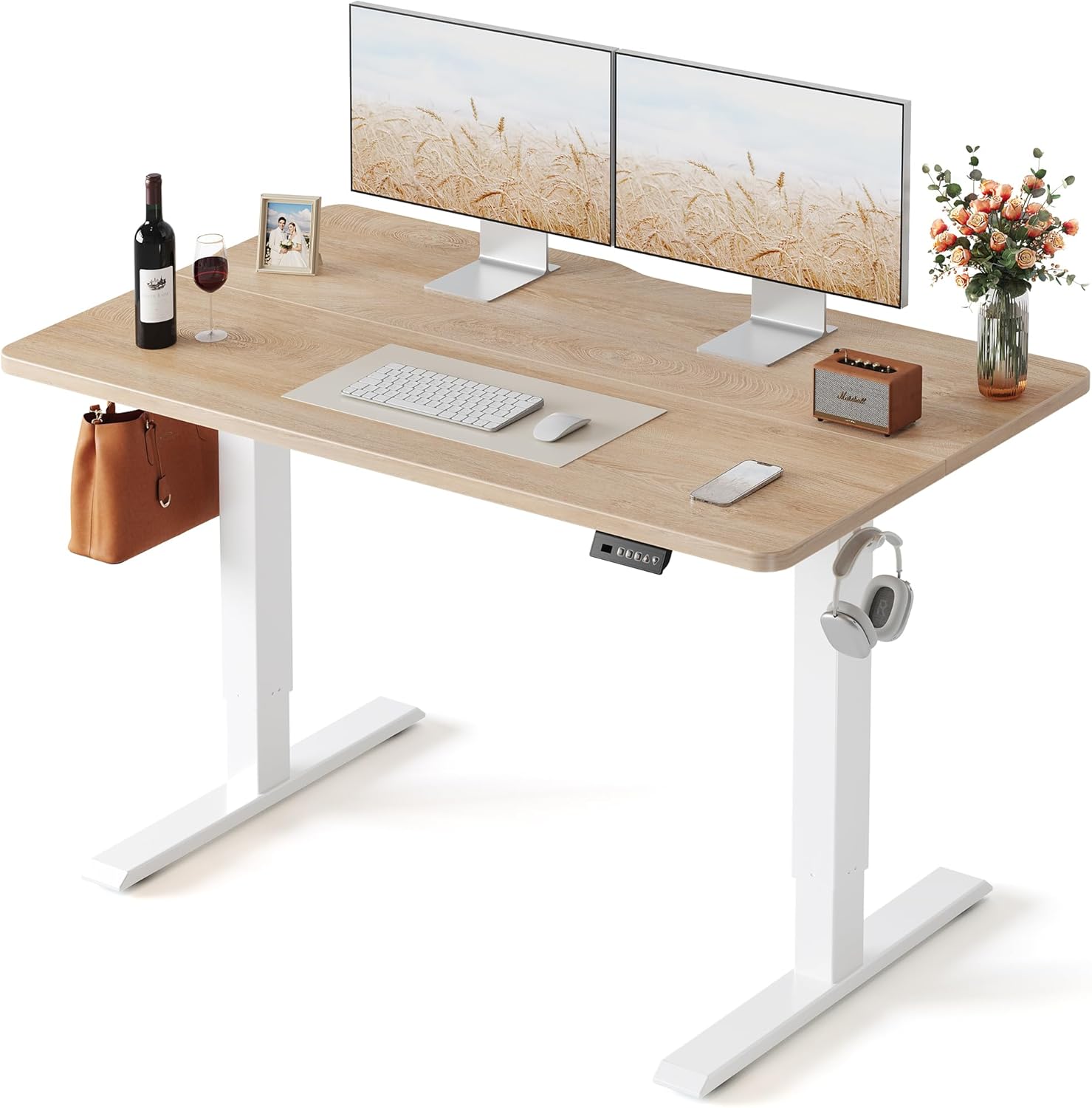
3. Veken 47.2" Standing Desk with Wood Desktop — Best Aesthetic for Long-Term Habit Building
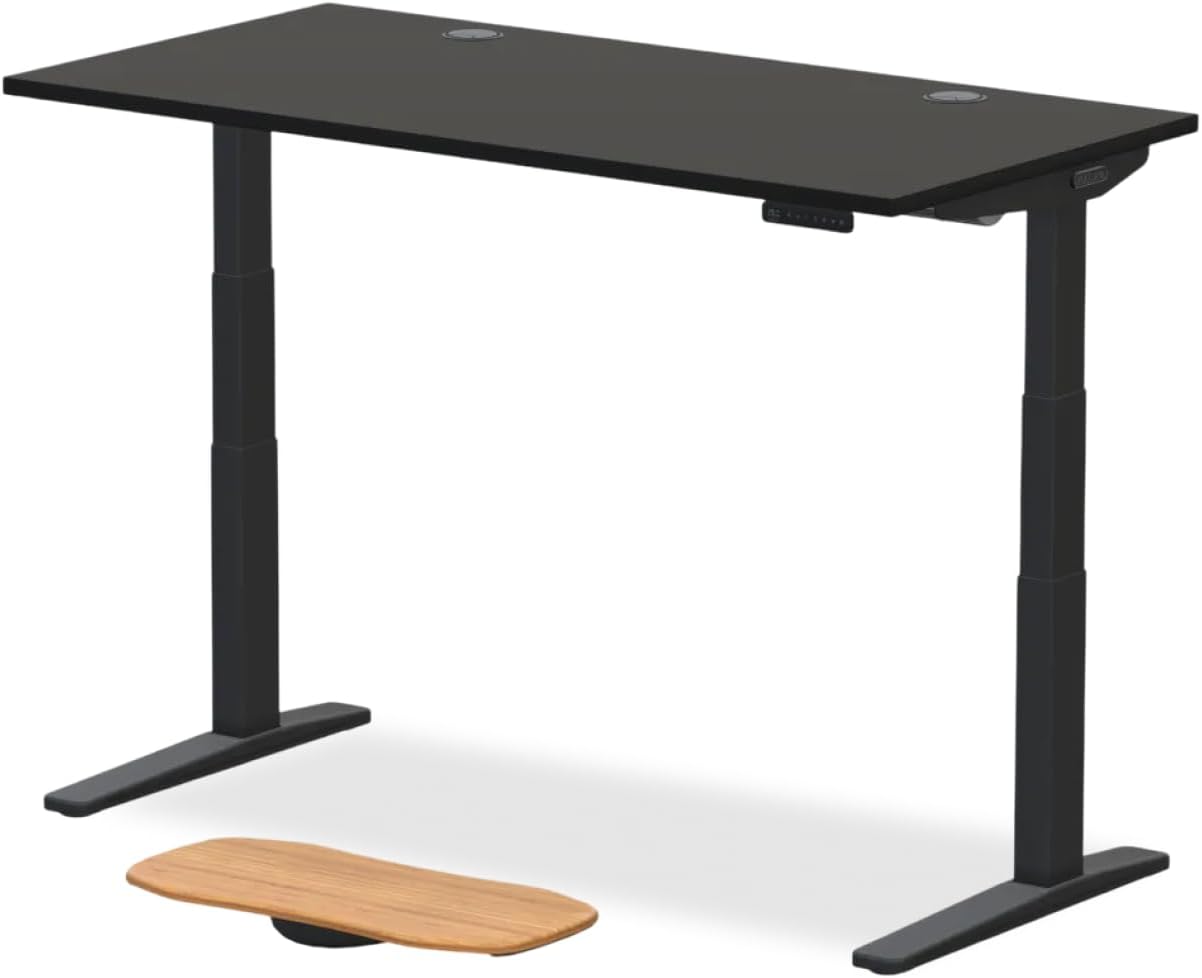
Recovery is a months-long process, and a desk you visually enjoy is a desk you actually use. The Veken 47.2-inch model features a warm wood desktop that reads more like furniture than a clinical workstation, which makes it easier to keep in a shared bedroom or living-room WFH setup. Adjustable height handles the sit-stand cycle for L4-L5 disc decompression, and the compact footprint suits apartment dwellers. Pair it with a contoured lumbar chair, a footrest, and a monitor arm to complete a 2026 recovery-grade station. View the Veken 47.2" Wood Standing Desk on Amazon.
2026 Comparison Table: Standing Desks for Disc Recovery WFH Setups
| Desk | Surface Size | Memory Presets | Capacity | Best For |
|---|---|---|---|---|
| VIVO Electric 60 x 24 | 60" x 24" | Yes | 220 lbs | Dual-monitor recovery workstations |
| ErGear 48 x 24 | 48" x 24" | Yes | Standard | Smaller WFH rooms, single monitor |
| Veken 47.2" Wood | 47.2" wide | Adjustable | Standard | Shared spaces and aesthetic-conscious buyers |
Setting Up Your L4-L5 Recovery Workstation
Buying the right gear is only step one. Configure it like this:
- Set your chair first. With feet flat, thighs roughly parallel to the floor, and lumbar pad pressing into your L3-L4 area, the chair height is correct when your elbows fall to a 90-100 degree angle on the desk surface.
- Save that as your seated desk memory preset. Standing height should put your elbows at the same 90-100 degrees with shoulders relaxed.
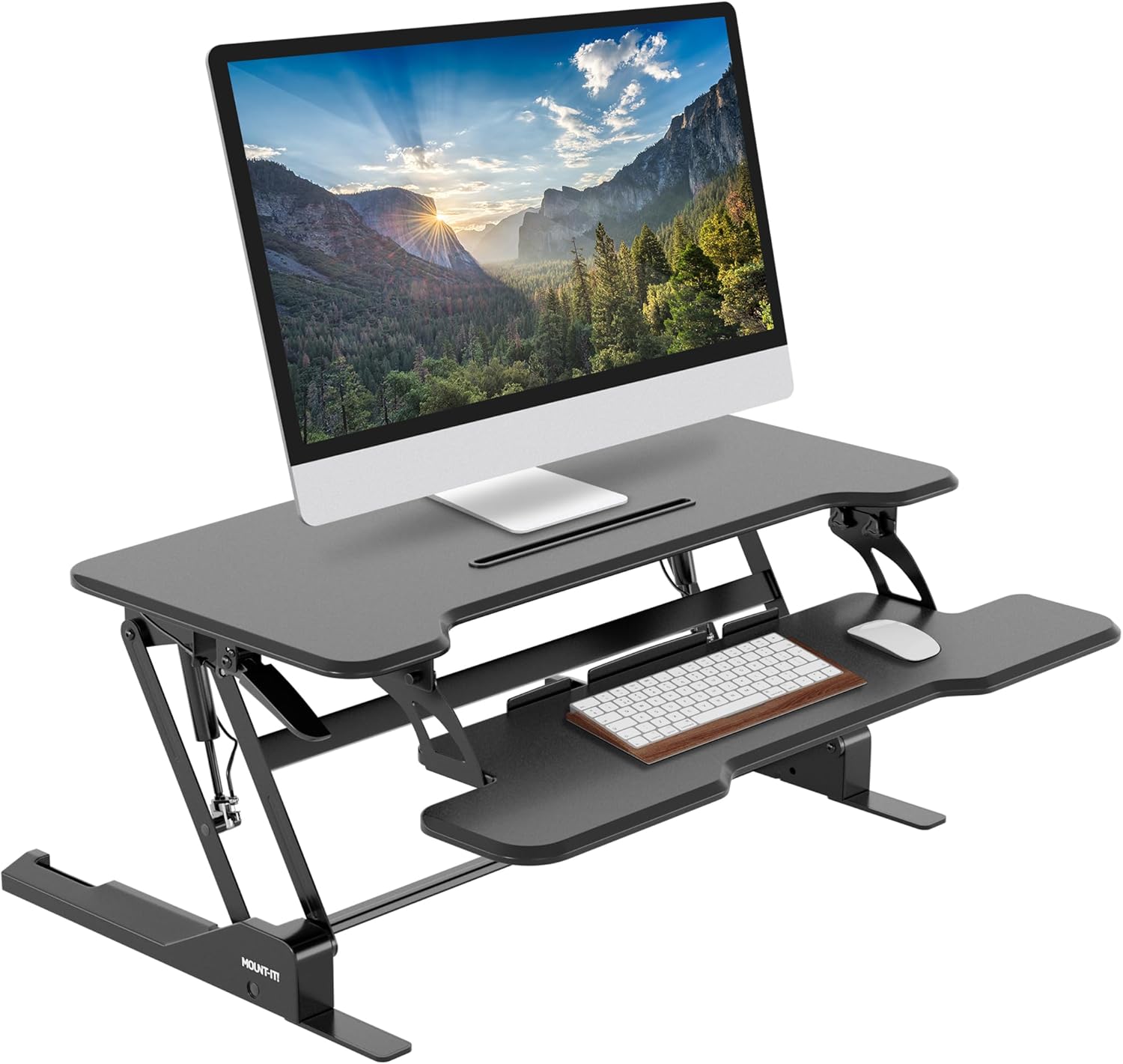
- Position your monitor. The top of the screen should be at or just below eye level, 20-30 inches away. A separate monitor arm is worth the investment for L4-L5 recovery because laptop screens force forward head posture that cascades into lumbar flexion.
- Use a 30-minute timer. Stand for 10-15 minutes, sit for 30, repeat. After two weeks this becomes automatic.
- Add a cushioned anti-fatigue mat under the standing zone so you naturally shift weight, which keeps the lumbar paraspinals firing.
- Walk every 90 minutes. Standing is better than sitting, but walking is better than both for disc nutrition through the imbibition cycle.
Pair your lumbar support cushion with the chair if the built-in lumbar does not hit the right spot, and avoid generic memory-foam wedges that push your sacrum forward and worsen the herniation.
Frequently Asked Questions
Is sitting or standing better for a herniated L4-L5 disc?
Neither extreme is best. Static sitting beyond 30-45 minutes increases intradiscal pressure at L4-L5, while prolonged standing past 60 minutes can fatigue lumbar paraspinals and lead to compensatory hyperlordosis. The 2026 consensus from spine-focused physiotherapists is alternating: 30 minutes seated with full lumbar support, then 10-15 minutes standing with weight evenly distributed. A height-adjustable desk with memory presets makes this rhythm sustainable.
What chair angle is best for L4-L5 disc herniation recovery?
Aim for a 100-110 degree hip angle when seated, not the traditional 90 degrees. The slightly open hip angle reduces shear forces on the L4-L5 disc and helps maintain natural lumbar lordosis. Periodically reclining to 120-130 degrees throughout the day further offloads compressive pressure, which is why chairs with synchro-tilt and recline-lock mechanisms are preferred for documented herniations.
Can a standing desk alone fix my L4-L5 herniated disc symptoms?
A standing desk is a major contributor but not a complete fix. It reduces the time your L4-L5 disc spends under maximum seated load, allows for posture variation, and supports the imbibition cycle that nourishes the disc. However, you still need a properly fitted chair for the seated portion of the day, supervised core and hip-stability exercises, and ergonomic adjustments to your monitor, keyboard, and mouse to avoid forward-loading the lumbar spine.
How long should I sit before standing during L4-L5 recovery?
Most physiotherapists recommend 25-30 minute sitting intervals during the subacute phase of L4-L5 recovery, transitioning to 45-60 minute intervals once symptoms stabilize. Use a desk with memory presets so the transition takes under five seconds — the longer the switch takes, the less likely you are to do it. A wrist or phone timer set to vibrate is the simplest habit anchor.
What desk height should I use if I am 5'10" with a herniated L4-L5 disc?
For a 5'10" user, the typical seated desk height is about 28-29 inches and standing height is 42-44 inches, measured at the elbow with shoulders relaxed and a 90-100 degree elbow angle. Always set the height to your body, not generic numbers, by adjusting until your elbows are level with the keyboard and your wrists are neutral. Memory presets on desks like the VIVO Electric or ErGear models lock in these positions.
Should I use a kneeling chair or saddle chair instead for L4-L5 herniation?
Kneeling and saddle chairs can be useful for short rotational periods (20-30 minutes) because they open the hip angle and reduce L4-L5 flexion. However, neither is appropriate as your sole chair for an 8-hour WFH day during acute recovery, because they lack the back support needed for reclined offloading. Use them as a complement to a fully ergonomic main chair, not a replacement.
Do anti-fatigue mats actually help with L4-L5 disc recovery?
Yes, when used under a standing desk. A 0.75 to 1 inch cushioned mat encourages micro-movements in the calves, hips, and lumbar paraspinals, which improves circulation and prevents the static-loading fatigue that often drives recovery patients back to a slumped sit. Combined with a sit-stand desk and a properly fitted chair, an anti-fatigue mat is one of the highest-leverage low-cost additions to a 2026 disc-recovery workstation.
Key Takeaways
- Choosing the right ergonomic chair for herniated disc L4 L5 means matching capacity and output ports to your actual devices
- Always check actual watt-hours (Wh), not just watts — runtime depends on Wh, not peak output
- Also covers: chair for lumbar disc herniation
- Also covers: best office chair for spinal disc injury
- Also covers: herniated disc work from home chair
- Compare price-per-Wh across models to find the best value for your budget