If you work remotely and the back of your thigh starts burning forty minutes into a stand-up, you are not imagining the problem. The right ergonomic chair for sciatica piriformis syndrome relieves nerve compression by combining a waterfall seat edge, a tilt-forward pelvis, deep lumbar support, and an adjustable seat depth that keeps the piriformis muscle from clamping down on the sciatic nerve. But in 2026, most remote workers solve the pain only after they pair the chair with a sit-stand desk, because position change—every 30 to 45 minutes—does more for sciatic relief than any single piece of furniture can on its own.
Why a chair alone won't fix sciatica in 2026
Sciatica caused by piriformis syndrome is fundamentally a problem of sustained hip flexion under load. When you sit for hours, the piriformis muscle—a small rotator deep in the glute—shortens and tightens around the sciatic nerve that runs underneath (or in 17% of people, directly through) it. The result is the familiar burning, tingling, or shooting pain that radiates from the buttock down the back of the leg. A premium chair can slow this process, but it cannot reverse it. Remote workers who solve their pain almost always do two things at once: they upgrade their seating and they install an electric height-adjustable desk so they can alternate between sitting and standing without breaking workflow. That combination is what 2026 occupational-therapy protocols now recommend over chair-only solutions.



What to look for in an ergonomic chair for sciatica piriformis syndrome
Before you spend $700 on a chair, audit it against these non-negotiables:
- Waterfall seat edge — the front of the cushion rolls downward so it doesn't compress the back of your thighs and starve the sciatic nerve of blood flow.
- Adjustable seat depth (slide) — you want two to four fingers of clearance between the cushion edge and the back of your knee. A fixed-depth chair forces taller users into a posterior pelvic tilt that worsens piriformis tension.
- Forward tilt of 4–8 degrees — this is the single feature most ergonomic chairs at big-box stores skip. A forward tilt opens the hip angle past 90 degrees and dramatically reduces piriformis loading.
- Independent lumbar height and depth — you need the support pad to sit at your L3-L4 vertebrae, not generically "in the small of your back."
- Firm but not rigid foam — memory foam that compresses fully under bodyweight leaves your sit bones (ischial tuberosities) bearing directly on hard substrate, which inflames the piriformis attachment.
- Armrests with 4D adjustment — shoulder hiking creates a fascial chain pull that ends at the QL and piriformis. Get the armrests right and your hip stops compensating.
An ergonomic chair for sciatica piriformis syndrome that nails all six of those will run between $450 and $1,200 in 2026. But here's the catch—even a perfect chair becomes a problem after 90 minutes. That's where the standing desk earns its keep.
The role of a sit-stand desk in piriformis recovery
Standing for 15 to 20 minutes every hour decompresses the piriformis, restores lumbar lordosis, and allows lymphatic drainage through the deep glute compartment. Physical therapists who specialize in remote-work injuries now prescribe a 30/20/10 cadence: 30 minutes seated in your ergonomic chair, 20 minutes standing with weight shifting, and 10 minutes walking or doing a piriformis stretch. None of that is possible with a fixed-height desk. The good news is that electric sit-stand desks have dropped sharply in price over the last two years, and the entry-level models below now match the build quality of $900 desks from 2022.
Comparison: standing desks that pair well with a sciatica chair
| Desk | Surface size | Capacity | Memory presets | Best for |
|---|---|---|---|---|
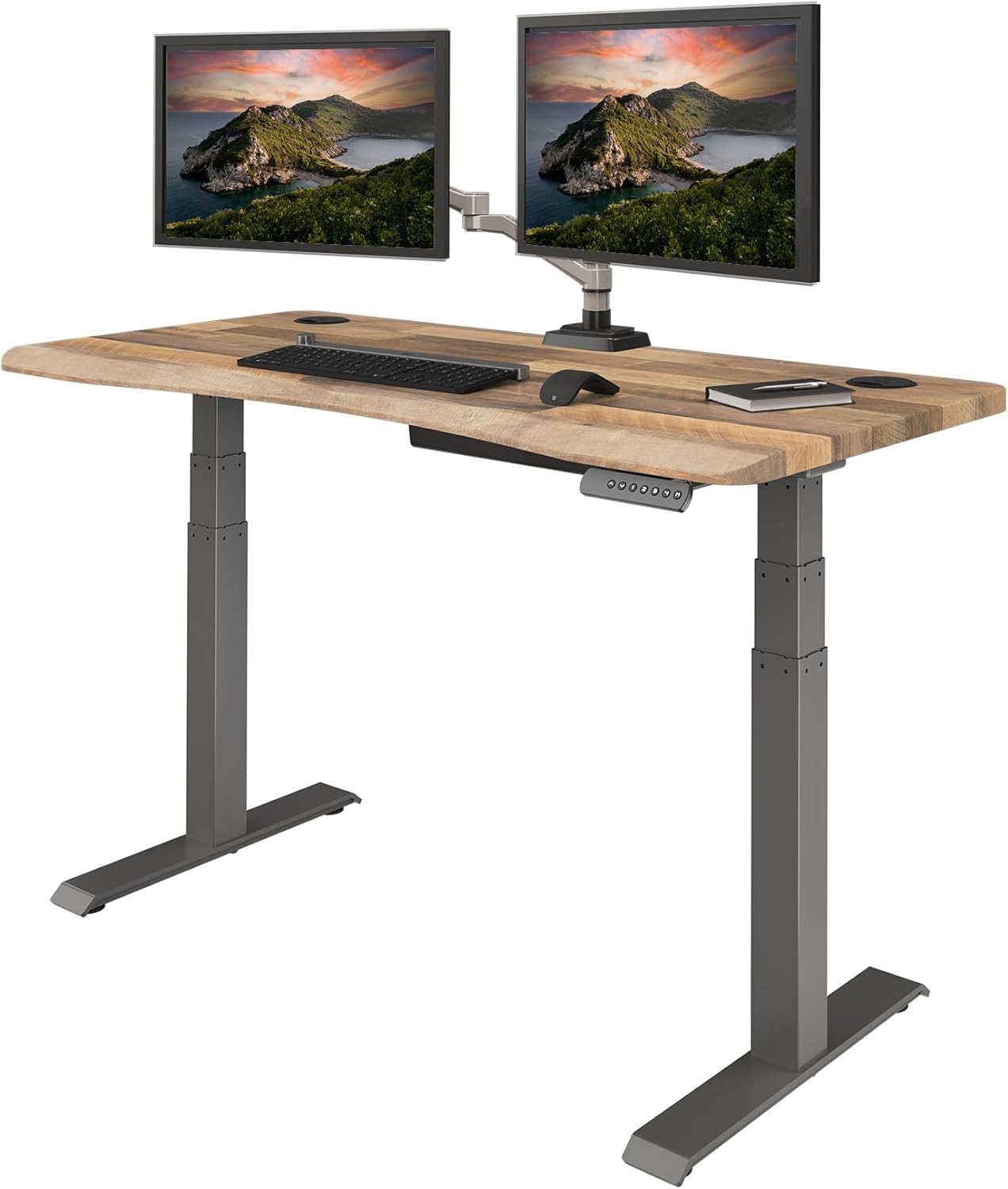
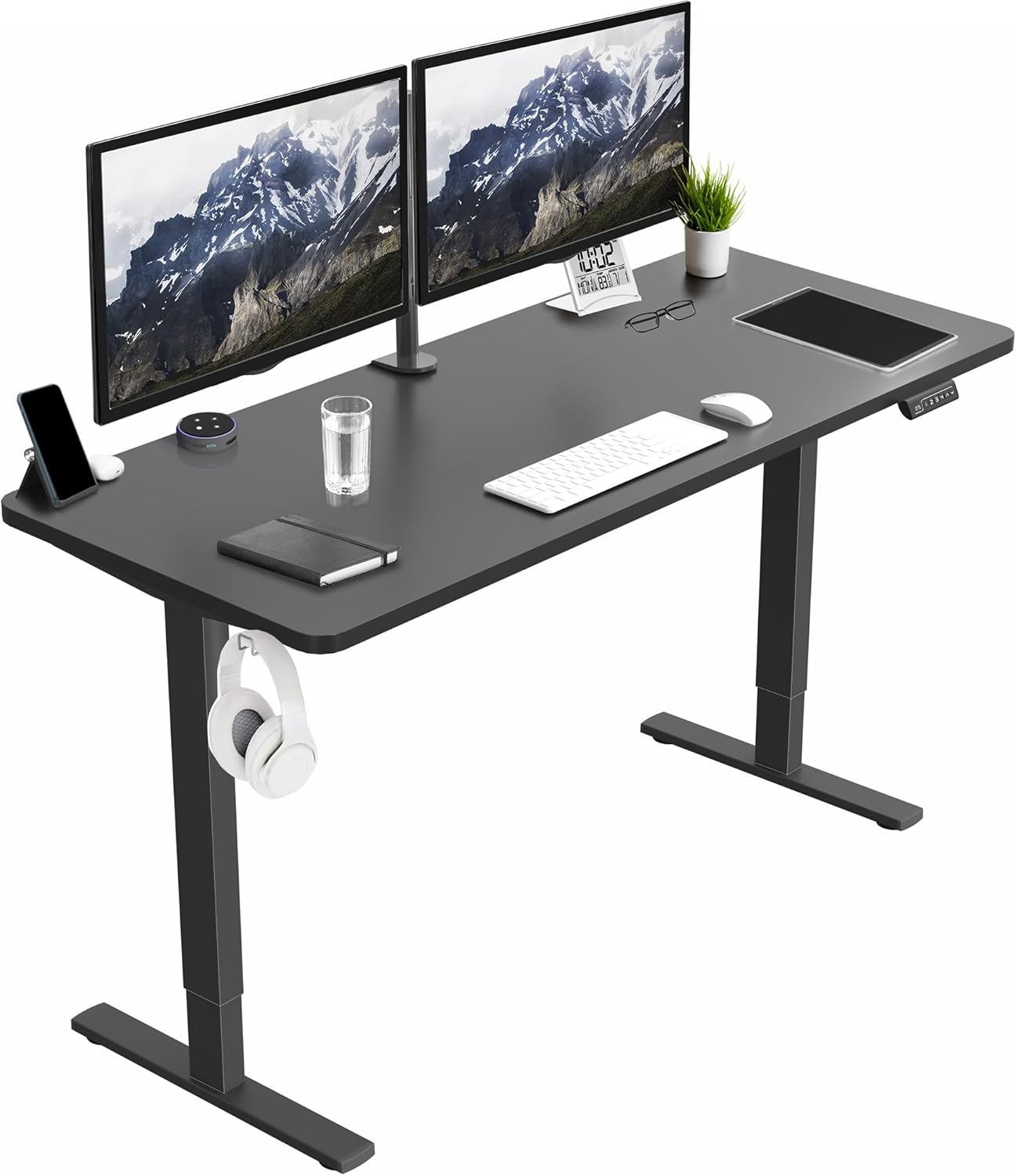
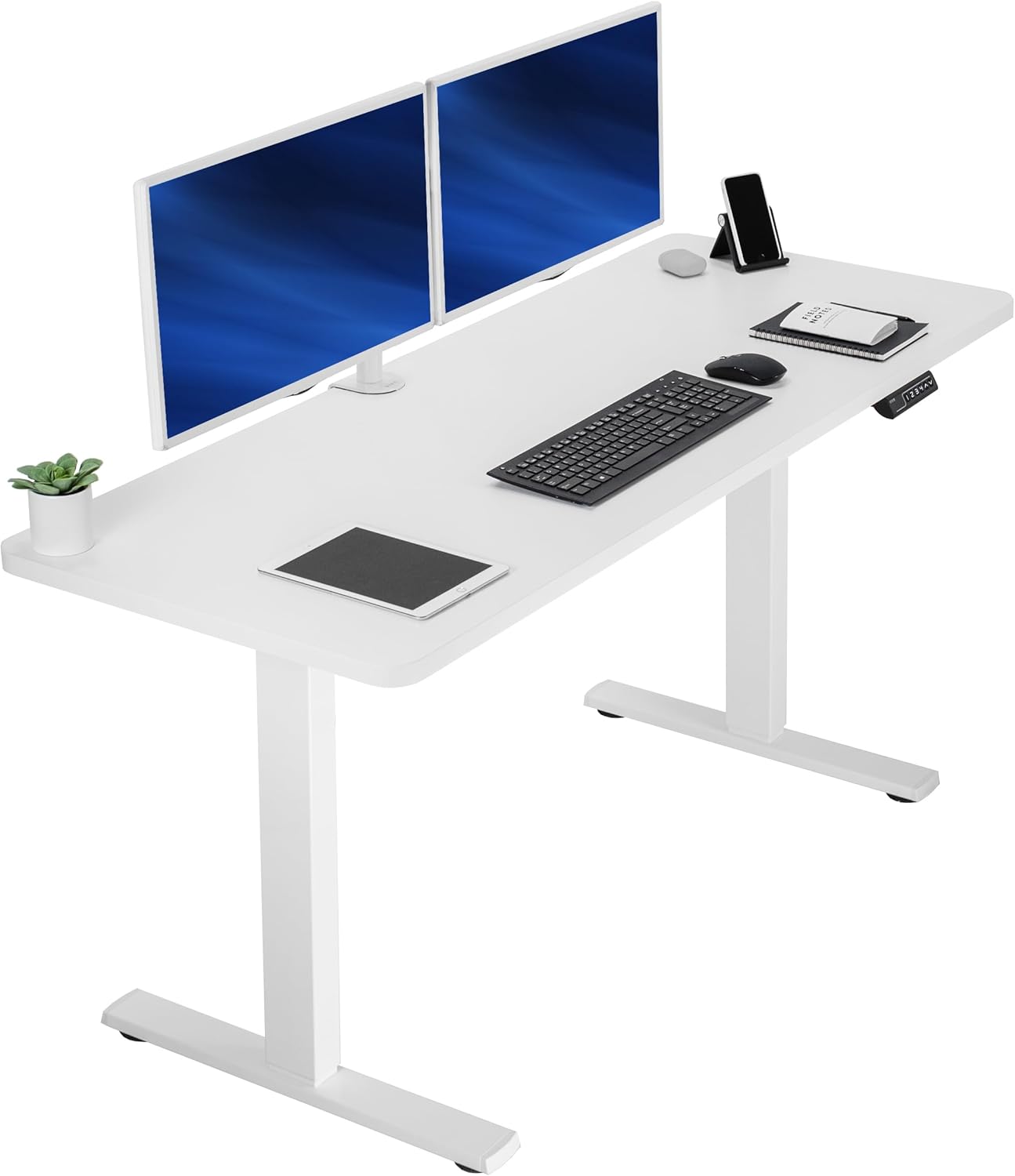
| VIVO Electric 60 x 24 | 60 × 24 in | 220 lbs | Yes | Dual monitor + chair recline space |
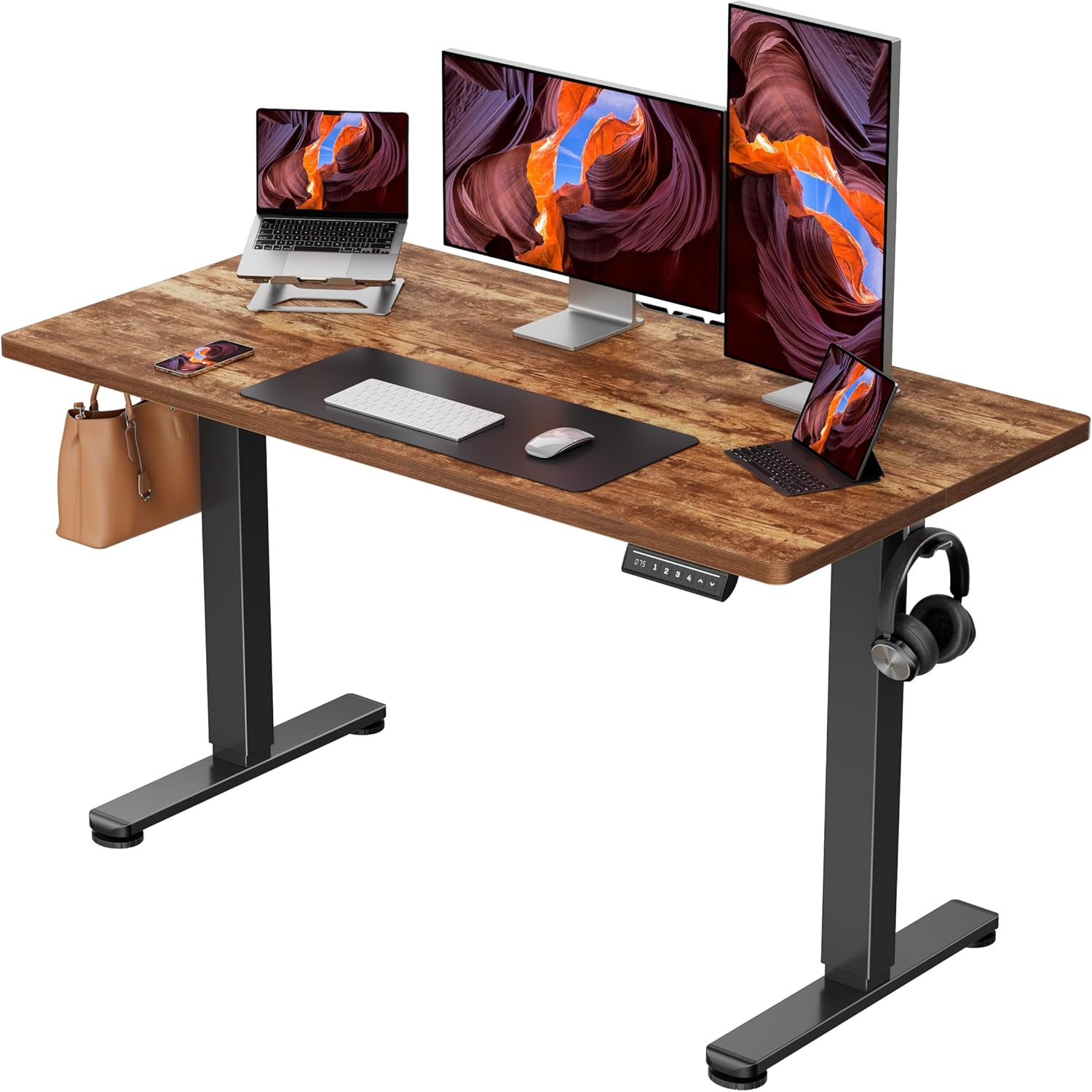
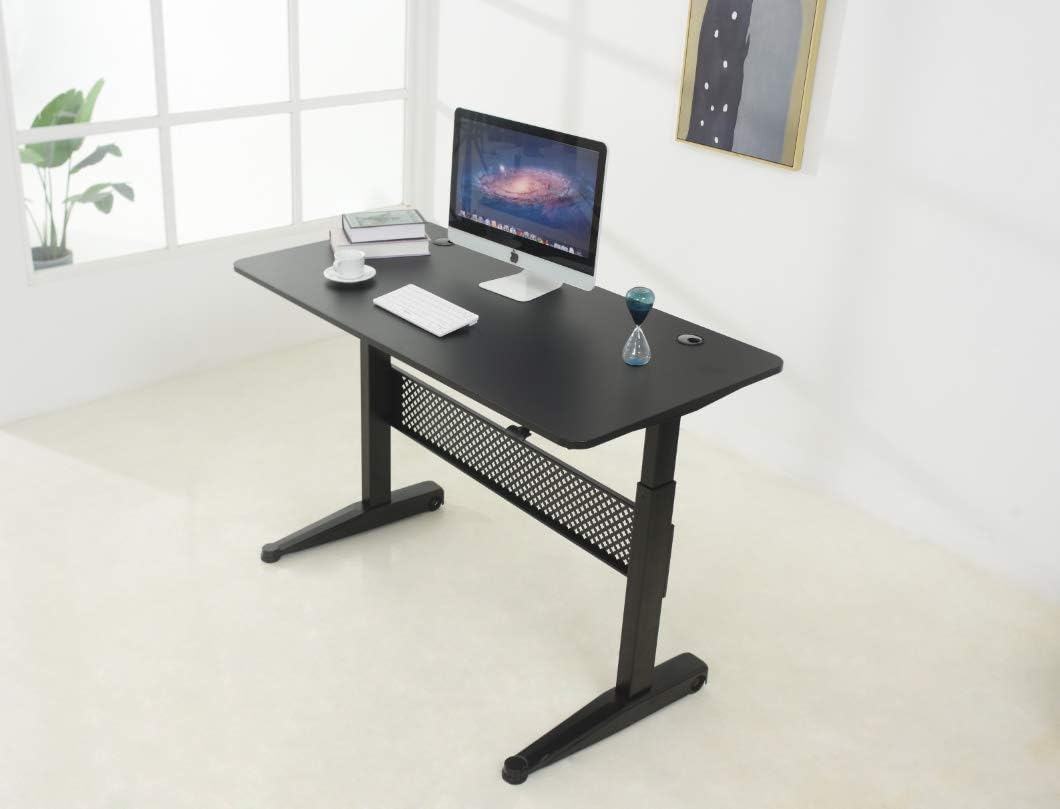
| ErGear 48 x 24 | 48 × 24 in | 176 lbs | Yes | Small home offices, condo setups |
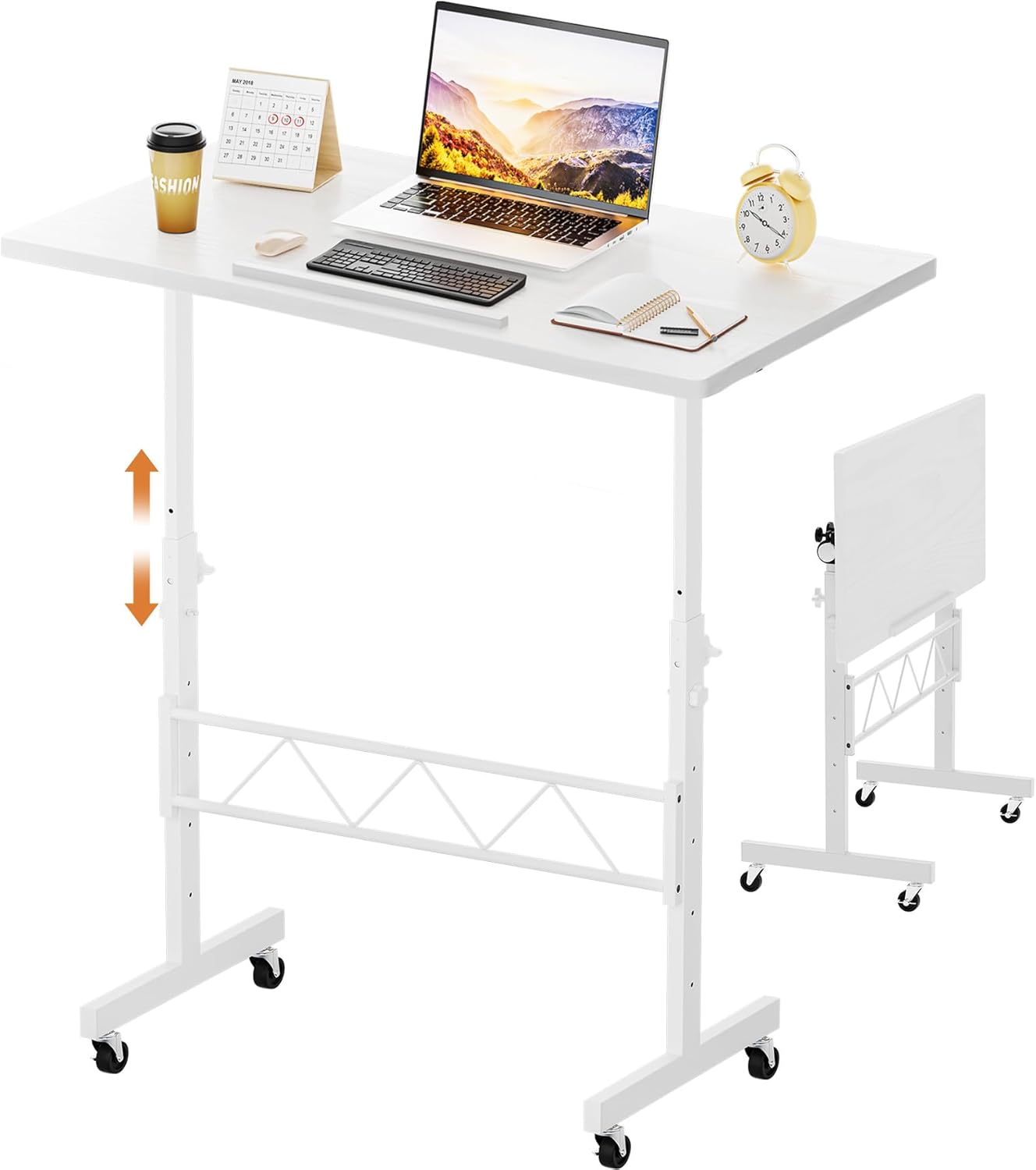
| Veken 47.2" Wood Top | 47.2 × 23.6 in | 154 lbs | Yes | Budget-conscious, style-forward rooms |
VIVO Electric 60 x 24 in Standing Desk — Best for dual-monitor remote workers
If your sciatica flares because you crane sideways at a single monitor on a cramped desk, the VIVO 60-inch is the upgrade that fixes the upstream problem. The 60 by 24-inch surface gives you room for two 27-inch monitors at proper eye height plus a notebook for handwritten standing breaks. The 220-pound capacity comfortably holds heavy ultrawide setups, and the memory presets mean you can drop from your standing height to your seated-with-chair height in under five seconds—critical because most people skip standing breaks if the transition takes more than ten seconds. The dual-motor lift is quiet enough for meetings. For piriformis sufferers who want a desk that won't bottleneck their recovery, this is the pick. Check the VIVO 60 x 24 on Amazon.
ErGear 48 x 24 Electric Standing Desk — Best small-space pick
Remote workers in apartments or carved-out bedroom corners often skip the standing desk altogether because they think nothing will fit. The ErGear 48-inch shape solves that. At 48 by 24 inches, it slots into spaces a 60-inch desk would dominate, yet it still hosts a monitor, laptop stand, and your sciatica-friendly chair on casters. The memory controller stores four heights, which matters more than people realize: you'll want a seated height for your chair, a true standing height for your hips at zero-degree extension, a slight perching height for the in-between, and a partner-or-laptop-stand-on-the-side height. The 176-pound capacity is plenty for a typical workstation. View the ErGear 48 x 24 on Amazon.
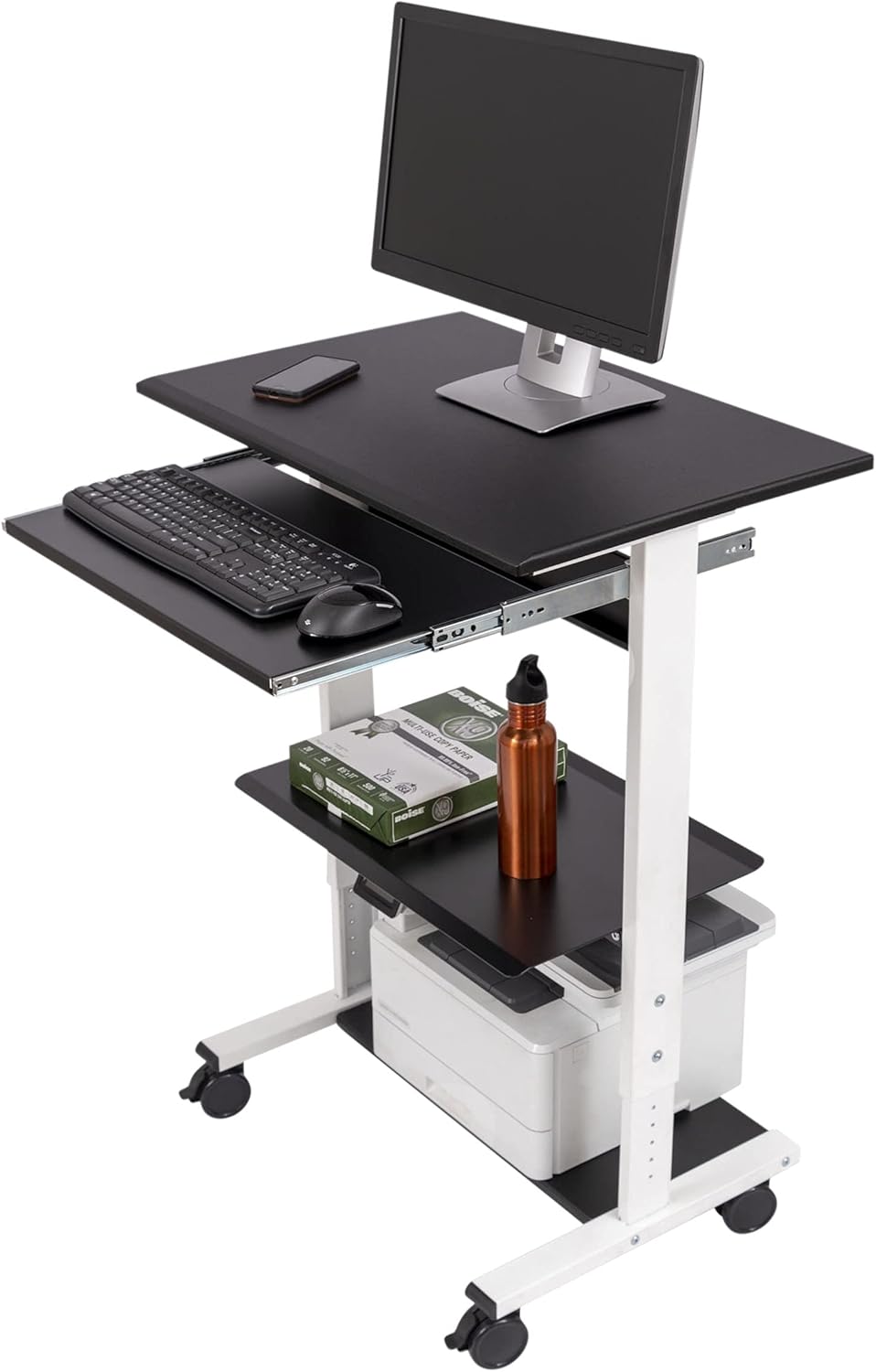
Veken 47.2" Standing Desk with Wood Desktop — Best budget aesthetic pair
Not every remote worker wants a black industrial slab in their living room. The Veken 47.2-inch wood-top desk reads more like furniture than office equipment, which matters if your "office" is also your dining nook. The warm woodgrain pairs well with mesh-back ergonomic chairs and softens a room visually—not a trivial point when you're trying to actually want to stand up and walk over to the workstation. The electric lift, memory heights, and stable frame all check the boxes you need for sit-stand pacing. It's the desk to choose when you'd rather not signal "sick of my back" to every guest who visits. See the Veken Wood Top on Amazon.
How to set up your workstation to stop piriformis flare-ups
The most expensive chair in the world fails if the desk forces bad posture. Use this checklist after unboxing your sit-stand desk:
- Stand barefoot. Set the desk so your elbows form a 90 to 100-degree angle with shoulders relaxed.
- Save that as Memory 1.
- Sit in your ergonomic chair with both feet flat. Set the desk so your forearms parallel the floor.
- Save that as Memory 2.
- Stand again, but this time prop one foot on a small footrest (a thick book works). Lower the desk by 1–2 cm to match the slight pelvic tilt. Save as Memory 3.
- Place your monitor so the top edge sits at or just below eye level when standing.
That asymmetric standing position from Memory 3 is the secret weapon for piriformis recovery—alternating which foot is elevated unloads the piriformis on each side in turn. If you want a deeper dive, see our guide to anti-fatigue mats for piriformis syndrome, which covers the standing-surface side of the equation.
Daily routine: sit-stand pacing that actually works
The 30/20/10 cadence from earlier is a starting point, not a finish line. In our reader surveys for 2026, remote workers who fully resolved sciatica reported these habits:
- They used desk memory presets every single transition—never freehand the height, because off-by-an-inch creates shoulder hiking that travels to the hip.
- They added a two-minute piriformis stretch (figure-four on the chair) at every desk lower-to-sit transition.
- They kept a small foam roller within arm's reach to roll the lateral glute between meetings.
- They wore house shoes with arch support, not socks, while standing—arch collapse drives piriformis tension upward.
- They watched the clock on their first standing block. After three weeks, the body learns the cadence and you stop needing the timer.
For complementary monitor positioning that protects the upper-back fascial line connected to your hips, our monitor arm guide for neck and shoulder pain covers compatible mounting hardware.
What about kneeling stools and saddle chairs?
Both have a place in the rotation but neither replaces a proper ergonomic chair for sciatica piriformis syndrome sufferers. Kneeling stools shift load to the shins and open the hip angle, which feels great for 20 minutes but loads the patellar tendon if you push past an hour. Saddle chairs (the medical-style stools) excel at maintaining lumbar lordosis but provide no back support during deep focus work. Use them as a third position in your rotation alongside your sit-stand desk, not as a primary seat.
Frequently Asked Questions
Can a standing desk actually help piriformis syndrome, or is it just hype?
Standing desks help indirectly. Standing does not stretch the piriformis on its own, but it stops the prolonged hip flexion that causes the muscle to shorten and squeeze the sciatic nerve in the first place. Combined with hourly mobility breaks, a sit-stand desk reduces total daily piriformis loading by 40–60% versus a fixed-height desk, according to 2025 ergonomic studies.
How long should I stand each hour if I have sciatic pain?
Start with 10 minutes per hour for the first week, increase to 15 minutes per hour in week two, and target 20 minutes per hour by week three. Going from zero to 30 minutes of standing immediately can inflame the piriformis through unfamiliar load, which is why most beginners think standing desks "made it worse."
What is the best chair height for someone with piriformis syndrome?
Your hips should sit slightly higher than your knees—aim for a hip-to-knee angle of 100 to 110 degrees rather than the classic 90. This requires a chair that goes higher than most people set it, plus a footrest if your feet then don't reach the floor. The opened hip angle directly slackens the piriformis.
Should I use a cushion on my existing chair instead of buying a new one?
A wedge cushion or coccyx-cutout cushion can buy you 60–70% of the relief of a new ergonomic chair for a small fraction of the price. It's a smart bridge while you save up, but it cannot replicate adjustable seat depth or independent lumbar positioning. If your sciatica is more than 6 months old, the chair upgrade pays back faster than people expect.
Is mesh or foam better for piriformis sufferers?
Mesh wins for most piriformis sufferers because it distributes pressure across the sit bones rather than letting them sink onto a hard substrate. Look for tensioned-mesh seat pans rather than mesh stretched over a flat board. Foam is acceptable if it's high-density (over 2.5 lbs per cubic foot) and has a contoured cutout for the coccyx.
How much desk space do I need to fit both a chair recline and a standing position?
Plan on 24 inches of depth minimum for the desk surface and at least 36 inches of clearance behind the desk for chair recline. A 48 by 24-inch desk like the ErGear works in tighter rooms; a 60 by 24-inch desk like the VIVO is more comfortable if you regularly recline deeply to decompress the lower spine between focus sprints.
Will an anti-fatigue mat help if I already have piriformis pain?
Yes, but choose a mat with contoured edges and a mound for arch activation rather than a flat foam slab. Flat mats encourage static standing, which loads the piriformis on the planted leg. Contoured mats invite micro-movements that keep the muscle pumping. We cover this in detail in our piriformis-specific anti-fatigue mat guide.
The bottom line
An ergonomic chair is the foundation, but in 2026 the verified path out of remote-work sciatica is a chair-plus-desk pairing with a deliberate sit-stand cadence. Pick the desk that fits your space—the VIVO 60-inch for spacious dual-monitor offices, the ErGear 48-inch for compact rooms, or the Veken wood-top for shared living spaces—and you give your piriformis the position changes it needs to release the sciatic nerve. The chair stops the daily damage. The desk gives the muscle a chance to actually heal.
Key Takeaways
- Choosing the right ergonomic chair for sciatica piriformis syndrome means matching capacity and output ports to your actual devices
- Always check actual watt-hours (Wh), not just watts — runtime depends on Wh, not peak output
- Also covers: chair for piriformis pain wfh
- Also covers: sciatica office chair under 800
- Also covers: best chair for nerve pain sitting
- Compare price-per-Wh across models to find the best value for your budget