Choosing the best ergonomic chair for scoliosis adults means looking past generic marketing claims toward chairs with asymmetric lumbar support — pads or zones that can be tuned independently on the left and right side of your spine. Adults with idiopathic, degenerative, or post-surgical scoliosis often deal with a thoracic curve on one side and a compensatory lumbar curve on the other, which makes a flat, symmetrical backrest actively counterproductive. In 2026, the smartest setup combines a chair with independently adjustable lumbar zones, a sit-stand desk so you can alternate postures throughout the day, and a monitor placed at eye level to keep your cervical spine neutral.
This guide explains exactly what asymmetric lumbar support is, what chair specifications matter for scoliosis, and which standing desks pair best with your ergonomic chair so you can break up sustained loading on the curved segments of your back. We also cover the small accessories — footrests, wedge cushions, monitor arms — that turn a good chair into a genuinely scoliosis-friendly workstation.
What makes a chair suitable for scoliosis adults?
Most ergonomic chairs are designed around a hypothetical "average" symmetrical spine. For someone with scoliosis, that assumption fails in three predictable places: the lumbar pad pushes the convex side further out, the seat pan tilts your pelvis in a way that exaggerates the curve, and the armrests force shoulder asymmetry. The best ergonomic chair for scoliosis adults solves all three problems with adjustability rather than a one-size-fits-all shell.



The non-negotiable features to look for are:
- Asymmetric or split lumbar support — two pads (or one pad with vertical and horizontal travel) so the convex side of your curve isn't being pushed further out of alignment.
- Independent armrest height, width, and pivot — your shoulder heights are almost certainly different.
- Seat pan with forward tilt — opens the hip angle and reduces lumbar flexion, which is critical if you have a flattened lumbar lordosis from scoliosis.
- Adjustable backrest recline tension — lets you periodically unload the spine without sliding out of the chair.
- Headrest with vertical and angle adjustment — your head usually sits slightly off-center; a fixed headrest will torque your neck.
Equally important is what you do around the chair. Recent biomechanics research on adult scoliosis consistently recommends position changes every 30–45 minutes. That's where a quality electric standing desk earns its place — it lets you shift loading patterns without having to leave your work.
Why pair your chair with a sit-stand desk?
Even the most perfectly fitted ergonomic chair becomes a problem if you sit in it for nine hours straight. Sustained compression on a scoliotic curve increases disc dehydration on the concave side and muscular fatigue on the convex side. A height-adjustable desk lets you transition to standing for 15–20 minutes every hour, which off-loads the lumbar discs and engages the postural musculature that scoliotic spines tend to under-recruit.
The three desks below are the most practical pairings for an asymmetric-lumbar chair in 2026 — they have memory presets (so you don't have to fiddle with heights when switching between sitting and standing), enough surface area for dual monitors plus a document holder, and motor specs strong enough to handle the equipment most home offices accumulate.
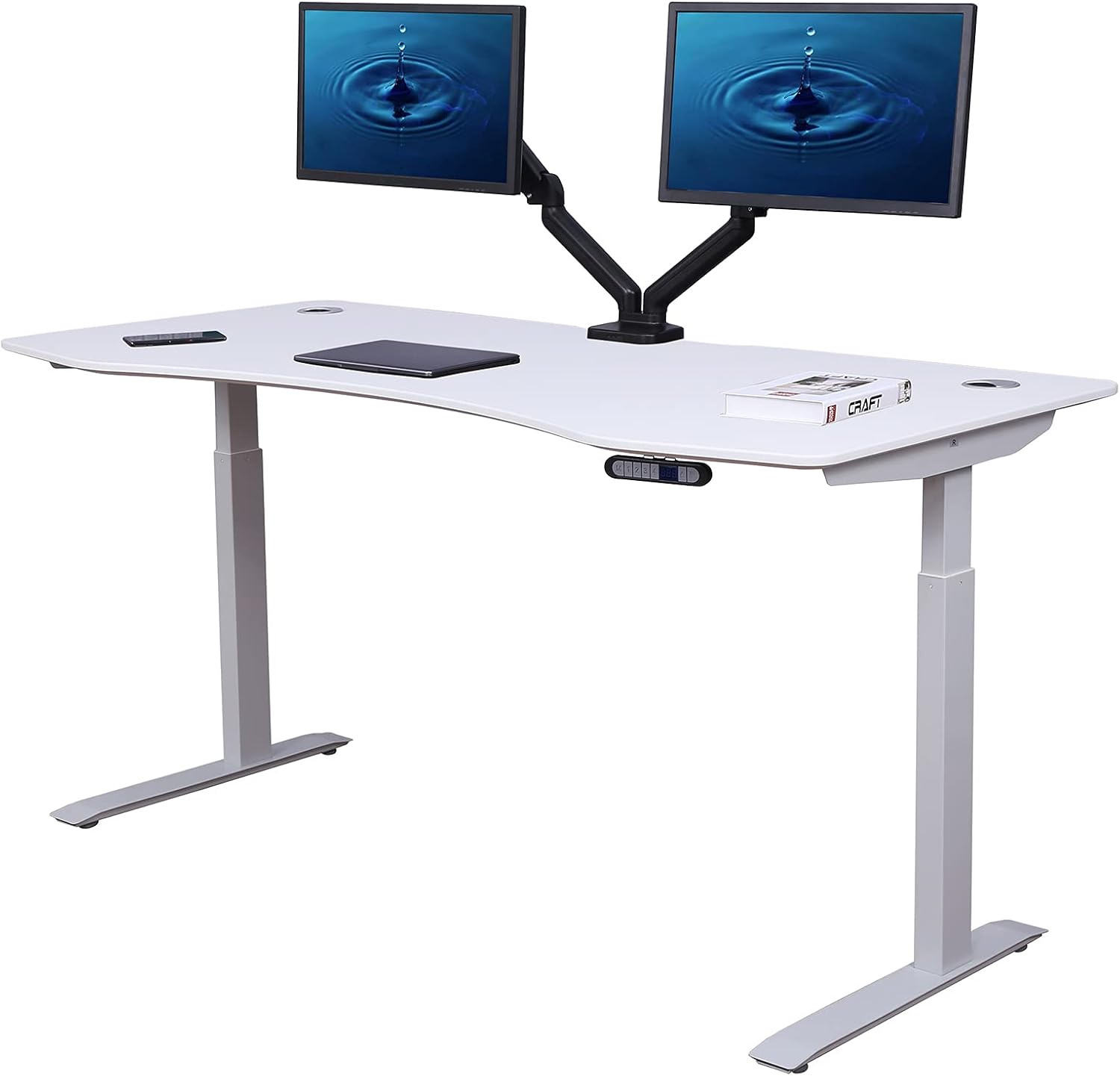
Best standing desks to pair with an ergonomic scoliosis chair (2026)
| Desk | Surface | Weight Capacity | Memory Presets | Best For |
|---|---|---|---|---|
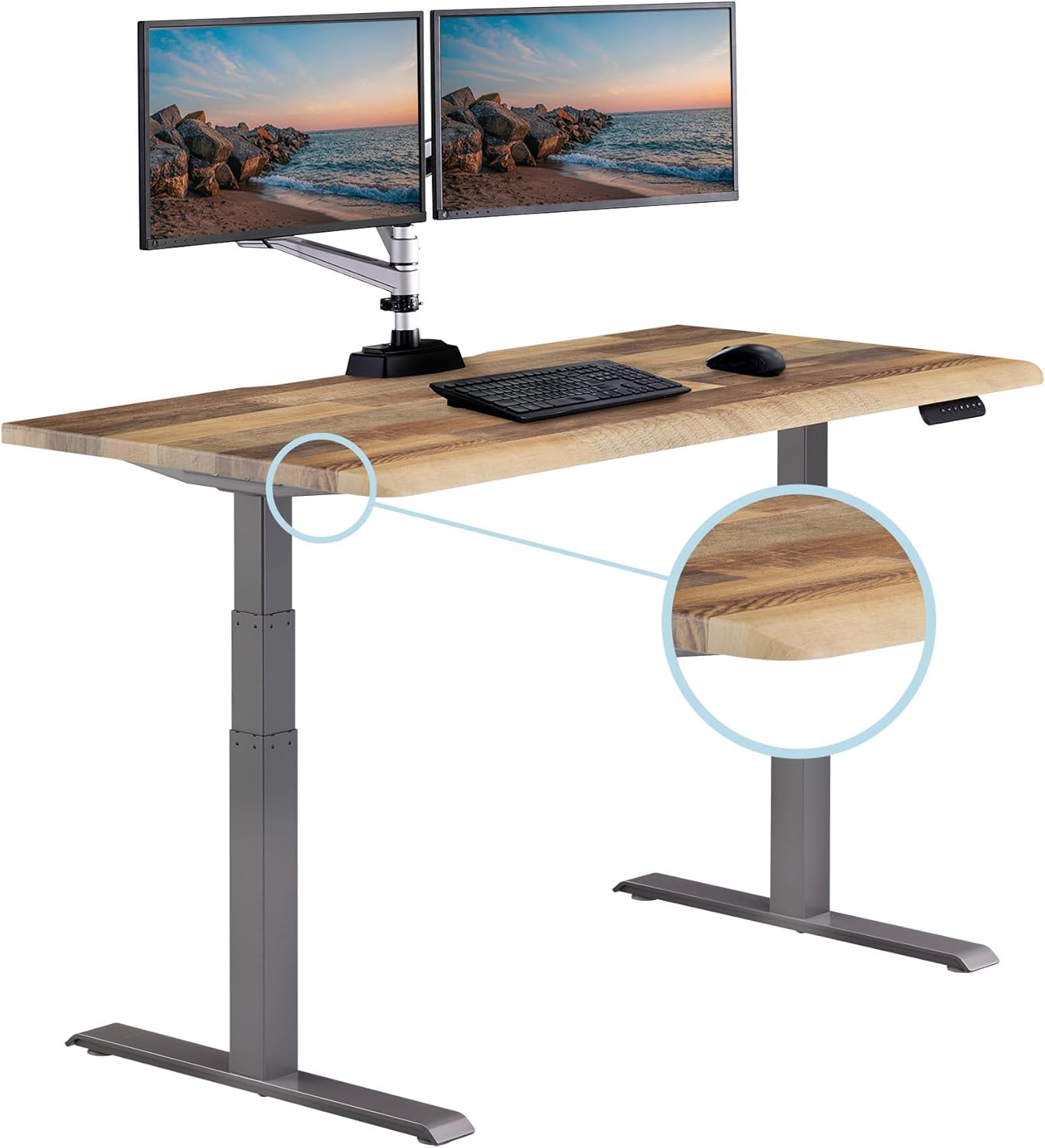
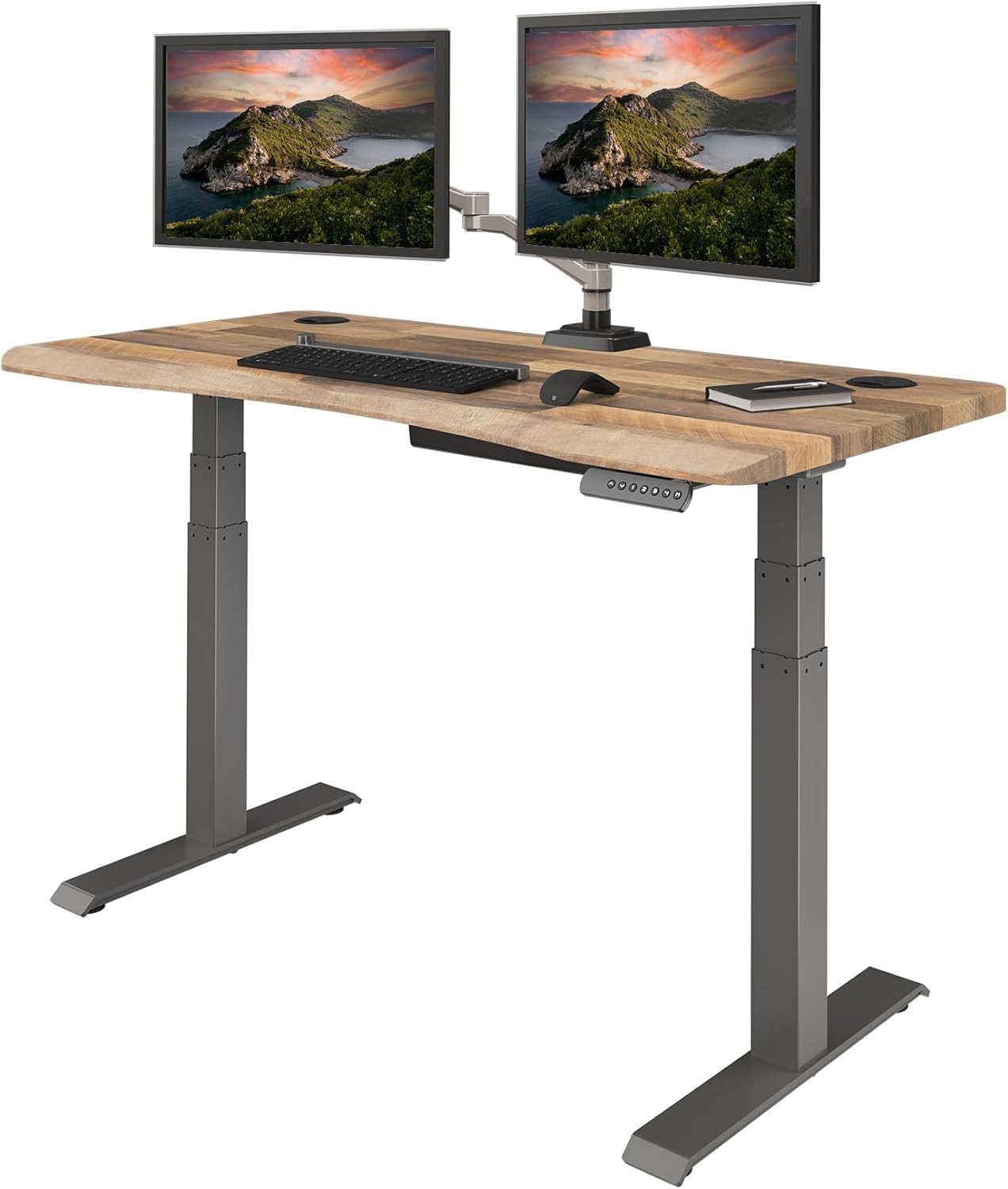
| VIVO Electric 60" x 24" | 60 x 24 in | 220 lbs | Yes | Dual-monitor scoliosis setups |
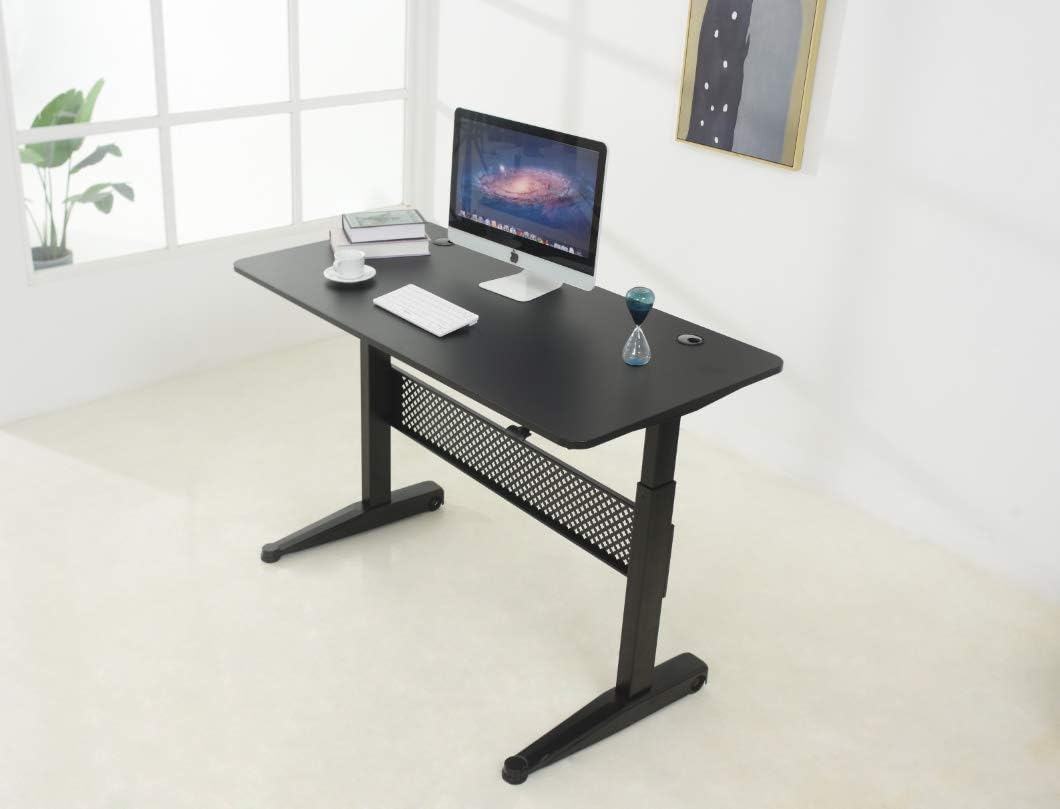
| Veken 47.2" Wood Top | 47.2 in wide | Standard | Yes | Smaller home offices, single monitor |
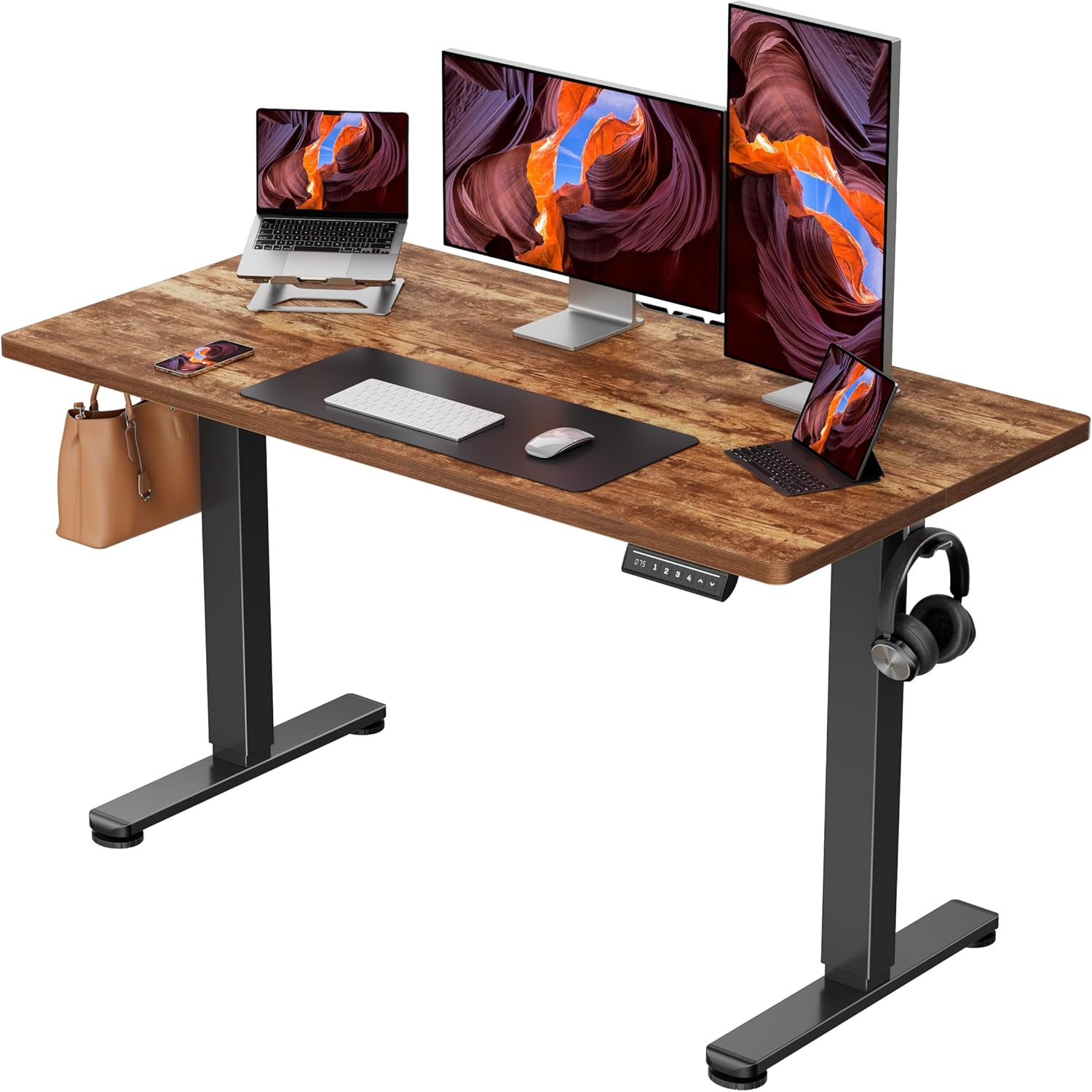
| ErGear 48" x 24" | 48 x 24 in | Standard | Yes | Budget-conscious ergonomic upgrades |
VIVO Electric 60 x 24 in Standing Desk — Best for Dual-Monitor Scoliosis Workstations
If your scoliosis chair has a wide, deep seat (which most asymmetric-lumbar chairs do, because they need real estate for split lumbar mechanisms), a narrow desk forces you to hunch forward to reach your keyboard. The VIVO Electric 60 x 24 in desk solves that with a generous 60-inch surface that gives you room for a center monitor, an offset second monitor, and a keyboard tray positioned directly in front of your sternum — important when your shoulders sit at different heights. The 220 lb weight capacity comfortably handles dual monitors on arms, a desktop tower, and a document holder, and the memory height adjustment means you can program your exact "sitting with chair" and "standing with anti-fatigue mat" heights so transitions take three seconds. Check current price on Amazon.
Veken 47.2" Standing Desk with Wood Desktop — Best for Compact Scoliosis-Friendly Offices
Smaller home offices and bedroom corners benefit from the Veken 47.2" Standing Desk, which keeps the footprint tight without sacrificing the height-adjustable mechanism that scoliosis adults need. The wood desktop is forgiving on forearms (a hard, cold edge presses into the ulnar nerve when one shoulder sits lower than the other, which is common with thoracic curves), and the desk's sturdy frame stays stable at standing height even when you lean on it during posture transitions. Pair it with a single-monitor arm so you can shift your screen laterally to compensate for any head tilt your scoliosis introduces. View on Amazon.
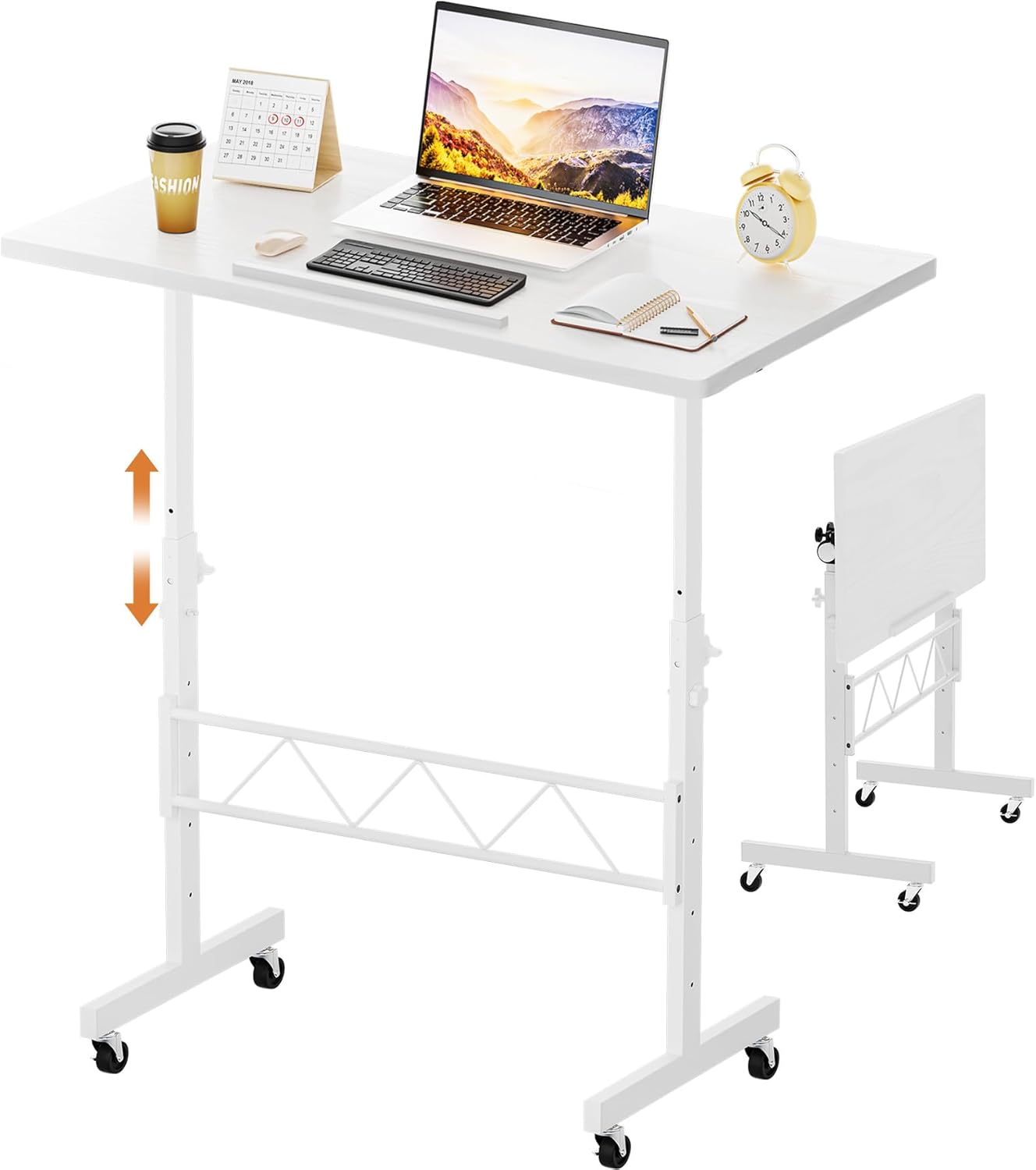
ErGear Height Adjustable Electric Standing Desk 48 x 24 — Best Budget Pick
For readers building an ergonomic setup on a budget — perhaps because the scoliosis chair itself already consumed most of the allowance — the ErGear 48 x 24 inch electric standing desk delivers the essentials at a much lower price than premium brands. The memory presets are the feature that matters most: scoliosis adults benefit dramatically from frequent, frictionless position changes, and any desk without programmable heights tends to stay locked at one setting because adjusting it feels like effort. The 48-inch width fits a single monitor plus a laptop side-by-side, which is the typical hybrid-work configuration. See pricing on Amazon.
How to dial in your scoliosis workstation
Once you've chosen your chair and desk, the setup process determines whether the equipment actually helps. Here's the sequence that works for most adults with scoliosis:
- Set seat height first. Feet flat on the floor, knees at 90 degrees or slightly below hips. If your legs are uneven (common with lumbar scoliosis and pelvic obliquity), use a small footrest under the shorter side rather than tilting the seat.
- Adjust the asymmetric lumbar pads. The pad on the concave side of your curve sits higher and slightly more forward; the pad on the convex side sits lower and recessed. If you don't know which side is which, ask your physical therapist or check your most recent X-ray report.
- Set armrest heights independently. Your shoulders almost certainly sit at different heights; matching the armrests to your actual shoulders (not to each other) prevents shrugging.
- Program your desk heights. Save your seated height and a standing height that puts your elbows at 90 degrees with relaxed shoulders. For most adults that's elbow-height minus about half an inch.
- Position the monitor. Top of the screen at or just below eye level when seated. When standing, the same position usually still works — small head-tilt compensations from scoliosis make a monitor arm worthwhile.
For more detail on each step, see our guide to setting up a sit-stand desk for back pain and our breakdown of aftermarket asymmetric lumbar cushions that can upgrade chairs you already own.
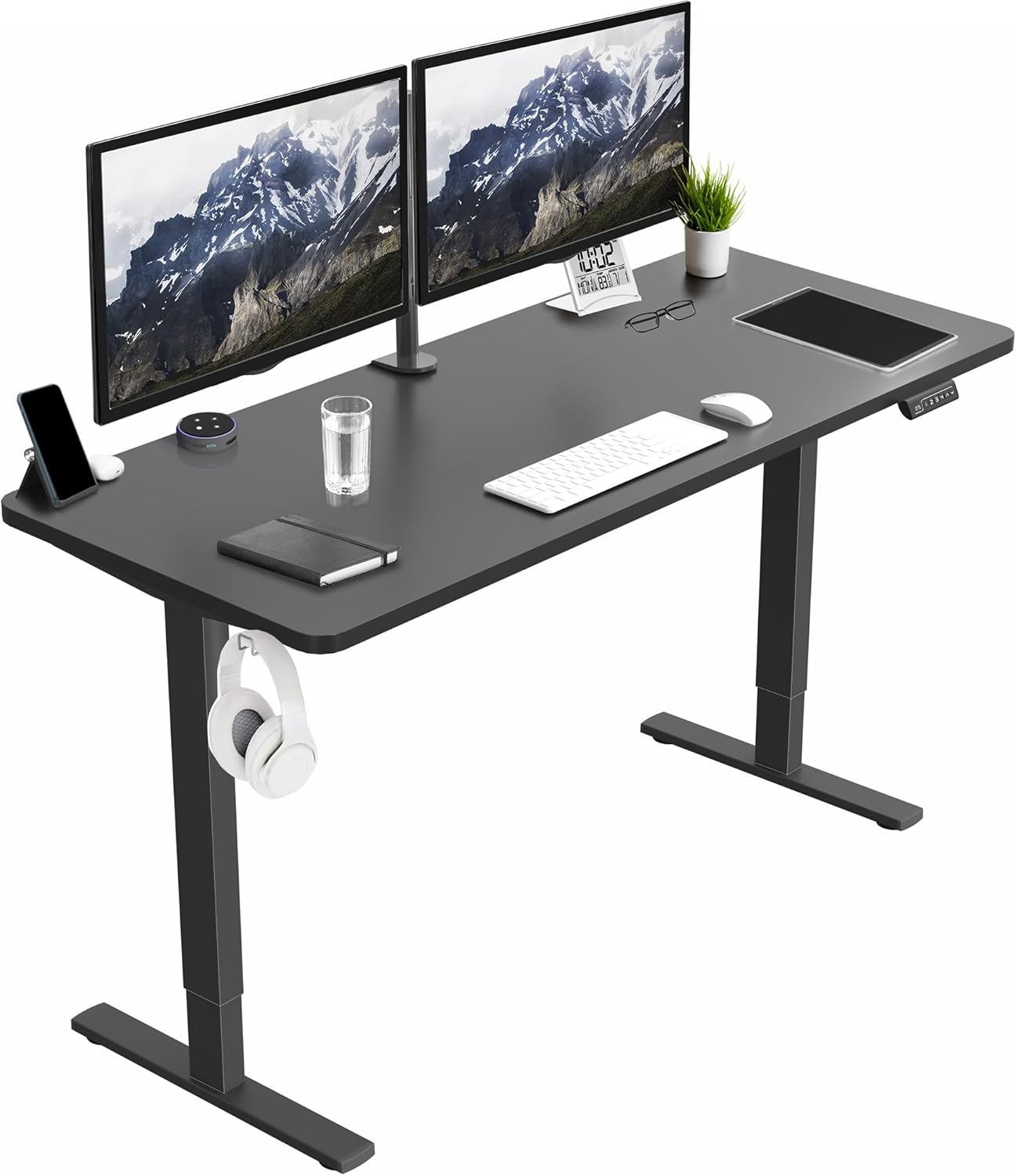
Accessories that make a meaningful difference
Beyond the chair and desk, three accessories punch well above their weight for scoliosis adults:
- Anti-fatigue mat with terrain features — flat mats encourage you to stand still; mats with raised edges and massage points encourage micro-movements that reduce static loading.
- Single or dual monitor arm — lets you reposition the screen laterally rather than turning your head, which is critical if your thoracic curve produces a slight head tilt.
- Adjustable footrest — a wedge with independent left/right height adjustment compensates for leg-length discrepancy without distorting the pelvis.
Our guide to ergonomic accessories for back pain covers specific picks for each.
Frequently Asked Questions
What kind of lumbar support is best for adults with scoliosis?
Asymmetric lumbar support — meaning two independent pads or a pad with both vertical and horizontal adjustment — is widely considered the best choice for adults with scoliosis. The pad on the concave side of your curve should sit slightly higher and more forward, while the convex side should be recessed. Symmetrical lumbar supports can actively worsen muscular imbalance by pushing the already-prominent convex side further outward.
Can a standing desk help with scoliosis pain?
Yes, in the sense that alternating between sitting and standing breaks up sustained loading on the curved segments of your spine. Standing for 15–20 minutes every hour reduces disc compression on the concave side and recruits postural muscles that tend to be under-active in scoliotic spines. Standing all day is not the goal — frequent position changes are.
Should adults with scoliosis use a kneeling chair or a saddle chair instead?
Most adults with scoliosis do better with a conventional ergonomic chair that has asymmetric lumbar support than with a kneeling or saddle chair. Kneeling chairs lock the pelvis in a fixed forward tilt that can aggravate lumbar curves, and saddle chairs eliminate back support entirely. A saddle stool can be useful for short stints at a standing desk in the "perching" zone, but shouldn't replace your primary chair.
How long should someone with scoliosis sit before standing up?
The current consensus from spine specialists is roughly 30–45 minutes of sitting followed by 15–20 minutes of standing or walking. Some adults with more severe curves do better with shorter intervals — 20 minutes sitting, 10 minutes standing. The right interval is the one short enough that you don't feel pain or stiffness when you change positions.
Do I need a custom chair or will an off-the-shelf ergonomic chair work for scoliosis?
For mild to moderate adult scoliosis (Cobb angle under about 40 degrees), a high-quality off-the-shelf chair with asymmetric lumbar adjustment, independent armrests, and a forward-tilt seat will usually meet your needs. Above 40 degrees, post-surgical fusions, or curves with significant rotational components benefit from a chair fitting with an occupational therapist, who may recommend custom modifications to a commercial chair rather than starting from scratch.
What desk height should I use if I have scoliosis with leg-length discrepancy?
Set your seated desk height based on your shorter leg with a footrest under the longer side to even out the pelvis — not the other way around. For standing height, measure with your weight distributed evenly between both feet (use a mat that lets you shift weight comfortably). Memory presets matter more than usual here because there's no "compromise" height that works for both legs.
Are mesh-back chairs or padded chairs better for scoliosis?
Mesh is generally preferable for scoliosis adults because it conforms slightly to spinal asymmetry rather than pushing back against the high side of the curve. Padded chairs can work if the padding is firm enough not to bottom out under uneven pressure, but cheap foam packs down quickly and creates a hollow on the side that bears more weight — which is the opposite of what you want.
Key Takeaways
- Choosing the right best ergonomic chair for scoliosis adults means matching capacity and output ports to your actual devices
- Always check actual watt-hours (Wh), not just watts — runtime depends on Wh, not peak output
- Also covers: scoliosis office chair work from home
- Also covers: asymmetric lumbar chair
- Also covers: chair for s-curve spine
- Compare price-per-Wh across models to find the best value for your budget