If you're searching for the best ergonomic keyboard for cubital tunnel syndrome and persistent elbow nerve pain, the short answer is this: you want a fully split keyboard with adjustable tenting (10–20 degrees), a negative tilt (front edge higher than the back), no number pad on the right, and low-force key switches. Those four features keep your forearms shoulder-width apart, your wrists straight, and — most importantly — your elbows flexed at less than 90 degrees, which is the single biggest factor in calming an irritated ulnar nerve at the elbow. Pair that keyboard with a height-adjustable desk so your elbow angle stays open, and you've addressed the mechanical root cause of the pain.
Why a regular keyboard makes cubital tunnel worse
Cubital tunnel syndrome is compression of the ulnar nerve as it passes behind the medial epicondyle — the bony bump on the inside of your elbow. The nerve stretches and flattens whenever your elbow bends past 90 degrees, and it gets compressed against the desk whenever you rest your elbow on a hard edge. A traditional flat keyboard forces three problems at once: your forearms pronate (palms forced down), your wrists deviate outward (pinky-side bend), and your elbows often flare wider than your shoulders and stay deeply flexed. Add a number pad on the right side and your mouse hand drifts even further out, twisting the shoulder and locking the elbow at an aggressive angle for eight hours a day.



The right ergonomic keyboard for cubital tunnel syndrome reverses each of those problems. A split design lets you place the two halves directly under your shoulders. Tenting rotates the halves so your palms face each other slightly, which un-pronates the forearm and relaxes the cubital tunnel. A negative tilt or flat-zero tilt keeps the wrist neutral. And removing the number pad pulls your mouse closer to your body so the right elbow stops flaring.
The five features that actually matter
1. True split (not just a curved one-piece)
A one-piece "ergonomic" keyboard with a fixed gap is better than nothing, but a fully split keyboard with two separate halves is dramatically better because you can match your exact shoulder width. People with narrow shoulders end up with their elbows pinched inward on most one-piece designs.
2. Adjustable tenting between 10° and 20°
Tenting is the angle that raises the inside edges of each half. Studies on forearm pronation consistently show 10–15 degrees is the sweet spot for most users. Higher tenting (20–30°) feels more dramatic but can over-rotate the wrist if you don't also raise your chair.
3. Negative or zero tilt
Skip the little flip-out feet on the back of the keyboard. Those create a positive tilt that bends the wrist upward (extension) and increases pressure on every nerve in the arm, the ulnar included.
4. Light, low-travel switches
Heavy mechanical switches force more finger flexion, which means more forearm muscle activation and — indirectly — more cubital tunnel irritation. Look for 35–45g actuation force or quiet membrane.
5. No right-side number pad
A tenkeyless (TKL) or 60% layout lets your mouse sit directly to the right of the keyboard, keeping that elbow tucked.
Why your desk matters as much as your keyboard
Here's the part most cubital tunnel articles miss: the best keyboard in the world cannot fix elbow flexion if your desk is the wrong height. The ulnar nerve compresses sharply when your elbow bends past 90 degrees. If your desk is too high — which nearly every standard 29-inch desk is for users under 5'10" — your elbows are forced into deep flexion all day. A height-adjustable standing desk lets you drop the surface until your forearms can rest parallel to the floor with the elbows at 100–110 degrees (slightly open), which is the position physiatrists specifically recommend for cubital tunnel recovery.
It also lets you alternate between sitting and standing. Standing naturally opens the elbow angle further because most people let their arms hang lower when upright, taking even more pressure off the ulnar nerve.
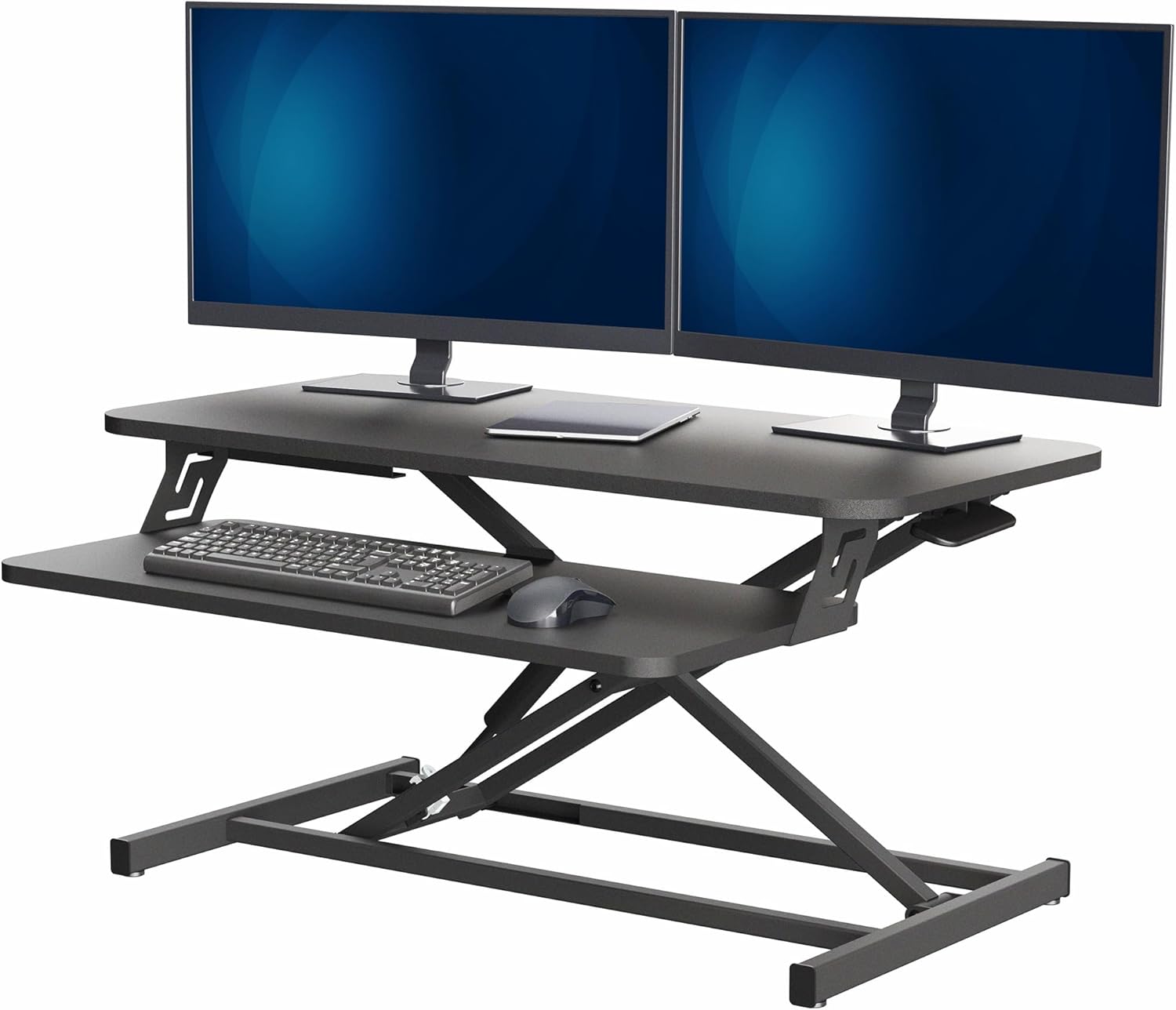
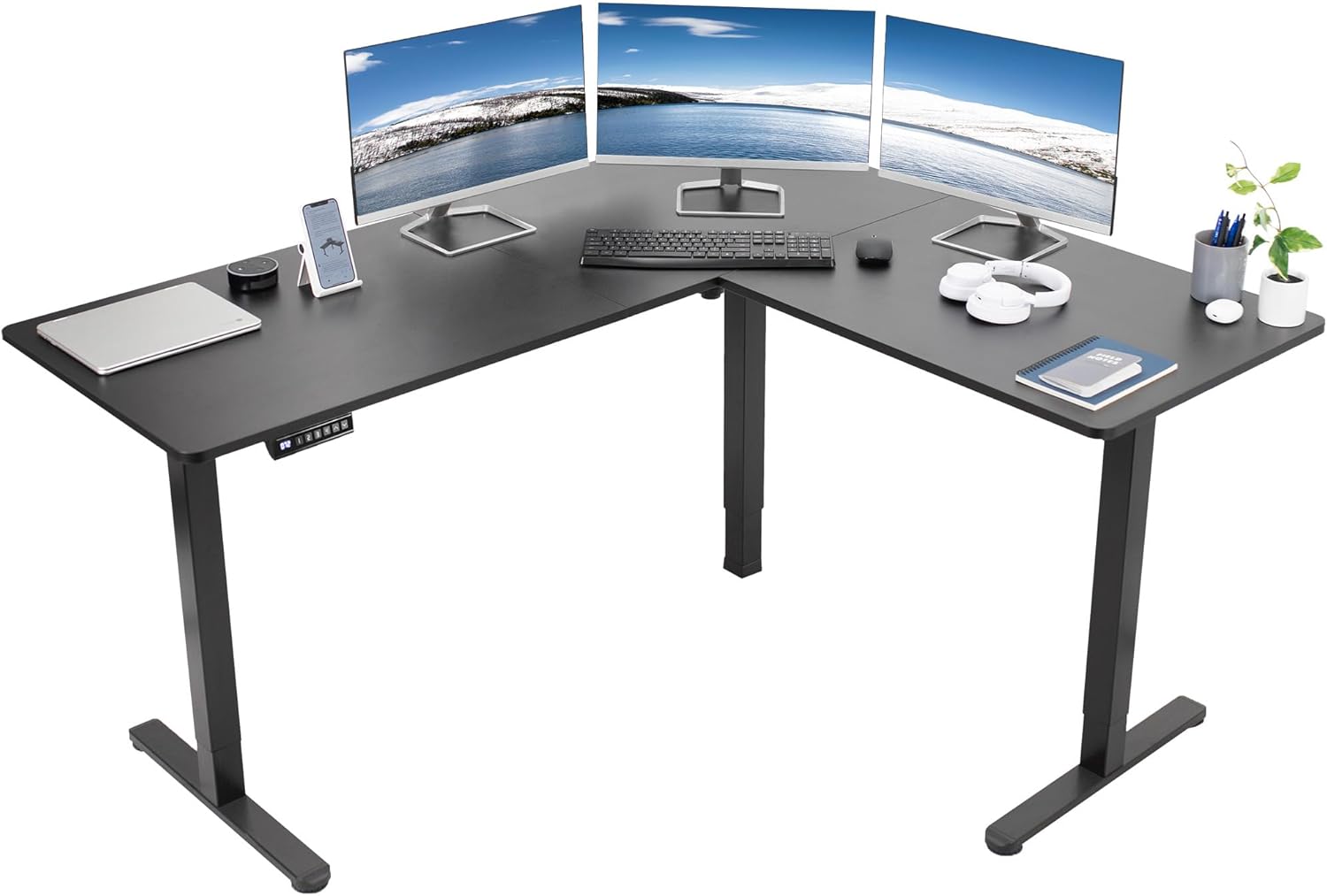
Comparison: best height-adjustable desks to pair with your ergonomic keyboard
| Desk | Surface size | Height range | Weight capacity | Memory presets | Best for |
|---|---|---|---|---|---|
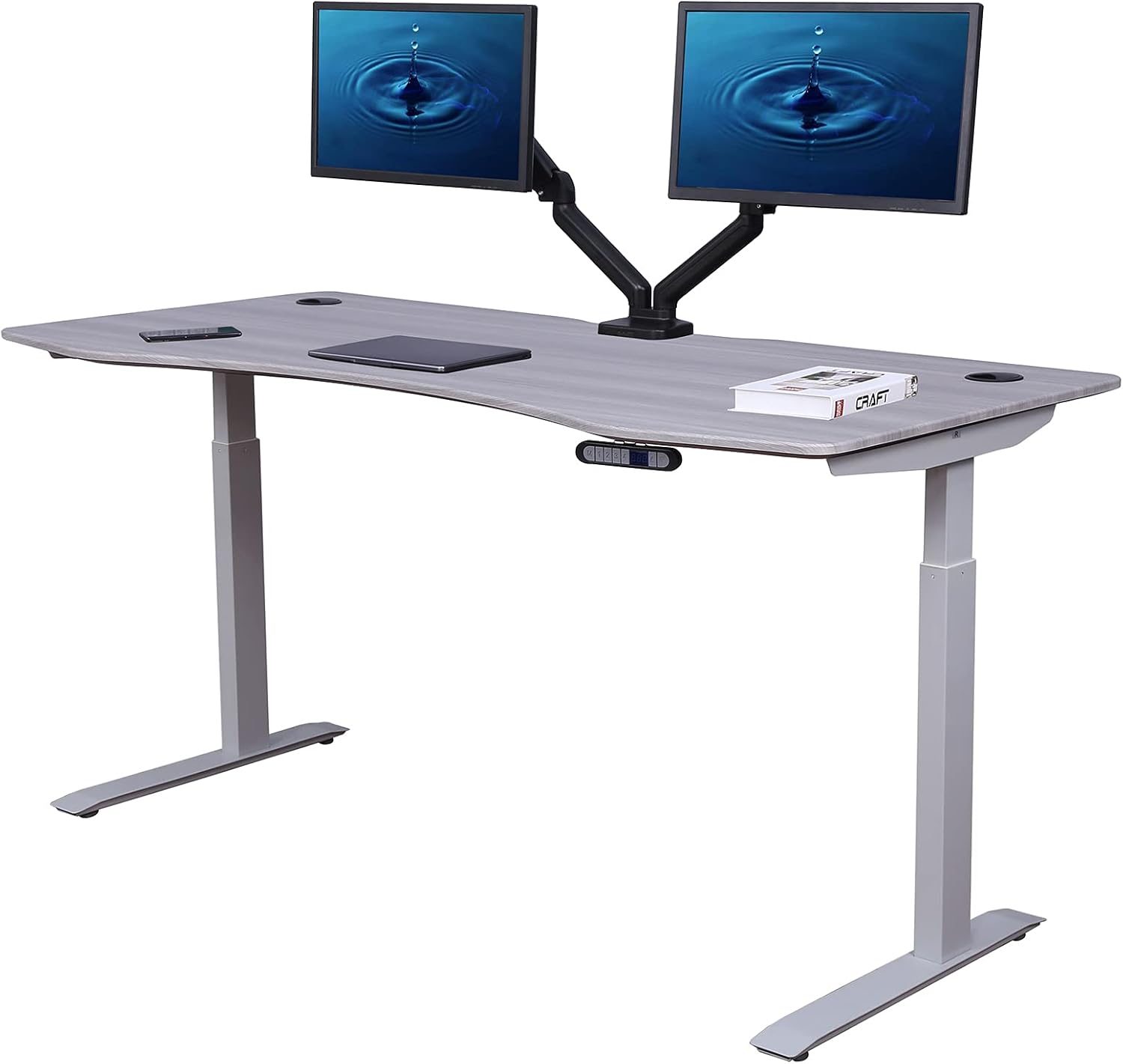
| VIVO Electric 60 x 24 | 60" x 24" | Wide electric range | 220 lbs | Yes | Dual-monitor setups + split keyboard |
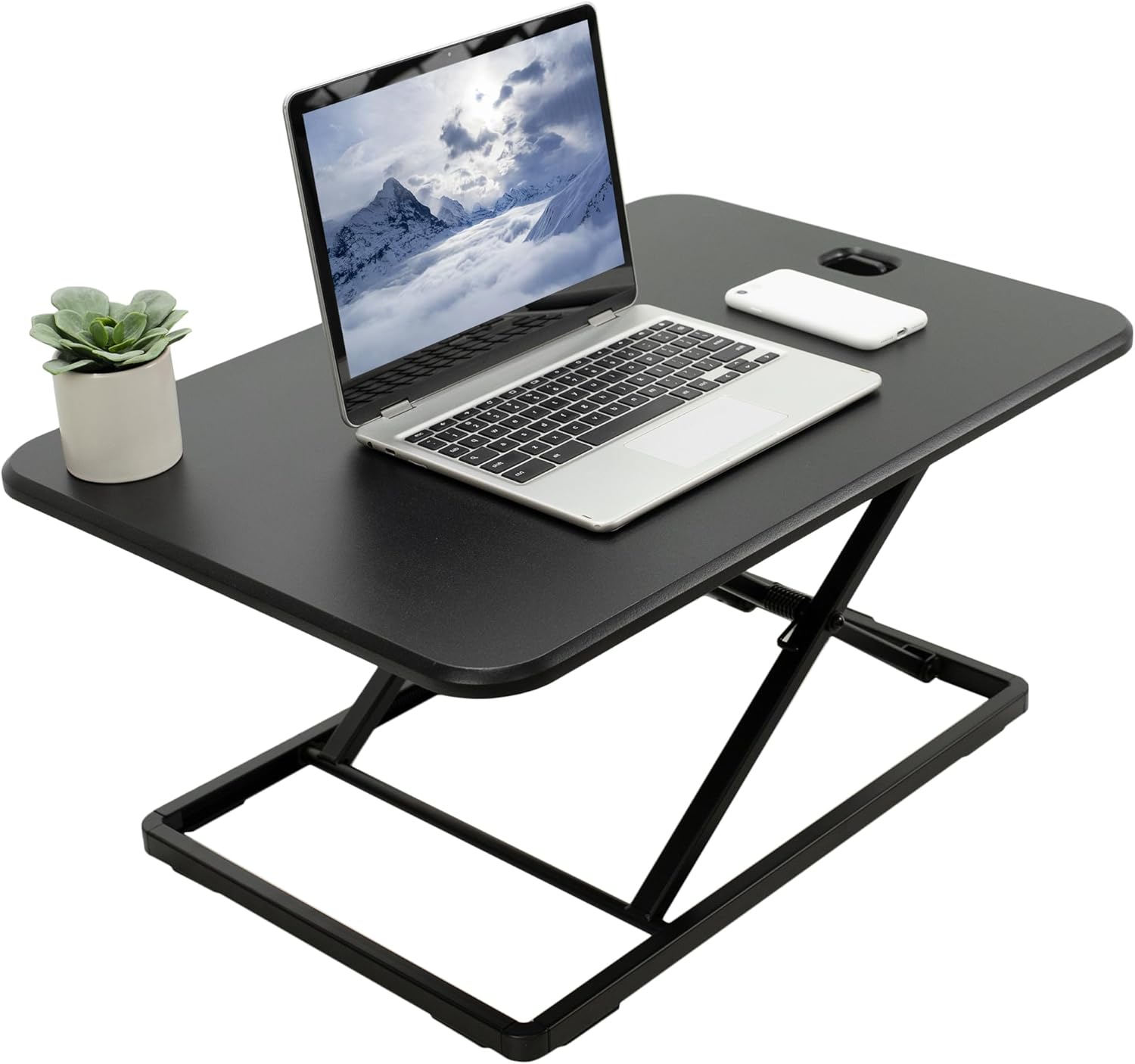
| ErGear 48 x 24 Electric | 48" x 24" | Full sit-stand | Heavy-duty | Yes | Compact rooms, single monitor |
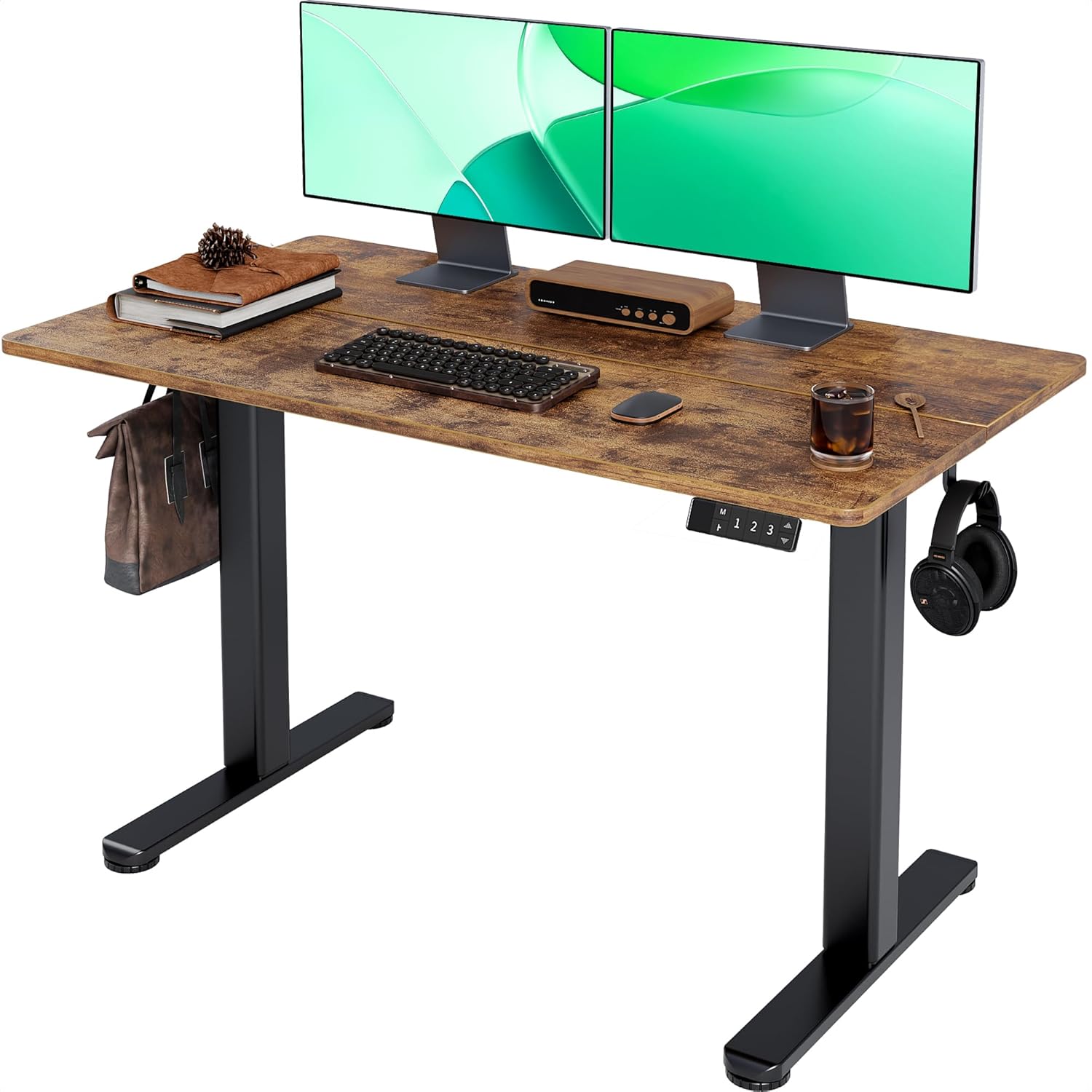
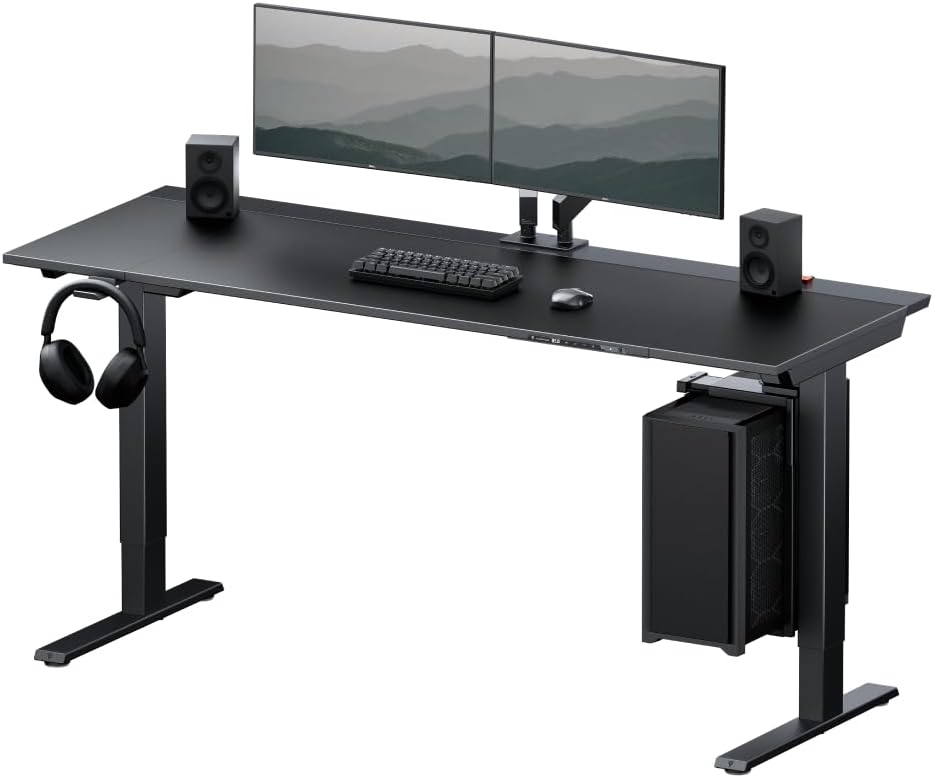
| Veken 47.2" Wood-top | 47.2" deep | Adjustable | Standard office | Yes | Warm aesthetic, lighter typing setups |
Best overall pairing: VIVO Electric 60 x 24 in Standing Desk
For anyone running a split ergonomic keyboard, the 60-inch wide surface of the VIVO Electric 60 x 24 Standing Desk is the most forgiving choice. A split keyboard takes up more horizontal real estate than a traditional one, and once you add a mouse and a palm rest you've eaten through the depth of a smaller desk fast. The 60" x 24" surface gives you room to position each keyboard half directly under your shoulder — the whole point of going split for cubital tunnel relief — without your mouse ending up at the edge of the desk. Four memory presets let you save a precise "elbow-at-100-degrees" sitting height, a standing height, and two more for breaks. The 220 lb weight capacity handles dual monitors, a docking station, and a wrist-friendly keyboard tray if you decide to add one later.
Best compact pick: ErGear 48 x 24 Electric Standing Desk
If you're working in a smaller home office or apartment, the ErGear 48 x 24 Electric Standing Desk still gives you enough depth (24 inches) to place a split keyboard with a proper negative-tilt position and keep your monitor at a healthy arm's-length distance. The memory height adjustment is the critical feature here — cubital tunnel patients should be repositioning the desk multiple times per day to break up sustained elbow flexion, and a single-button preset makes that habit stick. For most users between 5'4" and 6'2", this desk drops low enough to keep the typing surface below standard desk height, which is exactly what you want when the goal is keeping the elbow angle open.
Best for aesthetics + ergonomics: Veken 47.2" Wood-Top Standing Desk
The Veken 47.2" Standing Desk with Wood Desktop trades a little capacity for a warmer look, which matters more than people admit — if your workstation feels like a clinical recovery setup you'll abandon the ergonomic habits within weeks. The wood top is also genuinely useful for people sensitive to elbow contact: it's a softer touch than melamine, so on the rare moment you do rest a forearm on the desk edge there's less direct pressure on the ulnar groove. Pair it with a split keyboard and a wrist-neutral mouse and you've got a setup that looks like a normal home office but is doing real ergonomic work behind the scenes.
How to set up your keyboard once it arrives
Buying the right gear is only half the job. Use this sequence on day one:
- Sit in your chair with shoulders relaxed and elbows hanging straight down.
- Drop the desk until your forearms rest parallel to the floor with elbows at 100–110 degrees (slightly open, not bent past 90).
- Place the two halves of your split keyboard directly under each shoulder.
- Tent each half to 10 degrees and lock it in.
- Tilt the front edge of each half slightly higher than the back (negative tilt).
- Move your mouse so its center is no more than 2 inches to the right of the right keyboard half.
- Set a timer to alternate sit/stand every 30–45 minutes.
For more on dialing in the rest of your workstation, see our guides to choosing a monitor arm for neck pain, picking a vertical mouse for elbow pain, and the best standing desk mats for back pain.
Habits that matter as much as the keyboard
An ergonomic keyboard for cubital tunnel syndrome reduces nerve irritation only if you also stop doing the things that aggravate it off-keyboard. Avoid sleeping with your elbow bent (most people compress the ulnar nerve all night). Don't rest your elbow on the car door, armrest, or desk edge. Take a five-minute typing break every 30 minutes and gently extend the elbow fully during that break. If your symptoms include numbness in the ring and pinky fingers that wakes you at night, talk to a hand specialist — a keyboard helps, but it doesn't replace a medical workup.
Frequently Asked Questions
Does a split keyboard really help cubital tunnel syndrome?
Yes, for two specific reasons. First, separating the halves lets your elbows tuck closer to your body rather than flaring outward, which reduces the angle the ulnar nerve has to bend around. Second, tenting un-pronates the forearm, which reduces tension on the nerve as it crosses the elbow. The combination typically drops symptoms within two to four weeks if your desk height is also corrected.
What's the difference between cubital tunnel and carpal tunnel keyboards?
Carpal tunnel involves the median nerve at the wrist, so wrist-focused features (negative tilt, palm rest, low key force) dominate the recommendation. Cubital tunnel involves the ulnar nerve at the elbow, so the dominant features are split width and tenting — things that change your forearm and elbow position, not just your wrist. The good news: a well-designed ergonomic keyboard usually addresses both at once.
Should I get a tented keyboard or a flat one if I have elbow nerve pain?
Tented, almost always. A flat keyboard forces forearm pronation, which subtly tightens the soft tissues around the cubital tunnel. Even 10 degrees of tenting noticeably reduces that tension. The exception is if you have a coexisting shoulder issue that makes tenting uncomfortable — in that case, start at 5 degrees and work up.
Can a standing desk alone fix cubital tunnel pain?
Not alone, but it's often the missing piece. A desk that's too high keeps your elbows bent past 90 degrees no matter how good your keyboard is. A height-adjustable desk lets you set the surface low enough to keep the elbow open at 100–110 degrees, which is the position that lets the ulnar nerve glide freely. Combine the desk fix with a split keyboard and you address both the cause and the daily aggravation.
How long until an ergonomic keyboard relieves cubital tunnel symptoms?
Most users notice less evening tingling within one to two weeks and a meaningful reduction in numbness within four to eight weeks, assuming they've also corrected sleep position and elbow-resting habits. If you see no improvement after eight weeks of consistent use, the compression may be severe enough to need a clinical evaluation.
Is a mechanical keyboard or membrane keyboard better for elbow nerve pain?
The switch type matters less than the actuation force. Look for switches under 45 grams of force, regardless of mechanical or membrane. Heavier switches require more finger flexion, which loads the forearm flexor muscles and indirectly tightens the cubital tunnel. Light tactile switches (like reds, browns at low weights, or soft membrane) are the safest bet.
Do wrist rests help or hurt cubital tunnel syndrome?
A soft palm rest in front of the keyboard is fine and can help maintain neutral wrist position. What hurts is resting your elbow on the desk — either the bare desk surface or an armrest with a hard edge. The ulnar nerve sits right at the surface behind the elbow bump, and direct pressure there will undo all the work your ergonomic keyboard is doing. If you use chair armrests, pad them generously or lower them so your forearms float.
Key Takeaways
- Choosing the right ergonomic keyboard for cubital tunnel syndrome means matching capacity and output ports to your actual devices
- Always check actual watt-hours (Wh), not just watts — runtime depends on Wh, not peak output
- Also covers: keyboard for elbow nerve pain
- Also covers: cubital tunnel split keyboard
- Also covers: keyboard for ulnar nerve pain
- Compare price-per-Wh across models to find the best value for your budget