The best ergonomic keyboard for de quervains tenosynovitis is one that eliminates thumb abduction, reduces keystroke force, and lets your wrists rest in a neutral, slightly tented position. For thumb-pain sufferers, that almost always means a split mechanical keyboard with low-actuation switches (35-45g), a column-staggered or ortholinear layout, and a programmable layer that moves the spacebar away from the inflamed abductor pollicis longus tendon. Pair that keyboard with a properly height-adjusted standing desk and a vertical mouse, and most users report meaningful relief inside three to six weeks. This 2026 guide breaks down the features that matter and the workspace foundation you need around the keyboard.
Why a Regular Keyboard Makes De Quervain's Worse
De Quervain's tenosynovitis inflames the tendons on the thumb side of the wrist, specifically the abductor pollicis longus and extensor pollicis brevis as they pass through the first dorsal compartment. Every time you stretch your thumb downward to hit a standard spacebar, you load those exact tendons. Multiply that by 8,000 keystrokes a day and you have a repetitive strain injury that simply will not heal while you keep typing on a conventional flat keyboard.



A standard rectangular keyboard forces three biomechanical problems: ulnar deviation (wrists angled outward toward the pinkies), pronation (palms flat on the desk), and thumb abduction (thumb stretched downward and outward to reach the space bar). All three are direct provocations for the inflamed tendons. The right ergonomic keyboard for de quervains solves all three at once.
Key Features That Actually Help Thumb Pain
Split Design With Adjustable Tenting
A split keyboard separates the left and right halves so each hand can sit at shoulder width with the wrists straight. Adjustable tenting (10-30 degrees) rotates the palms toward each other, reducing pronation and offloading the radial wrist tendons. Look for tripod-mountable halves if you need aggressive tenting above 20 degrees.
Column-Staggered or Ortholinear Layout
Standard row-staggered keyboards were designed in the 1870s to keep typewriter levers from jamming, not to fit your fingers. Column-staggered layouts (where each finger travels in a straight line up and down) eliminate the diagonal reaches that aggravate thumb tendons. Ortholinear (perfectly gridded) layouts are a reasonable second choice.
Programmable Thumb Clusters
This is the single most important feature for De Quervain's sufferers. Modern split keyboards relocate the spacebar, enter, backspace, and modifier keys onto a cluster of 3-6 keys directly under each thumb in its natural resting position. Your thumb no longer abducts (stretches outward) — it just presses down. The QMK and ZMK firmwares let you remap any key to any thumb position, so you can spread the workload across both thumbs instead of overloading the dominant side.
Low-Force Switches
Mechanical switches in the 35-45g actuation range (Kailh Choc Reds, Cherry MX Reds, Gateron Clears) require roughly half the force of cheap membrane keyboards. Lower actuation means less tendon load per keystroke. Avoid heavy tactile or clicky switches above 60g while you are recovering.
Negative Tilt Compatibility
The keyboard should sit flat or angle slightly away from you (negative tilt). The positive tilt feet on the back of every cheap keyboard force wrist extension, which compresses the same compartment that De Quervain's inflames. Flip those feet down only if you hate yourself.
2026 Comparison: Keyboard Categories for Thumb Pain
| Keyboard Type | Thumb Cluster | Split / Tentable | Switch Force | Best For |
|---|---|---|---|---|
| Contoured split (Kinesis Advantage / Glove80 style) | 6+ keys per thumb | Fixed split, bowl-shaped | 35-45g | Severe De Quervain's, RSI veterans |
| Wireless ergonomic split (ZSA Moonlander / Voyager style) | 3-4 keys per thumb | Fully split, tentable 20-45 deg | 35-50g | Programmers, heavy typists |
| Fixed-split ergonomic (Logitech Ergo / MS Sculpt style) | 1 large spacebar | Fixed split, mild tent | 50-60g | Mild symptoms, office workers |
| Tented standard with palm rest | Standard spacebar | Tented only | 45-55g | Early prevention |
The Workspace Foundation Matters as Much as the Keyboard
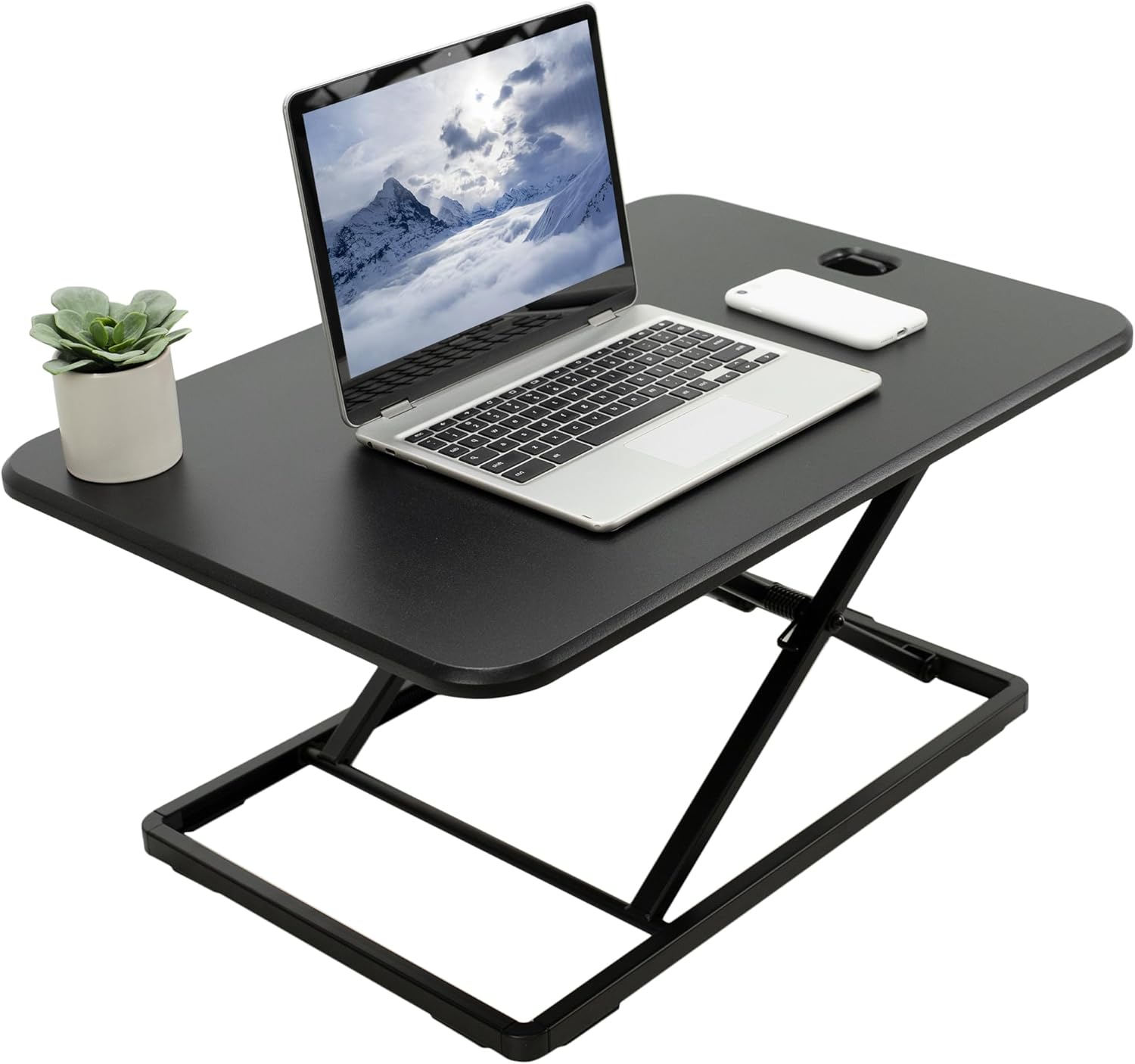
Here is the part most De Quervain's articles skip: even the best ergonomic keyboard for de quervains will not heal your tendons if your desk is the wrong height. When your work surface is too high (which it is for roughly 70% of seated workers), your shoulders shrug, your elbows flare, and you compensate by bending your wrists to reach the keys. That compensation directly loads the thumb-side tendons. A height-adjustable standing desk lets you dial the surface to the exact point where your forearms sit parallel to the floor and your wrists stay neutral. It also lets you switch postures every 30-60 minutes, which improves blood flow to the inflamed tendon sheath and accelerates healing.
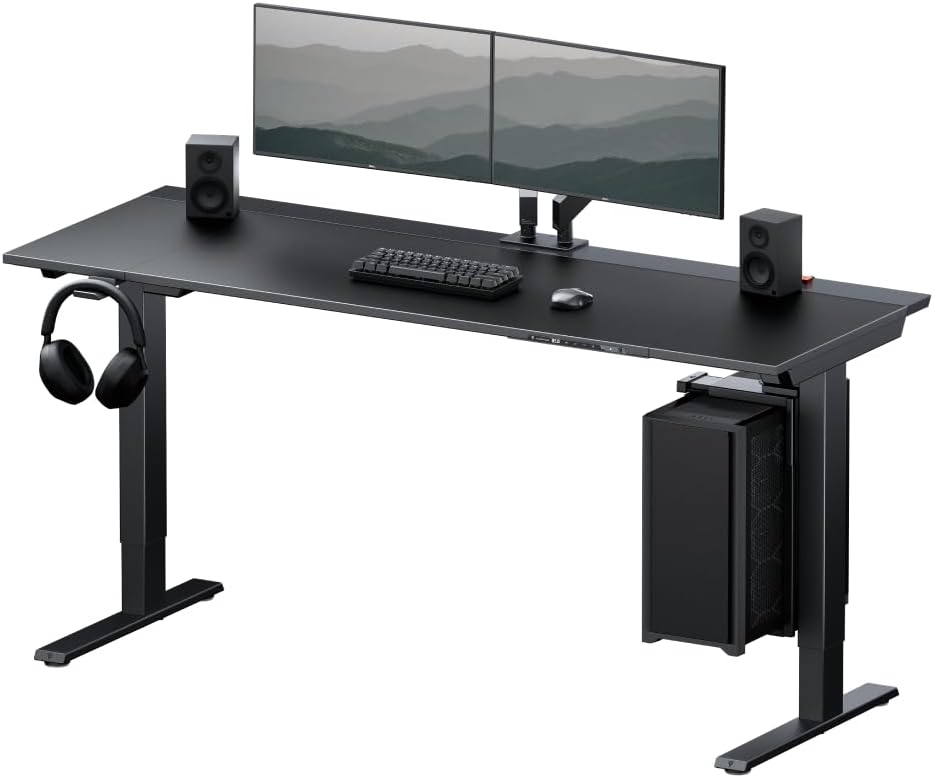
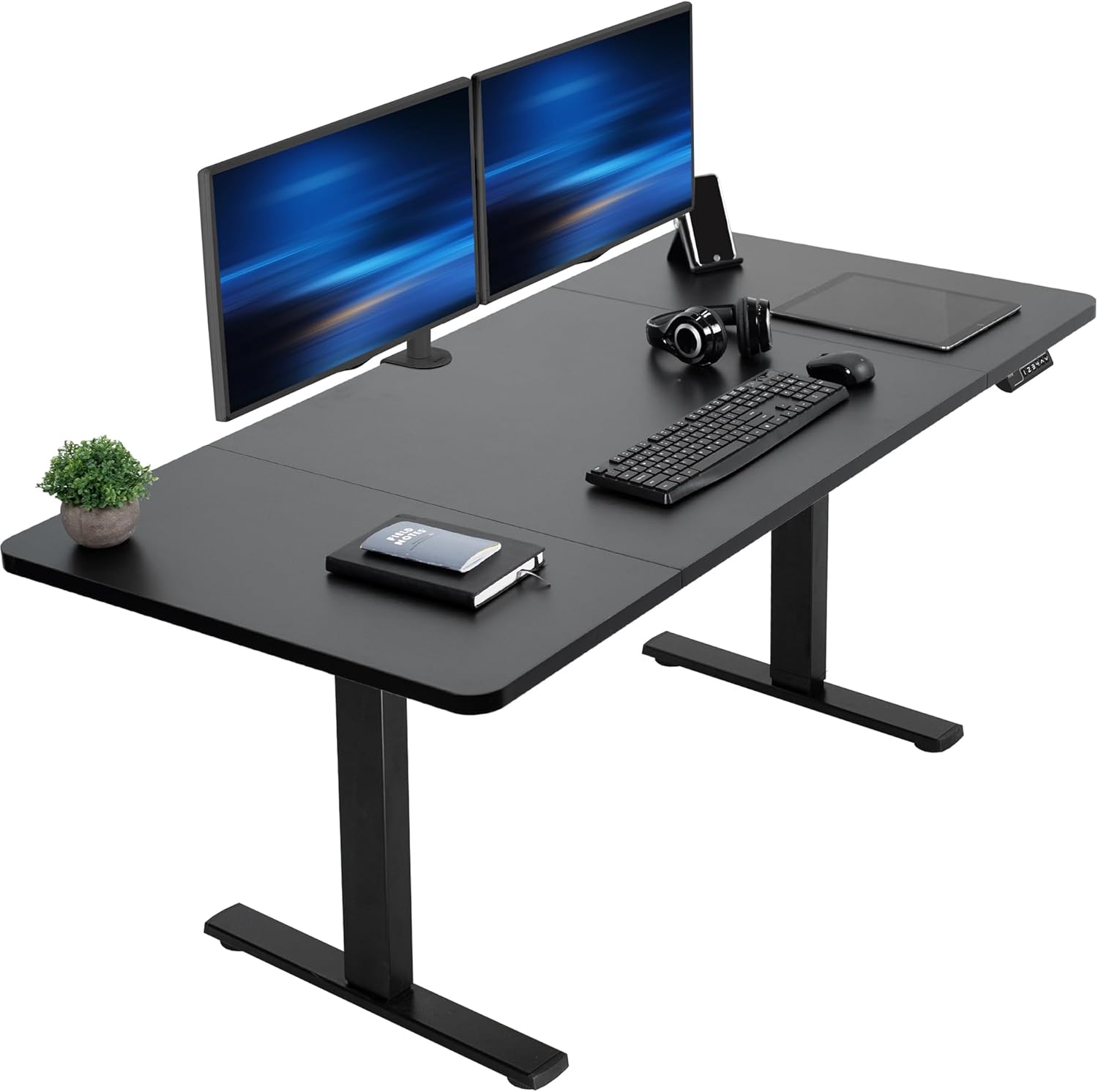
VIVO Electric 60 x 24 Standing Desk — Best for Dual-Monitor Recovery Setups
The 60-inch width is the right call for anyone running a split keyboard. The two halves can sit 12-18 inches apart at shoulder width while still leaving room for a vertical mouse and a tented wrist rest on each side. The electric motor handles 220 lbs of load (room for a heavy monitor arm), and the four-position memory preset means your two seated heights, your standing height, and your stretch-break height are one button away. For people who type 6+ hours a day with thumb pain, the ability to switch postures without losing the perfect wrist angle is genuinely therapeutic. Check current price on Amazon.
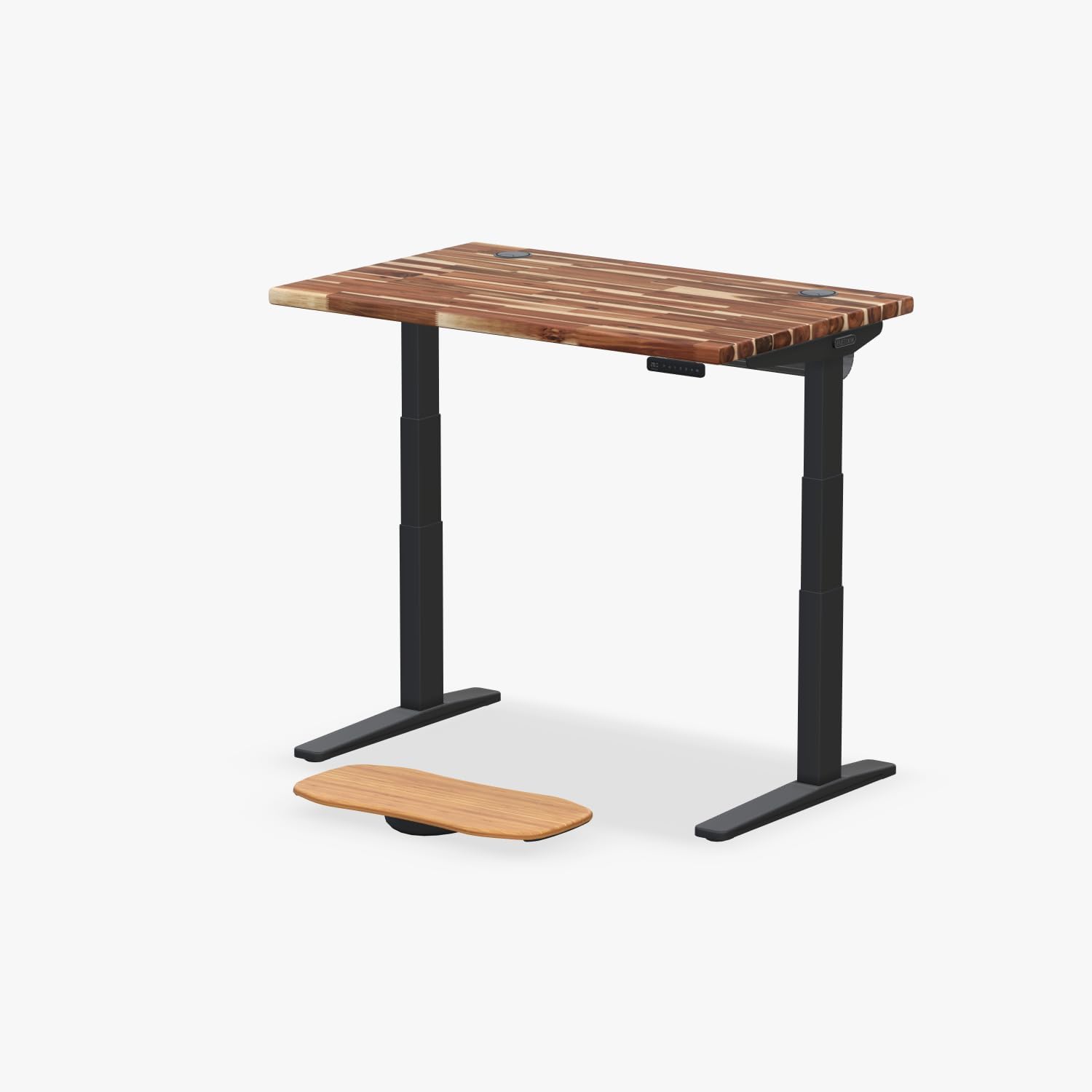
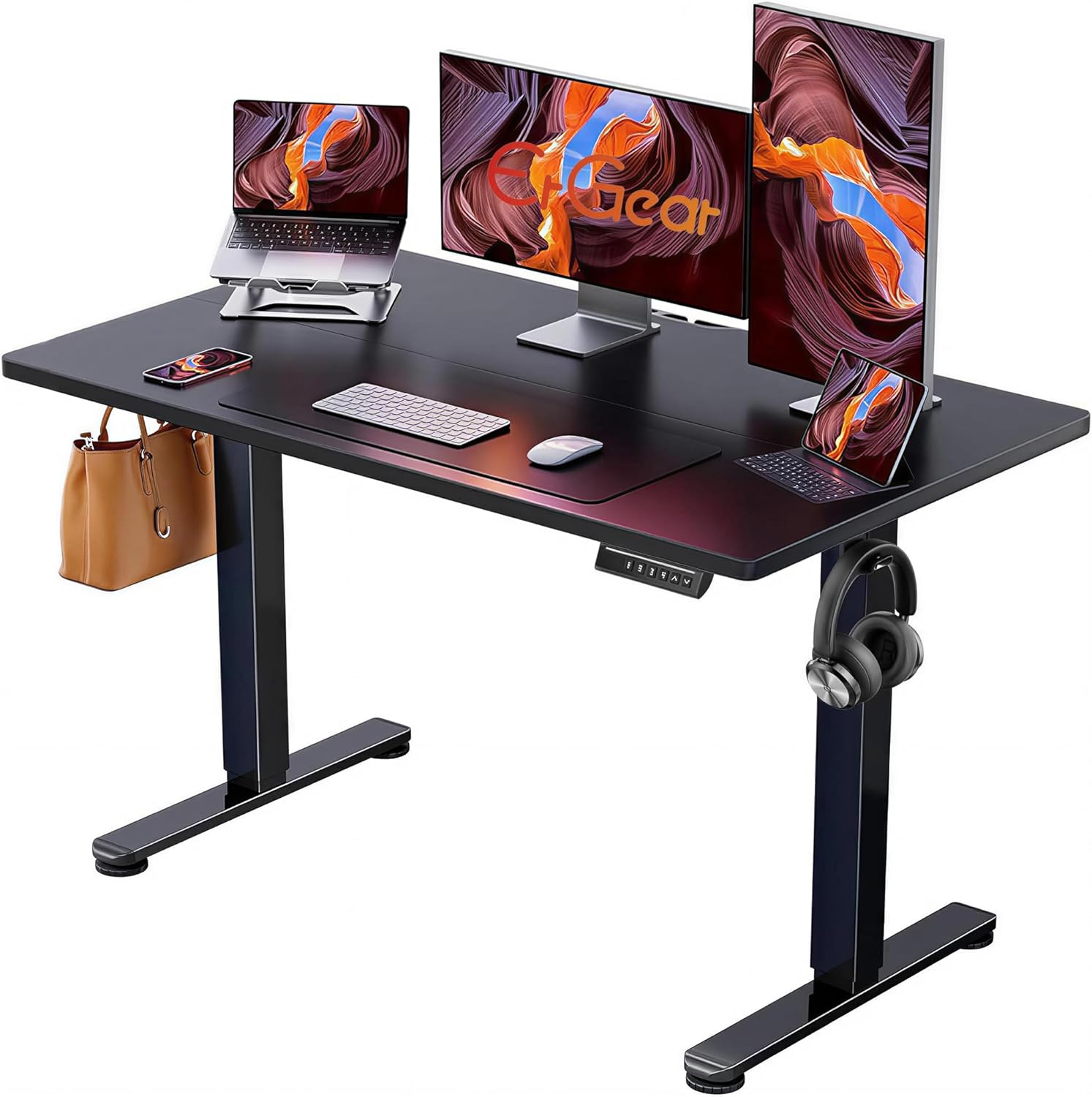
ErGear 48 x 24 Electric Standing Desk — Best Compact Option
If you run a single monitor and a compact split keyboard (think Corne, Sofle, or any 40-50% layout), the 48-inch ErGear gives you exactly the footprint you need without wasted space. The memory presets store your seated typing height and standing height, and the lift mechanism is quiet enough that you will actually switch postures during meetings — which is the only way the desk helps your tendons. Smaller home offices and apartment setups will appreciate the more modest footprint. Check current price on Amazon.
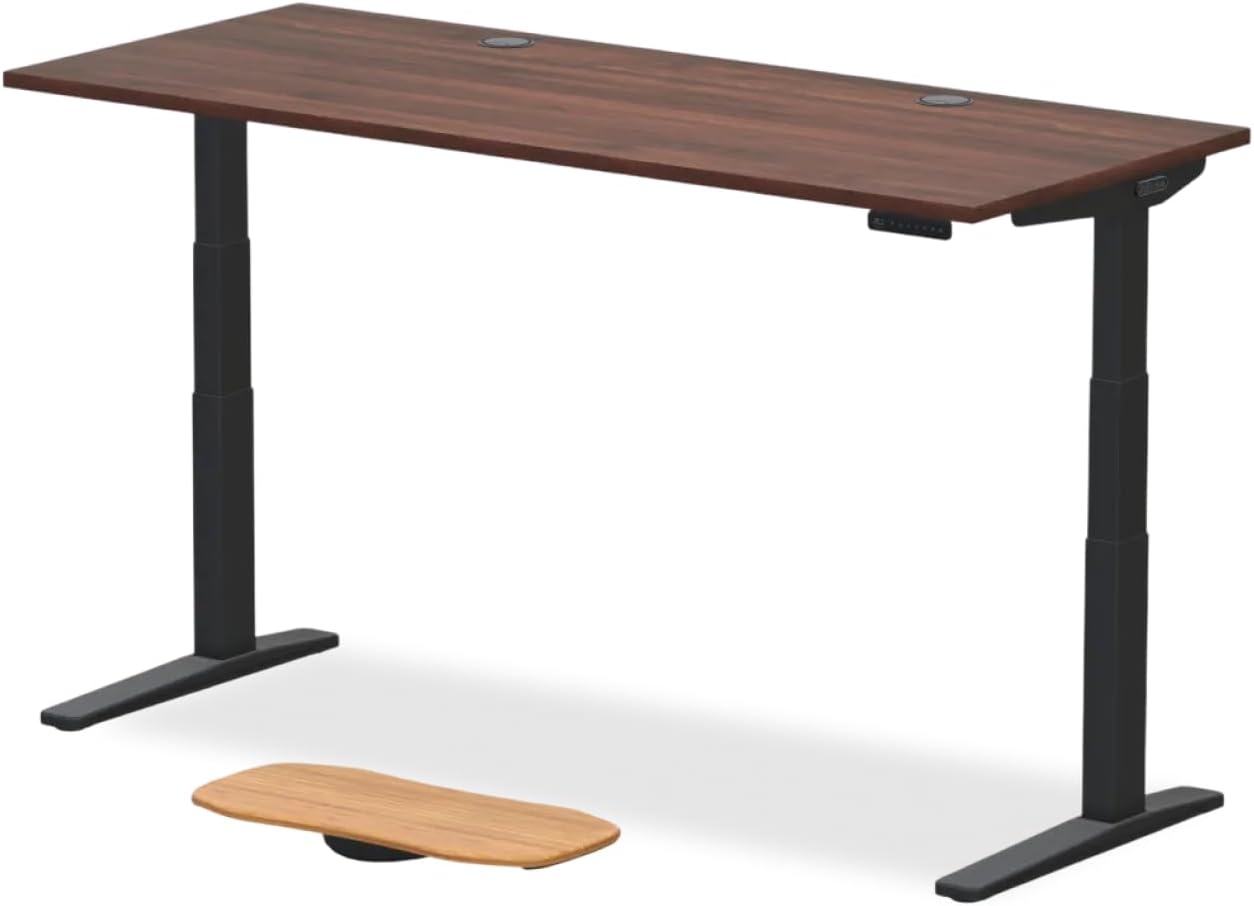
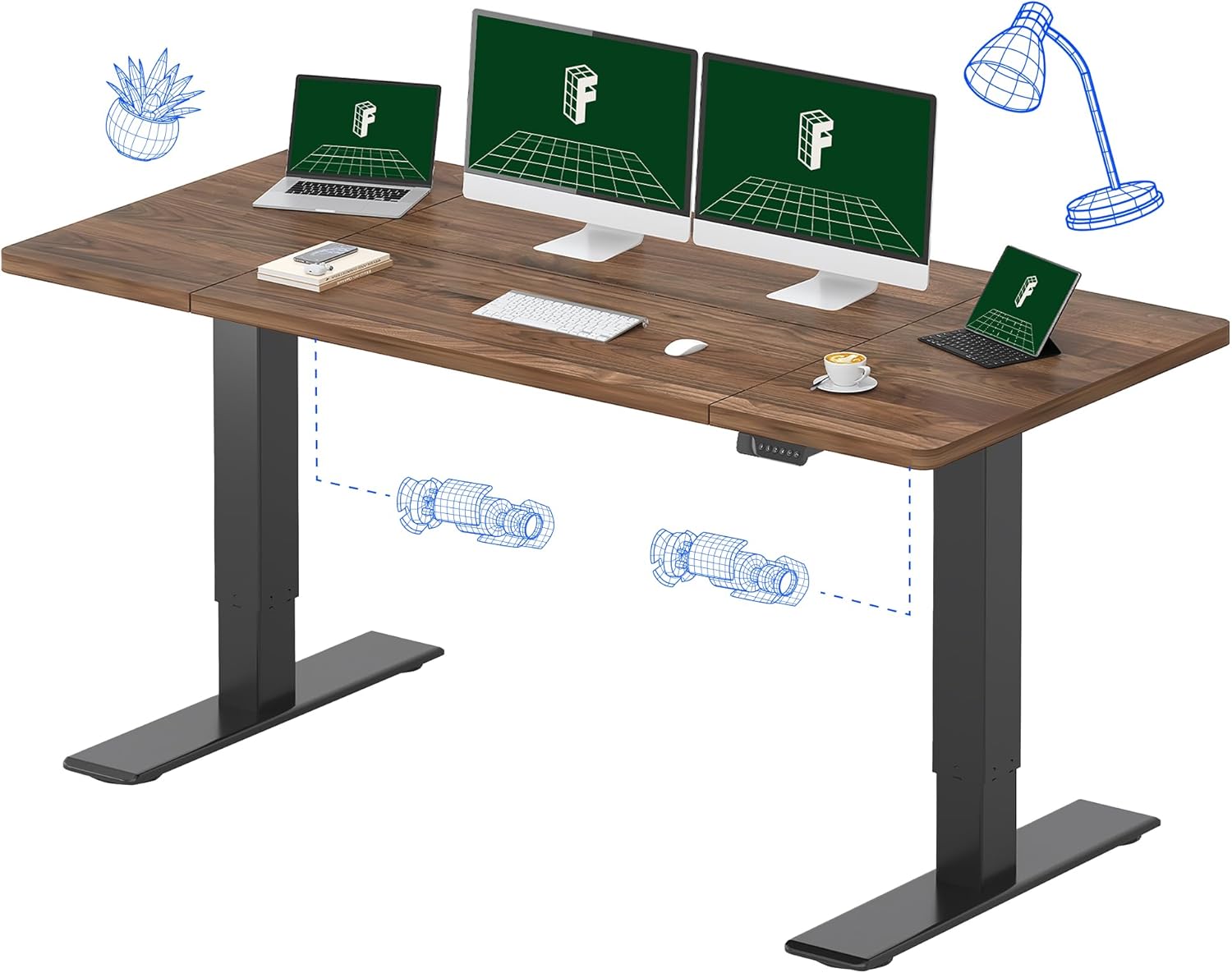
Veken 47.2" Standing Desk With Wood Desktop — Best Budget Pick
For users who want to test whether posture changes help their thumb pain before investing in a premium ergonomic keyboard, the Veken hits the entry-level price point without sacrificing the adjustable height that actually matters. The wood-grain surface is also kinder to your wrists than the rough laminate on cheaper desks if you happen to rest your forearms while reading. Check current price on Amazon.
How to Set Up Your Keyboard for Maximum Thumb Relief
Once your desk is at the right height (elbows at 90-110 degrees, wrists neutral), follow this sequence to dial in the keyboard itself:
- Split the halves to shoulder width. Measure the distance between your acromion processes (the bony bumps at the tops of your shoulders) and place the inner edges of the keyboard halves exactly that far apart. For most adults, this is 16-20 inches.
- Tent to 15 degrees first. Aggressive tenting feels great for a day, then your shoulders fatigue. Start at 15 and increase by 5 degrees per week until pain reduction plateaus.
- Remap your space key to both thumbs. On QMK/ZMK firmware, set one thumb to space and the other to a layer-shift key or backspace. This halves the load on the inflamed side.
- Move shift, control, and command to thumb keys. Your pinky was never supposed to hold modifiers. Moving them to thumbs is the single biggest typing efficiency upgrade for ergonomic keyboards.
- Set negative or zero tilt. The back of the keyboard should never sit higher than the front. If your keyboard does not support negative tilt natively, a wedge under the front edge fixes it.
For more on dialing in the rest of your workstation, see our guides on vertical mice for thumb tendonitis, standing desk height calculator, and wrist rests for De Quervain's recovery.
What to Avoid While Shopping
Plenty of keyboards marketed as “ergonomic” will make your thumb pain worse. The Microsoft Sculpt and Logitech Ergo K860, while better than flat keyboards, still use a single oversized spacebar that requires thumb abduction. The Apple Magic Keyboard, despite its low-profile reputation, has zero split, zero tent, and a layout that aggravates ulnar deviation. Gaming keyboards with heavy 60-80g switches are particularly bad — the high actuation force directly loads the thumb tendons on every keystroke. And gimmicky “wave” or “curve” keyboards from no-name Amazon brands typically only address one axis (usually splay) while ignoring tent, thumb cluster, and switch force entirely. The right ergonomic keyboard for de quervains addresses all four problems at once.
Frequently Asked Questions
How long does it take for an ergonomic keyboard to help De Quervain's symptoms?
Most users report a noticeable reduction in thumb-side wrist pain within 2-3 weeks of consistent use, with full tendon recovery taking 6-12 weeks. The timeline assumes you also stopped the aggravating non-typing activities (heavy phone scrolling, baby lifting, wringing motions) and are doing the Finkelstein stretch routine your physical therapist prescribed. The keyboard alone is necessary but not sufficient.
Is a split keyboard better than a vertical keyboard for thumb tenosynovitis?
For De Quervain's specifically, yes. Vertical keyboards (where the whole keyboard rotates 90 degrees) primarily address forearm pronation, which helps cubital tunnel and ulnar wrist pain but does relatively little for the radial-side tendons inflamed in De Quervain's. A tented split keyboard with a programmable thumb cluster addresses pronation AND thumb abduction, which is the specific motion that aggravates De Quervain's.
Can I use a mechanical keyboard with De Quervain's, or do I need a membrane?
Mechanical is actually better, provided you choose light-actuation switches in the 35-45g range. The crisp tactile feedback means you bottom out less often, which reduces total force per keystroke. Light linear switches like Kailh Choc Reds (20g actuation) or Gateron Yellows (50g) are popular among RSI-affected typists. Avoid heavy switches like Cherry MX Greens (80g) or any Buckling Spring keyboard.
Should I switch to Dvorak or Colemak to help my thumb pain?
Layout changes help finger fatigue and pinky strain more than they help thumb pain. The thumb does the same job (hitting the space cluster) regardless of layout. That said, if you are already learning a new keyboard, learning Colemak-DH at the same time costs little extra effort and reduces overall finger travel by about 40%, which is genuinely useful for chronic RSI recovery.
Do I need a wrist rest with my ergonomic keyboard?
A wrist rest is meant for resting between bursts of typing, not for resting on while you type. If you plant your wrists on a rest and type from the fingers, you increase wrist extension and loading on the very tendons you are trying to heal. Use a palm rest (which supports the heel of the hand, not the wrist crease) and lift your hands off it while actively typing. Better yet, set up a standing desk at the right height so your forearms float comfortably without needing a rest at all.
Is the Kinesis Advantage360 worth the price for De Quervain's recovery?
For severe or chronic cases where you have already tried lesser keyboards without success, yes. The contoured key wells, six-key thumb clusters, and aggressive split are unmatched. For mild or early-stage De Quervain's, a less expensive tentable split like the ZSA Voyager, Keychron Q11, or even a DIY Corne usually delivers 80% of the benefit at 30% of the cost.
Will a standing desk alone fix my De Quervain's without a new keyboard?
Only partially. The standing desk fixes the desk-height-induced wrist extension that contributes to the problem, but it does not eliminate thumb abduction on the spacebar. Users who upgrade only the desk usually see 20-40% pain reduction. Users who upgrade both the desk and the keyboard typically see 70-90% reduction within two months. The two interventions are complementary, not interchangeable.
Final Thoughts
The right ergonomic keyboard for de quervains is the single highest-leverage purchase you can make for thumb-side wrist pain caused by typing. Prioritize a true split with adjustable tenting, programmable thumb clusters, and switches in the 35-45g range. Then make sure your desk is at exactly the right height so your wrists stay neutral throughout the day — an electric height-adjustable desk pays for itself in tendon health alone. Combine the two with daily eccentric tendon-loading exercises and most users return to pain-free typing in a single quarter.
Key Takeaways
- Choosing the right ergonomic keyboard for de quervains means matching capacity and output ports to your actual devices
- Always check actual watt-hours (Wh), not just watts — runtime depends on Wh, not peak output
- Also covers: keyboard for thumb tendon pain writers
- Also covers: de quervain tenosynovitis split keyboard
- Also covers: low thumb travel keyboard wrist pain
- Compare price-per-Wh across models to find the best value for your budget