If you're searching for an ergonomic keyboard for dupuytrens contracture, you need a board that minimizes finger curl, reduces lateral palm tension, and lets you type with the most neutral hand posture possible. The shortest answer: look for a fully split keyboard with adjustable tenting (15-30 degrees), low-force mechanical or membrane switches (35-45g actuation), a thumb cluster that moves common modifiers off the pinky, and zero wrist rest pressure on the palmar fascia. In 2026, the strongest picks for curled finger relief are the Kinesis Advantage360, the ZSA Moonlander Mark I, the Logitech Ergo K860, the Microsoft Sculpt Ergonomic, and the Mistel BAROCCO MD770. Pair any of them with a height-tunable sit-stand desk so your forearms stay parallel to the floor and the affected nodules never press into a hard edge.
Dupuytren's contracture progressively shortens the palmar fascia, pulling the ring and little fingers toward the palm. Typing on a flat, rectangular keyboard forces those already-tight fingers to stretch sideways across an unnatural plane and curl down repeatedly into keys placed far from their resting arc. The right ergonomic board flips that equation: it brings the keys to the fingers, not the fingers to the keys.
What to look for in an ergonomic keyboard for Dupuytren's contracture
Not every "ergonomic" keyboard helps with curled finger conditions. Many ergonomic boards target carpal tunnel or general RSI by addressing wrist angle alone, which does little for the palmar fascia. For Dupuytren's specifically, the priorities shift.



Split design. A fully separable two-piece keyboard lets each half sit directly under its shoulder. That eliminates ulnar deviation - the sideways wrist bend that stretches the very fascia bands tightening in Dupuytren's. Even a fixed-split board (one piece with a gap in the middle) helps, but adjustable separation is far better.
Tenting, not just slope. Tenting tilts each half so your thumbs ride higher than your pinkies, putting the hand in a "handshake" position. This is critical: it dramatically reduces the stretch across the palm and lets contracted ring and little fingers rest closer to their natural curled position rather than fighting to lie flat.
Low-force switches. Heavy keys (60g+) require more flexor tendon engagement on every press. With Dupuytren's nodules, that repeated flexor load can aggravate tightness. Aim for 35-45g actuation - Cherry MX Brown, Kailh Choc Red, or quality scissor-switch membranes all fit.
Thumb clusters. Moving Backspace, Enter, Space, and modifiers to thumb keys offloads work from the weakened ring and little fingers entirely. This is the single biggest functional win for advanced Dupuytren's typists.
No hard wrist rest. Hard plastic or wood rests press directly on the palmar nodules. Use soft gel, memory foam, or - better - learn to "float" your wrists with proper desk height.
Comparison: top ergonomic keyboard categories for curled finger relief
| Category | Best for | Tenting | Split type | Typical price 2026 |
|---|---|---|---|---|
| Contoured split (Kinesis Advantage360) | Advanced Dupuytren's, severe curl | Built-in concave wells | Fully split | $400-450 |
| Adjustable split (ZSA Moonlander) | Customizable layouts, thumb clusters | Up to 30° | Fully split | $365 |
| Curved fixed (Logitech Ergo K860) | Mild to moderate cases, office use | Negative tilt only | Fixed split | $130 |
| Wireless contoured (MS Sculpt) | Budget-conscious, casual typing | Slight reverse tilt | Fixed split | $100 |
| Mechanical split (Mistel BAROCCO) | Programmers, mechanical feel | Manual via stands | Fully split | $180-220 |
Top ergonomic keyboard picks for Dupuytren's contracture in 2026
1. Kinesis Advantage360 - best overall for severe curled finger relief
The Advantage360 places keys inside two deep, concave thumb wells that bring each key closer to your fingertip's natural arc. For someone whose ring and little fingers no longer fully extend, this matters enormously: the keyboard literally comes up to meet the contracted finger instead of demanding it stretch flat. The thumb cluster handles Space, Enter, Backspace, Delete, and modifiers, removing the most frequent presses from your weakest fingers. Wireless split halves with adjustable tenting let you find a handshake angle that doesn't pull on the palmar fascia. The learning curve is real - expect two to three weeks - but Dupuytren's patients in occupational therapy forums consistently report it as the only board they could type pain-free on long-term.
2. ZSA Moonlander Mark I - best customizable thumb cluster
The Moonlander's killer feature for Dupuytren's is the floating thumb cluster: an attached, angled mini-block of six keys per hand that you can remap to put your most-used keys exactly where your thumb naturally rests. If your ring finger can no longer reliably hit Enter on a standard board, you remap Enter to a thumb key in fifteen seconds via ZSA's Oryx web configurator. Tenting legs extend up to 30 degrees. Choc-style low-profile Kailh switches are available in 20g, 35g, and 45g - the 35g Choc Red is ideal for reducing flexor strain. Hot-swap sockets mean you can swap switches without soldering if your needs change as the condition progresses.
3. Logitech Ergo K860 - best mainstream office option
If a fully split board feels intimidating or your IT department won't approve unusual hardware, the K860 is the strongest "normal-looking" ergonomic keyboard for early-to-moderate Dupuytren's. Its curved, fixed-split layout reduces ulnar deviation without requiring you to relearn typing. The integrated palm rest uses three layers of memory foam covered in performance fabric - soft enough that palmar nodules don't dig in the way they would on a wooden rest. The reverse tilt (back edge lower than front) keeps wrists neutral when typing on a properly-height-adjusted desk. Pair it with a tunable sit-stand desk for the full benefit.
4. Microsoft Sculpt Ergonomic - best budget pick
Still in production and still the best sub-$120 ergonomic board in 2026. The Sculpt's curved one-piece design includes a domed center that creates a gentle tent, plus a detached number pad that lets you place your mouse closer (reducing shoulder reach that often compounds hand symptoms). The cushioned palm rest is softer than the K860's. For mild Dupuytren's or someone testing whether ergonomic typing helps before investing in a $400 board, this is the right starting point.
5. Mistel BAROCCO MD770 - best mechanical split
A genuine two-piece mechanical keyboard at around $200, the BAROCCO MD770 connects its halves with a USB-C cable you can extend up to 1.5 meters. That means you can place each half well outside shoulder width if your contracture makes any centerward hand position uncomfortable. Tenting requires aftermarket stands (Wing Stands or 3D-printed risers), but with those installed it competes with $400 boards on posture. Choose Cherry MX Red or Brown switches at 45g actuation. Programmable layers let you move keys away from your most-affected fingers.
The desk underneath matters as much as the keyboard
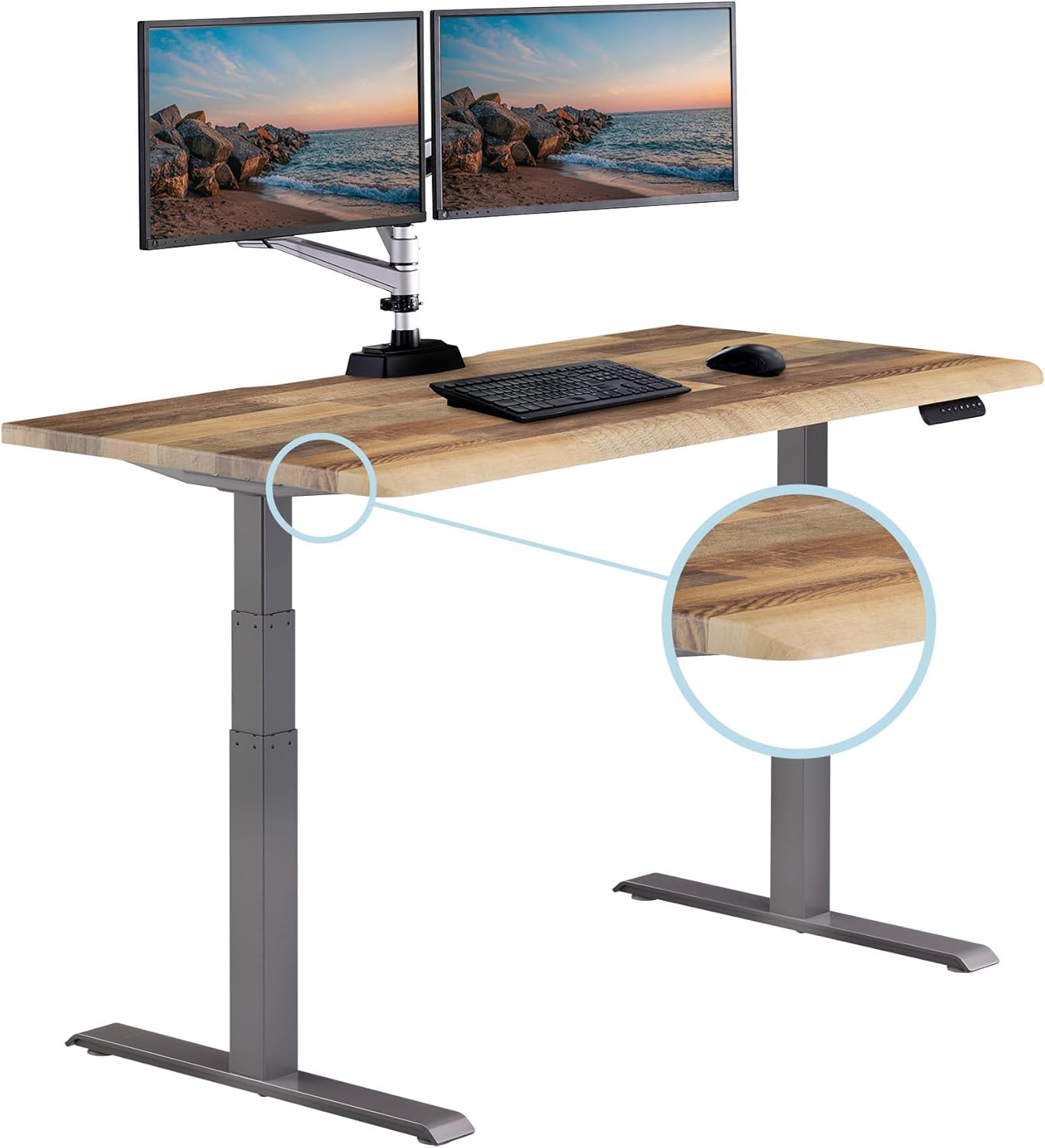
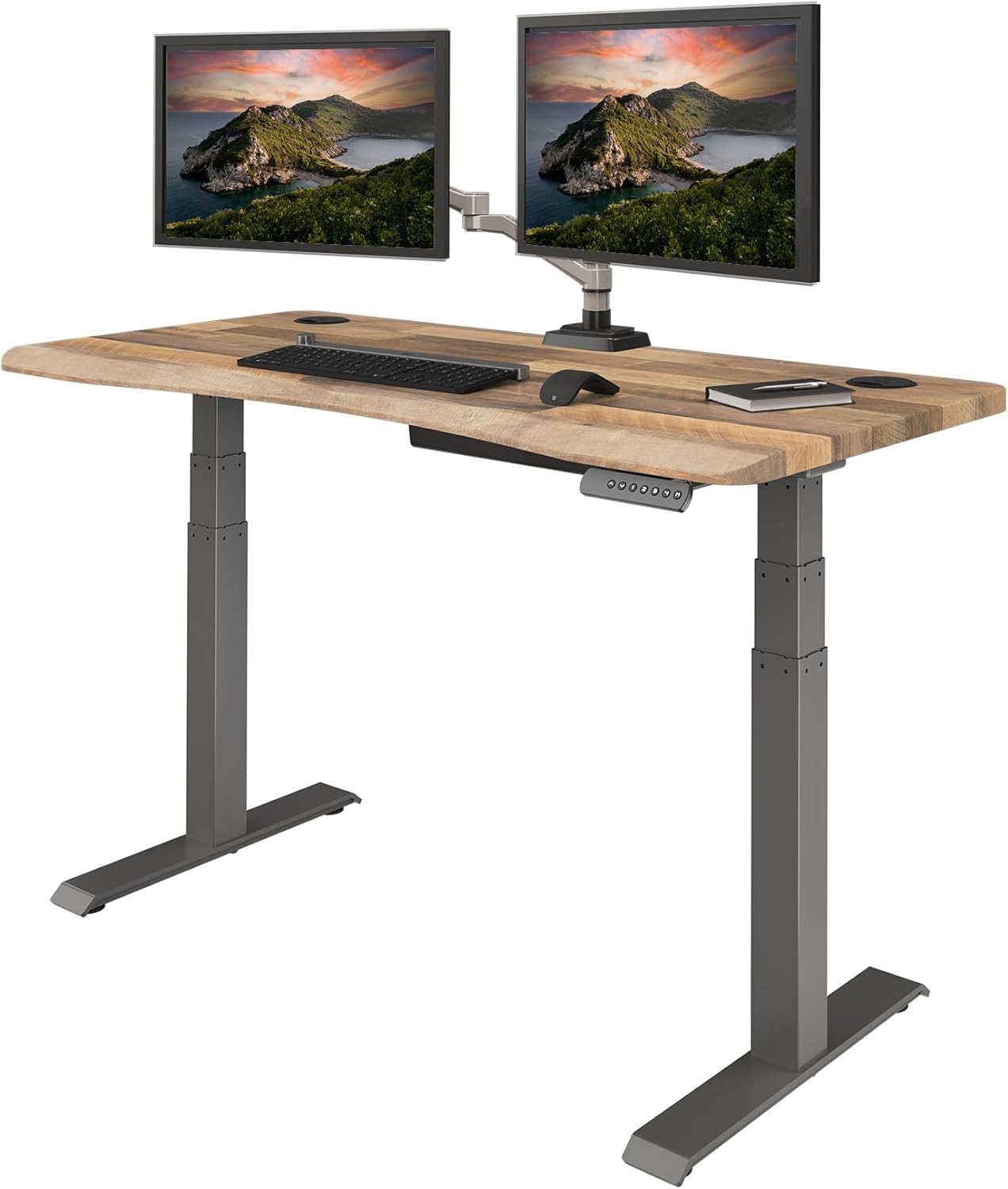
An ergonomic keyboard placed on a too-high or too-low desk cancels its own benefits. For Dupuytren's, your elbows should sit at 90-100 degrees with forearms parallel to the floor and wrists in slight extension (never flexion). The only way to get this exactly right is a height-adjustable desk - and standing periodically through the day improves circulation to the hands, which several hand surgeons recommend as part of contracture management.
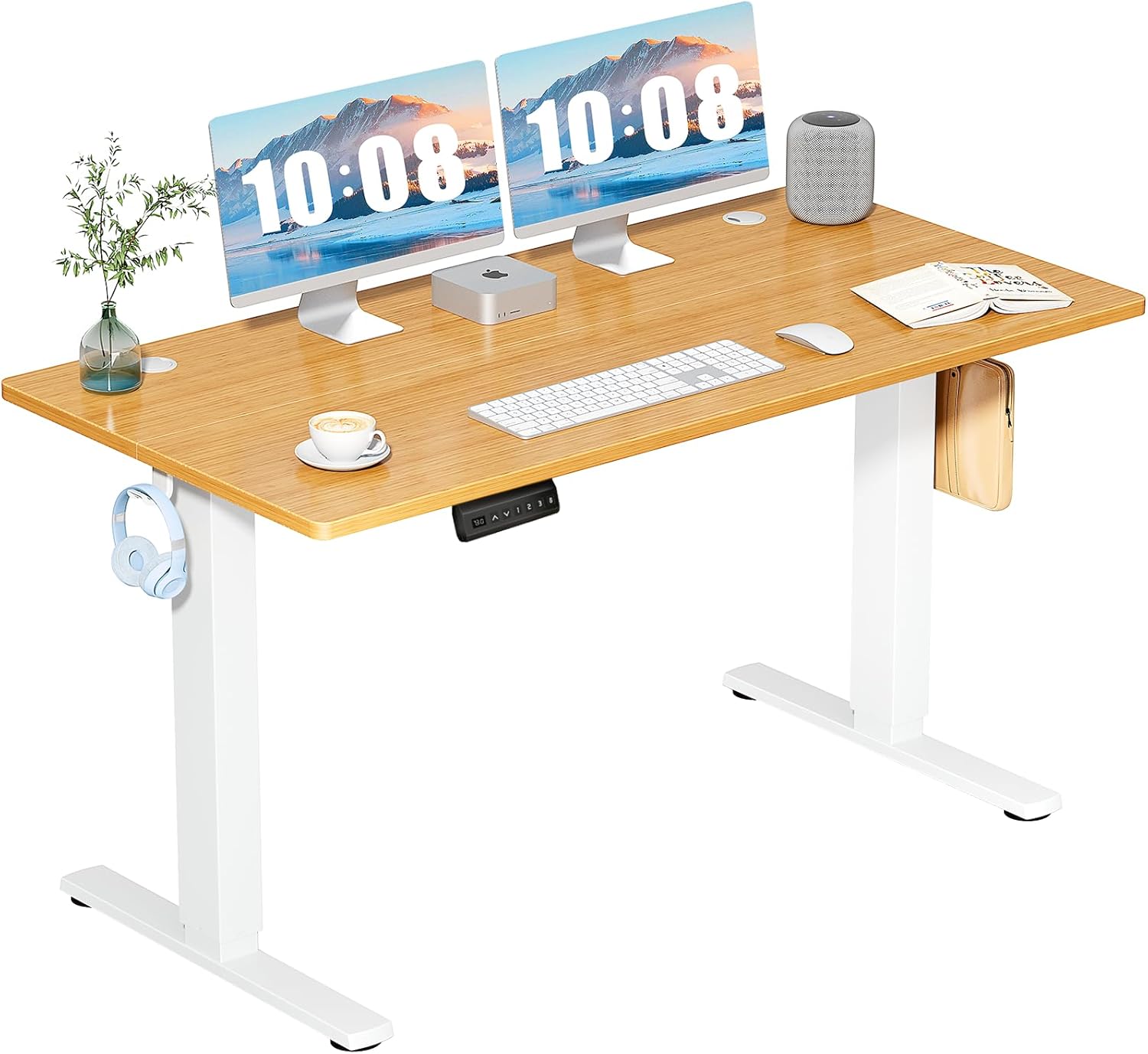
VIVO Electric 60 x 24 in Standing Desk
The VIVO Electric 60 x 24 desk gives you 60 inches of width - enough to spread a fully split keyboard like the Moonlander or Advantage360 to true shoulder-width separation while keeping a mouse and notepad in reach. Memory presets let you save your seated and standing heights to the millimeter, which matters when ergonomic margins are tight. 220 lb capacity handles a heavy mechanical board, monitor arm, and laptop stand without flex. Black finish suits most home offices. Check the VIVO 60-inch standing desk on Amazon.
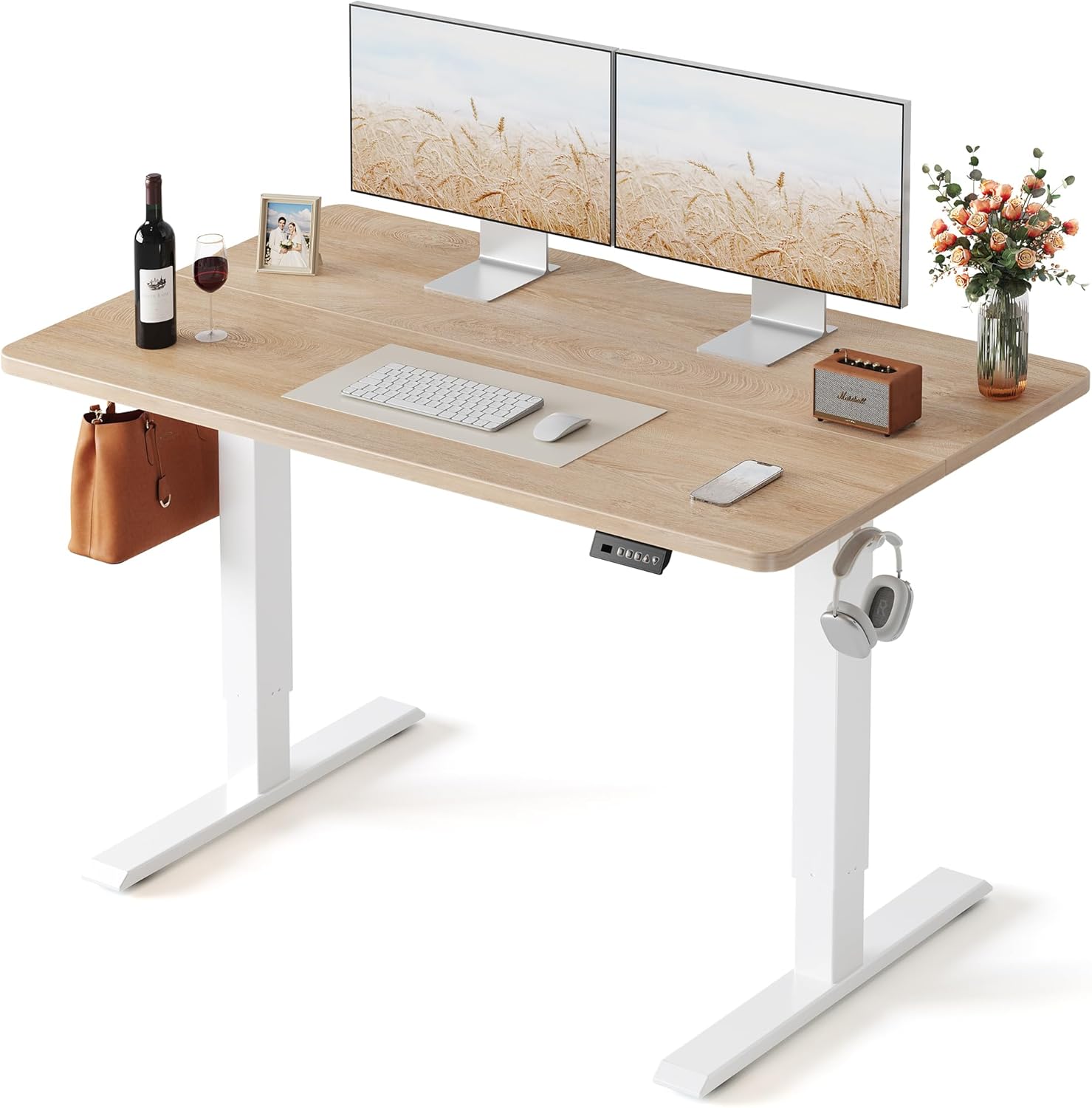
Veken 47.2" Standing Desk with Wood Desktop
For smaller offices or a secondary workstation, the Veken 47.2" hits a sweet spot. The wood desktop is warmer underhand than laminate (a small but real comfort factor for sensitive palms), and the adjustable height range covers most users from 5'2" to 6'4". 47 inches is enough for a fixed-split board like the K860 or Sculpt with a 27-inch monitor. View the Veken wood-top standing desk.
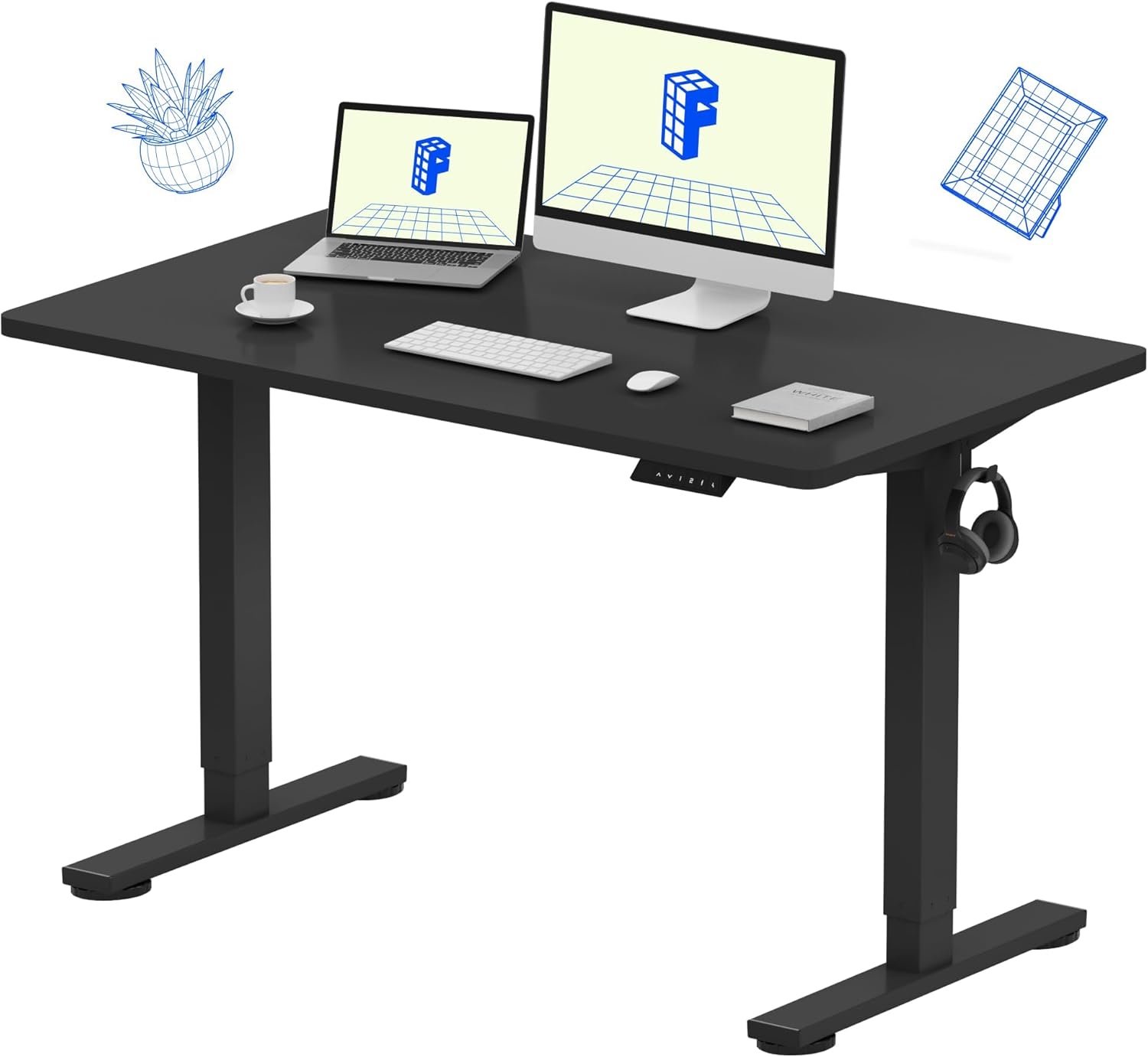
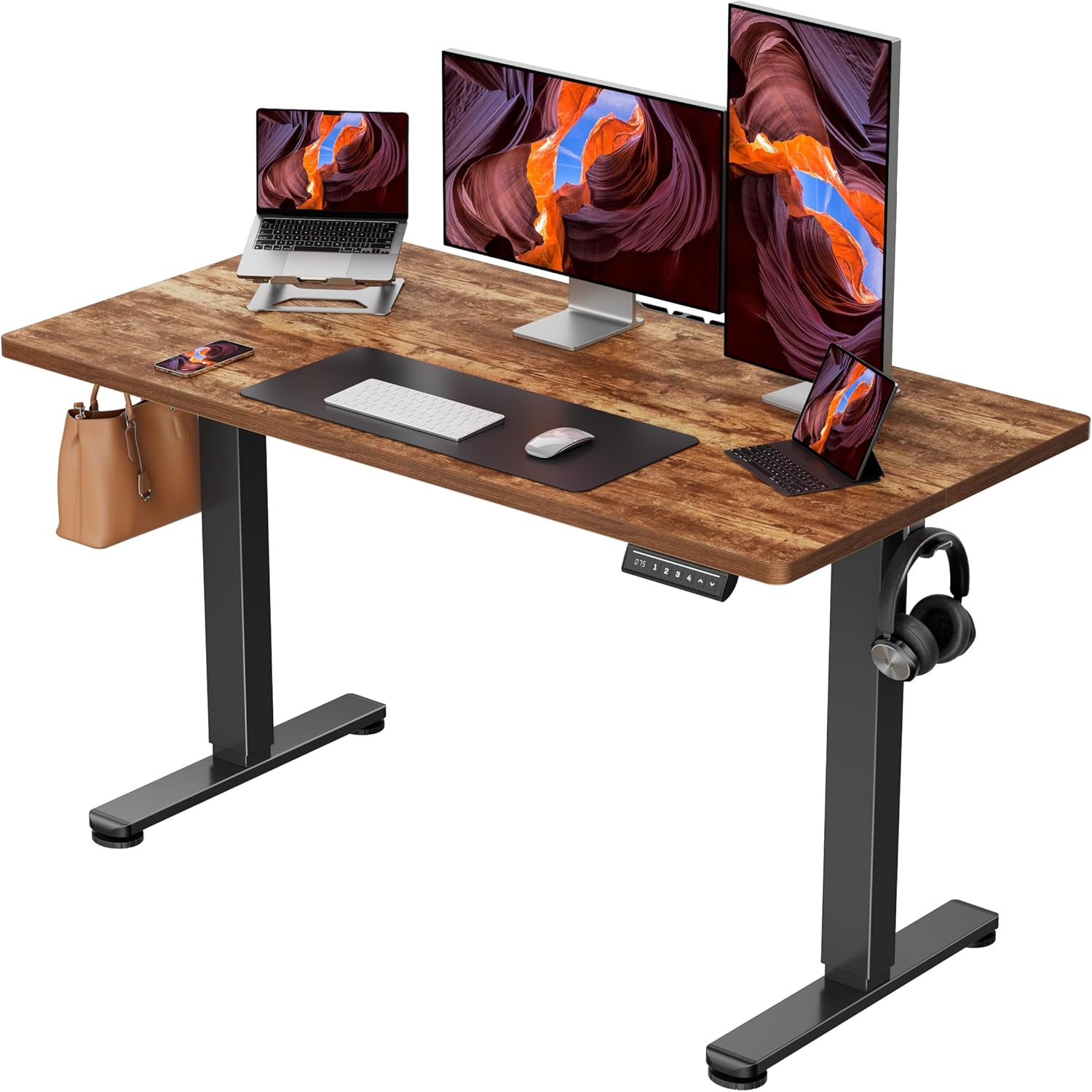
ErGear 48 x 24 Electric Standing Desk
The ErGear 48 x 24 is the budget winner among ergonomic-grade adjustable desks in 2026. Electric motor, memory presets, and a 176 lb capacity at well under the price of premium brands. If you're already investing $400 in a Kinesis or ZSA board, this desk lets you complete the workstation without doubling the budget. See the ErGear 48-inch desk on Amazon.
For more on building a hand-friendly workstation, see our guides on vertical mice for thumb arthritis, standing desk height for tall users, and soft gel wrist rests for palm pain.
Setup tips that compound the ergonomic keyboard's benefit
Even the best ergonomic keyboard for dupuytrens contracture underperforms if your workstation undermines it. A few adjustments matter more than any single product choice.
Use thumb-cluster remapping aggressively. If your ring or little finger is significantly contracted, move Enter, Backspace, and Shift to thumb keys. Layout software like QMK, ZMK, or Kinesis's SmartSet makes this a five-minute job.
Type without resting your palms. The palmar fascia is what tightens in Dupuytren's. Constant pressure from a wrist rest can aggravate symptoms in some people. Use the rest only between bursts, not during typing.
Take micro-breaks for finger extension. Every 20-30 minutes, pause for 30 seconds and gently extend each finger fully against the desk edge. This counteracts the curled posture that typing reinforces.
Warm hands type better. Cold hands stiffen Dupuytren's bands. Keep a small heated mouse pad or fingerless compression gloves nearby for cold offices.
Frequently Asked Questions
Can an ergonomic keyboard slow Dupuytren's contracture progression?
An ergonomic keyboard cannot stop or reverse the underlying fascial fibrosis - only needle aponeurotomy, collagenase injections, or surgery affect the disease process itself. What an ergonomic keyboard does is reduce the daily mechanical stress that worsens symptoms: repeated forced extension of contracted fingers, ulnar deviation that stretches tight bands, and sustained pressure on palmar nodules. Hand therapists consistently recommend ergonomic boards as part of conservative management to preserve function and comfort during typing-heavy work.
Is a mechanical or membrane keyboard better for curled finger conditions?
Switch type matters less than actuation force. A 35g mechanical switch (like Kailh Choc Red) and a quality 40g membrane keyboard both reduce flexor tendon load significantly compared to a stiff 60g switch. Mechanical boards win on customization - you can swap to lighter switches as the condition progresses - while membrane boards win on quietness and price. For severe Dupuytren's, prioritize the lightest comfortable actuation force you can find, regardless of switch family.
Should I get a split keyboard if only one hand has Dupuytren's contracture?
Yes, and arguably even more so. With unilateral Dupuytren's, you naturally compensate by overusing the unaffected hand, which can lead to RSI or strain on that side. A split keyboard lets you independently position the affected hand at its most comfortable angle (more tenting, wider separation, remapped keys) while leaving the other half in a standard posture. The Kinesis Advantage360 and ZSA Moonlander both support fully independent half configuration.
What's the best ergonomic keyboard layout for someone who cannot fully extend the ring finger?
Move the ring finger's home-row key responsibilities to adjacent fingers via custom layouts. On QMK-programmable boards (Moonlander, Advantage360, BAROCCO MD770), you can shift the L, S, or O keys to a thumb cluster or to the middle finger column. Many Dupuytren's users adopt the Colemak-DH or Workman layouts, which place the most frequent keys on the strongest fingers (index and middle) and reduce load on the ring and little fingers.
Do vertical or contoured keyboards help with palmar fascia tightness?
Contoured keyboards with concave key wells (Kinesis Advantage360, Dactyl Manuform) help significantly because they reduce the vertical travel each contracted finger must achieve. Fully vertical keyboards (where the board sits on its side) are rare and generally not recommended for Dupuytren's - they shift load to muscles that aren't well-conditioned for sustained typing. Stick with tented split or contoured designs.
How high should my desk be when using an ergonomic keyboard for Dupuytren's?
Set the desk so that with your hands resting on the keyboard home row, your elbows form a 90 to 100 degree angle and your forearms sit parallel to the floor. Wrists should be in slight extension (5-10 degrees) - never flexed downward. For most users this is 1-2 inches lower than a standard 29-inch desk. An adjustable-height desk like the VIVO Electric or ErGear lets you fine-tune to the millimeter, which is far more important for hand-condition typists than for the general population.
Are wireless ergonomic keyboards a problem for typing comfort?
No - modern Bluetooth 5.3 and 2.4 GHz wireless boards have latency under 8ms, indistinguishable from wired for any non-competitive typist. The Kinesis Advantage360, Logitech Ergo K860, and Microsoft Sculpt all offer wireless versions with excellent battery life. The only consideration is weight: some wireless mechanical boards are heavier, which can matter if you frequently reposition the halves of a split keyboard during the day.
The bottom line
The right ergonomic keyboard for dupuytrens contracture is the one that meets your contracted fingers where they are rather than demanding they reach where standard layouts assume. For most people that means a fully split, tented board with light switches and a programmable thumb cluster. Pair it with a properly-adjusted sit-stand desk, and you transform a workstation that aggravates symptoms into one that supports daily function for years - even as the condition slowly progresses.
Key Takeaways
- Choosing the right ergonomic keyboard for dupuytrens contracture means matching capacity and output ports to your actual devices
- Always check actual watt-hours (Wh), not just watts — runtime depends on Wh, not peak output
- Also covers: dupuytrens keyboard typing
- Also covers: curled finger keyboard
- Also covers: palmar fibromatosis keyboard
- Compare price-per-Wh across models to find the best value for your budget