If you grip your mouse claw-style and your thumb's basal joint flares up after a long session, the best ergonomic mouse for claw grip CMC arthritis is one that eliminates pinch-grip force at the carpometacarpal (CMC) joint. That means a vertical or semi-vertical shell that lets the thumb rest against the device rather than squeeze it, light click force (under 60 grams), a trackball or low-glide sensor so you stop dragging the mouse, and programmable buttons positioned for the proximal phalanx (not the tip). Gamers with claw grip face a particular problem: the arched-finger posture loads the thumb in adduction during fast flicks, which is exactly the motion that aggravates an arthritic CMC. The fix is a hybrid setup—a vertical or trackball mouse for productivity, a lightweight low-click-force gaming mouse with a thumb rest for play, and a desk height that keeps your forearm neutral.
Why claw grip is uniquely hard on the CMC joint
Claw grip pulls the index and middle fingers into flexion at the second knuckle while the palm hovers above the mouse. To stabilize the shell, the thumb has to clamp inward on the left flank of the mouse—a pure adduction-with-compression load on the trapeziometacarpal joint. In a healthy hand that's annoying. With CMC osteoarthritis (often called basal joint or thumb arthritis), the cartilage between the trapezium and the first metacarpal is already worn, and every flick, lift, or repositioning of the mouse grinds the joint surfaces against each other. Studies of computer-using populations consistently flag pinch-grip duration as the strongest workstation-side predictor of thumb pain, and claw grip pinches more than palm grip because the hand never rests on the shell.



For claw-grip gamers, three forces stack: the static clamp to hold the mouse, the dynamic clamp during rapid aim correction, and the percussive load from clicking the left mouse button (the index finger pulls back, and the thumb counter-braces). If you have CMC arthritis, all three need to come down.
What to look for in the best ergonomic mouse for claw grip CMC arthritis
Vertical or semi-vertical angle (45-90°)
A vertical mouse rotates the forearm into a handshake position, which removes pronation strain at the wrist and—critically—lets the thumb rest on a flat shelf instead of squeezing inward. The CMC joint is loaded in abduction rather than adduction, which most arthritic thumbs tolerate far better. The trade-off is that pure verticals (90°) are slow for gaming. A 45-60° semi-vertical is a workable compromise for hybrid use.
Trackball with finger-operated ball (not thumb-operated)
For arthritic thumbs, a thumb-operated trackball is the worst possible choice—it concentrates all the cursor work on the inflamed joint. An index/middle-finger-operated trackball (the ball sits on top) is the opposite: the thumb does nothing but rest. You stop dragging the mouse entirely, which eliminates the clamp-and-lift cycle that flares CMCs.
Light click force and programmable buttons
Look for primary buttons rated at 45-55 grams of actuation force. Pair this with two or three programmable side buttons placed where the middle of the thumb falls—not the tip. Mapping double-click, copy/paste, and DPI shift to side buttons offloads the index finger and reduces the number of times the thumb has to brace per minute.
Lightweight shell (under 80 grams) for gaming use
Heavy mice (over 100 grams) require more thumb clamp to lift and reposition. For claw-grip gamers, the lightest possible shell with a low-friction skate set lets you glide rather than lift, and reduces the static load between flicks.
Shape that fills the palm
Counterintuitively, a slightly larger mouse can help a claw-grip arthritic hand because more of the palm contacts the shell, distributing load away from the thumb. Tiny esports shells force a tighter pinch.
How to build the workstation around the mouse
A great mouse does maybe 60% of the work. The other 40% is desk height, arm support, and break cadence. If your desk is too high, you'll unconsciously clamp the mouse harder to stabilize against shoulder fatigue. If it's too low, your wrist extends and the thumb tendons pull tighter across the CMC. An adjustable-height desk lets you dial in the exact elbow-at-90° position and—just as important—switch to standing for half the day so no single posture compounds.
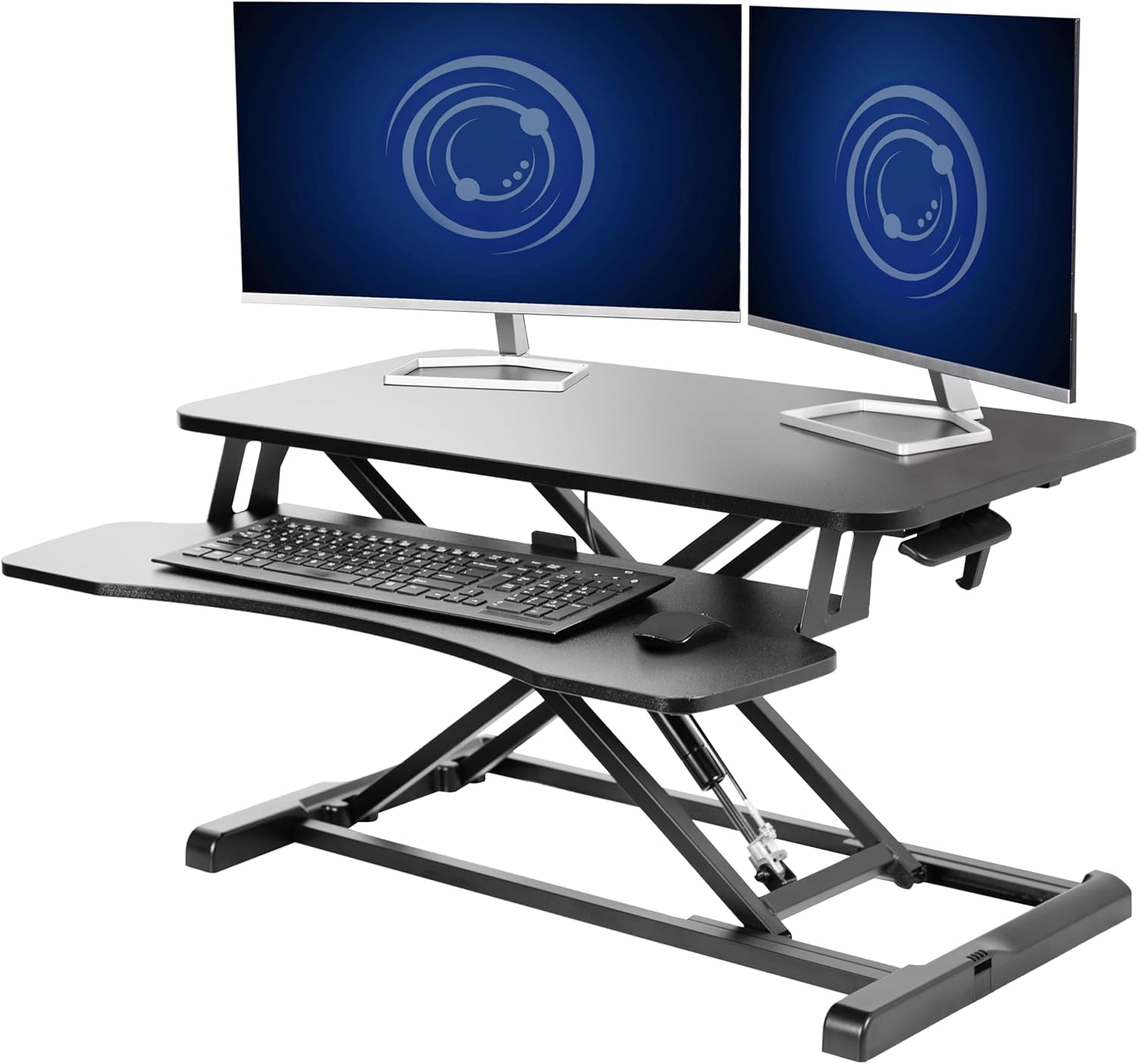
Three height-adjustable desks pair well with an aggressive ergonomic mouse strategy for claw-grip gamers managing thumb arthritis:
| Desk | Surface | Capacity | Best for |
|---|---|---|---|
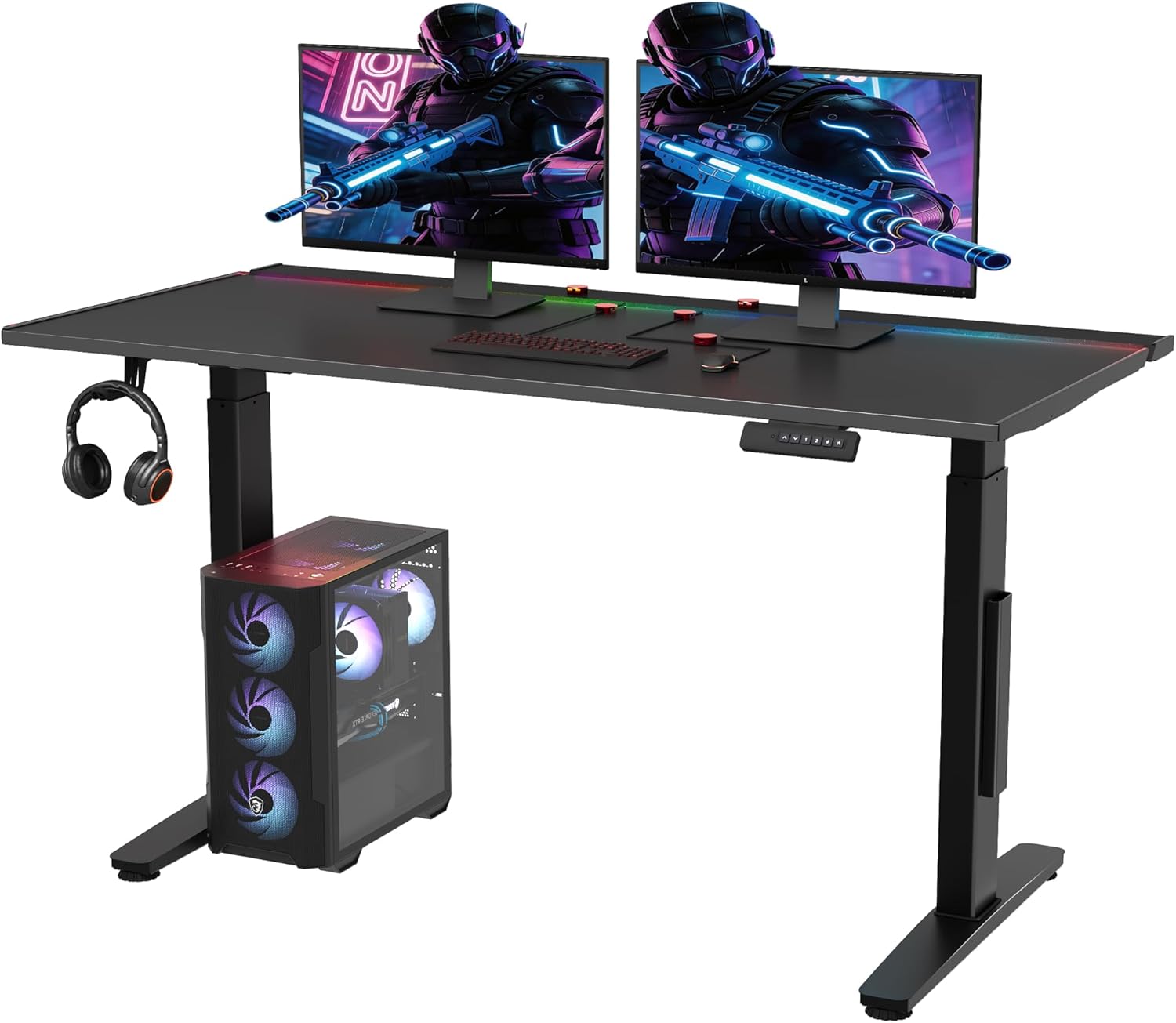
| VIVO Electric 60x24 | 60 x 24 in | 220 lbs | Dual-monitor gaming setups with room for a vertical mouse and trackball side by side |
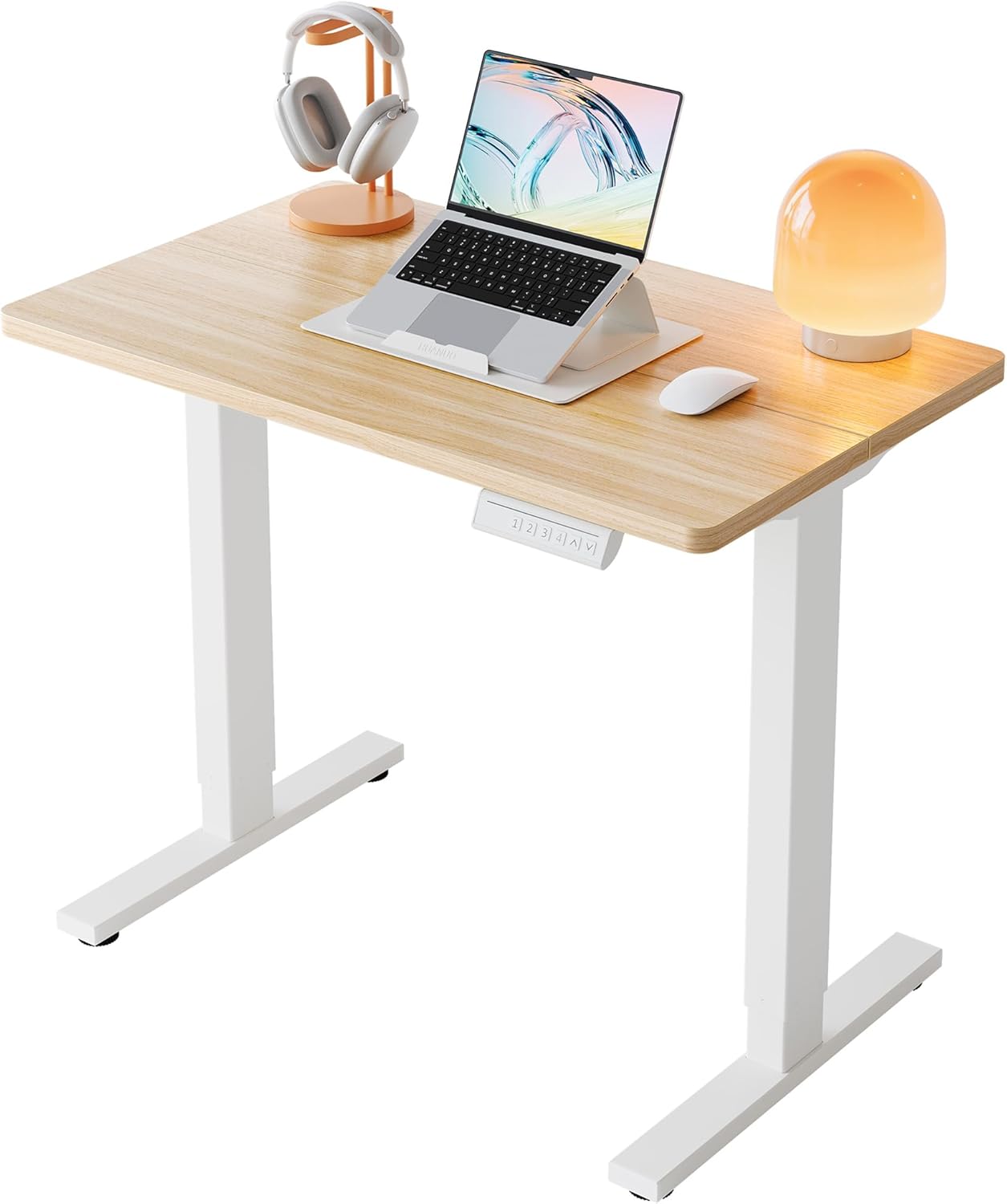
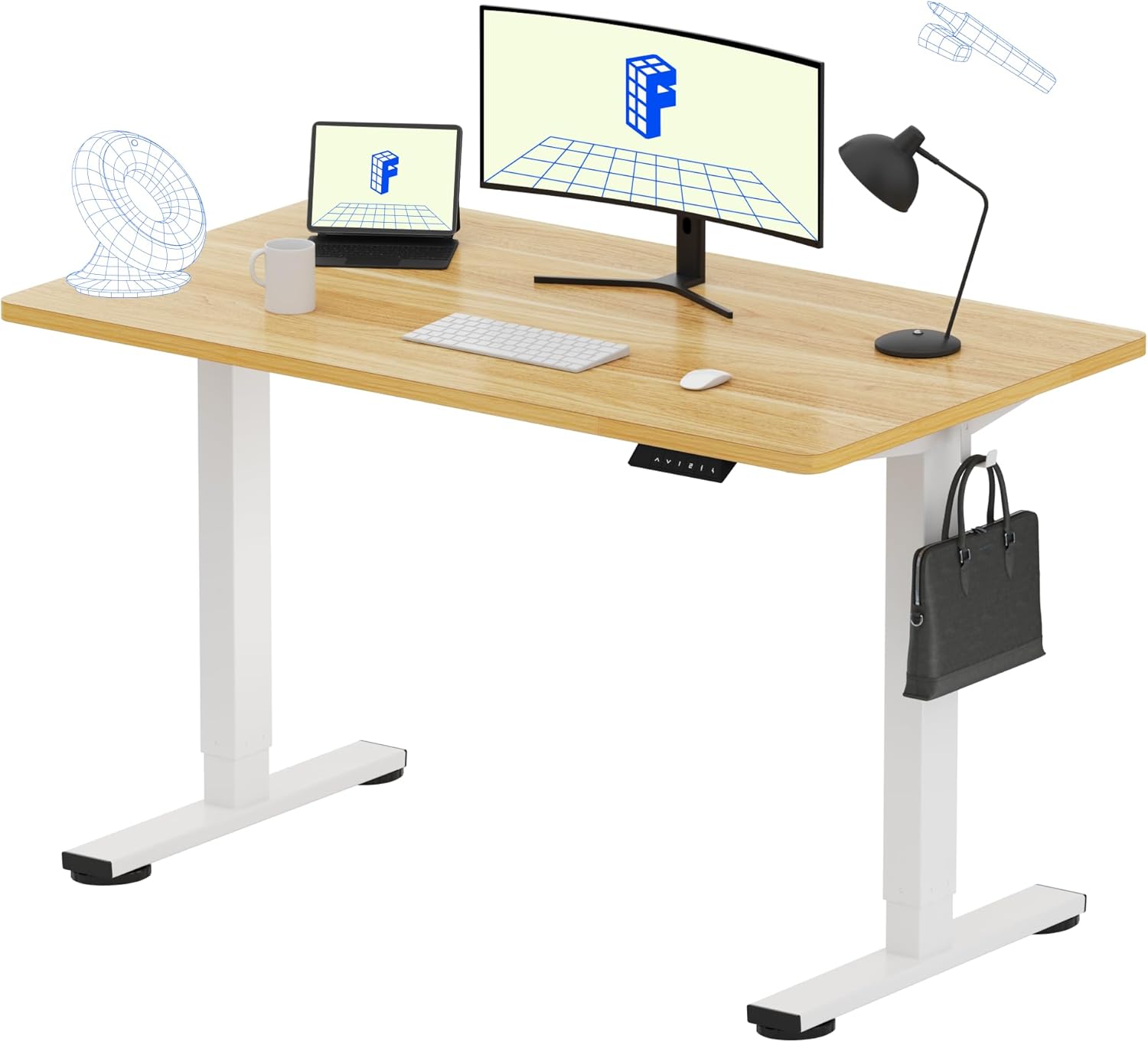
| Veken 47.2" Standing Desk | 47.2 in, wood | Standard | Smaller rooms; warm wood surface that glides well under cloth pads |
| ErGear 48 x 24 Electric | 48 x 24 in | Standard | Memory presets for quick sit-stand cycling during long sessions |
VIVO Electric 60 x 24 in Standing Desk
If you're running a dual-monitor or ultrawide gaming rig and want space to keep both a vertical productivity mouse and a lightweight gaming mouse on the same surface (so you can swap mid-session as your thumb fatigues), the 60-inch VIVO is the most generous of the three. The 220 lb capacity handles a heavy CPU tower, a monitor arm, and a wrist-support tray without sag. Memory presets let you save a strict "thumb-neutral" sitting height and a matched standing height. Check the VIVO 60-inch electric desk on Amazon.
ErGear 48 x 24 Electric Standing Desk
For most home offices, the ErGear 48-inch is the sweet spot. The memory height settings make it easy to commit to a 25-minutes-sit / 25-minutes-stand cadence, which research on overuse injuries consistently shows reduces sustained loading on small joints like the CMC. Pair it with a vertical mouse and an external trackball on opposite sides of the keyboard so you can rotate input devices through the day. See the ErGear electric standing desk on Amazon.
Veken 47.2" Wood-Top Standing Desk
If your room is tight or you prefer a warmer aesthetic, the Veken wood-top version offers the same sit-stand benefits in a smaller footprint. The wood surface plays nicely with cloth mousepads—important for low-friction glide that reduces the lift-and-clamp cycles a claw-grip arthritic thumb hates. View the Veken wood standing desk on Amazon.
A two-mouse rotation strategy for 2026
The single best behavioral change a claw-grip gamer with CMC arthritis can make is to stop using one mouse all day. Set up a rotation: a finger-operated trackball or semi-vertical mouse for email, code, and browsing during work hours, and your lightweight gaming mouse only during actual play sessions. This cuts pinch-grip duration in half without forcing you to abandon claw grip during competitive play, where reflex memory matters. Keep both mice plugged in via a USB hub and switch them in seconds.
Layer in a thumb spica splint for the worst flare days, ice for 10 minutes after long sessions, and the standing-desk cadence above. Most claw-grip gamers report measurable pain reduction within two to three weeks—not from a single miracle mouse, but from the combined load reduction.
When to see a hand specialist
If pain wakes you at night, if you've lost grip strength (can't open a jar you used to), or if the base of the thumb visibly swells, the workstation tweaks above are not enough. A certified hand therapist can fit a custom thermoplastic CMC splint and teach joint-protection techniques. A hand surgeon can image the joint and stage the arthritis, which informs whether conservative care (splinting, injections) or surgical options (LRTI, suspension arthroplasty) are appropriate. The ergonomic mouse strategy works best as a complement to medical care, not a replacement.
For more workstation guidance, see our companion guides on the best vertical mouse for small hands, the standing desk height calculator by elbow angle, and wrist rest vs no wrist rest for arthritis pain.
Frequently Asked Questions
Is a vertical mouse or a trackball better for CMC thumb arthritis in claw grip gamers?
For pure productivity work, a finger-operated trackball wins because the thumb does literally nothing—it rests. For gaming where reflexes matter, a 45-60° semi-vertical mouse with a thumb shelf is more practical because trackballs are slower for tracking targets. Most claw-grip gamers with CMC arthritis end up with both: trackball for the workday, semi-vertical or lightweight gaming mouse for play.
Can I keep using claw grip if I have basal thumb arthritis, or do I have to switch to palm grip?
You can keep claw grip, but you have to compensate. Switch to a lighter mouse (under 80 g), use a low-friction pad so you lift less often, map double-click to a side button, and take a 60-second hand break every 25 minutes. Some players experiment with a hybrid "claw-tip" where the palm lightly contacts the rear hump, which redistributes load away from the thumb without losing flick speed.
How much click force is too much for a thumb with CMC arthritis?
Anything above 70 grams of actuation force compounds quickly across a multi-hour gaming session. Aim for 45-60 g primary buttons. Some modern optical-switch gaming mice publish actuation force in their specs—check before buying. Avoid older mice with stiff Omron D2F switches if your thumb already hurts.
Does a standing desk actually help thumb arthritis, or just back pain?
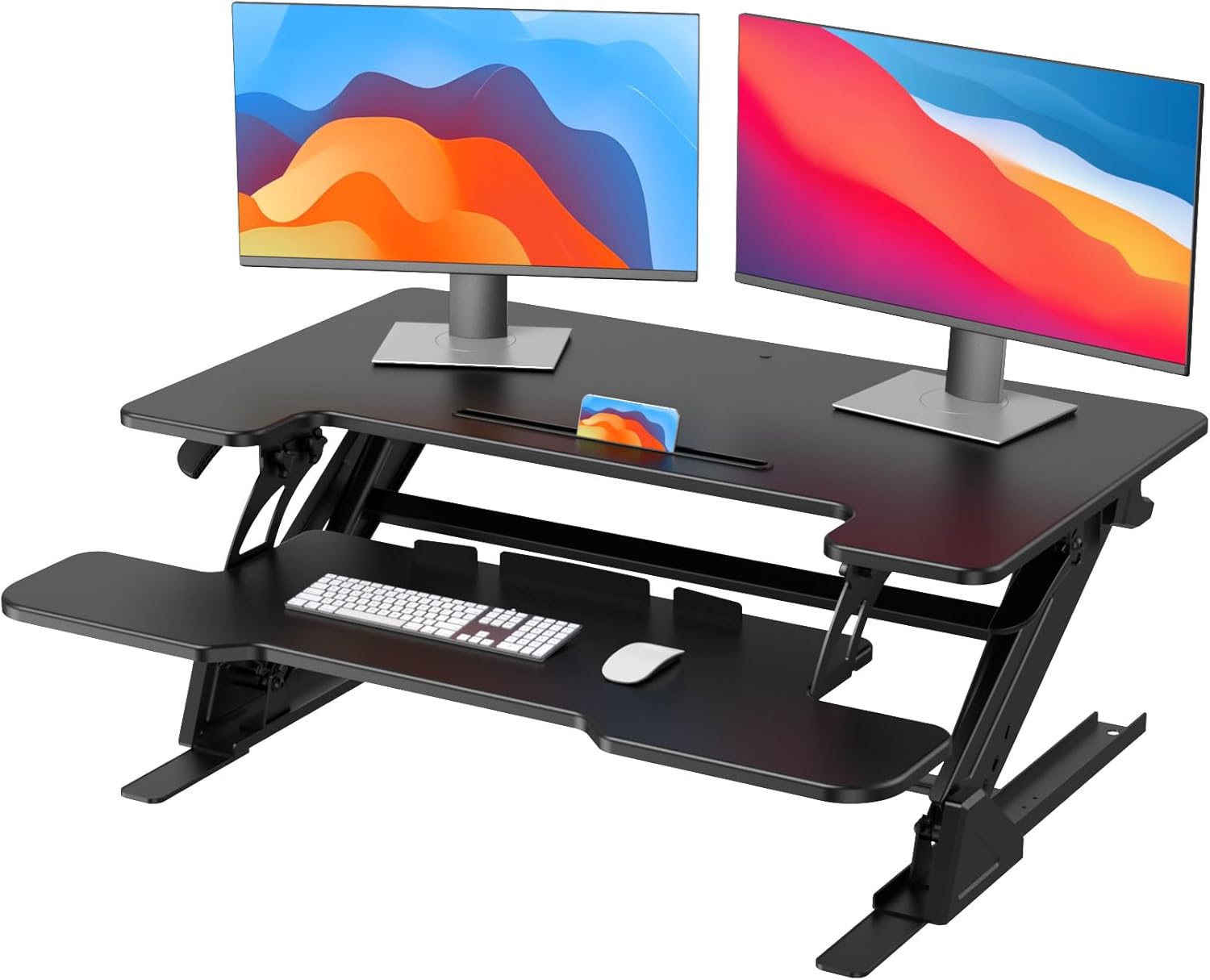
Indirectly, yes. Standing changes shoulder and elbow posture, which changes how hard you clamp the mouse. Many claw-grip gamers find they grip lighter when standing because gravity helps stabilize the arm against the desk surface. The bigger benefit is that an adjustable desk encourages position changes, and varied loading is gentler on arthritic joints than sustained loading in any single posture.
Are wireless mice better than wired for arthritis sufferers?
Wireless mice eliminate cable drag, which means less thumb clamp force needed to overcome resistance during fast movements. That's a real benefit for CMC arthritis. The trade-off is that wireless mice are usually a few grams heavier due to the battery. Look for a lightweight wireless model (under 80 g with battery) for the best of both worlds.
What about MMO mice with 12 thumb buttons—are they bad for CMC arthritis?
Generally yes. A 12-button thumb grid forces the thumb tip into precise repeated extension and abduction, which is exactly the motion arthritic CMCs tolerate worst. A 2-3 button side panel positioned for the middle of the thumb is far gentler. If you play MMOs and need many binds, remap them to a left-hand keypad device instead of loading them onto the mouse thumb.
How long after switching mice should I expect pain to improve?
If the new setup is genuinely better for your hand mechanics, most users report noticeable reduction in flare frequency within 10-14 days and meaningful baseline pain reduction within 4-6 weeks. If you've had no improvement after 6 weeks of consistent use plus the workstation changes above, the mouse choice is probably not the limiting factor—see a hand therapist for a personalized assessment.
Key Takeaways
- Choosing the right best ergonomic mouse for claw grip CMC arthritis means matching capacity and output ports to your actual devices
- Always check actual watt-hours (Wh), not just watts — runtime depends on Wh, not peak output
- Also covers: claw grip mouse for thumb arthritis
- Also covers: CMC joint pain gaming mouse
- Also covers: thumb basal joint arthritis ergonomic mouse
- Compare price-per-Wh across models to find the best value for your budget