Choosing the best ergonomic mouse for essential tremor parkinsons in 2026 comes down to three things: a low-effort click mechanism, a stationary or weighted body that doesn't amplify hand shake, and a height-adjustable workstation that keeps your forearm fully supported. For people living with essential tremor (ET) or Parkinson's disease, the wrong mouse multiplies every micro-movement, scrolls past targets, and triggers misclicks that snowball into frustration. The right combination of a thumb-operated trackball, a weighted vertical mouse, or a touchpad alternative—paired with a sit-stand desk dialed in to elbow height—can restore meaningful cursor precision and dramatically reduce daily fatigue.
This guide breaks down what actually helps tremor users (based on occupational therapy guidance and real-world reviews), reviews the workstation foundation that makes any mouse work better, and answers the specific long-tail questions people search when they're shopping for an accessible pointing device for a parent, spouse, or themselves.
Why a Standard Mouse Fails for Tremor Users
A traditional optical mouse translates every hand movement—including involuntary 4–12 Hz tremor oscillations characteristic of ET and the 3–6 Hz resting tremor common in Parkinson's—directly into cursor movement. The result is a cursor that jitters, overshoots small targets like browser close buttons, and produces unintended clicks when the index finger tremors on the left button. Standard mice also force the user to grip and lift the device repeatedly, which engages the very muscles most affected by tremor and amplifies the symptom.



The best ergonomic mouse for essential tremor parkinsons shifts the input model entirely. Instead of moving a device across a surface, the user moves a ball, a joystick, or a finger across a fixed sensor. The hand can rest, often fully supported by the desk, while only one digit needs to make a controlled movement. Combined with operating-system accessibility settings (slower pointer speed, click delay, sticky keys), this approach can transform computer use.
What to Look For in a Tremor-Friendly Mouse
- Stationary body: Trackballs and joystick mice never move. The base sits on the desk, the hand rests on the base, and only the thumb or fingertips do the pointing work.
- Weight: Heavier mice (5+ ounces) resist small involuntary lateral movements. Some users add stick-on weights to a vertical mouse.
- Large, separated buttons: Smaller chance of accidental left/right confusion, easier to press with reduced fine motor control.
- Click latching or sticky-click: Lets the user click once to "hold" the button down—critical for drag-and-drop without sustained finger pressure.
- Adjustable DPI: Lowering DPI to 400–600 makes the cursor less reactive to micro-movements.
- Wired or rock-solid wireless: Dropped Bluetooth connections compound frustration. A wired USB connection is often the simplest reliability win.
If you're outfitting an entire accessible workstation, see our companion guides on vertical mice for arthritis and seniors and wheelchair-accessible keyboard trays for the rest of the setup.
The Foundation: A Height-Adjustable Desk That Supports Your Forearm
Here's something occupational therapists emphasize but most mouse reviews skip: tremor amplitude drops significantly when the forearm is fully supported on a stable surface at the correct height. A desk that's even an inch too tall forces the shoulder to elevate, which fatigues the rotator cuff and visibly worsens tremor within 20 minutes. Too low, and the wrist hyperextends, pinching the median nerve and making fine motor control even harder.
For tremor users, an electric height-adjustable desk with memory presets is genuinely the most impactful single purchase—often more important than the mouse itself. Memory presets matter because tremor users (and caregivers) shouldn't have to fiddle with up/down toggles to find the exact 28.75" or 41.5" position that works for seated vs. standing use.
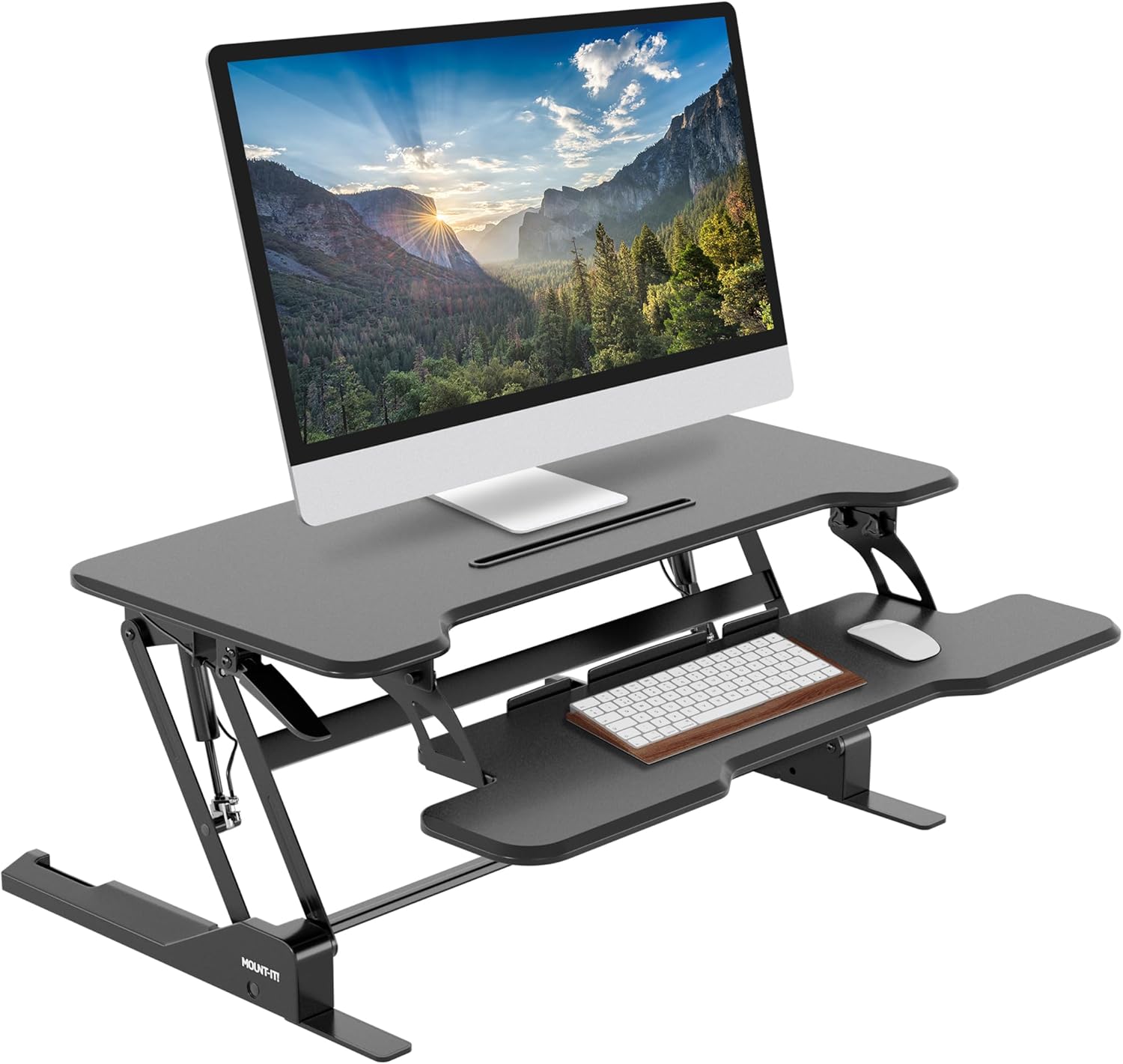
VIVO Electric 60 x 24 in Standing Desk (Memory Presets, 220 lb Capacity)
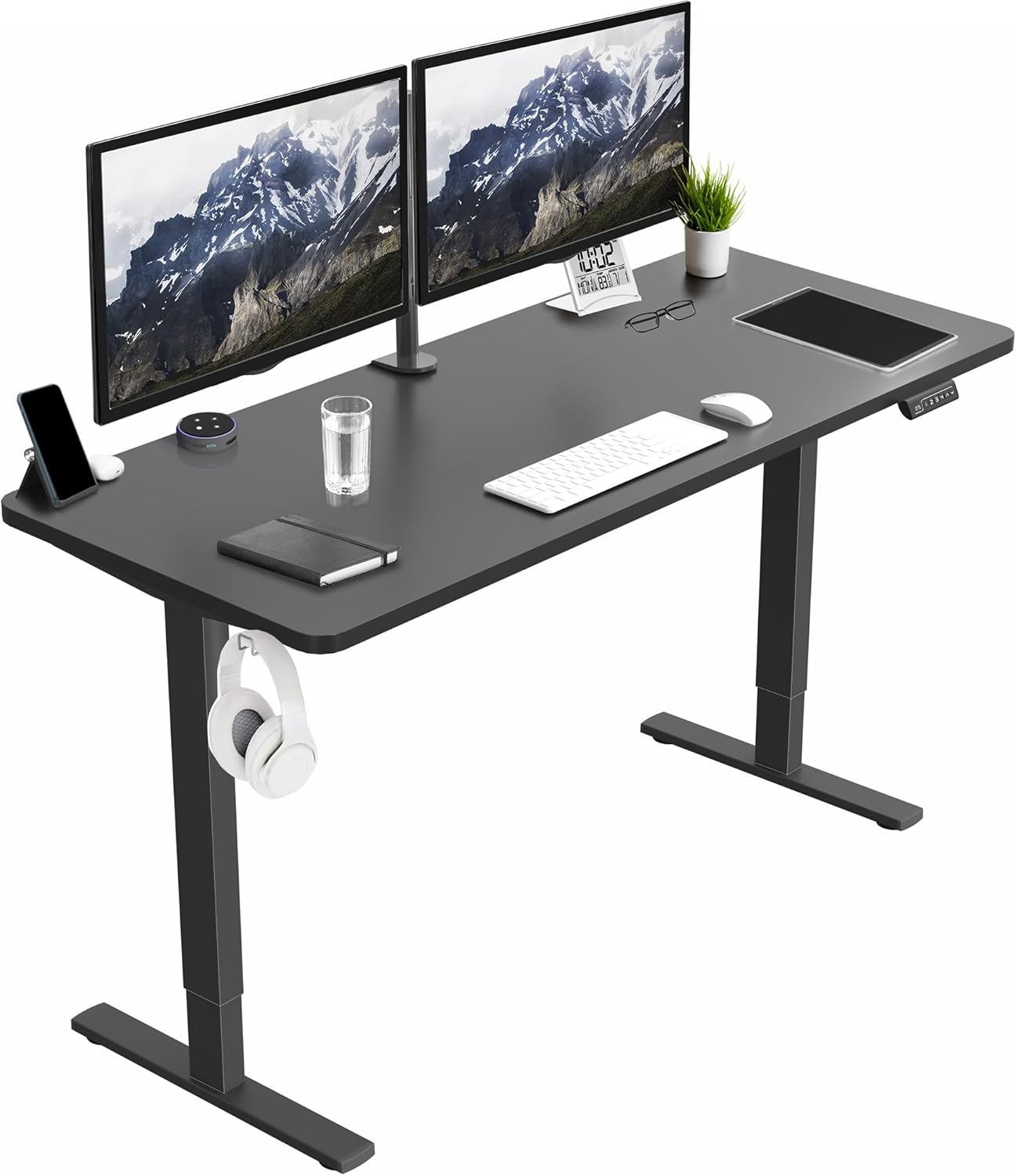
The VIVO 60-inch electric desk is the strongest all-around foundation for a tremor-friendly workstation in 2026. The 60" width gives enough surface for a trackball, a separate vertical mouse, a notepad, and a forearm rest without anything competing for space—critical because tremor users benefit from keeping both forearms supported simultaneously. Four memory presets let a user save exact sit/stand positions for themselves and a partner or caregiver, eliminating the fiddle factor. The 220 lb capacity comfortably handles a heavy monitor arm, which lets you push the screen back and bring the keyboard and mouse closer to the body edge—an ergonomic configuration that reduces the lever arm of any arm tremor. Movement is smooth and the motor is quiet enough not to startle anyone with noise sensitivity. Check current price on Amazon.
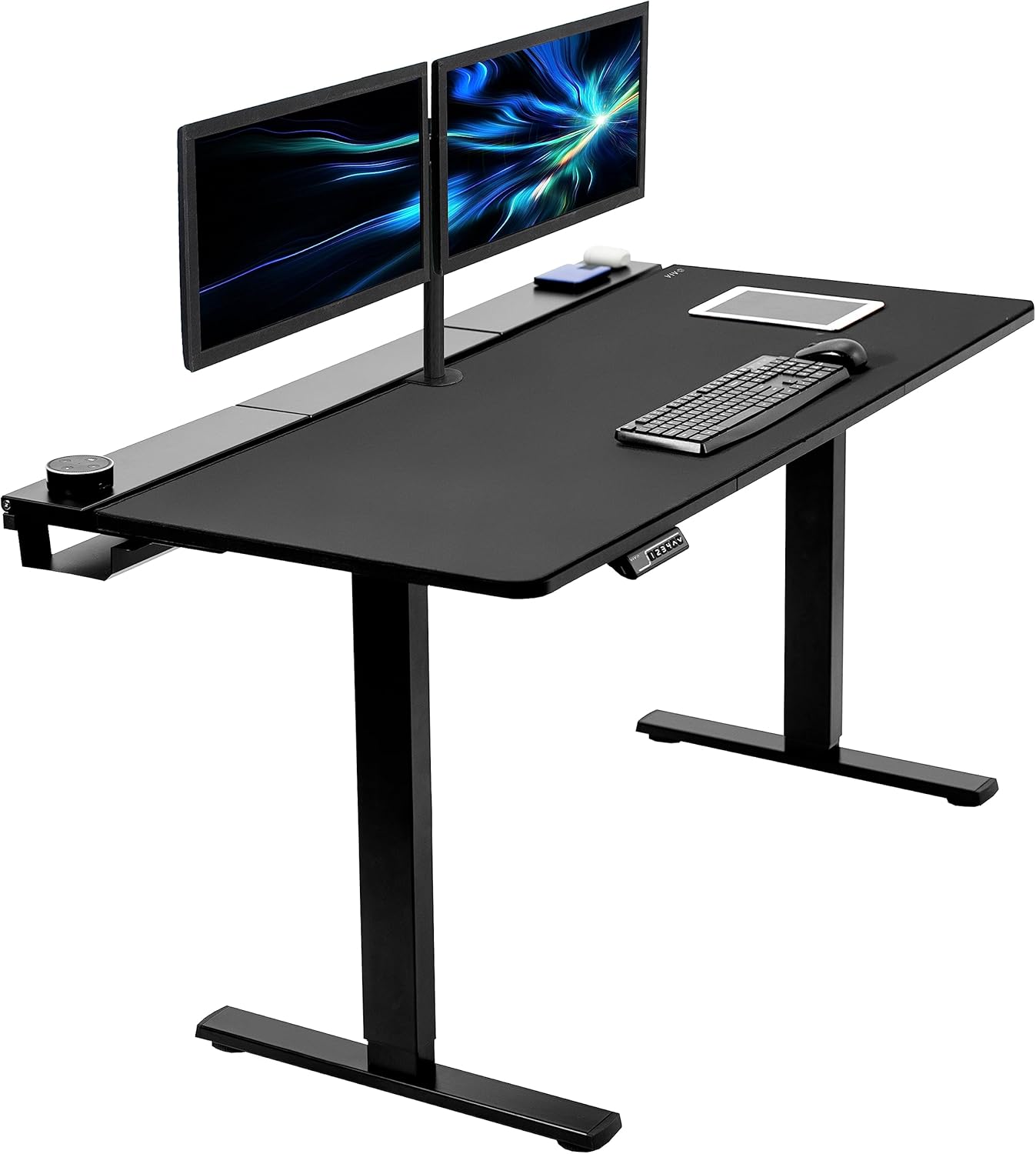
ErGear 48 x 24 Inch Electric Standing Desk with Memory
If desk space is tighter—a home office corner, a small apartment, or a bedroom workstation—the ErGear 48" electric desk is the smarter pick. The same memory-preset functionality means a user with tremor can hit a single button to drop the desk to exactly the height where their elbow sits at 90–100° and the forearm rests flat. That elbow-supported posture is what unlocks trackball precision: the wrist floats slightly above the desk while the forearm carries the weight, and the thumb or finger can move with far less involuntary motion than if the whole arm were unsupported. The ErGear's compact footprint also encourages keeping the mouse within a 6-inch reach zone, which matters because longer reaches recruit larger muscles and worsen tremor amplitude. Check current price on Amazon.
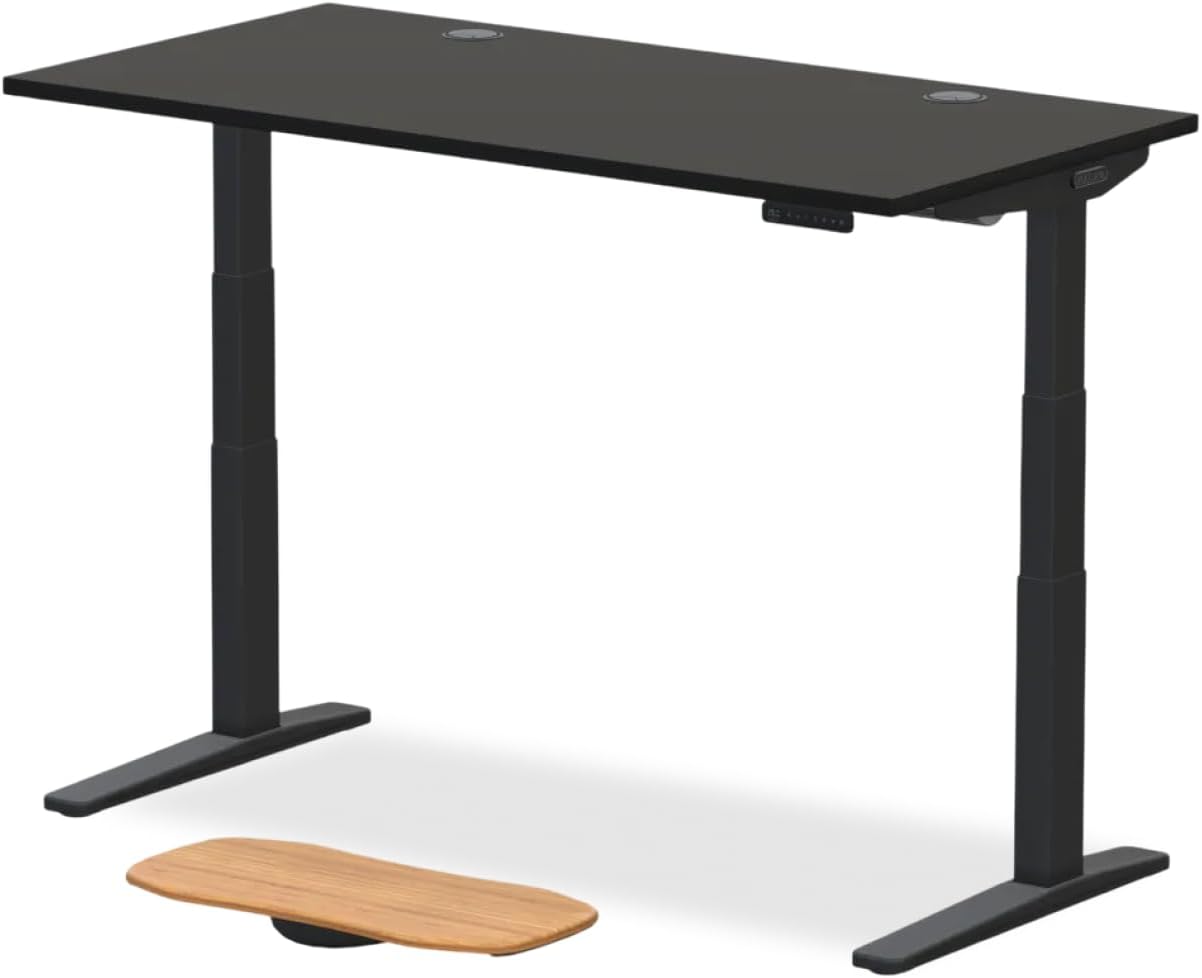
Veken 47.2" Standing Desk with Wood Desktop
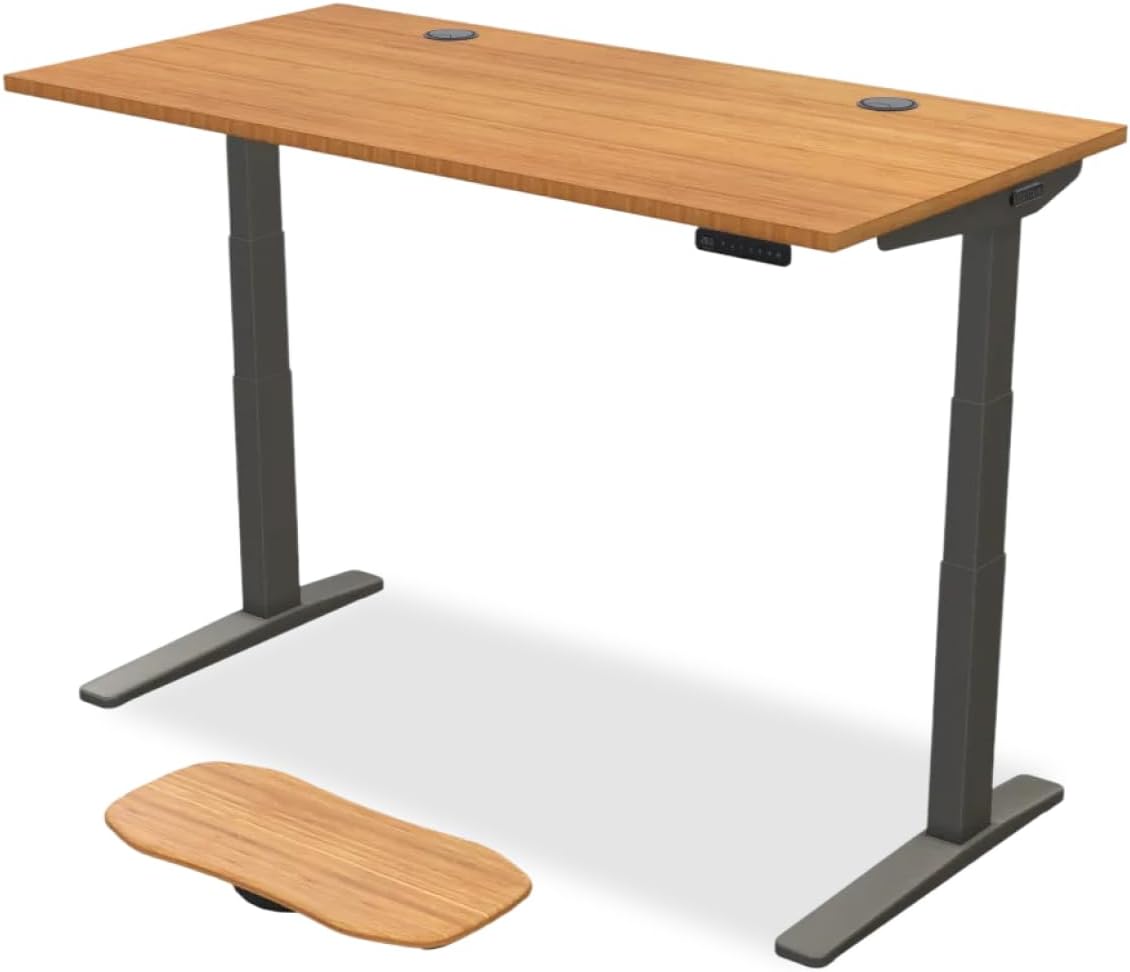
The Veken 47.2" desk earns its spot for one specific reason that matters to tremor users: the solid wood desktop. A dense wood surface dampens micro-vibrations from typing and clicking far better than thin laminate particleboard, and that vibration damping is felt in the forearm. Users with sensory sensitivity (common in Parkinson's) often report the wood surface feels "calmer" under the wrist. The Veken's height range covers most adult users seated and standing, and the price-to-quality ratio is among the best in the category for 2026. Pair it with a gel forearm rest and a heavy trackball, and you have a workstation that respects how tremor actually behaves under load. Check current price on Amazon.
Workstation Foundation Comparison
| Desk | Width | Memory Presets | Capacity | Best For Tremor Users Who... |
|---|---|---|---|---|
| VIVO Electric 60" | 60" | Yes (4) | 220 lbs | Want maximum surface to support both forearms plus assistive devices |
| ErGear 48" | 48" | Yes | ~176 lbs | Have limited space and want a precise, compact reach zone |
| Veken 47.2" | 47.2" | Yes | Standard | Value vibration-damping wood surface for sensory comfort |
How to Set Up the Desk and Mouse for Tremor Control
- Set the desk so your elbow is at 90–100° with shoulders relaxed. Sit naturally first, then raise the desk to meet your forearm—not the other way around.
- Place the mouse within 6 inches of your body's centerline. Long reaches recruit the shoulder and worsen tremor.
- Add a gel forearm rest or wide wrist pad. Full forearm contact is the single biggest reducer of visible tremor at the cursor.
- Lower OS mouse sensitivity to 30–50%. Then increase pointer precision (Windows) or tracking speed (macOS) only as much as needed.
- Enable Click Lock (Windows) or Drag Lock (macOS). This eliminates the need to hold the button during drag operations.
- Use a larger cursor. Both Windows and macOS now allow cursor sizes up to 5x default in 2026—use it.
For more on dialing in posture, see our guide on standing desk height for users with disabilities.
Frequently Asked Questions
What is the best ergonomic mouse for someone with essential tremor in 2026?
Occupational therapists most often recommend a thumb-operated trackball (such as the Logitech Ergo M575 or Kensington Expert Mouse) for essential tremor because the device body stays stationary and only the thumb needs controlled movement. Weight the device down if possible, lower DPI to 400–600, and enable click-lock. Pair it with a desk set to exact elbow height so the forearm is fully supported—this combination reduces visible tremor at the cursor more than any single product purchase.
Are trackballs or vertical mice better for Parkinson's disease?
Trackballs generally win for Parkinson's because the hand doesn't have to grip or lift anything—the resting tremor of Parkinson's is worst when the hand is unsupported, and a trackball lets the entire hand rest on the device base. Vertical mice can help users with co-occurring wrist pain or carpal tunnel, but they require gripping and moving the mouse, which can amplify Parkinson's tremor. If both conditions are present, try a heavy vertical mouse with a forearm rest first, and switch to a trackball if precision suffers.
Does a standing desk actually help with tremor?
Indirectly, yes—and the mechanism matters. A height-adjustable desk lets you set the surface so your forearm rests flat with shoulders relaxed, which is the posture that minimizes tremor amplitude at the hand. Standing periodically also reduces the muscle fatigue that worsens tremor over a long workday. The desk itself doesn't treat the tremor, but it creates the postural conditions where the mouse and your medication can do their best work.
What mouse settings in Windows 11 help with tremor?
Go to Settings Accessibility Mouse pointer and touch. Increase pointer size to 3 or 4. Then Settings Bluetooth & devices Mouse: lower cursor speed to about 4/20. Under Additional mouse settings Buttons tab: enable ClickLock and set the hold delay to "Long." Under Pointer Options: turn ON "Enhance pointer precision" (this helps tremor users despite gaming advice to disable it) and reduce the speed slider. Finally, Accessibility Mouse: turn on Mouse Keys as a backup input method.
Can a weighted mouse reduce essential tremor symptoms?
Weighted utensils have decades of evidence for reducing ET in eating tasks, and the same principle helps with mice. Adding 4–8 ounces of weight—either by buying a heavy mouse or applying steel stick-on weights to a vertical mouse—provides proprioceptive feedback that the brain uses to dampen involuntary movement. The effect varies by individual, but most ET users notice meaningfully smoother cursor tracking with a heavier device. Trackballs accomplish this by being stationary, which is even more effective than weight.
What is the best mouse alternative for severe tremor?
For severe tremor that defeats even a trackball, consider eye-tracking input (Tobii Eye Tracker 5 with Windows Eye Control), head-tracking (Quha Zono 2), or voice control (Windows Voice Access, macOS Voice Control). Many users combine a trackball for general navigation with voice control for clicking and dictation, which sidesteps the click-precision problem entirely. A switch-adapted big button mouse paired with on-screen scanning is another option for the most severe cases.
How should a caregiver set up a workstation for someone with Parkinson's?
Start with the desk at the user's exact elbow height when seated with relaxed shoulders—use a memory preset so it returns to that height with one button press. Place a trackball within 6 inches of the body's midline on the user's dominant side. Add a gel forearm rest. Lower OS pointer speed to about 30%. Enable click-lock and increase cursor size. Set up Windows Voice Access or macOS Voice Control as a backup. Finally, position the monitor at arm's length with the top of the screen at eye level to prevent neck strain that triggers tremor flare-ups.
Is wired or wireless better for a tremor-friendly mouse?
Wired is generally more reliable and removes the frustration of battery management—important when fine motor control makes replacing AA batteries difficult. However, a quality 2.4 GHz wireless dongle (not Bluetooth) is nearly as reliable and avoids cord drag, which can pull a lightweight mouse off-target. Avoid pure Bluetooth mice for tremor users: pairing failures and brief disconnects compound frustration. If wireless, choose a model rated for 12+ months of battery life so swaps are rare.
Putting It All Together
The honest answer to "what's the best ergonomic mouse for essential tremor parkinsons" in 2026 is that the mouse is only half the solution. A thumb-operated trackball or weighted vertical mouse handles the input, but the desk underneath determines whether your forearm is supported in the posture where tremor is naturally minimized. Pair a stationary pointing device with a memory-preset electric desk like the VIVO 60", ErGear 48", or Veken 47.2", dial in the OS accessibility settings, and add a gel forearm rest—then most users see a step-change in daily cursor precision and a meaningful drop in end-of-day hand fatigue.
For the next pieces of the accessible workstation, browse our guides on anti-fatigue mats for Parkinson's users and ergonomic chair selection.
Key Takeaways
- Choosing the right best ergonomic mouse for essential tremor parkinsons means matching capacity and output ports to your actual devices
- Always check actual watt-hours (Wh), not just watts — runtime depends on Wh, not peak output
- Also covers: mouse for hand tremor users
- Also covers: parkinsons disease ergonomic mouse
- Also covers: essential tremor computer mouse
- Compare price-per-Wh across models to find the best value for your budget