If thumb pain from rheumatoid arthritis is sabotaging every workday, the best ergonomic split keyboard rheumatoid arthritis sufferers reach for in 2026 is one that does three things at once: it separates into two halves so your shoulders can open and your wrists stop ulnar-deviating, it tents at a 10-20 degree angle to neutralize forearm pronation, and it uses light-actuation switches (35-45 grams) with a programmable thumb cluster so your tender MCP and CMC joints never have to mash heavy modifier keys. Skip rubber-dome boards, skip chiclet laptop keyboards, and never trust a "split" keyboard that is permanently joined at the center.
Why rheumatoid arthritis attacks the thumb first - and why typing makes it worse
Rheumatoid arthritis loves the small synovial joints of the hand, and the thumb's metacarpophalangeal (MCP) and carpometacarpal (CMC) joints are usually among the first to swell, stiffen, and weep. Every time you reach for the spacebar with a sore thumb, you load that inflamed joint with a small but repetitive compressive force. Multiply by the roughly 7,000 spacebar presses a typical knowledge worker logs each day and you have a recipe for chronic flare-ups.



Traditional row-staggered keyboards make this worse in three ways. The thumb has to stretch laterally to find the spacebar. Pinky-driven modifiers like Shift, Ctrl, and Backspace force awkward hand contortions that pull tendons through inflamed sheaths. And the flat, non-tented profile pronates your forearms, locking the wrist and thumb in their weakest mechanical position.
A properly chosen split board fixes all three problems. That is why the search for the best ergonomic split keyboard rheumatoid arthritis communities recommend has gotten so specific in 2026 - the right geometry can move dozens of daily keystrokes off your thumb entirely.
The features that matter most for arthritic thumbs
Independently positioned halves
A true split board separates into two physical halves connected by a cable or wireless link. You can angle each half outward (a "splay" of 10-30 degrees), pull them apart to shoulder width, and rotate them to whatever angle stops your wrists from breaking laterally. For RA hands, even a small splay reduces ulnar deviation and offloads the thumb's stabilizing work.
Tenting at 10 to 20 degrees
Tenting tilts the inside edge of each half upward so your palms face each other slightly. This is the single most important feature for thumb pain because it lets the thumb hang in its natural plane rather than reaching across a pronated palm. Aggressive tent angles of 30+ degrees feel great briefly but tire untrained forearms - 15 degrees is the sweet spot for most arthritic users.
Columnar (ortholinear) key layout
Columnar layouts stack keys in straight vertical columns matched to finger length, instead of the staggered rows inherited from typewriters. Each finger - including the index and middle fingers that share load with the thumb - moves only straight up or down. Less lateral reaching means less torque on the thumb's CMC joint.
A real thumb cluster, not just a spacebar
The defining feature of an RA-friendly board is a multi-key thumb cluster: typically 3-6 dedicated keys per hand, positioned so the thumb's strongest stroke (downward and inward) can hit them. Common assignments include Space, Enter, Backspace, layer-shift, and a dedicated modifier - moving these off the pinkies dramatically reduces strain across the whole hand.
Light, tactile switches under 45g
Switch choice is medical, not cosmetic. Look for switches with an actuation force of 35-45 grams and a soft tactile bump, such as Kailh Choc Browns, Gateron Brown Pro, or low-profile Kailh Sunsets at 40g. Avoid heavy linears (60g+) and clicky bar switches like Cherry MX Blues, whose stiff click bar can spike loading forces just as the thumb is committing to a keystroke.
QMK, ZMK, or Vial firmware
Programmable open-source firmware lets you remap painful chords. Tap a key for one character, hold it for a modifier. Put Backspace under the right thumb. Move Shift off the pinky and onto a home-row "mod-tap." This is where the keyboard turns from hardware into ongoing therapy - you can keep rebalancing the load as your flare patterns shift week to week.
Wireless or detachable cabling
On bad-flare days you may want the halves resting on the arms of a recliner or on pillows in your lap. Wireless boards (or those with detachable TRRS cables) let you adapt setup to symptom level without unplugging from the desk.
Categories of split keyboard worth considering in 2026
Rather than steering you toward a single board, the more honest recommendation is to match the keyboard to your flare severity and budget. These categories represent the strongest options on the market:
Concave key-well boards (most aggressive ergonomics)
Boards like the Kinesis Advantage 360 and the MoErgo Glove80 use deep concave key wells that cradle each finger at its natural arc length. The thumb cluster sits in its own bowl, often with 5-6 keys per hand. These are the gold standard for severe RA hands - they are also the most expensive and have the steepest learning curve (expect 2-3 weeks before typing speed recovers).
Flat columnar splits with tenting (best balance)
Boards in the ZSA Moonlander, Ergodox EZ, and Dygma Defy family use flat columnar layouts with adjustable tenting legs. They are easier to adapt to than key-well designs, still highly programmable, and considerably cheaper. For most mild-to-moderate RA users this is the right starting category.
Low-profile split travel boards
The Keychron Q11, Lily58, and Corne are smaller boards with low-profile Choc switches. The shorter travel distance means less finger movement per keystroke, which can be a major win during flares - though the smaller thumb clusters require more aggressive remapping to be RA-friendly.
The full workstation: your keyboard is only half the fix
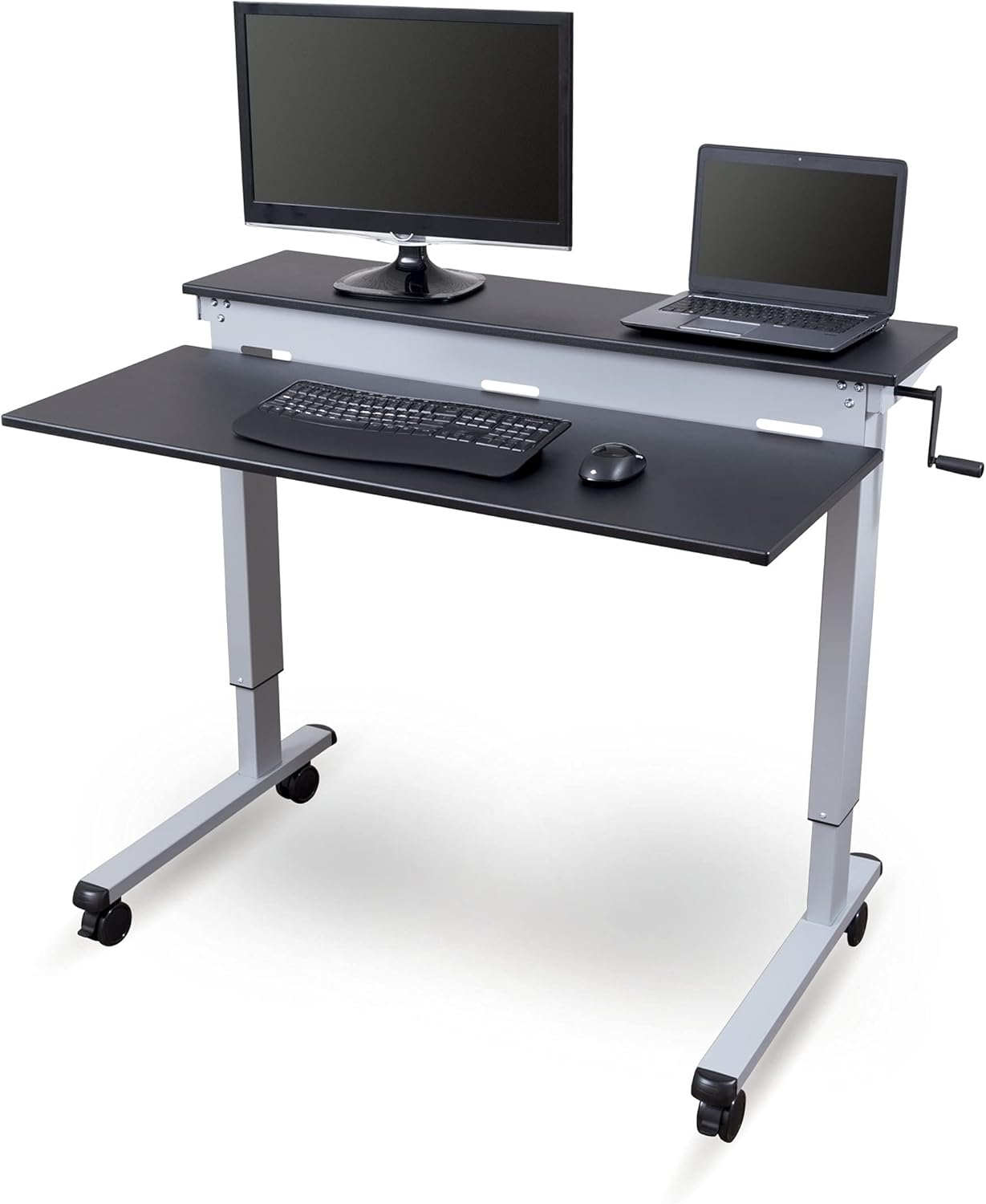
A split board on a fixed-height desk solves only half the geometry problem. RA flares often demand that you change postures multiple times per day: sitting when joints are stiff in the morning, standing or perching when ankles swell after lunch. An electric height-adjustable desk lets you move the entire keyboard plane to match your current best posture, and a memory desk lets you save those positions so you are not fiddling with controls during a flare.
For RA users specifically the desk should hit three marks: a low enough minimum height (under 28 inches) to allow a tented split board with palms slightly below elbow level, a 220+ pound capacity to carry monitor arms and accessories without sag, and memory presets so you can switch between sitting and standing in one button press. These three options below all meet that bar.
| Desk | Surface | Memory presets | Capacity | Best for |
|---|---|---|---|---|
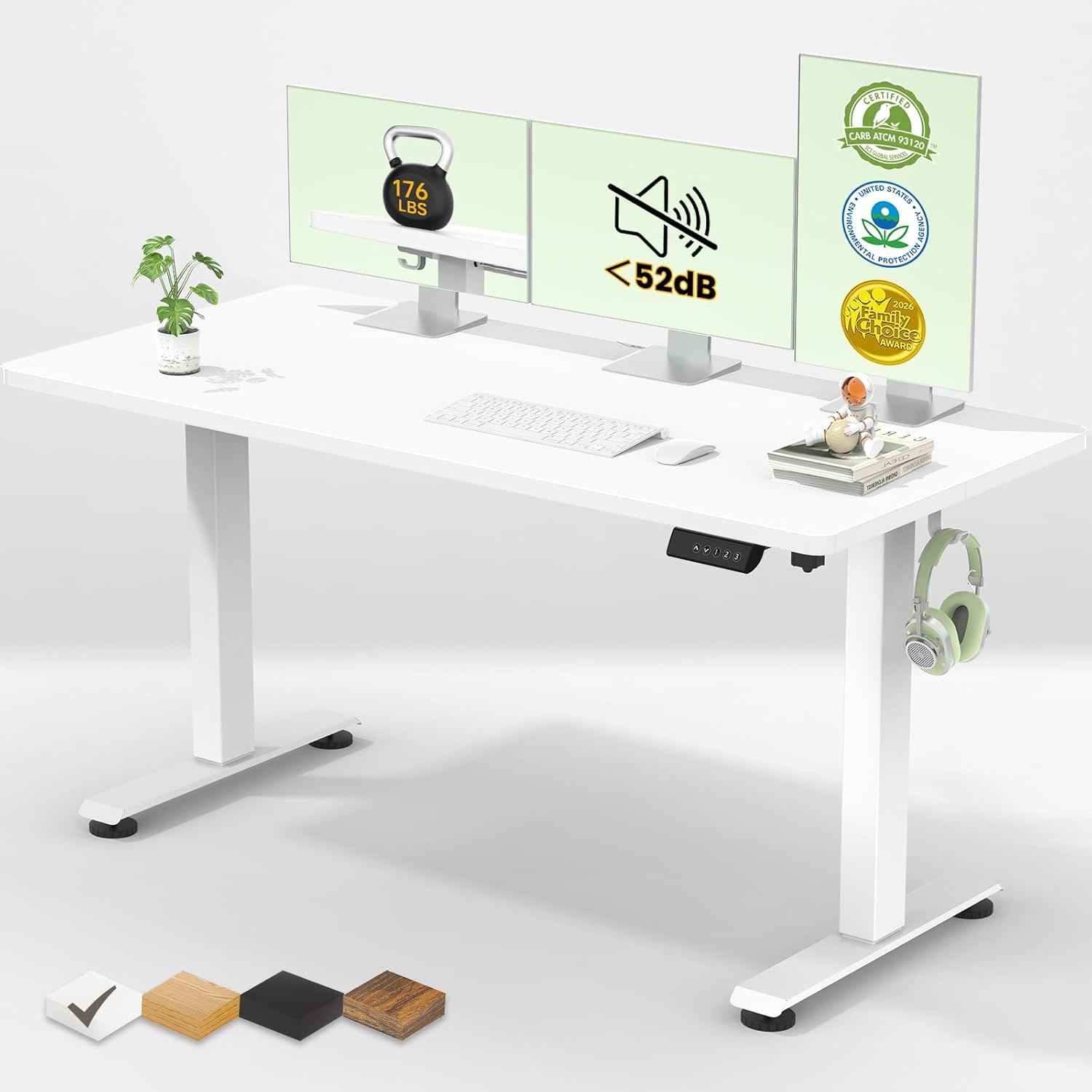
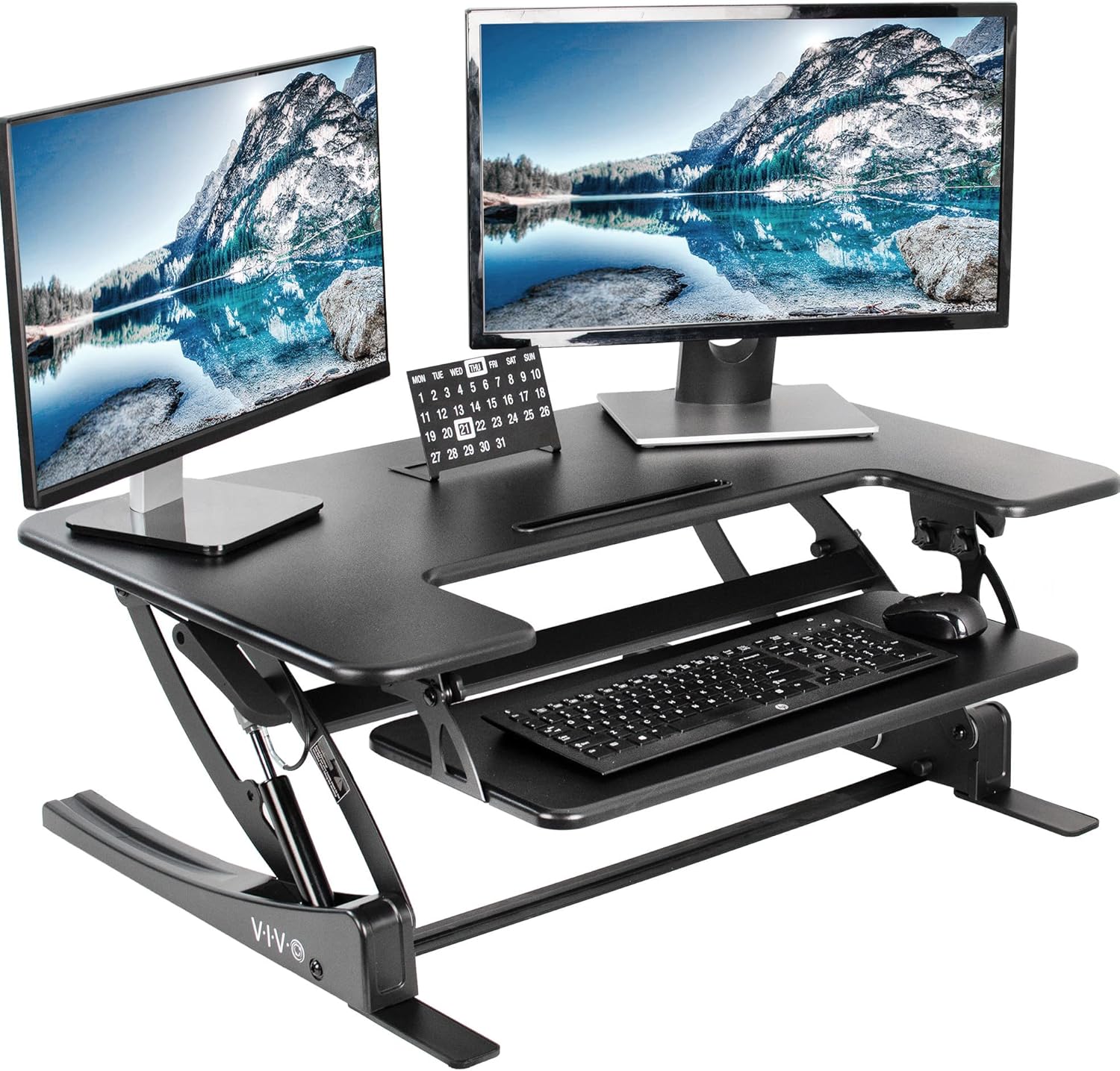
| VIVO Electric 60x24 | 60 x 24 in | Yes | 220 lbs | Dual-monitor split-board setups |
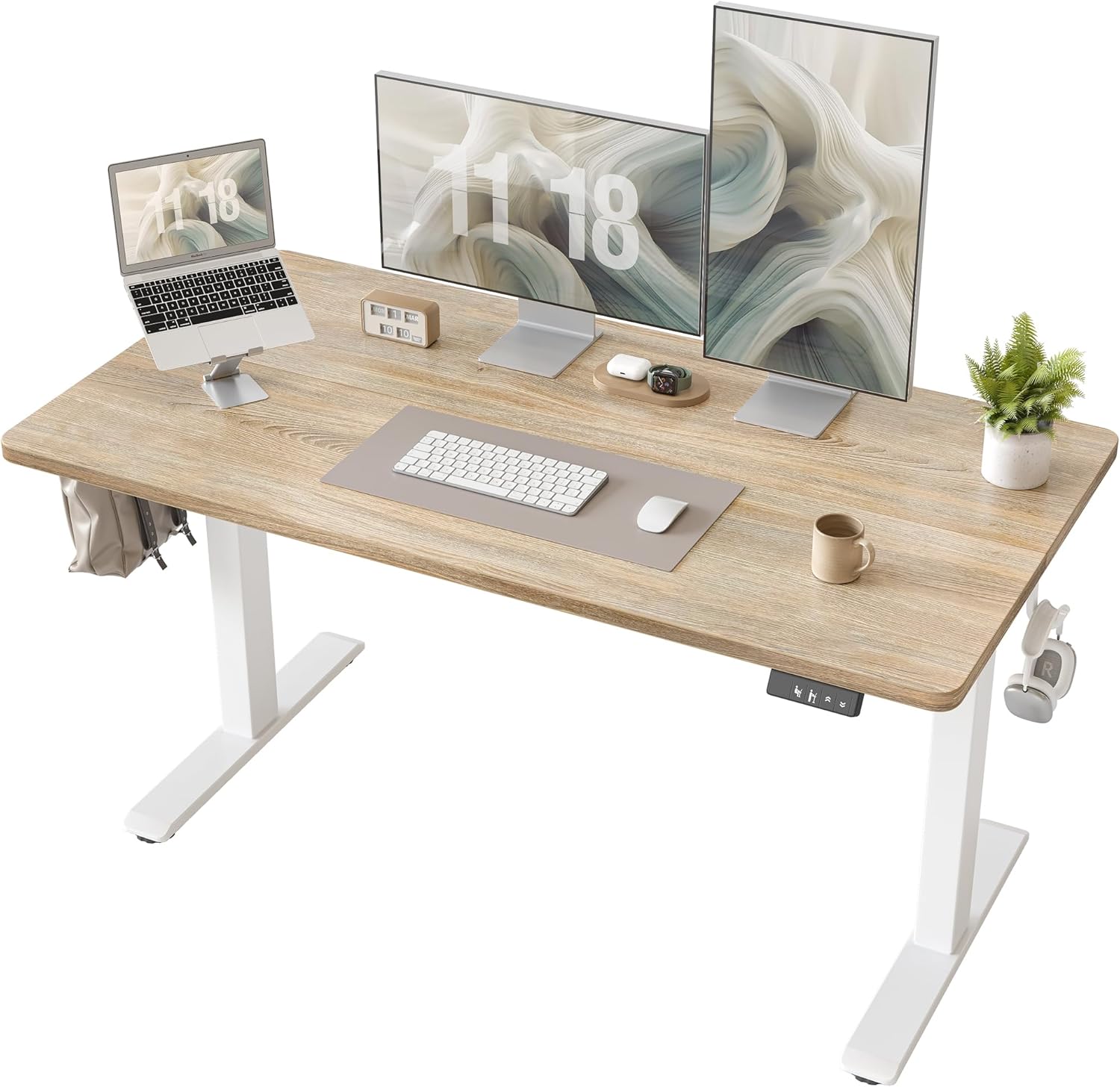
| Veken 47.2" Wood | 47.2 in wood top | Yes | Standard | Single-monitor home offices |
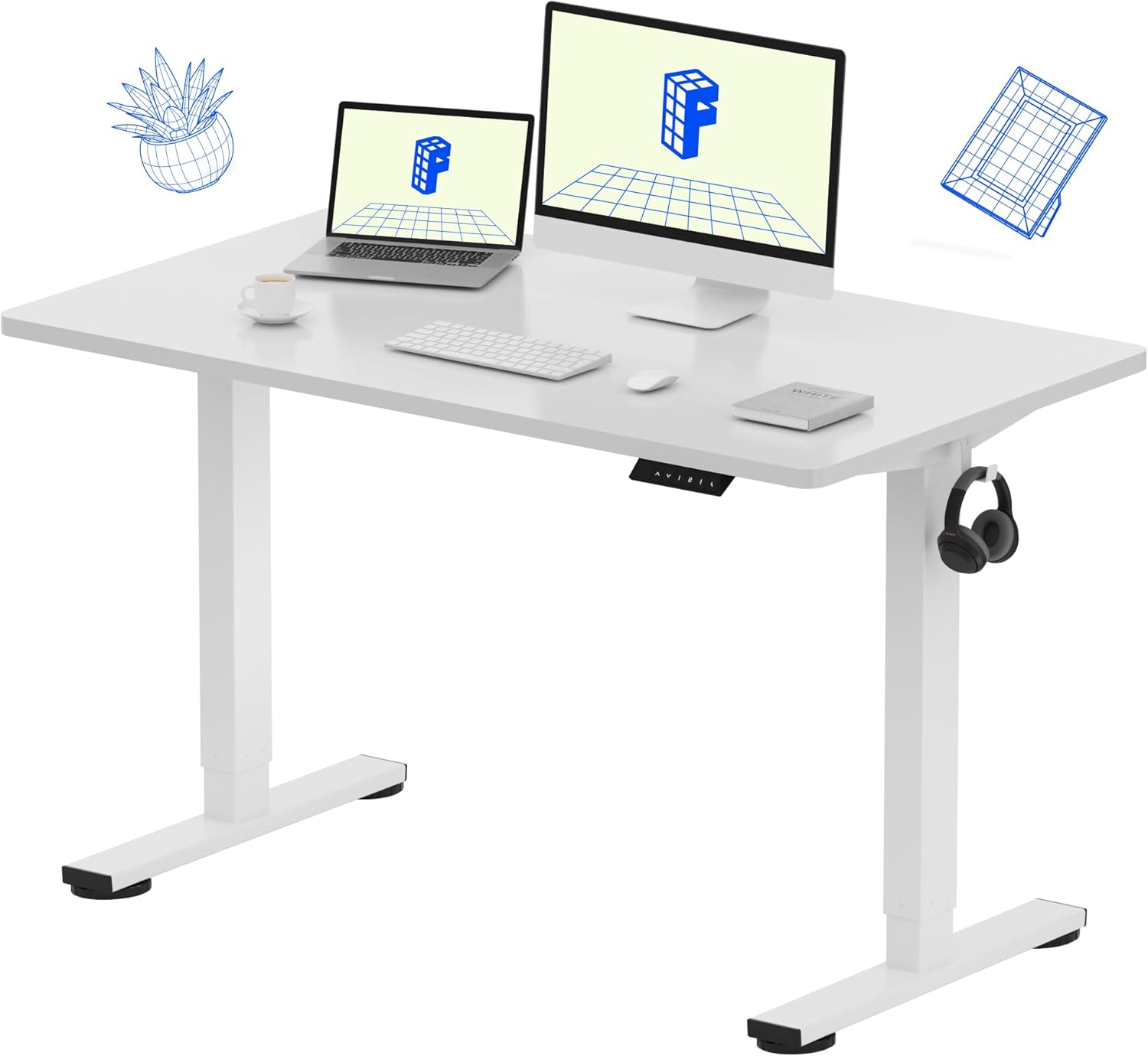
| ErGear 48x24 | 48 x 24 in | Yes | Standard | Compact rooms, tight budgets |
VIVO Electric 60 x 24 in Standing Desk
The widest of the three, the VIVO gives you enough surface for both halves of a split board pulled to true shoulder width plus a tented vertical mouse or trackball outboard of the right half. The 220-pound capacity easily carries a dual-monitor arm, and the memory presets are useful for saving distinct sitting, standing, and "elbow-rest" heights for flare days. Check the VIVO 60x24 on Amazon.
Veken 47.2" Standing Desk with Wood Desktop
If your space is tight but you still want a warm-looking surface, the Veken's wood-grain top pairs especially well with the natural-wood wrist rests that ship with several split keyboards. The 47-inch width is enough for a moderately spread split board plus a vertical mouse, and the electric memory adjustment is smooth enough to operate single-handed during a flare. Check the Veken 47.2" desk on Amazon.
ErGear 48 x 24 Inch Electric Standing Desk
The most affordable of the three, the ErGear hits the same 48-inch width as the Veken but with a more conventional laminate top and a budget-friendly price. Memory presets, electric height adjustment, and a solid frame make it a credible base for the best ergonomic split keyboard rheumatoid arthritis workstation without the premium spend. Check the ErGear 48x24 on Amazon.
Setup tips that actually reduce thumb load
Owning the right keyboard is step one. Configuring it for your specific RA pattern is step two, and most users skip it. Spend an afternoon doing the following:
- Move Backspace and Enter to your thumbs. These are the two most-pressed keys after Space, and pinky use of either is brutal for RA hands.
- Set up a navigation layer on a thumb key. Hold the layer key and your right hand becomes arrow keys, page up/down, and home/end. No more reaching.
- Use mod-taps for Shift and Ctrl. Tap the A key for "a", hold it for Ctrl. Tap semicolon for ";", hold for Shift. Your pinkies will thank you and your thumbs will stop compensating.
- Tent at 15 degrees first. Increase only if your forearms tolerate it without new wrist fatigue. The goal is to relieve thumb load, not transfer it elsewhere.
- Take a 30-second break every 20 minutes. Open and close the fist gently five times. Short, frequent breaks beat longer infrequent ones for synovial joints.
For complete workstation guidance see our standing desk ergonomic setup guide, and if you also fight wrist pain consider pairing the keyboard with a vertical mouse for arthritis. For switch selection specifically, our low-force mechanical switch guide walks through every sub-45g option available in 2026.
Frequently Asked Questions
What is the lightest-actuation split keyboard for severe RA flares?
The MoErgo Glove80 ships standard with Kailh Choc Reds at 50g but can be ordered with Choc Whites at 27g, making it the lightest-actuation production split board in 2026. For non-Choc switches, the Kinesis Advantage 360 with Cherry MX Silent Reds (45g linear) is a close second and easier to source quickly.
Can I use a split keyboard if I cannot touch type?
Yes, but expect a 2-3 week adaptation period during which speed drops by 30-50%. Columnar layouts force proper finger assignment, which is a long-term gain for RA hands even if it feels punishing initially. Start with a layout overlay sticker set and type slowly - speed returns.
Do mechanical split keyboards work with macOS for arthritis users?
Every major ergonomic split (Kinesis, ZSA, Glove80, Dygma) ships with macOS support and remappable Cmd/Option/Ctrl keys. Most users running QMK or ZMK firmware build a dedicated macOS layer with Cmd on a thumb key, which is far gentler than the default pinky position.
Is tenting or splaying more important for thumb pain?
Tenting (raising the inner edge) addresses pronation and is the bigger lever for thumb pain specifically. Splaying (angling halves outward like a V) helps shoulder posture and ulnar deviation. Most RA users benefit from 15 degrees of tent plus a modest 10-degree splay - start there and adjust by symptom feedback.
How long until my thumb pain improves after switching keyboards?
Most users report initial improvement within 5-10 days of consistent use, with significant joint comfort gains by week 4-6 once new typing patterns have replaced old habits. Pair the keyboard with an anti-inflammatory routine (heat, gentle range-of-motion exercises, and your prescribed DMARD therapy) for the best results.
Should I use a wrist rest with an ergonomic split keyboard?
Counterintuitively, no - or at least not while actively typing. A wrist rest is meant for resting between bursts of typing. Pressing on it during typing locks the wrist and forces lateral finger reaching, which actually loads the thumb. Use it between sentences, not under them.
Can a split keyboard fully replace voice dictation for RA sufferers?
For many users, yes. The combined effect of light switches, thumb-cluster remapping, and tenting can drop daily keystroke load on the most painful joints by 40-60%. That said, a hybrid workflow - dictation for long-form prose, split keyboard for code and editing - is the gentlest long-term setup for serious flare patterns.
Key Takeaways
- Choosing the right best ergonomic split keyboard rheumatoid arthritis means matching capacity and output ports to your actual devices
- Always check actual watt-hours (Wh), not just watts — runtime depends on Wh, not peak output
- Also covers: split keyboard arthritis hands
- Also covers: keyboard for thumb joint pain
- Also covers: kinesis advantage arthritis
- Compare price-per-Wh across models to find the best value for your budget