If you're searching for the best keyboard tray standing desk thick tabletop uplift compatible setup, you've hit a real challenge. Uplift desktops often run 1 inch (25 mm) or thicker, and bamboo or solid-wood tops can push past 1.25 inches. Most off-the-shelf keyboard trays max out at clamping less than 1 inch, so you need a tray designed for deeper desktops — or one that screws in instead of clamping. This 2026 guide walks through the best under-desk keyboard tray styles that actually fit thick Uplift tabletops, plus a few standing desk alternatives if you'd rather start fresh.
Why Thick Uplift Tabletops Break Most Keyboard Trays
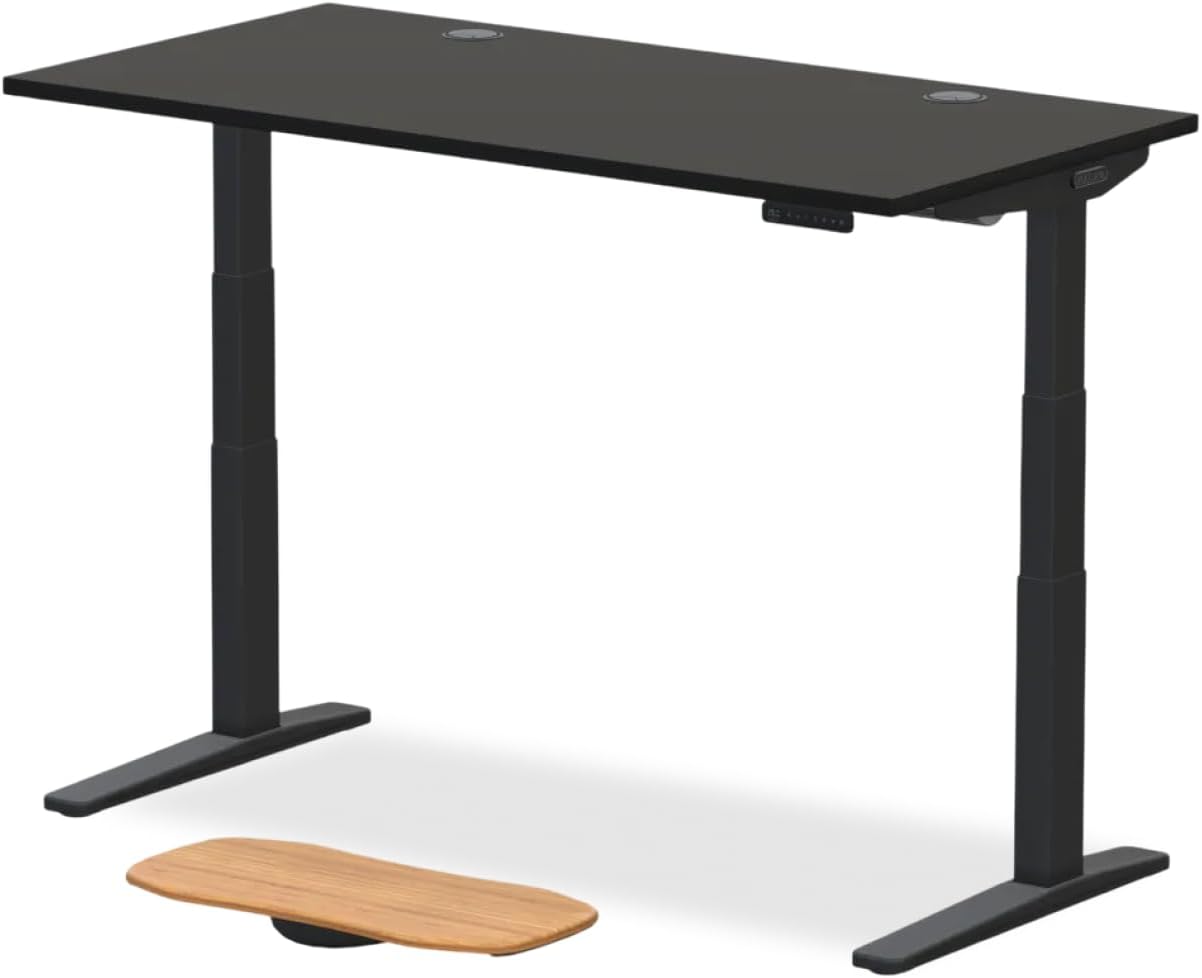
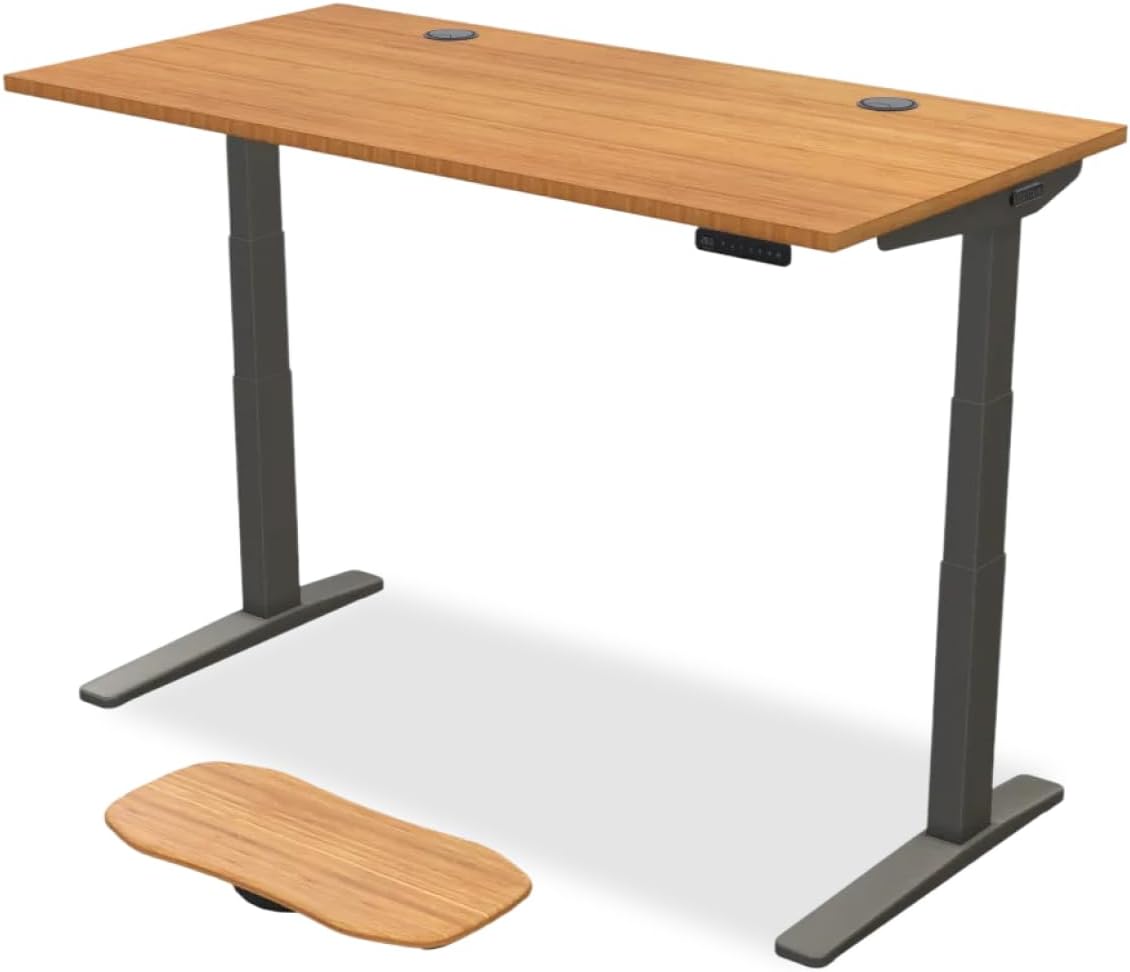
Uplift V2 and V2-Commercial desks ship with several top options. The standard 3/4-inch laminate is the thinnest at roughly 19 mm, but most buyers upgrade to the 1-inch bamboo or eco curve, and many splurge on solid wood tops that range from 1 inch to 1.5 inches thick. The problem: nearly every clamp-on keyboard tray on Amazon advertises a clamp range of 0.6 to 1 inch. Some go to 1.2 inches, but solid walnut or rubberwood tops can exceed that. Force a small clamp onto a thick top and you'll either crack the finish or end up with a tray that wobbles every time you type.



The keyboard tray standing desk thick tabletop uplift owners need is one that either screws into the underside of the desk or uses a jaw clamp specifically rated for thicker furniture. Both approaches work — each has trade-offs worth understanding before you order.
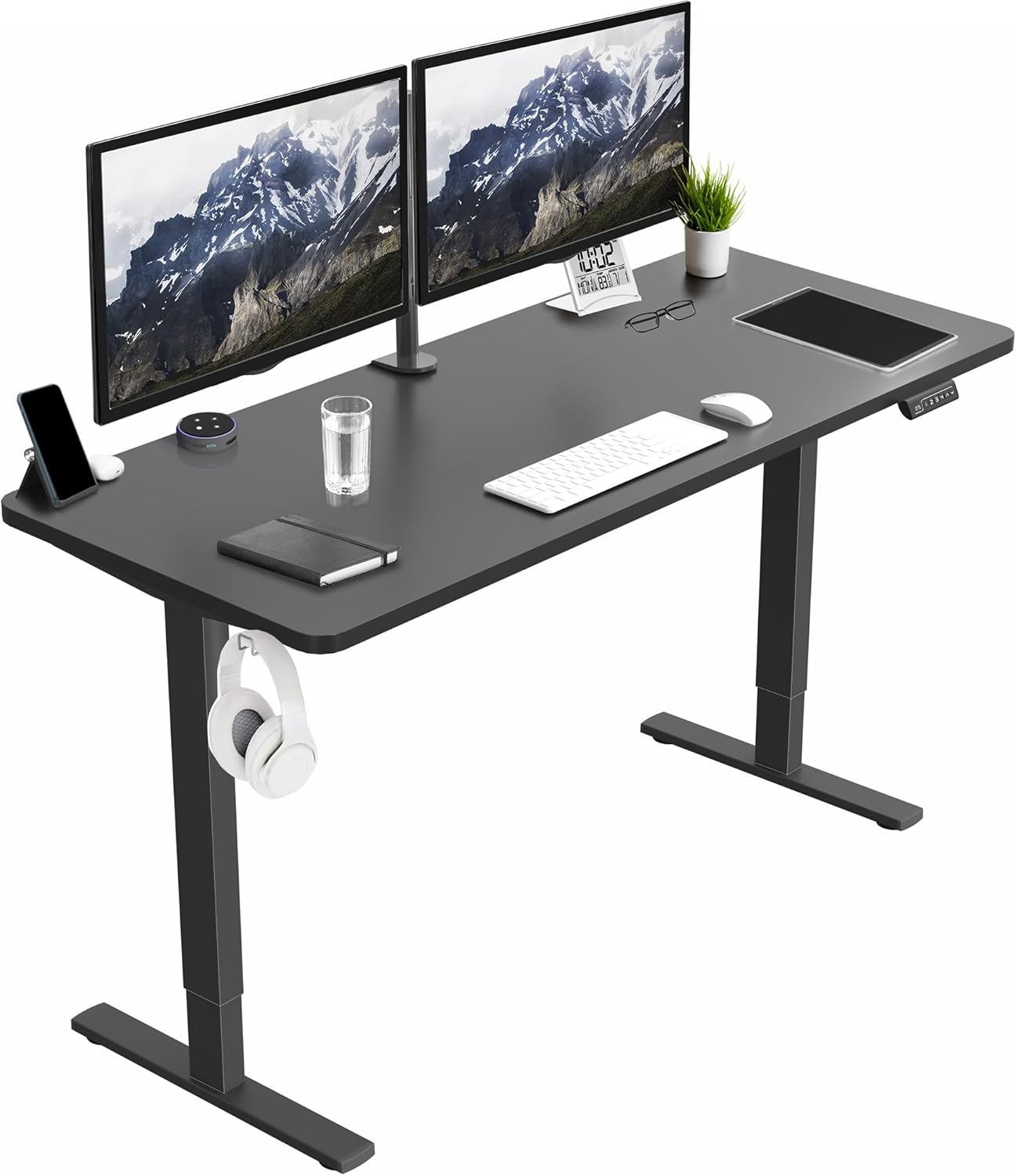
Mount Types That Work on a Thick Tabletop
Screw-mount slide trays attach with four to eight wood screws driven into the bottom of the tabletop. Uplift bamboo and laminate tops easily accept 1/2-inch screws without compromising structural integrity, and this approach gives you the most stable, rattle-free typing surface. The downside is permanence — you'll see screw holes if you ever remove the tray.
Heavy-duty clamp trays use a deeper jaw, usually rated for 1.5 to 2 inches of desktop thickness. These are excellent for renters or anyone who doesn't want to drill into a $600 bamboo top, but they typically cost more than basic clamp models and can interfere with the front edge of the keyboard zone.
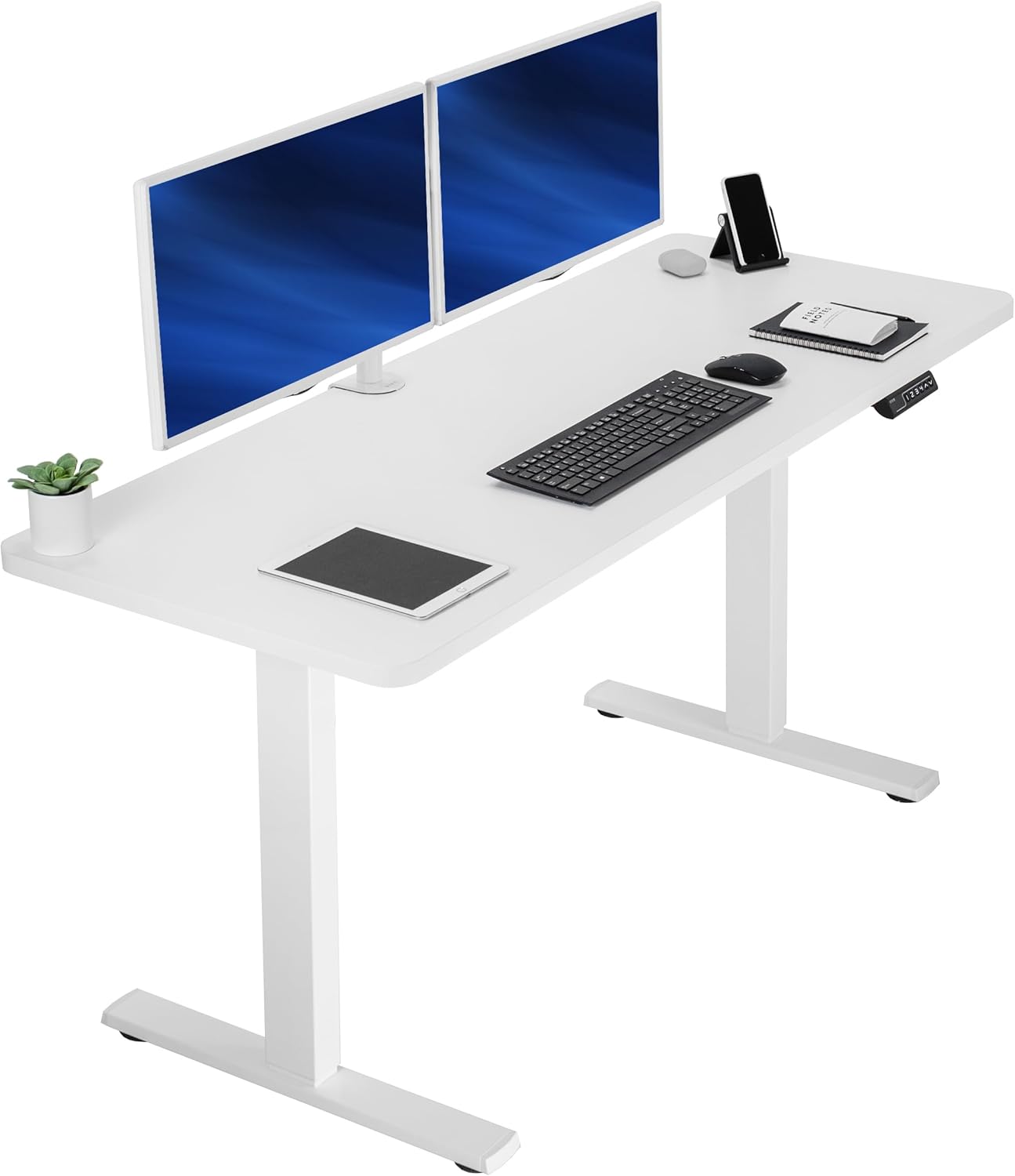
Articulating arm trays mount under the desktop on a track and use a hinged arm so you can swing the tray side to side, tilt it negatively for wrist comfort, and stow it when standing. Most quality arm trays from Humanscale, 3M, and Mount-It! are screw-in and rated for desks up to 1.5 inches thick.
What to Look For Before You Buy
Compatibility comes first, but a few other specs separate a great keyboard tray from a frustrating one.
- Track length: 11 to 14 inches lets the tray slide fully under the desk when standing.
- Tilt range: Negative tilt (5 to 15 degrees down) is the ergonomic sweet spot for neutral wrists.
- Tray width: 26 inches handles a full mechanical keyboard plus a mouse pad; 22 inches is fine for tenkeyless layouts.
- Weight capacity: Look for 25 pounds minimum if you use a heavy split keyboard or palm rest.
- Mouse platform: Some trays include a swing-out mouse zone — useful for lefties or anyone with a large vertical mouse.
For more on dialing in your full setup, see our ergonomic standing desk setup guide.
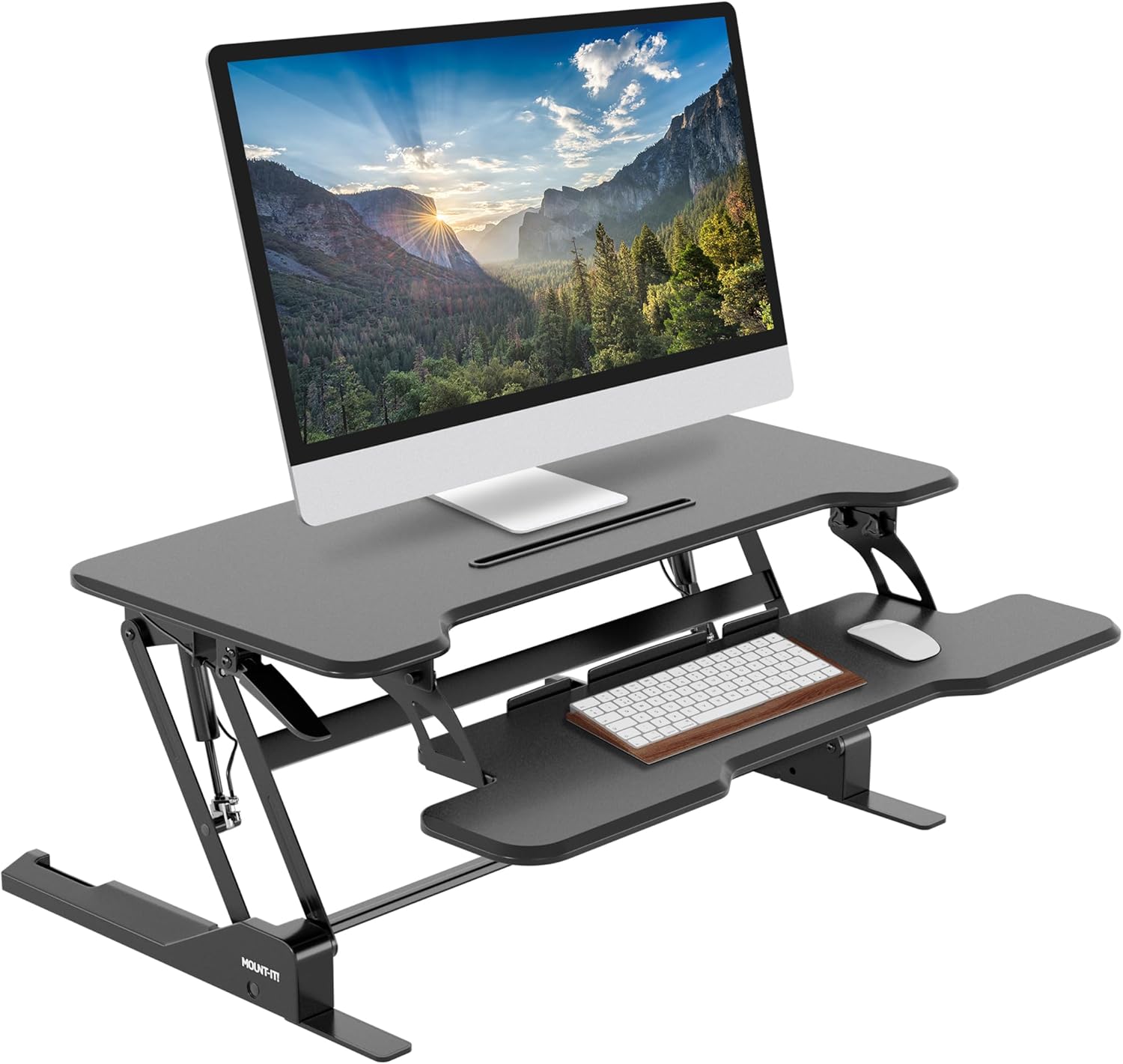
Top Keyboard Tray Styles for Uplift Desks in 2026
Rather than recommend a single SKU that may sell out, here are the three tray styles that consistently work on thick Uplift tabletops. Match the style to your top thickness and willingness to drill.
Screw-In Slide Tray (Best for Bamboo and Solid Wood Tops)
Models like the Mount-It! MI-7137 and the Vivo MOUNT-KB05E mount with eight wood screws and slide on steel ball-bearing rails. Because they're screw-mounted, tabletop thickness doesn't matter — they fit Uplift's 1-inch bamboo, the 1.25-inch eco curve, and even the chunky 1.5-inch solid walnut tops. Expect 11 to 14 inches of slide travel and roughly 25 to 35 pounds of capacity. Installation takes 20 minutes with a power drill and a helper to hold the tray in place. If you want maximum stability and don't mind committing, this is the category to buy.
Heavy-Duty Clamp Tray (Best for Renters and No-Drill Setups)
The Mount-It! MI-7137C and similar clamp variants extend the jaw to 1.5 inches, which covers every Uplift desktop option except the thickest custom solid wood orders. The clamp uses rubber pads to protect bamboo finish and tightens with a hand-screwed knob — no tools required. Stability is very good though not quite as rock-solid as a screw-mounted tray, and you can pop it off in 30 seconds if you move. For a deeper look at clamp options across multiple desk brands, see our best clamp-on keyboard trays guide.
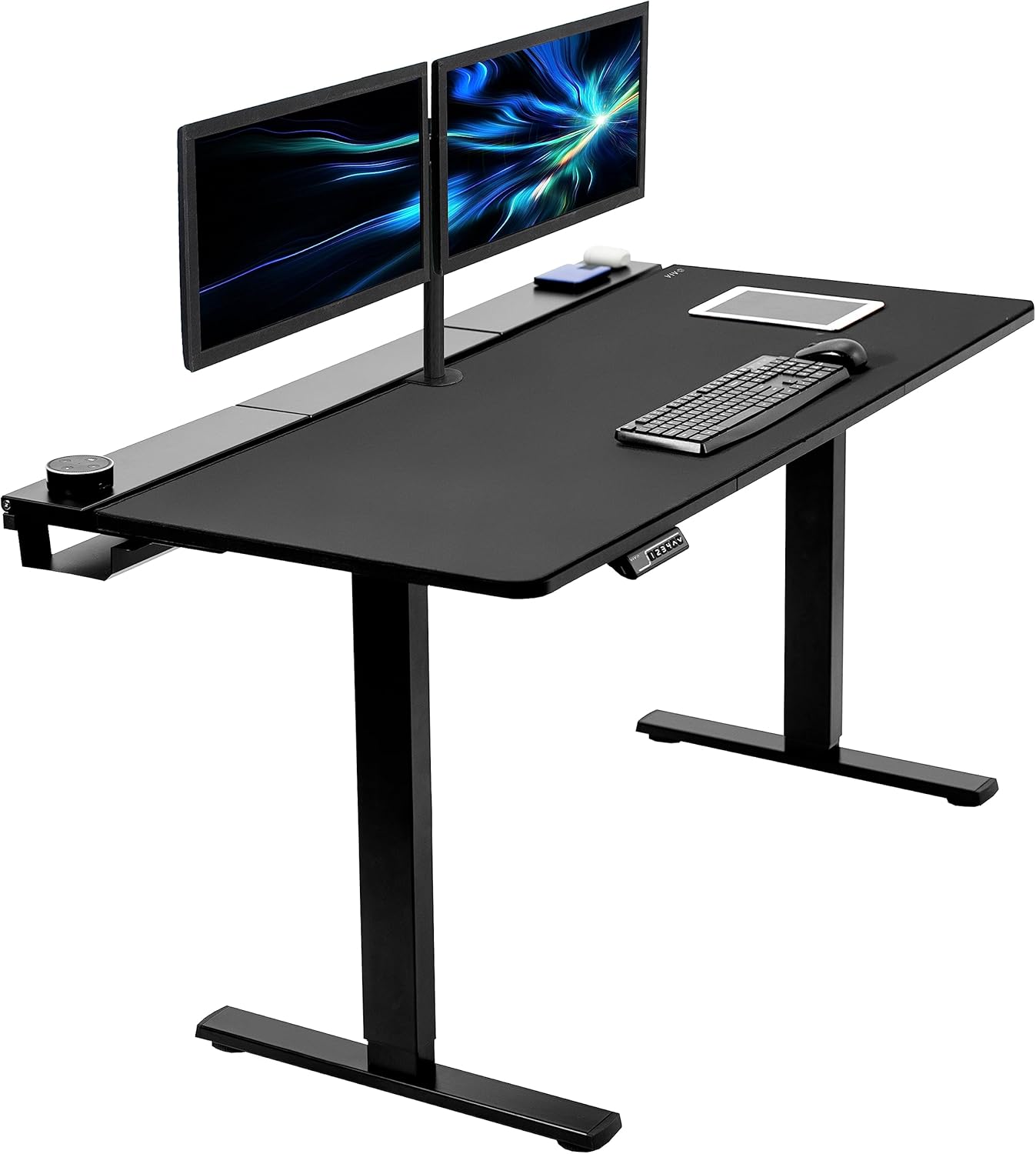
Articulating Arm Tray (Best for Hot-Desking and Tilt Control)
The Humanscale 6G and 3M AKT180LE represent the gold standard here. They mount on a 21- or 27-inch under-desk track, then use a pivoting arm so the tray can swing left, right, or fully out of the way. The arm allows true negative tilt — meaning you can drop the leading edge of the tray below the trailing edge so your wrists stay neutral while typing. These trays are pricier ($150 to $400) but pay back in long-day comfort. Confirm the track length fits between your Uplift's crossbar and the front edge before ordering.
Installation Tips for Uplift Bamboo and Laminate Tops
If you go the screw-in route, two precautions will save your finish. First, use a piece of masking tape over each marked screw hole before drilling — this prevents the bamboo or laminate veneer from chipping when the bit enters. Second, always pre-drill with a bit one size smaller than your screw shaft. Bamboo is dense and will split if you drive a 1/4-inch wood screw straight in. Most trays ship with #8 screws, so pre-drill with a 7/64-inch bit.
For clamp-on trays, place a strip of felt or thin neoprene between the rubber clamp pad and your tabletop. Even rubber-padded clamps can leave a faint pressure mark on bamboo over months of use, and the felt eliminates that risk.
Whichever style you pick, position the tray so the front edge of the keyboard sits roughly two inches behind the front edge of the desk. That gives you a small palm shelf and keeps the mouse zone reachable without overreaching your shoulder.
If You'd Rather Start Over: Standing Desk Alternatives
If your hunt for a keyboard tray standing desk thick tabletop uplift compatible accessory isn't panning out, sometimes the cheapest fix is a new desk with a thinner top. The three standing desks below all ship with sub-1-inch tops that work with virtually any clamp-on keyboard tray on the market.
| Desk | Size | Top Thickness | Capacity | Memory Presets |
|---|---|---|---|---|
| VIVO Electric 60 x 24 | 60 x 24 in | ~0.75 in laminate | 220 lbs | Yes (4) |
| Veken 47.2 in | 47.2 x 23.6 in | ~0.75 in wood | 176 lbs | Yes (3) |
| ErGear 48 x 24 | 48 x 24 in | ~0.75 in laminate | 176 lbs | Yes (3) |
VIVO Electric 60 x 24 Standing Desk
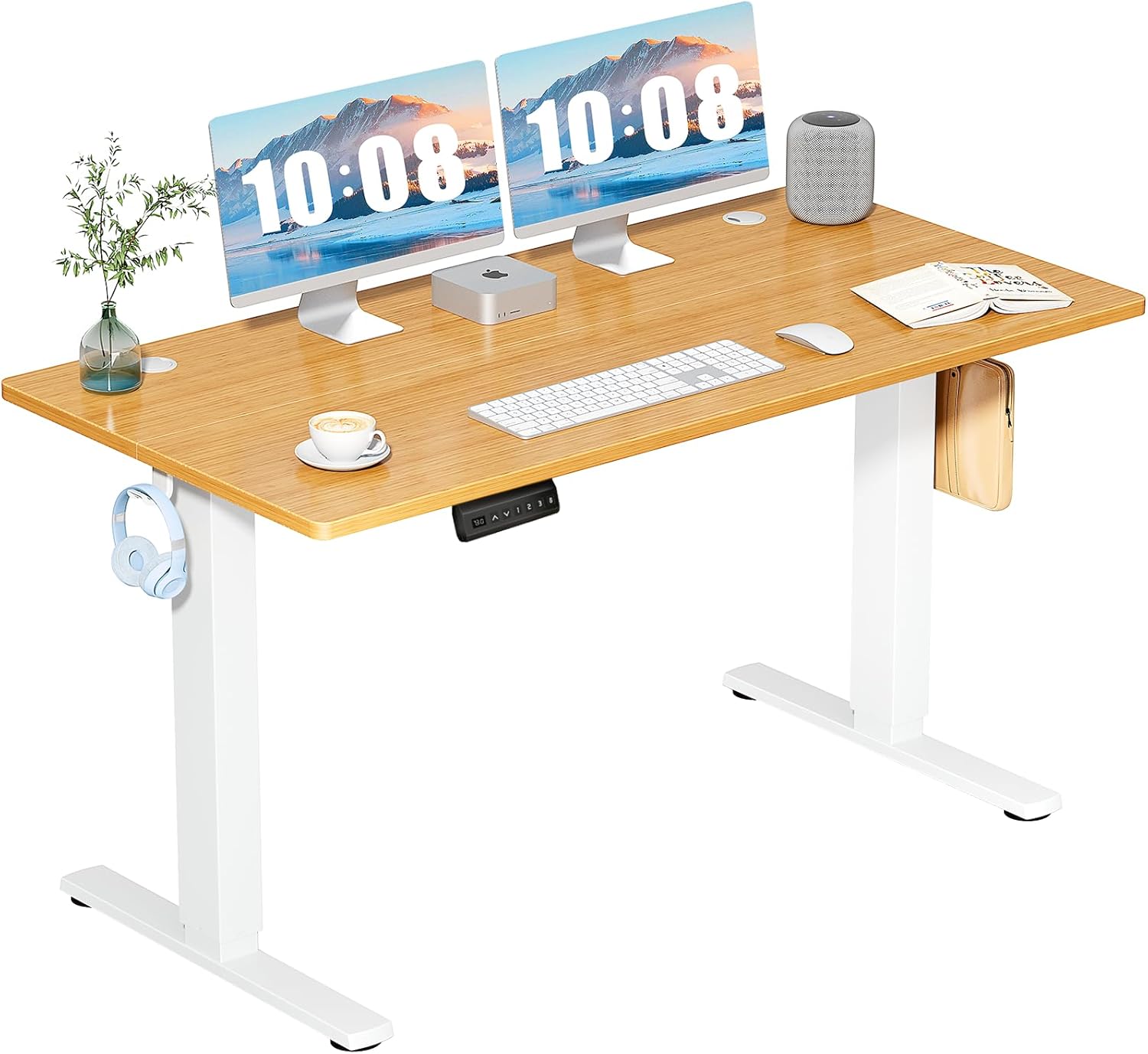
VIVO's 60-inch model gives you the most surface area of the three and comes in at well under half the price of an equivalent Uplift V2. The laminate top is just 3/4 inch thick, which means any standard clamp-on keyboard tray fits without modification. The dual-motor base raises 220 pounds smoothly, four memory presets let multiple users save their preferred height, and the black finish hides cable clutter well. It's a strong pick if you want to keep using your existing clamp-on keyboard tray. Check current pricing for the VIVO Electric 60 x 24 Standing Desk on Amazon.
Veken 47.2-Inch Standing Desk
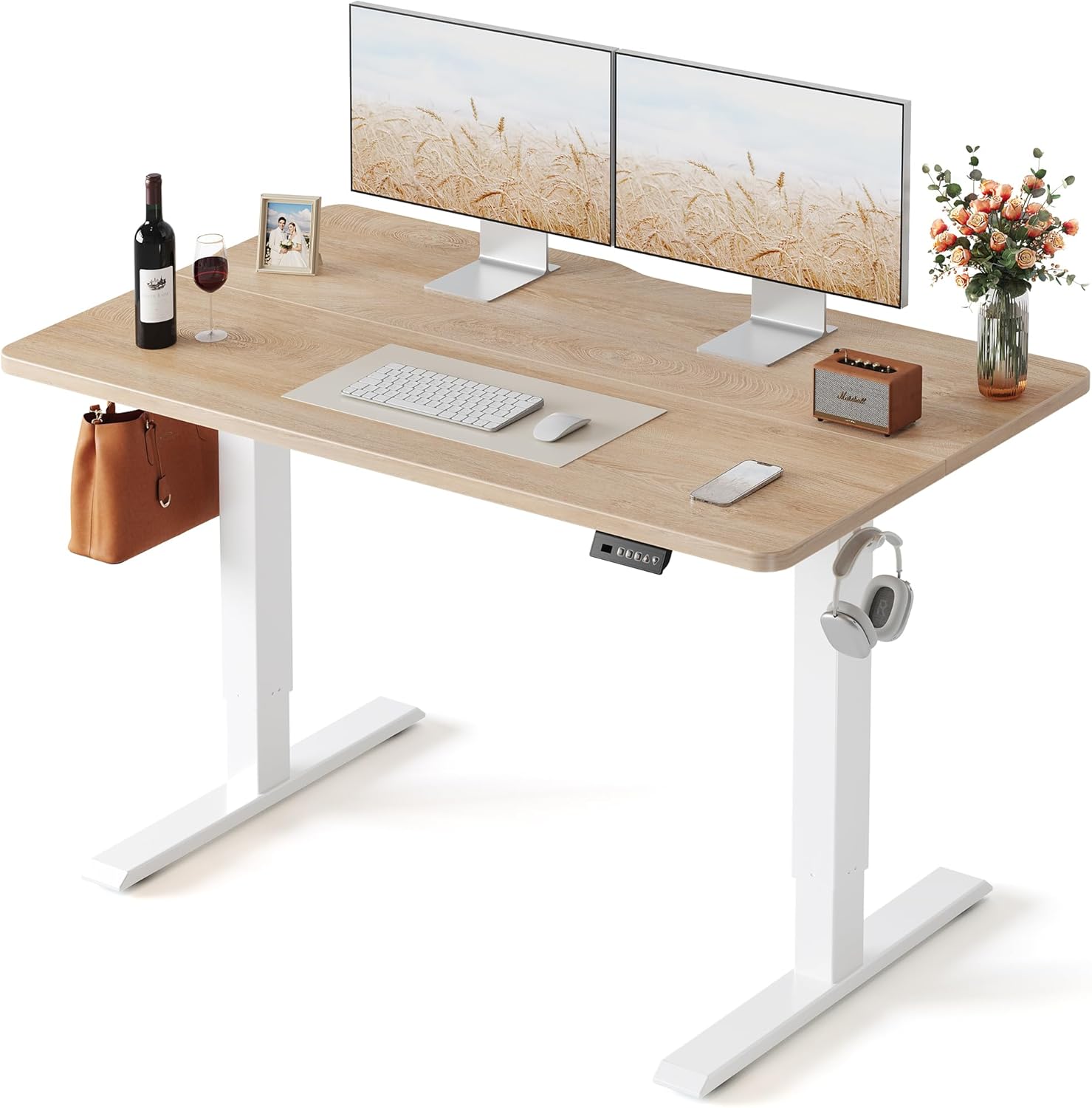
The Veken hits a smaller footprint than the VIVO but ships with a genuine wood desktop that looks better in a home office. The top measures roughly 3/4 inch, so clamp-on trays seat firmly without splintering. Three memory presets and a quiet motor make day-to-day adjustment painless, and the 176-pound capacity easily handles a triple monitor stand plus a laptop dock. See specs and reviews for the Veken 47.2-inch Standing Desk on Amazon.
ErGear 48 x 24 Standing Desk
ErGear's 48-inch model is the budget pick of the trio. The frame uses a single motor rather than dual, so lift speed is slightly slower, but the 176-pound capacity is plenty for a normal workstation. The 3/4-inch laminate top is perfectly flat and friendly to both screw-in and clamp-on keyboard trays. Three memory presets handle sit/stand transitions. Find it at ErGear Height Adjustable Standing Desk on Amazon.
For a side-by-side of more electric options, browse our 2026 affordable standing desk roundup.
Frequently Asked Questions
Will a standard clamp-on keyboard tray fit an Uplift 1-inch bamboo desktop?
Most standard clamp trays advertise a 1-inch jaw capacity, but the spec is measured to the absolute maximum — meaning the clamp is barely engaged on a true 1-inch top and tends to loosen with use. For a 1-inch Uplift bamboo top, pick a heavy-duty clamp rated for 1.25 inches or more, or use a screw-in slide tray for maximum stability.
How thick is the Uplift V2 1.25-inch eco curve tabletop?
The Uplift eco curve top measures 1.25 inches at its thickest section, narrowing slightly at the curved cutout for ergonomic clearance. Any keyboard tray you buy needs to handle the full 1.25-inch dimension at the clamp location, since you mount the tray flush against the underside.
Can I install an under-desk keyboard tray without drilling into my Uplift desktop?
Yes — heavy-duty clamp trays with a 1.5-inch jaw mount with no drilling required. Rubber-padded clamps protect bamboo and laminate finishes, and you can remove the tray in seconds. The trade-off is slightly less stability than a screw-in tray during aggressive typing.
What's the best ergonomic keyboard tray for a sit-stand desk?
An articulating arm tray with negative tilt is the gold standard. Models like the Humanscale 6G or 3M AKT180LE let you angle the tray down 5 to 15 degrees, which keeps your wrists in a neutral position whether you're sitting or standing. They cost more, but the difference in all-day comfort is significant.
Does an Uplift desk come with a keyboard tray included?
No — Uplift sells keyboard trays as a separate accessory in two styles (large rectangular and ergo curve). They're well-reviewed but pricier than third-party options. If you're trying to save money, a Mount-It! or Vivo screw-in tray delivers similar functionality for less.
How much weight can a typical under-desk keyboard tray support?
Screw-in slide trays are rated for 25 to 35 pounds, which is more than enough for any keyboard, mouse, and palm rest combination. Heavy-duty clamp trays usually rate 20 to 25 pounds. Avoid resting a laptop on a tray — most aren't designed for that load and the screws can pull free from bamboo over time.
Can I add a keyboard tray to a desk with a crossbar in the way?
Uplift V2 frames have a steel crossbar running between the legs roughly 4 inches back from the desk's front edge. Most keyboard trays mount in front of this crossbar without interference, but always measure your tray's slide track length before ordering. If the track is longer than the distance from the front edge to the crossbar, the tray won't fully retract when standing.
Key Takeaways
- Choosing the right keyboard tray standing desk thick tabletop uplift means matching capacity and output ports to your actual devices
- Always check actual watt-hours (Wh), not just watts — runtime depends on Wh, not peak output
- Also covers: under desk keyboard tray 1.5 inch top
- Also covers: uplift v2 thick top keyboard tray
- Also covers: jarvis desk keyboard tray compatibility
- Compare price-per-Wh across models to find the best value for your budget