If you just unboxed Dell's 40-inch 5K2K curved flagship, the right monitor arm for dell u4025qw is one rated for at least 27 lbs of static load, with a VESA 100x100mm plate, a heavy-tension gas spring (not a basic mechanical spring), and at least 18 inches of horizontal reach so the deep 40" curved panel can swing without crashing into your wall or shelf. The U4025QW weighs about 24.96 lbs without its factory stand, which places it past the safe working limit of most budget arms sold as "holds 19.8 lbs." In 2026 the safe shortlist is led by Ergotron's HX heavy-duty series, Humanscale's M10, North Bayou's NB-G70 (the cheapest credible option), and Loctek's D8H. Below we break down exactly which spec numbers matter for this specific monitor, what desk surface you need under it, and the mistakes that crack VESA threads on day one.
Why the U4025QW is a special case
Most ultrawides on the market are 34-inch 21:9 panels weighing 15-18 lbs. The Dell U4025QW is in a different category: 40 inches diagonally, a 21:9 aspect with extra vertical pixels (5120 x 2160), a deep 2500R curve, and a real-world weight of just under 25 lbs without the stand attached. That weight, combined with the long lever arm created by the curve, is what trips up cheap gas-spring arms. A spring rated for 19.8 lbs (the common Amazon ceiling) will sag within a week, drift downward overnight, and eventually strip its tension adjuster. So when you shop for a monitor arm for dell u4025qw, treat 27 lbs as your absolute minimum rated capacity, and look for arms whose published range explicitly extends to 30-42 lbs. Headroom is what keeps the panel level six months in.



The five specs to verify before you click buy
1. Weight capacity range, not just maximum. Gas springs are tuned to a band. An arm that supports "4.4-19.8 lbs" cannot hold this monitor even if you tighten the spring all the way. You want the U4025QW's 25 lbs to sit in the middle of the published range, ideally 14-33 lbs or 17-42 lbs.
2. VESA pattern. The U4025QW uses a standard 100x100mm VESA mount on the back. Any arm with a 75/100 VESA plate works mechanically, but make sure the screws Dell ships are long enough or buy M4x12mm screws separately - some arms include screws that bottom out before fully seating.
3. Clamp depth and desk thickness. The curve means the screen's center of mass sits roughly 4 inches behind the VESA plate. A C-clamp that only grips a 0.4-2.4 inch desk edge is fine for a 34" panel but borderline for a 25 lb curved 40". Look for an arm with a steel-reinforced clamp and a minimum 1.5 inch jaw bite.
4. Horizontal reach. The U4025QW is 35.2 inches wide. To rotate or recenter it, the arm needs at least 18-20 inches of forward reach from the pivot. Shorter arms will physically prevent the monitor from swinging away from the wall.
5. Tilt and pan range under load. Many arms list a 90 degree tilt range that drops to 15 degrees once you load 22+ lbs because the spring runs out of authority. Read recent reviews from owners of monitors over 20 lbs - not the 5-star average.
Arms worth shortlisting in 2026
Ergotron HX with HD Pivot
The HX is the default recommendation among Dell ultrawide owners on r/ultrawidemasterrace and the Dell community forums, and the optional Heavy-Duty Pivot upgrade is specifically designed for monitors in the 20-42 lb band. It uses Ergotron's CF (Constant Force) technology rather than a conventional gas spring, which means the tension does not drift over time. The trade-off is price - usually $370-$430 - and you must order the HD Pivot accessory separately or the standard pivot will struggle past 28 lbs.
Humanscale M10
Humanscale's M10 is the only mainstream arm that holds the U4025QW with zero adjustment knobs - the spring is matched at the factory to your monitor's weight, so you specify "25 lb monitor" at checkout and it arrives pre-tuned. It is the cleanest desk aesthetic of any heavy-duty arm and the smoothest motion under load. Downside: $500+ and a 4-6 week lead time from most retailers.
North Bayou NB-G70
If your budget is under $80, the NB-G70 (rated 30 lbs, 100x100 VESA, 26 inch reach) is the only sub-$100 arm we would actually trust with a 25 lb curved panel. It is overbuilt aluminum, ships with a thick steel clamp, and routinely shows up in Linus Tech Tips and Hardware Canucks roundups for cheap heavy-load mounting. Expect to spend 30 minutes on initial tension calibration.
Loctek D8H and D7H
Loctek's D8H is the spiritual successor to the long-discontinued D7P and handles up to 33 lbs with a long 21 inch reach. The arm itself is overkill for the U4025QW, which is what you want for stability. The plastic cable channel is the only weak point - many owners replace it with magnetic clips.
Don't skip the desk underneath
A heavy-duty arm transfers all 25 lbs of monitor weight - plus the leverage of the arm itself - into a single clamp point on your desk. If your desk is a 0.5" hollow-core IKEA top or a thin laminate panel, the clamp will eventually crush the surface or pull a chunk off. Before you buy any monitor arm for dell u4025qw, confirm your desktop is at least 0.75" of solid material (MDF, butcher block, plywood, or steel) and that the clamp can reach a non-reinforced edge. Below are three desks owners of large curved ultrawides commonly pair with this monitor because they have published frame load ratings and thick enough tops.
Comparison: desks that handle a 25 lb monitor + heavy arm
| Desk | Top size | Top thickness | Frame load | Best for |
|---|---|---|---|---|
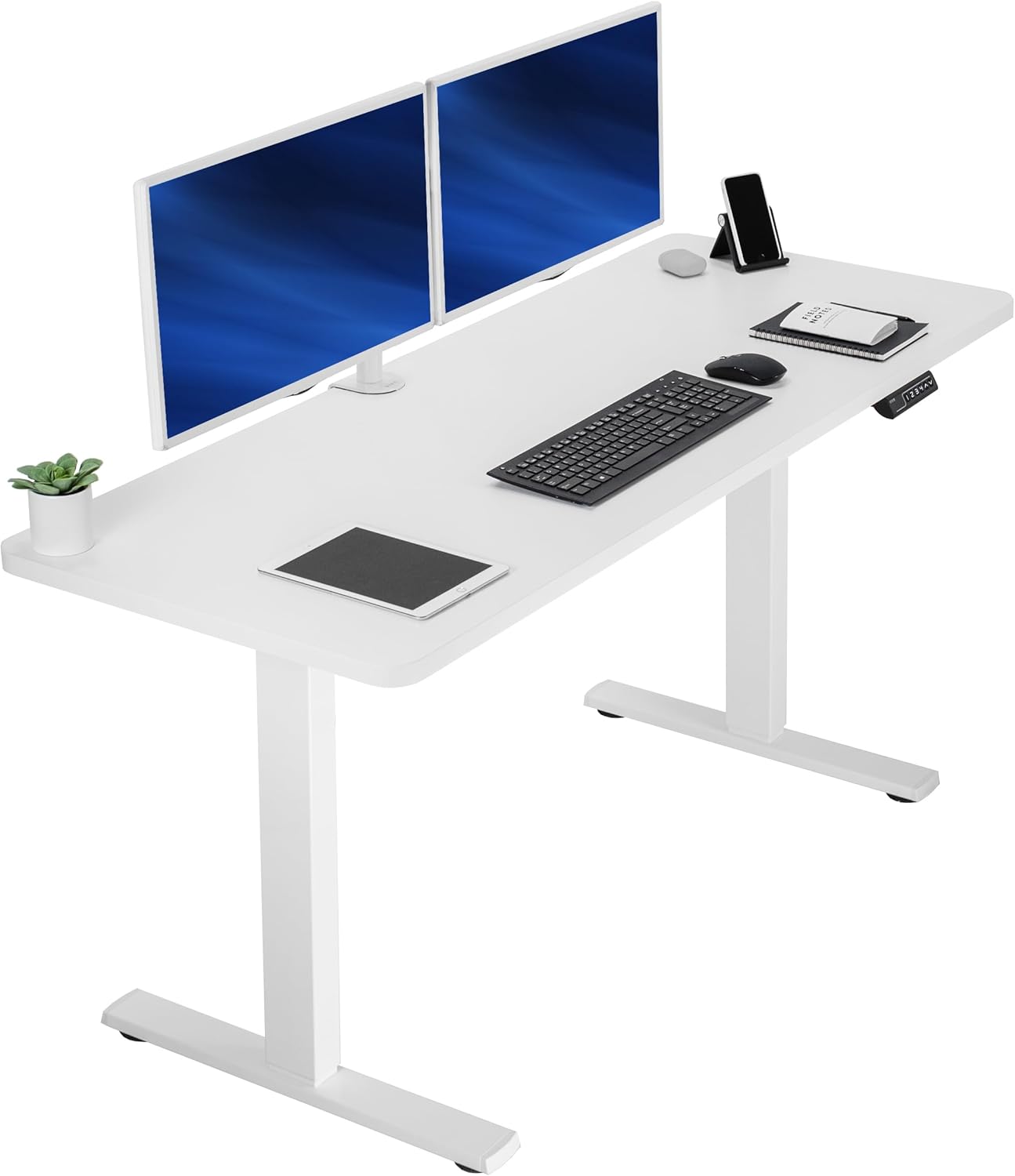
| VIVO Electric 60x24 | 60" x 24" | ~1" | 220 lbs | Maximum width for 40" ultrawide + speakers |
| Veken 47.2" Wood | 47.2" x 23.6" | ~1" | ~176 lbs | Compact rooms, premium wood look |
| ErGear 48x24 | 48" x 24" | ~1" | 176 lbs | Budget pick, memory presets |
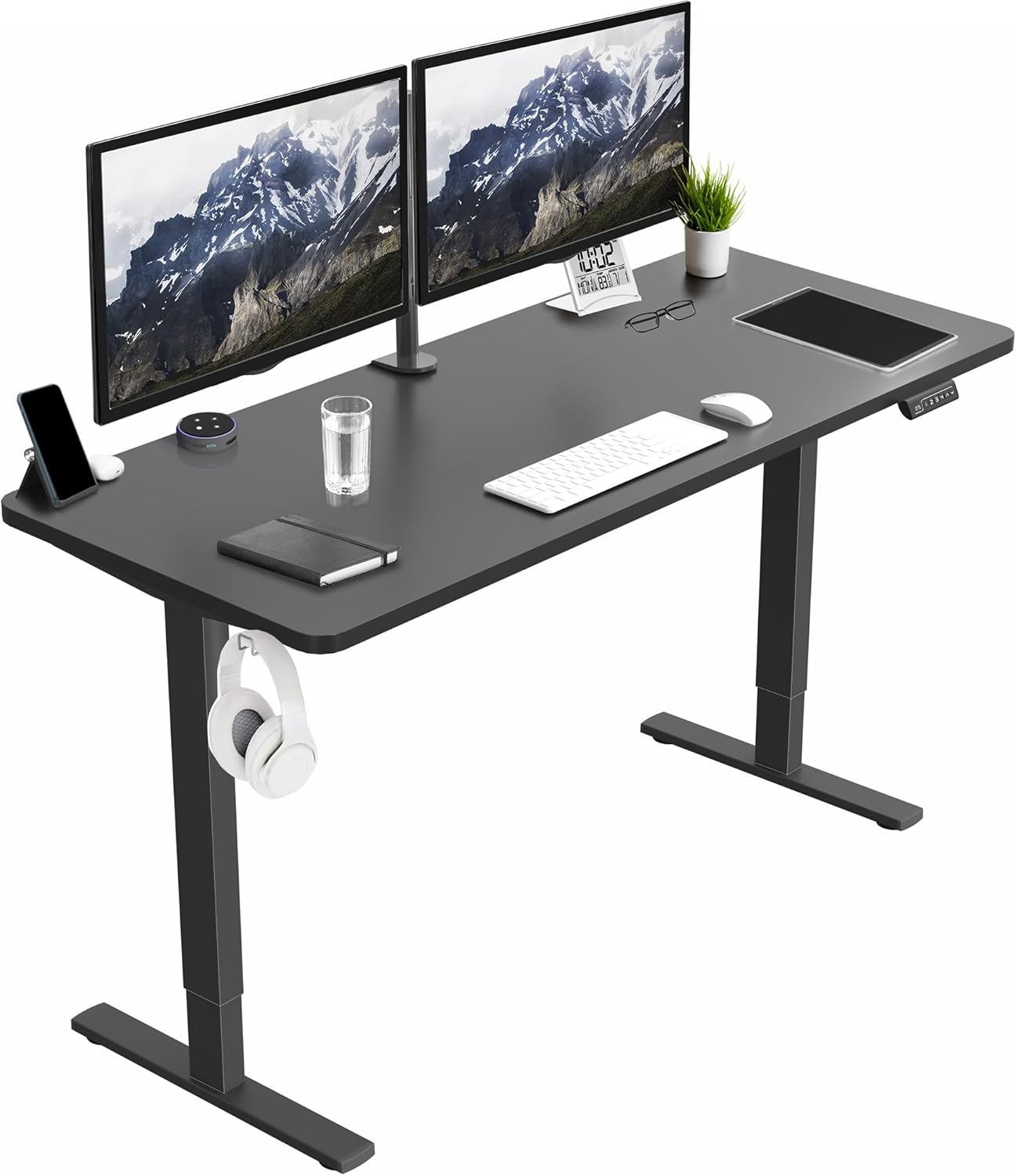
VIVO Electric 60 x 24 in Standing Desk (220 lb capacity)
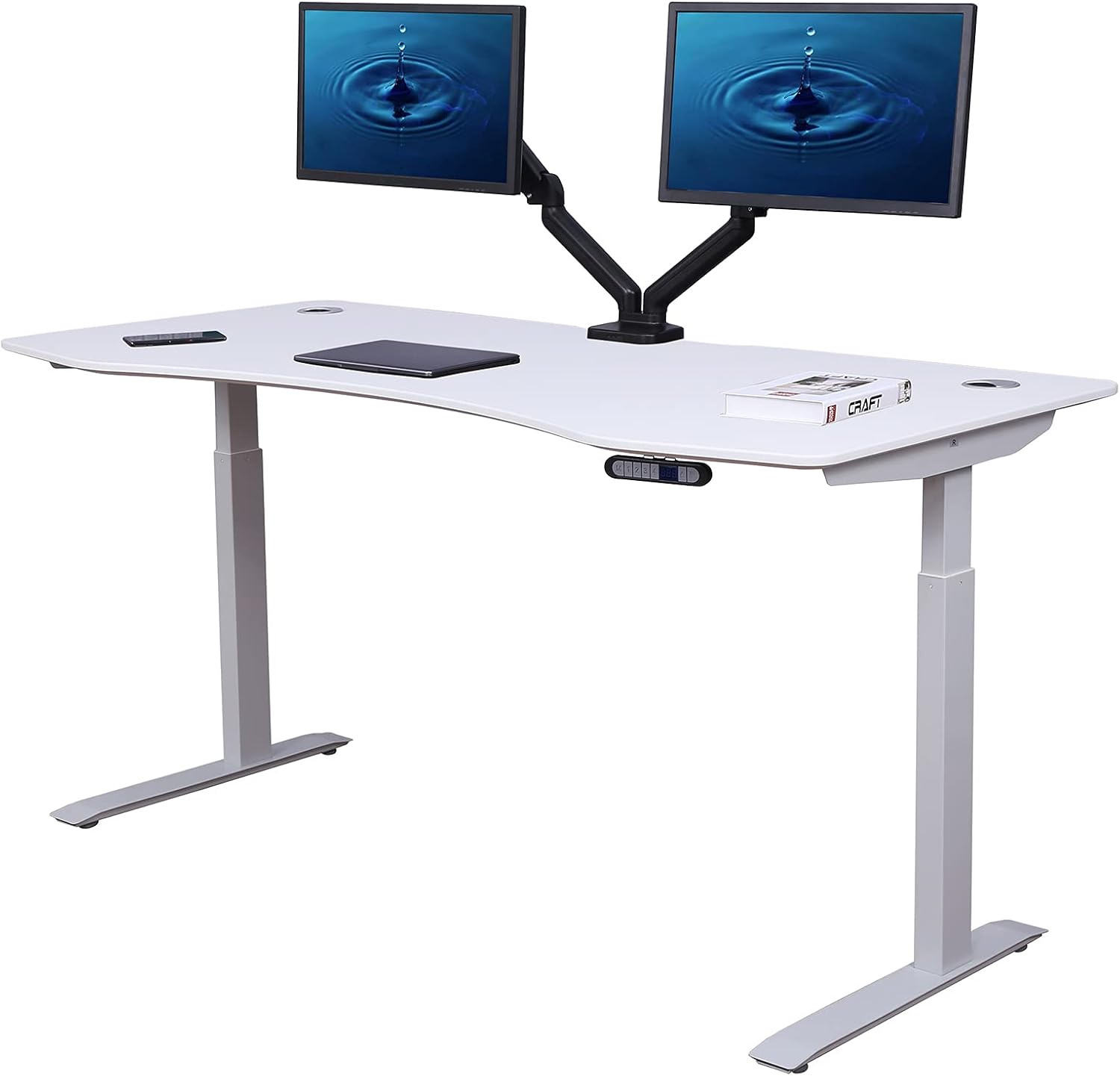
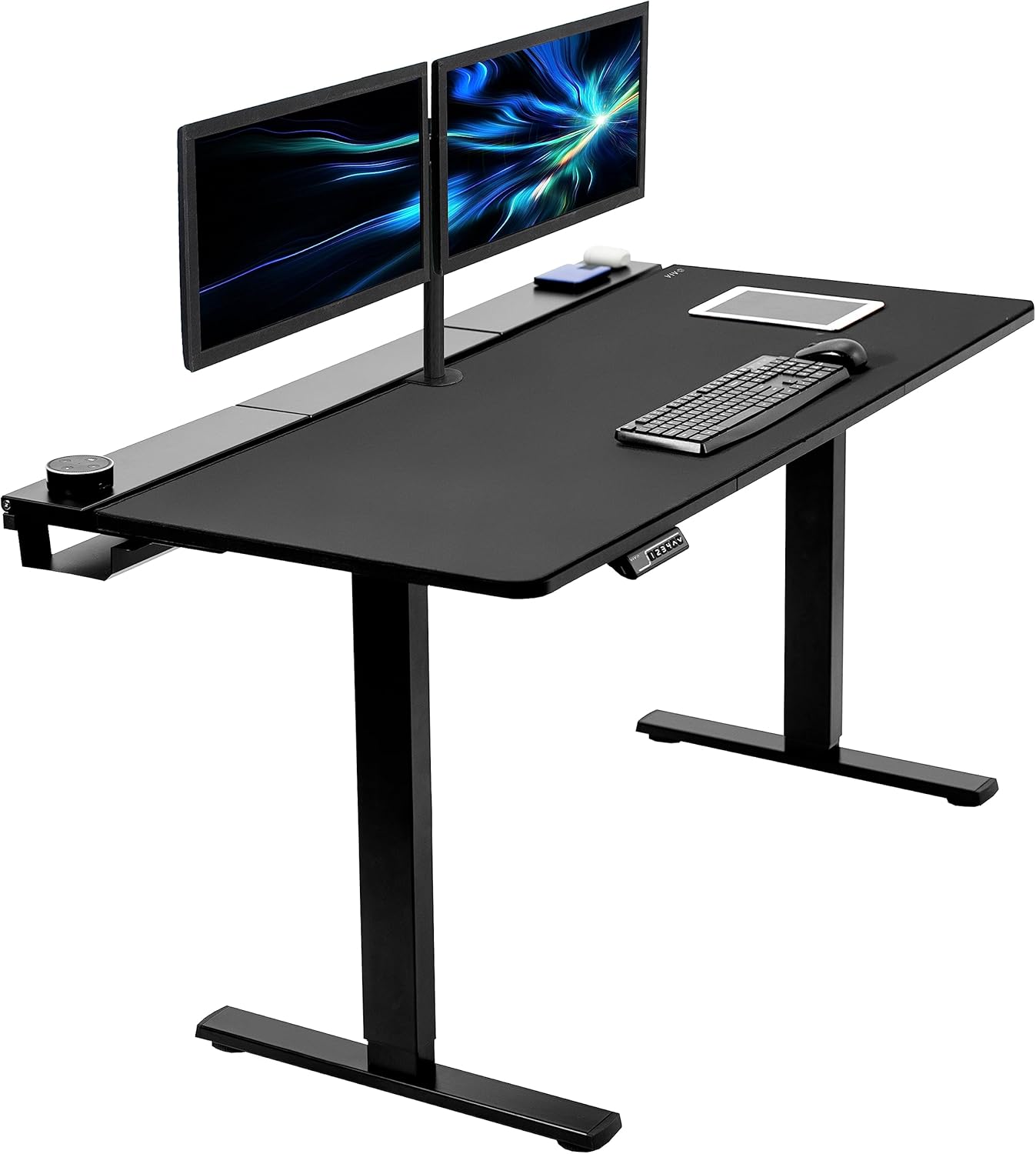
For a 40-inch ultrawide you really want 55-60 inches of horizontal desk space - the monitor itself is 35" wide, and you need elbow room for a keyboard and mouse without bumping the curve. The VIVO 60x24 hits that mark, holds 220 lbs in the frame, and has a thick enough top that a heavy clamp will not crush the laminate. It is the desk we would pair with an Ergotron HX or NB-G70. Check the VIVO 60x24 on Amazon.
Veken 47.2" Wood Standing Desk
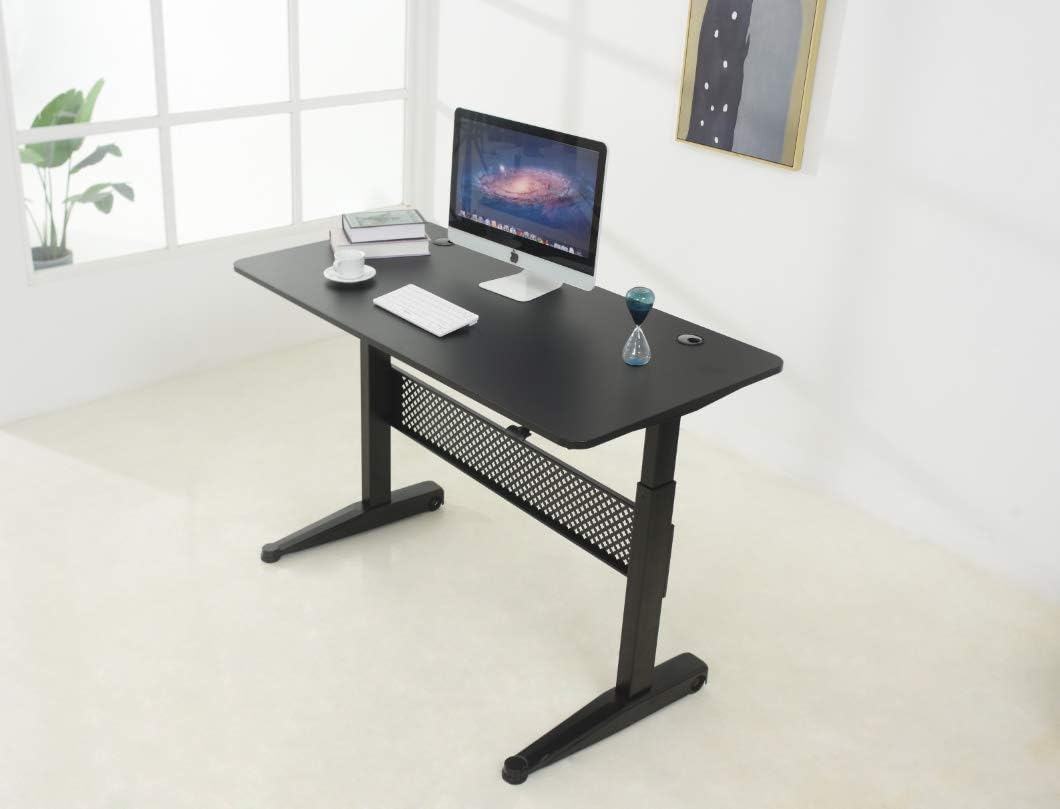
If you have a smaller home office and cannot fit 60 inches, the Veken 47.2" is the shortest desk we would still trust under a U4025QW. It is tight - you will have about 6 inches of clearance on each side of the monitor - but the real wood top distributes clamp load better than thin laminate. See the Veken 47.2" on Amazon.
ErGear 48 x 24 Electric Standing Desk
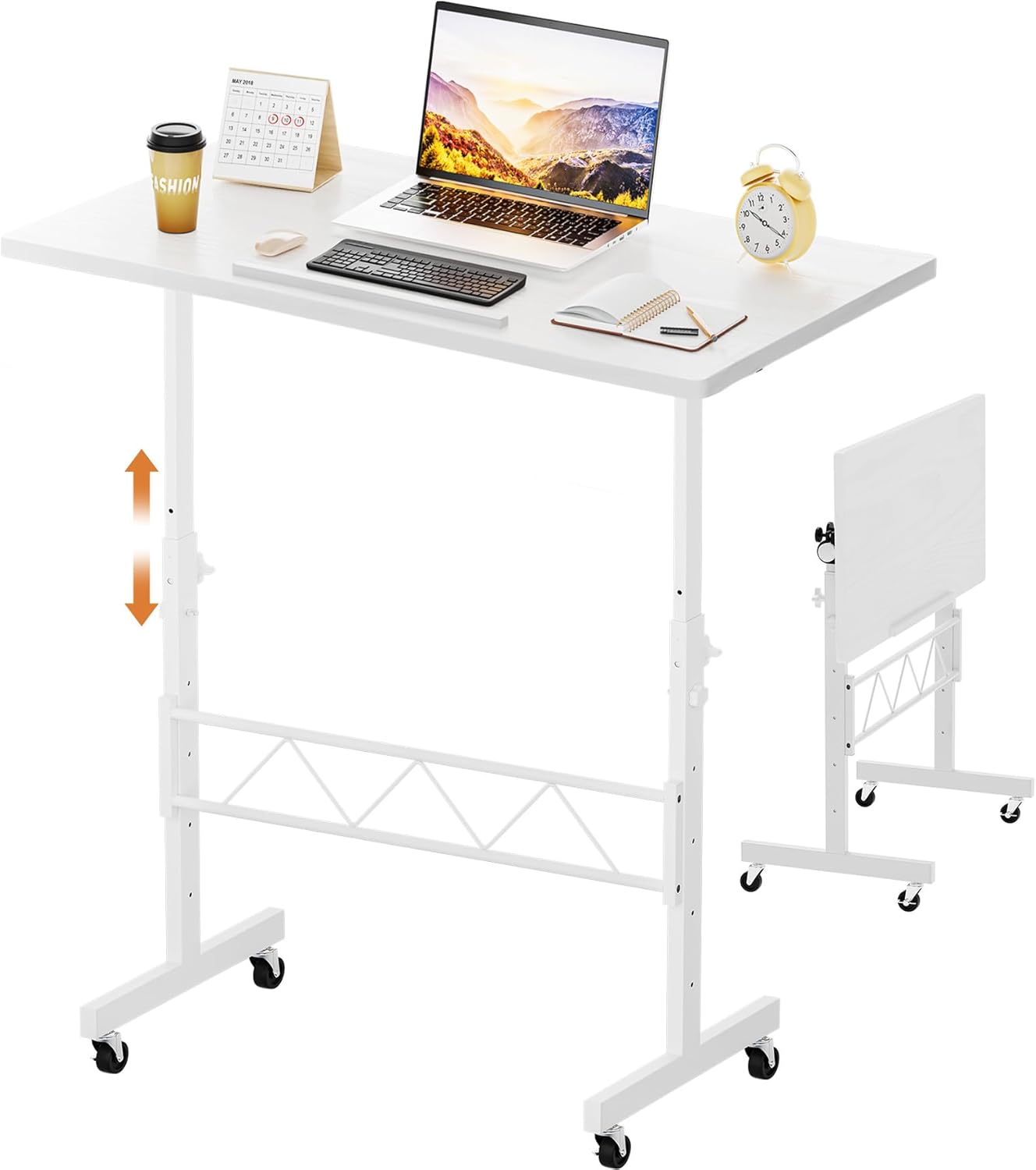
The ErGear 48x24 is the budget option that still passes the load math. The frame is rated 176 lbs, which is fine for a 25 lb monitor plus an arm plus an iMac-sized speaker setup. Memory presets are useful if you sit/stand multiple times a day. View the ErGear standing desk on Amazon.
Installation gotchas specific to the U4025QW
First, the factory stand uses a proprietary quick-release that pops off with a button on the back - you do not need a screwdriver to remove it. Once off, you will see four M4 threaded holes in a 100x100mm pattern. Use Dell's included screws or M4x12mm if you need longer. Do not use M4x16 or longer - they will bottom out against internal components and crack the rear shroud. Second, when you attach the monitor to the arm, do it horizontally on a soft surface (the monitor box works) rather than trying to lift it onto a vertical arm. The curve makes it surprisingly awkward to balance. Third, tighten the gas spring tension before letting go of the monitor - most arms ship with the spring at minimum tension and a 25 lb panel will slam to the desk if you release it untensioned.
Single arm vs dual arm vs desk mount pole
For the U4025QW, a single-arm mount is the right answer 95% of the time. Dual-arm setups (the kind designed for two 27" monitors) cannot hold one 40" ultrawide because the second arm hangs off the side unused, creating an unbalanced load on the pole. If you want to add a secondary vertical monitor above or beside the U4025QW, look for a heavy-duty single arm with a stacking accessory rather than a true dual mount. Pole mounts (the kind that bolt through the desk) are even more stable than C-clamps but require drilling.
Related reading on this site
If you are still building out the rest of your workstation, see our guides to the best standing desk for a 40-inch ultrawide monitor, the Dell U4025QW VESA mount screw size guide, heavy-duty monitor arm clamp vs grommet comparison, and our cable management guide for curved ultrawide setups.
Frequently Asked Questions
What is the actual weight of the Dell U4025QW without its stand?
Per Dell's 2026 spec sheet, the U4025QW weighs 24.96 lbs (11.32 kg) without the included stand, and 33.99 lbs (15.42 kg) with the stand attached. When sizing a monitor arm, use the 24.96 lb figure and add a 10-15% safety margin, which puts your minimum arm rating at roughly 28 lbs.
Does the Dell U4025QW use a standard VESA mount?
Yes. The U4025QW has a standard 100mm x 100mm VESA pattern on the back. No proprietary adapter is needed. Any monitor arm advertising 75/100 VESA compatibility will mechanically fit, though you should still verify the arm is rated for the monitor's 25 lb weight.
Will a 19.8 lb capacity monitor arm hold the U4025QW?
No, and you should not try. The U4025QW exceeds 19.8 lbs by about 5 lbs, which is enough to either prevent the gas spring from holding the monitor at any angle, or cause slow downward drift that strips the tension adjuster within weeks. Look for arms rated 27 lbs or higher, with the U4025QW's 25 lbs sitting in the middle of the supported range.
How much horizontal reach does an arm need for a curved 40-inch monitor?
At least 18 inches from the pivot to the VESA plate, and preferably 20-26 inches. The U4025QW is 35.2 inches wide with a 2500R curve, and shorter arms will not let you rotate or recenter the monitor without the panel hitting the wall or the desk edge. Ergotron HX (25"), North Bayou NB-G70 (26"), and Loctek D8H (21") all clear this bar.
Can I mount the U4025QW to a wall instead of a desk arm?
Yes, but use a wall mount rated for 35 lbs or higher because the curve creates additional torque on the wall plate. The same VESA 100x100 pattern applies. Make sure you anchor into wall studs - drywall anchors alone, even heavy ones, are not safe for a 25 lb curved panel that may be bumped or repositioned.
Do I need a thicker desk for a heavy monitor arm clamp?
Strongly recommended. A 1-inch solid MDF, wood, or particleboard top is the practical minimum for a 25 lb monitor on a heavy-duty arm. Hollow-core IKEA tops, glass desks, and thin laminate panels can crack or deform over time under clamp pressure. If you are buying a new desk in 2026 specifically for the U4025QW, prioritize a published frame load rating of 175 lbs or higher and a top thickness of at least 0.75 inches.
Should I get a single arm or dual arm for the U4025QW plus a second monitor?
Get a single heavy-duty arm for the U4025QW, then add a separate light-duty arm (or use the secondary monitor's factory stand) for the second display. True dual arms designed for two equal monitors do not balance correctly when one side holds a 25 lb 40-inch curved panel and the other holds a 24-inch 11 lb panel - the pole twists over time and the lighter side drifts upward.
Key Takeaways
- Choosing the right monitor arm for dell u4025qw means matching capacity and output ports to your actual devices
- Always check actual watt-hours (Wh), not just watts — runtime depends on Wh, not peak output
- Also covers: dell u4025qw vesa mount
- Also covers: 40 inch ultrawide monitor arm
- Also covers: u4025qw heavy duty arm
- Compare price-per-Wh across models to find the best value for your budget