If you are searching for the best monitor arm eizo coloredge cg319x setup for color grading, the short answer is this: you need a heavy-duty mechanical-spring or counterbalance arm rated for at least 25 lb (11.4 kg), with a VESA 100 x 100 mm mount, a clamp or grommet base that bites into a rigid desktop, and absolutely zero post-positioning drift. The CG319X weighs roughly 24.7 lb with the panel alone, so cheap gas-spring arms designed for 27-inch consumer displays will sag within weeks, throwing off your viewing angle and ruining the geometry you rely on for accurate grading. Below we break down the exact specs, the desk surfaces that keep the arm stable, and the 2026 buying criteria that matter.
Why the CG319X Demands a Specialty Monitor Arm
The Eizo ColorEdge CG319X is not a normal 31-inch display. It is a DCI-4K (4096 x 2160) reference monitor built for film, broadcast, and high-end photo retouching. With its built-in calibration sensor, deep aluminum chassis, and integrated hood, the panel alone tips the scale at about 24.7 lb (11.2 kg). Add a shading hood and the weight climbs further. That is roughly double what a typical 27-inch IPS display weighs, and far above the published "max load" of most sub-$150 gas-spring arms on Amazon.



For color grading work, three things matter more than aesthetics:
- Static stability. Once you set the height and tilt, the arm must hold that position for months. A few millimeters of nightly droop will shift your perceived contrast and color uniformity, especially on a wide-gamut Adobe RGB / DCI-P3 panel.
- Tilt-lock precision. Reference monitors should sit perfectly perpendicular to your line of sight. Arms with vague friction joints make this almost impossible to dial in.
- Vibration damping. Tapping a key or rolling a mouse should not transmit any wobble to the panel. This is where the desk underneath the arm becomes part of the system.
That last point is the one most buyers overlook. A premium monitor arm bolted to a flimsy 18 mm particleboard desktop will flex like a diving board. The right monitor arm eizo coloredge cg319x rig actually starts with the desk itself.
Key Specs to Match Against the CG319X
Before you click "buy" on any arm, verify it hits every one of these numbers:
- VESA pattern: 100 x 100 mm (the CG319X uses standard M4 threads).
- Weight capacity: 25 lb (11.4 kg) minimum, 33 lb (15 kg) preferred for safety margin.
- Mounting style: Mechanical spring or pneumatic cylinder — avoid pure friction-knob designs.
- Pole or post height: 17 in (43 cm) minimum so a 31-inch panel can pivot to portrait if your workflow ever requires it.
- Clamp opening: 0.4 in to 3.5 in (10–90 mm) covers virtually every standing desk on the market.
- Cable channel: Internal routing keeps DisplayPort, HDMI, and USB-C calibration cables from snagging during height changes.
The Desk Foundation: What Your Arm Clamps To
Even a $400 Ergotron HX or Humanscale M10 will underperform on a wobbly desk. The desktop has to resist torsional flex when the arm extends and retracts. For a 24.7 lb monitor on an articulating arm with a 20-inch reach, the leverage on the clamp point can exceed 50 lb-ft. That demands a desktop at least 1 in (25 mm) thick, ideally with a steel-reinforced or solid-wood top, and a frame with cross-bracing to prevent lateral sway when you stand up.
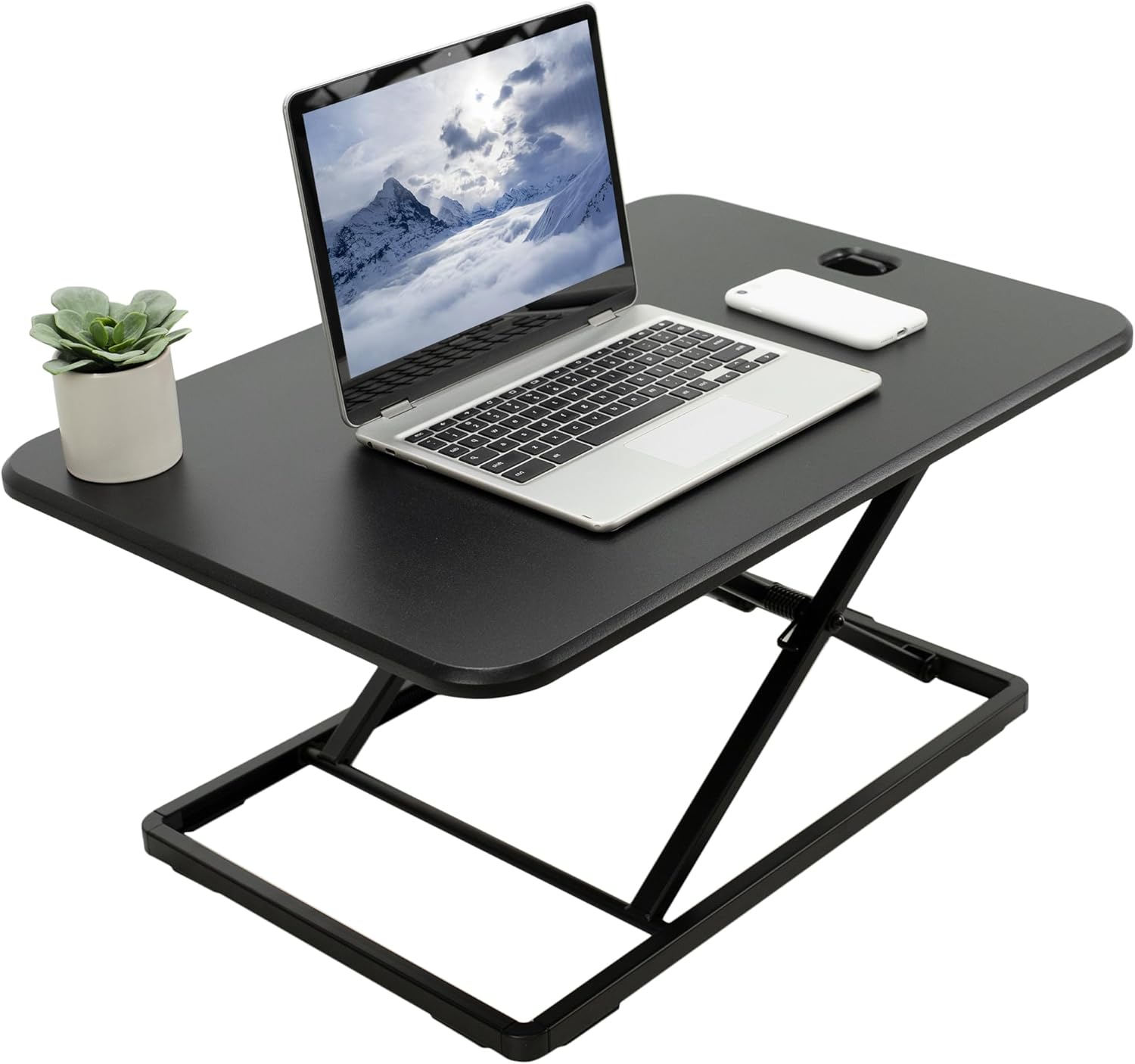
If you are building the workstation from scratch (or replacing a sagging legacy desk), here are three sit-stand bases that pair well with a heavy reference-monitor arm setup.
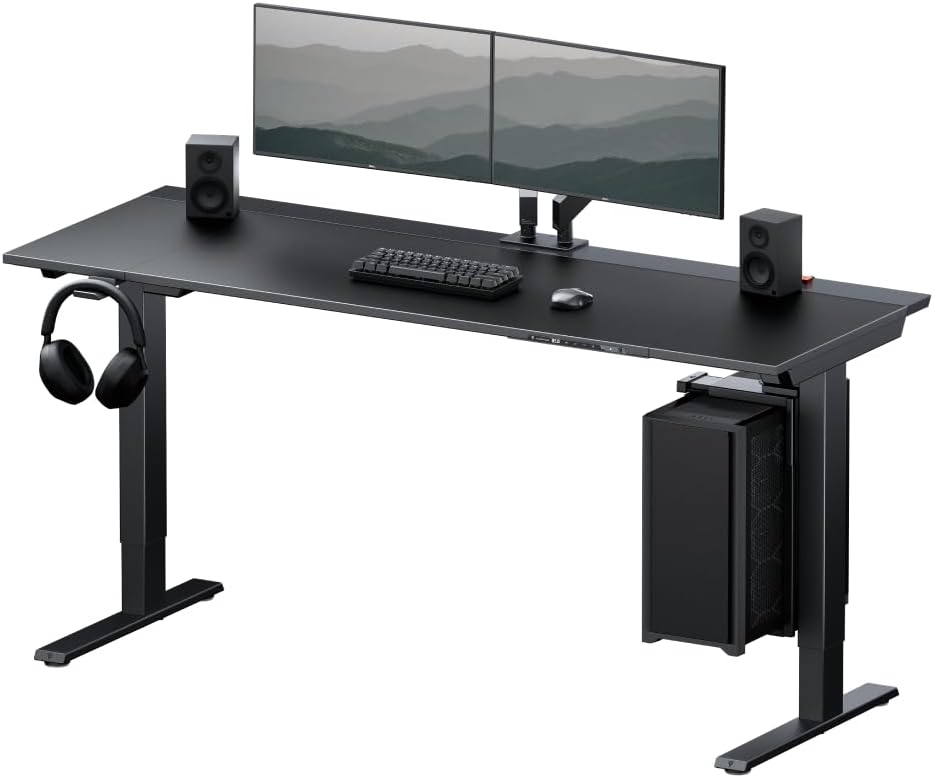
VIVO Electric 60 x 24 in Standing Desk — Best Overall Foundation for the CG319X
At 60 inches wide and rated to hold 220 lb, this VIVO electric desk gives the CG319X room to breathe alongside a color-accurate secondary monitor, a calibration probe station, and a small grading panel like a Tangent Ripple. The 24-inch depth pushes the panel back to the recommended 28–33 in viewing distance for a 31-inch DCI-4K display, and the memory-preset controller lets you save your seated and standing eye-line positions so the panel always lands at the perfect grading height. The dual-motor frame keeps wobble low even when fully extended, which is exactly what a counterbalance arm needs underneath it. Check current price: VIVO Electric 60 x 24 in Standing Desk, Memory Height Adjust
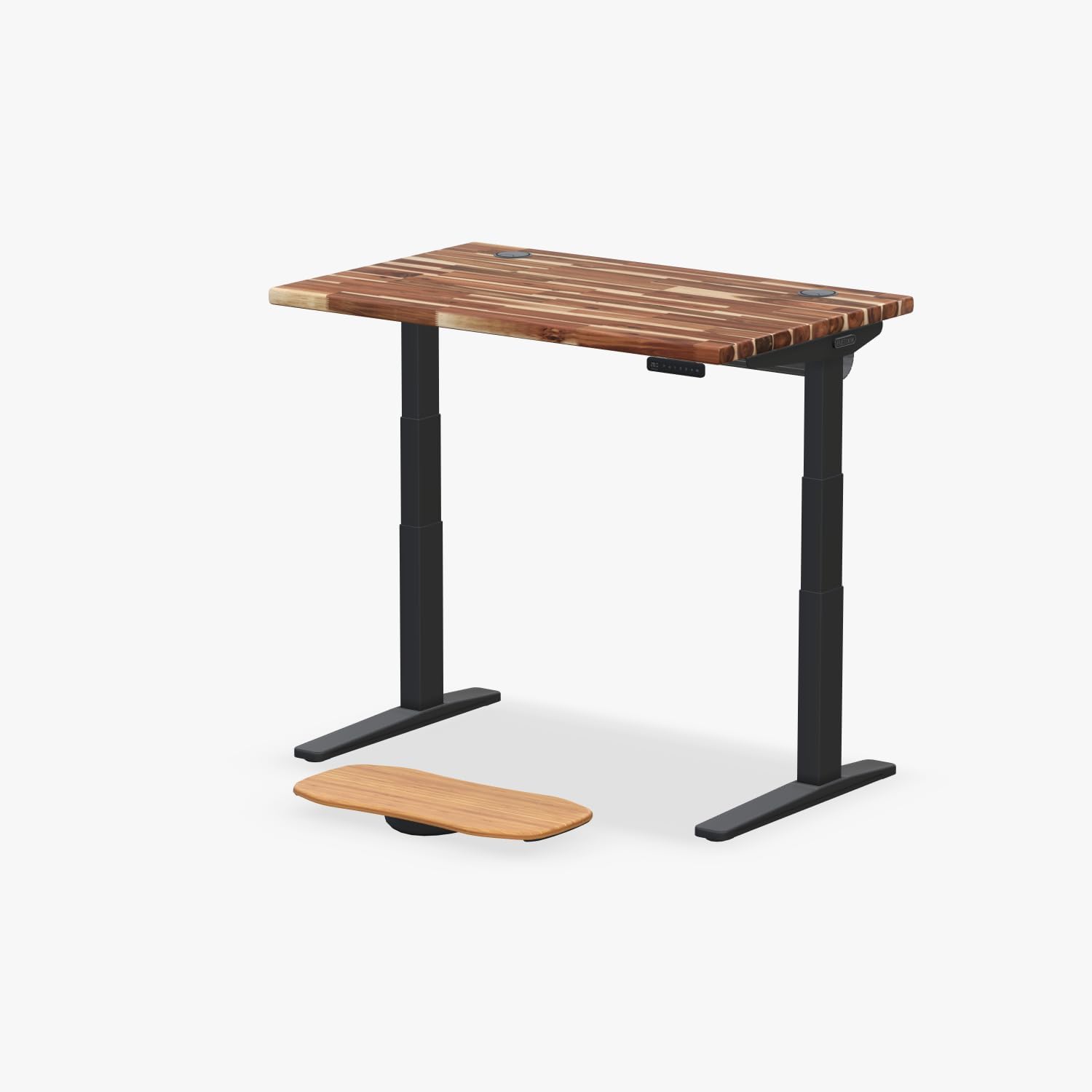
Veken 47.2" Standing Desk with Wood Desktop — Best Compact Grading Suite
If your studio is tight on space, the Veken 47.2-inch desk gives you a solid wood-grain top that resists the cantilever flex a heavy monitor arm produces. The wider, denser top material is noticeably stiffer than the hollow-core boards used on budget desks, which translates directly to a more stable image when you nudge focus on a Wacom tablet. It is the right pick if you only need the CG319X plus a laptop on the surface. View it here: Veken 47.2" Standing Desk, Adjustable Height Office Desk wit
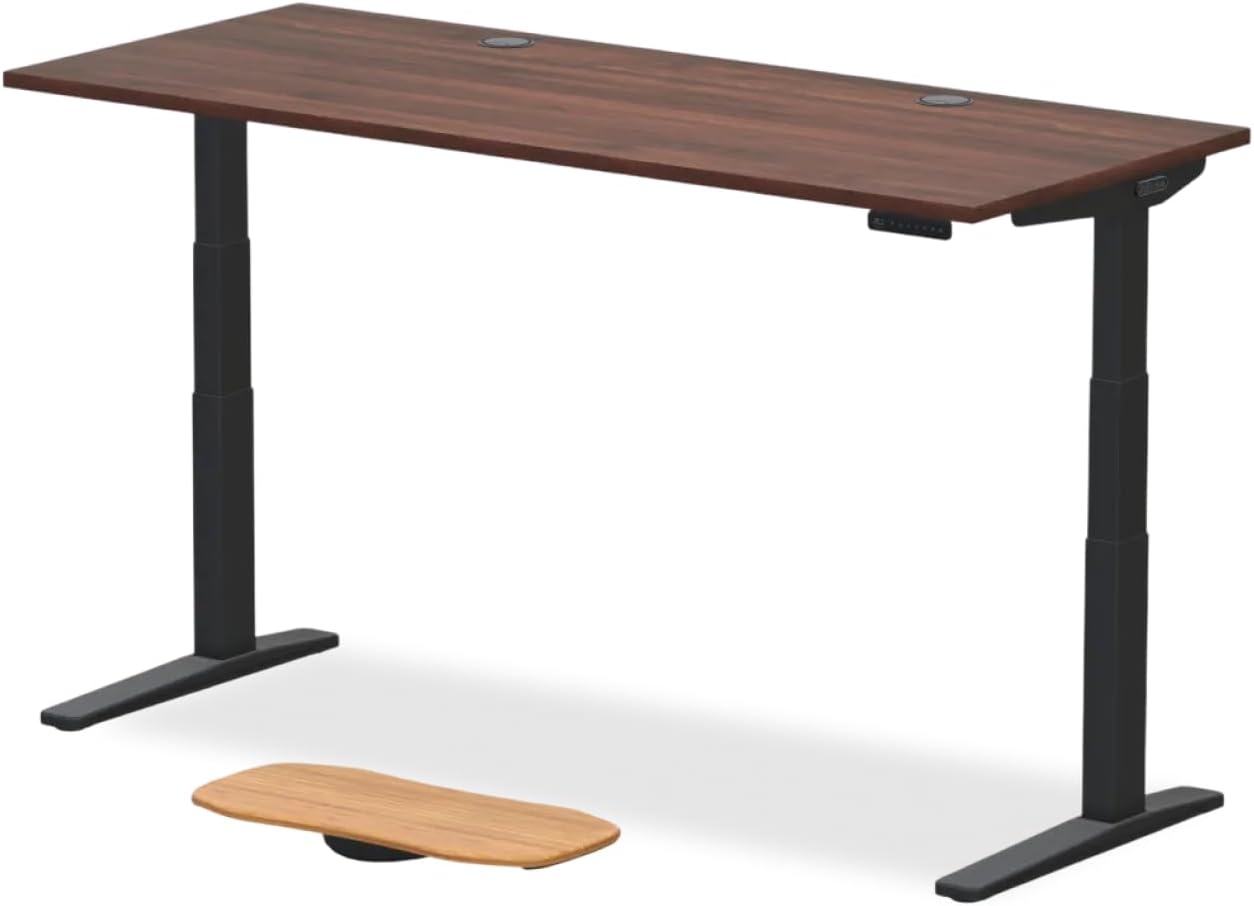
ErGear 48 x 24 in Electric Standing Desk — Budget Stable Base
The ErGear 48 x 24 in sit-stand desk is the most affordable option that still provides the rigidity a CG319X-class arm demands. With memory presets and a 48-inch top, it works well as a dedicated grading station when paired with a properly rated monitor arm clamped to the rear edge. The 24-inch depth is the minimum we recommend for any 31-inch reference display because anything shallower forces your eyes too close to the panel. Available here: ErGear Height Adjustable Electric Standing Desk, 48 x 24 Inc
Comparison: Desk Foundations for a CG319X Monitor Arm Setup
| Desk | Width | Depth | Weight Capacity | Memory Presets | Best For |
|---|---|---|---|---|---|
| VIVO Electric 60 x 24 | 60 in | 24 in | 220 lb | Yes | Multi-monitor grading suites |
| Veken 47.2" Wood Top | 47.2 in | ~24 in | ~176 lb | Yes | Compact single-monitor studios |
| ErGear 48 x 24 | 48 in | 24 in | ~176 lb | Yes | Budget reference workstations |
What to Look For in the Monitor Arm Itself
With the desk handled, focus on the arm. For a monitor arm eizo coloredge cg319x install, prioritize mechanical-spring designs from manufacturers like Ergotron (HX series), Humanscale (M10), Colebrook Bosson Saunders (Flo X), or Innovative (7500-1500HY). These use coiled steel springs rather than nitrogen gas cylinders, which means they do not lose tension as ambient temperature changes in a graded studio. Gas cylinders famously droop in colder rooms — not what you want when the panel needs to stay at a fixed 25° viewing angle for an entire feature edit.
Pay attention to the post diameter and base plate footprint as well. A 1.5-inch steel post bolted through a grommet hole into a steel-reinforced desk frame is the gold standard. Clamp-only mounts work, but only on desktops thicker than 1 in — another reason to start with the right desk.
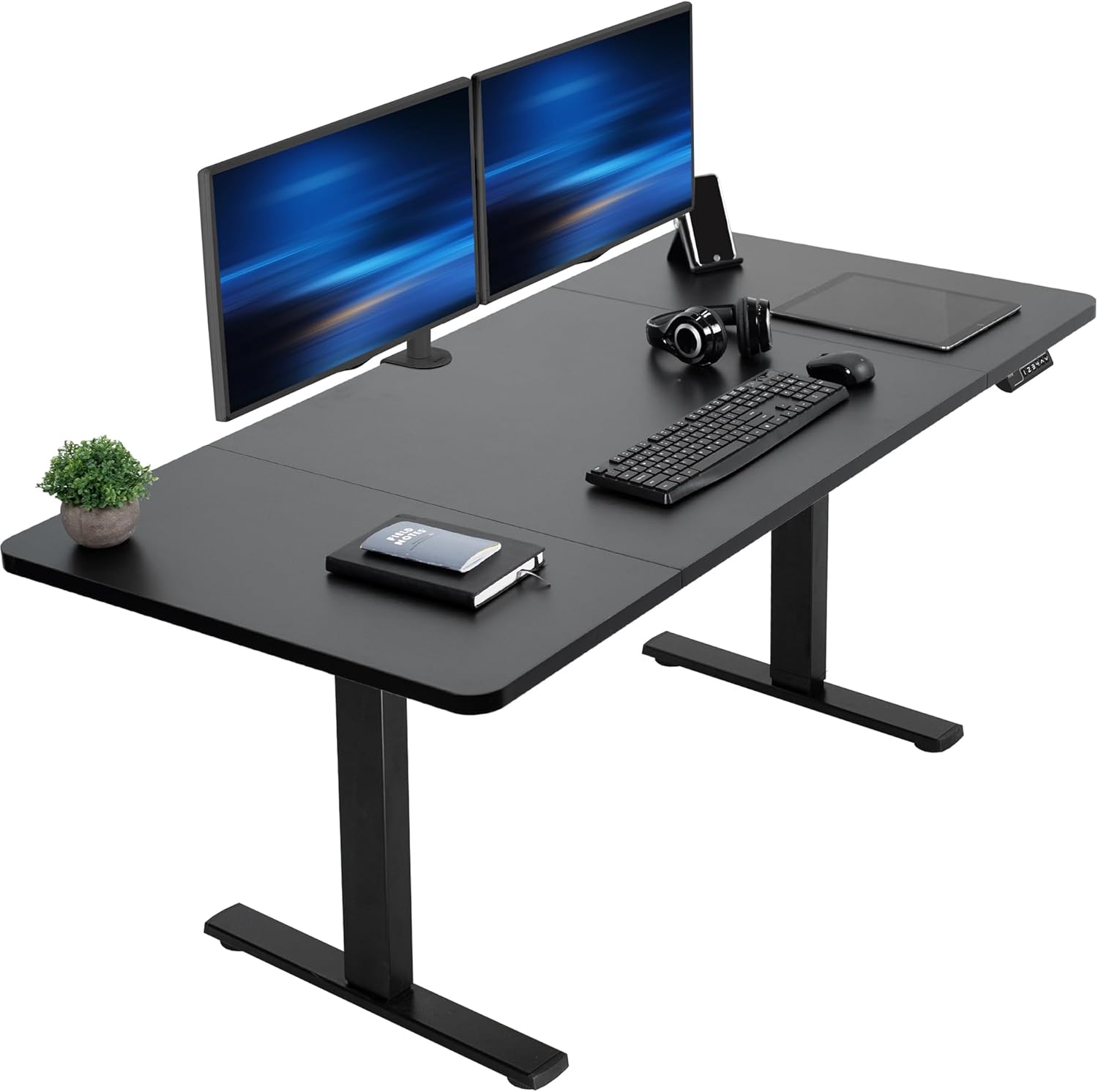
For more general buying advice, see our guide to monitor arms for heavy displays and our broader 2026 standing desk buying guide.
Installation Tips for the CG319X
Before you mount the panel, remove the factory Eizo stand by tilting the display fully back and unscrewing the four captive M4 screws on the rear neck. The VESA bracket on most premium arms uses the same M4 thread, but always use the screws supplied with the arm (not the stand screws) because thread depth varies by a millimeter or two and bottoming out can damage the chassis casting.
Once mounted, calibrate the spring tension before attaching the monitor. Most premium arms ship with the spring set for a 15–20 lb load; the CG319X needs the spring cranked nearly to maximum. Use the supplied hex key — usually a 4 mm — and turn the tension screw clockwise about 30 full rotations, then test with a similar-weight object before risking the panel.
Run the DisplayPort 1.4 cable, the USB-C/USB-B calibration cable, and a power cord through the arm's internal channel. Leave a small service loop near the VESA bracket so portrait rotation does not pinch any cable. For a deeper walkthrough, our color grading workstation setup guide covers cable management and ambient lighting for D65 bias lamps.
Frequently Asked Questions
What weight capacity do I need for an Eizo ColorEdge CG319X monitor arm?
The CG319X panel alone weighs about 24.7 lb (11.2 kg) without the factory stand. Choose an arm rated for at least 25 lb, but ideally 33 lb (15 kg) to leave headroom for a shading hood, a calibration sensor mount, and any future panel upgrades. Arms running near their maximum rating tend to sag faster.
Is the Eizo CG319X VESA compatible?
Yes. The CG319X uses a standard 100 x 100 mm VESA pattern with M4 threads. The factory stand is removable by unscrewing the four captive screws on the rear of the monitor's neck after tilting it fully backward. Always use the M4 screws supplied with your new arm rather than reusing stand hardware.
Will a gas-spring monitor arm work for color grading with a CG319X?
Technically yes, but mechanical-spring arms are strongly preferred. Gas cylinders lose tension when room temperature drops, causing the panel to drift downward overnight in studios that turn off climate control. For consistent geometry across long grading sessions, a steel-spring arm like the Ergotron HX or Humanscale M10 is the safer choice.
How thick should my desk be to support a CG319X monitor arm?
For clamp-mount arms, the desktop should be at least 1 in (25 mm) thick and made of solid wood, MDF with steel reinforcement, or laminated multi-ply. Thinner hollow-core desktops will flex under the cantilever load of a 24+ lb monitor at full extension. Grommet mounts spread the load better and work on most quality sit-stand desks.
Can I rotate the CG319X to portrait orientation on a monitor arm?
You can, but you need a tall pole — at least 17 inches of clearance above the desktop — because the panel becomes 31 inches tall when rotated. Also confirm the arm's VESA plate has a 360° rotation joint. Most professional reference workflows keep the CG319X in landscape since DCI-4K masters are horizontal.
What viewing distance is ideal for a 31-inch reference monitor?
For a 31-inch DCI-4K display like the CG319X, the SMPTE-recommended viewing distance is roughly 1.5 to 1.7 times the screen height, or about 28 to 33 inches from your eyes to the panel. A 24-inch-deep desk is the practical minimum to achieve this without sitting too close. Adjust the monitor arm so the top of the panel sits just below eye level.
Do I need a separate keyboard tray when using a monitor arm with the CG319X?
Not necessarily. If you are using a sit-stand desk with memory presets, you can match the desktop height to your seated and standing keyboard positions and rely on the monitor arm only for fine-tuning the panel angle. Keyboard trays are more useful on fixed-height desks where you cannot raise the whole surface.
Will any of these standing desks support both the CG319X and a second monitor?
The VIVO Electric 60 x 24 is the right pick for dual-monitor setups because its 60-inch width comfortably fits the CG319X plus a 24- to 27-inch secondary display, and the 220 lb capacity easily handles the combined load of two arms and two monitors. The 48-inch ErGear and 47.2-inch Veken desks are best for single-CG319X installs.
Key Takeaways
- Choosing the right monitor arm eizo coloredge cg319x means matching capacity and output ports to your actual devices
- Always check actual watt-hours (Wh), not just watts — runtime depends on Wh, not peak output
- Also covers: arm for 31 inch eizo color grading
- Also covers: eizo cg319x vesa mount arm
- Also covers: color grading monitor arm stable
- Compare price-per-Wh across models to find the best value for your budget