If you've just unboxed LG's square-ish SDQHD panel and you're shopping for a monitor arm for LG DualUp 28MQ780, the short answer is this: pick a gas-spring or mechanical-spring arm rated for at least 17.6 lbs (8 kg), with a 100 x 100 mm VESA pattern, a tilt range of -45° to +45°, and at least 180° of swivel so you can rotate the 16:18 panel between portrait-stacked work and landscape multitasking. The DualUp's screen-only weight is roughly 13.7 lbs, but you want headroom so the spring doesn't sag at full extension. Below we break down VESA fit, clamp-vs-grommet mounting, the desks that handle the load cleanly, and the accessories that round out a 2026 ergonomic build.
Why the LG DualUp 28MQ780 needs a special kind of arm
The DualUp isn't a normal 16:9 monitor. Its 2560 x 2880 SDQHD resolution and unusual 16:18 aspect ratio make the panel tall, narrow, and front-heavy. That means three things for anyone buying a monitor arm for LG DualUp 28MQ780. First, the center of gravity sits higher than a typical 27-inch widescreen, so cheap arms with weak gas pistons droop after a few weeks. Second, the included Ergo stand already does a lot of pivoting, so the upgrade rationale is usually clamp removal, desk-edge cable routing, or pairing the DualUp with a secondary screen. Third, the VESA pattern is the standard 100 x 100 mm, which is great because nearly every aftermarket arm in 2026 supports it natively without an adapter plate.



One more consideration: LG ships the DualUp with the Ergo C-clamp stand, but that clamp eats a strip of desk real estate and limits where the panel can travel. A dedicated arm with a low-profile mount frees the desk surface for a keyboard tray, audio interface, or a second display side-by-side.
Mounting basics: VESA, weight, and clamp clearance
Before you click buy, verify three numbers on any monitor arm spec sheet:
- VESA pattern: 100 x 100 mm. The DualUp does not require a 75 mm adapter.
- Weight capacity: 13.7 lbs panel-only, so target arms rated 17.6 lbs (8 kg) or higher. Gas-spring arms behave best when loaded at 60-80% of their rating.
- Clamp opening: most aftermarket arms accept desks 0.4 to 3.3 inches thick. Confirm your tabletop fits that window before ordering.
If your desk has a back grommet, grommet mounting is the cleanest install because it puts the arm pole flush against the rear edge and routes cables down through the surface. If you have no grommet, a C-clamp is fine, but check that the rear lip of your desktop has clearance for the bracket's lower jaw.
The desks that actually pair well with the DualUp
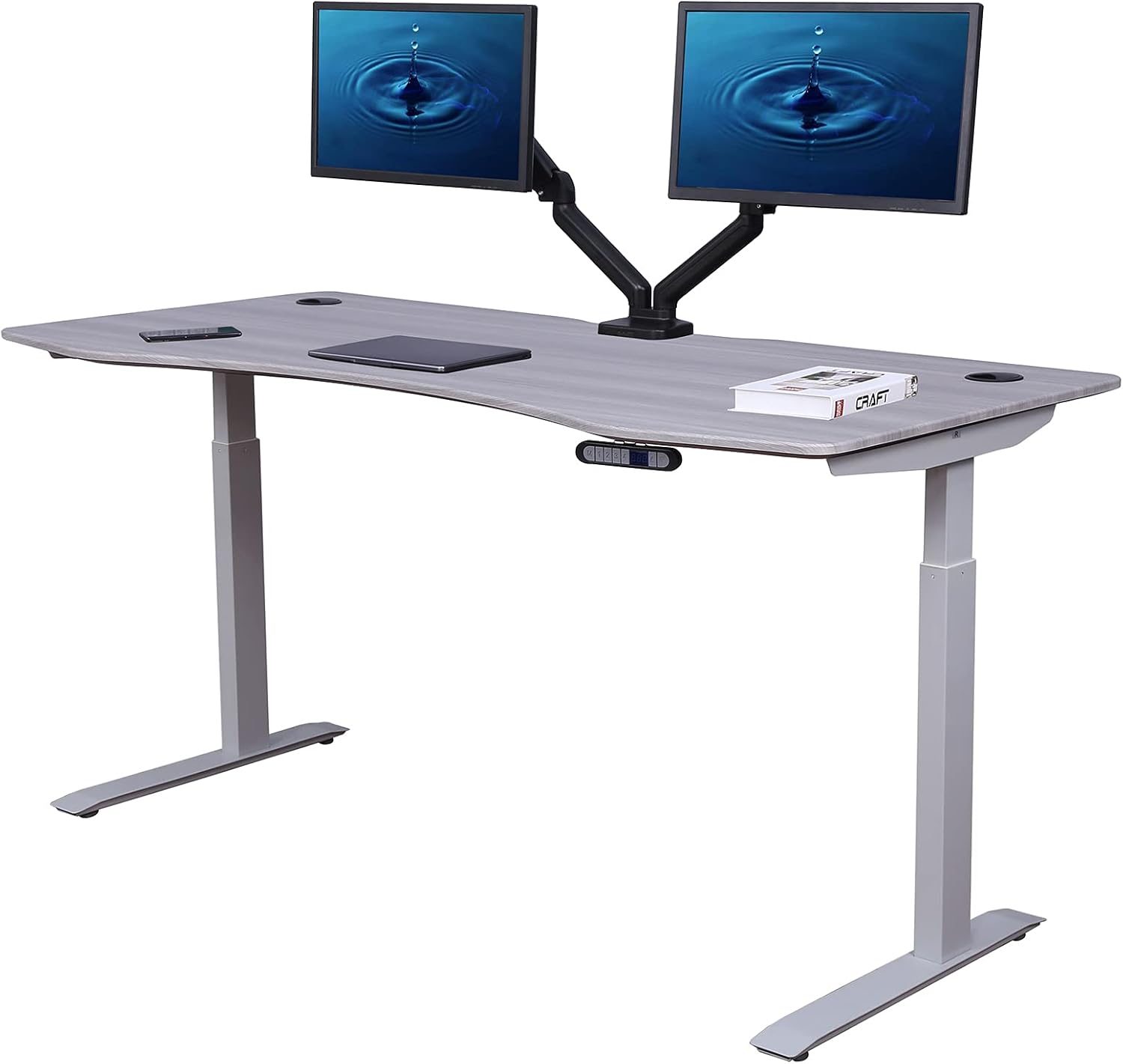
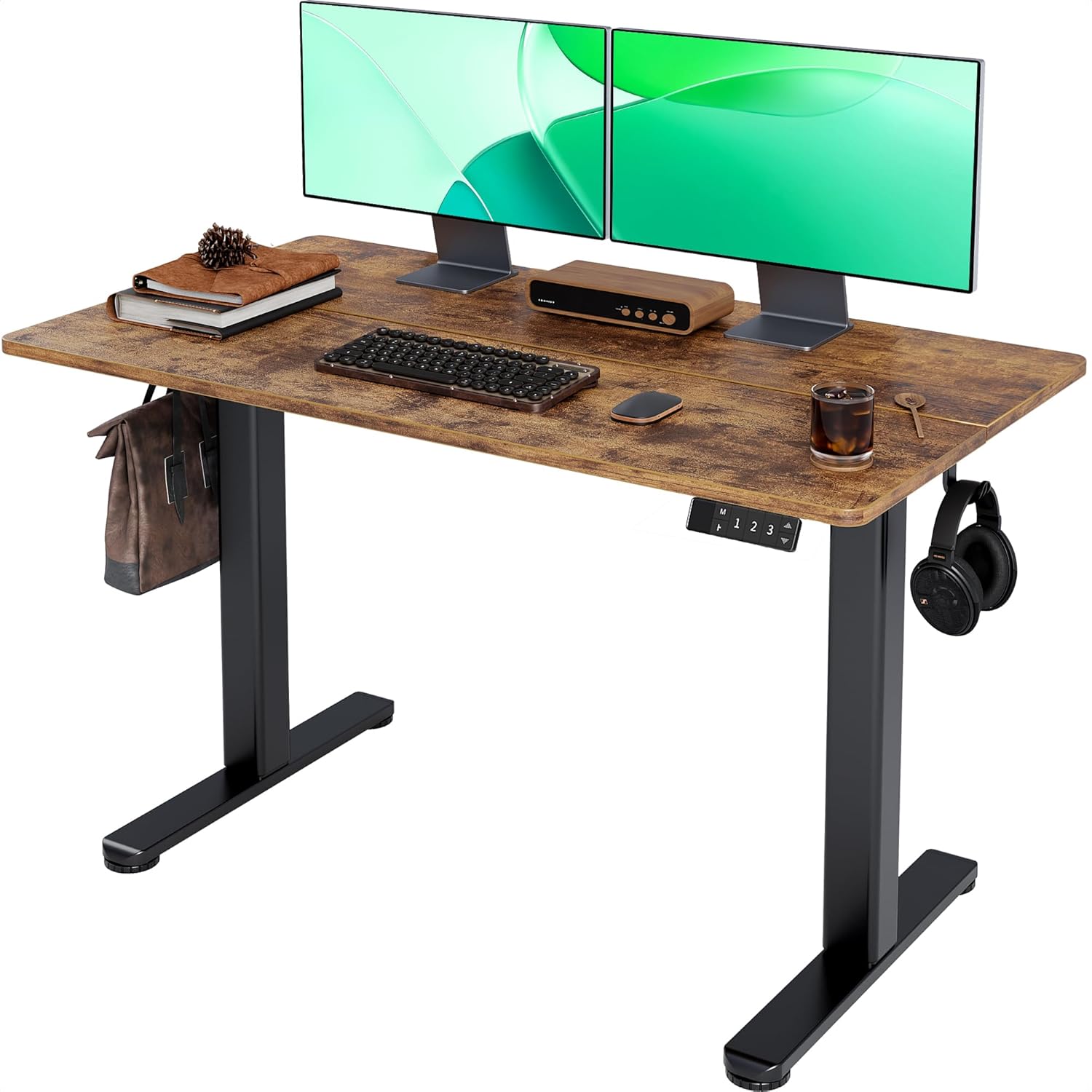
An arm is only as steady as the surface it's clamped to. A wobbly particleboard top will telegraph every keystroke into the panel, and a desk that flexes at full standing height will turn a premium 6K-class display into a bobblehead. The DualUp's tall form factor makes that wobble visible in a way it isn't on a short 16:9 screen, so the desk you anchor your arm to matters as much as the arm itself. The three sit-stand desks below all have flat steel mounting zones, accept clamps up to 3 inches, and use motors strong enough to lift the DualUp plus a clamp-on arm without complaint.
Comparison: standing desks that handle a clamp-on arm and the DualUp
| Desk | Top size | Capacity | Best for |
|---|---|---|---|
| VIVO Electric 60 x 24 Standing Desk | 60" x 24" | 220 lbs | Wide desk for DualUp + second monitor |
| Veken 47.2" Standing Desk | 47.2" wide | ~176 lbs | Compact home-office single-arm setup |
| ErGear 48 x 24 Standing Desk | 48" x 24" | 176 lbs | Budget pick with memory presets |
VIVO Electric 60 x 24 Standing Desk — best wide top for DualUp plus side monitor
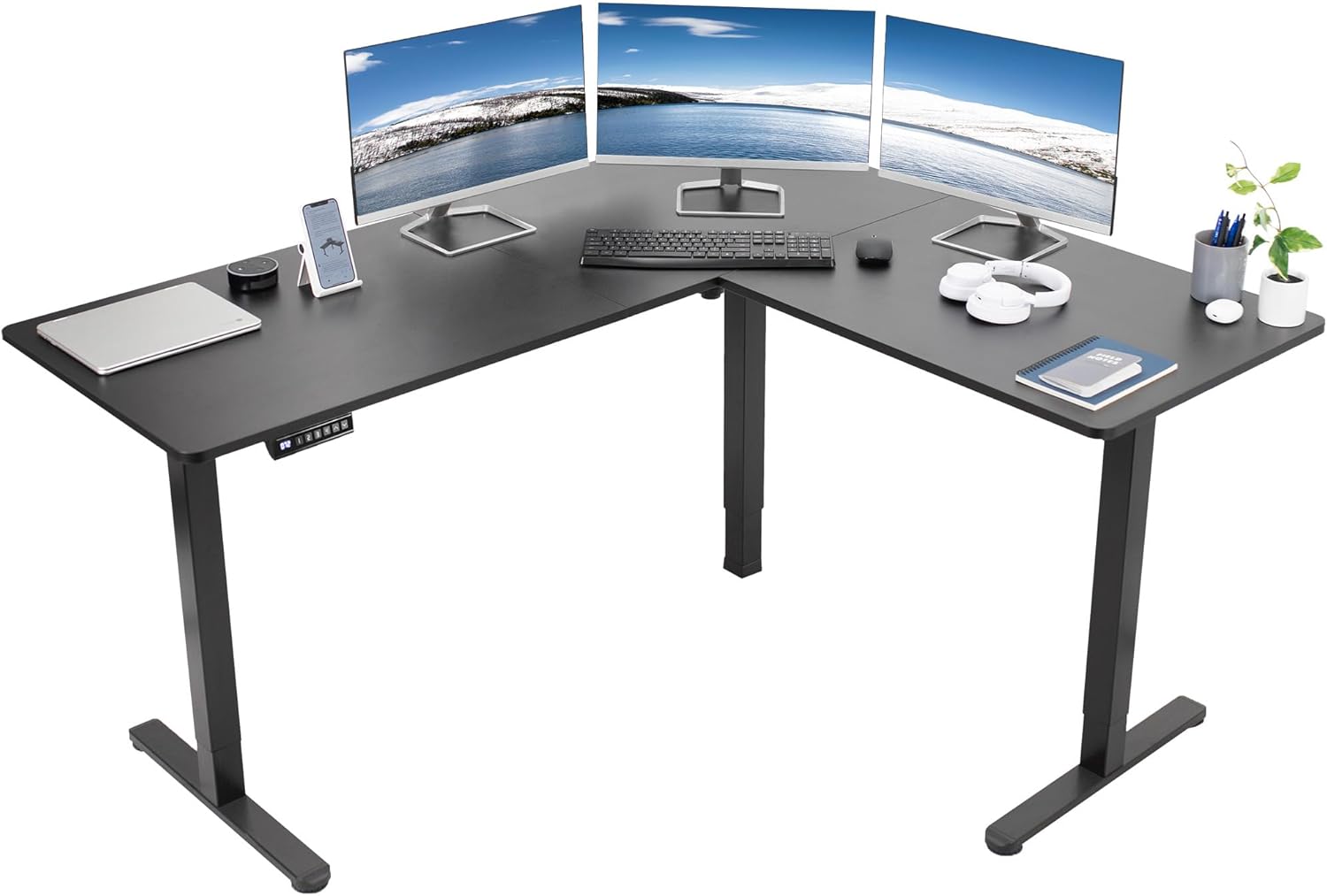
At 60 inches wide, this desk gives the DualUp roughly 28 inches of clamped real estate and still leaves room for a 24-inch secondary 16:9 panel on the same arm system. The 220 lb lift rating is the most important spec here: heavy monitor arms with steel poles can weigh 15-20 lbs on their own, and when you cantilever the DualUp out over the desk edge the dynamic load doubles. VIVO's dual-motor lift handles that without slowing at the top of travel. Memory presets save sit, perch, and stand heights, which matters when you're rotating between portrait code review and landscape spreadsheet work on the same panel. Check current pricing at VIVO Electric 60 x 24 in Standing Desk, Memory Height A.
Veken 47.2" Standing Desk — best compact pairing
If your DualUp is going into a smaller home office, dorm, or apartment, a 47.2-inch desk is the sweet spot. You get enough lateral space for the panel plus a keyboard and mouse, but not so much that the room feels swallowed. The wood desktop on the Veken is solid enough to take a C-clamp arm without dimpling, and the rear edge is straight (no curved lip) which keeps clamp jaws flush. Single monitor arm setups feel right on this footprint — the DualUp rotated to portrait sits beautifully on a 47-inch desk because the panel's narrow width doesn't crowd peripherals. See it at Veken 47.2" Standing Desk, Adjustable Height Office Des.
ErGear 48 x 24 Standing Desk — best budget anchor
The ErGear 48 x 24 hits the price-to-performance line that a lot of DualUp buyers actually want, because they've just spent serious money on the monitor itself. Memory height presets, a 176 lb capacity, and a flat 24-inch deep top give a clamp-on monitor arm everything it needs. The 24-inch depth is the key detail: when you mount a tall panel like the DualUp on an arm, you'll want to push the screen back about 6-8 inches from the front edge to keep the top of the panel at or just below eye height, and a 24-inch deep desk gives you that room. Find it at ErGear Height Adjustable Electric Standing Desk, 48 x 2.
Arm features that actually matter for the DualUp
When you compare aftermarket arms, ignore the marketing copy and look for these mechanical details:
- Gas spring vs mechanical spring: Gas springs hold position better with heavy loads and tilt more smoothly. Mechanical springs are cheaper but tend to creep downward over months of use with a 13.7 lb panel.
- Pole height: The DualUp is tall. A short pole (under 13 inches) can leave the panel sitting too low even at maximum extension. Look for poles at or above 17 inches if you're 6 feet or taller.
- Rotation lock: Because the panel pivots between landscape and portrait modes, you want a rotation joint that locks rather than free-spins. Free-spinning joints make portrait mode wobble when you type aggressively.
- Cable management: Internal channels along the arm hide the DisplayPort or Thunderbolt cable. The DualUp ships with a Thunderbolt 4 cable that's thicker than HDMI, so confirm the channel clip width is at least 9 mm.
Setting tilt and height for the 16:18 panel
The DualUp's stacked layout means the top edge of the screen sits much higher than a normal 27-inch widescreen. Ergonomic guidelines (the top of the screen at or just below eye height) need a small adjustment: target the upper third of the panel at eye level, not the very top. If you put the absolute top of the DualUp at eye height, you'll be looking down sharply at the bottom half of the screen all day, which puts the same strain on your neck as a laptop without a riser.
Tilt the panel back about 5-10 degrees so the bottom edge angles slightly toward you. This compensates for the height and keeps the entire 2880-pixel vertical range readable without you craning forward. If you pair the DualUp with a second 16:9 monitor on the same arm, set the second display to landscape and align its center with the midpoint of the DualUp — not its top edge.
Accessories to round out the build
A few extras make a real difference once the arm is installed. A grommet cap kit hides the cable pass-through; a magnetic cable raceway under the desk keeps the Thunderbolt run tidy when the desk rises; and a low-profile mechanical keyboard prevents shoulder shrug when the arm has pushed the panel slightly farther back than a desktop stand would. For more on building out the full setup, see our guide to VESA monitor arms in 2026 and our piece on choosing a standing desk for tall monitors. If you're also planning a webcam mount, our cable management walkthrough covers the routing for Thunderbolt and USB-C displays.
Frequently Asked Questions
Does the LG DualUp 28MQ780 have a standard VESA mount?
Yes. The DualUp uses a 100 x 100 mm VESA pattern on the back of the panel. You don't need a proprietary adapter or a 75 mm conversion plate. Any aftermarket arm that lists 100 x 100 mm support will physically bolt on, though you should still confirm weight rating before ordering.
How much does the LG DualUp 28MQ780 weigh without its stand?
Panel-only weight is approximately 13.7 lbs (6.2 kg). Choose an arm with at least a 17.6 lb (8 kg) maximum rating so the gas spring or mechanical mechanism isn't running at its absolute limit, which extends the arm's lifespan and prevents droop.
Can I use a single-arm mount, or do I need a dual arm?
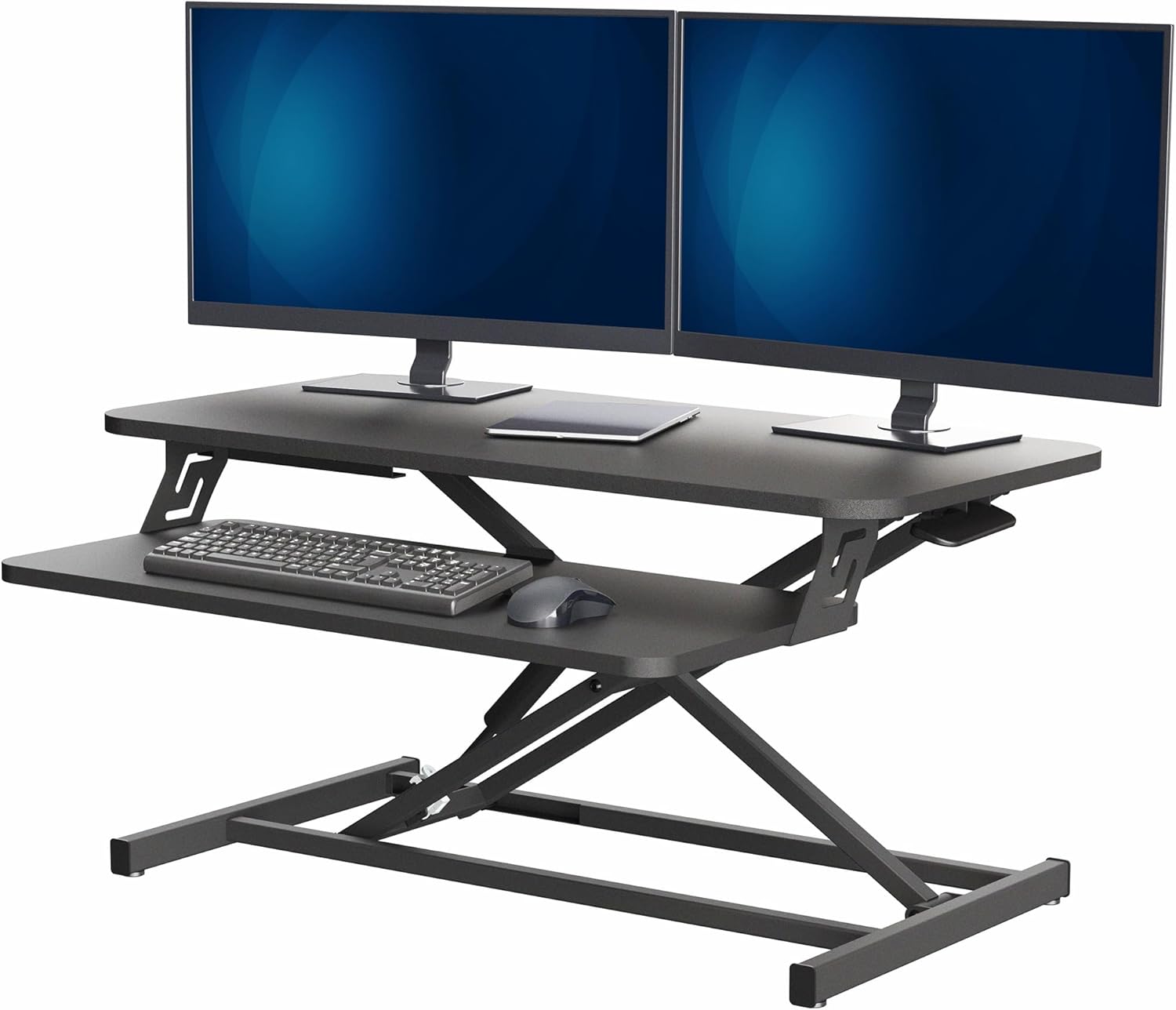
A single-arm mount is fine for the DualUp on its own. You'd only want a dual arm if you're pairing the DualUp with a second monitor — for example, a 24-inch widescreen mounted beside it for chat windows or reference material. Many dual arms share one pole, which keeps clamp footprint small.
Will a cheap monitor arm hold the DualUp without sagging?
Sometimes, but it's a gamble. Budget gas-spring arms under $40 are typically rated for 15-20 lb loads, and at the high end of that range with a tall, top-heavy panel like the DualUp, many start to droop within a few months. Spend at the mid-tier ($70-$120) for a steel-pole arm with a real industrial gas piston.
Do I need a desk grommet to mount the arm?
No. Every quality monitor arm in 2026 ships with both a C-clamp and a grommet mount option in the box. C-clamp is the most common install because it doesn't require drilling. Grommet mount looks cleaner if your desk already has a hole near the back edge.
Can the LG DualUp 28MQ780 pivot to portrait on an aftermarket arm?
Yes. The 100 x 100 VESA plate doesn't restrict rotation, and the panel's electronics auto-rotate when paired with macOS or Windows display drivers that detect orientation. Just make sure your aftermarket arm includes a rotation joint at the VESA plate, not just at the pole base.
What desk depth do I need to mount the DualUp on an arm?
At least 24 inches deep. The DualUp's tall panel needs to sit roughly 20-28 inches from your eyes for the top edge to land at the right viewing angle, and that requires pushing the arm back away from the front edge of the desk. A 24-inch depth gives you that travel room plus space for a full-size keyboard.
Final pick
For most buyers in 2026, the right monitor arm for LG DualUp 28MQ780 is a mid-tier 17.6 lb gas-spring single arm with a 17-inch steel pole and locking rotation joints. Pair it with a sturdy 48-60 inch sit-stand desk, route the Thunderbolt cable through the arm's internal channel, and set the tilt to a slight backward angle to keep the panel's full 2880-pixel vertical range comfortable all day.
Key Takeaways
- Choosing the right monitor arm for lg dualup 28mq780 means matching capacity and output ports to your actual devices
- Always check actual watt-hours (Wh), not just watts — runtime depends on Wh, not peak output
- Also covers: lg dualup vesa arm
- Also covers: 28mq780 monitor arm
- Also covers: sdqhd display arm mount
- Compare price-per-Wh across models to find the best value for your budget