The best monitor arm for samsung m8 in 2026 is one that pairs a 75x75mm VESA-compatible head, smooth tilt of at least 45 degrees, and a weight range that comfortably handles the M8's roughly 11.6-pound panel without sag. Because the M8 ships without a native VESA pattern on its back, you also need a Samsung-supplied or third-party VESA adapter bracket before the arm will bolt on. Look for gas-spring arms in the 4.4 to 19.8 pound capacity band, a clamp or grommet base that fits a 0.4 to 3.5 inch desk edge, and a clearance gap that lets the M8's pop-up SlimFit camera sit upright. Cable channels and a 360-degree rotation joint round out the must-haves.
Why the Samsung M8 Needs a Specific Monitor Arm
The Samsung M8 smart monitor is unusual. It is a 32-inch 4K panel that doubles as a streaming hub, includes a magnetic SlimFit camera, and ships with a desk stand instead of a wall mount. There is no factory VESA hole pattern on the rear chassis, so any aftermarket arm must connect through Samsung's official VESA adapter kit (the BW-AMA20WX) or an equivalent third-party plate that screws into the M8's stand mounting points and exposes a standard 75 x 75 mm grid.
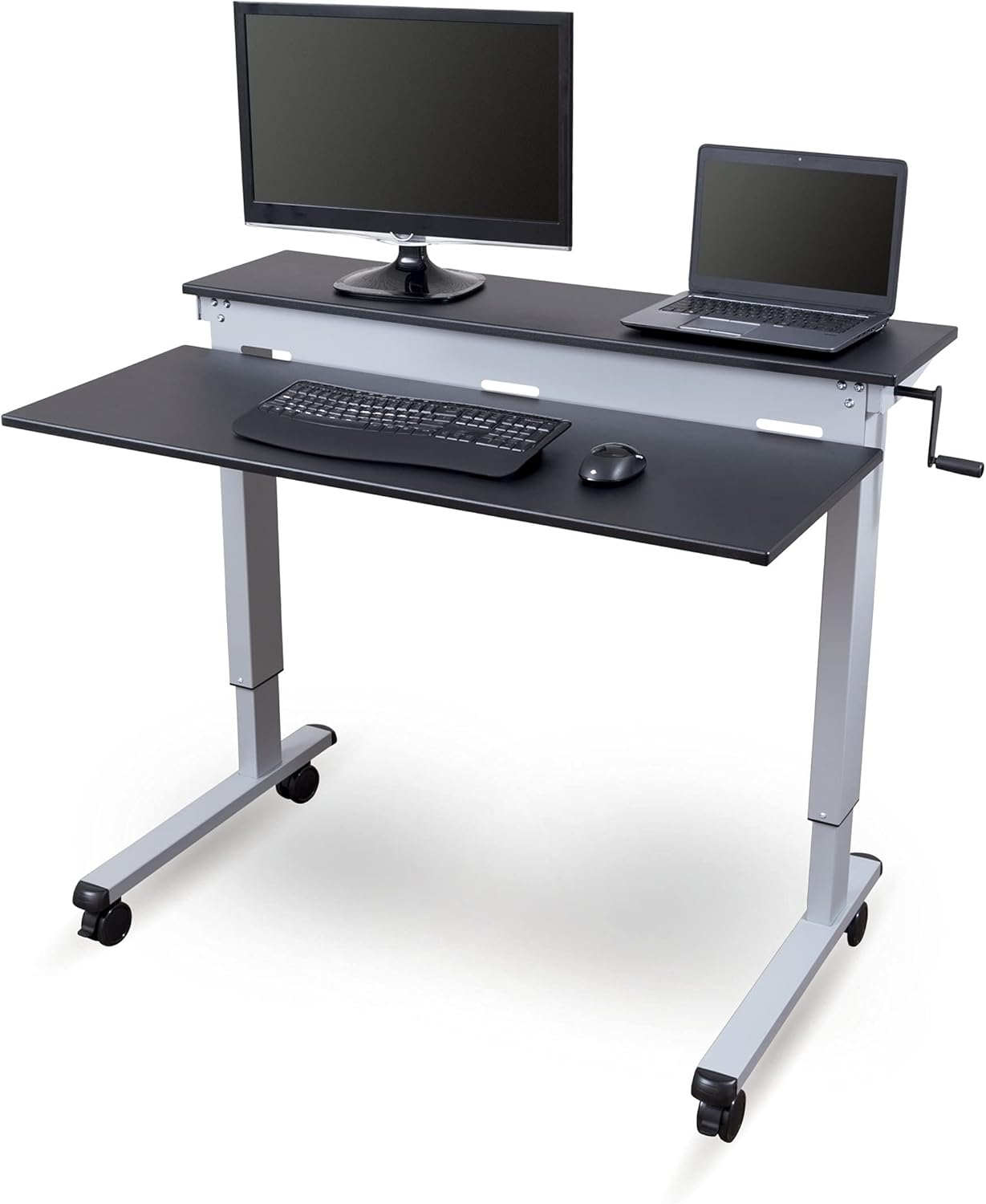



Once that adapter is in place, the right monitor arm for samsung m8 setup unlocks the full benefits of the panel: you can angle it for content consumption, push it back for desk-top webcam calls, or pull it forward for reading. Cheap arms with weak gas springs will droop within weeks because the M8 is front-heavy due to its speaker bar. Overbuilt heavy-duty arms designed for 34-inch ultrawides can spring the M8 upward unpredictably. The sweet spot is a mid-range gas-spring or mechanical-spring arm rated for 4.4 to 17.6 pounds, ideally with tension you can fine-tune with a hex key.
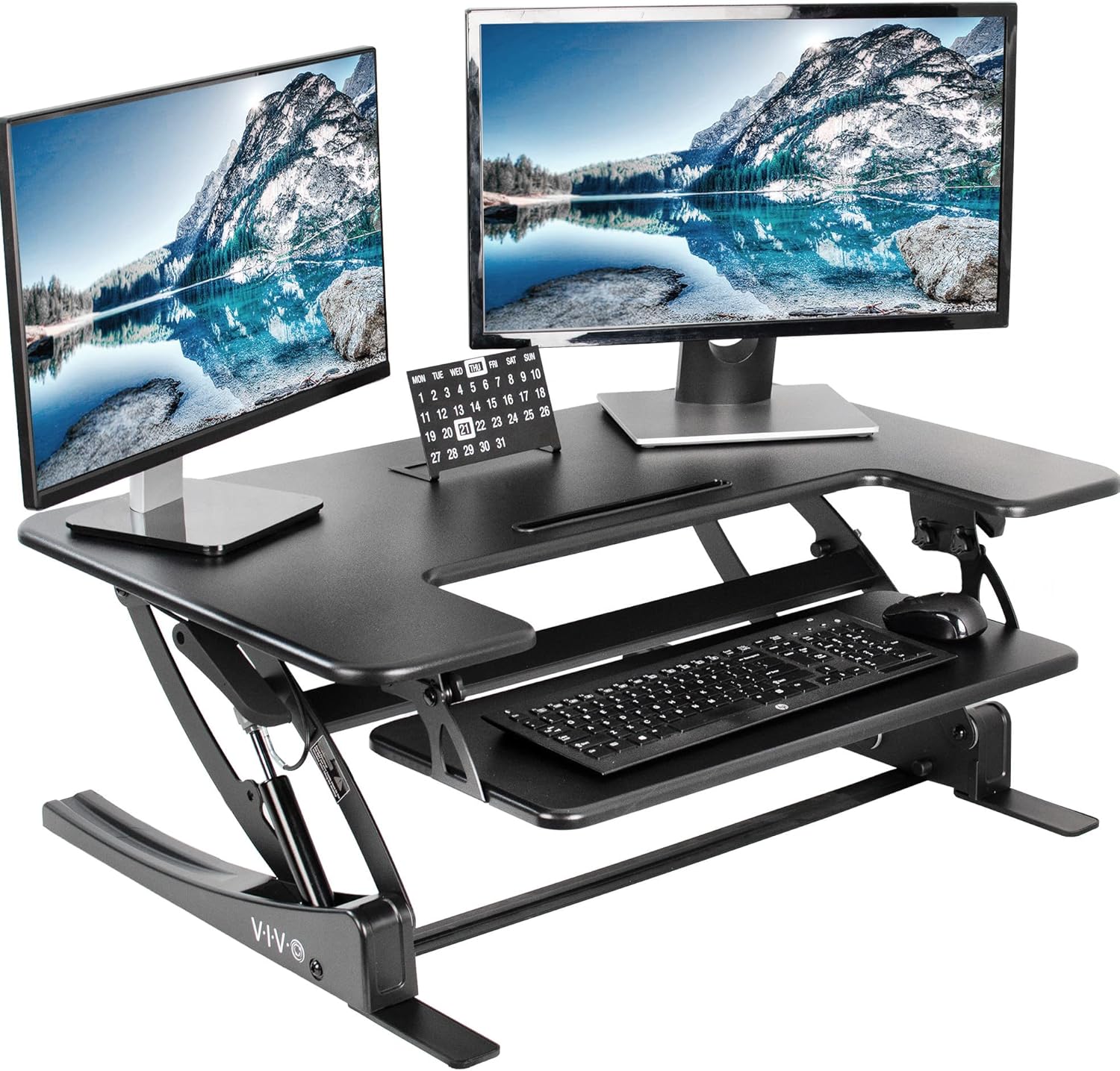
Key Specs to Verify Before You Buy
Below is the shortlist of specs that separate a frustrating install from a clean one. Confirm each on the product listing before checkout.
- VESA pattern: 75 x 75 mm minimum. Many arms advertise 75/100 mm and ship with an adapter ring for the 75 mm pattern. The M8 will only mount on the 75 mm side once the official Samsung adapter plate is attached.
- Weight range: The M8 weighs about 11.6 pounds with the camera. Aim for an arm with a 4.4 to 19.8 pound range so the gas spring is operating in its middle band, not at the maximum or minimum.
- Tilt: Minimum 45 degrees of tilt (typically split as -45 forward and +90 back), plus 180 degrees of swivel and 360 degrees of rotation for portrait flips.
- Clamp thickness: Most clamps accept desks from 0.4 to 3.5 inches. Verify against your tabletop, especially if you have a thick butcher-block standing desk.
- Cable management: Internal cable channels or external clip-on raceways help corral the M8's HDMI, USB-C, and power brick cables.
Comparison Table: Workstation Building Blocks for the Samsung M8
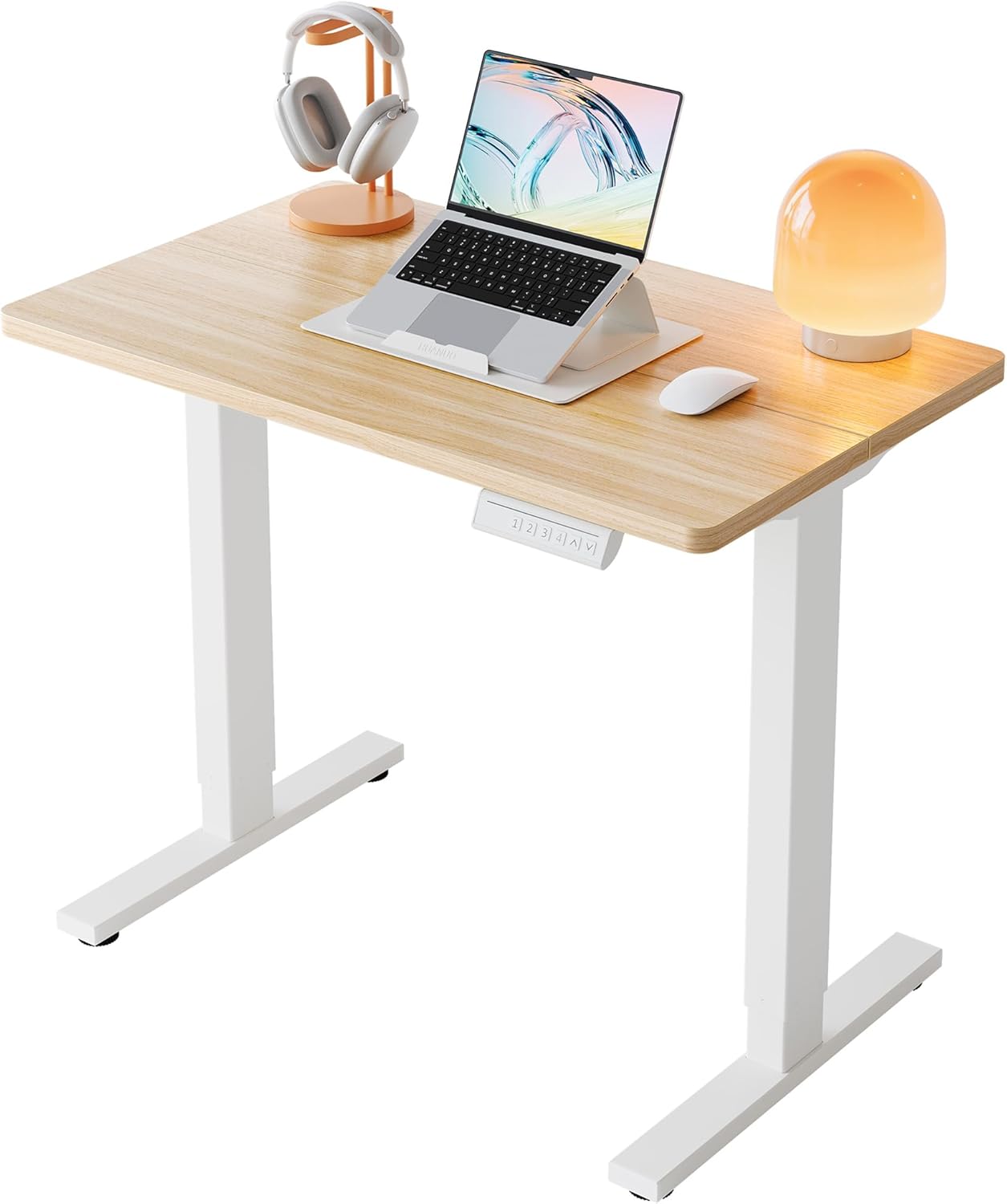
A great monitor arm is only as good as the desk underneath it. The table below compares standing desks that pair well with a Samsung M8 on an arm, all of which provide enough surface depth and clamp clearance for the arm base plus the swing radius the M8 needs.
| Desk | Surface Size | Weight Capacity | Height Adjustment | Best For |
|---|---|---|---|---|
| VIVO Electric 60 x 24 | 60 x 24 in | 220 lbs | Electric, memory presets | Wide setups with the M8 plus a laptop riser |
| Veken 47.2" Wood Desktop | 47.2 x 23.6 in | ~176 lbs | Electric adjustable | Compact home offices that want a wood look |
| ErGear 48 x 24 Electric | 48 x 24 in | ~180 lbs | Electric, memory presets | Budget builds with a single Samsung M8 on an arm |
Top Monitor Arm Picks for the Samsung M8 in 2026
Best Overall: Gas-Spring Single Arm with 75 mm VESA
The gas-spring single-monitor arm is the category leader for the M8 because it delivers smooth tilt and easy repositioning. Look for one rated 4.4 to 19.8 pounds with both clamp and grommet bases included. Once the Samsung VESA adapter is attached to the back of the M8, the arm head bolts straight to the 75 x 75 mm pattern. After install, set tension so the panel holds position when you let go at any height, then test the tilt arc by tipping the screen forward 30 degrees to confirm there is no sag. Most users find this style of arm gives the M8 a premium feel that the stock stand cannot match.
Best for Thick Desks: Heavy-Duty C-Clamp Arm
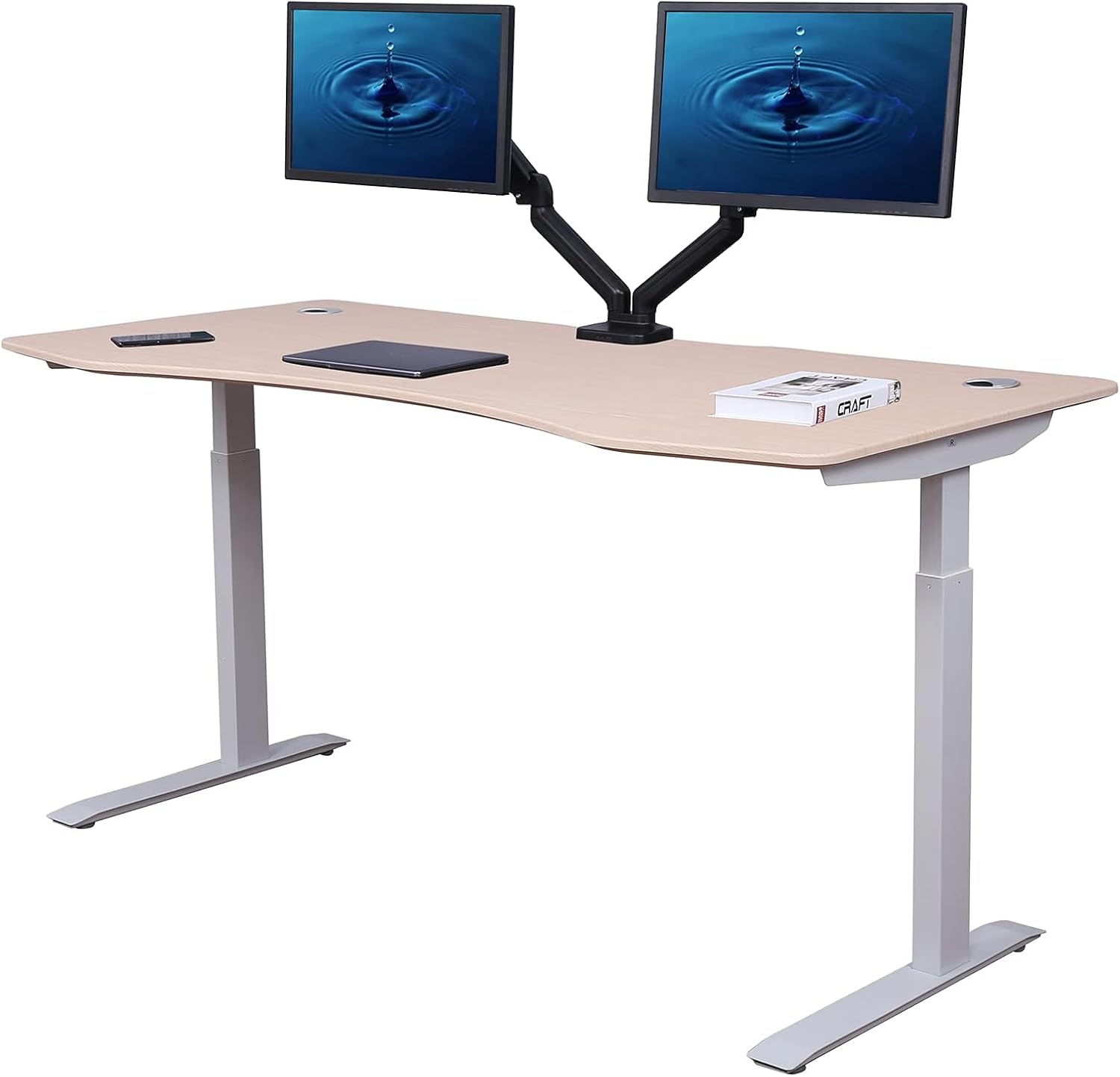
If your standing desk has a butcher-block or bamboo top thicker than two inches, a heavy-duty C-clamp arm with a 3.5-inch clamp throat is the safest bet. These models often share the same VESA head and tilt range as standard arms but use a beefier base. Pair this with the VIVO Electric 60 x 24 in Standing Desk for a serious dual-purpose battlestation: VIVO Electric 60 x 24 Standing Desk. The 220-pound capacity and 60-inch width give the M8 room to swivel without crowding speakers or a keyboard tray.
Best Budget Pick: Mechanical Spring Arm
If you do not need single-finger height adjustment, a mechanical-spring arm with a tensioning knob saves money and tends to hold the M8 dead-still once dialed in. The trade-off is that adjusting height takes two hands. These pair nicely with smaller workstations like the ErGear Height Adjustable Electric Standing Desk: ErGear 48 x 24 Electric Standing Desk. Together, they create a tidy single-monitor setup for under a few hundred dollars.
Best for Aesthetics: Low-Profile Arm on a Wood Desktop
For users who care about how the M8 looks at rest, low-profile arms with matte white or warm gray finishes integrate beautifully with wood desktops. Combine one with the Veken 47.2" Standing Desk for a Scandinavian-inspired workspace: Veken 47.2" Wood Desktop Standing Desk. The wood grain frames the M8 well and the 47-inch top is right-sized for a single monitor plus keyboard.
Best for Multi-Use: Dual-Arm Setup with the M8 as Secondary
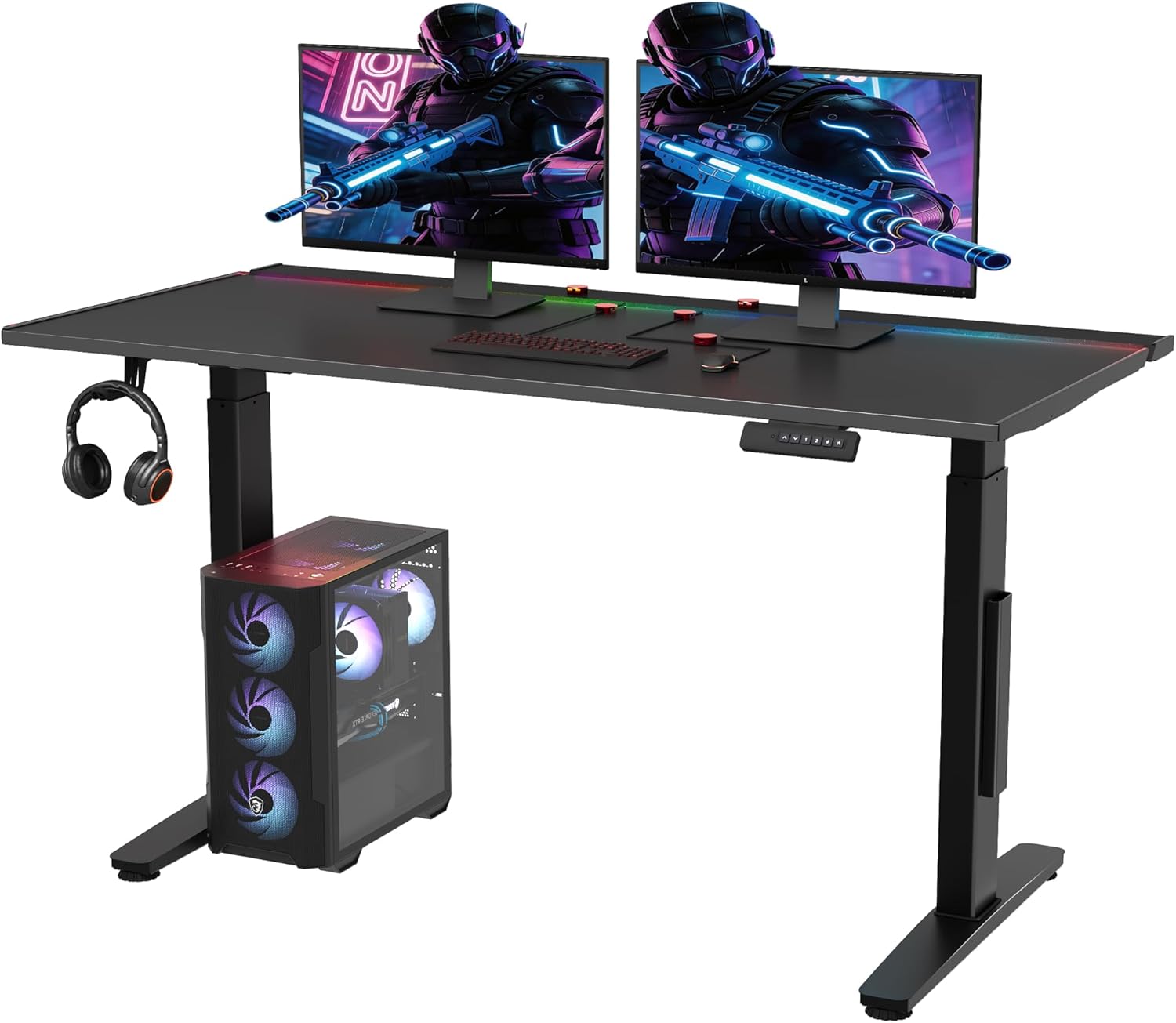
If you plan to run the M8 alongside a second monitor (for instance, a 27-inch productivity panel), a dual gas-spring arm with two independent VESA heads is ideal. Confirm each arm independently supports up to 19.8 pounds and that the center pole is tall enough to clear the M8's pop-up camera. This setup needs a wider surface, so consider the VIVO 60 x 24 desk or a similar full-size top. Run cables down the back through built-in channels to keep the visual clean.
How to Install Your Monitor Arm on the Samsung M8
Installation is straightforward if you follow the order below. Skipping the VESA adapter step is the most common mistake.
- Acquire the Samsung VESA adapter (BW-AMA20WX or compatible). This screws into the M8's back where the original stand neck attached.
- Detach the M8 stand by removing the four screws on the rear chassis. Set the stand aside in case you need to revert.
- Attach the VESA adapter using the included screws. Tighten in a cross pattern to avoid stress on the plastic chassis.
- Mount the arm base to your desk via clamp or grommet. Use a level to confirm the upright pole is plumb.
- Hang the M8 on the arm head. Most arms use a quick-release VESA plate that drops over a hook for one-person install.
- Tune the gas spring tension with a hex key until the M8 floats at any height without drifting.
- Route cables through the arm's channels, leaving a small service loop at the VESA head so the cable does not bind during tilt.
Ergonomic Setup Tips Once Your Arm Is Installed
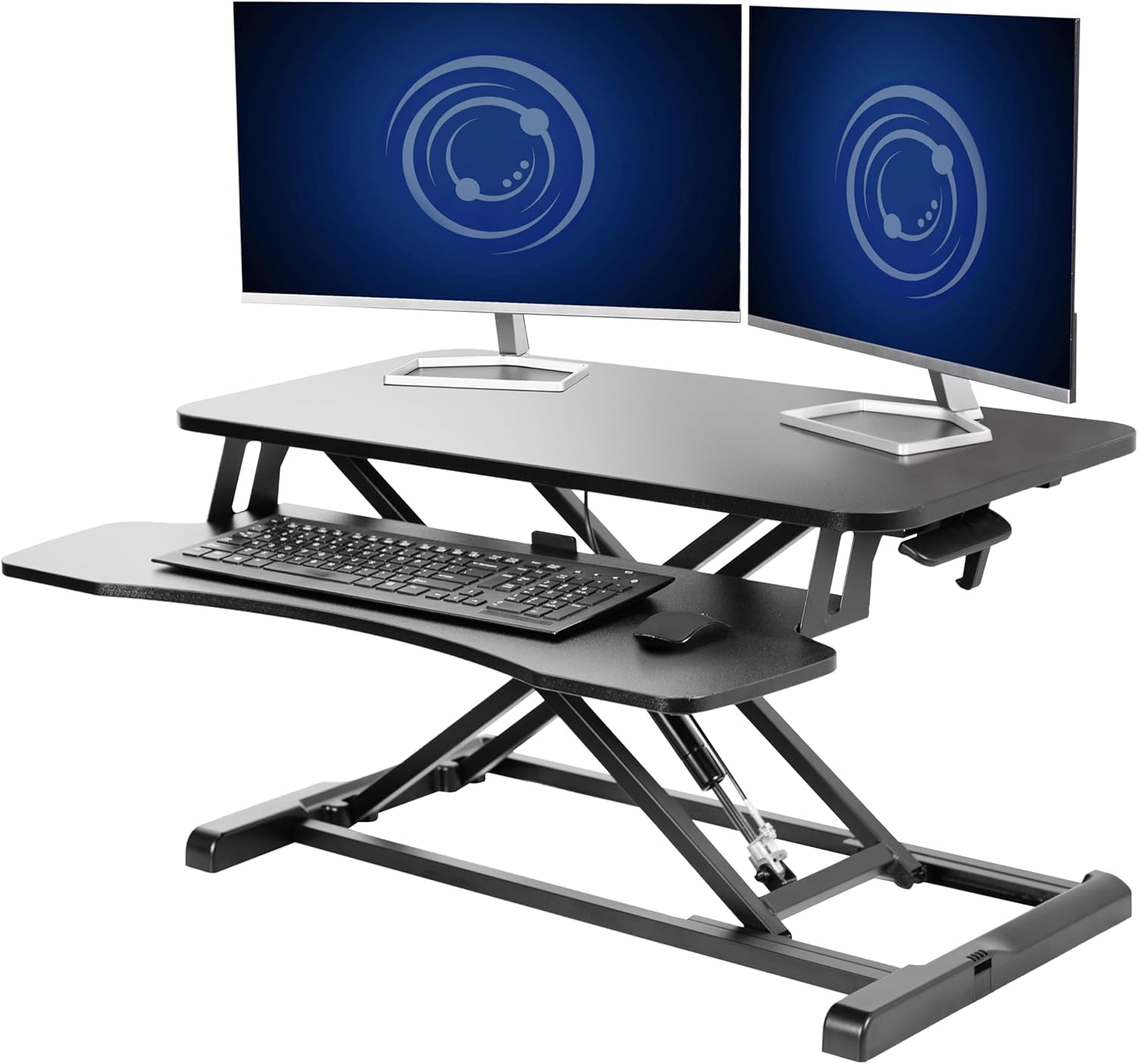
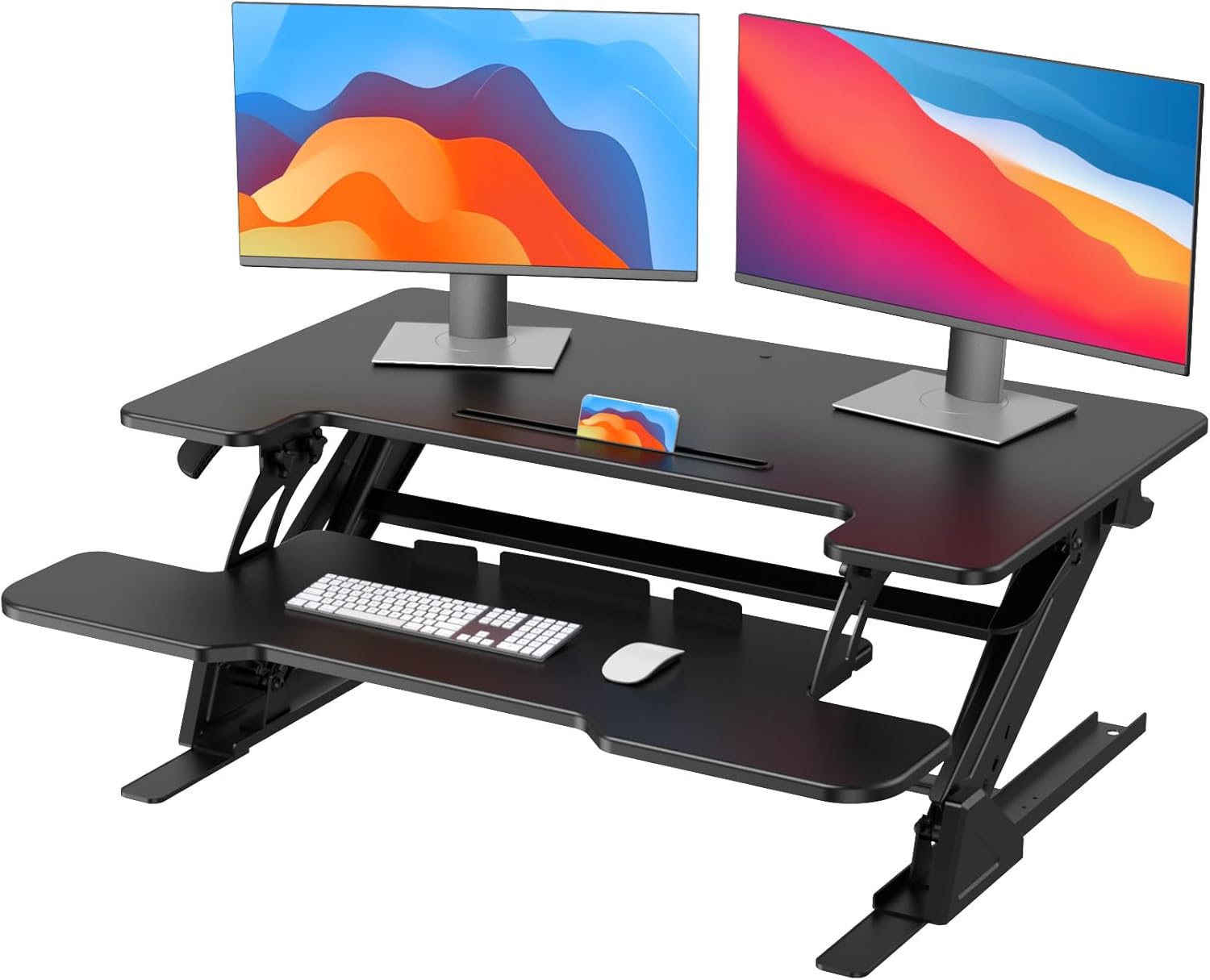
Mounting the M8 on an arm is only half the win. To get the ergonomic benefits, set the top of the screen roughly at eye level when you sit upright, then push the panel back so it sits between 20 and 28 inches from your eyes. Tilt the screen back about 10 to 20 degrees so the bottom is slightly closer than the top, which reduces neck flexion when reading the lower edge. Pair this with a standing desk so you can alternate between sitting and standing every 30 to 60 minutes. The arm's gas spring should let you raise the M8 as you raise the desk so the screen stays at the same relative eye level.
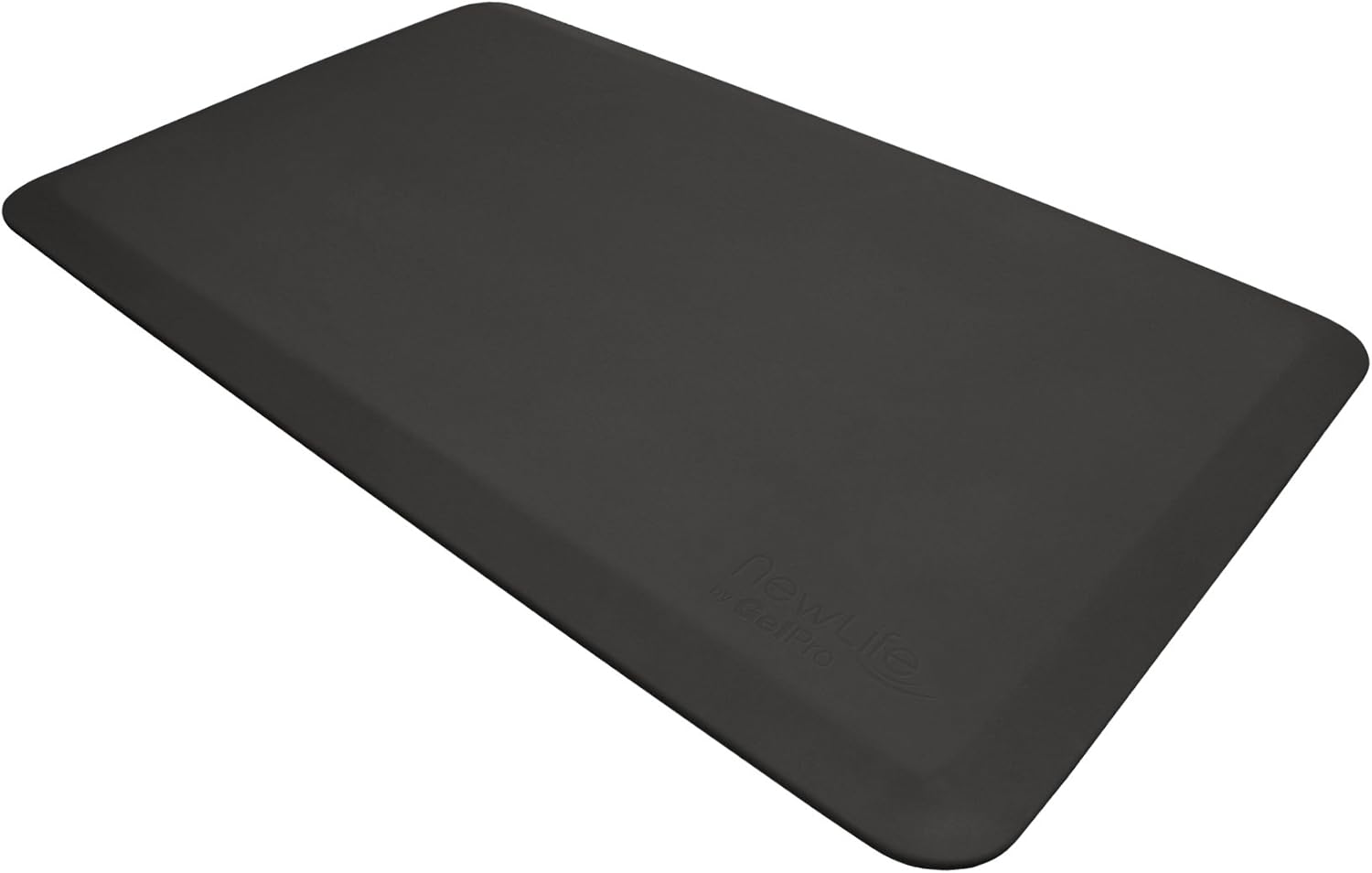
For more on building a complete ergonomic setup, see our guides on ergonomic chairs with lumbar support and anti-fatigue mats for standing desks.
Common Mistakes to Avoid
- Skipping the official VESA adapter. Third-party adapters exist but the Samsung-branded one is engineered around the M8's exact rear contour and screw thread depth.
- Buying an arm rated for 25-plus pounds. Even at minimum tension, the spring will lift the lightweight M8 unpredictably.
- Ignoring the camera. The SlimFit camera sits on top of the panel and needs vertical clearance. If your arm pole is too short or the ceiling is low, the camera may not fit upright.
- Over-tightening clamp screws. Composite or laminate desks can chip if you crank the clamp. Tighten until firm, not until the desk creaks.
- Forgetting cable slack. The M8's USB-C and HDMI cables need a service loop so they do not unplug themselves when you tilt the screen forward.
For a complete workstation overhaul that pairs perfectly with a quality monitor arm for samsung m8, consider starting with a wider electric desk: VIVO Electric 60 x 24 Standing Desk or Veken 47.2" Wood Standing Desk. Either gives the M8 the breathing room a swing arm needs.
Frequently Asked Questions
Does the Samsung M8 smart monitor have a VESA mount built in?
No. The M8 ships without a native VESA hole pattern. You must install Samsung's official VESA adapter accessory (BW-AMA20WX) or a verified third-party adapter. Once installed, the adapter exposes a standard 75 x 75 mm VESA pattern that any compatible monitor arm can use.
What VESA size do I need for a monitor arm on the Samsung M8?
The Samsung M8 uses a 75 x 75 mm VESA pattern after the adapter is attached. Most quality monitor arms ship with a head that supports both 75 x 75 and 100 x 100 mm via a swappable adapter ring, so you should have no compatibility issues as long as the arm explicitly lists 75 mm support.
How much weight capacity does my arm need for the M8?
The Samsung M8 weighs about 11.6 pounds with the magnetic webcam attached. Look for an arm with a weight range that puts 11.6 pounds in the middle of its band, typically 4.4 to 19.8 pounds. Arms rated for ultrawides up to 30 pounds will be too stiff for the M8 even at the lowest spring tension setting.
Can I tilt the Samsung M8 forward and back on a monitor arm?
Yes. A proper gas-spring arm will give you about 45 degrees of forward tilt and 90 degrees of backward tilt once the VESA adapter is installed. This is much more range than the stock M8 desk stand offers, which is one of the biggest reasons to upgrade to an arm.
Will the Samsung M8 camera still work with a monitor arm?
Yes. The SlimFit magnetic camera attaches to the top of the panel and will function on any arm as long as you leave vertical clearance above the M8 for the camera to pop up. Make sure your arm's upright pole and your ceiling allow at least three inches of headroom above the panel's top edge.
Are gas-spring arms or mechanical-spring arms better for the M8?
Gas-spring arms offer smoother, single-finger height changes, which suits users who frequently switch between sitting and standing. Mechanical-spring arms hold position more rigidly and cost less, but require two-handed adjustments. Both work well with the M8 as long as the weight rating matches.
What standing desk pairs best with a Samsung M8 on a monitor arm?
Choose a desk with at least 24 inches of depth and 47 inches of width to give the M8 swing room without crowding your keyboard. Electric height-adjustable desks like the VIVO 60 x 24, the Veken 47.2 inch wood desktop, or the ErGear 48 x 24 model all provide adequate clamp space and clearance for the M8 on a swing arm.
Key Takeaways
- Choosing the right monitor arm for samsung m8 means matching capacity and output ports to your actual devices
- Always check actual watt-hours (Wh), not just watts — runtime depends on Wh, not peak output
- Also covers: samsung m8 vesa mount solution
- Also covers: m8 smart monitor arm compatibility
- Also covers: samsung 32 inch m8 desk mount
- Compare price-per-Wh across models to find the best value for your budget