If you own a slim-bezel LG UltraGear and you're hunting for the right monitor arm for thin edge lg ultragear displays with a secure clamp fit, the short answer is this: prioritize a VESA 100x100 arm rated for at least 19.8 lbs, with a recessed VESA-plate design that clears the curved or ultra-thin rear shell of UltraGear panels like the 27GP850-B, 27GN950-B, 32GP850-B, and the newer 2026 OLED refresh. Equally important is desk-side fit — your C-clamp or grommet mount needs a flat, rigid surface between 0.4" and 2.4" thick. Below we break down VESA specs, clamp depth, cable-routing quirks, and the standing desks that pair best with a thin-edge LG UltraGear monitor arm setup this year.
Why thin-edge LG UltraGear monitors are picky about arms
LG's UltraGear line — especially the 27GP850, 27GN950, 32GP850, and 2026 OLED variants — uses a remarkably shallow rear chassis. That looks great on your desk, but it creates two headaches when you bolt on an arm. First, the VESA 100x100 pattern sits in a small recess that's only a few millimeters deep, so a thick aftermarket VESA plate can foul the rear shell and prevent flush contact. Second, the M4 screw holes are short — typically 8 to 10 mm of usable thread — which means oversized washers or chunky plates won't seat properly. The fix is to choose a monitor arm whose VESA bracket is 3 mm or thinner at the plate face and ships with the correct M4x10 screws.



A well-chosen monitor arm for thin edge lg ultragear displays will also include a tool-free spacer or shim that handles the 1–2 mm offset around the VESA recess on curved models like the 34GP950G-B. Skip arms that only ship M4x14+ screws; they bottom out and crack the rear panel housing.
Clamp fit: the desk side of the equation
Most monitor arms attach with either a C-clamp (squeezes the edge of your desk) or a grommet mount (passes through a pre-drilled hole). For UltraGear setups, the C-clamp is overwhelmingly more popular because you can reposition without drilling. But clamp fit fails if your desktop is too thin, too thick, or has a rounded bullnose edge.
Aim for a desk surface that is:
- 0.4" to 2.4" thick at the clamping edge (most arms in 2026 spec this range)
- Flat for at least 3" inboard from the edge — beveled or waterfall edges cause clamp slip
- Rigid enough to resist flex — MDF cores under 0.6" can bow with a 32" 1500R curved panel mounted
That's why we recommend pairing your monitor arm with a desk that's purpose-built for clamp mounts. The three desks below all meet the thickness and rigidity profile for a thin-edge LG UltraGear monitor arm install. See our standing desk clamp thickness guide for the full breakdown.
Comparison: best desks to pair with your UltraGear monitor arm in 2026
| Desk | Surface Thickness | Width | Load Capacity | Clamp-Friendly Edge | Best For |
|---|---|---|---|---|---|
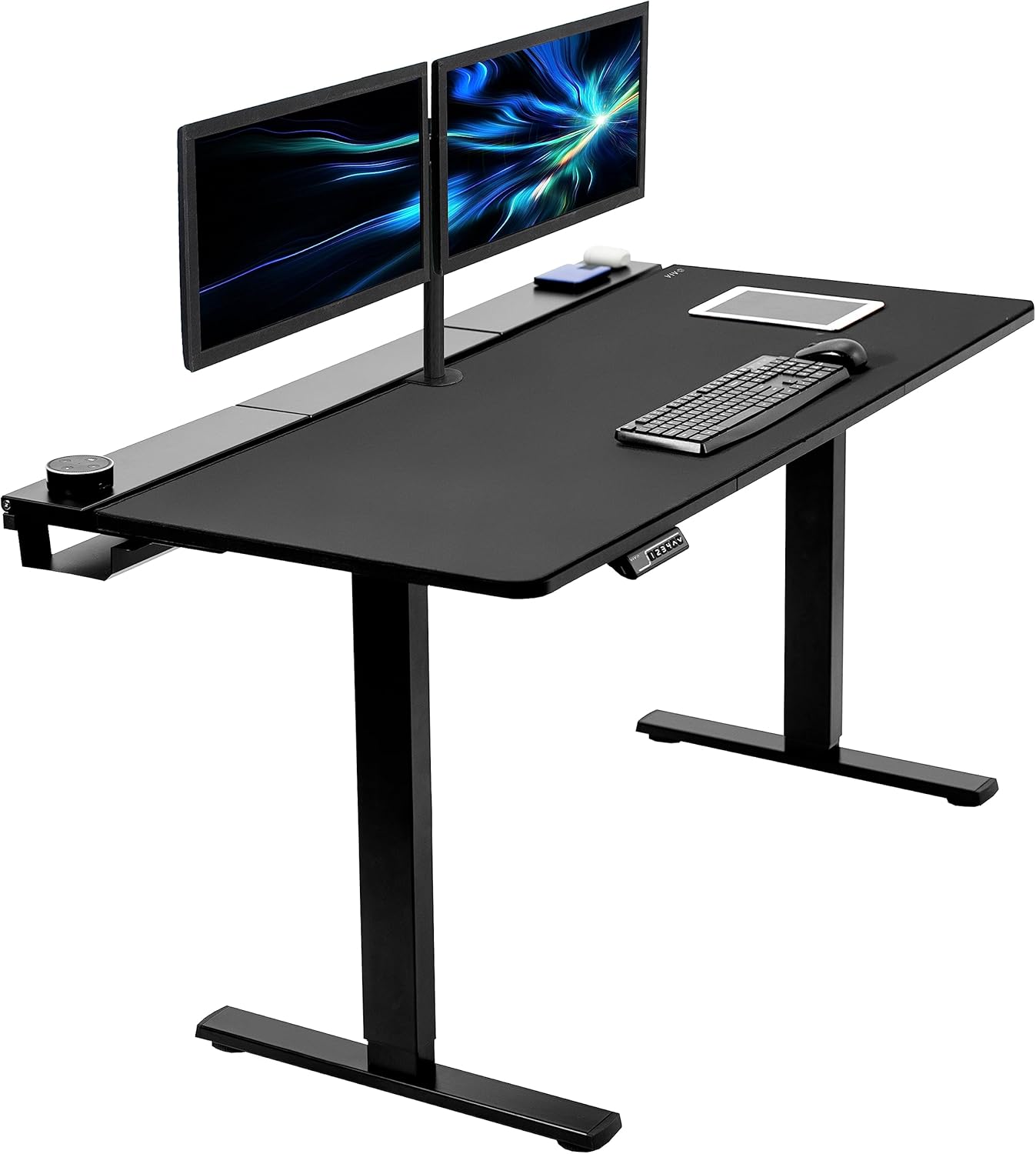
| VIVO Electric 60x24 | ~1.0" | 60" | 220 lbs | Yes, flat profile | Dual UltraGear setups |
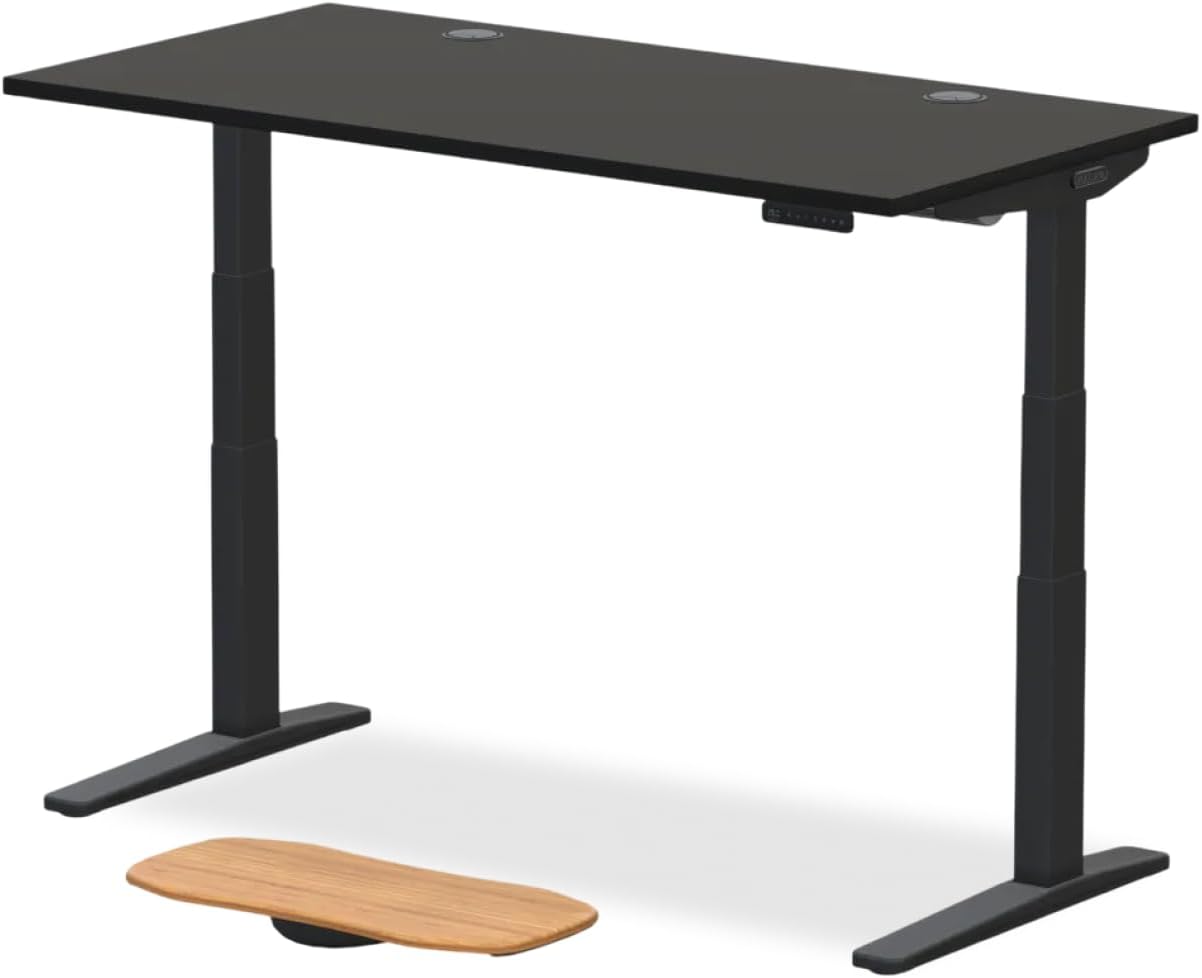
| Veken 47.2" Wood | ~1.0" | 47.2" | ~176 lbs | Yes, square edge | Single 27" UltraGear |
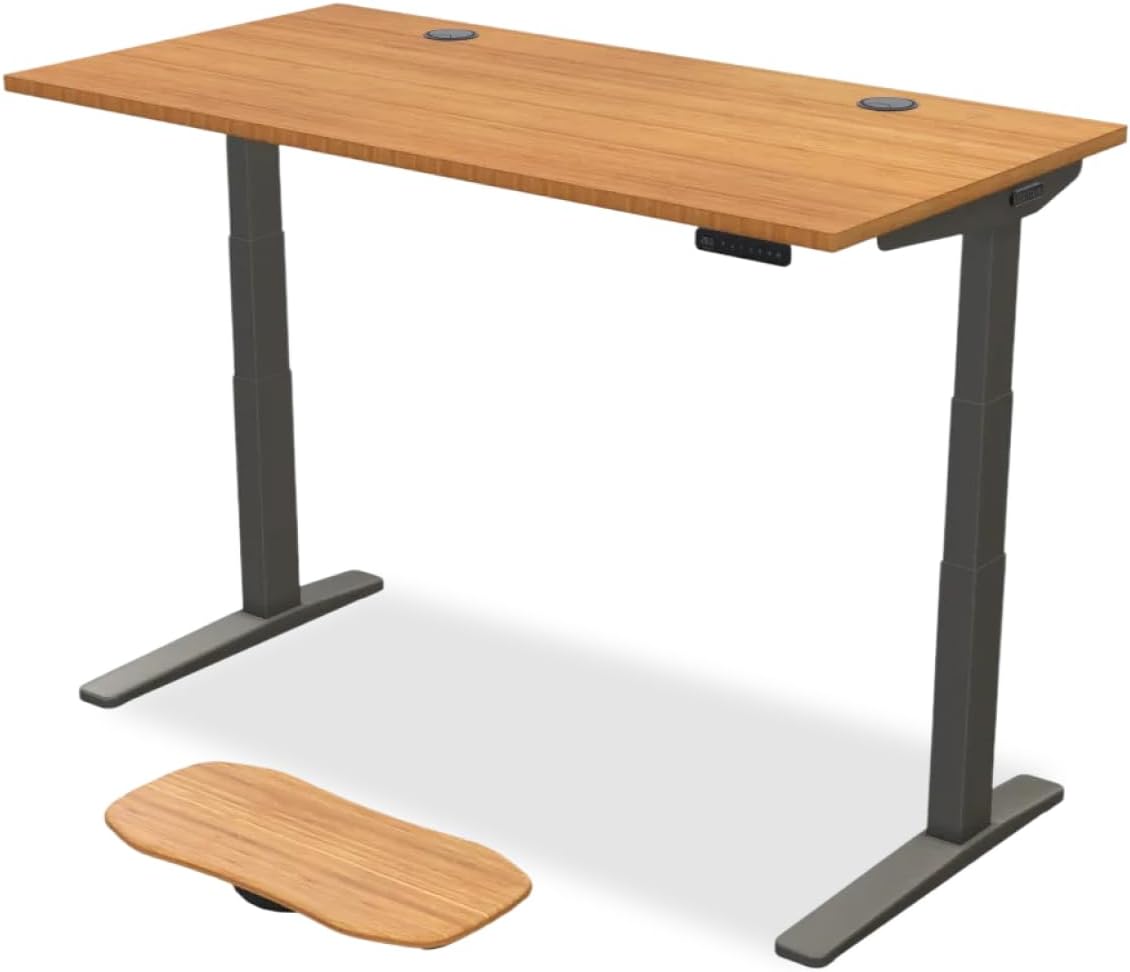
| ErGear 48x24 | ~1.0" | 48" | ~176 lbs | Yes, beveled top | Budget single-arm builds |
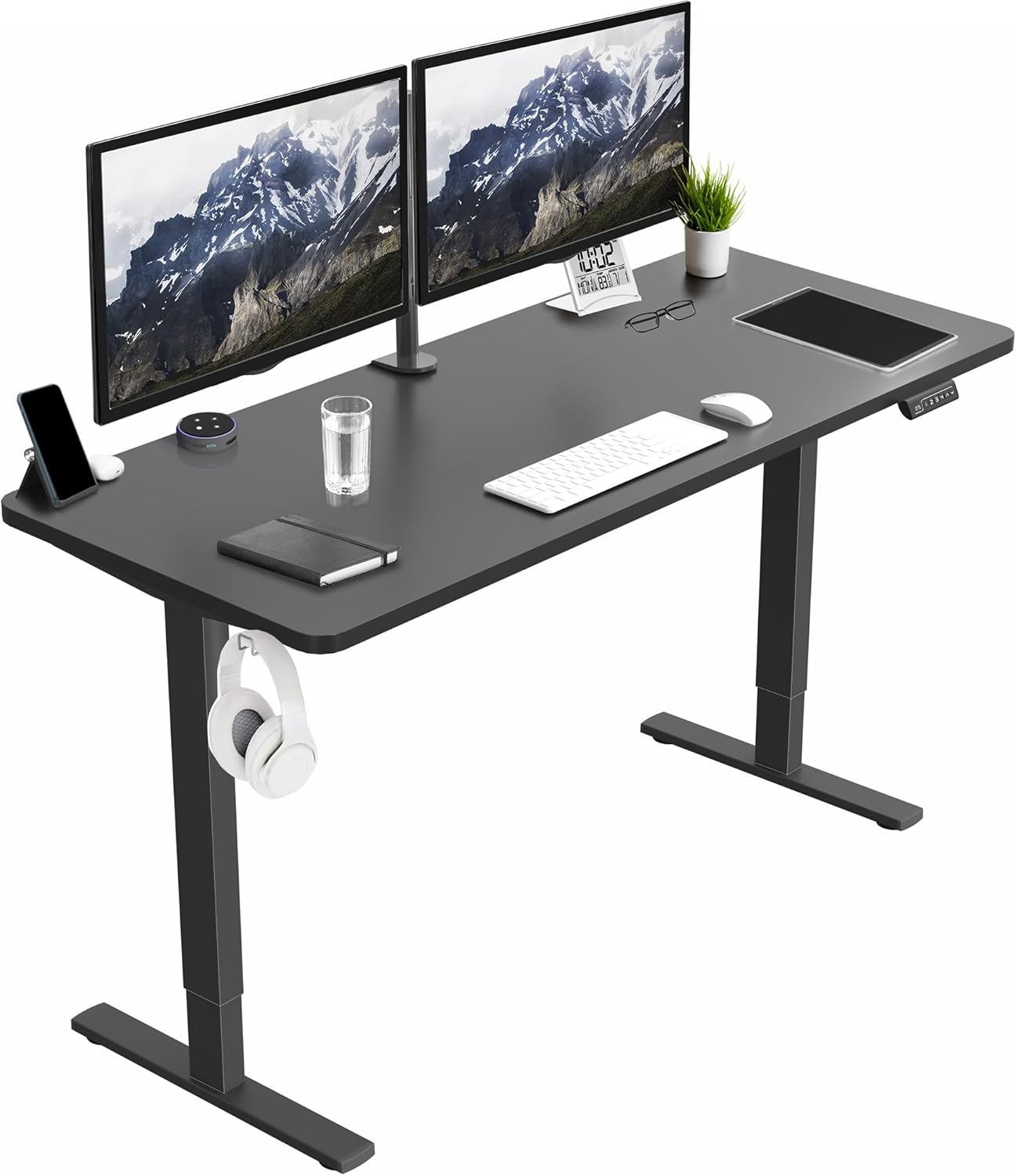
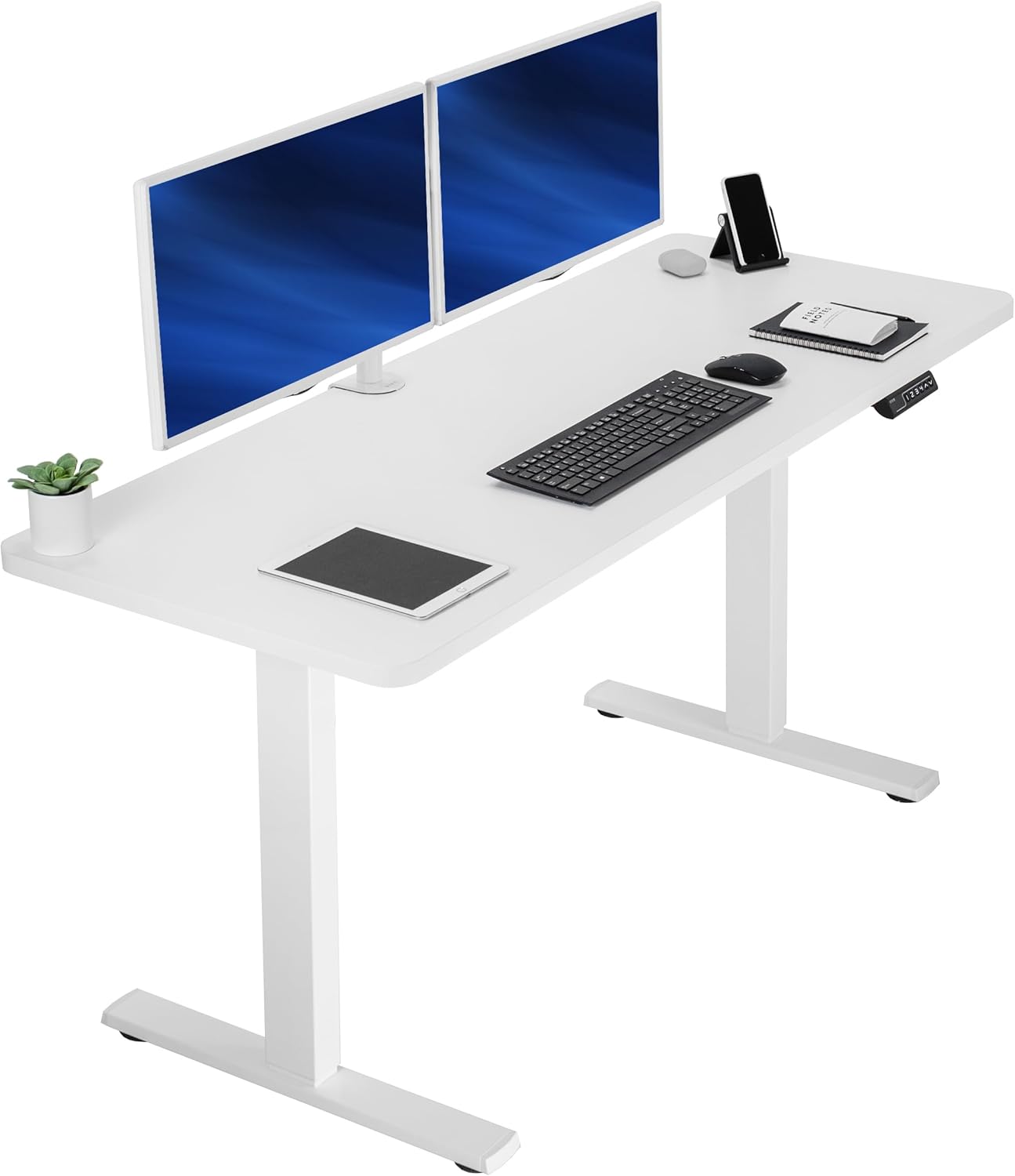
VIVO Electric 60 x 24 Standing Desk — best for dual UltraGear arms
If you're running two 27" UltraGear panels side-by-side (or a single 34"/38" ultrawide plus a vertical secondary), the VIVO Electric 60x24 is the safest pairing. The 60-inch span gives both clamps a wide flat run with no center seam to interfere with mid-mount arms, the 24-inch depth keeps a curved UltraGear panel out of your face, and the 220 lb load rating means you can clamp a heavy dual-arm without worrying about frame flex. The flat-profile edge accepts almost any C-clamp from 0.4" to 2.4", and the steel frame doesn't wobble at standing height, which matters when you reach up to tilt the monitor. Grab it on Amazon here.
Veken 47.2" Wood Standing Desk — best for a single thin-edge UltraGear
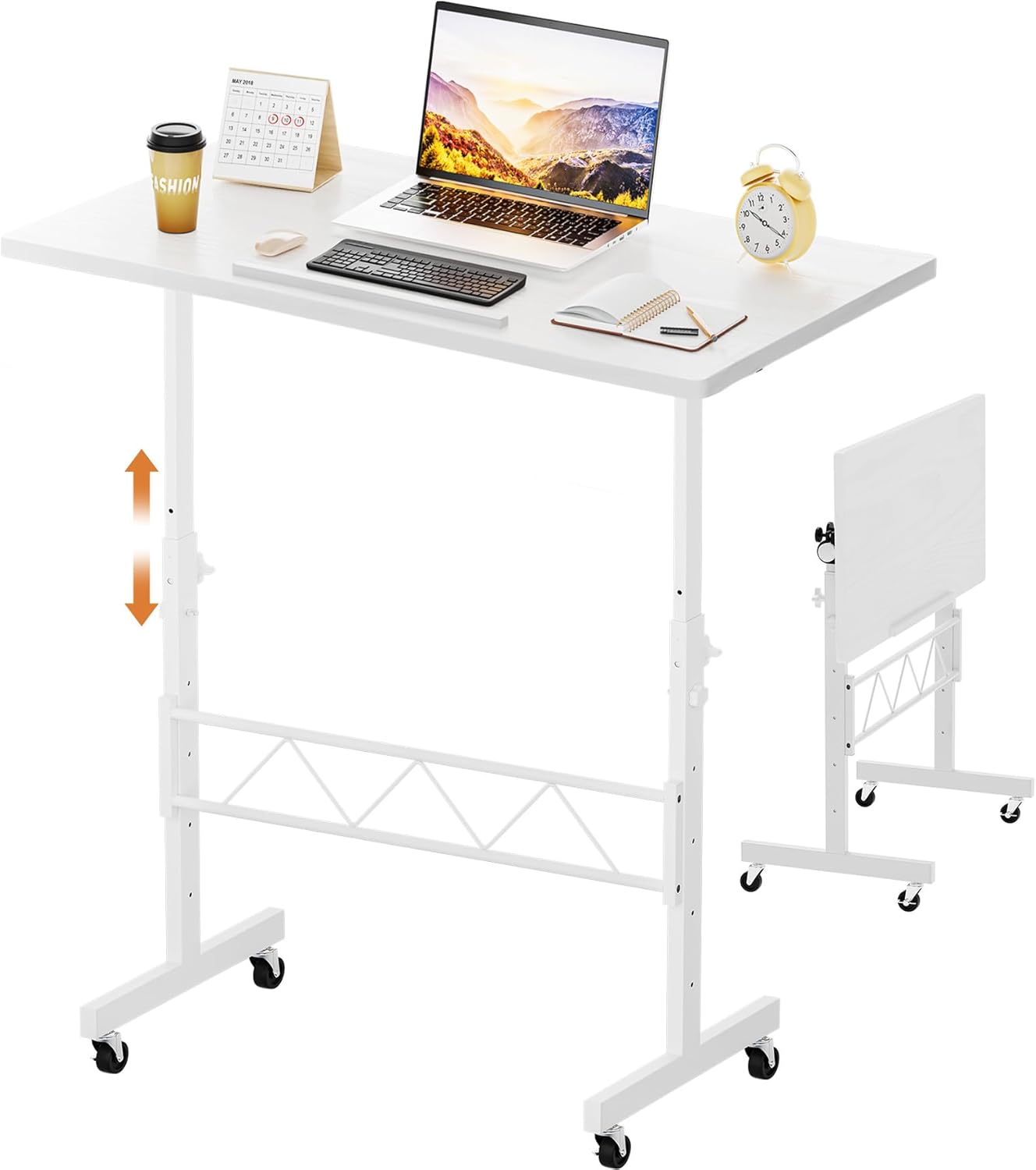
For a clean single-monitor build around a 27" or 32" UltraGear, the Veken 47.2" hits the sweet spot. The wood desktop is dense enough to anchor a C-clamp without crushing, and the square-cut edge profile means your clamp pads sit flush instead of riding up on a bevel — which is the silent killer of monitor stability. The 47-inch width leaves room for keyboard, mouse, and a small speaker pair alongside a single UltraGear. It's also one of the few desks at this price with a deep enough top to push a curved UltraGear back so your eyes hit the center of the panel. View pricing on Amazon.
ErGear 48 x 24 Standing Desk — best budget pairing
The ErGear 48x24 is the value pick if you're outfitting a starter battlestation with a single thin-edge LG UltraGear. Memory presets are useful for cycling between sitting and standing without re-leveling your monitor arm each time (a constantly shifting tilt angle is what makes most new arm owners give up). The desktop edge is slightly beveled rather than fully square, so check that your specific C-clamp has rotating pads — most modern arms do — to seat flat. At this price you sacrifice the absolute rigidity of the VIVO, but for a single 27" UltraGear under 18 lbs, it's more than enough. Available on Amazon.
How to verify clamp fit before you buy
Before you order any monitor arm for thin edge lg ultragear setups, measure three things at the location where you intend to mount: edge thickness with calipers, the bevel angle if any, and the inboard clearance between the edge and the first obstruction (drawer, cable tray, grommet). Then cross-reference those numbers against the arm's clamp spec. Most arms list a min/max in their product page — if your desk falls within 0.1" of either limit, pick a different mount point or a thicker desktop. A clamp that's barely engaged at full tightness will creep over weeks and dump your panel.
If you have a grommet pass-through option, that's almost always the more rigid choice for heavy curved UltraGears. The trade-off is permanence — you're drilling a 60 mm hole. Our take: clamp for renters, grommet for owners.
Installation tips specific to LG UltraGear panels
Once you have the arm and a compatible desk, the actual install is straightforward but UltraGears have a few quirks:
- Use the M4x10 screws that ship with the arm, not the M4x14 or longer screws. The 27GP850 rear shell will crack if you over-thread.
- Detach the original stand before mounting the VESA plate, then balance the arm tension to the panel's weight with the panel attached but unsupported. Most gas-spring arms need 2–4 turns of preload for a 14–19 lb UltraGear.
- Route the DisplayPort cable through the arm channel before final tilt. UltraGears default to DP for 144Hz+ at native resolution, and the connector is stiff — leave a 4" service loop.
- Set the desk to your standing height first, then dial in monitor tilt. Reversing this order means re-tilting every time you stand up.
For more setup specifics, our UltraGear mounting tips guide walks through the curved 34" and OLED variants.
What about ultrawide and 32" UltraGear models?
The 34" and 38" UltraGear ultrawides (34GP950G, 38GN950) weigh 18–22 lbs and need an arm rated for 25 lbs minimum to keep gas spring tension lively over a year. The 32GP850 is lighter at ~16 lbs but its 1500R curvature shifts the center of mass forward, so prioritize an arm with a long horizontal extension and short vertical arm — the opposite of what most 27" UltraGear owners need. For these larger panels, a 60" desk is strongly preferred over 47–48" so the panel doesn't dominate your usable workspace.
Frequently Asked Questions
Will any VESA 100 arm work with the LG UltraGear 27GP850?
Technically yes, but practically no. The 27GP850 has a shallow VESA recess and short M4 thread depth (~9 mm), so arms shipped with thick VESA plates or M4x14+ screws will either fail to seat flush or bottom out and damage the rear shell. Always use the M4x10 hardware from the arm's box, and verify the VESA plate is under 3 mm thick at the bolt face.
What desk thickness do I need for a monitor arm C-clamp to grip securely?
Between 0.6" and 1.5" is the sweet spot for nearly all modern monitor arm clamps. Below 0.6" the clamp can twist under load; above 1.8" you start exceeding the throat depth on common arms. All three desks featured above sit around 1.0" — ideal. If your desk has a beveled or waterfall edge, measure the thickness 1" inboard, not at the very lip.
Can I use a grommet mount instead of a C-clamp on these standing desks?
Yes — the VIVO 60x24, Veken 47.2", and ErGear 48x24 all accept grommet mounts, but you'll need to drill the desktop yourself (most ship without pre-cut grommet holes). For a thin-edge UltraGear ultrawide above 20 lbs, grommet is the more rigid option and won't loosen over time the way a clamp can.
Does the curved LG UltraGear (34GP950G) need a different monitor arm?
The curvature itself doesn't matter to the arm — VESA 100 is VESA 100 — but the 18–20 lb weight and forward-shifted center of mass mean you need an arm rated for 25 lbs and a desk with at least 24" depth so the panel sits back far enough. Our 60" VIVO recommendation is the safest pairing for curved ultrawides.
Will mounting my UltraGear on an arm void the LG warranty?
No, provided you use the supplied M4 VESA hardware at the proper torque (around 0.5 N·m) and don't damage the rear shell. LG's 2026 warranty terms explicitly allow third-party VESA mounting. Damage from over-tightening or using wrong-length screws is not covered, so go slow with a manual screwdriver, not a power tool.
Do standing desks flex when a heavy monitor arm is clamped on?
Cheaper laminate desks under 0.7" thick can flex visibly when you tilt a 32" UltraGear at full extension. The VIVO 60x24 is the most rigid of our picks thanks to its steel-reinforced frame and 220 lb rating. If you notice the panel bouncing when you type aggressively, the issue is almost always desktop flex or a loose clamp, not the arm itself.
What's the best monitor arm to actually buy in 2026 for a thin-edge LG UltraGear?
Look for arms with a thin VESA plate (under 3 mm), M4x10 screws included, a clamp range covering 0.4"–2.4", and a 19.8 lb minimum weight rating. Several gas-spring arms from established brands now ship a UltraGear-specific spacer kit. We compare the top eight in our best VESA monitor arms for 2026 roundup.
Final take
The right monitor arm for thin edge lg ultragear setups is only half the equation — the desk underneath matters just as much. Match a thin-VESA-plate arm with a rigid, square-edged desktop in the 0.6"–1.5" range and you'll have a stable, wobble-free UltraGear mount that lasts well past the panel's warranty. For most builds in 2026, the VIVO 60x24 is the all-around winner; the Veken 47.2" wins on aesthetics for single-panel setups; and the ErGear 48x24 is the smart budget pick.
Key Takeaways
- Choosing the right monitor arm for thin edge lg ultragear means matching capacity and output ports to your actual devices
- Always check actual watt-hours (Wh), not just watts — runtime depends on Wh, not peak output
- Also covers: lg ultragear monitor arm compatible
- Also covers: thin bezel monitor arm clamp
- Also covers: monitor arm for slim monitors
- Compare price-per-Wh across models to find the best value for your budget