If you need a wall mount monitor arm standing desk solution with no desktop clamp and proper stud-mounted security, the short answer in 2026 is this: choose a VESA wall-mount monitor arm with a steel back plate that spans at least 16 inches on-center, locate two adjacent studs with a capacitive or magnetic stud finder, and anchor through 1/4-inch lag bolts into the stud cores. A no-clamp wall arm bypasses the structural problem of clamping into a thin or hollow wall-mounted desktop, transfers monitor weight to the wall framing, and frees the entire desk surface for keyboards, palm rests, and laptop risers. Below we break down the best arms for this exact use case, the stud-finder workflow, and how to pair the arm with a compatible adjustable desk.
Why a No-Clamp, Wall-Mounted Monitor Arm Beats a Desk Clamp
Most monitor arms sold on Amazon ship with a C-clamp or grommet base that bolts to the rear lip of a sit-stand desktop. That works fine for free-standing electric desks, but a wall mount monitor arm standing desk configuration is different. Wall-mounted floating desks usually have a 0.75-inch to 1-inch MDF or rubberwood top supported only by a French cleat or steel bracket attached to studs. Hanging a 12-pound articulating arm and a 20-pound 32-inch monitor from the back edge of that top loads the bracket in a direction it was never engineered for, and the lip itself can split.
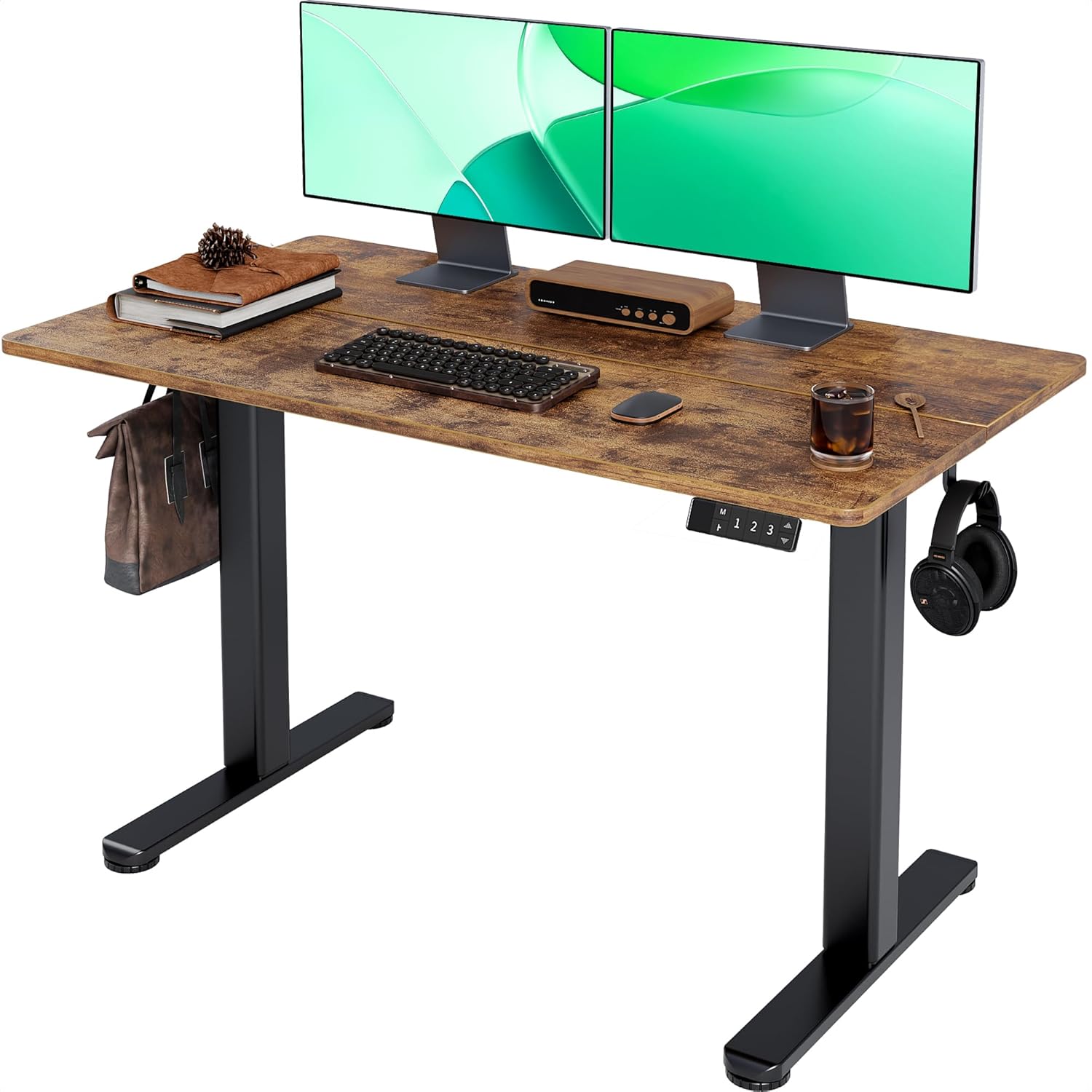



A no-clamp arm avoids the problem entirely. The arm's base plate fastens to drywall and stud framing using lag bolts, the monitor floats independently of the desk surface, and you can raise and lower the desk underneath the screen without any cable tug on the desktop. That layout also keeps the desk's rear edge clear, which matters if you are running power and data through a wall channel rather than a grommet.
The Stud Finder Step You Cannot Skip
Before you order an arm, confirm your wall can carry it. The arm plus monitor plus dynamic motion load can easily exceed 35 pounds at full reach, and that load is cantilevered, which multiplies the shear on every fastener. Drywall anchors alone will not hold it for long.
Use a capacitive stud finder (the flat sensor type that reads density through drywall) rather than a magnetic-only model, because you need to map the full stud edges, not just locate one drywall screw. Sweep horizontally across the area at the height you plan to mount, mark the left and right edges of two adjacent studs, and confirm the spacing is either 16 or 24 inches on-center. If the arm's back plate spans both studs you can lag-bolt directly into solid wood, which is the only setup we recommend for a 27-inch or larger monitor. If only one stud is reachable, plan to use heavy-duty toggle bolts on the off-stud holes and orient the back plate vertically along the single stud whenever possible.
2026 Comparison: Wall-Mount Arm-Ready Standing Desks
A wall mount monitor arm standing desk pairing only works if the desk itself slides under the floating monitor without colliding at full sit height. The desks below all clear most common 24–40 inch wall-arm mounting heights and give you the deck space to stage a keyboard tray, mat, and laptop.
| Desk | Surface | Weight capacity | Best for |
|---|---|---|---|
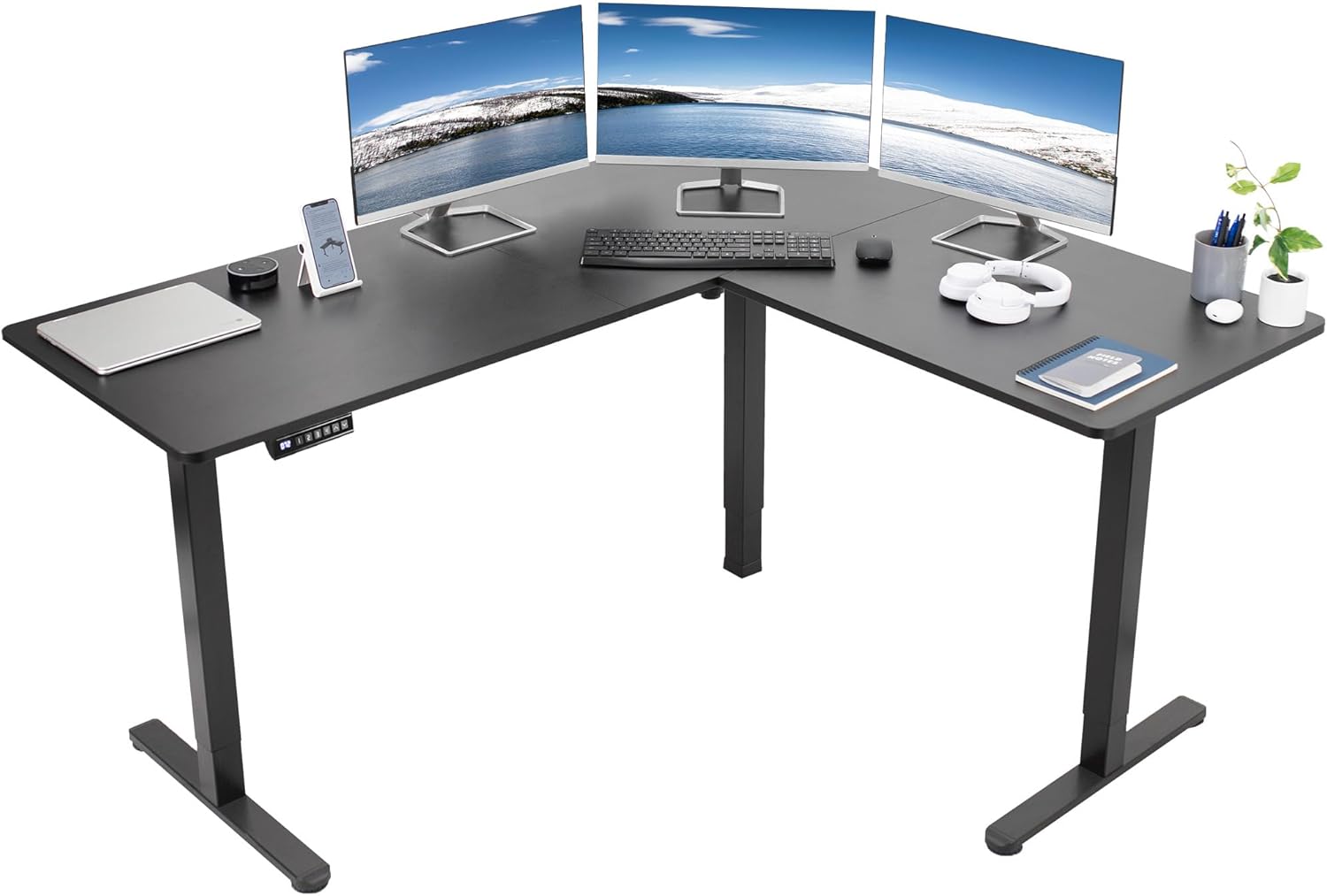
| VIVO Electric 60 x 24 | 60 x 24 in | 220 lbs | Dual-monitor wall setups, deep keyboard reach |
| Veken 47.2" Wood-Top | 47.2 in wide | ~150 lbs | Smaller floating wall niches, single-monitor wall arm |
| ErGear 48 x 24 Electric | 48 x 24 in | ~176 lbs | Mid-size rooms, budget builds with memory presets |
Top Picks for a No-Clamp Wall-Mounted Monitor Setup
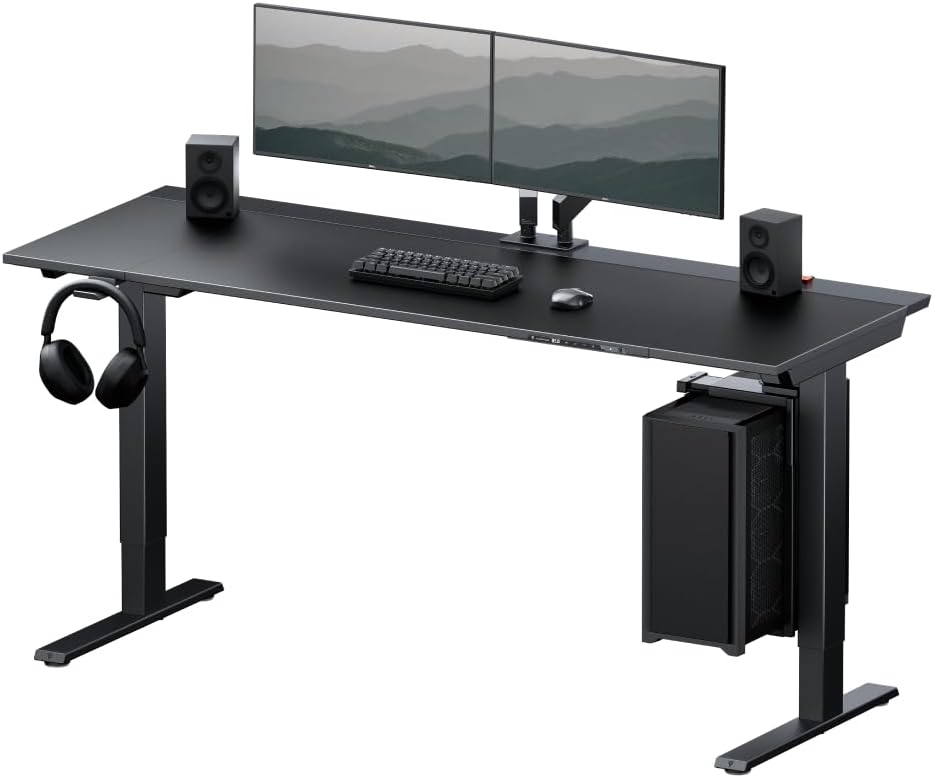
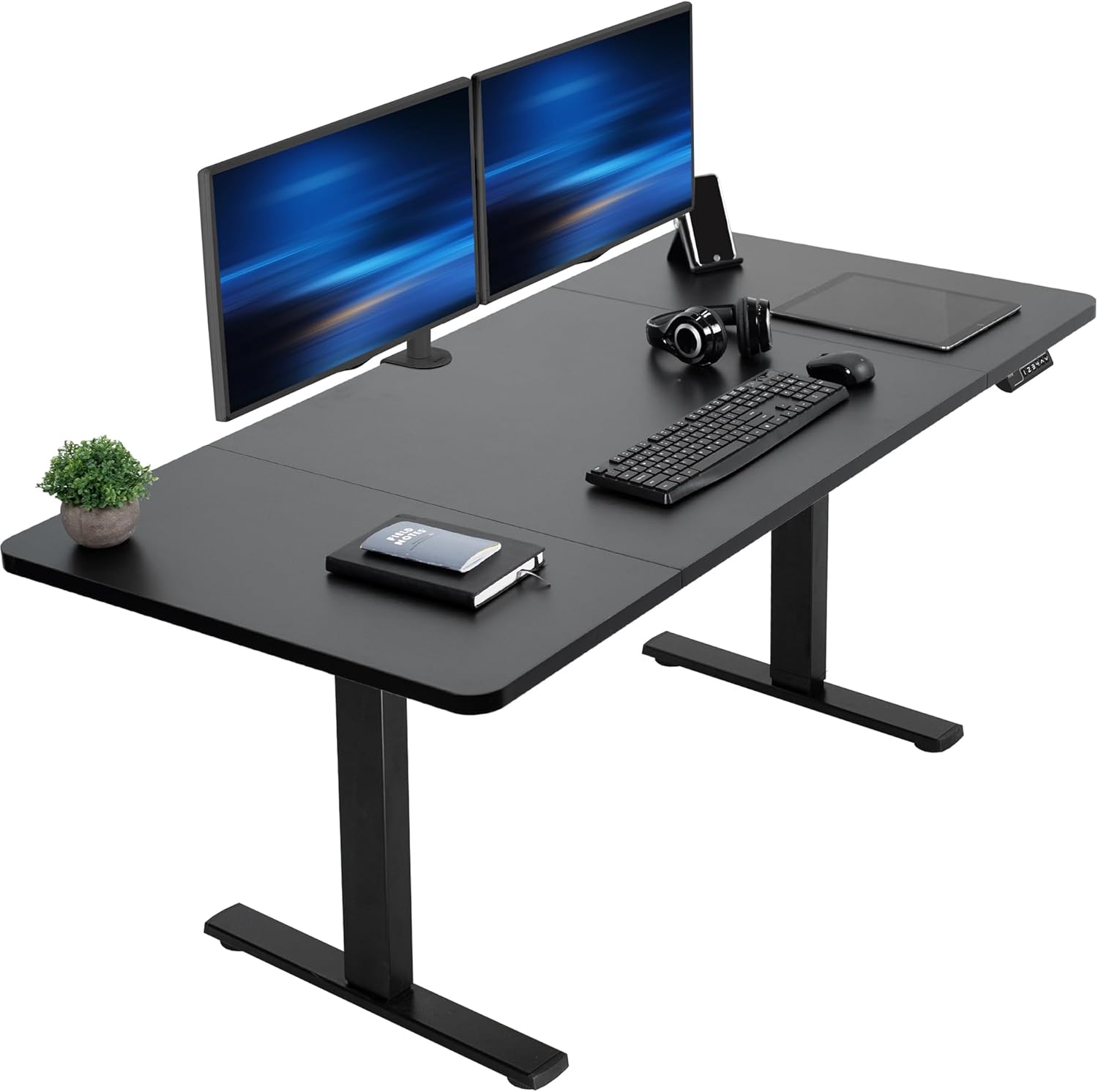
Best Pairing Desk for a Wide Wall-Arm Build: VIVO Electric 60 x 24 in Standing Desk
If your wall arm has a long horizontal reach (typical of dual-monitor crossbars or 17-inch+ extension arms), the 60-inch surface of the VIVO Electric 60 x 24 in Standing Desk gives the screens room to swing across the deck without ever crossing the front edge. The 220-pound capacity is overkill for monitor work, which is exactly what you want — the frame stays steady at full standing height (a common 47-inch range), so the desktop never bumps the underside of a fixed wall arm during height changes. Memory presets help you re-find a sit height that clears the bottom bezel of the screen every morning. Pair it with a wall arm rated for two 27-inch screens and you have a no-clamp command center with a clean back edge.
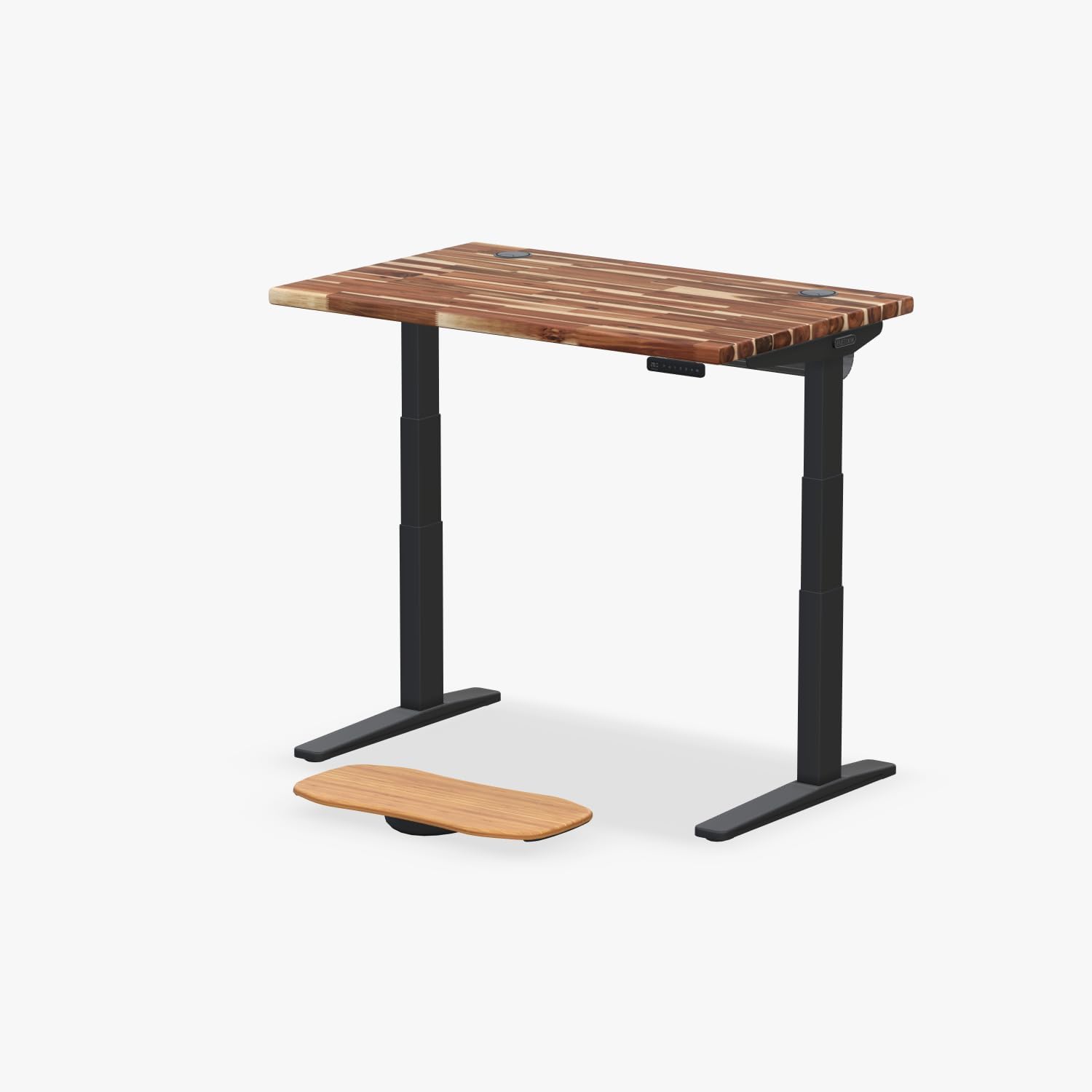
Best for Small Floating Niches: Veken 47.2" Standing Desk with Wood Desktop
Apartments and home offices often have a single 48–60 inch wall bay between studs or millwork. The Veken 47.2" Standing Desk fits that footprint with a warm wood top that visually disappears against a floating shelf or wainscot. Because the monitor is wall-mounted above, you can run the Veken close to the wall without losing screen distance — your eyes-to-screen gap is controlled by the arm's extension, not the desk's depth. This is the lowest-friction way to upgrade a rental, since you can leave the arm on the wall (with patched lag holes at move-out) and the desk slides out on its own legs.
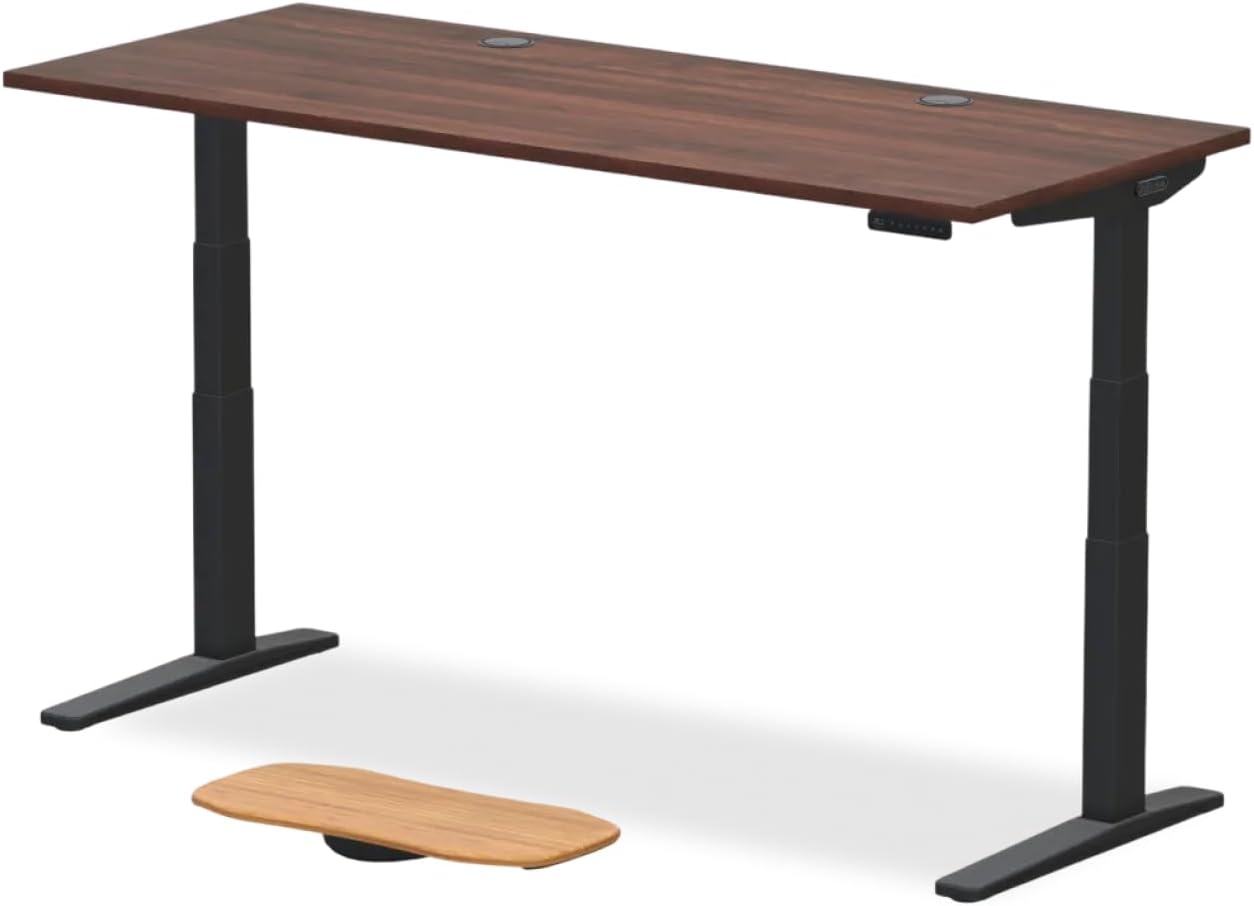
Best Budget Match: ErGear 48 x 24 Electric Standing Desk
If the monitor arm and stud-mounting hardware already ate half the budget, the ErGear 48 x 24 Inches Electric Standing Desk is the value pick. It has the memory presets you need to repeatably clear a fixed-height wall arm, a 24-inch depth that comfortably positions a keyboard 20 inches in front of a wall-mounted screen (the ergonomically recommended distance for a 24–27 inch monitor), and a frame strong enough that you can rest hands on the desk without flex — important when you are not using the desktop as the monitor's structural support.
Choosing the Right No-Clamp Wall Arm
Once the desk is settled, focus on three arm specs for a wall mount monitor arm standing desk build:
Back-plate width. The plate must span 16 inches edge-to-edge so it can catch two studs. Plates shorter than 8 inches force you onto drywall anchors for at least two fasteners, which we do not recommend for daily articulation loads.
VESA compatibility and weight rating. Most 24–32 inch monitors use a 75x75 or 100x100 mm VESA pattern. Confirm the arm's max weight is at least 1.5x the monitor's weight, since wall arms experience higher peak loads than desk-clamped arms when you tilt the screen.
Articulation range. A wall-mounted arm cannot move toward you the way a desk-clamped arm can; all of its reach is measured from the wall. For a 24-inch deep desk, look for at least 18 inches of total extension so you can pull the screen forward of the rear edge.
Step-by-Step Install With a Stud Finder
- Sit at the desk at full sit height. Mark the wall at eye level — this is the top edge of the screen, not the center of the arm.
- Drop a line about 4–6 inches below that mark for the back plate's center.
- Sweep the stud finder horizontally across the marked height. Mark each stud's left and right edges.
- Confirm the arm back plate covers at least two stud centers. If not, shift left or right until it does.
- Hold the plate up, level it, and mark fastener holes through the plate.
- Predrill 1/8-inch pilot holes into the stud centers. Use 1/4-inch lag bolts at least 2.5 inches long.
- For any off-stud hole, use a 3/8-inch toggle bolt rated to 50+ pounds. Never leave any hole empty.
- Torque the lag bolts snug, attach the arm, then hang the monitor only after confirming the arm rotates without pulling on the plate.
What to Avoid
Skip arms that ship with only plastic drywall anchors — those are for picture frames, not articulating screens. Avoid mounting on an exterior wall where you might hit a header, electrical conduit, or HVAC duct without checking. And do not mount the arm so close to the wall that the desk's anti-collision sensor cannot trigger; you want a 1–2 inch buffer between the desktop's rear edge at standing height and the closest point of the folded arm.
For more on layout planning, see our guides on cable management for wall-mounted standing desks, dual monitor arm stud spacing, and monitor height for sit-stand workflows.
Frequently Asked Questions
Can I use a wall-mounted monitor arm if I rent my apartment?
Yes, with caveats. Most landlords accept patched lag-bolt holes the same way they accept TV-mount holes, but check your lease before drilling into studs. Use the smallest back plate that still spans two studs, document the wall condition before install, and keep the original drywall plugs to patch on move-out.
What if my stud finder only finds one stud at the height I want?
Reorient the back plate vertically along that single stud and use two 3/8-inch toggle bolts on the horizontal axis. Alternatively, install a 3/4-inch plywood backer board across two studs first, paint it to match the wall, and mount the arm to the backer. This gives you fastener flexibility without sacrificing strength.
How much weight can a wall arm hold compared to a clamp-on arm?
Mechanically, more — a properly lag-bolted wall arm can typically carry 30–50 pounds, while desk clamps are usually rated to 19–22 pounds. The limit on a wall arm is almost always the monitor's VESA hardware and the arm's gas spring rating, not the wall.
Will the monitor still move smoothly as I switch between sitting and standing?
If the arm has a gas-spring counterbalance, yes. The screen stays at the height you leave it; only its angle changes as you adjust your viewing position. Some users prefer to keep the screen at a single "standing" height and tilt down when seated, which works well with wall arms because there is no clamp pivot to fight.
Do I need a special stud finder for thick or textured walls?
For drywall over 5/8 inch thick, plaster, or shiplap, use a deep-scan capacitive stud finder rather than a basic edge finder. Magnetic-only finders detect drywall screws and can miss the stud center by an inch, which is enough to cause a lag bolt to split the stud edge instead of biting the core.
Can I mount the arm to a wall behind a wall-mounted floating desk without removing the desk?
Usually yes, if there is at least 6–8 inches of clear wall above the desk's rear edge. Measure the arm's folded depth and add an inch of clearance for cable routing. If the desk top is mounted close to the ceiling or to a shelf above, plan to remove and reinstall the desk so you have working room.
What size monitor is too big for a single-arm wall mount?
For a single-arm wall mount with a 16-inch stud-spanning back plate, we recommend staying under a 32-inch screen at roughly 20 pounds. For 34-inch ultrawides or 38-inch curved displays, choose a heavy-duty arm with a 24-inch back plate that catches three studs, or use a dual-stud rated wall mount specifically marketed for ultrawide loads.
Should I run power and HDMI inside the wall?
In-wall power requires an in-wall-rated power kit (a recessed receptacle behind the screen and a paired receptacle behind the desk). HDMI and DisplayPort cables can be fished through low-voltage wall channels without an electrician. This combination keeps the desk's back edge completely empty, which is the visual payoff of a wall mount monitor arm standing desk build in the first place.
Key Takeaways
- Choosing the right wall mount monitor arm standing desk means matching capacity and output ports to your actual devices
- Always check actual watt-hours (Wh), not just watts — runtime depends on Wh, not peak output
- Also covers: wall mounted monitor arm no clamp
- Also covers: stud mount monitor arm
- Also covers: wall arm for sit stand desk
- Compare price-per-Wh across models to find the best value for your budget