If you are shopping for a standing desk converter ultrawide 37 inch curved monitor owners can actually trust, the short answer is this: prioritize a riser with at least 32 inches of usable width, a deep top tier (20 inches or more), a weight capacity above 30 lbs, and a Z-lift or X-lift mechanism that keeps the screen from wobbling when you type. A 37 inch curved ultrawide typically weighs 15 to 22 lbs and spans 35 inches edge to edge, so undersized converters will overhang and tip. In many cases, a compact electric desk is the smarter, more stable upgrade.
Why a 37" curved ultrawide changes the converter math
Most converters on the market were designed in the dual-24-inch era. A 37 inch curved ultrawide (think LG 38WN95C, Dell U3821DW, or Samsung Odyssey class) has a footprint closer to a small TV. The curve also pushes the back edge of the stand 4 to 6 inches behind the screen, which is why so many shoppers searching for a standing desk converter ultrawide 37 inch setup end up frustrated: the converter's top deck simply is not deep enough to seat the monitor base safely.
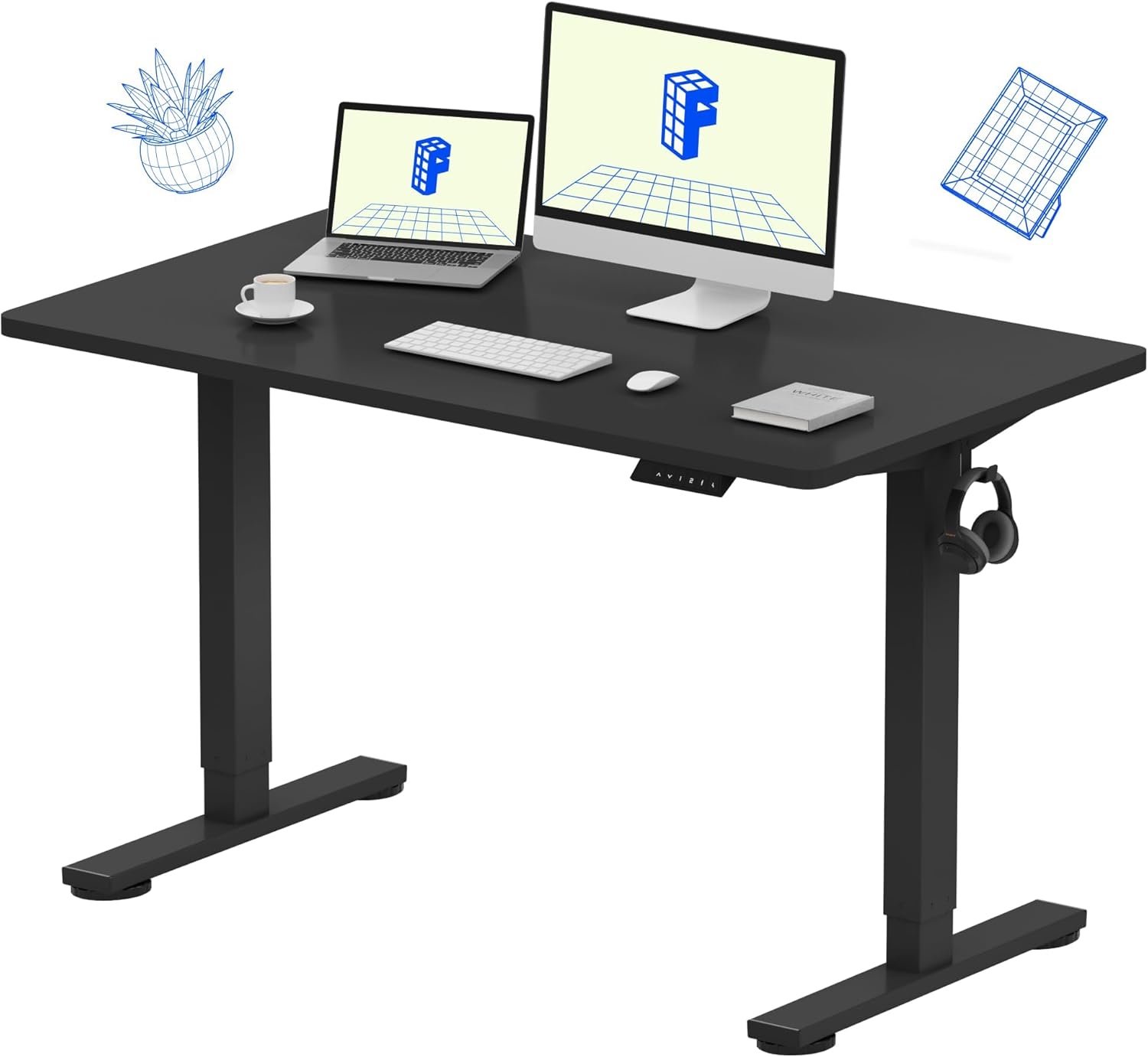



Three numbers matter before you click buy:
- Top deck depth: 20" minimum, 22" preferred for curved bases.
- Top deck width: 32" minimum so the monitor stand sits fully on the platform.
- Lift weight rating: 33 lbs+ headroom so the gas spring or motor does not sag.
If your existing desk is only 47" or 48" wide, a converter often becomes the wrong tool. The riser's base eats 28 to 32 inches of desk depth, leaving nowhere for a keyboard tray. That is why we recommend many ultrawide owners simply replace the desk surface — it is usually cheaper than a premium converter and dramatically more stable.
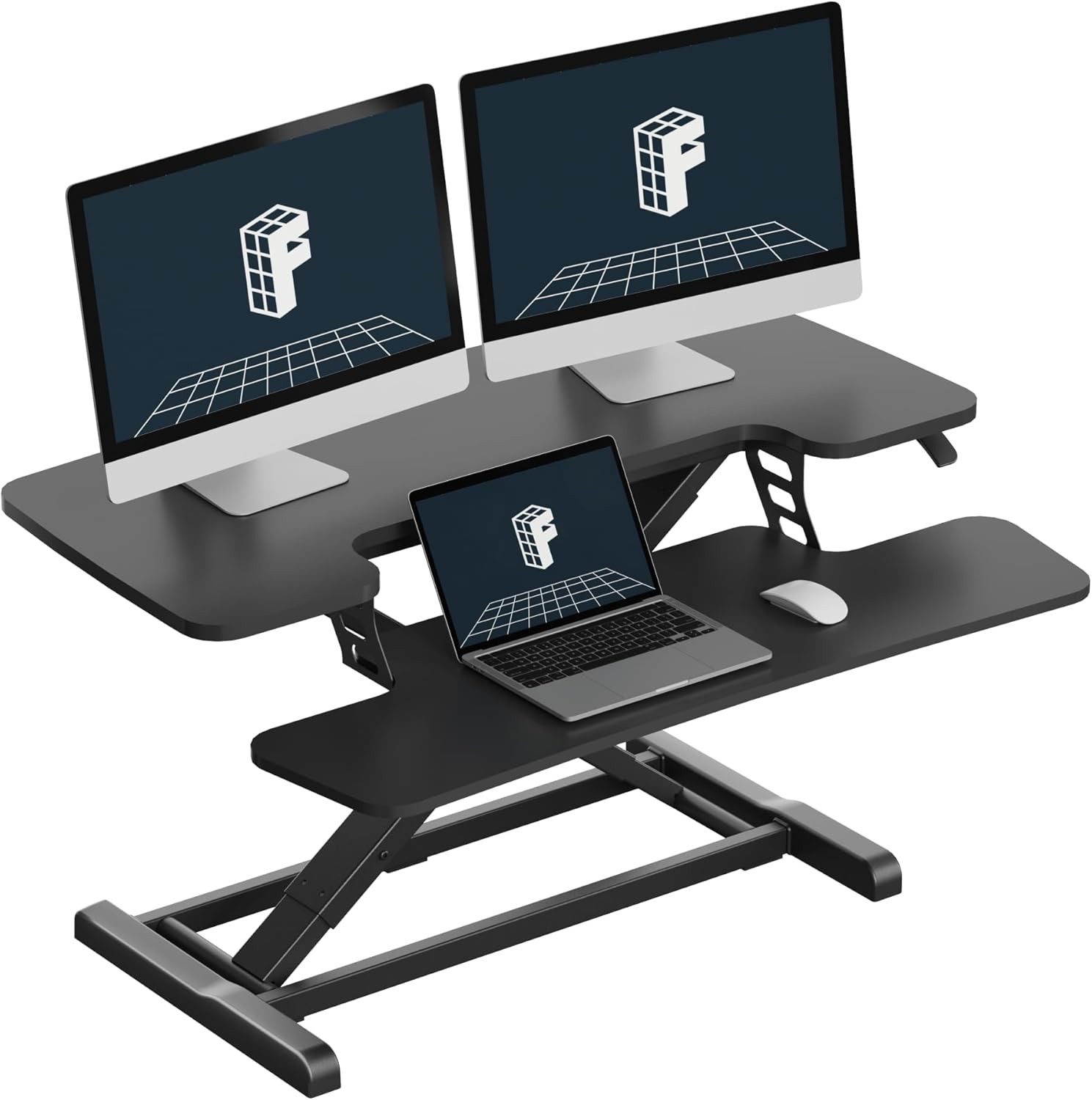
Comparison: converters vs. full desks for a 37" curved ultrawide
| Option | Best for | Usable Width | Weight Capacity | Stability at 48" |
|---|---|---|---|---|
| Standard X-lift converter | Single 27" monitors | ~32" | 33 lbs | Poor with 37" curved |
| Premium Z-lift converter (36"+) | Light ultrawides | 36" | 35 lbs | Acceptable, some wobble |
| ErGear 48" electric desk | Budget full replacement | 48" | 176 lbs | Excellent |
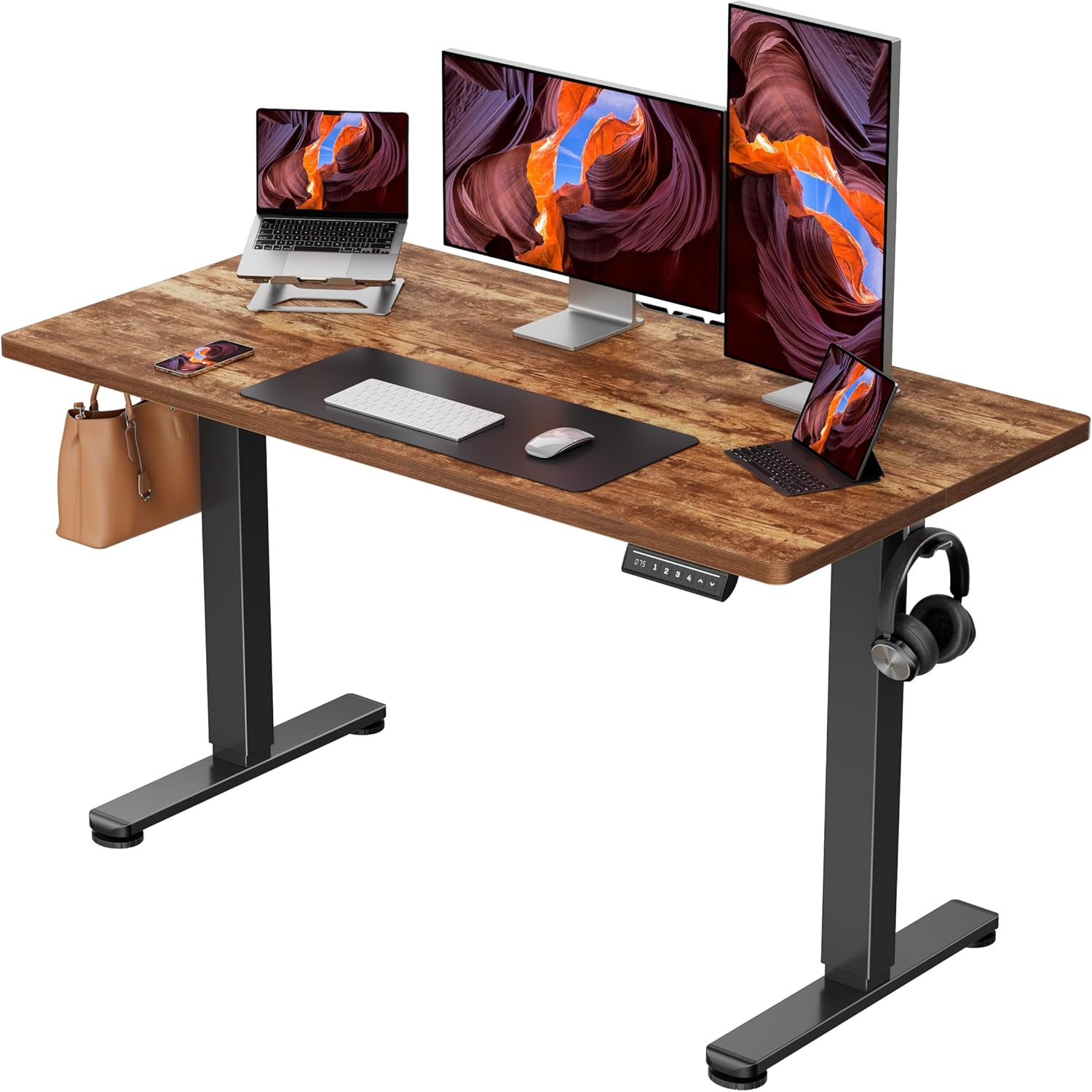
| Veken 47.2" wood-top desk | Style-conscious WFH | 47.2" | 154 lbs | Excellent |
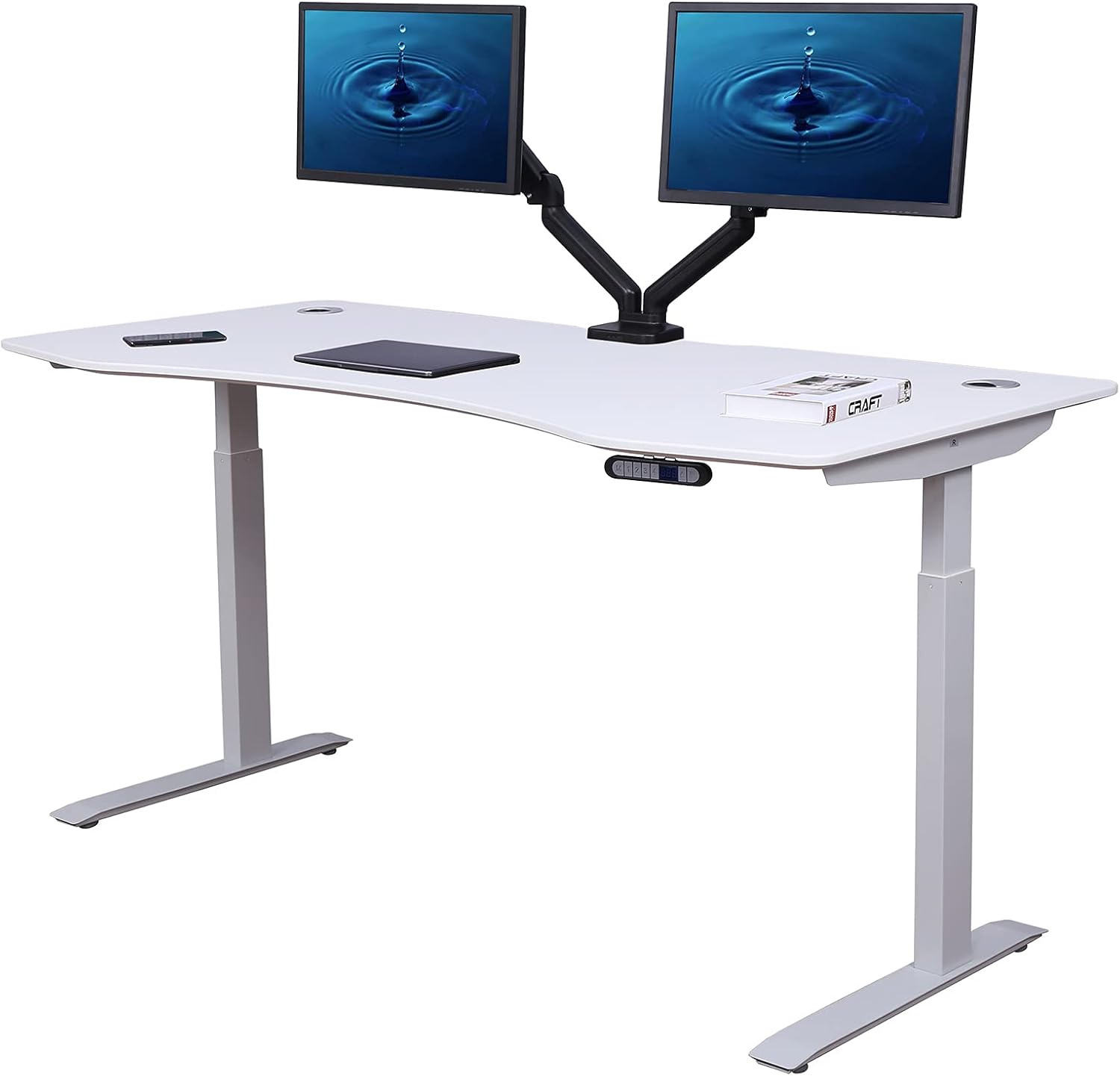
| VIVO 60" electric desk | Curved ultrawide + accessories | 60" | 220 lbs | Outstanding |
Our picks for 37 inch curved ultrawide users in 2026
Best overall replacement: VIVO Electric 60 x 24 in Standing Desk
If you are honest about how much real estate a 37 inch curved ultrawide consumes, the VIVO 60 x 24 is the pick that solves the problem instead of working around it. The 60" width swallows the monitor's 35" footprint with room left for a stream deck, a notebook, and a coffee mug, and the 24" depth lets you push the curved stand back far enough that your eyes land 20–28 inches from the screen — the ergonomic sweet spot. The 220 lb capacity is overkill for a single ultrawide, which is exactly why it stays rock-steady at full standing height. Memory height adjustment with four presets means you can save sit, stand, perch, and lunch-meeting positions. Cable management trays bolt under the rear edge, which is critical when an ultrawide's power brick is the size of a paperback. Check price on Amazon.
Best compact alternative: ErGear 48 x 24 Electric Standing Desk
For apartments and smaller home offices where a 60" desk simply will not fit, the ErGear 48 x 24 is the most credible compromise. The 24" depth is the non-negotiable spec — anything shallower forces a curved ultrawide too close to your face — and ErGear gets that right. The dual-motor lift moves 176 lbs smoothly, the memory controller stores three heights, and the steel frame resists the side-to-side rocking that plagues budget converters under wide loads. You will lose the extra 12 inches of horizontal workspace that the VIVO gives you, so plan on wall-mounting your speakers or moving your webcam to a clamp arm. Check price on Amazon.
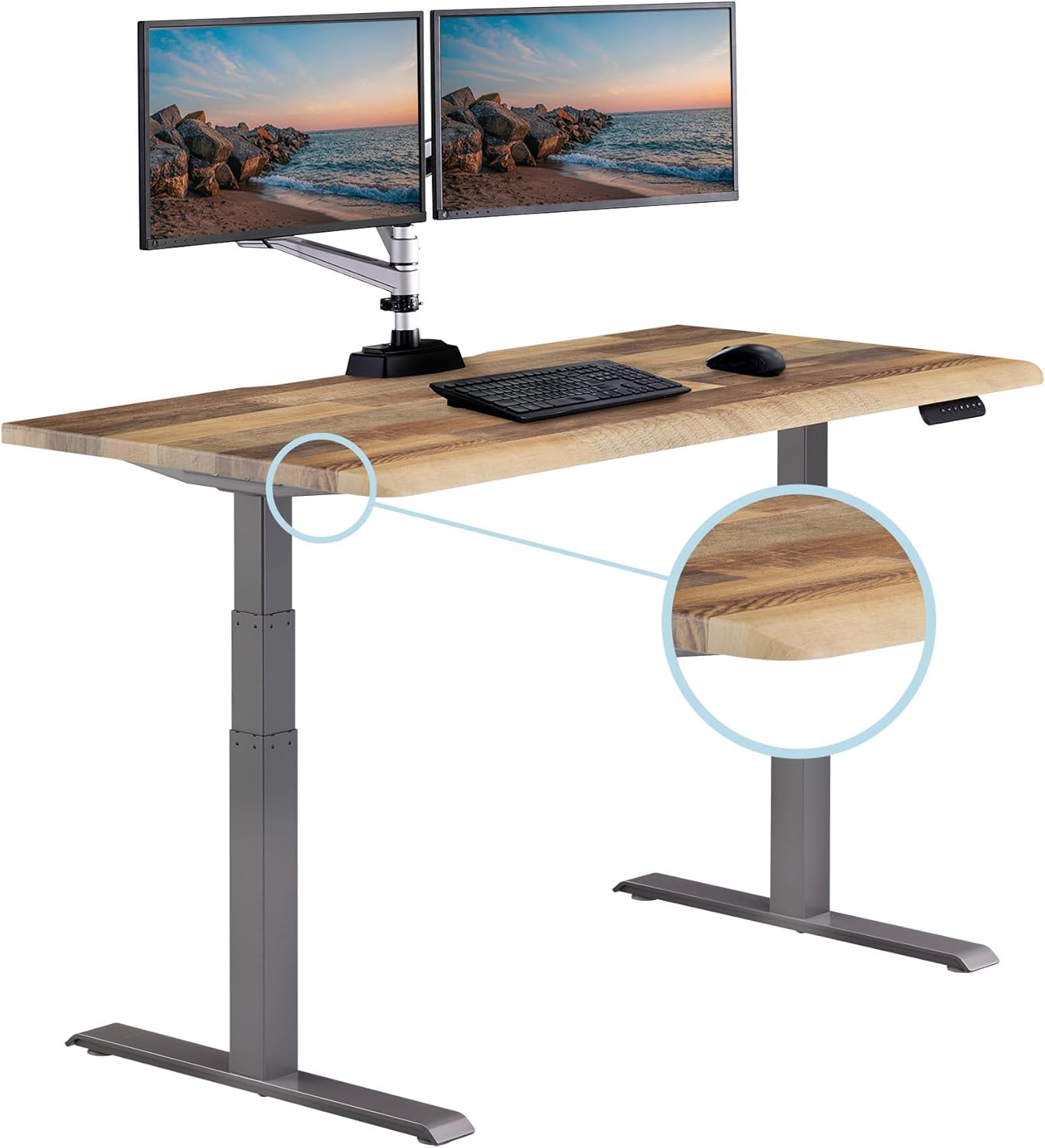
Best style upgrade: Veken 47.2" Wood-Top Standing Desk
Anyone who has been searching for a standing desk converter ultrawide 37 inch solution because they hate the look of a black metal riser bolted on top of their existing desk should give the Veken serious consideration. The wood-grain desktop reads as furniture, not office gear, which matters when your ultrawide already dominates the room. At 47.2" wide it is in the same footprint class as the ErGear, with a 154 lb capacity that comfortably handles a 22 lb monitor plus a 13" laptop, mechanical keyboard, and desk mat. The whisper-quiet motor is a small win on calls. The trade-off versus the VIVO is depth — measure your monitor's stand before committing. Check price on Amazon.
What to look for in a converter (if you still want one)
If your living situation, lease, or budget genuinely requires a riser, here are the specs to filter on aggressively when you search for a standing desk converter ultrawide 37 inch compatible model:
- Z-lift, not X-lift. X-lifts move the monitor backward as they rise, which pushes a curved ultrawide off the back of a 24"-deep desk.
- Single-tier design. Two-tier converters force the keyboard tray below the desk surface, which sounds nice but ends up too low for most users when the riser is fully extended.
- Anti-tip front rail. The heaviest part of an ultrawide is the panel, not the stand. A lip stops the whole assembly from tilting forward when you nudge the screen to tweak the angle.
- VESA option. Several premium converters offer an integrated VESA arm so you can skip the monitor's factory stand entirely. This is the single biggest stability upgrade you can make.
Setup tips for a curved ultrawide on any standing surface
Whichever route you go, three setup adjustments will make or break ergonomics:
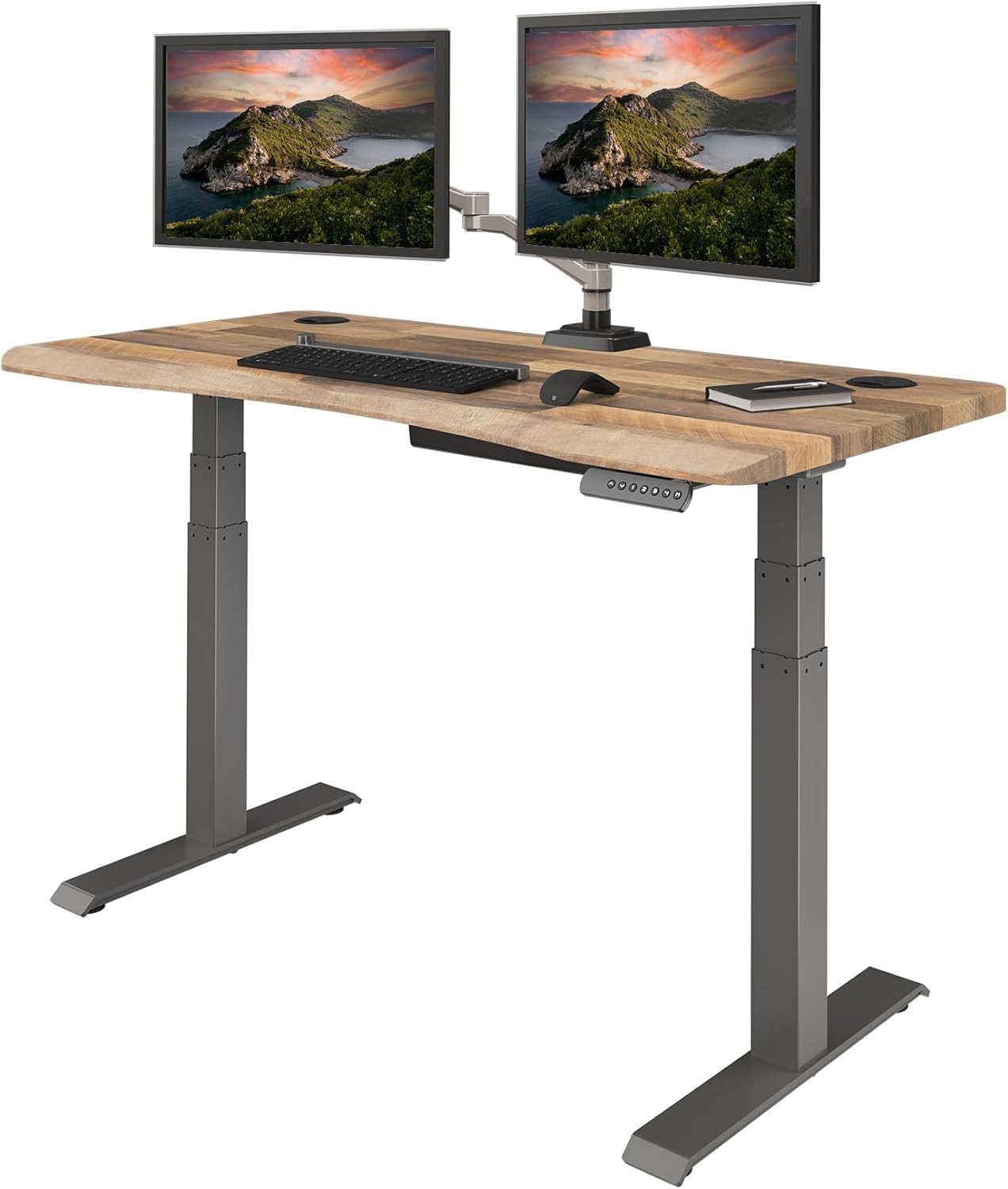
- Push the monitor back to 24" from your eyes. Curved ultrawides are designed for this distance. Closer and the curve becomes uncomfortable.
- Set the top of the screen 1–2 inches below eye level. Your neck should rest in neutral, not tilted up.
- Use a monitor arm. Even on a stable 60" desk, a VESA arm frees roughly 8" of depth and lets you fine-tune height in seconds. Look for arms rated to 25 lbs and listed as ultrawide-compatible.
For a deeper dive on accessories that complement a sit-stand setup, see our guides to monitor arms for ultrawide curved displays, anti-fatigue mats for standing desks, and cable management for electric standing desks.
Frequently Asked Questions
Can a standing desk converter actually hold a 37 inch curved ultrawide monitor?
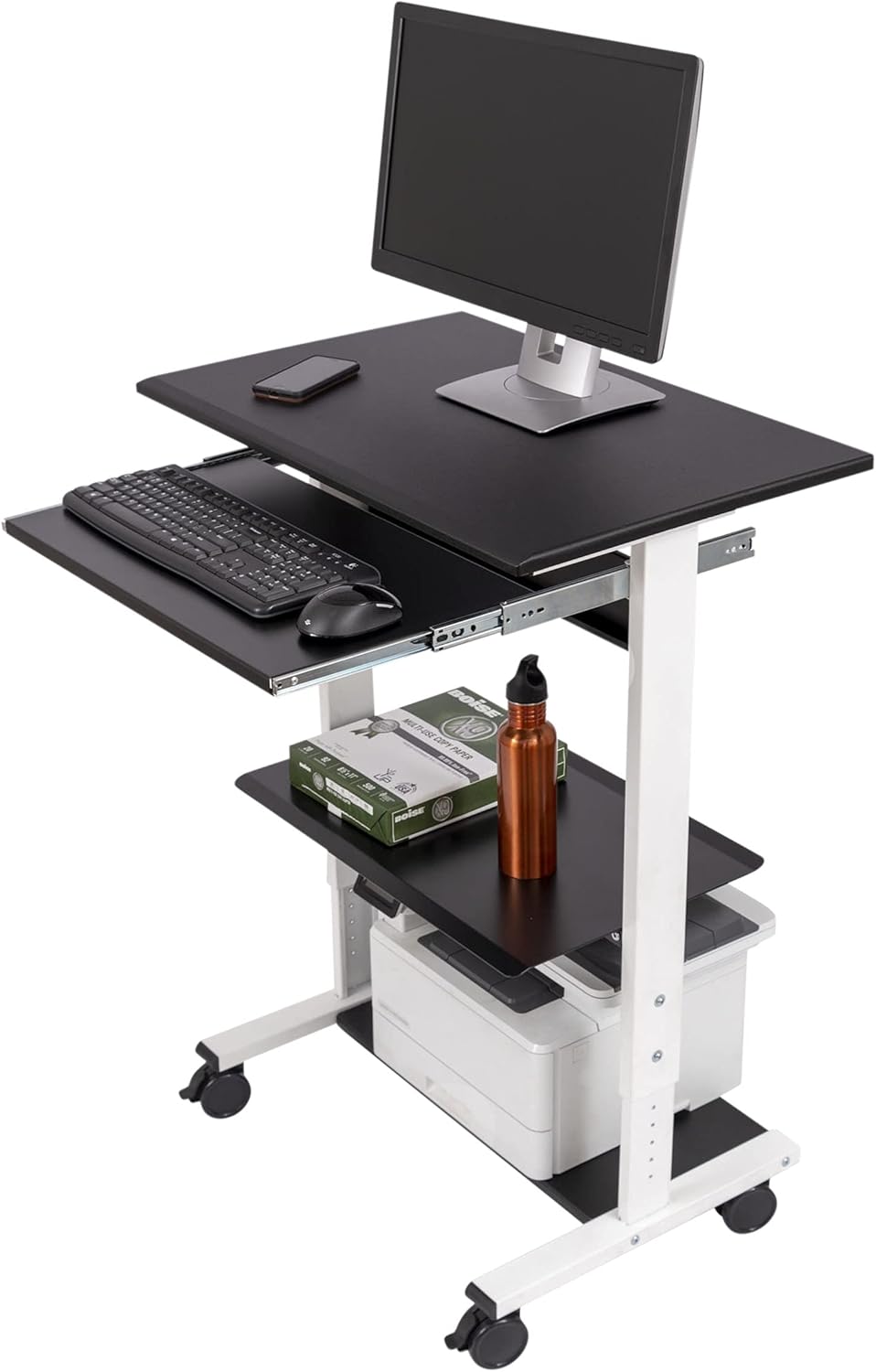
Some can, but most cannot. A 37" curved ultrawide typically weighs 15–22 lbs and has a stand footprint around 14" x 9". You need a converter with at least 20" of top-deck depth, 32" of width, and a 33 lb+ lift rating. Budget X-lift risers under $150 almost always fail one of these specs and will either sag, wobble, or overhang.
What size standing desk do I need for a 37 inch ultrawide?
Plan for a 48" wide desk at the absolute minimum and 55–60" for comfort. The monitor itself spans roughly 35 inches, so 48" leaves only 6.5" of margin on each side — barely enough for a webcam and a coffee mug. A 60" surface like the VIVO gives you proper room for a keyboard, speakers, and notes alongside the screen.
Will my 37" ultrawide tip a converter forward?
It can, especially when the riser is extended to its full standing height. The center of mass on a curved ultrawide sits higher than on a flat monitor of the same size. Look for a front-lip safety rail, a wider base than top deck, and a published tip-test rating. Replacing the stock stand with a clamp-mounted VESA arm eliminates the issue entirely.
Are electric standing desks more stable than converters for ultrawides?
Yes — substantially. A dual-motor electric desk has a steel frame anchored at four feet, while a converter is a cantilever sitting on a desk that may already flex. For a 37" curved ultrawide, the wobble difference between a $200 converter and a $250 electric desk is night and day. If your budget is similar, the desk wins on every metric except portability.
How much weight capacity do I need for a 37" curved ultrawide setup?
The monitor alone is 15–22 lbs. Add a mechanical keyboard (2–3 lbs), a laptop or mini PC (3–6 lbs), a desk mat, speakers, and accessories, and you are realistically at 35–45 lbs of working load. Buy a base rated for at least 100 lbs so the motors are not running near their limit, which extends lifespan and keeps lift speed steady.
Can I use a monitor arm with a converter for my ultrawide?
Usually no. Most converters do not have a clamp edge thick enough or stable enough for a heavy-duty arm rated for a 37" curved panel. The few that do are at the high end of the market. If you want a monitor arm, mount it directly to a full standing desk surface — the VIVO 60" and Veken 47.2" both have rear edges that accept standard clamp arms.
What height should my standing desk be for a 37 inch ultrawide?
Standing height is roughly your elbow height with arms at 90 degrees — for most users between 38" and 46". The monitor top should sit 1–2 inches below eye level, which usually means raising the screen on a small VESA arm above the desk surface. All three desks recommended above cover the typical 28"–48" sit-to-stand range needed to dial this in.
Key Takeaways
- Choosing the right standing desk converter ultrawide 37 inch means matching capacity and output ports to your actual devices
- Always check actual watt-hours (Wh), not just watts — runtime depends on Wh, not peak output
- Also covers: converter for LG 38WN95C ultrawide
- Also covers: wide riser for curved 1800R monitor
- Also covers: sit stand converter 38 inch monitor weight
- Compare price-per-Wh across models to find the best value for your budget