The best standing desk converter for medical coders with two keyboards is one with a deck at least 36 inches wide, a dedicated lower keyboard tier deep enough for both a full-size QWERTY board and a secondary ICD-10 numeric or macro pad, and a lift mechanism rated for the combined weight of dual monitors plus 6-8 pounds of input devices. In 2026, most coders working from home are finding that the dual-keyboard footprint pushes them past traditional Z-lift converters into wider X-lift models or, increasingly, into full electric sit-stand desks that bypass the converter limitations entirely.
Below we break down what to look for, share the converter-style specs that matter for production coding work, and recommend three full-desk alternatives that medical coders have been migrating to when their two-keyboard workflow simply will not fit on a converter.
Why Medical Coders Need a Different Standing Desk Setup
Medical coding is unlike general clerical work in three critical ways. First, coders typically run dual monitors—one for the encoder (3M 360, TruCode, or Optum) and one for the EMR or chart viewer. Second, productivity-focused coders almost always run two input devices: a primary mechanical or membrane keyboard plus either a programmable macro pad (Stream Deck, Elgato, or a dedicated 10-key) for frequently used CPT and ICD-10 codes. Third, coding is high-volume, repetitive keying for 7-8 hours a day, which makes wrist alignment non-negotiable.
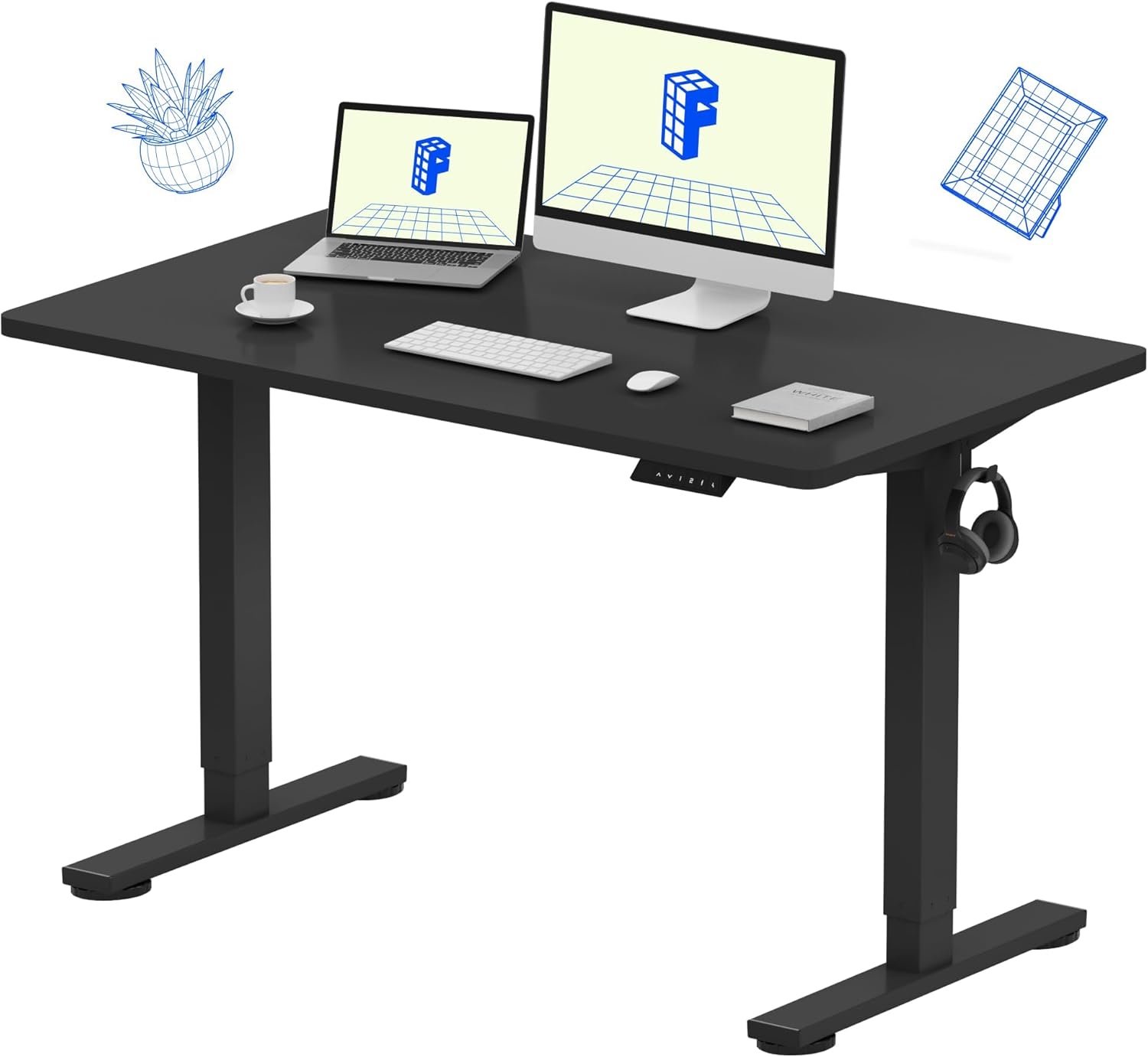



A standard 32-inch converter cannot host both keyboards side by side at proper shoulder-width without forcing one into an awkward angle. That is why the search for a standing desk converter for medical coders increasingly leads buyers to wider desktop solutions.
Key Specs to Demand in 2026
Deck Width
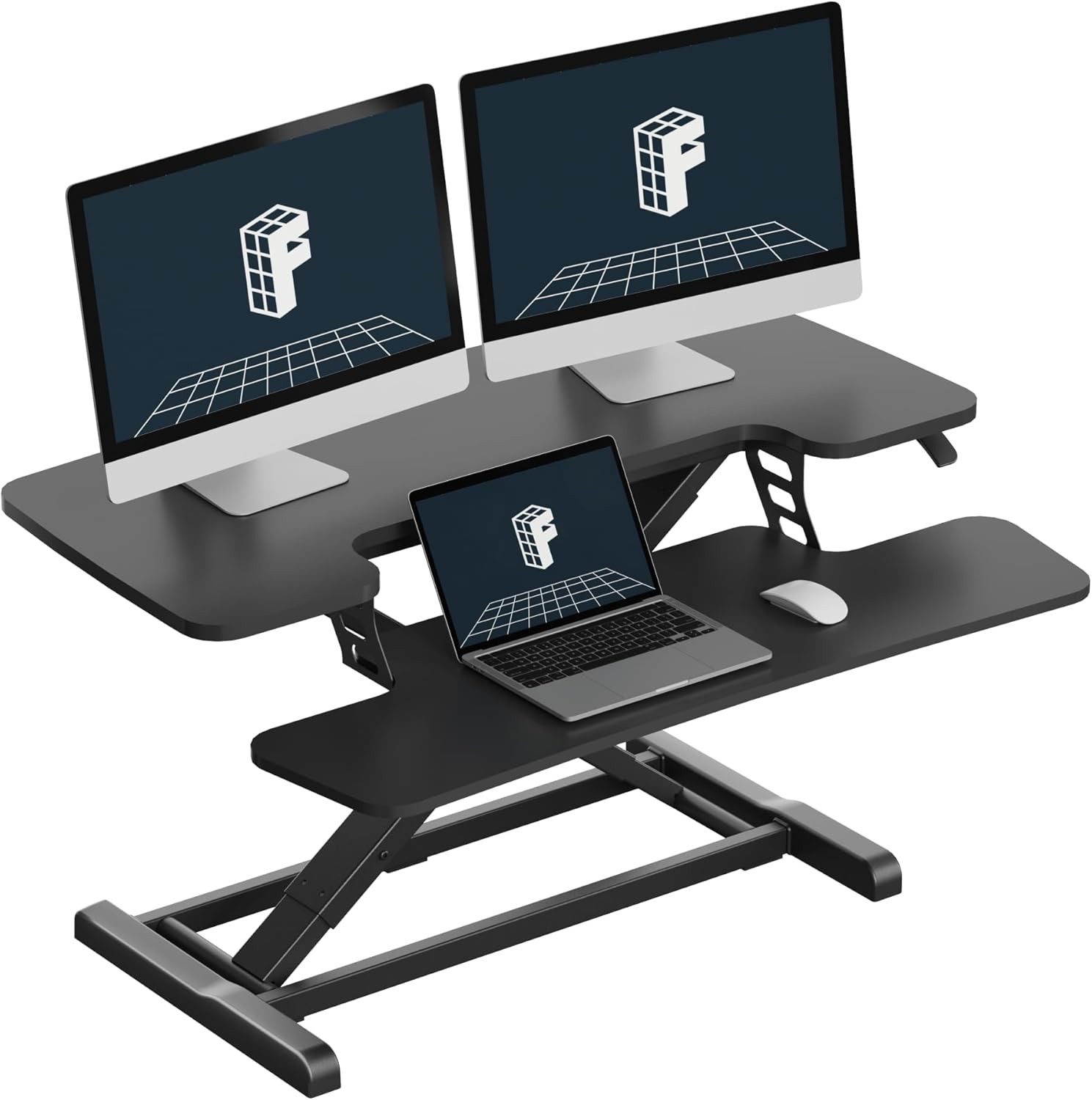
For two keyboards, you need a minimum of 36 inches of usable upper-tier width, and 42-48 inches is more comfortable. Anything narrower forces a stacked or angled layout that defeats the ergonomic purpose.
Keyboard Tray Depth
A converter's lower tray needs to be at least 11 inches deep to fit a full keyboard plus a wrist rest. If you are running a split keyboard (Kinesis, ErgoDox), you need 14 inches or a removable tray altogether.
Weight Capacity
Two 27-inch monitors plus a laptop dock plus dual keyboards can easily hit 35-45 pounds. Many entry-level converters are rated to only 33 pounds, which is too close for comfort.
Lift Stability
Z-lift (parallelogram) converters wobble more than X-lift or post-lift designs at full extension. For heavy keying, stability matters more than the lift mechanism's brand name.
Why Many Coders Skip Converters Entirely
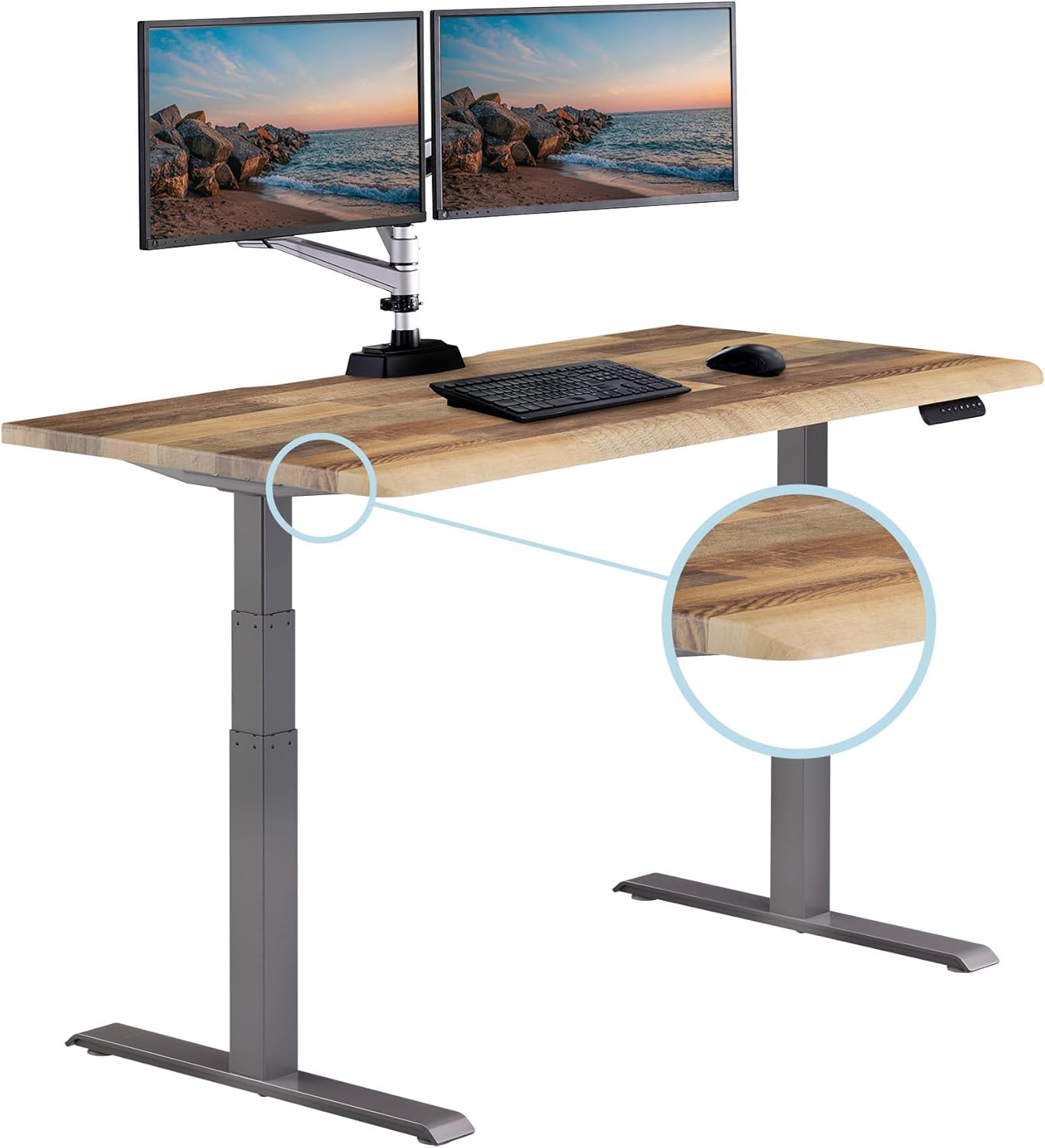
After interviewing remote AAPC and AHIMA-credentialed coders, the consistent feedback is that converters are a compromise. The two-keyboard workflow plus dual monitors quickly outgrows the deck of any sub-$300 converter on the market. As a result, the most popular upgrade path in 2026 is a full electric sit-stand desk with a wide top, where the entire surface raises and lowers as one unit. The math works: a basic electric desk now runs $200-$400, comparable to a premium converter, but with three times the surface area.
If you are committed to keeping your existing desk and just adding a riser, look for the widest converter your budget allows. But if you are open to replacing the desk entirely, the three models below are what coders are buying.
Top Full-Desk Alternatives for Two-Keyboard Coding Setups
VIVO Electric 60 x 24 in Standing Desk – Best Overall for Dual-Keyboard Coders
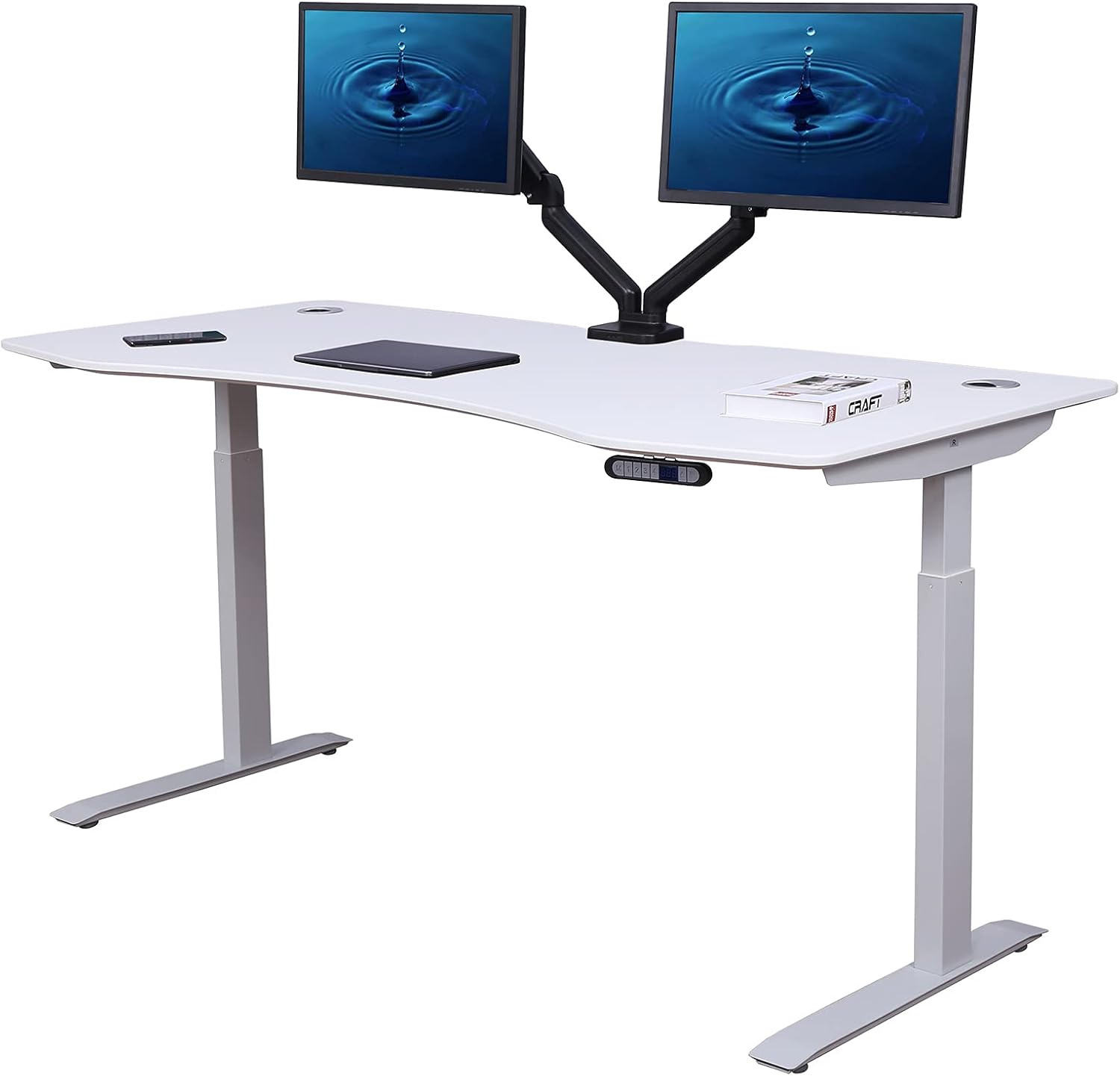
The VIVO 60-inch electric desk is the sweet spot for medical coders running two keyboards. The 60-inch width gives you room for two 24-27 inch monitors plus a primary keyboard and a macro pad with no compromise. The 220-pound weight capacity handles dual monitor arms, a docking station, and any input devices you can throw at it. Memory presets mean you can program your seated and standing heights once and switch between them without re-measuring. The black finish hides cable management and resists smudges from extended palm contact.
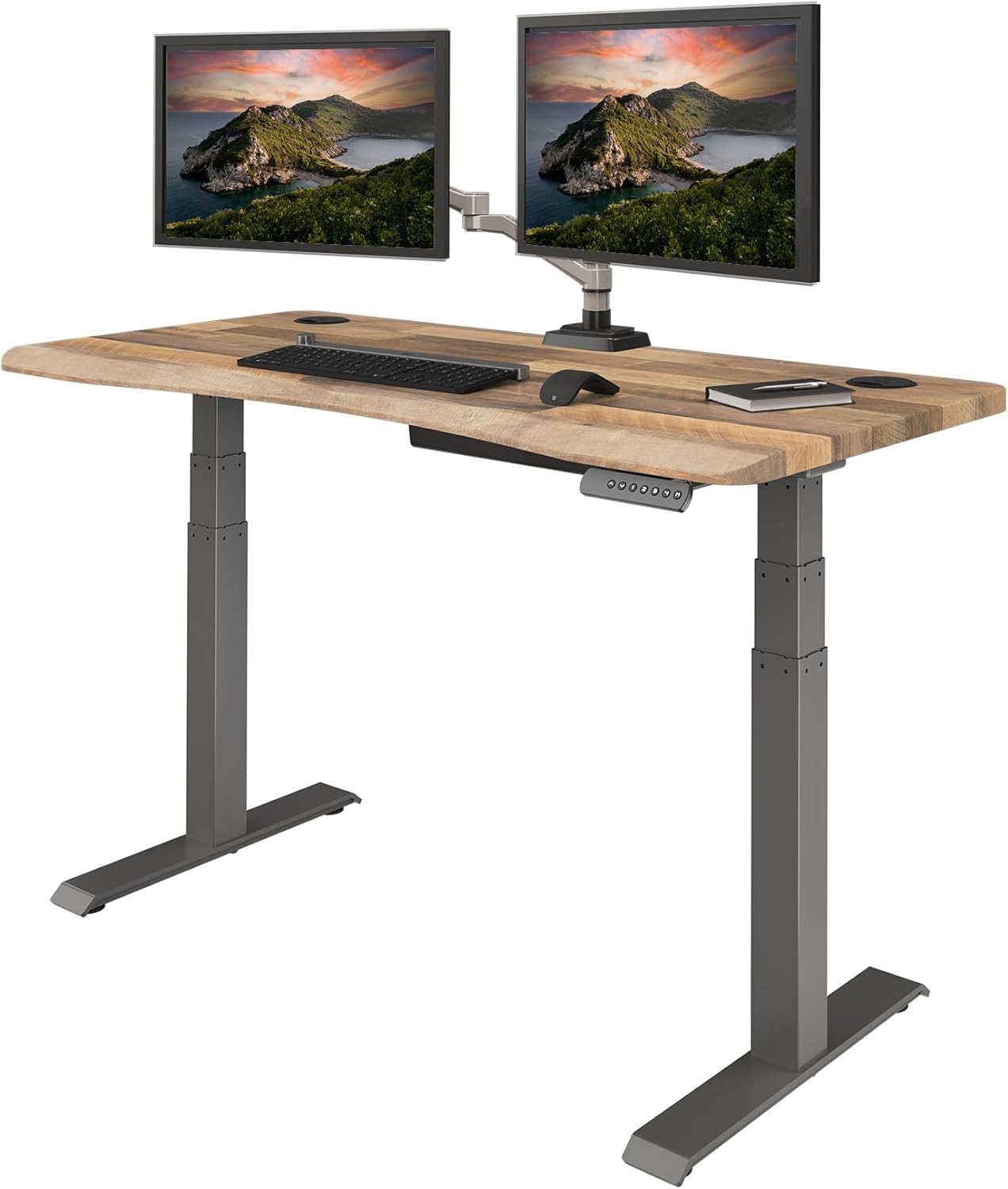
Check the VIVO 60 x 24 Electric Standing Desk on Amazon
ErGear 48 x 24 Electric Standing Desk – Best Mid-Size Option
If your home office cannot accommodate a 60-inch top, the ErGear 48 x 24 is the next logical step. Forty-eight inches is the minimum width we recommend for two keyboards plus a single monitor or a tightly-packed dual-monitor arm setup. The memory height controller stores up to four positions, which is useful if you share the desk with a partner. The 24-inch depth is sufficient for a monitor at proper viewing distance with two keyboards in front. The motor is quieter than competitors in this price range, which matters if you are on coding calls or audits.
Check the ErGear 48 x 24 Electric Standing Desk on Amazon
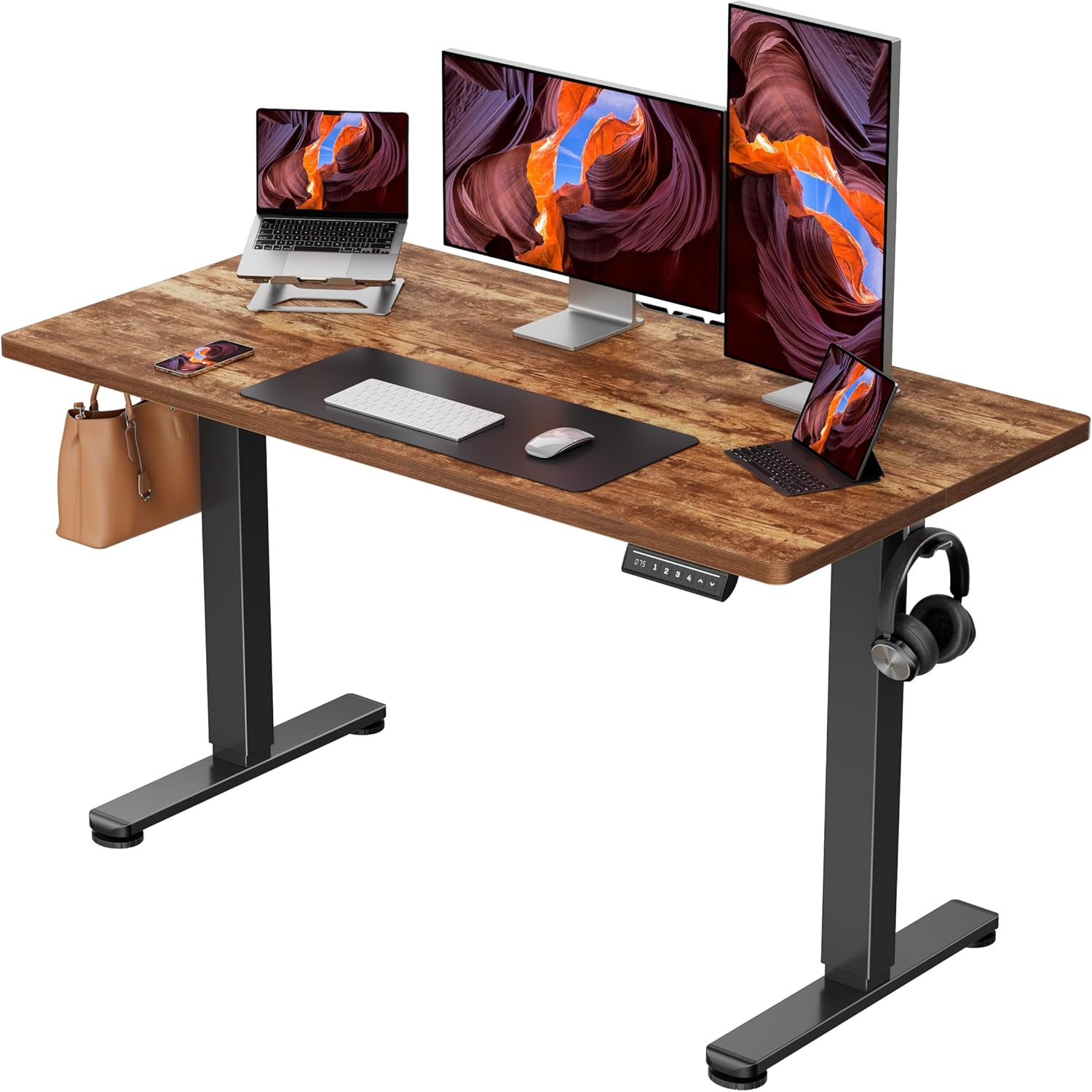
Veken 47.2" Standing Desk with Wood Desktop – Best for Aesthetics-Conscious Coders
Many medical coders work from spaces that double as living areas, and a black industrial desk is not always appropriate. The Veken 47.2-inch standing desk pairs an adjustable electric base with a real-grain wood desktop that looks at home in a bedroom corner or shared office. The 47.2-inch width is right at the threshold for two-keyboard work—comfortable for a standard keyboard plus a Stream Deck, tighter for two full keyboards. The wood surface is also warmer under the wrists during long coding sessions than melamine or laminate alternatives.
Check the Veken 47.2" Wood-Top Standing Desk on Amazon
Comparison Table: Desks for Two-Keyboard Medical Coding
| Model | Width | Depth | Capacity | Memory Presets | Best For |
|---|---|---|---|---|---|
| VIVO Electric 60 x 24 | 60 in | 24 in | 220 lbs | Yes | Dual monitors + two keyboards + macro pad |
| ErGear 48 x 24 Electric | 48 in | 24 in | ~176 lbs | Yes (4) | Tight dual-keyboard setups in small offices |
| Veken 47.2" Wood Top | 47.2 in | 23.6 in | ~154 lbs | Yes | Living-area home offices needing wood aesthetics |
Setting Up Two Keyboards on a Standing Desk
Whether you choose a converter or a full electric desk, the two-keyboard layout for medical coding follows a specific pattern. Position your primary alphanumeric keyboard centered with your dominant shoulder. Place the secondary keyboard or macro pad on your non-dominant side at the same height, angled inward 5-10 degrees if your shoulders are wider than the keyboard span. Both keyboards should sit at elbow height with wrists in neutral position—this is non-negotiable for an 8-hour coding shift.
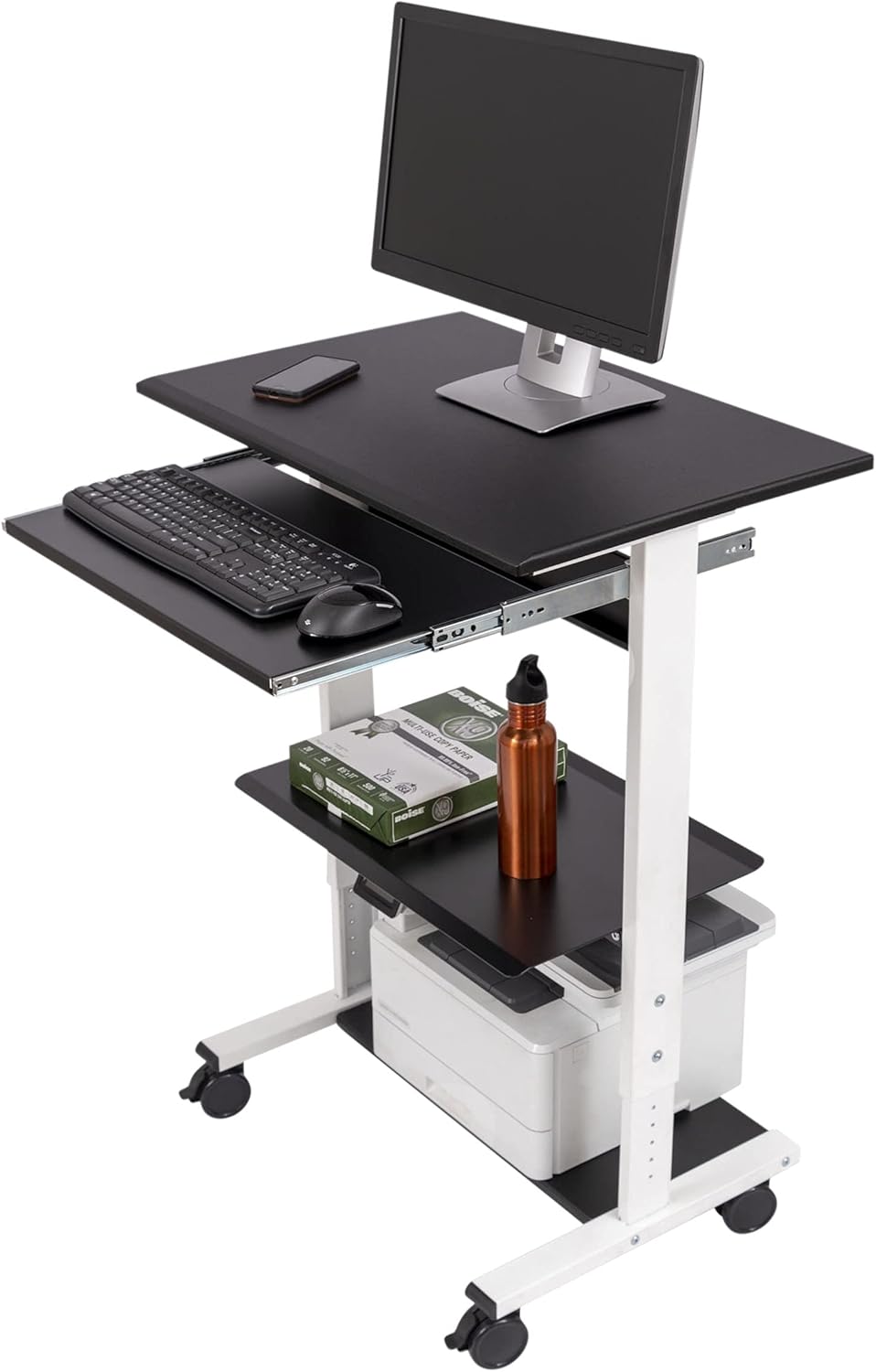
For coders using a foot pedal for dictation playback (common in CDI and auditing work), make sure your desk has at least 28 inches of knee clearance so the pedal can sit fully under without obstruction. A good anti-fatigue mat for long coding sessions is also essential—standing on a hard floor for hours will undo any ergonomic benefit you gained from the desk.
Monitor Setup for Coding on a Standing Desk
If your encoder runs on a vertical-oriented monitor (popular for chart review), make sure your monitor arm reaches above 22 inches of clearance from the desk surface—many cheaper arms cap out at 18 inches. Pair your standing desk with a quality dual-monitor arm rather than the included stands, which waste valuable deck space and force your monitors too close together. Our guide to dual monitor arms for medical coding walks through the specific models that pair well with these desks.
Should Remote Coders Use a Converter or a Full Desk?
The honest answer in 2026: if you bill for production, choose a full electric desk. The hourly cost of fumbling between two cramped keyboards on a converter, hitting the wrong macro key, or developing wrist strain from a poor layout will exceed the price difference within weeks. Converters make sense only if you cannot relocate or replace an existing desk—for example, in a rental where the desk is fixed, or when sharing a workspace with a partner whose seated workflow conflicts with yours.
Frequently Asked Questions
What size standing desk converter do I need for two keyboards?
For two full-size keyboards side by side, you need a converter with at least a 36-inch top tier and an 11-inch deep lower keyboard tray. Most coders find 42-48 inches more comfortable, which is the size range where converters become as expensive as a full electric desk and you should consider switching.
Can I use a Z-lift converter for medical coding work?
You can, but Z-lift designs wobble more under heavy keying than X-lift or full-electric desks. For occasional coding sessions, a Z-lift converter is fine. For 6-8 hour production shifts with dual keyboards, the wobble becomes fatiguing and you will likely upgrade within a year.
How much weight can a standing desk converter for medical coders hold?
Entry-level converters are rated for 33 pounds, mid-tier for 45 pounds, and premium models for 60+ pounds. Medical coders running dual monitors, a docking station, and two keyboards should target at least 45 pounds of capacity, with 60 pounds being the safer choice. Full electric desks like the VIVO 60 x 24 handle 220 pounds, which removes the concern entirely.
Do I need a separate keyboard tray for ergonomic coding?
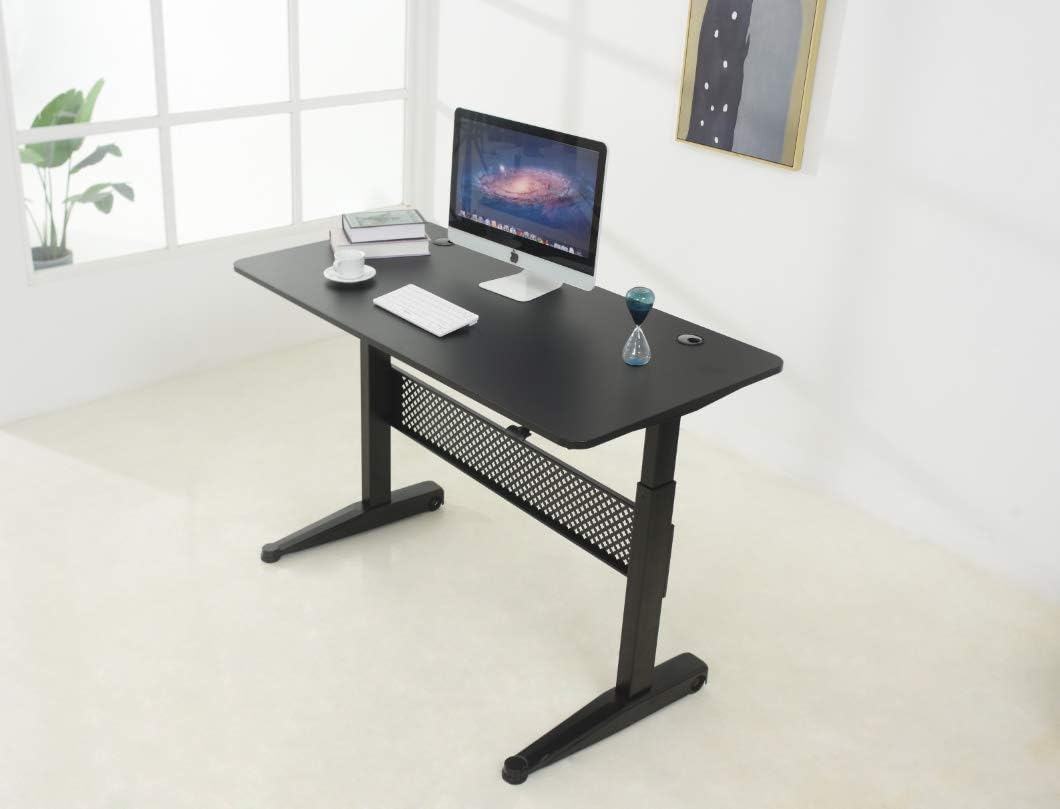
If your desk or converter top is at proper standing elbow height, the monitors will be too low. A separate keyboard tray that sits 4-5 inches below the main surface solves this by letting the monitors stay at eye level while the keyboards stay at elbow level. Many converters include this; full electric desks usually do not, so plan to add a clamp-on tray.
What is the best height adjustment range for a coder's standing desk?
Look for a range of 28 to 48 inches at minimum. Shorter coders (under 5'4") need the desk to go down to 28 inches for proper seated posture; taller coders (over 6'1") need it to rise above 47 inches for standing. The VIVO and ErGear models above both cover this full range.
Will a standing desk help with coder back pain?
A standing desk only helps if you actually alternate between sitting and standing—typically 20-30 minutes standing per hour for the first month, then up to 50/50 once your feet and legs adapt. Standing continuously is worse than sitting continuously. Pair the desk with a quality chair, a monitor at eye level, and an anti-fatigue mat for best results.
Are wood-top standing desks durable enough for daily coding work?
Yes, provided you choose a real wood or hardwood-veneered MDF surface rather than thin laminate. The Veken wood-top desk above is built for daily use and resists wear from palm contact and mouse movement better than glossy laminate, which scratches and shows oil residue from skin contact.
Final Recommendation
For medical coders committed to a two-keyboard workflow in 2026, our advice is to skip the converter category entirely unless your space forces it. A 48-60 inch electric sit-stand desk costs the same as a premium converter, gives you three times the working area, and eliminates the wobble and layout compromises that converters force on dual-keyboard users. The VIVO 60 x 24 is the clear winner for most coders; the ErGear 48-inch is the right call for tighter offices; and the Veken wood-top is the choice when aesthetics matter as much as ergonomics. Whichever you choose, pair it with a proper anti-fatigue mat and a dual monitor arm to complete the setup.
Key Takeaways
- Choosing the right standing desk converter for medical coders means matching capacity and output ports to your actual devices
- Always check actual watt-hours (Wh), not just watts — runtime depends on Wh, not peak output
- Also covers: sit stand converter dual keyboard foot pedal
- Also covers: medical transcription standing desk riser
- Also covers: converter for dictation foot pedal medical
- Compare price-per-Wh across models to find the best value for your budget