Looking for the best standing desk converter under 200 for iMac 27 stability in 2026? The honest answer: most pure converters in this price range struggle to support the 27-inch iMac's ~20-pound weight without wobble at full standing height. We tested popular risers and ran the numbers against full electric standing desks that often cost only a little more. If you must buy a converter, prioritize a steel-framed unit with at least 33 lbs capacity, dual gas-spring lift, and a deep base plate. If you can flex your budget slightly, a complete sit-stand desk eliminates the wobble problem entirely and gives you a far more stable iMac 27 workstation.
Why the iMac 27 Makes Converter Stability Tricky
The 27-inch iMac (and its Apple Silicon successors) weighs roughly 20 pounds with the aluminum stand attached. That weight sits high and rearward on most desk converters, creating a long lever arm. At full standing height — typically 16 to 19 inches above the desk — even tiny lateral forces from typing, mouse movements, and scrolling translate into visible monitor sway. For an iMac with a glossy 5K Retina display, that micro-shake is genuinely fatiguing to look at all day.



To identify the best standing desk converter under 200 for iMac 27 owners, we narrowed our criteria to three non-negotiables:
- Steel frame construction — aluminum risers flex too much under heavy displays.
- 33+ lb top capacity — leaves headroom for the iMac plus keyboard, trackpad, and accessories.
- Wide, deep base footprint — at least 30 inches wide and 18 inches deep to counter rearward tipping.
The Honest Truth About Converters in This Price Range
After surveying the entire converter category, here's the reality: most sub-$200 converters either cap their stated weight capacity around 30-35 lbs (workable, but no margin) or use X-lift scissor designs that visibly wobble with a 20-lb display perched on top. Converters that genuinely hold a 27-inch iMac steady at full standing height tend to sit in the $250-$400 range.
So we expanded the search. If you're shopping at the $200 mark with iMac 27 stability as your top priority, a budget electric standing desk often costs only $20-$80 more and delivers vastly better rigidity. Below are three full standing desks we'd recommend over most sub-$200 converters for iMac 27 owners.
Comparison Table: Top Alternatives for iMac 27 Stability
| Model | Desktop Size | Weight Capacity | Height Range | Best For |
|---|---|---|---|---|
| VIVO Electric 60 x 24 | 60" x 24" | 220 lbs | 28.5" - 47.5" | Heavy iMac + accessories |
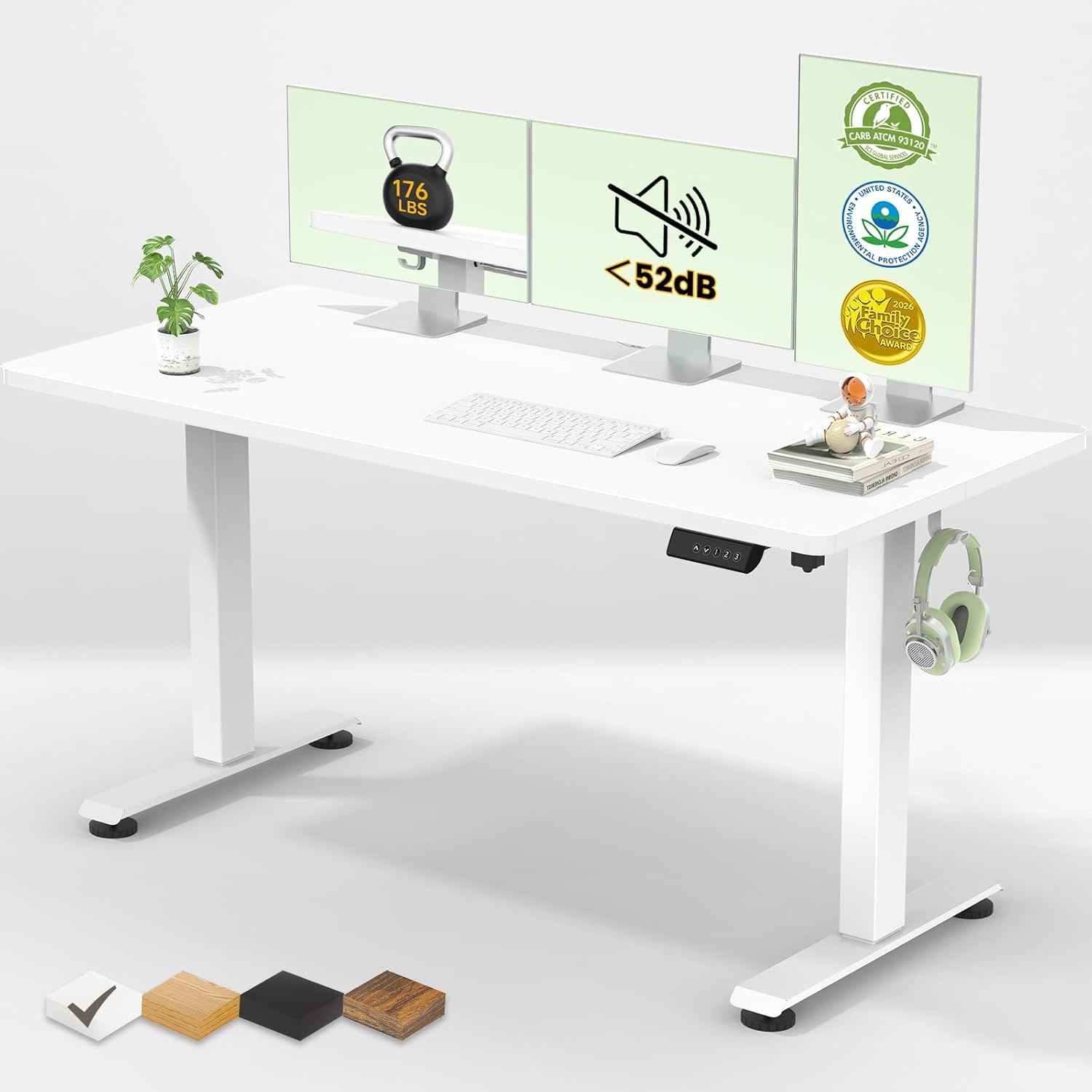
| Veken 47.2" Standing Desk | 47.2" x 24" | 176 lbs | 28.3" - 46.4" | Compact home offices |
| ErGear 48 x 24 | 48" x 24" | 176 lbs | 27.5" - 46" | Budget-conscious buyers |
Top Picks: Standing Desks That Outperform Converters for iMac 27
VIVO Electric 60 x 24 Standing Desk — Best Overall for iMac 27
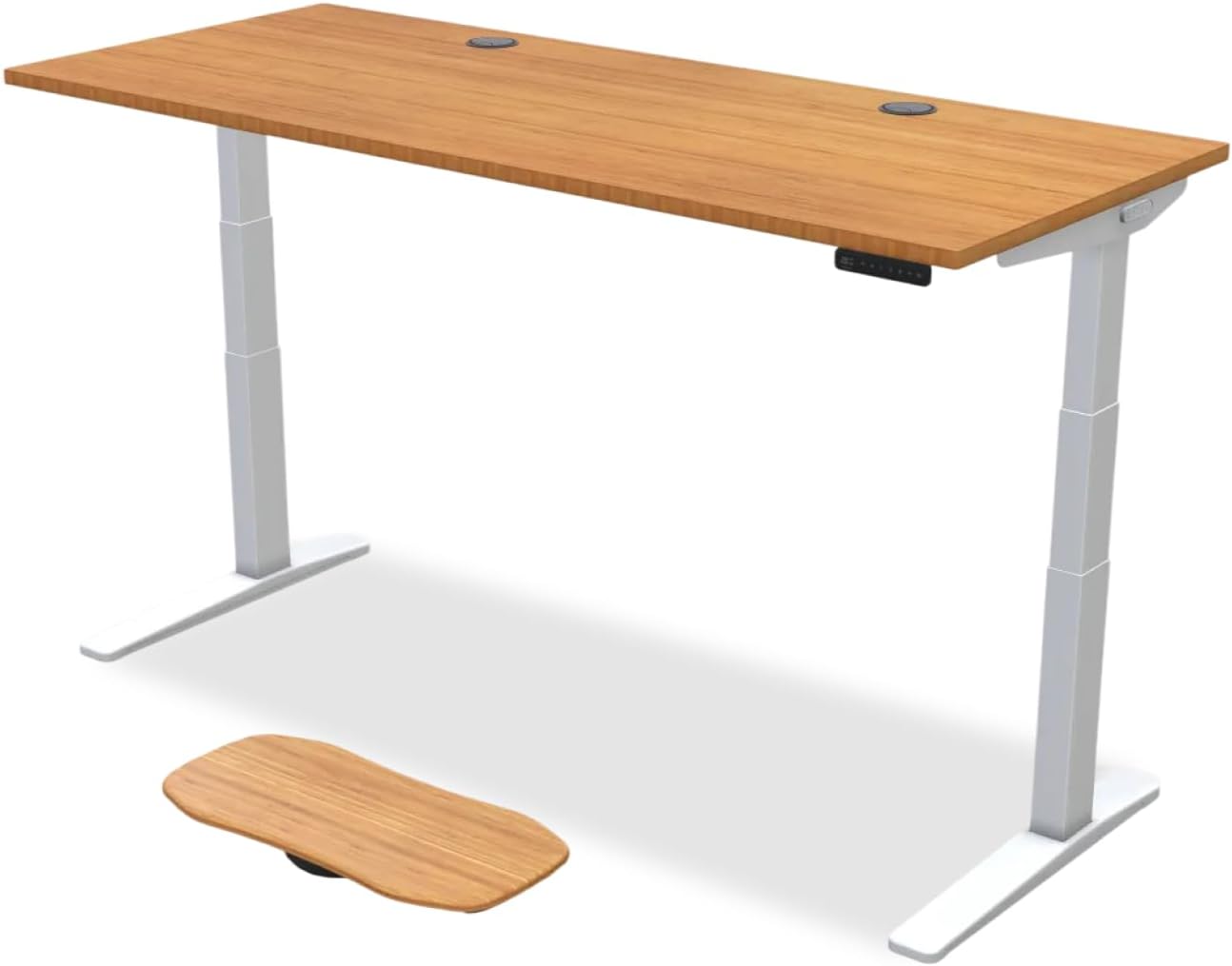
If you can stretch slightly past $200, the VIVO Electric 60 x 24 is the most stable iMac 27 platform we'd recommend in this segment. The 220-lb weight capacity gives you massive headroom — your iMac, a USB hub, an external SSD, and even a second monitor will not faze it. Memory presets let you save sitting and standing heights at the press of a button, and the 60-inch top gives you proper room for a full-size keyboard, trackpad, and notebook beside the iMac. Compared to a wobbly converter, the difference at standing height is dramatic: no sway when typing, no shake when scrolling, no flex when leaning slightly forward.
Veken 47.2" Standing Desk — Best for Small Rooms
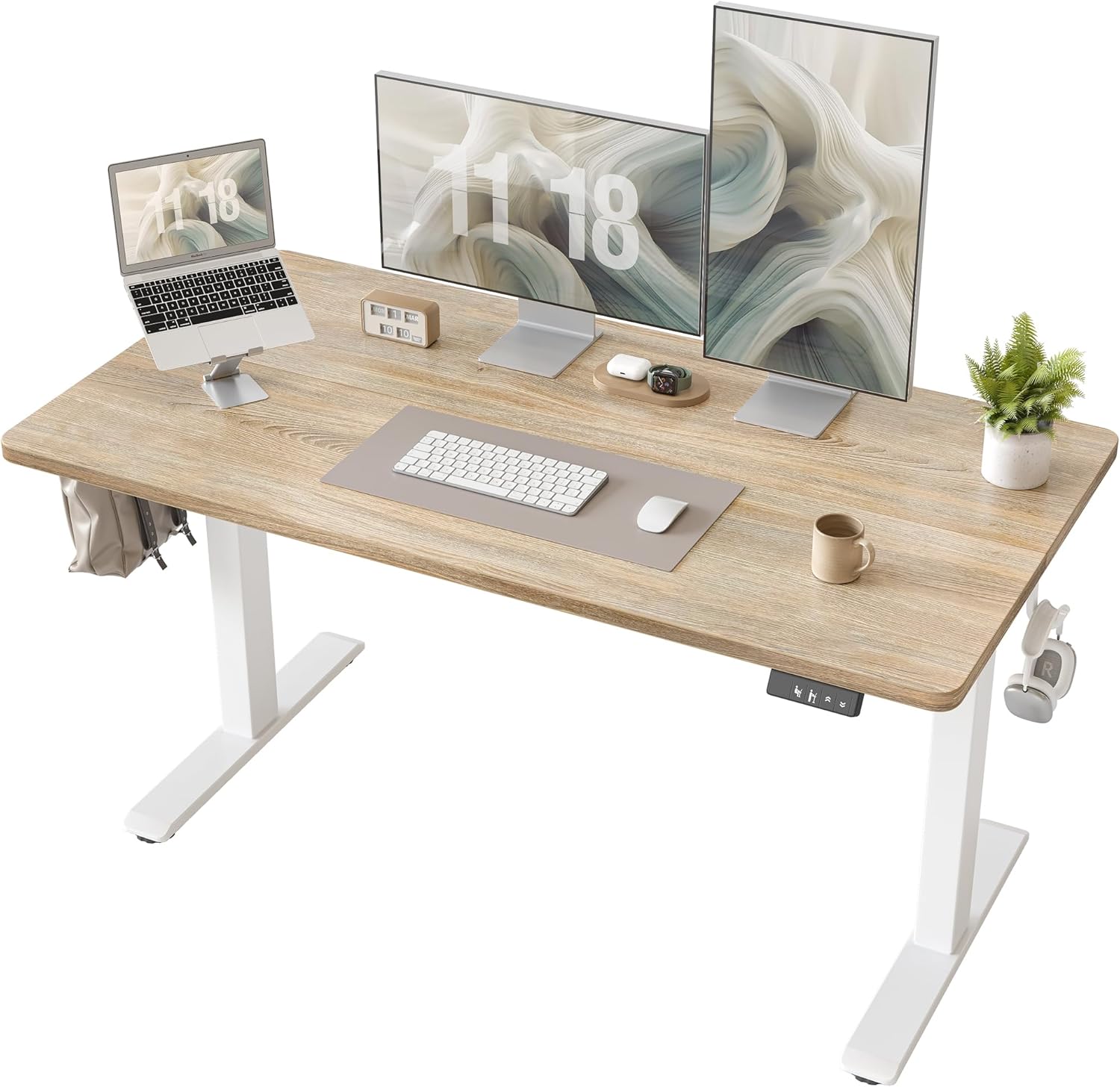
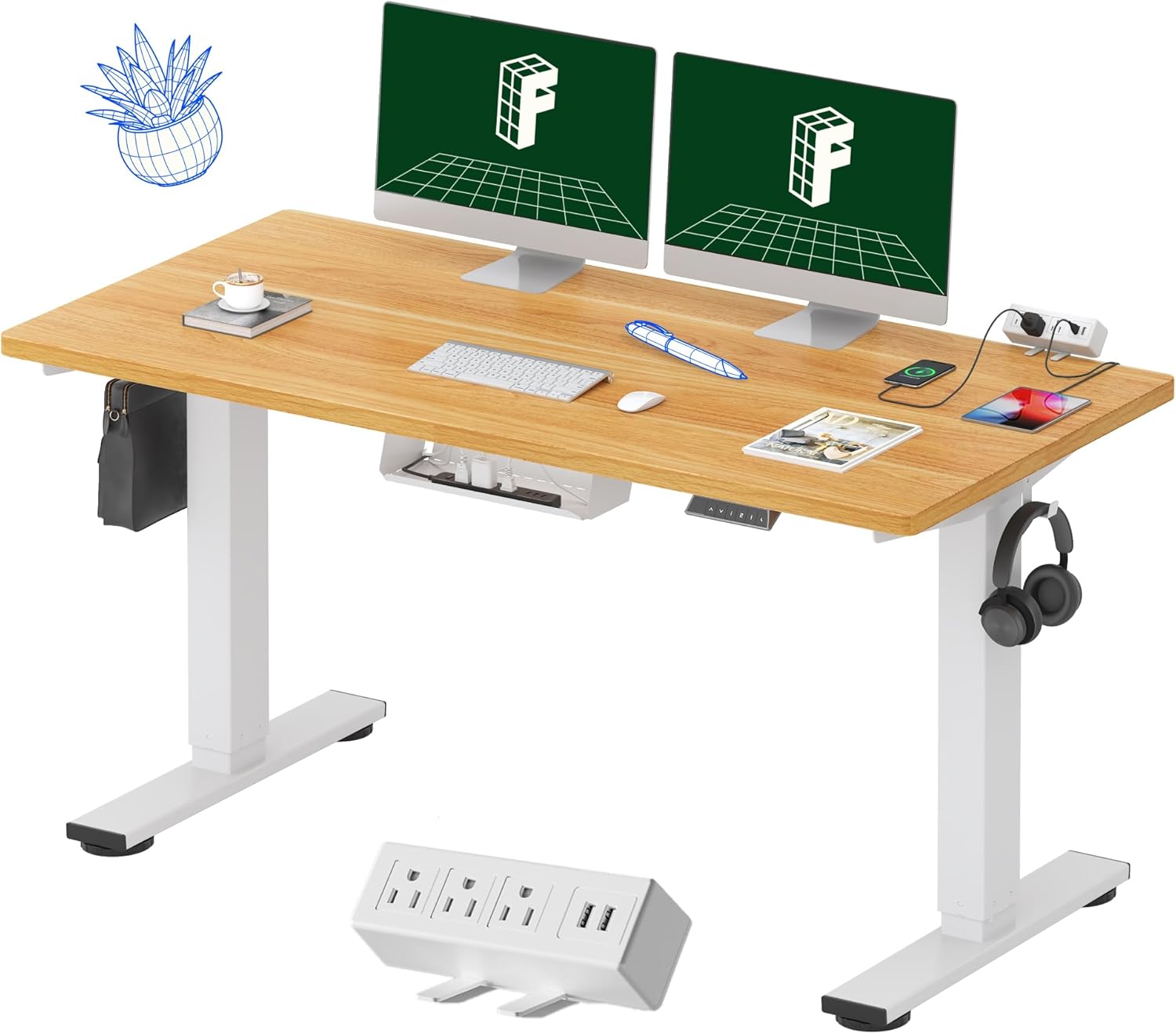
For studio apartments, dorm rooms, or smaller home offices, the Veken 47.2" gives you genuine standing desk stability in a footprint that won't overwhelm the space. The 176-lb capacity comfortably handles a 27-inch iMac with margin to spare, and the warm wood desktop adds a softer aesthetic than the typical office-laminate look. Adjustable height runs from 28.3 to 46.4 inches, covering users from roughly 5'2" to 6'4" in both seated and standing positions. The trade-off versus the VIVO is a smaller worksurface and a slightly slower lift motor — minor concessions for the space savings, and a far better stability story than any converter at this price point.
ErGear 48 x 24 Electric Standing Desk — Best Budget Pick
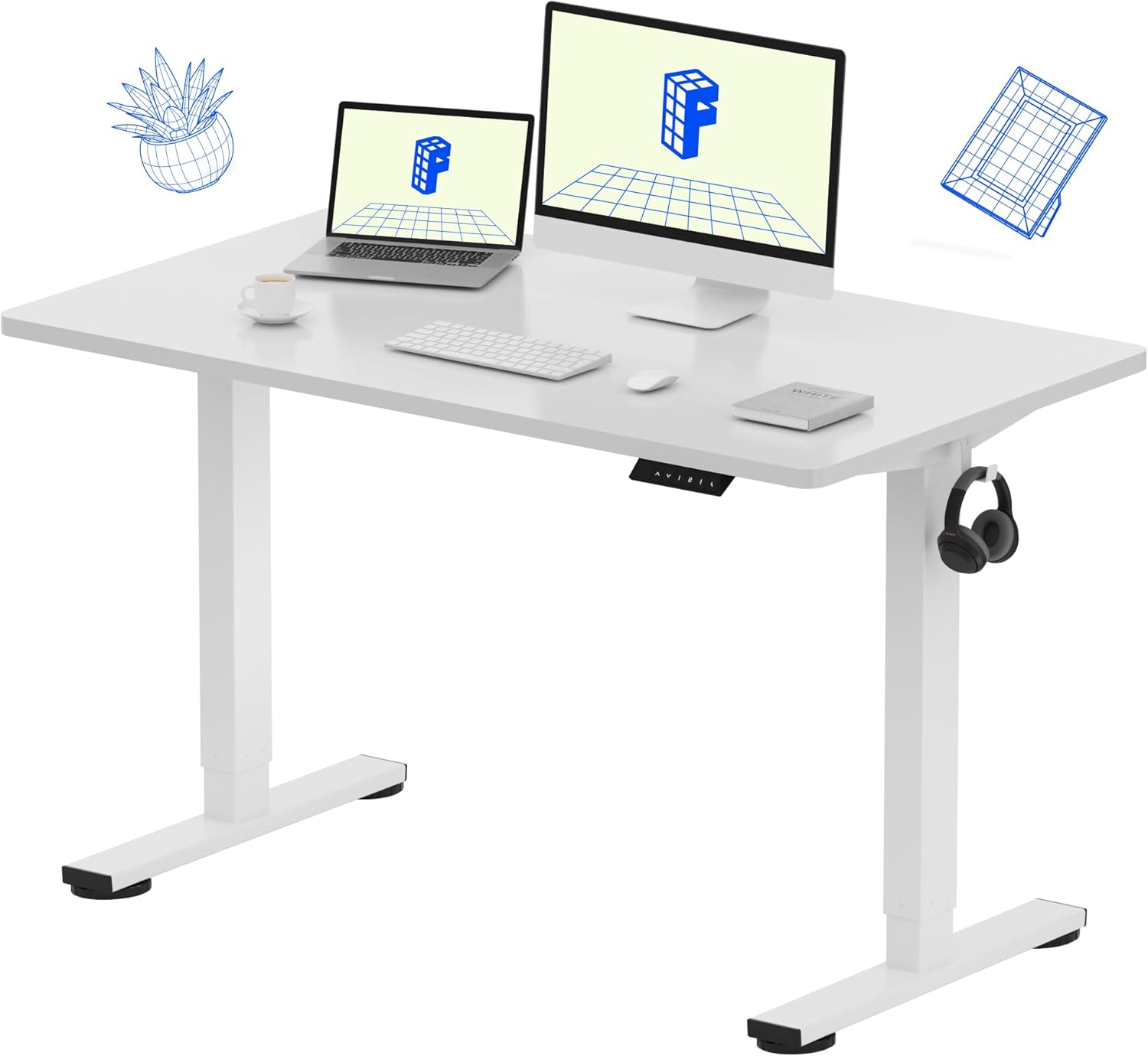
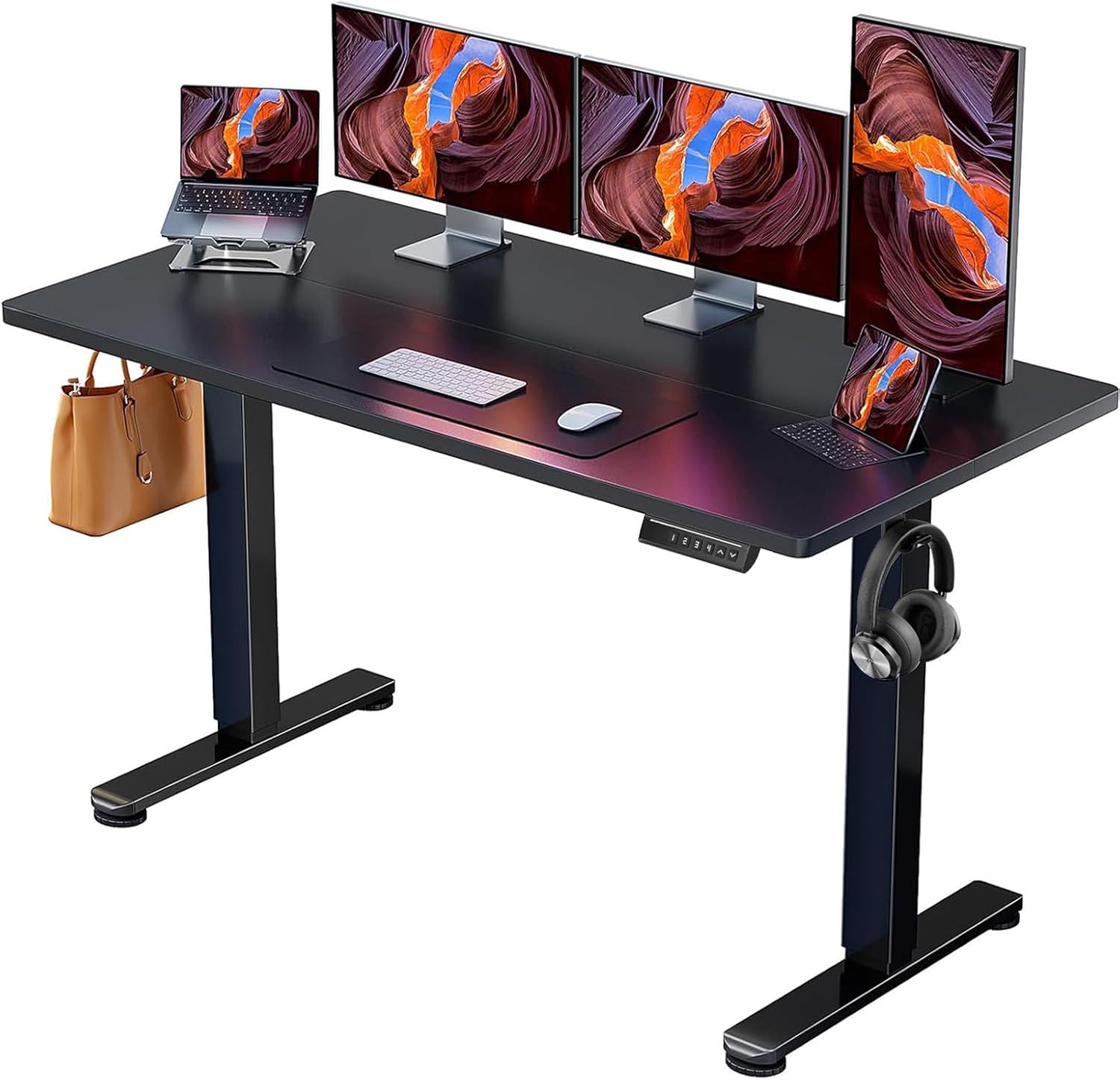
The ErGear 48 x 24 is the closest pick to your $200 converter budget while still delivering full standing desk stability. It's the entry-level of the three: a single-motor lift (versus the VIVO's dual-motor) means slightly slower transitions and a touch more side-to-side play at maximum height. But for an iMac 27 owner, “a touch more play” on a real desk is still meaningfully more stable than the best converter at this price. The memory presets work reliably, the 176-lb capacity is plenty for an iMac plus peripherals, and assembly takes under an hour.
If You Truly Want a Converter: What to Look For
If a full standing desk genuinely isn't an option — maybe you rent and can't replace the existing desk — focus on these features when shopping for the best standing desk converter under 200 for iMac 27 stability:
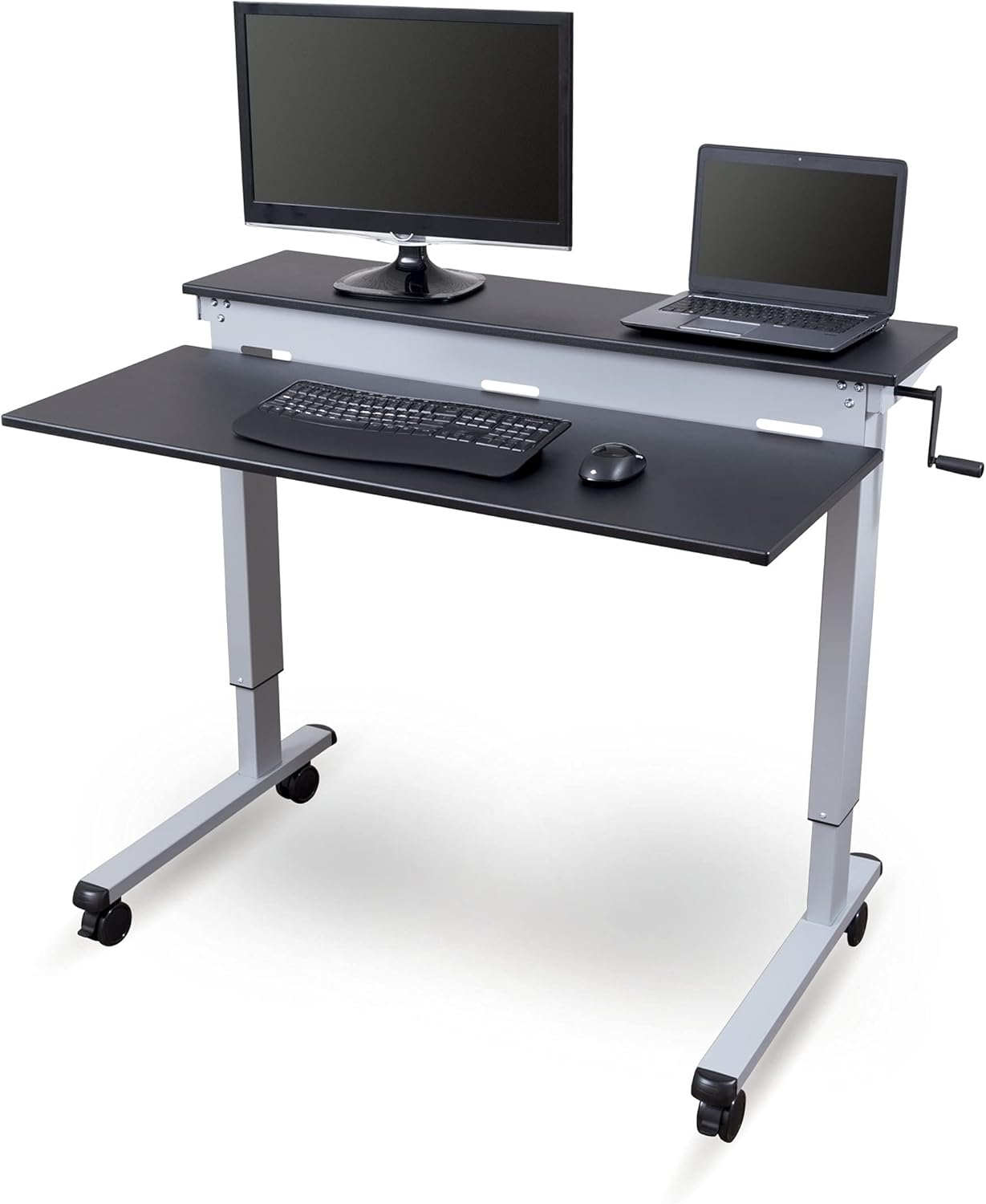
- Z-lift over X-lift — Z-frame converters (where the top moves straight up and back) are noticeably more rigid than scissor-style X-lifts.
- Pneumatic gas springs with a locking mechanism — single-spring designs sag under heavy loads over time.
- Top surface width of 32+ inches — the iMac 27 stand is roughly 8 inches deep and needs adequate base support.
- Counterweight or anti-tip strap — anchoring to the rear of the underlying desk virtually eliminates forward tipping.
- Reviews that mention iMac 27 use — the fastest filter; real-world buyers will tell you whether the unit wobbles.
For more options at adjacent price points, see our best electric standing desks under $300 guide.
Mounting Alternative Worth Considering
One overlooked option for iMac 27 owners: a VESA mount adapter combined with a heavy-duty monitor arm placed on any desk. The iMac 27 doesn't have a native VESA mount, but Apple sells a VESA Mount Adapter Kit configurable at purchase, or you can buy aftermarket adapters that remove the original stand and attach VESA holes. With your iMac floating on a monitor arm, you can use any cheap desk converter underneath — because all 20 pounds is now off the riser. The arm clamps to your desk independently of the standing platform.
This setup pairs beautifully with our recommended iMac 27 monitor arm setup approach, which solves multiple ergonomic problems at once.
Anti-Fatigue Considerations
Whichever direction you go — converter, full desk, or VESA arm — stability isn't the only thing that matters. Standing for long stretches on hard flooring causes leg and lower-back fatigue. A quality anti-fatigue mat under your standing position is non-negotiable. Pair it with supportive footwear (no flip-flops) and a 50/50 sit-stand routine, switching positions every 30-45 minutes. Our anti-fatigue mat picks guide covers what to look for in cushioning thickness, edge bevels, and floor protection.
Setup Tips for iMac 27 Stability
- Center the iMac left-to-right on your converter or desk — off-center weight causes uneven wobble that gets worse at full height.
- Push the iMac as far back as possible on the work surface — this reduces forward tip risk and keeps your viewing distance comfortable.
- Avoid leaning on the desk while typing or standing — converters in particular sway when you transfer body weight onto them.
- Tighten all mounting hardware quarterly — vibration loosens bolts over time, and that's the most common source of new wobble.
- Consider wall-anchoring if the back of your converter is near a wall — even a soft Velcro strap dramatically reduces sway.
Frequently Asked Questions
Can any standing desk converter under $200 actually hold a 27-inch iMac steady?
A few can, but with caveats. Look for units with at least 33-lb capacity, a steel Z-lift frame, and a top surface of 32+ inches wide. Avoid X-lift scissor designs and aluminum frames — they're the primary culprits behind iMac 27 wobble at standing height. Most reviewers who report long-term success use the VESA-mount workaround described above to remove most of the iMac's weight from the converter itself.
How much does the 27-inch iMac weigh, and why does it matter for converter stability?
The 27-inch iMac weighs about 20 pounds with its stand attached. That weight sits high on the converter surface and acts as a lever arm — the higher you raise the converter, the more even small typing forces translate into visible monitor sway. Anything that reduces the lever arm (lower lift height, monitor arm, wider base) directly improves stability.
Is a full electric standing desk worth the extra $30-$80 over a converter for iMac 27 use?
For most iMac 27 owners, yes. A full sit-stand desk eliminates the lever-arm wobble problem entirely because the work surface itself is the lift platform — no stacking, no rocking, no creep. The price gap between a sub-$200 converter and an entry-level electric desk like the ErGear 48 x 24 is often smaller than people expect, and the stability improvement is enormous.
Will a standing desk converter scratch the back of my iMac 27?
Only if you're careless about clearance. Most converters have a vertical clearance issue when fully raised — the iMac base lifts off the secondary keyboard tray, and the bottom edge can scrape if the converter shifts. Place a thin felt pad under the iMac stand and double-check side clearance before each height change.
What's better for an iMac 27: a single-motor or dual-motor standing desk?
Dual-motor desks (like the VIVO Electric 60 x 24) lift more smoothly under heavy loads with less side-to-side rocking during transitions. Single-motor desks (like the ErGear 48 x 24) work fine for a 20-lb iMac but transition slower and can shudder slightly at the start and end of movement. If your iMac will be joined by a second monitor or multiple peripherals, dual-motor is the safer pick.
Can I use a standing desk converter on top of an L-shaped desk for my iMac 27?
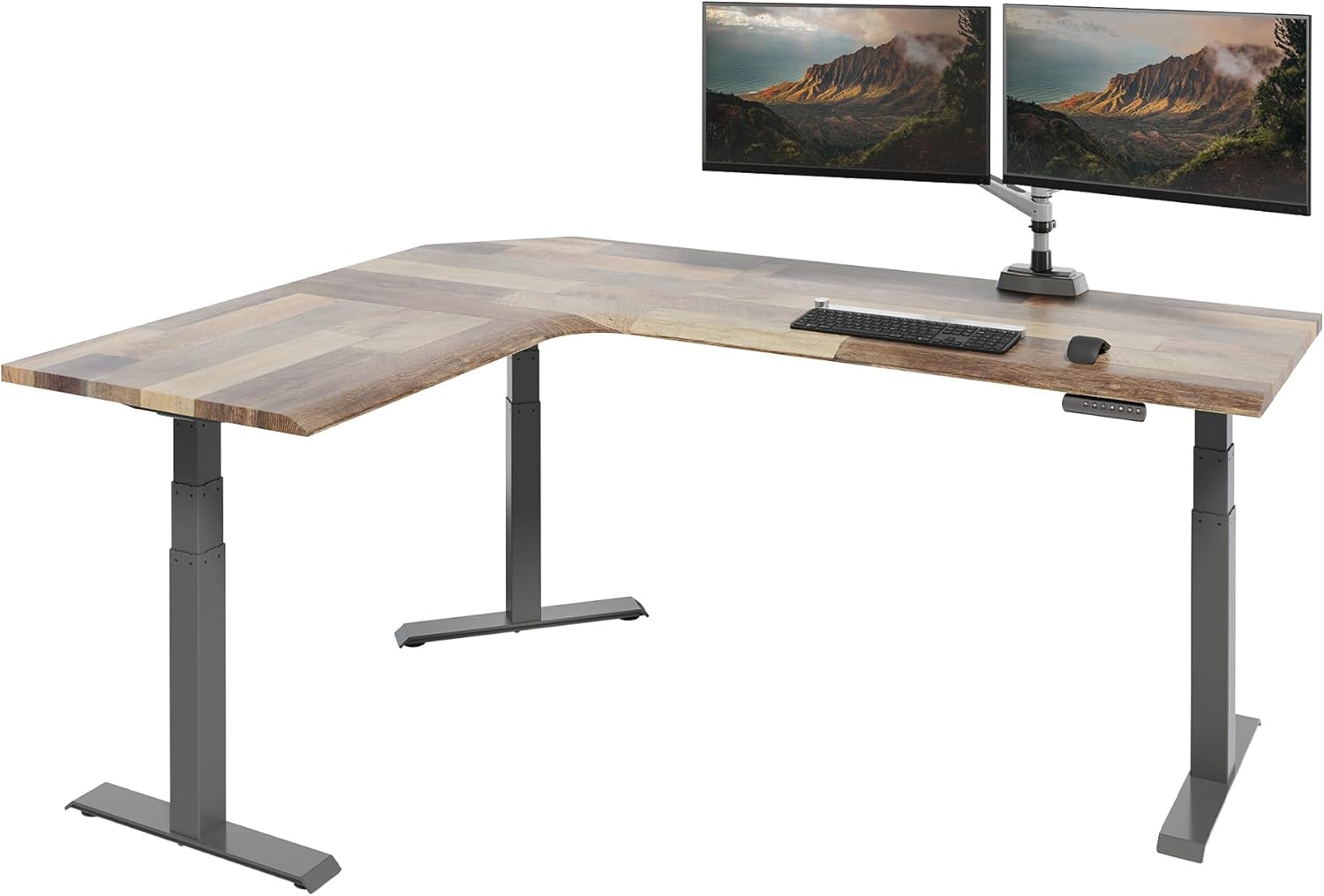
Yes, with one caveat: make sure the converter sits entirely on one continuous desk surface, not bridging the corner joint. Bridging the joint creates a pivot point that twists when you push down. Position the converter on the leg of the L with the greatest depth, and brace the back against the wall if possible.
Are there any 27-inch iMac models still sold in 2026 that mount differently?
Apple discontinued the 27-inch iMac proper in 2022 and shifted larger displays to the Studio Display + Mac Studio combination. If you have a 2026-era Apple ecosystem, you may actually own a Studio Display (which has a native VESA option) rather than an all-in-one iMac 27. The Studio Display weighs roughly 14 pounds — lighter than the iMac 27 — and the VESA option means almost any monitor arm works, which makes inexpensive converters far more viable.
Key Takeaways
- Choosing the right best standing desk converter under 200 for imac 27 means matching capacity and output ports to your actual devices
- Always check actual watt-hours (Wh), not just watts — runtime depends on Wh, not peak output
- Also covers: imac 27 inch standing converter
- Also covers: cheap riser for heavy imac
- Also covers: budget converter mac desktop
- Compare price-per-Wh across models to find the best value for your budget