Setting up a corner office with an L-shaped layout means juggling two work surfaces, cable management, and the vertical real estate your monitor arm needs. The right corner standing desk with monitor arm clearance lets you bolt a heavy-duty arm to the rear edge without it slamming into a wall, window casing, or upper cabinet as the desk travels up. In this 2026 guide, we break down the best electric standing desks that suit corner offices and L-shape builds, focusing on rear clamp depth, weight capacity, and the under-desk geometry that keeps your monitor floating exactly where it should.
Why corner offices are tricky for monitor arms
In a corner setup, your desk usually sits in front of two converging walls. A standard monitor arm clamps to the back edge, and its vertical pole rises several inches above the desktop. Add a 27-inch ultrawide on top, and the highest point of the arm and monitor stack can reach 18 to 22 inches above the surface. When you press the up button, the entire stack rises with the desk — and if there is a window sill, picture rail, or wall-mounted shelf in the way, the arm jams against it.



That is why "corner standing desk with monitor arm clearance" matters as a specific buying criterion rather than just "any standing desk." You need a desk depth of 24 inches or more so the clamp sits far enough from your chest to give the arm full pivot range, a back-edge thickness compatible with the clamp throat (typically 0.4 to 3.0 inches), a maximum height that does not push your monitor into a low ceiling, soffit, or window frame, and a frame stability rating that survives a heavy display extended fully forward.
L-shape setups add another layer. Most affordable electric standing desks are single rectangles. To create an L, you either buy a true L-shape lifting frame (rare and pricey in 2026), bridge two single-column desks at a 90-degree angle, or pair a primary sit-stand desk with a fixed-height return.
How we picked the top corner-friendly standing desks for 2026
We focused on rectangular electric standing desks that can either fit cleanly into a corner with a monitor arm clamped at the rear, or be combined with a second matching unit to form an L-shape. We gave priority to desks with at least 24 inches of depth, 200+ pound weight capacity, and memory-preset controllers, because corner workstations usually carry more gear than a basic single-monitor setup. We also flagged desks whose rear edges accept standard C-clamp arms without requiring an adapter, since corner installs leave little room to fuss with brackets after the desk is in position.
Comparison table: best standing desks for corner offices in 2026
| Desk | Size | Weight Capacity | Best For |
|---|---|---|---|
| VIVO Electric Standing Desk | 60 x 24 in | 220 lbs | L-shape builds and heavy monitor arms |
| ErGear Electric Standing Desk | 48 x 24 in | ~176 lbs | Compact corner offices and small nooks |
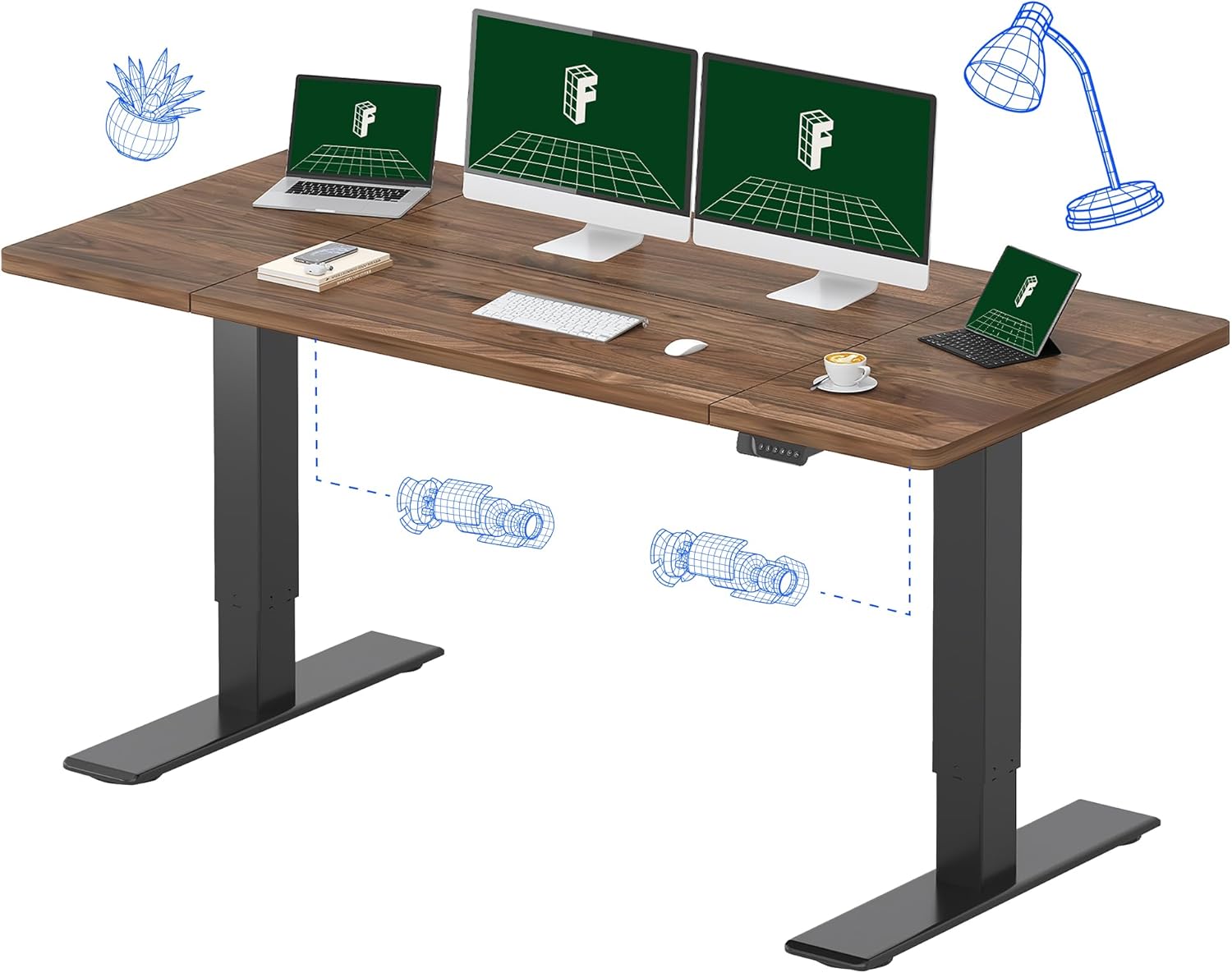
| Veken Standing Desk (Wood) | 47.2 x 24 in | ~154 lbs | Aesthetic-first corner workspaces |
VIVO Electric 60 x 24 in Standing Desk — Best overall for L-shape corner builds
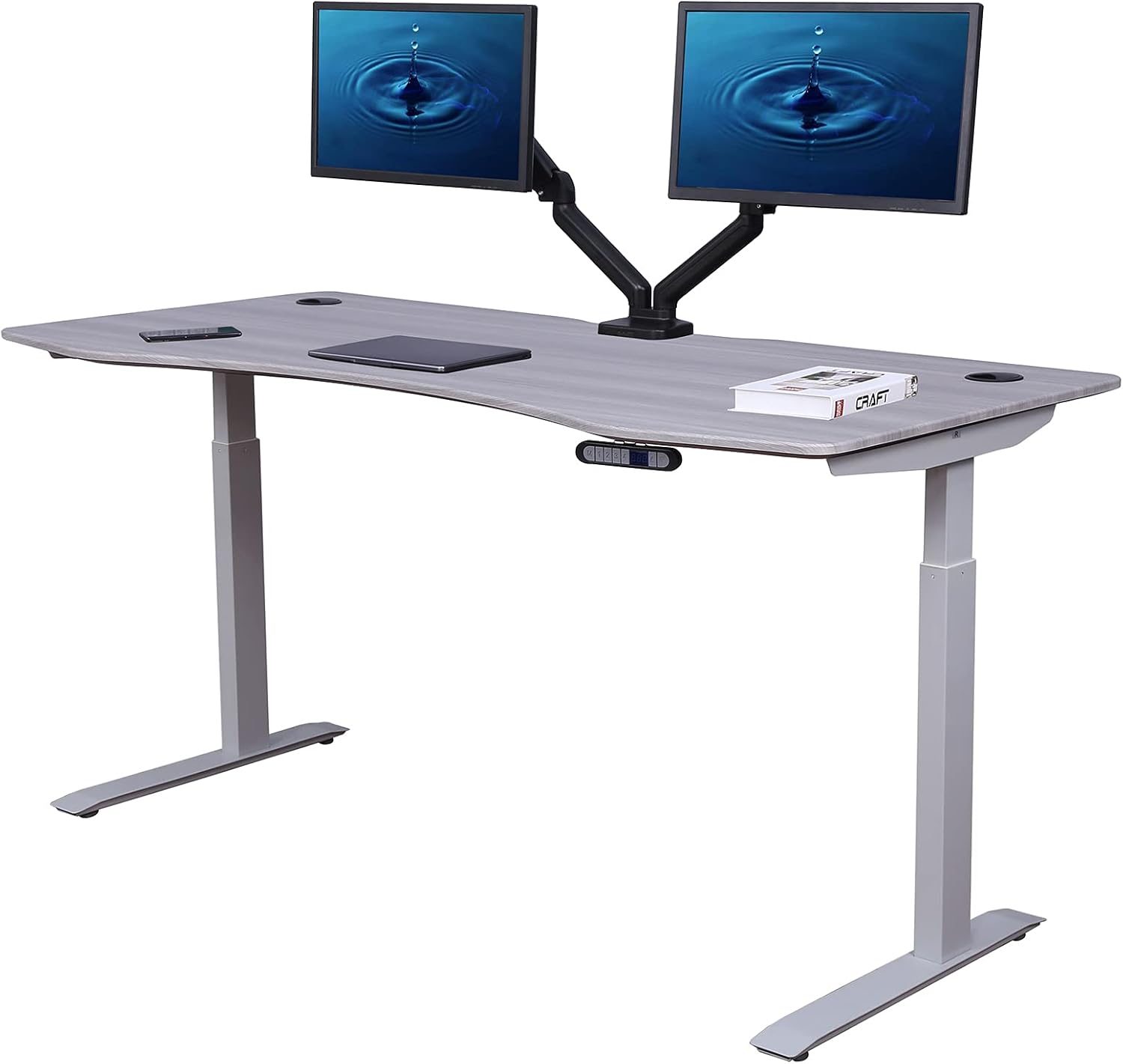
The VIVO Electric 60-inch desk hits the sweet spot for a corner office. At 60 x 24 inches, it is wide enough to anchor the long leg of an L-shape while still leaving a 24-inch back edge for monitor-arm clamping. The 220-pound weight capacity comfortably handles a heavy ultrawide on an articulating arm plus a laptop dock and speakers. The dual-motor lift covers roughly 28 to 47 inches of height range, with three memory presets so you can switch between sitting, standing, and a "tall standing" preset that lifts the desk above a low window sill or wall console.
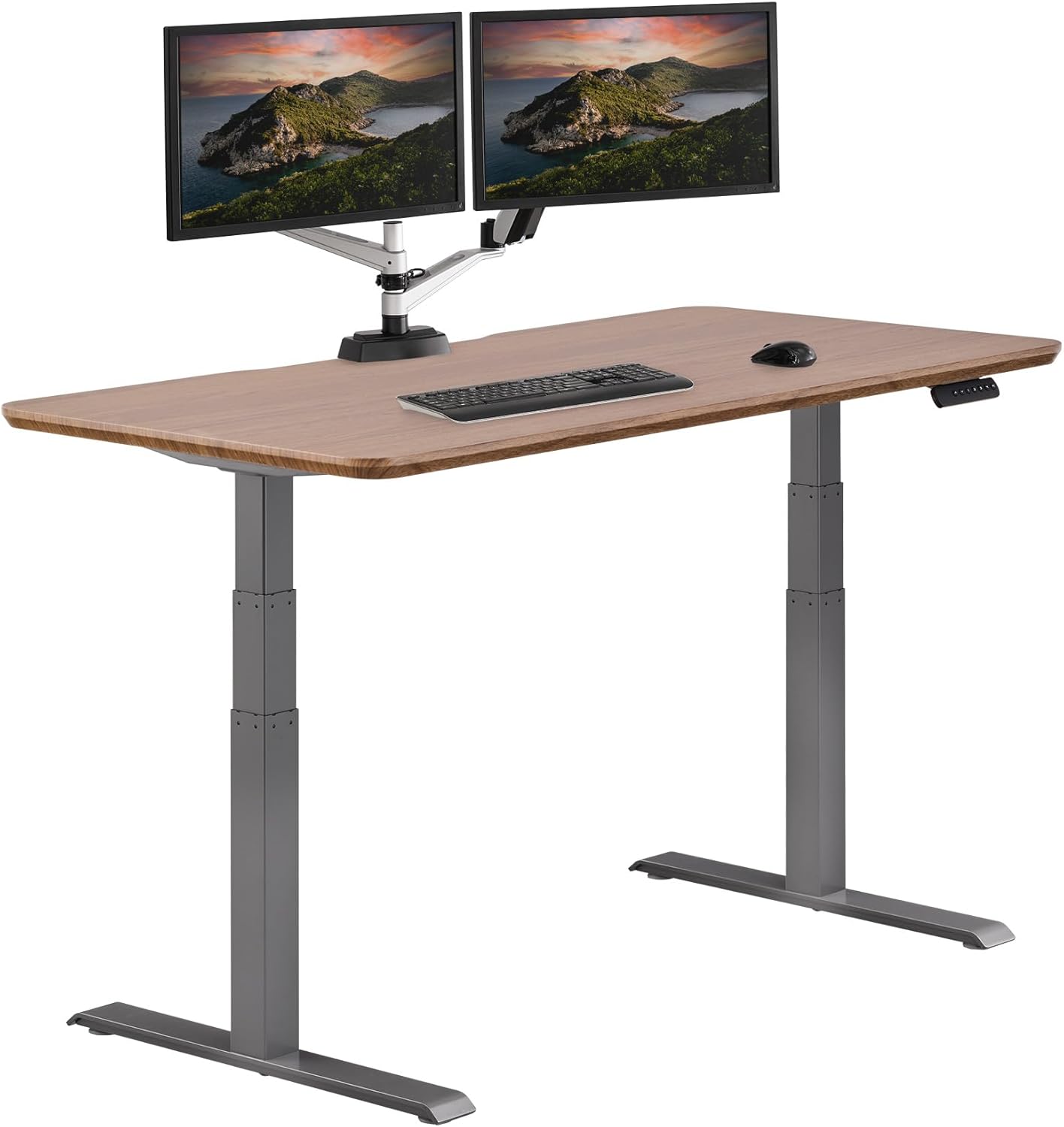
For corner offices with an existing fixed return or filing cabinet, a single 60 x 24 VIVO can sit on the long wall and dovetail with the return to form the L. If you want a matched true-L, two of these desks set at a 90-degree angle give you about 84 inches of usable depth on each leg — plenty for a primary monitor zone and a secondary scanner-and-paperwork zone.
Check the VIVO Electric 60 x 24 Standing Desk on Amazon
ErGear 48 x 24 Electric Standing Desk — Best compact corner pick
The ErGear 48 x 24 model is the right choice when your corner is genuinely small — a converted closet office, a guest-room nook, or one half of a shared workspace. The 48-inch width fits where a 60-inch desk would block a door swing, and the 24-inch depth still gives a monitor arm room to extend forward without parking your screen too close to your face.
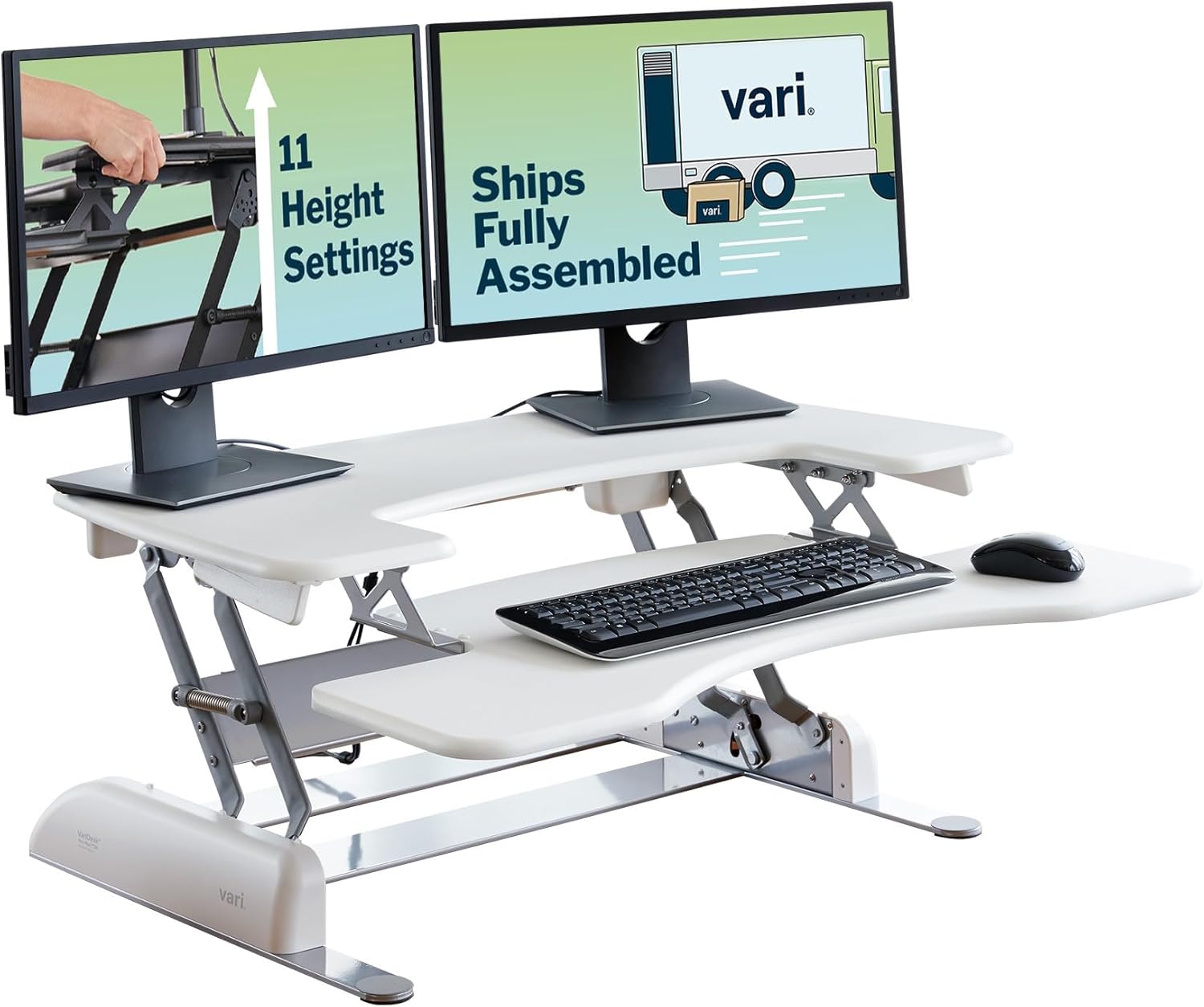
With memory presets and a smooth electric lift, the ErGear handles a single 32-inch monitor on a mid-weight arm without complaint. It is not the desk you want for a triple-monitor command center, but for a focused corner work zone with one display floating on a clamp arm, it is a clean, affordable pick — and two of them paired at 90 degrees still cost less than most true L-shape lifting frames.
Check the ErGear 48 x 24 Standing Desk on Amazon
Veken 47.2" Standing Desk with Wood Desktop — Best aesthetic match for a corner office
The Veken 47.2-inch desk earns its spot if you care about the corner office looking like an office, not a gaming bay. The solid-feel wood desktop blends with bookshelves, credenzas, and warm-toned trim much better than flat black laminate. The footprint is similar to the ErGear, so it suits compact corners, but the wood surface photographs and videoconferences noticeably nicer behind you.
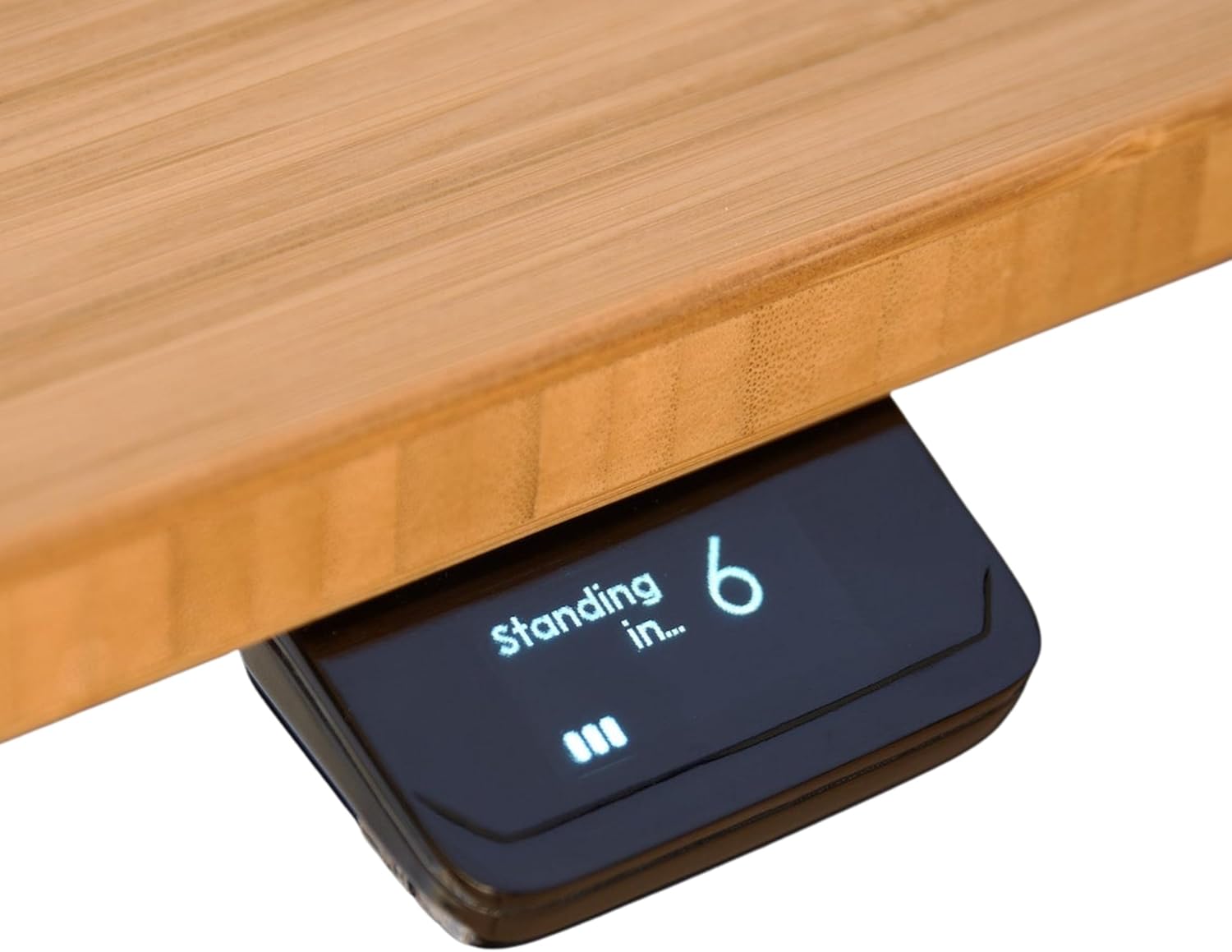
A note on monitor arms: confirm your arm's clamp throat opening before ordering, since some wood-topped standing desks have a slightly thicker rear edge profile than laminate models. Most C-clamp arms in the 0.4 to 3-inch range fit without an adapter, but a few heavy-duty arms with shallow throats may not.
Check the Veken 47.2" Wood Standing Desk on Amazon
Building an L-shape from a single electric standing desk
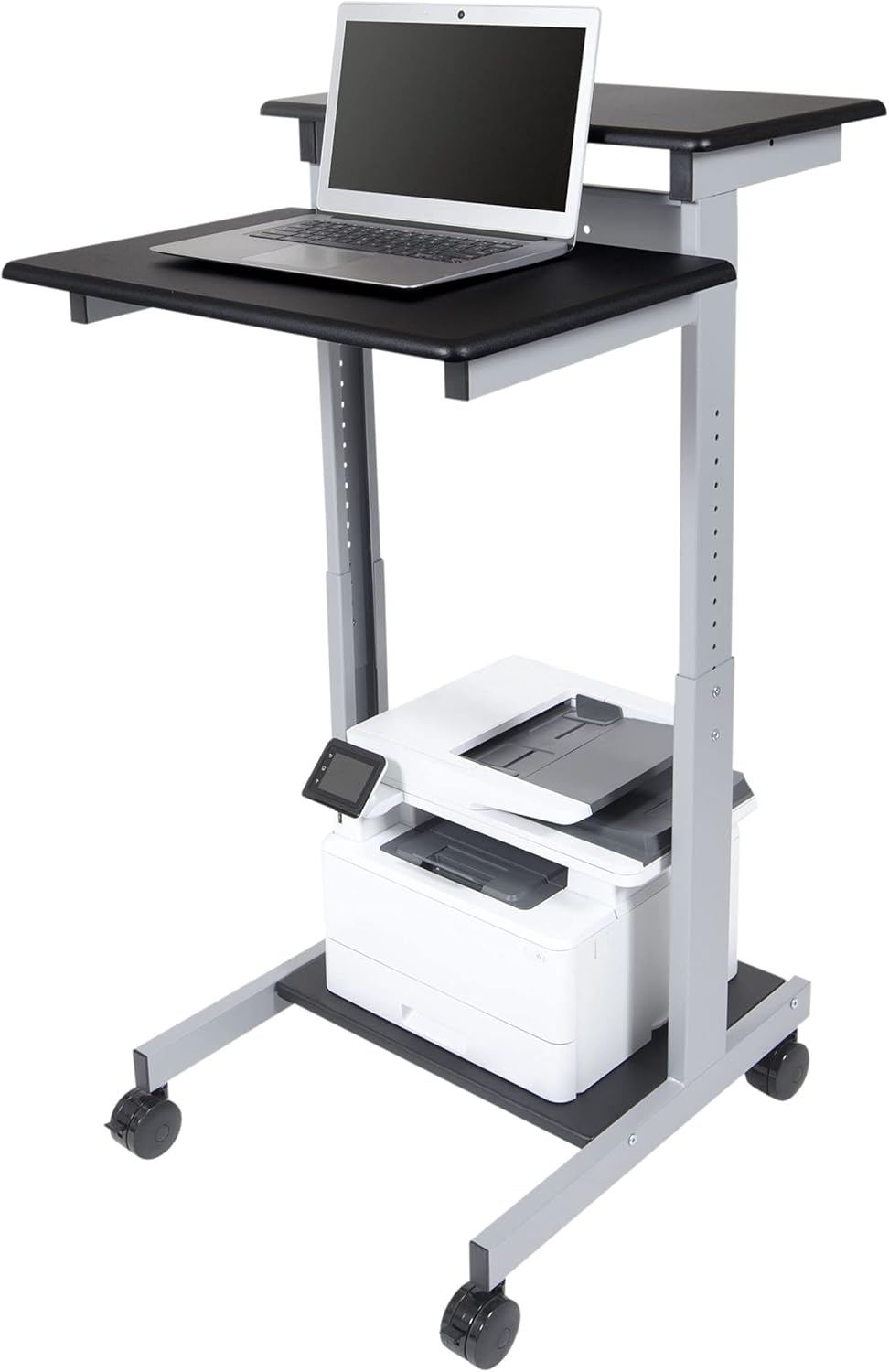
If a true L-shape lifting desk is out of budget, you have three solid options. First, pair a primary 60-inch electric standing desk with a fixed-height return. The return holds your printer, scanner, or secondary monitor stand, while the standing desk is your active work zone — this is the easiest path and the one most corner standing desk with monitor arm clearance shoppers actually take. Second, bridge two matched electric desks at a 90-degree angle, locking both controllers to identical height presets so they rise together; leave about a 1-inch gap at the seam so the desktops do not collide when one moves microscopically faster than the other. Third, use an aftermarket triangular corner-connector panel that sits between two rectangular desks and converts them into an L — these work best when both desks share identical frames and lift mechanisms.
For more L-shape combinations and frame-pairing tips, see our 2026 L-shaped standing desk guide.
Monitor arm tips for corner standing desks
A few field-tested tips for getting your monitor arm setup right in a corner: clamp the arm at least 6 inches from the inside corner where the two walls meet, because closer than that the arm's pivot range gets blocked by the perpendicular wall. For ultrawides over 34 inches, use a dual-pivot arm with a counter-balanced gas spring — single-pivot arms tend to drift in corners because the asymmetric load fights the spring. Cable-manage the monitor cable up the arm's pole rather than down through a desk grommet, since grommet routing creates a snag point when the desk rises and corner desks often lack grommets near the clamp location anyway. And if you have a window above the desk, measure twice: a monitor on an extended arm at the desk's tallest preset is the highest point in your setup, and people consistently underestimate it.
Sit-stand converters as an alternative
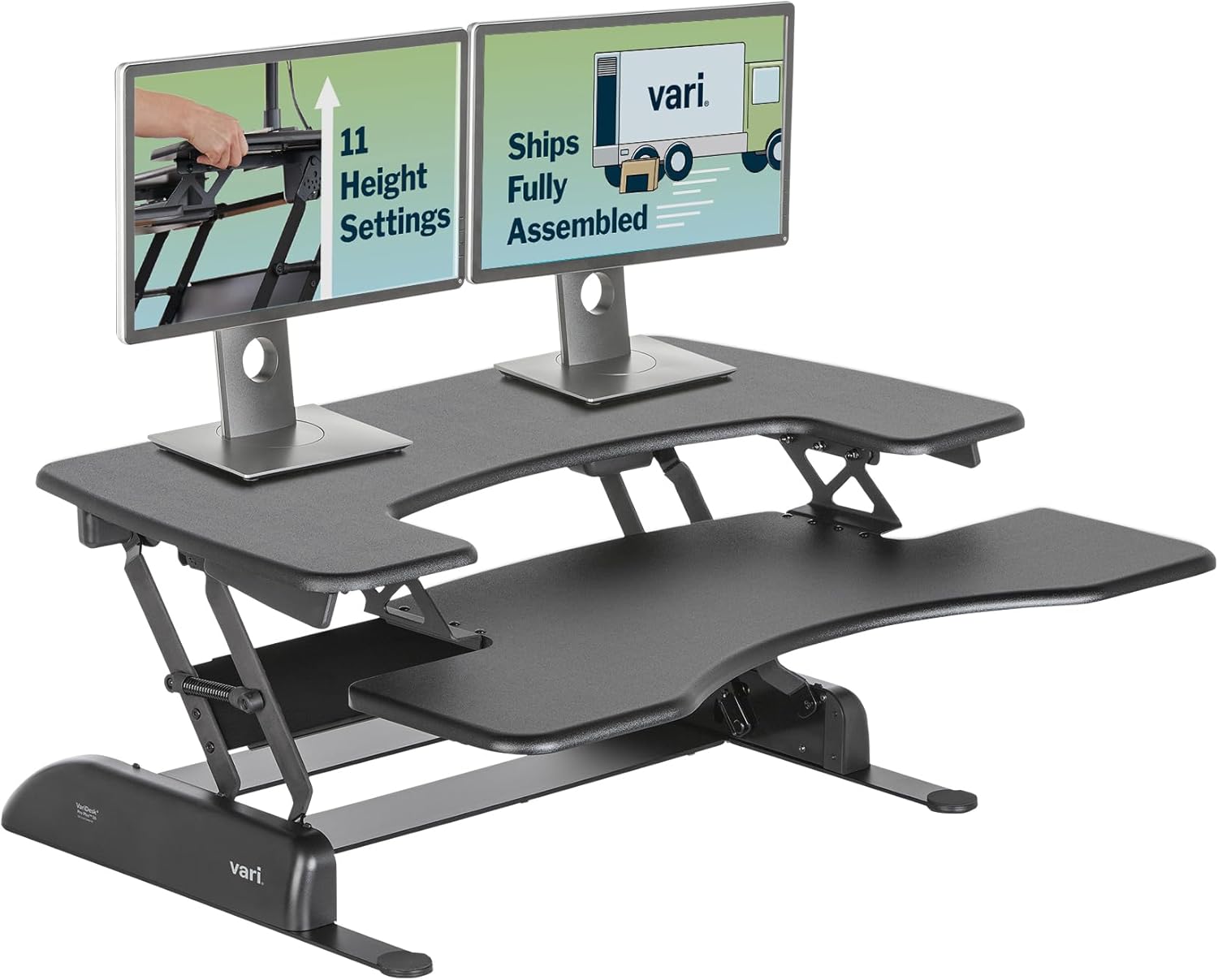
If you already have a beloved L-shape corner desk and do not want to replace it, a sit-stand converter that sits on top is a legitimate alternative. The downside in corner setups: most converters take up the back third of the desk, exactly where your monitor arm clamps. You may need to remount the arm to a wall stud or use a freestanding arm base. For most corner offices, replacing the desk with a dedicated electric lifting model is cleaner, and we walk through the full trade-off in our standing desk vs. converter comparison.
Frequently Asked Questions
Can I put a monitor arm on a 24-inch deep standing desk in a corner?
Yes — 24 inches is the minimum depth we recommend for a corner standing desk with monitor arm clearance, and it is the depth of all three desks above. The arm clamps to the rear edge, the monitor floats roughly 6 to 10 inches forward of the back wall, and your eyes land at a comfortable 20 to 30 inches from the screen at standing height.
What is the best L-shape standing desk for a small corner office in 2026?
For small corners, two 48 x 24 inch electric desks bridged at a 90-degree angle give you the most flexibility without overwhelming the room. If budget is tight, pair one 48-inch electric desk with a fixed-height return that doubles as printer storage. The ErGear 48 x 24 is our go-to compact pick for this exact build.
How much rear clearance do I need behind a corner standing desk?
Leave at least 2 inches between the rear edge of the desk and the wall. Monitor arm clamps protrude rearward by 1 to 2 inches, and the desk's lifting columns need a small air gap so cables and dust do not get pinched as the desk travels up and down. If you have baseboards, thermostats, or wall-mounted outlets, account for those too — they can shrink your usable rear depth by another inch.
Will a heavy ultrawide tip a standing desk forward when extended on an arm?
Not if the desk's weight capacity comfortably exceeds the load. The VIVO at 220 pounds and the ErGear and Veken in the 150-to-175-pound range all handle a 25-to-30-pound ultrawide on an extended arm. The real risk is frame wobble at full standing height, not physical tipping — choose a dual-motor desk with a steel cross-brace if you regularly extend a heavy arm to its full reach.
Can I use two standing desks together to make a corner L-shape?
Yes, and many corner-office readers do exactly this. Buy two identical models — same brand, same controller firmware, same height range — and set both controllers to the same memory presets so they always rise together. Leave a 1-inch gap at the inside corner to prevent the two desktops from colliding when one moves a hair faster than the other during travel.
Do standing desk converters work well in corner offices?
They can, but they consume the back third of the desk — exactly the zone you need for a monitor arm clamp. For corner offices with a dedicated articulating arm, a true electric standing desk is almost always the better choice. Converters make more sense when your monitor sits on a stand or wall mount rather than a clamp arm.
What height should a standing desk be at for a corner workstation?
Standing-desk height should put your elbows at roughly 90 degrees with your wrists flat on the keyboard. For most adults, that is between 38 and 44 inches when standing. All three desks above cover that range. In a corner with a window above, measure from the floor to the underside of the sill, subtract your tallest monitor's height plus another 4 inches of arm-pole clearance, and that is your maximum allowable standing-desk height.
Key Takeaways
- Choosing the right corner standing desk with monitor arm clearance means matching capacity and output ports to your actual devices
- Always check actual watt-hours (Wh), not just watts — runtime depends on Wh, not peak output
- Also covers: l-shaped standing desk monitor arm
- Also covers: corner electric standing desk arm clearance
- Also covers: l-shape sit stand desk arm mount
- Compare price-per-Wh across models to find the best value for your budget