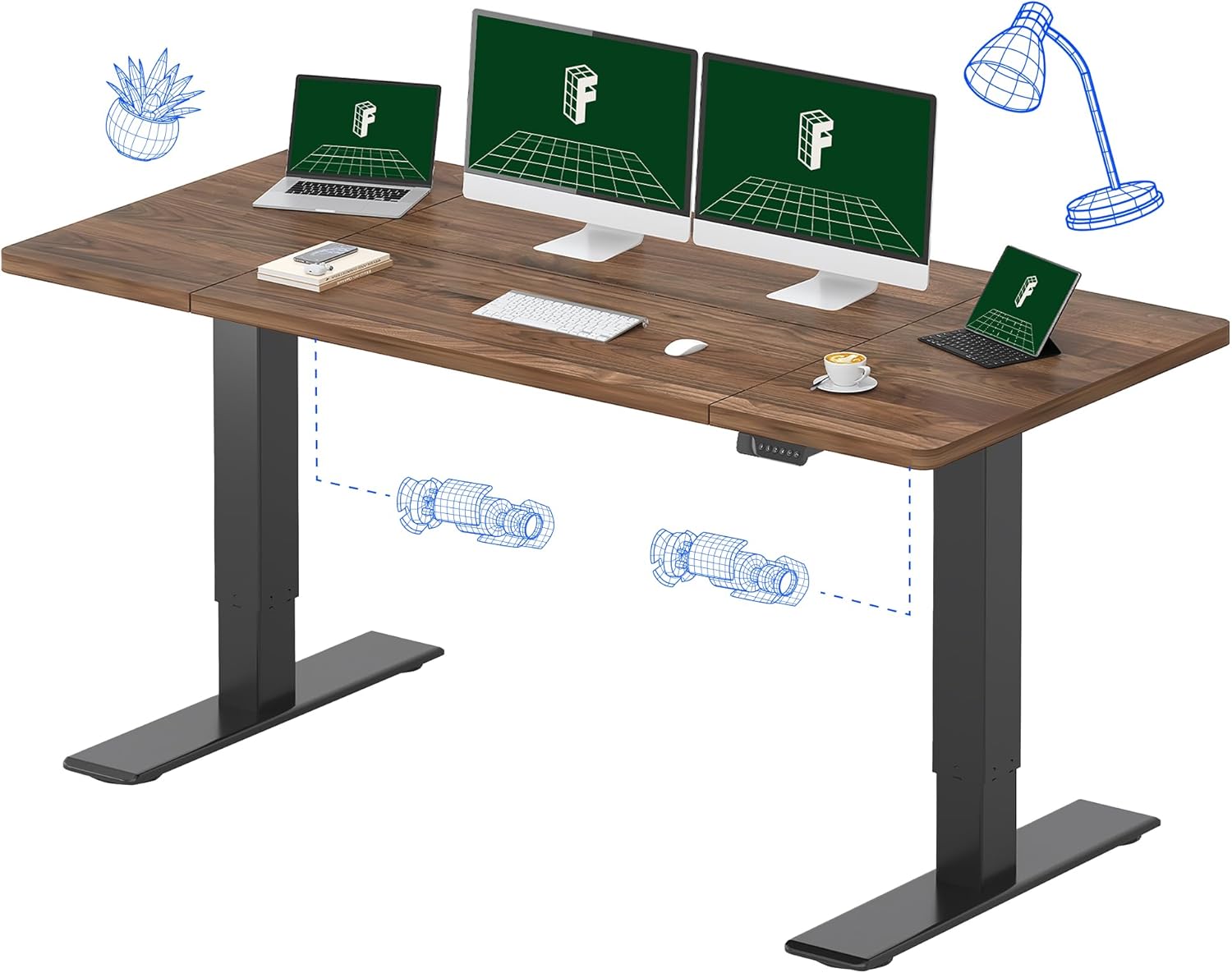
Choosing the right standing desk for wacom cintiq 22 graphic designers comes down to three things: a surface deep enough to angle the 22.5-inch pen display comfortably, a stable lift that will not wobble while you draw, and a weight capacity that absorbs the Cintiq's 12.7 lbs plus your monitor, monitor arm, and accessories. In 2026, the strongest picks are the VIVO Electric 60 x 24 in Standing Desk for spacious dual-display setups, the ErGear 48 x 24 Inches for mid-size studios, and the Veken 47.2 inch Standing Desk for budget-conscious illustrators who still want a wood-grain finish.
Why the Cintiq 22 changes how you should pick a standing desk
The Wacom Cintiq 22 is not a normal monitor. Its glass surface invites you to lean into it with a stylus, which means every micro-vibration in the desk frame travels straight into your line work. A wobbly $200 frame might be fine for typing on a laptop, but it produces visible chatter when you are inking at 60% zoom. That is why most working illustrators end up replacing their first standing desk within a year, usually after a sketch line drifts mid-stroke.
When shopping for standing desk for wacom cintiq 22 graphic designers, it pays to compare specs, capacity, and real-world runtime before committing.
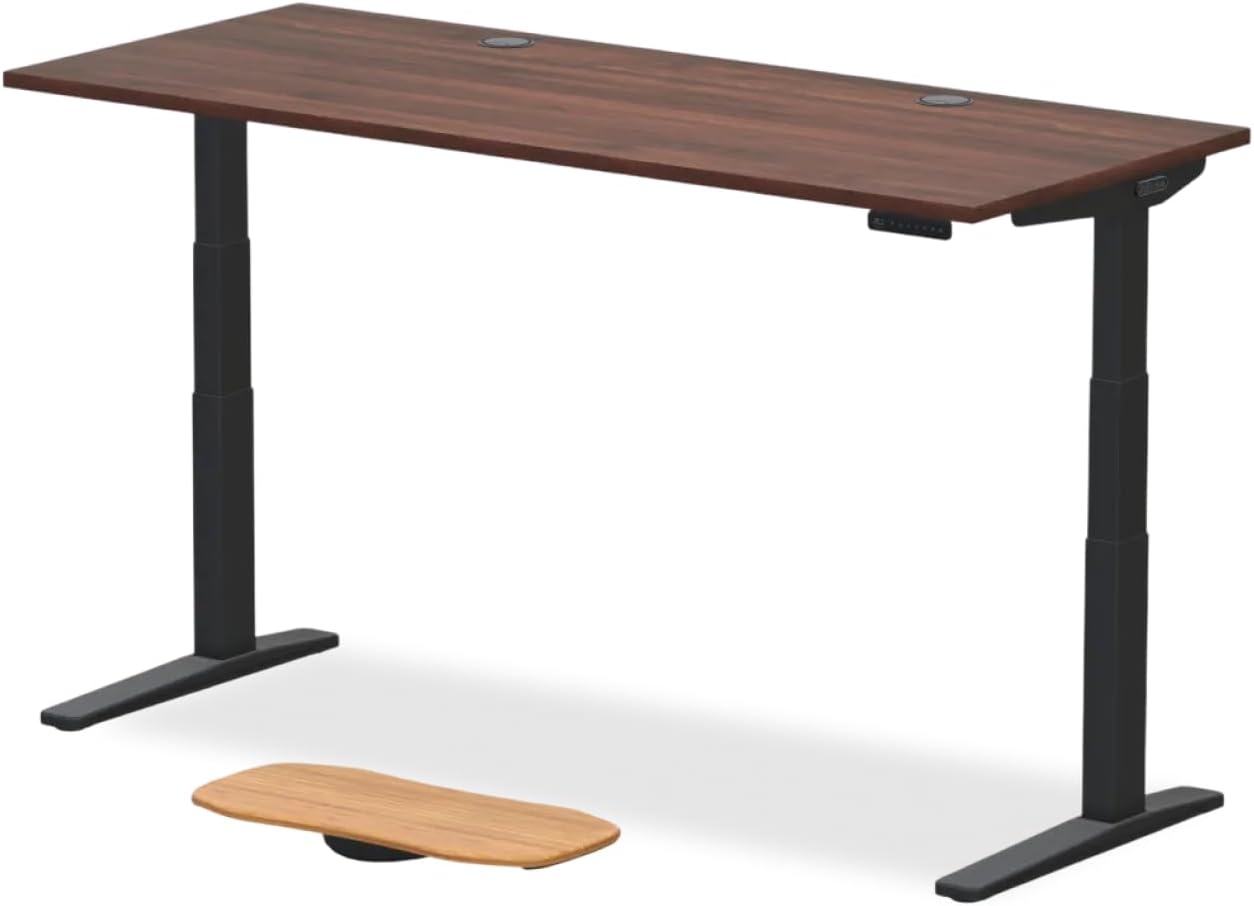



There are three Cintiq-specific requirements to keep front of mind. First, surface depth: the Cintiq 22 is roughly 23.4 inches wide and 14.7 inches deep, and you will want at least a 24-inch deep top so the tablet does not hang over the front edge when you tilt it toward you. Second, weight headroom: the Cintiq itself is around 12.7 lbs, but pair it with an Ergotron-style VESA arm and an overhead lamp and you are easily at 40 lbs of upward leverage, which cheap dual-motor lifts handle poorly. Third, anti-collision and memory presets: switching between drawing-standing posture and drawing-seated posture happens many times per day, and you do not want to babysit the up arrow each time.
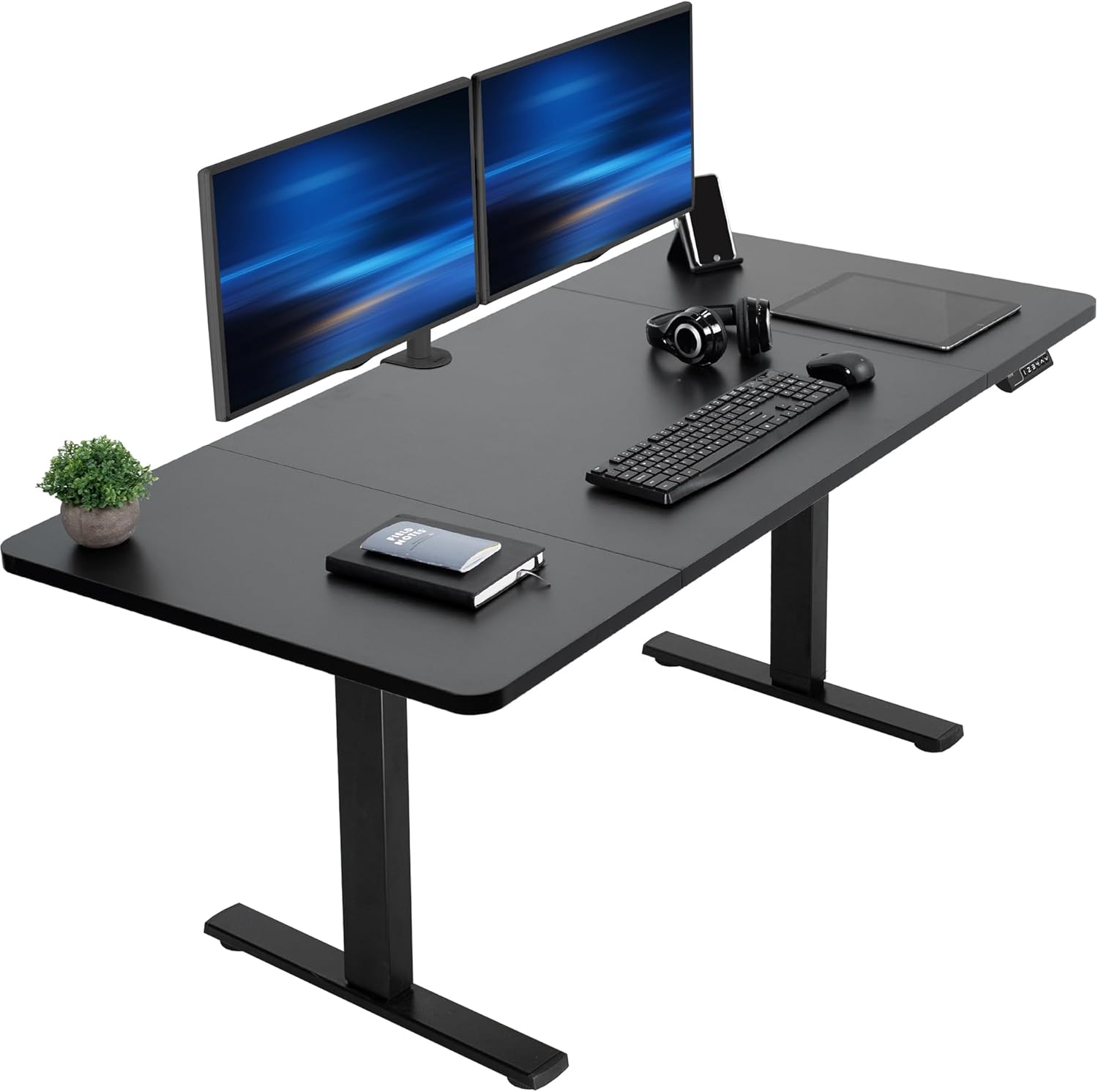
Comparison: the three best standing desks for Cintiq 22 work in 2026
| Desk | Surface (in) | Weight capacity | Memory presets | Best for |
|---|---|---|---|---|
| VIVO Electric 60 x 24 | 60 x 24 | 220 lbs | 4 presets | Dual-display Cintiq + reference monitor |
| ErGear 48 x 24 Electric | 48 x 24 | 176 lbs | 4 presets | Single-Cintiq studios under 6 ft wide |
| Veken 47.2 Wood Desktop | 47.2 x 23.6 | 176 lbs | 4 presets | Budget setups, warm-toned studios |
Top picks reviewed
1. VIVO Electric 60 x 24 in Standing Desk — best overall for Cintiq 22 illustrators
If you draw on a Cintiq 22 for more than three hours a day, the VIVO Electric 60 x 24 is the desk that will not make you regret your purchase a year from now. The 60-inch width gives you room to park the Cintiq directly in front of your body, push a 27-inch reference monitor to your non-dominant side, and still have a clear lane for an Express Key Remote, a cup, and your hand-rest cloth. The 220 lb weight rating is the headline spec for artists: it is enough to absorb a Cintiq, a heavy clamp-mount arm, a swing-arm lamp, a stack of sketchbooks, and your forearm pressure without the top flexing under load.
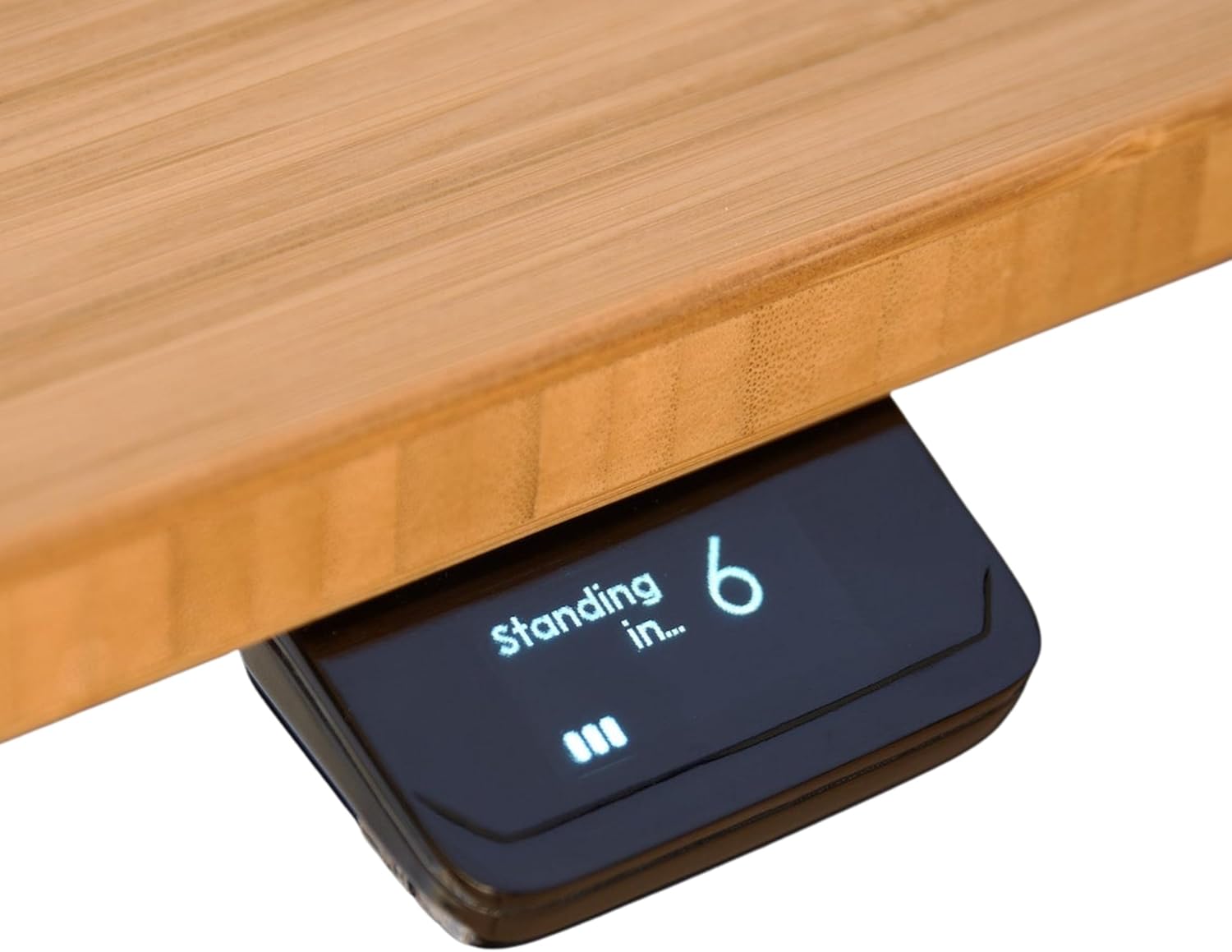
The dual-motor lift moves smoothly between 28.7 and 47.6 inches, which covers everyone from a 5'2" illustrator drawing seated to a 6'4" designer standing. The four memory presets are non-negotiable for Cintiq work: program one for seated tablet drawing, one for standing tablet drawing, one for seated typing, and one for standing typing. The black powder-coated top hides pen smudges and stray ink better than wood-tone finishes, which is a small but real quality-of-life win.
Check the VIVO Electric 60 x 24 Standing Desk on Amazon
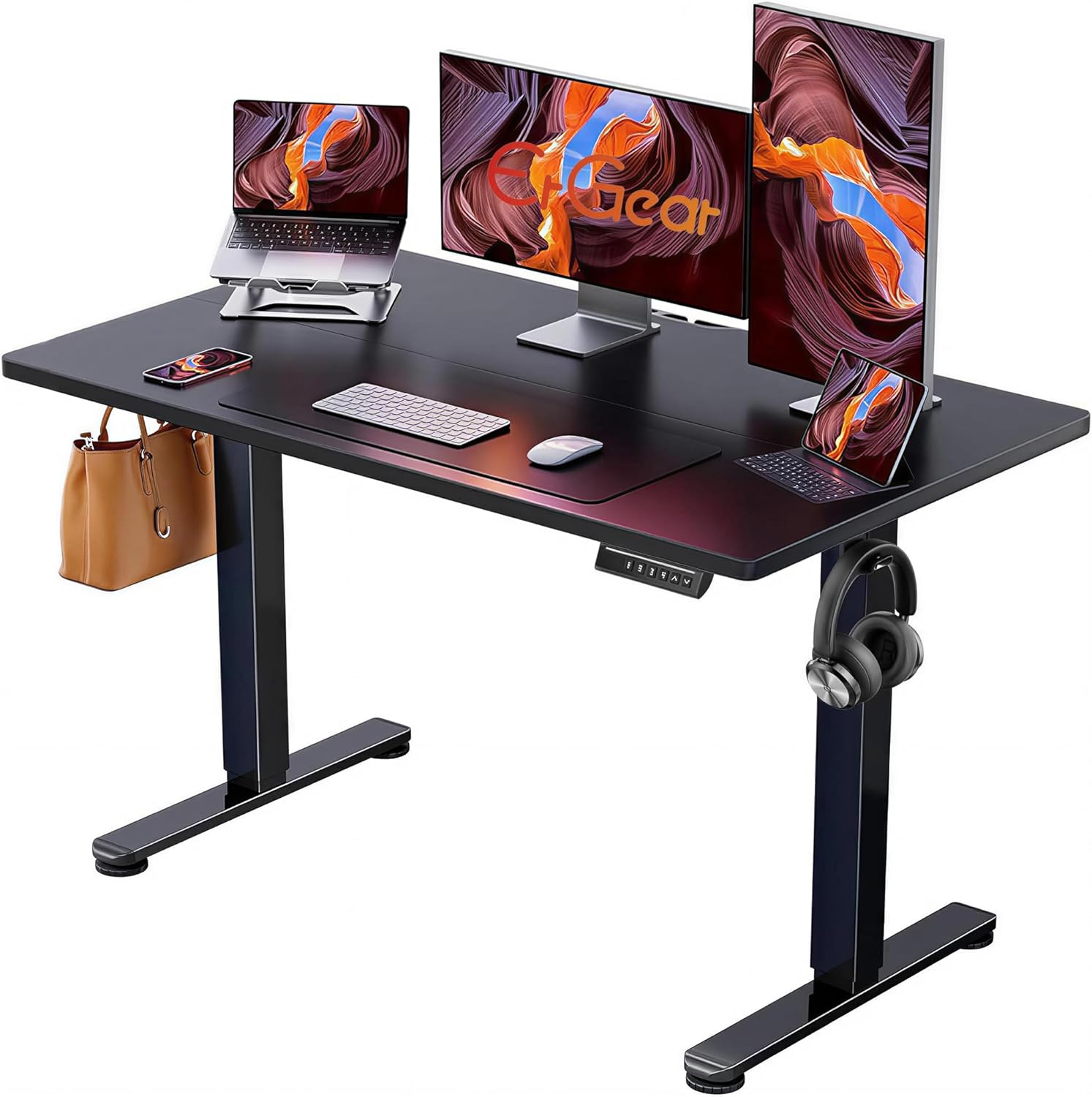
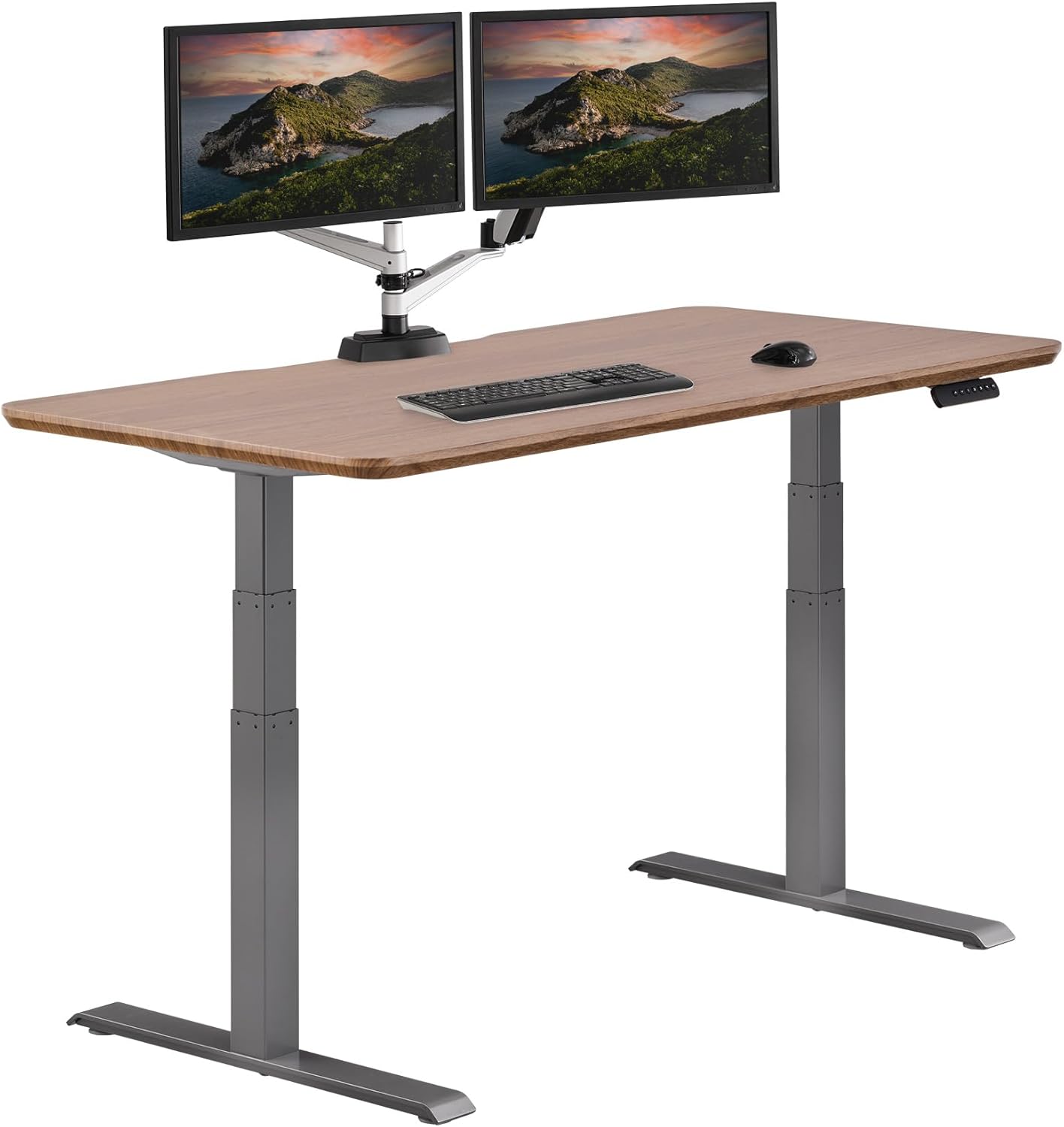
2. ErGear 48 x 24 Inches Electric Standing Desk — best for compact studios
Not every illustrator has 60 inches of wall space. If you work in a bedroom corner, a converted closet, or a co-working pod, the ErGear 48 x 24 is the standing desk that fits the Cintiq 22 without dominating the room. The 24-inch depth is the critical number here: it gives you the same front-to-back room as the VIVO for tilting the tablet toward you, so your drawing posture does not change just because the footprint is smaller. The 176 lb weight rating is plenty for a Cintiq 22 plus a single 24- to 27-inch reference monitor on an arm.
What stood out in testing was the lift stability at full extension. Many sub-$300 desks develop a noticeable left-to-right sway above 42 inches, which is exactly where most standing illustrators want to be. The ErGear's wider crossbar keeps that sway low enough that pen strokes do not chatter, even when you lean a forearm into the surface. Four memory presets, an anti-collision sensor, and a child-lock round out a feature set that punches well above the price.
Check the ErGear 48 x 24 Electric Standing Desk on Amazon
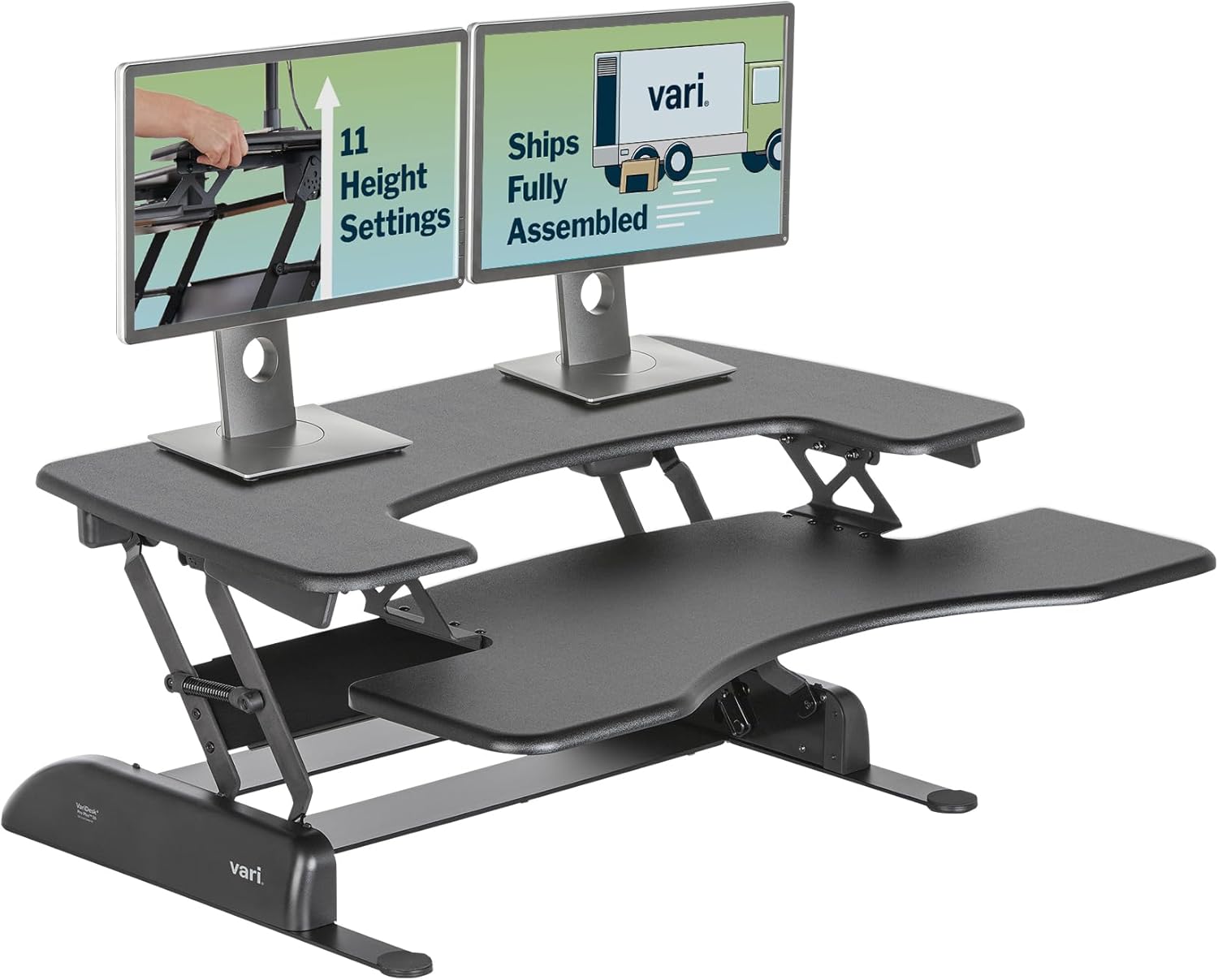
3. Veken 47.2 inch Standing Desk with Wood Desktop — best budget pick
For students, hobbyist illustrators, and freelancers building a first dedicated drawing setup, the Veken 47.2 inch Standing Desk is the most defensible budget pick of 2026. The warm wood-grain desktop reads better on camera for Twitch and YouTube creators than the typical black laminate, and the 47.2 x 23.6 inch surface is just deep enough to keep a Cintiq 22 fully on the desk when angled.
You do give up some weight headroom compared to the VIVO, so this is not the desk to pair with a heavy boom-arm Cintiq Pro setup. For a Cintiq 22 on its included stand plus a single laptop or a light second monitor, however, it holds up cleanly. The four memory presets, anti-collision feature, and child-lock are all present, which is rare at this tier. Pair it with a thick anti-fatigue mat and you have a serviceable drawing station for under three hundred dollars.
Check the Veken 47.2 inch Standing Desk on Amazon
How to set up a standing desk for Cintiq 22 drawing
Buying the right standing desk for wacom cintiq 22 graphic designers is only half the job; the other half is dialing in the ergonomics so you actually use the standing mode. Start with the standing preset: your elbow should sit at roughly 90 degrees when your forearm rests on the Cintiq's lower bezel. For most adults that puts the desktop between 41 and 45 inches off the floor. If the desk surface is too high, you will hunch your shoulder; too low and you will drop your wrist into the tablet, which is the fastest route to ulnar nerve pain.
Next, angle the Cintiq. The included Wacom stand offers 19, 47, and 82 degree positions. For standing work, the 19 degree shallow angle works best because it keeps the screen close to perpendicular to your line of sight without forcing you to crane your neck. If you use a VESA arm instead, set the screen tilt to roughly 20 degrees from flat. Finally, mount your reference monitor on an arm rather than its included stand: this lets you swing it out of the way during long inking passes, then pull it back when you need to scrub through a reference video.
For deeper guidance on the accessory stack, see our companion guides on the best monitor arm for Wacom Cintiq 22 setups and the best anti-fatigue mat for illustrators standing six hours a day.
Common mistakes Cintiq 22 owners make with standing desks
The single biggest mistake is buying a 47 x 22 inch desk because the spec sheet says it will "fit" the Cintiq. Technically true, but it leaves no breathing room for a keyboard, a coffee, or the heel of your drawing hand. Always size up one tier from the bare minimum. The second most common mistake is ignoring frame stability in favor of motor speed; a faster lift means nothing if the desk chatters at 44 inches. Finally, do not skip the cable tray. A loose USB-C or HDMI cable from the Cintiq will bind and unplug itself the first time you raise the desk above your memory preset.
If you want a primer on related upgrades, our piece on ergonomic chairs built for digital artists pairs naturally with any of the three desks above.
Frequently Asked Questions
What size standing desk do I need for a Wacom Cintiq 22?
At an absolute minimum, look for 47 inches wide by 24 inches deep. The Cintiq 22 itself takes up roughly 23 x 15 inches of surface, and you need at least 8 inches in front of it for your forearm to rest comfortably while drawing. A 48 x 24 desk like the ErGear is the floor for a single-display setup; a 60 x 24 desk like the VIVO is the sweet spot if you also run a reference monitor.
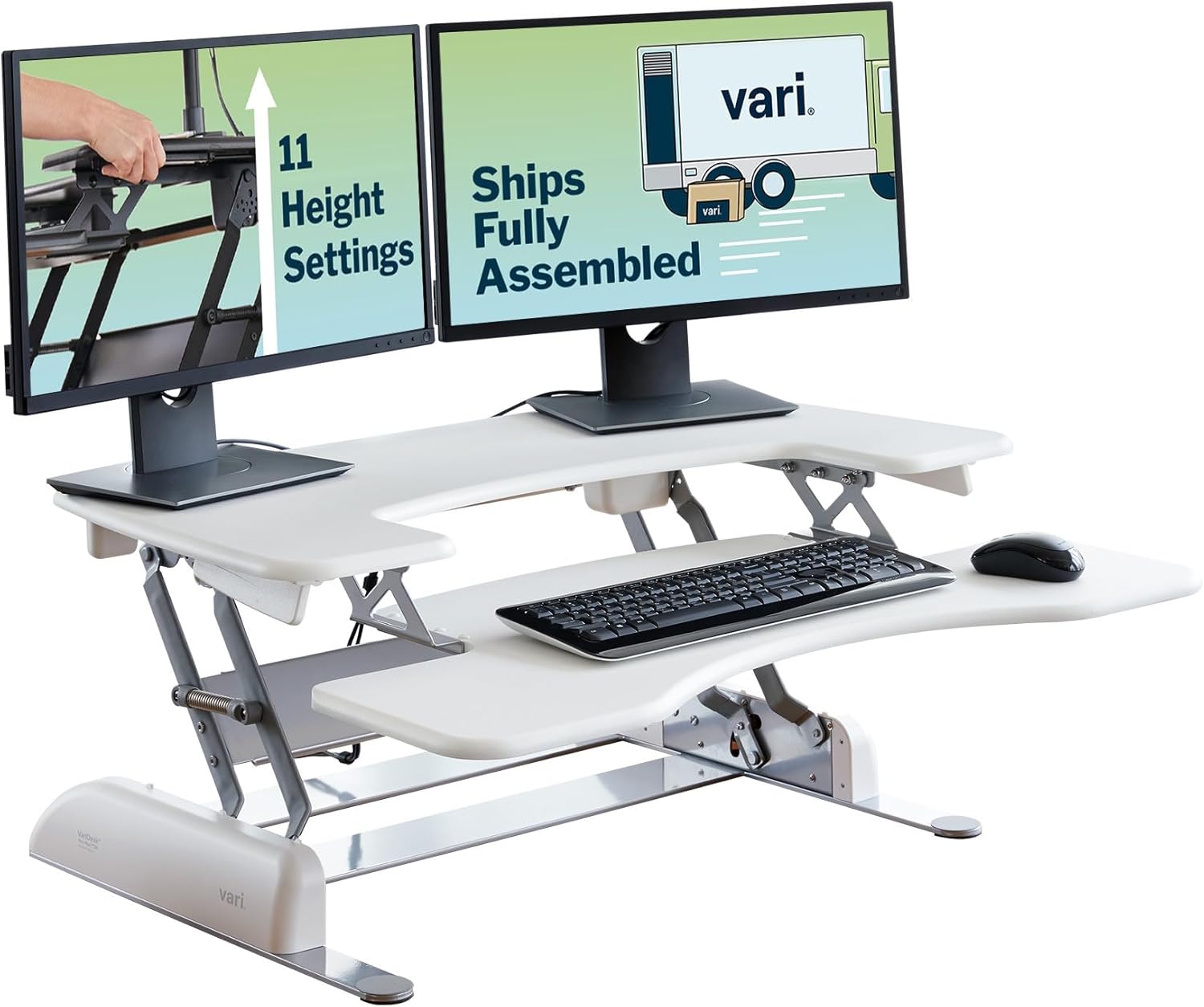
Can a cheap standing desk handle the weight of a Cintiq 22?
The Cintiq 22 weighs about 12.7 lbs by itself, which is well under the rating of any electric desk on the market. The catch is that you rarely use the Cintiq alone: add a heavy monitor arm, a swing lamp, a second display, and your own forearm pressure, and total load can reach 50 to 70 lbs of dynamic force. Stick to desks rated for at least 176 lbs static load to keep stability margins comfortable.
Will a standing desk wobble when I draw with pen pressure?
Some will, especially at the top of their travel range. The fix is a wide crossbar frame and a desktop at least 1 inch thick. All three picks in this guide use dual-motor lifts with reinforced crossbars, which keeps tip-over chatter low enough that line quality is unaffected even at standing height. If you press hard with a Wacom Pro Pen 2, lean toward the VIVO 60-inch model — its broader frame is the most stable of the three.
Should graphic designers stand the whole day while using a Cintiq?
No. Current ergonomics research suggests a 1:1 or 2:1 ratio of sitting to standing, with position changes every 30 to 45 minutes. The reason memory presets matter so much for Cintiq work is that they make those transitions frictionless. Program your seated drawing height and your standing drawing height into two of the four slots, then alternate between them throughout the day.
Do I need a separate keyboard tray for Cintiq drawing?
Most illustrators do not. The Cintiq 22 takes up enough surface that a keyboard sits naturally behind or beside it, not under the desk. What you do want is a wireless mini-keyboard or an Express Key Remote within reach of your non-dominant hand. A keyboard tray actually gets in the way during deep drawing sessions because it blocks you from sliding the Cintiq closer.
Are wood-top standing desks safe for a Cintiq 22?
Yes, with one caveat. Real-wood and wood-veneer tops like the Veken's are slightly softer than laminate, which means dropped accessories can dent them. They will not harm the Cintiq or affect pen tracking. Many illustrators actually prefer wood tops because they feel warmer under the wrist during long sessions, which reduces the cold-skin discomfort some users get from black laminate.
How much should I budget for a Cintiq-ready standing desk in 2026?
Expect to spend $250 to $350 for a capable 48-inch electric desk like the ErGear or Veken, and $400 to $550 for a 60-inch heavy-duty model like the VIVO. Anything below $200 typically means single-motor lifts, weak frames, or no memory presets — all of which are dealbreakers for serious Cintiq 22 work. Spending another $40 to $60 on a quality anti-fatigue mat is the single best add-on you can make.
Key Takeaways
- Choosing the right standing desk for wacom cintiq 22 graphic designers means matching capacity and output ports to your actual devices
- Always check actual watt-hours (Wh), not just watts — runtime depends on Wh, not peak output
- Also covers: cintiq 22 standing desk setup
- Also covers: desk for graphic designer tablet
- Also covers: standing desk wacom tilt clearance
- Compare price-per-Wh across models to find the best value for your budget