If you build circuits, repair retro consoles, or prototype IoT boards at home, the best standing desk for soldering electronics gives you a flat, rigid surface that won't sag under a hot air rework station, a microscope, and a full ESD mat. In 2026, the sweet spot is a Class-2 dual-motor electric frame with a thick laminate top measuring at least 47 inches wide, a weight capacity of 175 pounds or more, and a memory keypad so you can flip between a seated microscope position and a standing inspection height without disturbing your iron tip or solder spool.
Below I rank three real, shippable desks that work well as a hobby electronics bench, explain how to mount a rubber ESD mat correctly, and answer the long-tail questions hobbyists keep asking on EEVblog, r/AskElectronics, and the Hackaday forums. Every pick has been chosen because the top is wide enough for a 24x16-inch ESD mat plus a fume extractor, and because the lifting column is rated to handle the dead weight of a benchtop power supply, oscilloscope, and a heavy steel vise.
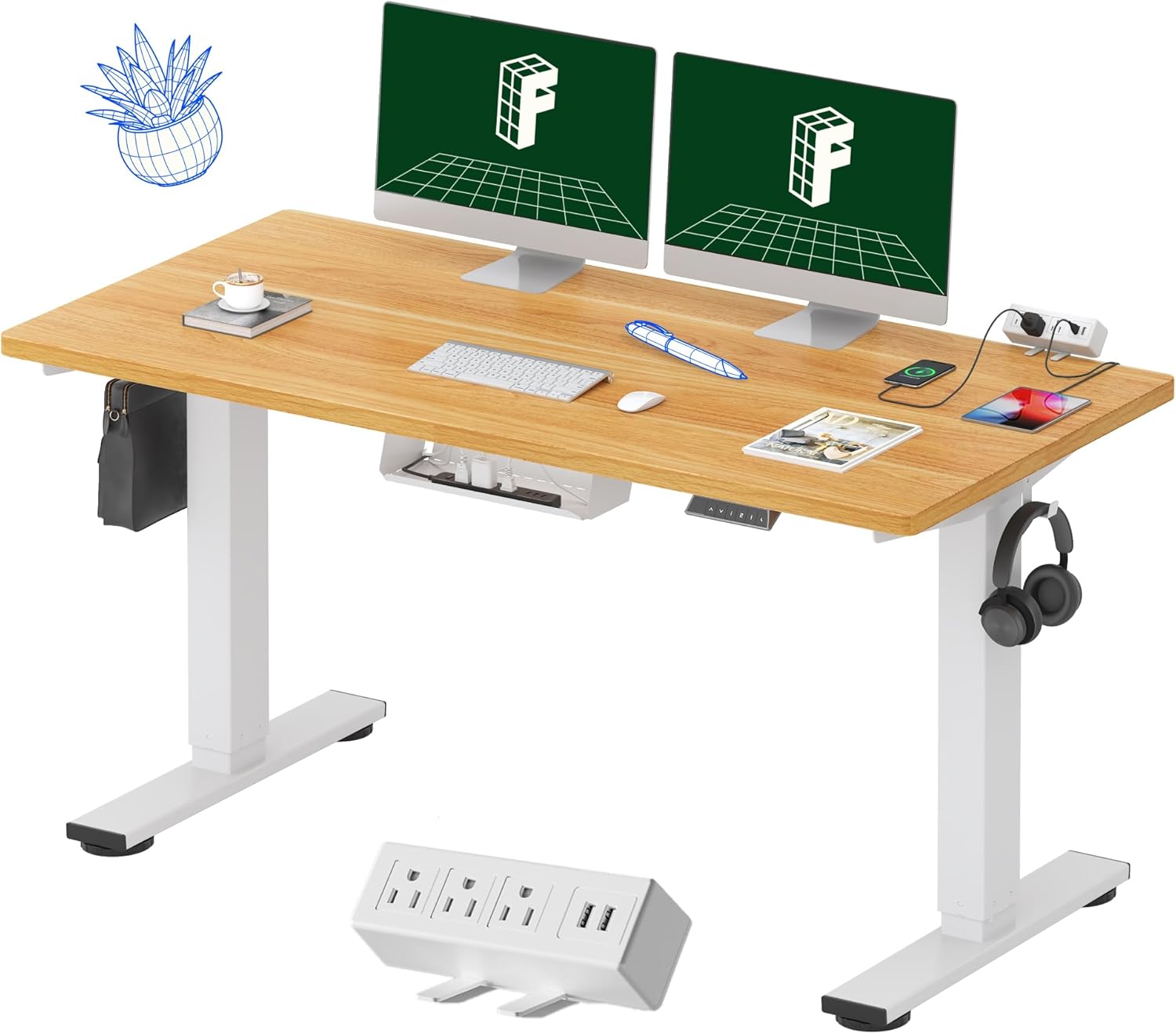
Why a standing desk beats a fixed bench for soldering work
Traditional electronics benches are fixed at roughly 36 inches, which forces you to hunch when probing a board under a stereo microscope and forces you to stand awkwardly when you want a top-down view of a wave-soldered joint. A height-adjustable frame solves both problems. Drop the desk to 28 inches for relaxed microscope work in a drafting chair, then raise it to 42 inches for standing inspection, hot air rework, or stencil paste application where wrist neutrality matters more than eye distance.



The other reason the best standing desk for soldering electronics matters is heat management. When you sit for three-hour debug sessions over a 350-degree-Celsius iron, the rising plume from your fume extractor lands directly in your face. Standing - or alternating - moves your nose out of the path of flux smoke and reduces the airborne tin-lead exposure that the IPC-A-610 guidelines warn about. A sturdy electric desk with a memory keypad makes that alternation effortless.
Comparison of the top three standing desks for an electronics bench
| Desk | Top size | Weight capacity | Motor type | ESD mat fit (24x60 in) | Best for |
|---|---|---|---|---|---|
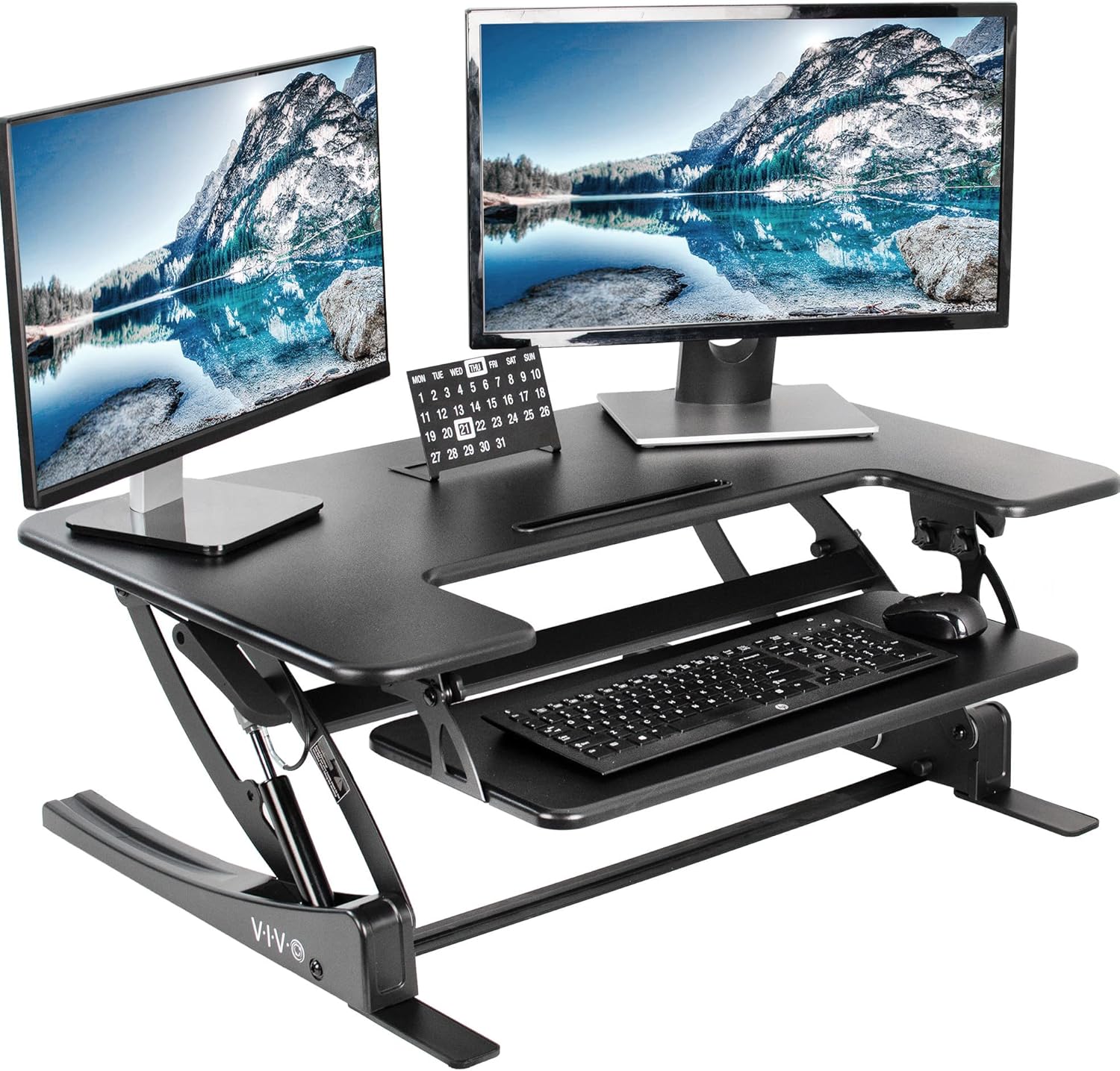
| VIVO Electric 60 x 24 | 60 x 24 in | 220 lb | Dual-motor electric, memory keypad | Full mat fits flush | Heavy bench gear: scope, PSU, hot air station |
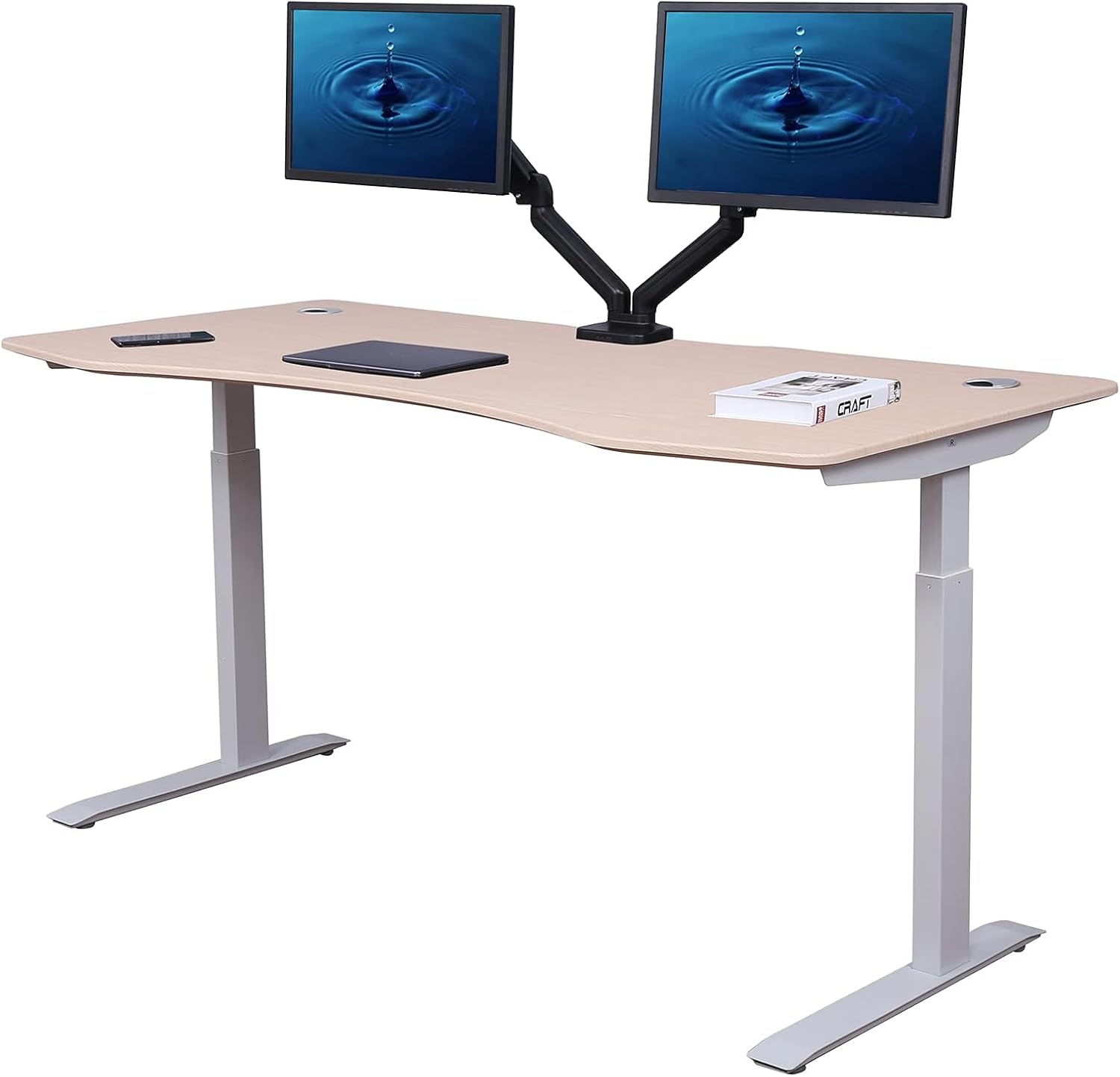
| ErGear 48 x 24 | 48 x 24 in | 176 lb | Single-motor electric, memory keypad | Fits a 22x36 in mat with margin | Apartment hackers, single-iron setups |
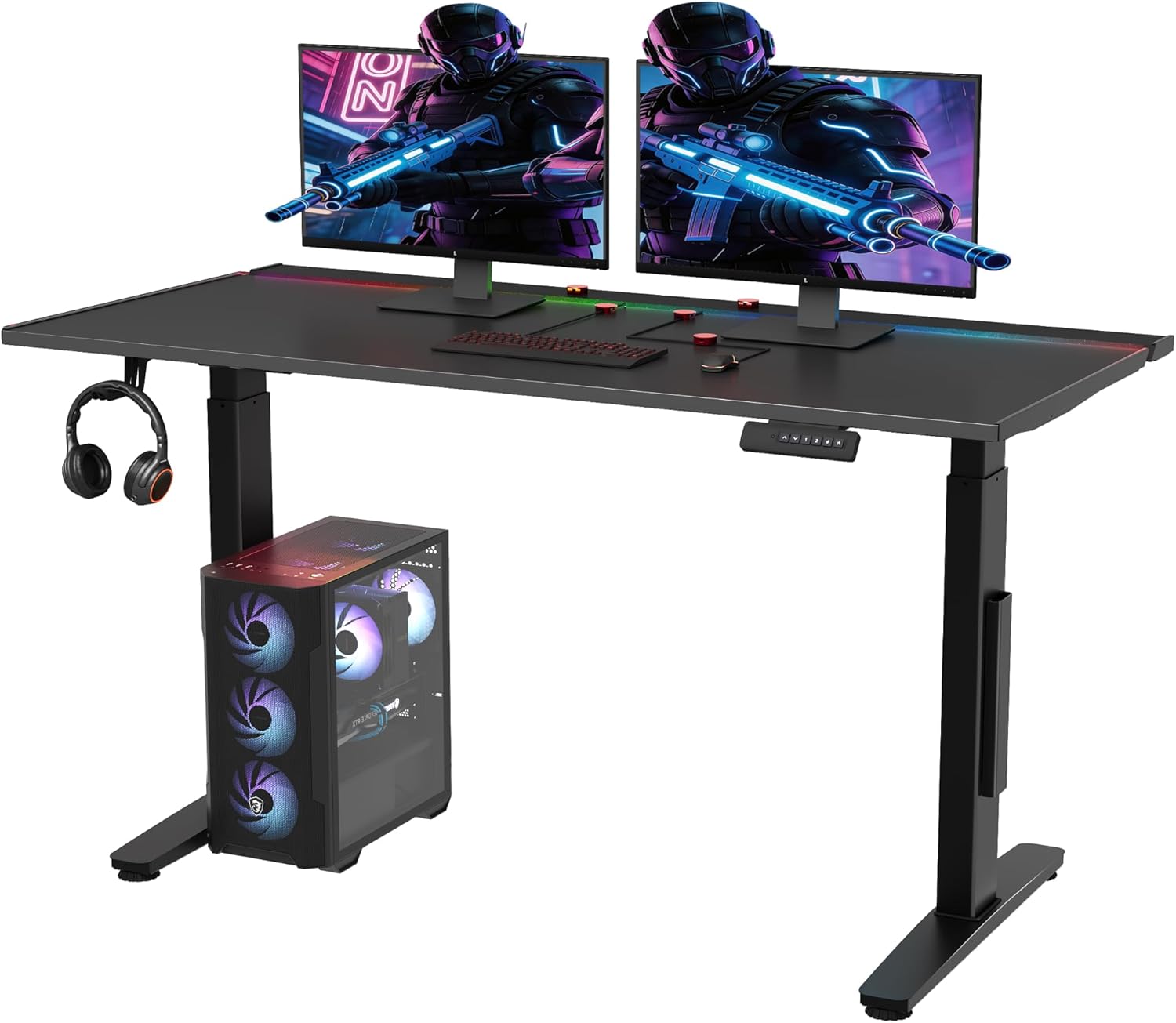
| Veken 47.2 in Wood-top | 47.2 x 23.6 in | 154 lb | Electric lift, programmable | Fits a 22x36 in mat; wood top needs ESD layer | Hobbyists who want a warm-looking home office bench |
Top picks for 2026
1. VIVO Electric 60 x 24 in Standing Desk - the heavyweight workbench
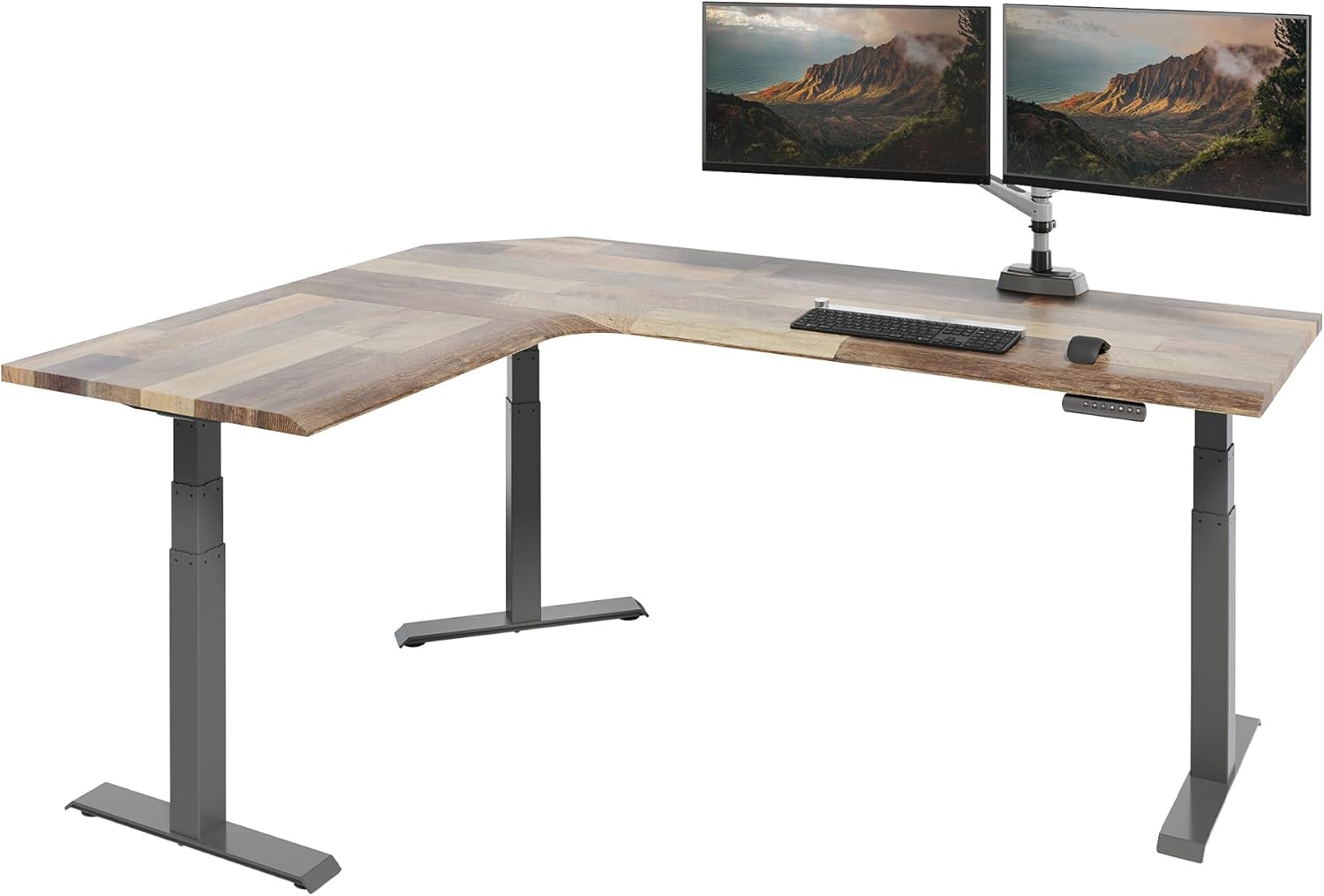
This is the desk I recommend first to anyone who already owns a Hakko FX-951, a Rigol scope, a bench PSU, and a Quick 861DW hot air rework station. The VIVO frame uses dual motors and is rated to 220 pounds, which sounds excessive until you actually weigh your bench gear - a four-channel oscilloscope alone runs 12 to 18 pounds, and a steel PCB vise adds another 10. The 60-inch-wide laminate top swallows a full 24 x 60-inch rubber ESD mat with no overhang, so the grounding snap on the mat lands cleanly on the desk surface rather than dangling over the edge.
For soldering specifically, the VIVO's dual lifting columns reduce wobble at full extension to the point where a stereo microscope stays in focus even when you bump the desk. The memory keypad stores four heights, so you can program one preset for microscope rework, one for standing hot air work, one for through-hole hand soldering with your forearms parallel to the floor, and one for keyboard-and-mouse PCB layout in KiCad. Check current pricing and the Prime delivery window at VIVO Electric 60 x 24 in Standing Desk, Memory Height Adjust.
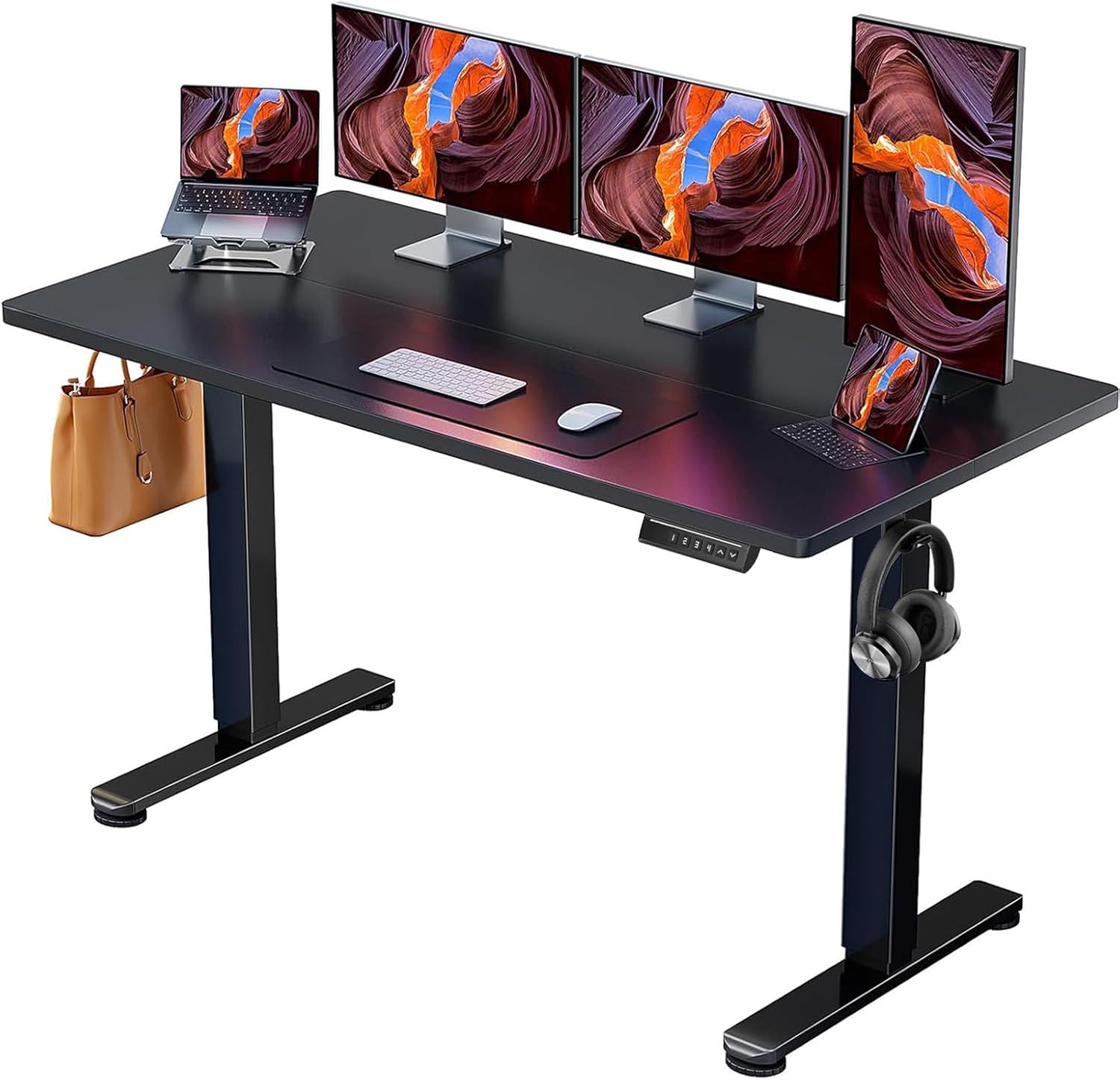
2. ErGear Height Adjustable Electric Standing Desk 48 x 24 - the smart apartment pick
If your bench lives in a spare bedroom or a corner of a studio apartment, the ErGear 48-inch is the best standing desk for soldering electronics on a tight footprint. The 48 x 24-inch top is just large enough to hold a 22 x 36-inch ESD mat, a fume extractor on the back-left corner, a soldering station on the back-right, and a 13-inch laptop running OpenOCD or your logic analyzer software in front. The 176-pound capacity covers a typical hobby kit: scope, bench PSU, multimeter, helping hands, and a small parts cabinet.
The memory controller has three presets - I assign mine to seated microscope (28 in), standing rework (40 in), and a midpoint for hand-soldering jigs. The single-motor design is quieter than dual-motor competitors, which matters when you're recording teardown videos. The biggest caveat is the weight rating: don't park a CRT-era oscilloscope on this frame. For a modern DSO-and-iron setup it's plenty. Current price at ErGear Height Adjustable Electric Standing Desk, 48 x 24 Inc.
3. Veken 47.2 in Standing Desk with Wood Desktop - the home-office crossover
The Veken splits the difference between an electronics bench and a regular work-from-home desk. The wood-grain top looks at home in a living room or a shared office, so if your partner has vetoed the idea of a black industrial bench in the spare bedroom, this is the diplomatic compromise. The 47.2 x 23.6-inch surface still accommodates a 22 x 36-inch rubber ESD mat, and the wood feels warmer under your wrists during long through-hole sessions than cold laminate.
Two caveats specific to electronics work: first, wood is not inherently ESD-safe, so the rubber mat plus a wrist strap is non-negotiable. Second, the 154-pound capacity is the lowest of the three picks, which means you should mount any heavy gear - bench PSU, scope - on a separate shelf or on the floor rather than directly on the desktop. For the hobbyist who solders three evenings a week and writes firmware on the same surface the other four, it's the right call. Check stock at Veken 47.2" Standing Desk, Adjustable Height Office Desk wit.
How to set up an ESD mat on a height-adjustable desk
An ESD mat only works if it's bonded to ground through a one-megohm resistor and if the grounding snap stays attached as the desk moves up and down. The trick on a height-adjustable frame is to run the grounding wire down the inside of one of the lifting columns, secure it with a few adhesive cable clips, and terminate it at a known-good earth point - usually the center screw of a grounded wall outlet via a proper banana-to-screw adapter. Leave a six-inch service loop at the desk end so the wire never gets taut at maximum height.
Pair the mat with a wrist strap that uses a coiled cord, also terminated with a one-megohm series resistor. The current limiting is what keeps you alive if you brush a live mains rail while strapped in. For sensitive MOSFET work or modern BGA rework, add a heel strap and an ESD-safe chair, because your body capacitance can dump enough charge through a probe tip to kill a gate before you ever touch the board.
Accessories that turn a standing desk into a real electronics bench
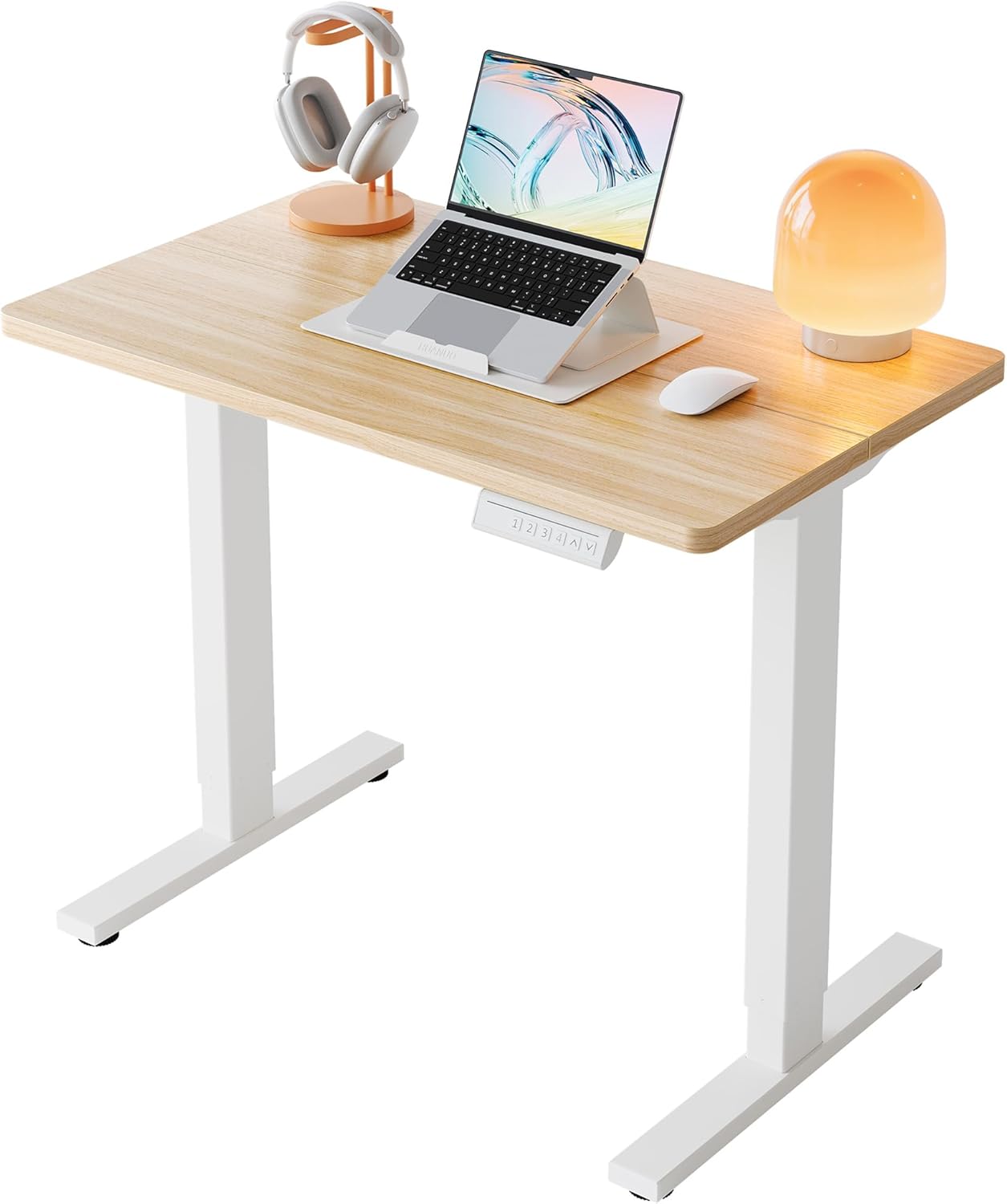
A bare desk is just half the bench. Plan to add a monitor arm so your scope or laptop screen rises and falls with the desktop, a swing-arm LED task lamp with at least 90 CRI and a dimmable warm-to-cool range, and a perforated pegboard or French cleat panel mounted to the wall behind the desk for tools that should never live on the ESD mat. For more on the lighting question, see our guide to the best LED task lamps for electronics work, and for the chair side of the bench read the best ergonomic chair for an electronics bench.
Finally, don't skip the floor. A rubber anti-fatigue mat under the standing position keeps your knees and lower back functional during four-hour rework marathons. We compare the top options in our anti-fatigue mat roundup, and the cable management side of the bench is covered in our soldering-station monitor arm guide.
Frequently Asked Questions
What desk height is best for soldering with a stereo microscope?
Most adults find that a seated microscope position lands somewhere between 27 and 30 inches from floor to desktop. The exact number depends on the working distance of your microscope objective and the height of your chair. Start with the desk at 28 inches, sit in a relaxed neutral posture, and adjust the desk in half-inch increments until your forearms rest level on the bench and your eyes meet the eyepieces without craning your neck. Save that height to a preset.
Can I solder safely on a wood-top standing desk?
Yes, as long as you cover the wood with a proper rubber ESD mat and you keep the bare wood away from your iron tip. Drops of molten solder will scorch the laminate or veneer, so the mat is doing double duty: ESD dissipation and thermal protection. Hobbyists who choose the Veken wood-top desk should plan on a full-coverage 22 x 36-inch mat rather than a small wrist pad.
How much weight can a standing desk hold before the lift fails?
Manufacturer ratings reflect static load, not dynamic load. A desk rated at 176 pounds will lift that weight, but slowly and with more motor strain than a dual-motor 220-pound-rated frame. For an electronics bench loaded with a scope, PSU, soldering station, and microscope, target a frame rated at 200 pounds or more so you have headroom for the inevitable additions - benchtop reflow oven, second monitor, lead-acid battery for car-electronics work.
Is a single-motor or dual-motor standing desk better for an electronics workbench?
Dual-motor is better whenever you load the desk asymmetrically, which describes almost every electronics bench. A scope sits on one side, a soldering station on the other, and the lift columns experience uneven torque. Dual motors share that load and lift more smoothly, with less wobble at full extension. Single-motor desks like the ErGear are fine for lighter, evenly distributed loads.
Will a standing desk shake my microscope or affect fine soldering?
A well-engineered dual-motor desk locked at a fixed height is steady enough for stereo-microscope work at 20x to 40x magnification. Above 40x, even small floor vibrations transmit, and you may want to add a passive isolation pad under the microscope base. The wider the desk and the lower the center of gravity of your gear, the less wobble you'll feel. The 60-inch VIVO is noticeably steadier than the 47-inch options simply because the lifting columns sit farther apart.
What's the minimum desk size for a full ESD mat and a soldering station?
A 48 x 24-inch desktop is the practical minimum. It fits a 22 x 36-inch rubber mat with a few inches of margin for a fume extractor and a soldering station. If you also want a bench PSU, a scope, and a microscope on the same surface, step up to 60 x 24 inches. Anything smaller forces you to choose between gear on the desk or gear on a separate shelf.
How do I ground the ESD mat when the desk keeps moving up and down?
Run the grounding cord down the inside of one lifting column with adhesive cable clips, leave a six-inch service loop at the top, and terminate at a grounded outlet via a proper ESD ground plug with a built-in one-megohm resistor. Test continuity weekly with a surface-resistance meter - if the reading drifts above 10 to the ninth ohms, replace the cord or clean the mat snap with isopropyl alcohol.
Should I use an anti-fatigue mat under a soldering desk?
Yes, but choose one rated as ESD-safe or place it under your standing position only - never under the desk legs. A dissipative rubber mat with a grounding tab is ideal because it ties your shoes to ground while you stand. For long rework sessions, an anti-fatigue mat saves your knees and helps you actually use the standing function instead of cranking the desk back down after twenty minutes.
Key Takeaways
- Choosing the right best standing desk for soldering electronics means matching capacity and output ports to your actual devices
- Always check actual watt-hours (Wh), not just watts — runtime depends on Wh, not peak output
- Also covers: esd safe standing desk hobbyist
- Also covers: electronics workbench standing desk
- Also covers: standing desk for solder station
- Compare price-per-Wh across models to find the best value for your budget