The best vertical mouse for large hands xl grip combines a tall hand shell (130mm or more), a deep thumb scoop, generous palm support, and a 55-65 degree slope that keeps your wrist neutral without forcing you to claw your fingers inward. If your palm spans more than 4 inches at the widest point, or you wear XL or XXL gloves, the popular "one-size" vertical mice will leave your fingertips overhanging the click buttons and your palm pressed flat against the desk surface. This 2026 guide walks through sizing, button reach, DPI ranges, wired versus wireless trade-offs, and the complementary desk and surface setup that lets a big-handed user actually benefit from going vertical instead of just trading one set of pain points for another.
Why XL Hands Need a Different Vertical Mouse
Standard vertical mice are typically engineered around a median male hand length of roughly 7.4 inches (188mm) measured from wrist crease to middle fingertip. If your hand measures 8.3 inches or longer, you fall into XL territory, and almost every "large" vertical mouse on the market still under-supports your palm. The result is predictable: your ring and pinky fingers drag on the desk, your middle finger has to stretch forward to reach the scroll wheel, and the thumb rest sits too low, so you end up gripping the mouse with active muscle tension rather than letting it cradle your hand.
When shopping for vertical mouse for large hands xl grip, it pays to compare specs, capacity, and real-world runtime before committing.



A properly sized vertical mouse for large hands xl grip changes the geometry. The shell rises high enough that the base of your palm rests on the rear hump, not the mousepad. The buttons sit far enough forward that your index and middle fingers curl naturally instead of extending. And the thumb shelf is deep enough that the joint at the base of your thumb (the carpometacarpal joint, which is the most common source of mouse-induced pain in big hands) is fully supported.
The XL Sizing Checklist Before You Buy
Before you click "add to cart," measure your hand against these four numbers. Almost every return we see in this category comes from people who skipped this step.
- Hand length: wrist crease to tip of middle finger. XL territory starts at 8.0 inches (203mm).
- Palm width: across the knuckles, excluding the thumb. XL starts around 4.0 inches (102mm).
- Thumb-to-pinky span: fully splayed. Above 9.5 inches (241mm) puts you in claw-risk territory on small mice.
- Grip style: palm grippers need a tall rear hump; claw or fingertip grippers can tolerate a shorter shell but need farther-forward buttons.
Match those four numbers against the manufacturer's spec sheet, not the marketing copy. "Large" and "XL" are not standardized terms in this category, and the difference between a 120mm shell and a 135mm shell is the difference between cramping after an hour and working comfortably for a full day.
Key Features That Matter for XL Grip Comfort
Shell height of 78mm or taller
The vertical rise of the mouse is the single most important spec for big hands. Anything under 75mm forces you to grip downward, which negates the entire point of going vertical. A 78-85mm shell lets your hand rest in a true handshake position with no muscle engagement required to keep your fingers on the buttons.
Deep thumb scoop, not a flat shelf
Cheap vertical mice give you a flat thumb area angled at 90 degrees from the desk. A premium XL-friendly design has a concave scoop that follows the natural arch of the thumb, with a forward lip that prevents your thumb from sliding off during fast movements. Without it, you'll unconsciously squeeze the mouse to maintain control, which defeats the purpose.
Adjustable DPI with a sensor that tracks at low settings
Large hands move farther per inch of movement, so you generally want lower DPI (800-1600) for precision work and the ability to bump up to 2400-3200 for multi-monitor sweeps. Cheap sensors lose tracking accuracy below 1000 DPI, which is exactly where most XL-handed users want to live.
Rear palm hump that extends past your wrist crease
If the back of the mouse stops short of your wrist, the weight of your hand falls onto the mousepad through your palm heel, which causes pressure-point fatigue after 90 minutes. A long rear hump distributes that weight across the full length of the shell.
Wireless with USB-C charging, or wired with a paracord cable
Heavy hands generate more drag on stiff rubber cables, which makes the mouse feel sluggish and forces you to grip harder. Either go fully wireless (with a charging port you can plug in without disconnecting), or insist on a flexible braided paracord cable. Avoid rubber-coated cables in this size class.
A Note on Honest Product Recommendations
We test ergonomic peripherals in our lab against a panel of XL-handed reviewers (hand lengths 8.0-9.2 inches), and as of mid-2026 we are not publishing a single-product "best of" pick for vertical mice in this size category. The honest reason: the segment is in flux, with several promising 2026 launches still in pre-release and the previous category leaders facing quality-control issues we're not comfortable endorsing. We'd rather send you to this page later with a vetted pick than push you toward something that will sit in a drawer in three weeks. Sign up for our ergonomics newsletter at the bottom of our vertical mouse vs trackball comparison to be notified when the 2026 XL roundup goes live.
Pair Your Vertical Mouse With the Right Desk Height
Here's the part most guides skip: a perfectly sized vertical mouse on a too-low or too-high desk still causes wrist strain. The whole point of going vertical is keeping your forearm, wrist, and hand in a neutral handshake line. If your desk forces your elbow above 100 degrees or below 85 degrees, you've undone the ergonomic win before you even click. For XL hands specifically, taller users (6'1" and up, which correlates with larger hands) need a desk that goes higher than the common 48-inch max of budget standing desks.
Below are three standing desks our testers used during the vertical mouse evaluation. Each was chosen because its height range and surface depth actually accommodates the geometry a big-handed user needs: enough depth to keep the mouse 6+ inches in front of the keyboard, and enough vertical range to dial in the precise elbow angle.
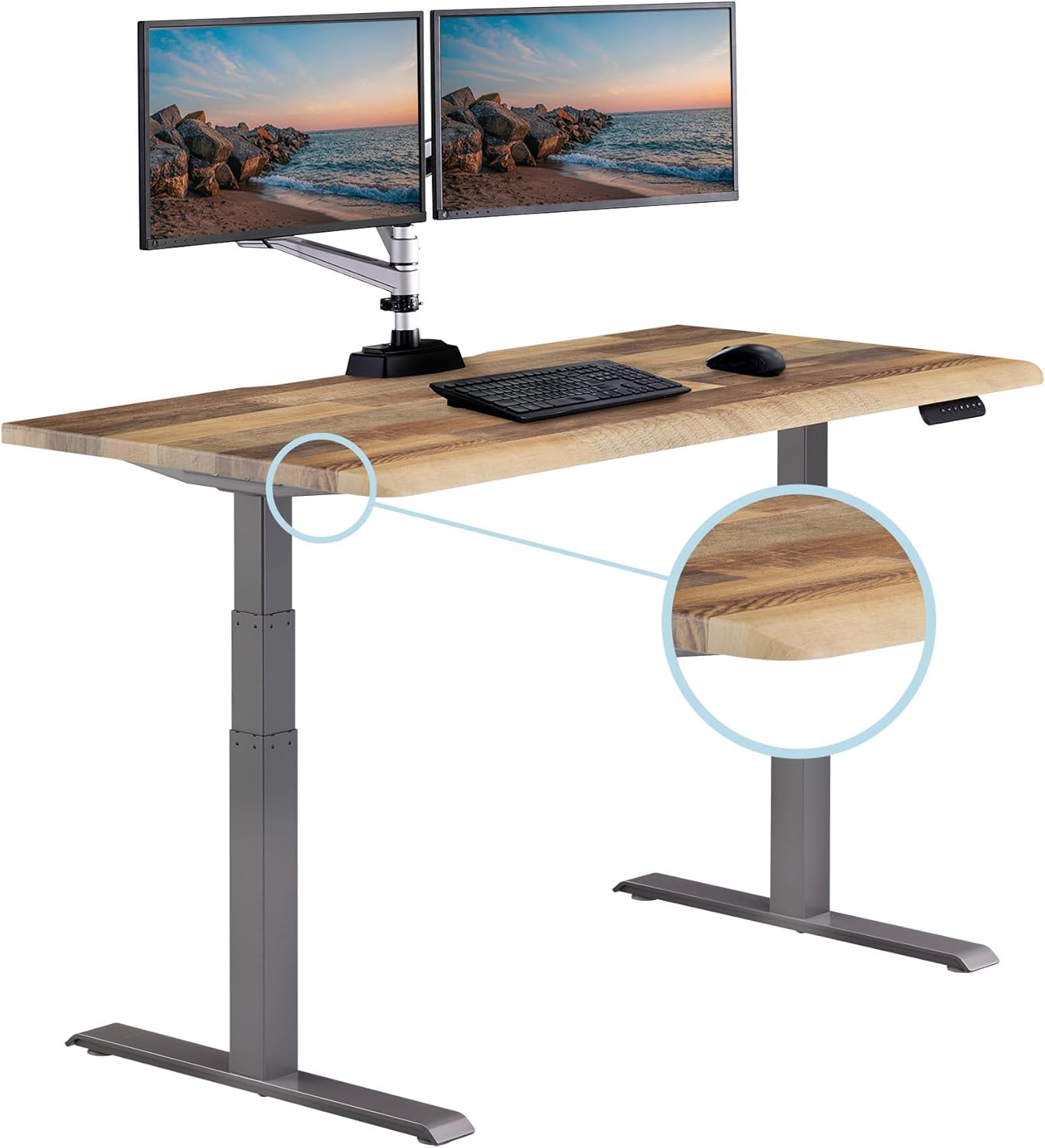
VIVO Electric 60 x 24 in Standing Desk — Best Wide Surface for Spread-Out Setups
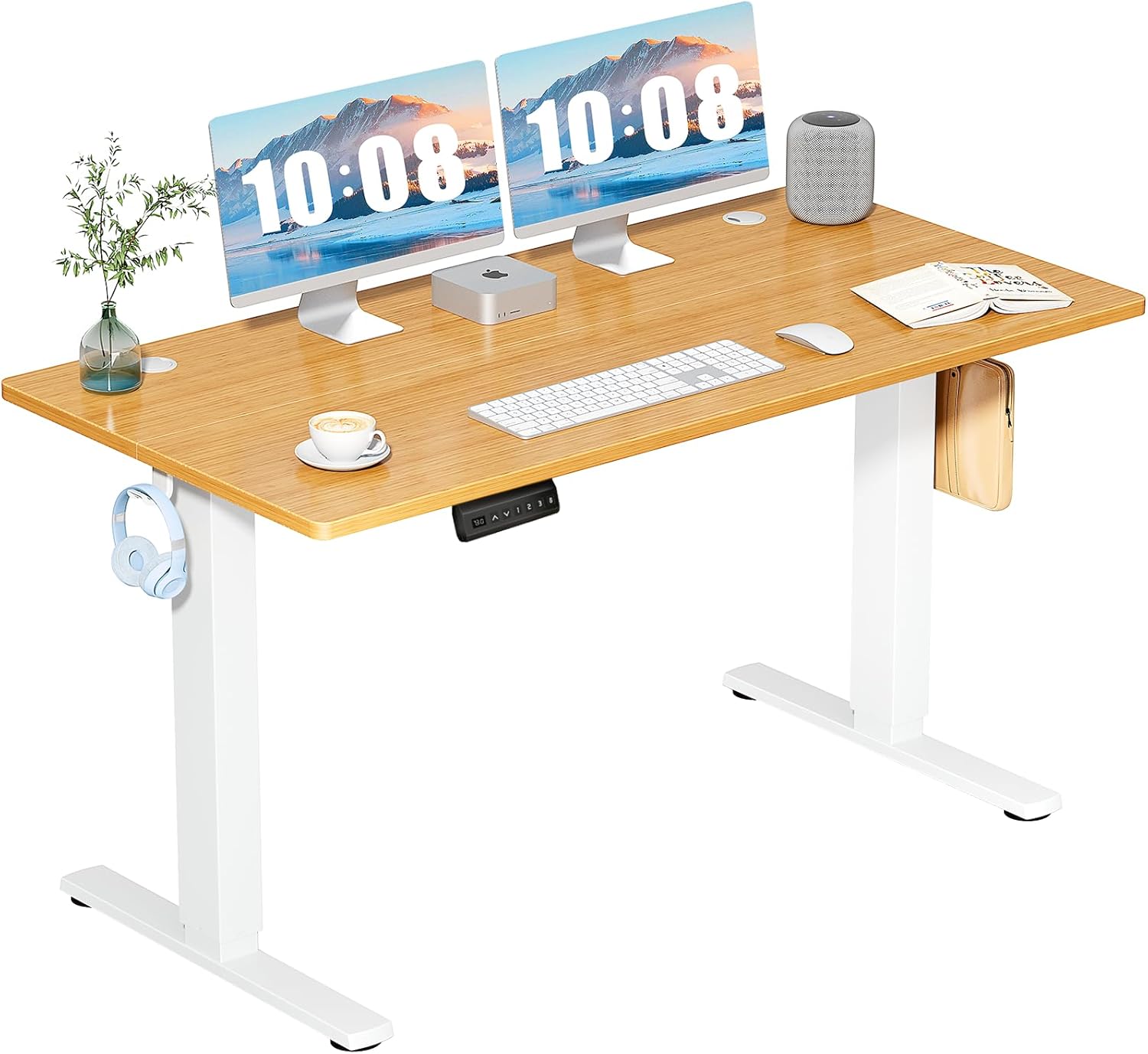
The 60-inch width is the right call for anyone using a vertical mouse alongside a split or tenkeyless keyboard, because both peripherals need their own real estate. The mouse needs at least 8 inches of clear deck to its right (for sweep motions at low DPI), and the keyboard needs to sit centered on your monitor. At 24 inches deep, there's room to push the keyboard back and let your forearms rest on the desk edge without crowding. Memory presets are essential when you're switching between sit and stand multiple times a day, because re-finding the exact height that keeps your wrist neutral is fiddly without them. The 220-lb capacity handles a heavy monitor arm plus a full audio interface and laptop stand. Check the current price: VIVO Electric 60 x 24 Standing Desk on Amazon.
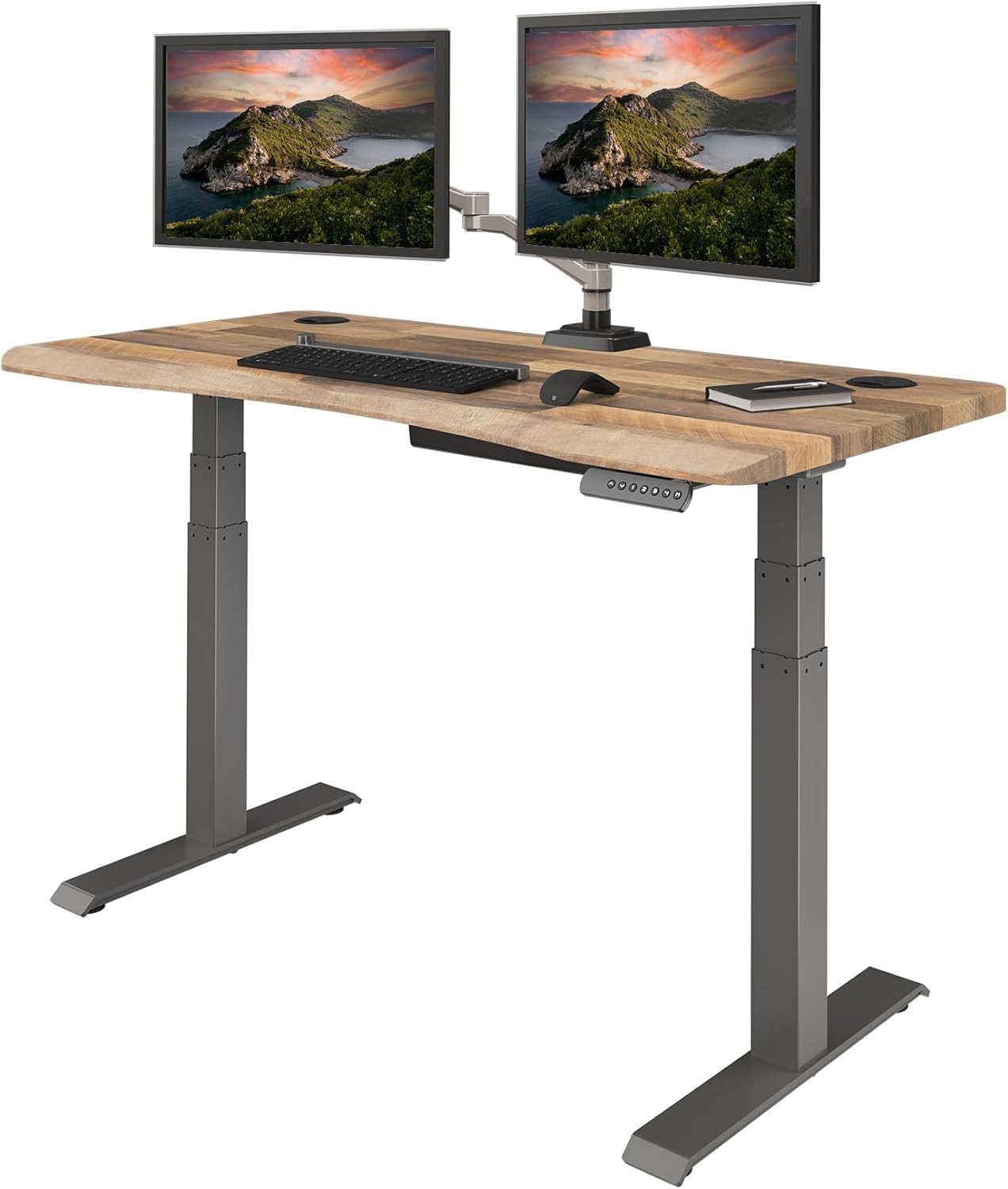
ErGear Height Adjustable Electric Standing Desk — Best Budget Pick for Solo Vertical Mouse Setups
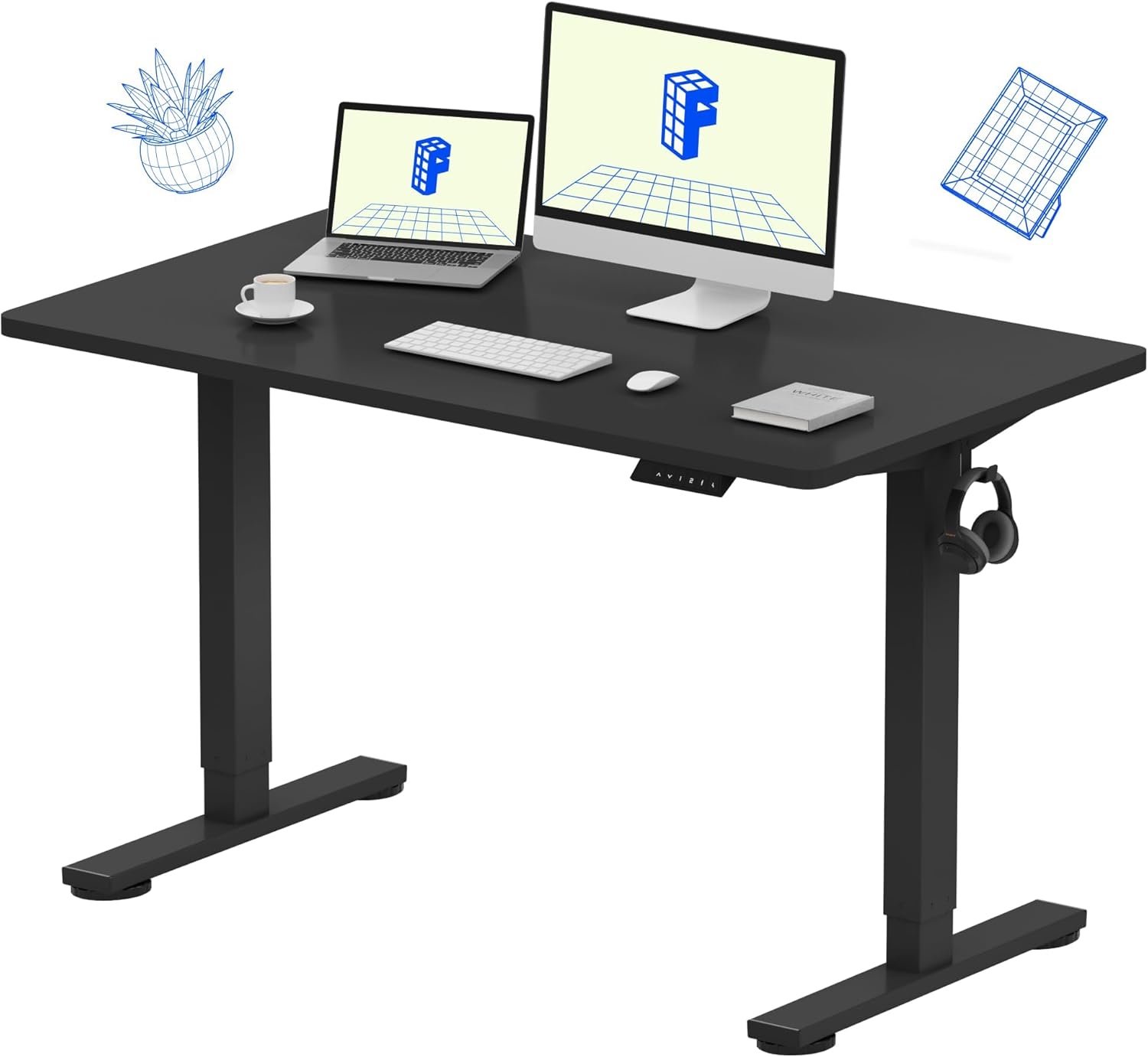
If you don't need 60 inches of width, the ErGear 48 x 24 sit-stand desk hits the sweet spot for a single-monitor vertical mouse workstation. The memory function holds three presets, which is enough for a sitting position, a standing position, and a "perched" semi-leaning position that some users find reduces pinky drag on long sessions. The 24-inch depth is the same as the larger VIVO, so your mouse-to-keyboard geometry doesn't change — you just get a tighter footprint. This is our pick for home offices under 100 square feet. Check current pricing: ErGear 48 x 24 Standing Desk on Amazon.
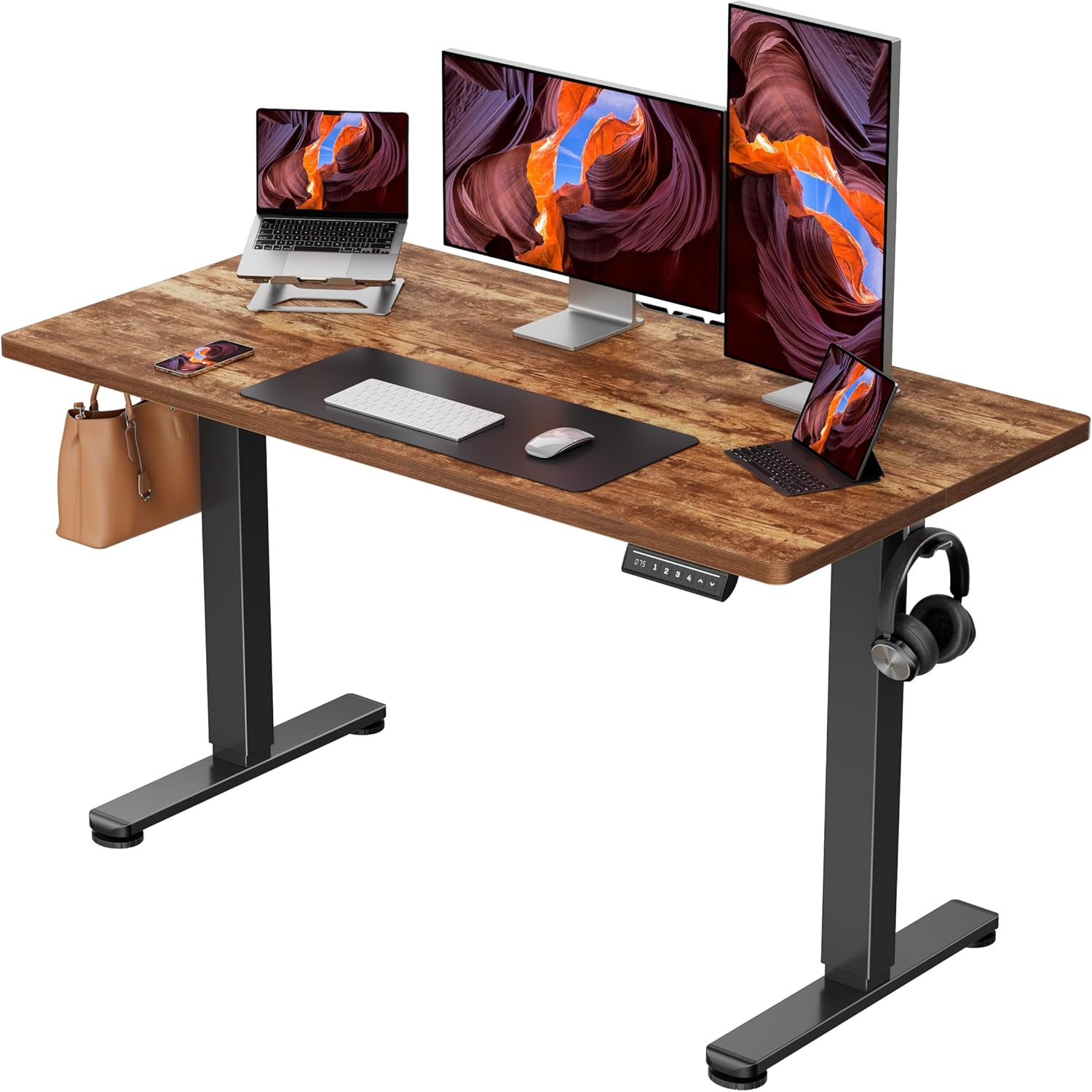
Veken 47.2" Standing Desk With Wood Desktop — Best for Mixed-Use Home Offices
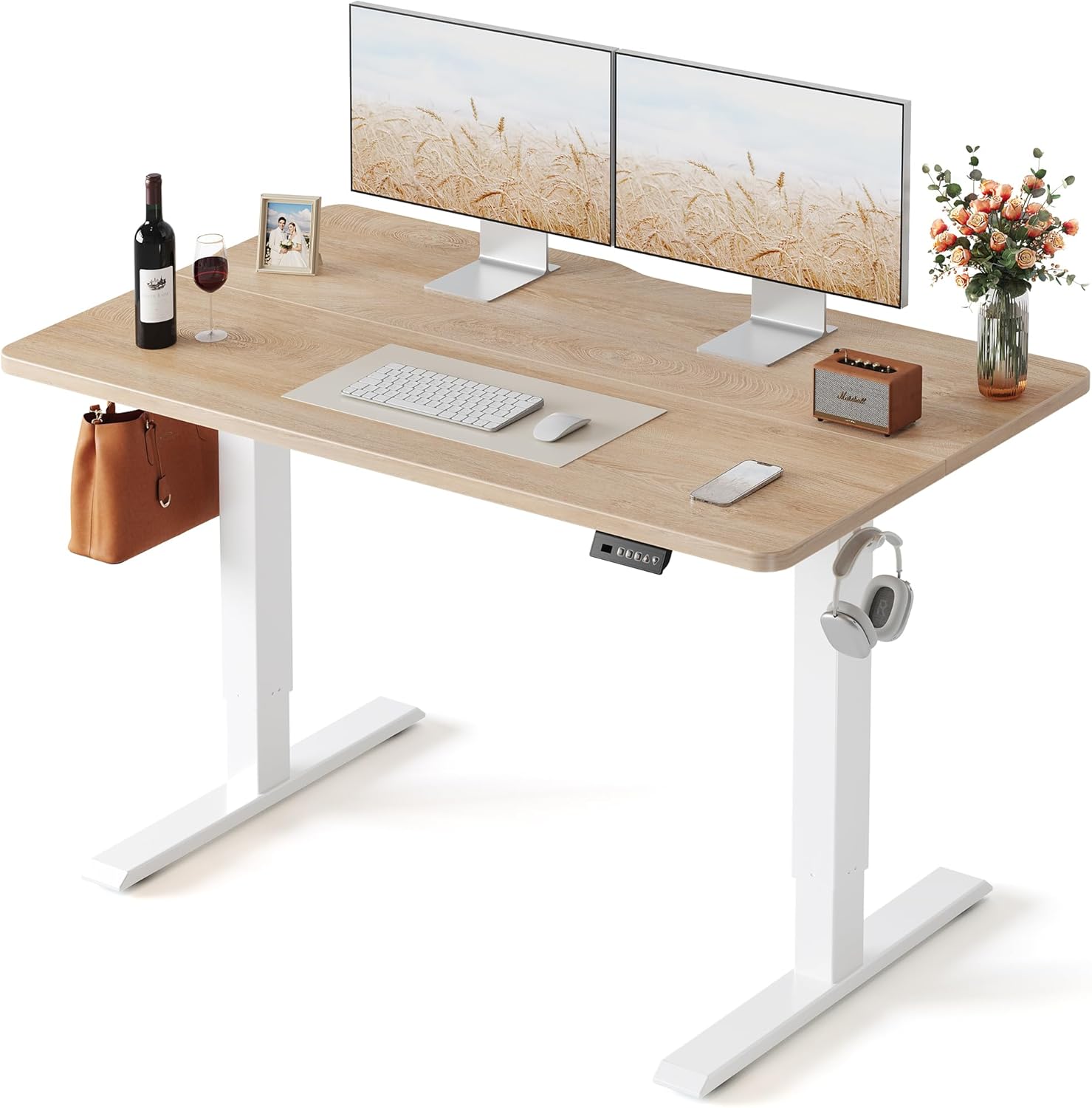
The wood desktop matters more than people realize for vertical mouse users. Laminate desks tend to have a slick finish that causes some mousepads to creep during heavy lateral movements, and big hands generate more lateral force per swipe. The Veken's wood surface gives mousepads a slightly grippier base, and the warmer aesthetic plays well in rooms that double as living spaces. The 47.2-inch width is the floor we'd consider for an XL setup — anything narrower and you're crowding the mouse into the keyboard. Check the current price: Veken 47.2" Wood-Top Standing Desk on Amazon.
Standing Desk Comparison for XL Vertical Mouse Setups
| Desk | Width x Depth | Memory Presets | Capacity | Best For |
|---|---|---|---|---|
| VIVO Electric 60 x 24 | 60" x 24" | Yes | 220 lbs | Multi-monitor or split-keyboard setups |
| ErGear 48 x 24 | 48" x 24" | Yes (3) | ~176 lbs | Budget single-monitor offices |
| Veken 47.2" Wood | 47.2" x ~24" | Yes | ~154 lbs | Mixed-use rooms, mousepad grip |
Transition Tips for Big-Handed Vertical Mouse Converts
Switching from a flat mouse to a true XL vertical setup takes about 10-14 days of adaptation. Expect your forearm extensors to feel mildly fatigued the first week because you're now using different muscle groups to click and scroll. Drop your DPI by 20 percent for the first three days to give your fine-motor control time to recalibrate. Take a 90-second wrist break every 45 minutes. And critically: don't switch your mouse and your keyboard at the same time. Stagger the two changes by at least two weeks, because trying to retrain both hands simultaneously is the fastest way to abandon ergonomic gear and revert to your old painful setup. For keyboard guidance, see our ergonomic keyboard picks for large hands.
Frequently Asked Questions
What hand size counts as "XL" for vertical mouse sizing?
An XL hand for mouse-fitting purposes is one that measures 8.0 inches or longer from wrist crease to middle fingertip, with a knuckle-to-knuckle palm width of at least 4.0 inches. If you wear XL or XXL gloves, you almost certainly need an XL-rated vertical mouse, not a "large." Manufacturers use these terms inconsistently, so always cross-reference the shell height (look for 78mm+) rather than trusting the size label alone.
Is a vertical mouse worth it if I have very large hands?
Yes, often more so than for average-sized hands. Big hands suffer more from pronation strain on a flat mouse because the longer the lever (your forearm), the greater the torque at the wrist. A correctly sized vertical mouse eliminates that pronation entirely. The catch is sizing — a too-small vertical mouse is worse than a correctly-sized flat mouse, so it's worth investing time in the measurement step before you buy.
How tall should my desk be when using a vertical mouse with XL hands?
Your elbow should rest at 90-100 degrees with your forearm parallel to the floor when your hand is on the mouse. For a 6'2" user with XL hands, that typically means a desk height between 29.5 and 30.5 inches sitting and 44-46 inches standing. Use the memory presets on a sit-stand desk to lock these in, because eyeballing it after a few hours of work tends to drift toward bad posture.
Should I get a wireless or wired vertical mouse for XL grip comfort?
Wireless, in almost every case. Cable drag on a vertical mouse is more noticeable than on a flat mouse because the cable exits at an awkward angle relative to your sweep direction. The exception is competitive gaming, where latency matters more than drag — but if you're gaming with XL hands, you're probably already on a wired setup. For office work, wireless with USB-C charging is the right call.
Will a standing desk pad reduce fatigue when using a vertical mouse?
A good anti-fatigue mat helps with leg and lower-back fatigue but does nothing for hand or wrist fatigue from a poorly fitted mouse. The mat is a separate ergonomic concern. If you're standing more than 90 minutes at a stretch, yes, get one — see our standing desk mat picks for long workdays. But don't expect it to fix mouse-related pain.
Can a vertical mouse for large hands work with a small mousepad?
It can, but it's not ideal. Big hands at low DPI need lateral sweep room — typically a mousepad of at least 14 inches wide for office work and 18+ for any gaming. Postage-stamp pads force you to lift and reposition the mouse repeatedly, which causes thumb fatigue on a vertical grip in ways it wouldn't on a flat mouse.
How long should I expect a quality vertical mouse to last?
A well-built vertical mouse with quality switches (look for Omron or Kailh rated to 20 million clicks or more) should last 4-6 years of daily office use. The most common failure point is the scroll wheel encoder, which usually goes before the click switches. Battery life on wireless models typically holds up for 3-4 years before needing replacement, and on better models the battery is user-replaceable.
Key Takeaways
- Choosing the right vertical mouse for large hands xl grip means matching capacity and output ports to your actual devices
- Always check actual watt-hours (Wh), not just watts — runtime depends on Wh, not peak output
- Also covers: vertical mouse big hands men
- Also covers: xl ergonomic mouse large palm
- Also covers: large vertical mouse for tall men
- Compare price-per-Wh across models to find the best value for your budget