If you're weighing the flexispot e7 vs e7 pro keyboard tray clearance question in 2026, the short answer is this: the standard E7 wins for low-sit keyboard tray setups because its frame drops to roughly 22.8 inches from floor to desktop, while the E7 Pro's inverted-V design only reaches about 24.4 inches at minimum. That 1.6-inch gap matters when you mount an undermount keyboard tray that hangs 2-3 inches below the desktop. If you're 5'8" or shorter and want elbows at 90 degrees seated, the standard E7 gives you the headroom you need.
The keyboard tray clearance math nobody explains
Keyboard tray clearance is one of those specs people forget about until their tray sits four inches above their lap. Before comparing frames, let's break down what actually determines whether you can pair an undermount tray with either Flexispot model.



Three numbers drive the equation:
- Frame minimum height: how low the desk lowers (measured to the top of the crossbar, before adding the desktop)
- Desktop thickness: typically 1 inch for bamboo, 0.75 inch for laminate boards
- Tray drop: an undermount keyboard tray adds 2 to 3.5 inches below the desktop's underside
For a seated 5'6" user with elbows at 90 degrees, you generally want the keyboard surface at 25-26 inches from the floor. Subtract a 2.5-inch tray drop, and your desktop needs to sit at 27.5-28.5 inches. The standard E7's 22.8-inch frame minimum (plus a 1-inch top = 23.8 inches) tucks well below that, meaning you can raise the desk slightly while keeping the tray ergonomic. The E7 Pro's 24.4-inch minimum (plus 1-inch top = 25.4 inches) puts the tray at roughly 22.9 inches at its lowest, which is too low for most adults and leaves no buffer if you want to sit higher.
That sounds backwards at first, but consider it carefully: a lower minimum gives you more freedom to raise the desktop while the tray still lands at your elbow line. You want headroom in both directions: enough range to sit, and enough range to stand. A frame that cannot go low enough forces the tray awkwardly close to your thighs.
Flexispot E7 frame: specs for keyboard tray users
The E7 uses a traditional three-stage telescoping leg with a square column profile. Key 2026 specs:
- Height range: 22.8" - 48.4" (frame only)
- Load capacity: 355 lbs
- Foot width: roughly 27.5 inches each leg
- Crossbar: standard horizontal beam at the rear, allows centered undermount tray
- Travel speed: 1.5 inches per second
- Memory presets: four positions
For undermount trays, the E7's crossbar sits relatively unobtrusively. Most rail-style trays (the Humanscale 6G, Fellowes Office Suites, or generic 21-inch slide rails) mount in the central 18-22 inches of underspace. The E7's rear crossbar runs side to side, leaving the front and middle clear for a tray. You won't need to relocate brackets or buy extender plates to get a clean install.
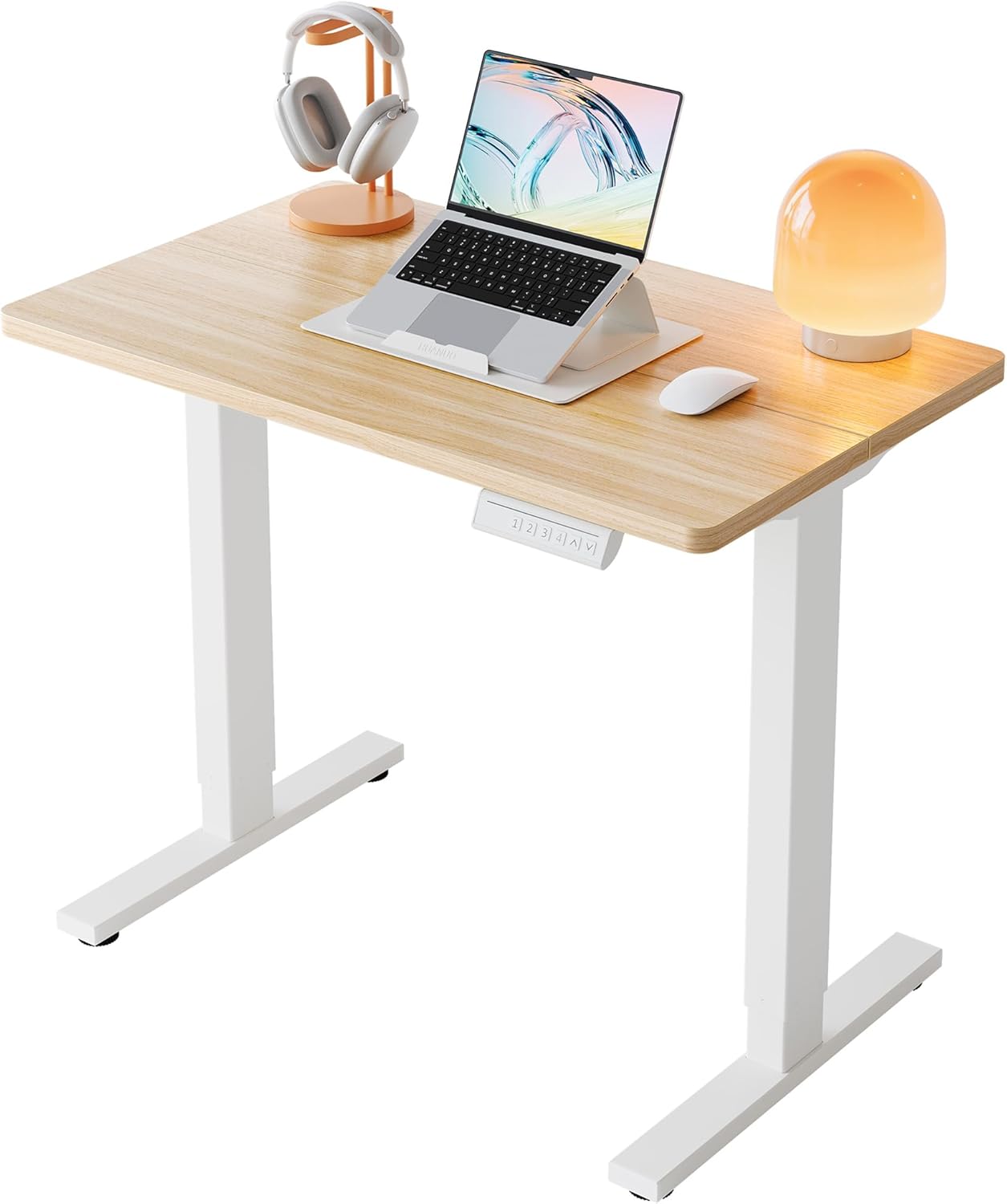
Flexispot E7 Pro frame: specs for keyboard tray users
The E7 Pro upgrades to an inverted-V column profile, where the leg is wider at the bottom. This dramatically improves stability at full standing height, especially on heavy setups (dual 32-inch monitors, ultrawide monitor arm, heavy CPU on the desktop). The trade-offs for tray users:
- Height range: 24.4" - 50.0" (frame only)
- Load capacity: 440 lbs
- Foot width: roughly 28 inches each leg, flared at base
- Stability: noticeably less wobble at 46-50 inches
- Travel speed: 1.4 inches per second
- Memory presets: four positions plus alarm
The inverted-V means the leg flares outward at the base. For tray mounting that flare is largely irrelevant — your tray attaches to the desktop's underside, not the frame — but the higher minimum height is unforgiving if you are below 5'8" and intend to use an undermount tray seated.
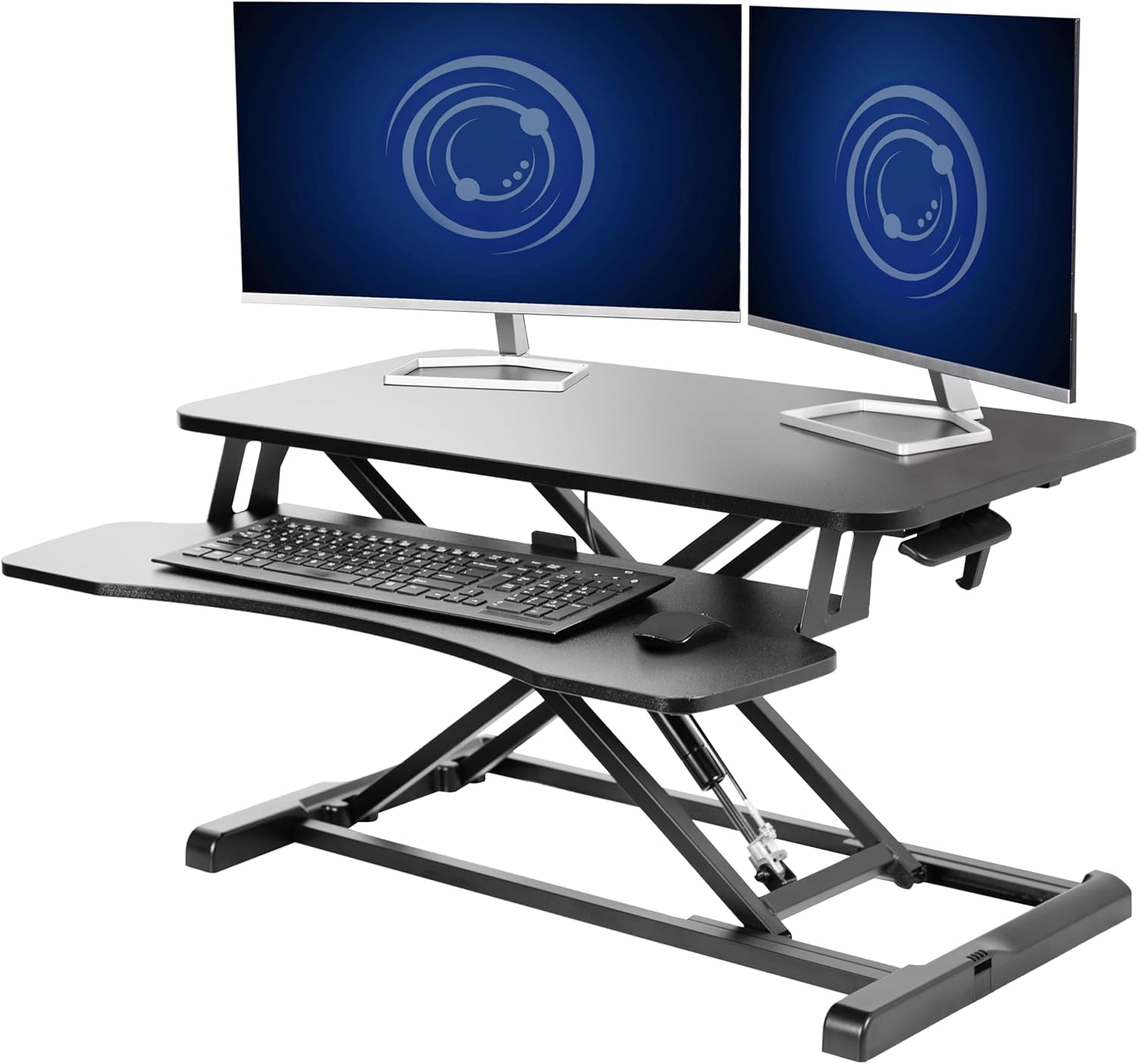
Side-by-side comparison for the flexispot e7 vs e7 pro keyboard tray clearance decision
| Spec | Flexispot E7 | Flexispot E7 Pro |
|---|---|---|
| Frame minimum height | 22.8" | 24.4" |
| Frame maximum height | 48.4" | 50.0" |
| Load capacity | 355 lbs | 440 lbs |
| Column design | Straight square | Inverted-V |
| Wobble at full height | Moderate | Low |
| Best for tray (5'4"-5'8" user) | Yes | Marginal |
| Best for tray (5'9"+ user) | Yes | Yes |
| 2026 typical frame-only price | $349-$429 | $479-$579 |
Which Flexispot wins for your tray setup?
For most readers searching the flexispot e7 vs e7 pro keyboard tray clearance question, the answer is the standard E7. It accommodates a wider range of user heights when you're locking the desktop low to drop the tray underneath. The Pro's stability advantage is real, but it is most meaningful for users running heavy equipment loads above 250 pounds — at which point you have likely already broken the E7's ideal zone anyway.
The exception: if you are 5'10" or taller and care more about rock-solid stability at standing height than minimum seated height, the E7 Pro is the smarter buy. Your tray will still clear your lap because your standing torso is taller, and you'll appreciate the reduced sway when typing standing.
For more context on choosing the right ergonomic setup, see our guide to standing desk keyboard tray compatibility and our short user desk height guide.
What if the Flexispot frames are out of stock or out of budget?
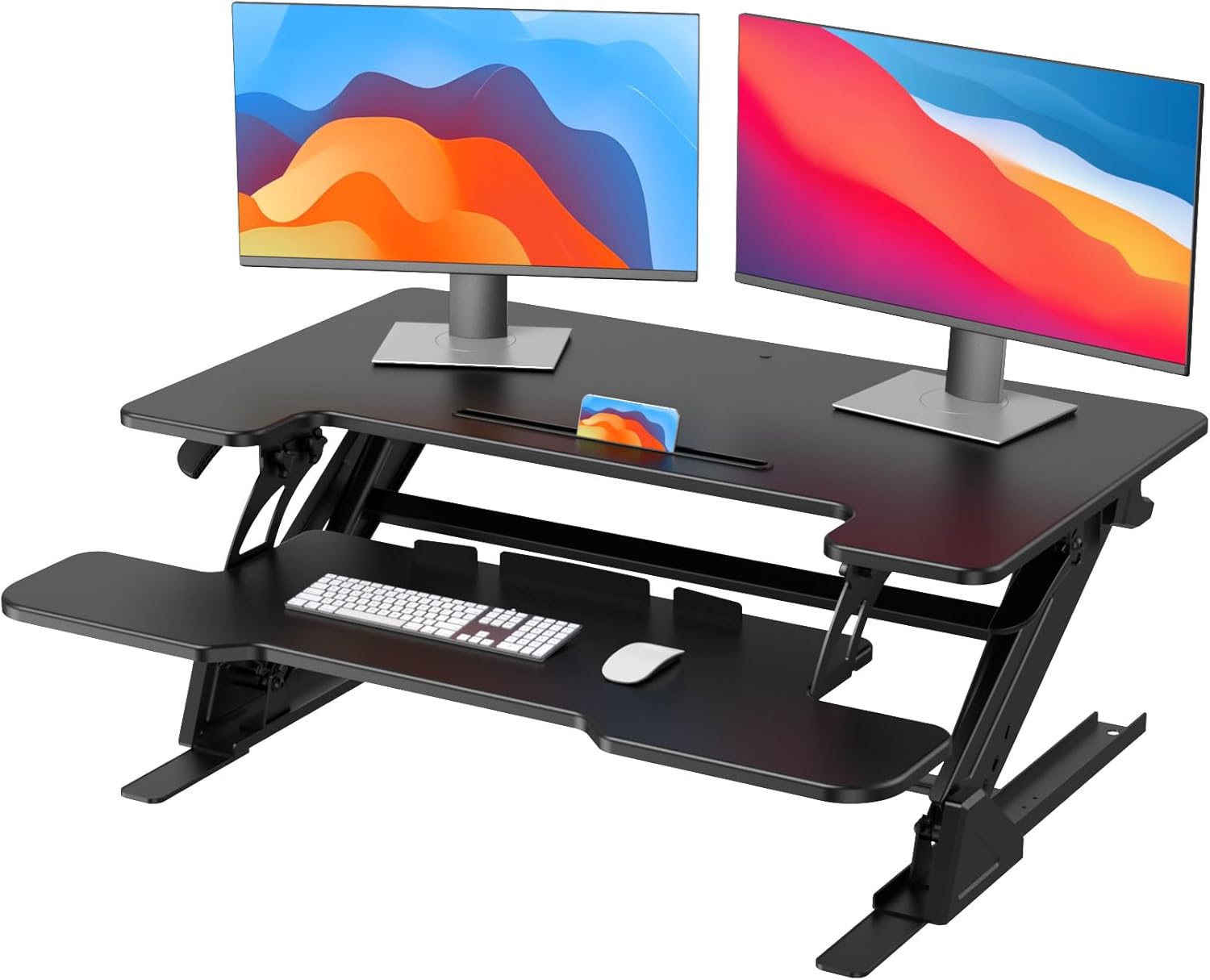
Both E7 variants spend periods out of stock in 2026, especially in the bamboo bundle configurations. If you're cross-shopping ready-to-ship alternatives that handle a keyboard tray reasonably well, three desks are worth considering. None matches the Flexispot lift range exactly, but each clears the basic ergonomic bar for tray mounting.
VIVO Electric 60 x 24" Standing Desk (best for users wanting a wider top)
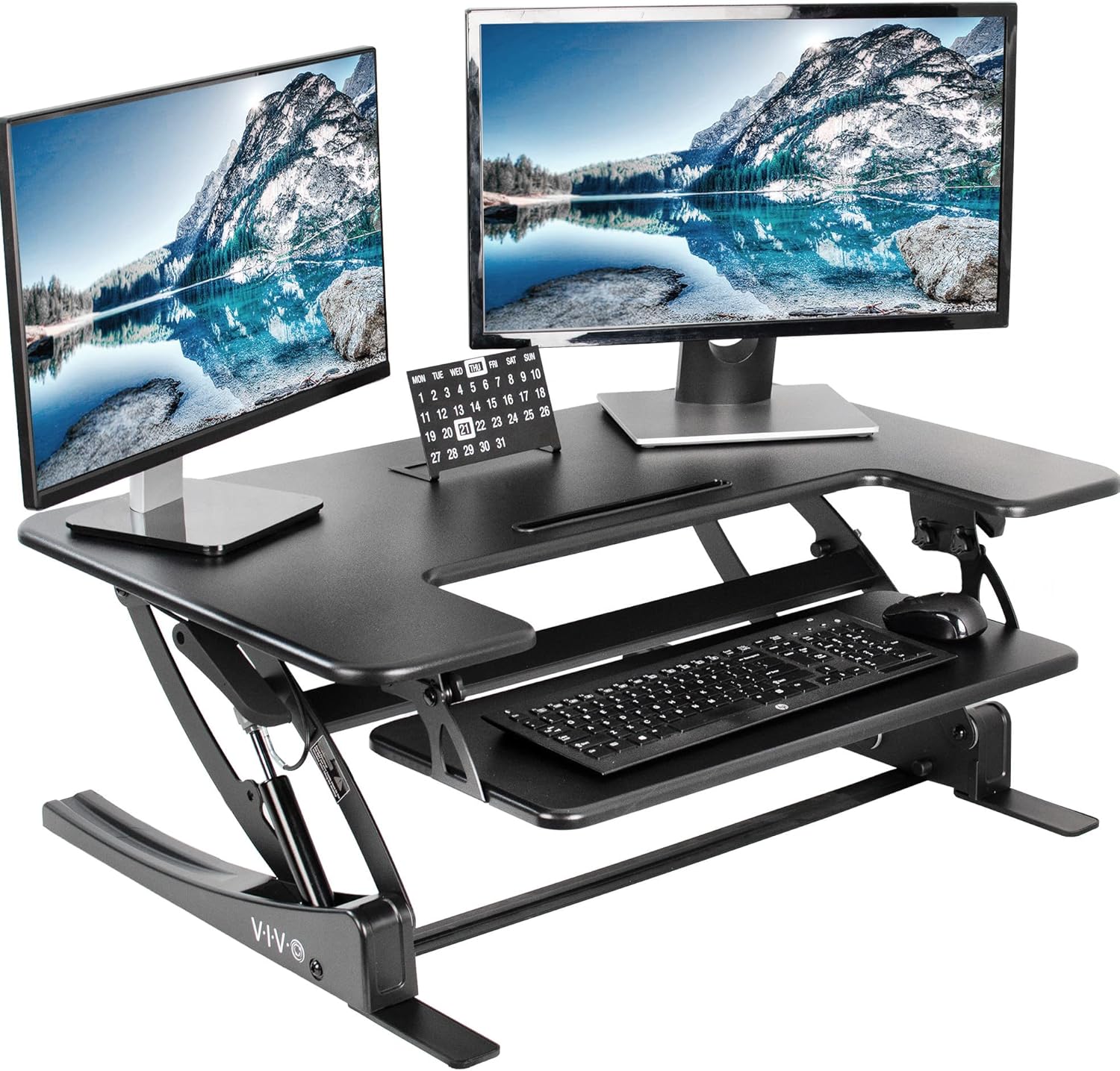
The VIVO Electric 60-inch is a complete desk-and-top combo rather than just a frame. The 24-inch depth is shallow but works fine for an undermount tray as long as you mount the rails close to the front edge. With a 220-pound capacity it sits below the E7 Pro's 440-pound headroom but matches typical home-office loads. The memory presets are basic two-position, not four like the Flexispot. Lowest desktop height is about 28 inches — usable for trays but with no buffer, so taller users do better here than shorter ones.
Check the VIVO Electric 60 x 24" Standing Desk on Amazon
Veken 47.2" Standing Desk (best compact pick with finished wood desktop)
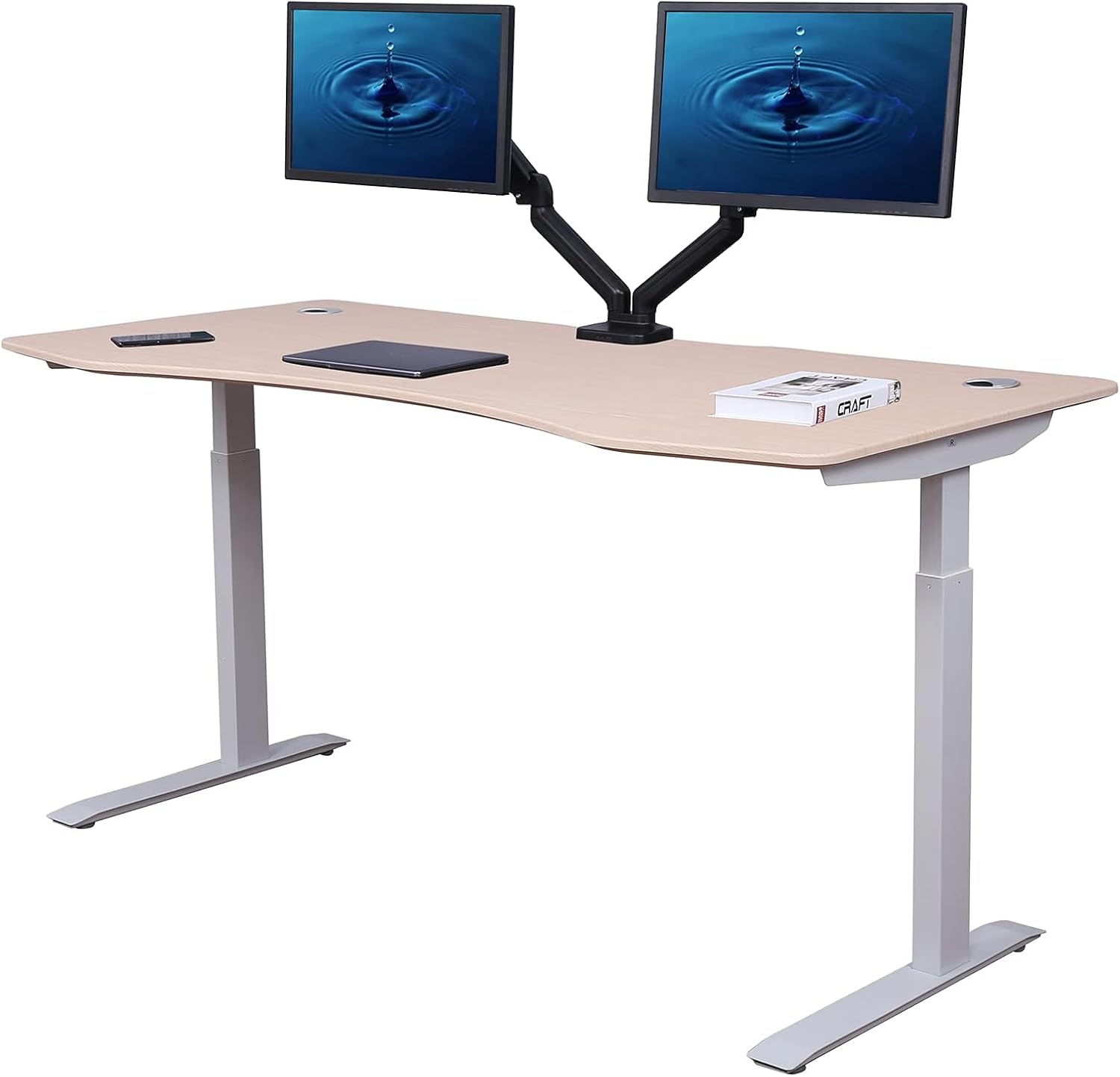
The Veken 47.2-inch is the most space-conscious of the three alternatives. At 47 inches wide and with a finished wood desktop, it suits home offices where a full 60-inch Flexispot would dominate the room. Keyboard tray compatibility is the trade-off: 47 inches gives you less center-mount space if you are also running a monitor arm clamp at the back. If you can live with a smaller tray (19-21 inches wide), it threads the needle. Quoted lift range bottoms out around 28.3 inches.
Check the Veken 47.2" Standing Desk on Amazon
ErGear 48 x 24" Standing Desk (best budget alternative with memory presets)
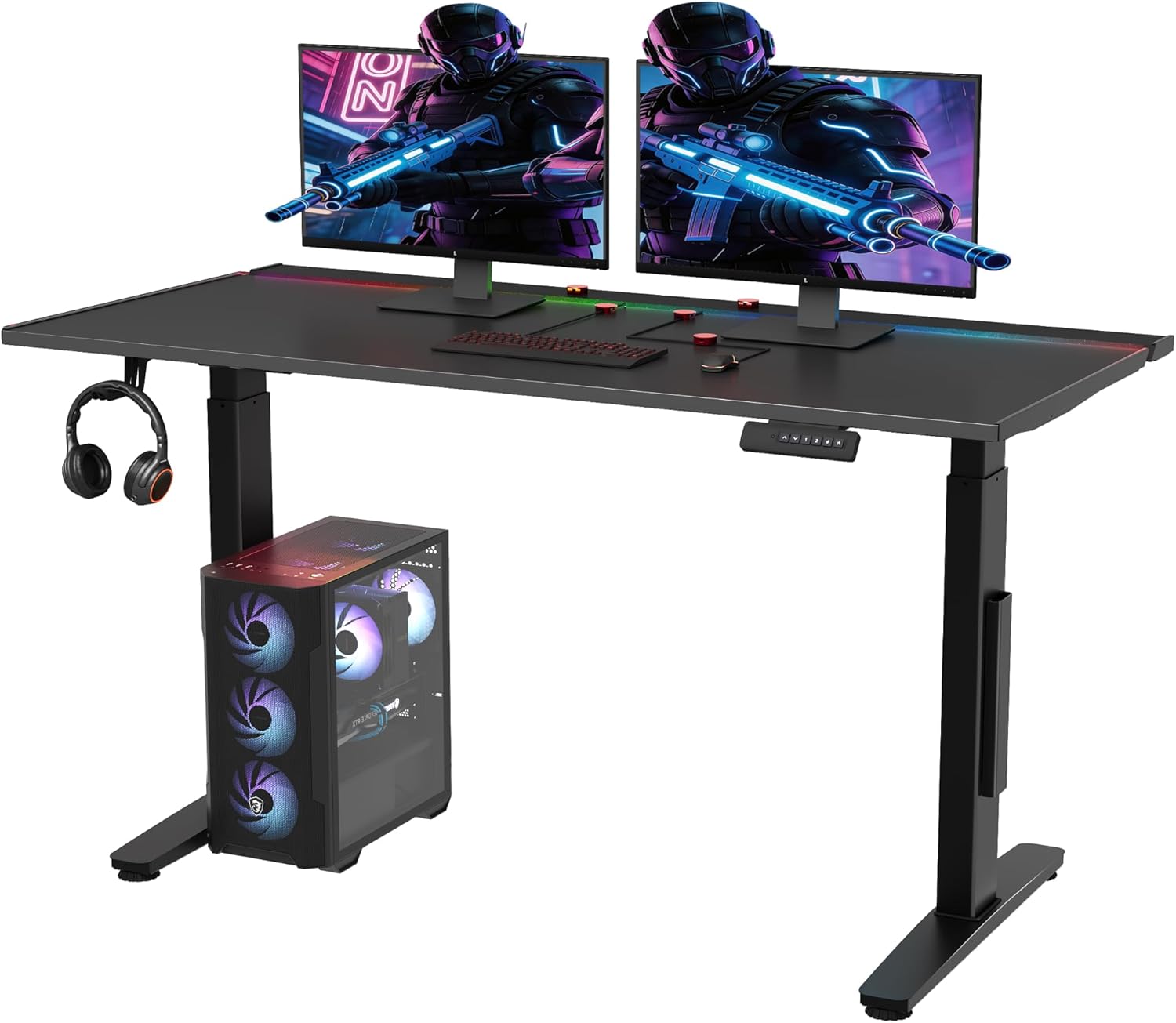
The ErGear 48 x 24 is the closest budget cousin to a starter Flexispot. Single-motor lift means slower travel and a lower weight ceiling, but the memory presets work, the frame is rigid through about 42 inches, and the price typically sits well below either E7 model. For a single-monitor workstation with an undermount tray, it is the lowest-friction way to get into a standing-and-tray setup without committing to the full Flexispot premium. Note: at standing heights above 44 inches, expect noticeable side-to-side sway.
Check the ErGear Height Adjustable Standing Desk on Amazon
Installing an undermount keyboard tray on either E7
Both Flexispot frames ship with the crossbar mounted at the rear, which is the right position for tray installation. A few practical notes from a 2026 build:
- Pre-drill pilot holes if you're using a bamboo top — bamboo splits under aggressive screws
- Center the tray rails 4-6 inches behind the front edge so your knees clear when seated
- Use the included #8 wood screws only if your desktop is 1 inch or thicker; for 0.75-inch laminate, swap to shorter screws to avoid breakthrough
- Measure your tray's slide travel before mounting — some trays retract back into the crossbar at full extension
If you're combining a tray with a monitor arm, also check our monitor arm clamp compatibility guide — clamp depth and tray rail position can collide on the 24-inch-deep tops common to both E7 variants.
Frequently Asked Questions
Does the Flexispot E7 Pro work with an undermount keyboard tray for a 5'4" user?
Marginally. The E7 Pro's 24.4-inch minimum plus a 1-inch desktop puts the tray surface at roughly 22.9 inches with a standard 2.5-inch tray drop. A 5'4" user typically wants 24-25 inches at the keyboard. You would need a low-profile tray (1.5-inch drop) to make it work. The standard E7 is the better fit at this height.
Can I mount a keyboard tray on the Flexispot E7 if I have the bamboo desktop?
Yes, but pre-drill carefully. Bamboo is harder than laminate and splits along its grain if you over-torque self-tapping screws. Use a 7/64-inch pilot bit for #8 screws and stop tightening as soon as the bracket sits flush. Skip the included screws for the brackets and pick up #8 x 5/8-inch wood screws if your tray came with longer fasteners intended for thicker tops.
What is the actual desktop height with an inch-thick top on the E7?
23.8 inches at minimum and 49.4 inches at maximum. Subtract 2.5 inches for typical undermount tray drop and you get a keyboard surface range of 21.3" to 46.9", which covers seated ergonomics for users from roughly 5'0" upward and standing ergonomics up to about 6'4".
Is the E7 Pro's inverted-V leg a problem for under-desk storage?
The flare adds about 1.5 inches of width per leg at the base. Most under-desk drawer pedestals (16 inches wide is the common dimension) still clear, but tight setups with bookshelves or filing cabinets to the inside of each leg should be measured first. The keyboard tray itself sits well clear of the legs in either model.
Does either Flexispot frame fit a 60-inch desktop with a centered keyboard tray?
Yes. Both the E7 and E7 Pro adjust to spans from 43 inches to 74 inches, so a 60-inch top is comfortably centered. The crossbar sits behind the tray mounting zone, and there is at least 16 inches of clear underspace in the center where a standard tray's brackets land.
How much should I expect to pay in 2026 for the E7 vs E7 Pro with a tray-compatible top?
Frame-only prices in mid-2026 typically run $349-429 for the E7 and $479-579 for the E7 Pro. Add $120-220 for a 60-inch bamboo top and $40-90 for a basic undermount tray. The total E7 build lands around $510-740; the E7 Pro build runs $640-890.
Is the E7 Pro worth the upgrade if I'm only using a single monitor and keyboard tray?
Probably not. The Pro's stability advantage shines under heavy loads such as dual large monitors, a monitor arm with a laptop tray, or a CPU on the desktop. For a single 27-inch monitor, a tray, and a laptop, the standard E7 is rigid enough and gives you better seated tray clearance. Spend the saved money on a quality tray or chair instead.
Key Takeaways
- Choosing the right flexispot e7 vs e7 pro keyboard tray clearance means matching capacity and output ports to your actual devices
- Always check actual watt-hours (Wh), not just watts — runtime depends on Wh, not peak output
- Also covers: flexispot e7 pro keyboard tray fit
- Also covers: flexispot crossbar keyboard tray clearance
- Also covers: e7 vs e7 pro under-desk space
- Compare price-per-Wh across models to find the best value for your budget