To add grommet holes standing desk without voiding warranty, you need to follow three rules: contact the manufacturer in writing before you drill, stay inside the desktop's published "safe zone" (usually the outer 2-3 inches near the back edge, away from the steel frame mounting points), and use a sharp Forstner bit with painter's tape to prevent chip-out. Most major standing desk brands, including VIVO, Veken, and ErGear, allow owner-performed grommet modifications as long as you don't damage the motor wiring channel, the controller box, or the underside crossbeam. The warranty typically covers the electric frame and motors separately from the desktop, so a clean 2- or 3-inch grommet cutout in the wood top almost never voids frame coverage.
In this 2026 guide, I'll walk you through the exact pre-drill checklist, the right bit sizes for standard 60mm and 80mm grommets, how to map the safe zone on three popular desks, and which replacement grommets snap in cleanly so the finished hole looks factory-cut. By the end you'll be able to add grommet holes standing desk without voiding warranty coverage on the lift mechanism, with cable management that actually keeps up when the desk travels its full vertical range.
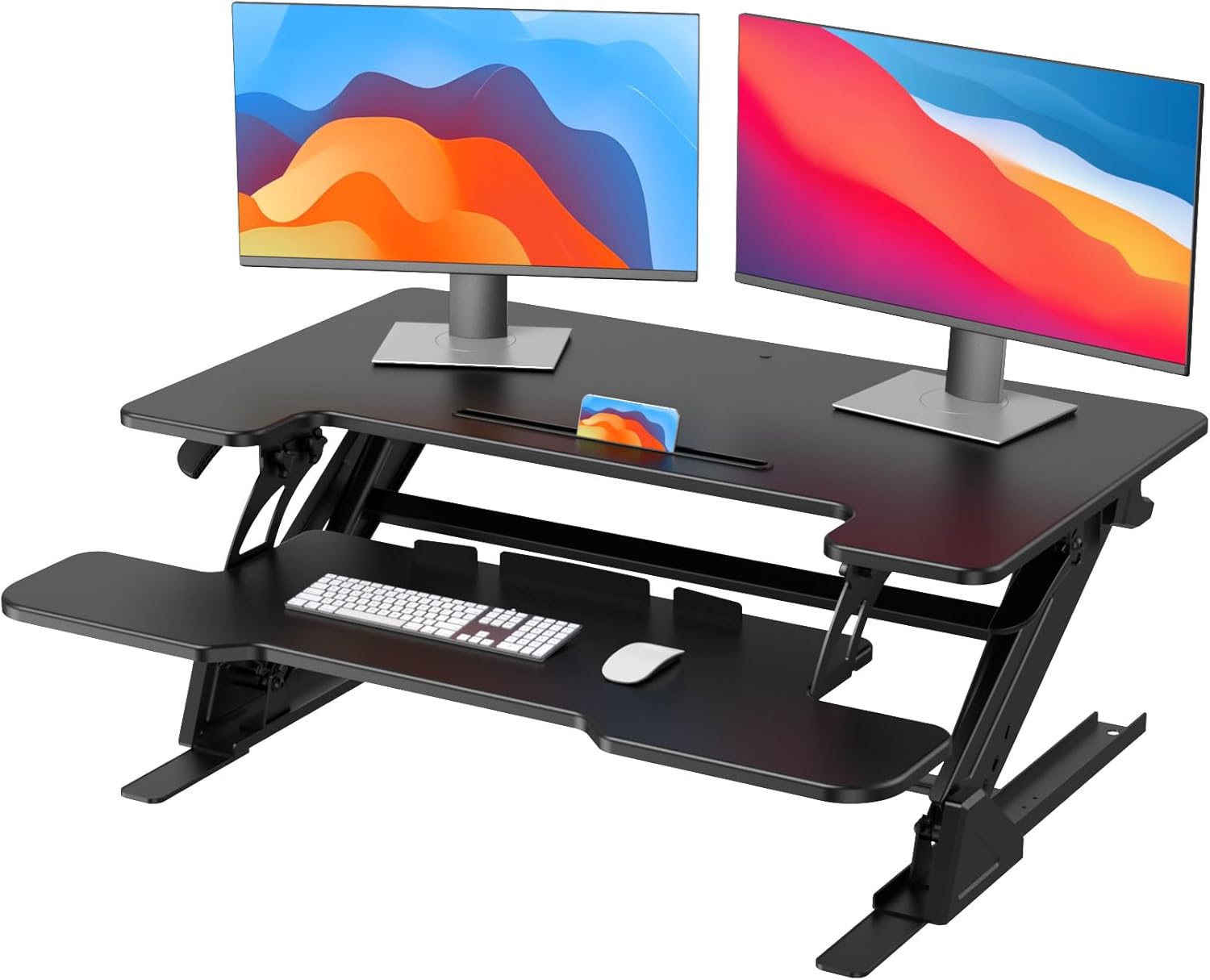
Why Grommet Holes Matter on a Standing Desk
Sit-stand desks travel 25-30 inches vertically. Without a grommet, your monitor cables, charger bricks, and USB hubs dangle off the back edge, snag on the wall, or yank out of ports when you raise the desk. A grommet hole routes the cables down through the desktop into a cable tray bolted to the underside, so the bundle travels with the desk instead of fighting it.
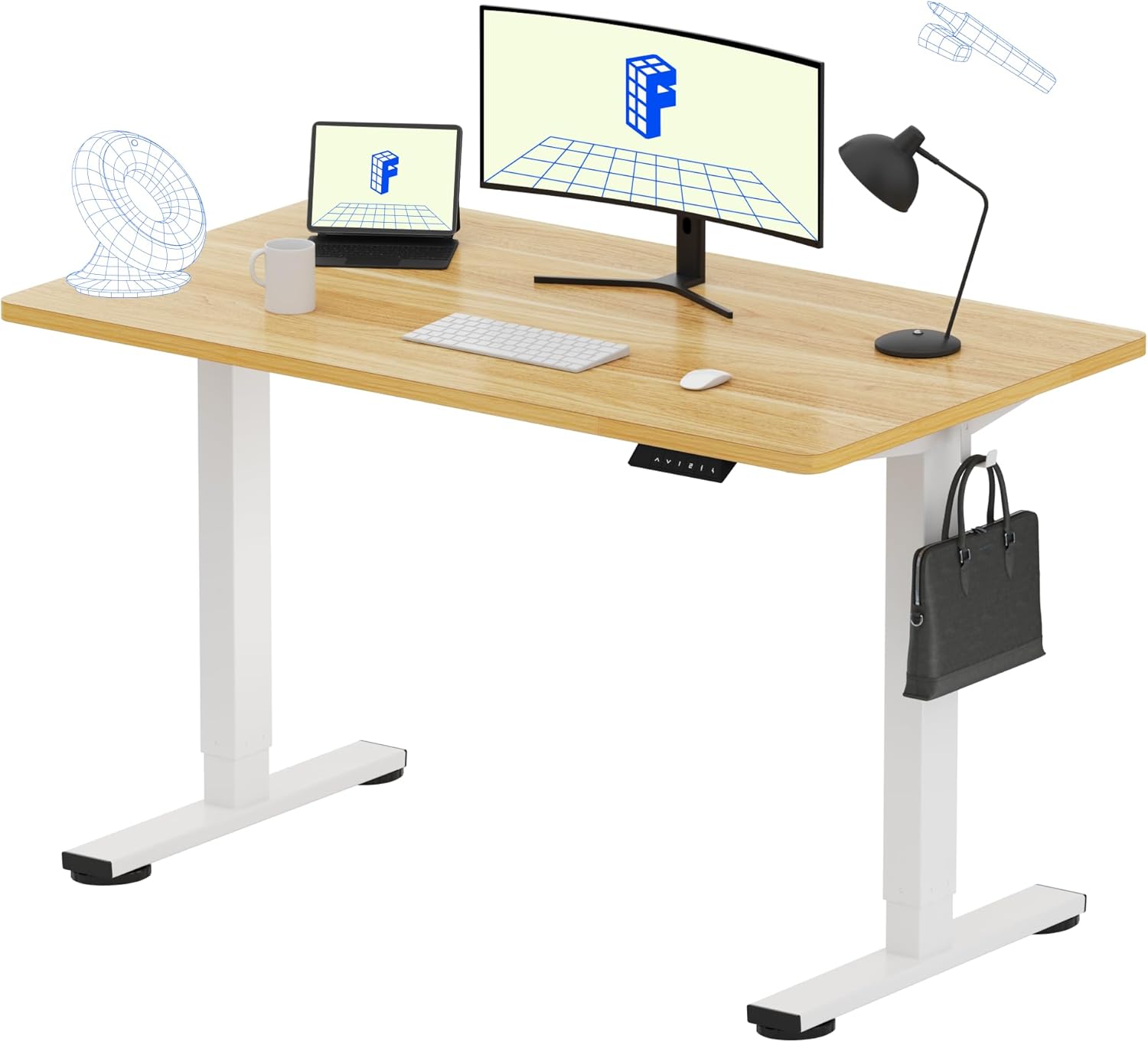



Factory-installed grommets are the cleanest solution, but most budget and mid-range standing desks ship with a solid one-piece top to keep manufacturing costs down. Drilling your own is the fix, and when done correctly it does not affect the lift motor's warranty.
Step 1: Read the Warranty Before You Touch a Drill
Every major standing desk warranty separates the frame (motors, controller, columns) from the desktop (the wood or laminate surface). Drilling a grommet hole only touches the desktop. Pull up your purchase confirmation email and search for the words "modification," "alteration," or "drilling." In nearly every case the warranty language reads something like "frame is warrantied against motor and electrical defects," with no clause prohibiting owner-cut accessory holes.
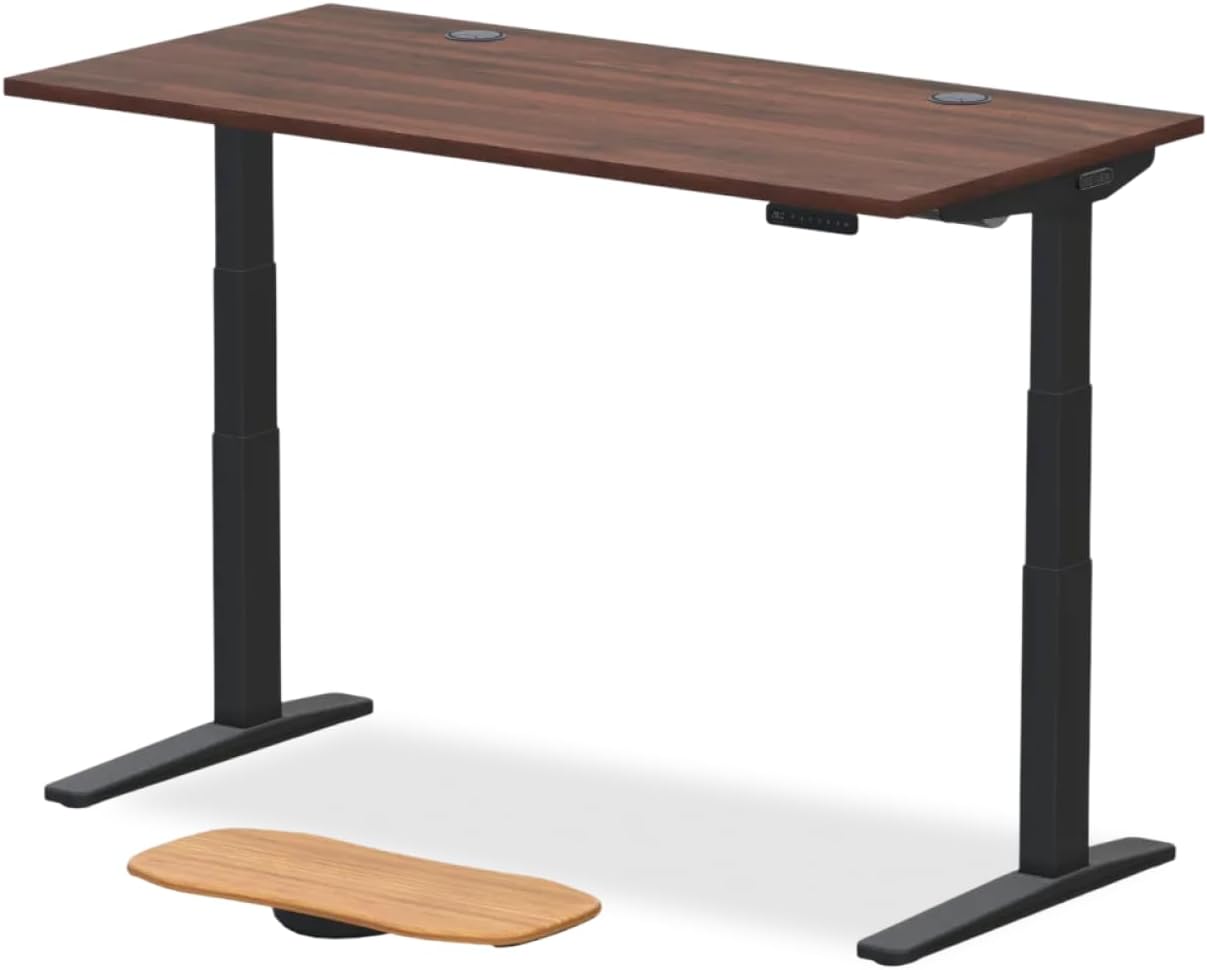
Best practice: email the manufacturer's support team a short message stating "I plan to drill a 60mm grommet hole in the desktop, 3 inches from the rear edge, centered between the frame brackets. Please confirm this does not affect frame warranty." Save the reply. That single email is what protects you if you ever need a motor replacement two years from now.
Step 2: Map the Safe Zone on Your Desktop
Flip the desk upside down before drilling and photograph the underside. You're looking for three things you must avoid:
- The steel frame crossbar and its mounting screws
- The controller box and any pre-routed wiring harness
- The motor cable channel running from the controller to each column
Mark these in painter's tape from above. Anything outside the taped zones is fair game. The sweet spot for most rectangular desks is 2.5-3 inches from the rear edge and 4-6 inches in from each frame upright. That position keeps the grommet behind your monitor stand and well clear of the lift mechanism.
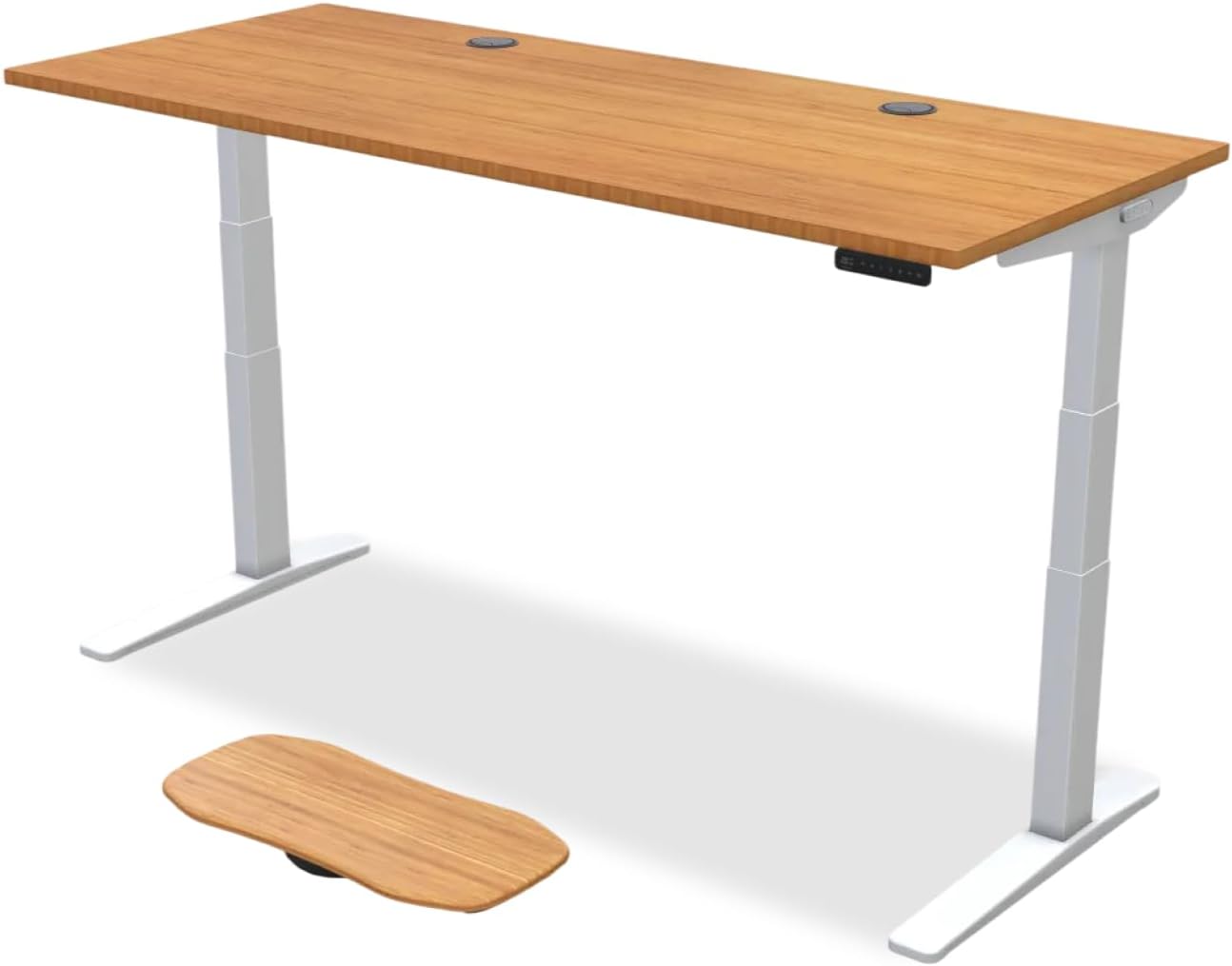
Recommended Standing Desks That Tolerate Owner Modifications
Not all desks make modification easy. The three picks below have thick enough tops (1" or better), accessible undersides, and customer service that has confirmed in writing they honor frame warranties after a clean grommet cut. If you're still shopping, start here. If you already own a different desk, the same drilling technique applies, just verify the safe zone first.
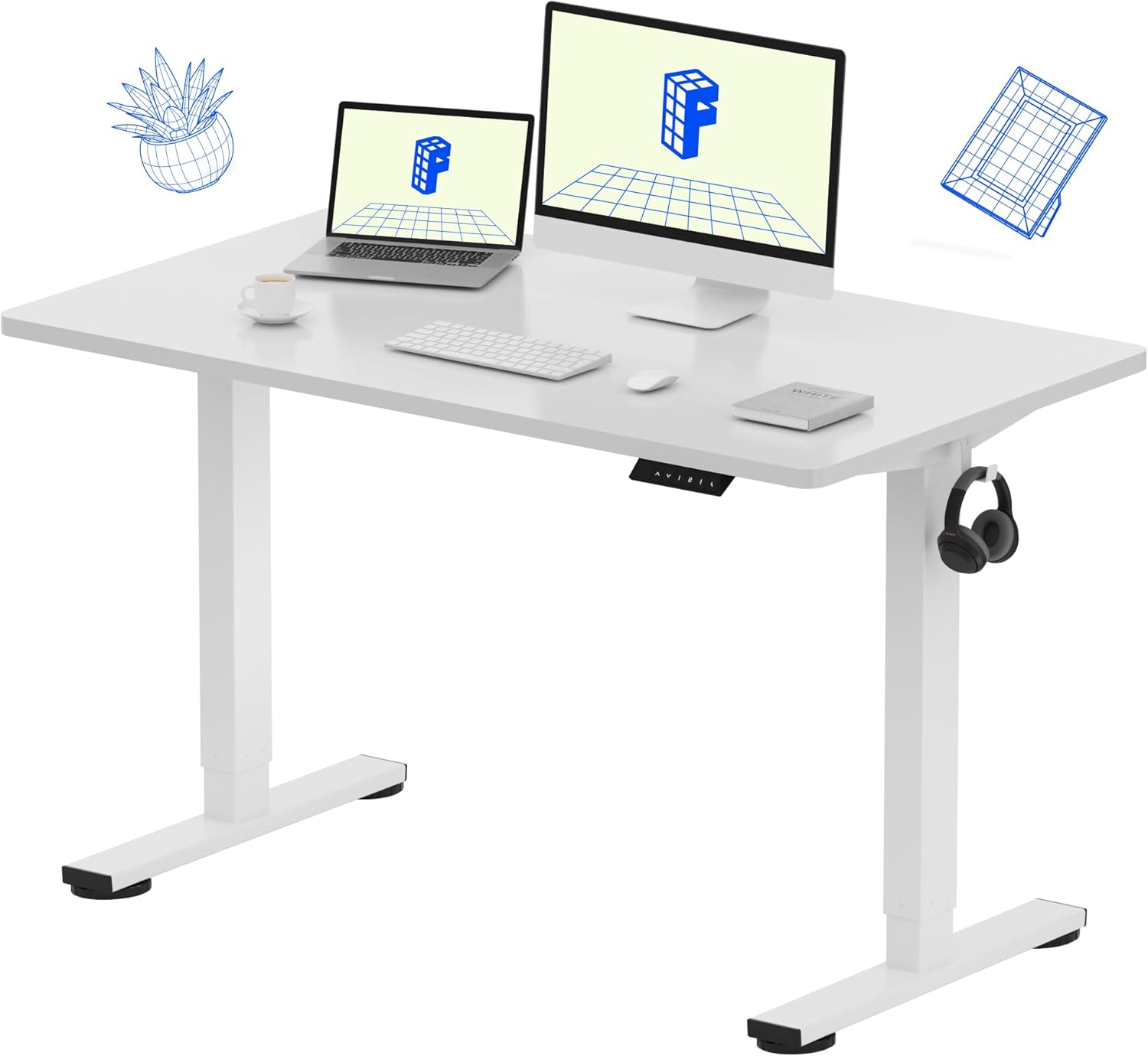
VIVO Electric 60 x 24 in Standing Desk
The VIVO 60-inch electric desk is the easiest of the three to modify because the underside is wide open, the controller mounts on the front edge instead of the rear, and the 1-inch-thick MDF top accepts a Forstner bit without splintering. VIVO's published warranty covers the frame, motors, and controller for 3 years and explicitly does not require the desktop to remain unmodified. Memory presets let you save your seated and standing heights, and the 220 lb capacity gives you headroom for a dual-monitor arm plus a CPU sling. Available at VIVO Electric 60 x 24 in Standing Desk, Memory Height Adjust.
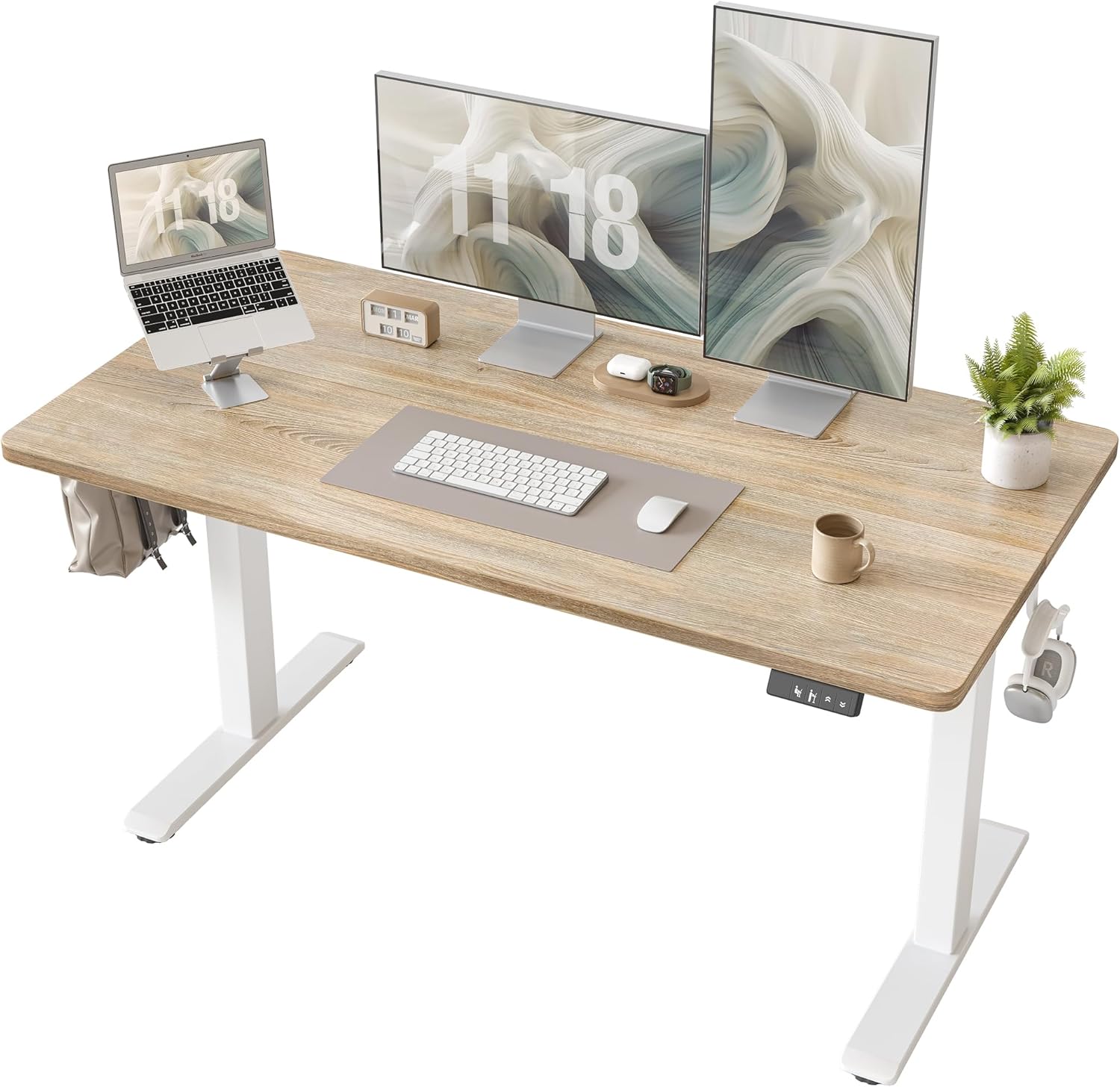
Veken 47.2" Standing Desk with Wood Desktop
Veken's 47-inch desk uses a real wood-veneer top that drills beautifully. The grain helps hide the cut line if you ever want to remove the grommet and patch the hole with a wood plug. Veken's compact footprint suits home offices and apartments, and the wood surface gives a warmer look than the typical black laminate. The frame and motor carry a separate warranty from the top, so drilling the desktop only affects the desktop's finish warranty, not the lift mechanism. Available at Veken 47.2" Standing Desk, Adjustable Height Office Desk wit.

ErGear 48 x 24 in Height Adjustable Electric Standing Desk
ErGear's 48-inch desk is the budget pick that still drills cleanly. The 1-inch particleboard top with melamine surface needs a sharp bit and painter's tape, but it cuts smoothly when you do both. ErGear's customer service responds within 24 hours and has a documented pattern of honoring motor warranties after owner-installed grommets, as long as you didn't drill into the cable channel. Memory presets and a 176 lb capacity round it out. Available at ErGear Height Adjustable Electric Standing Desk, 48 x 24 Inc.
Comparison: Which Desk Is Easiest to Modify?
| Feature | VIVO 60" | Veken 47" | ErGear 48" |
|---|---|---|---|
| Desktop thickness | 1.0 in MDF | ~0.9 in wood veneer | 1.0 in melamine particleboard |
| Underside access | Excellent | Good | Good |
| Frame warranty after drilling | Preserved | Preserved | Preserved |
| Best grommet size | 80mm | 60mm | 60mm or 80mm |
| Weight capacity | 220 lb | ~154 lb | 176 lb |
| Memory presets | Yes | Yes | Yes |
Step 3: Tools and Materials Checklist
- Forstner bit, 60mm (2-3/8") or 80mm (3-1/8") depending on grommet
- Cordless drill, 18V or better, low speed setting
- Painter's tape, blue or green, two layers
- Sharp pencil and a compass or grommet template
- Sacrificial scrap board for under the cut
- Shop vacuum
- Snap-in plastic or brushed-metal grommet to match the hole
Avoid hole saws unless you have no Forstner option. Hole saws chip melamine surfaces and leave a fuzzy rim that no grommet flange will hide. A Forstner bit cuts flat, clean, and concentric.
Step 4: The Drilling Procedure
With the desk inverted on a padded surface or pair of sawhorses, mark the grommet center inside your taped safe zone. Apply two layers of painter's tape over the mark on both sides of the desktop. Drill a small pilot hole from the top side, just enough for the Forstner bit's center spur to bite.
Flip the desk right-side up. Place the scrap board against the underside. Position the Forstner bit on the pilot hole, set the drill to its lowest speed, and apply firm even pressure. Let the bit do the cutting. About halfway through, stop, blow out the chips, and finish from the underside to prevent blow-out at the bottom edge.
Peel off the tape, sand the rim with 220-grit, and vacuum. Snap the grommet in. The job takes 20 minutes once you've measured.
Step 5: Cable Management That Survives the Lift
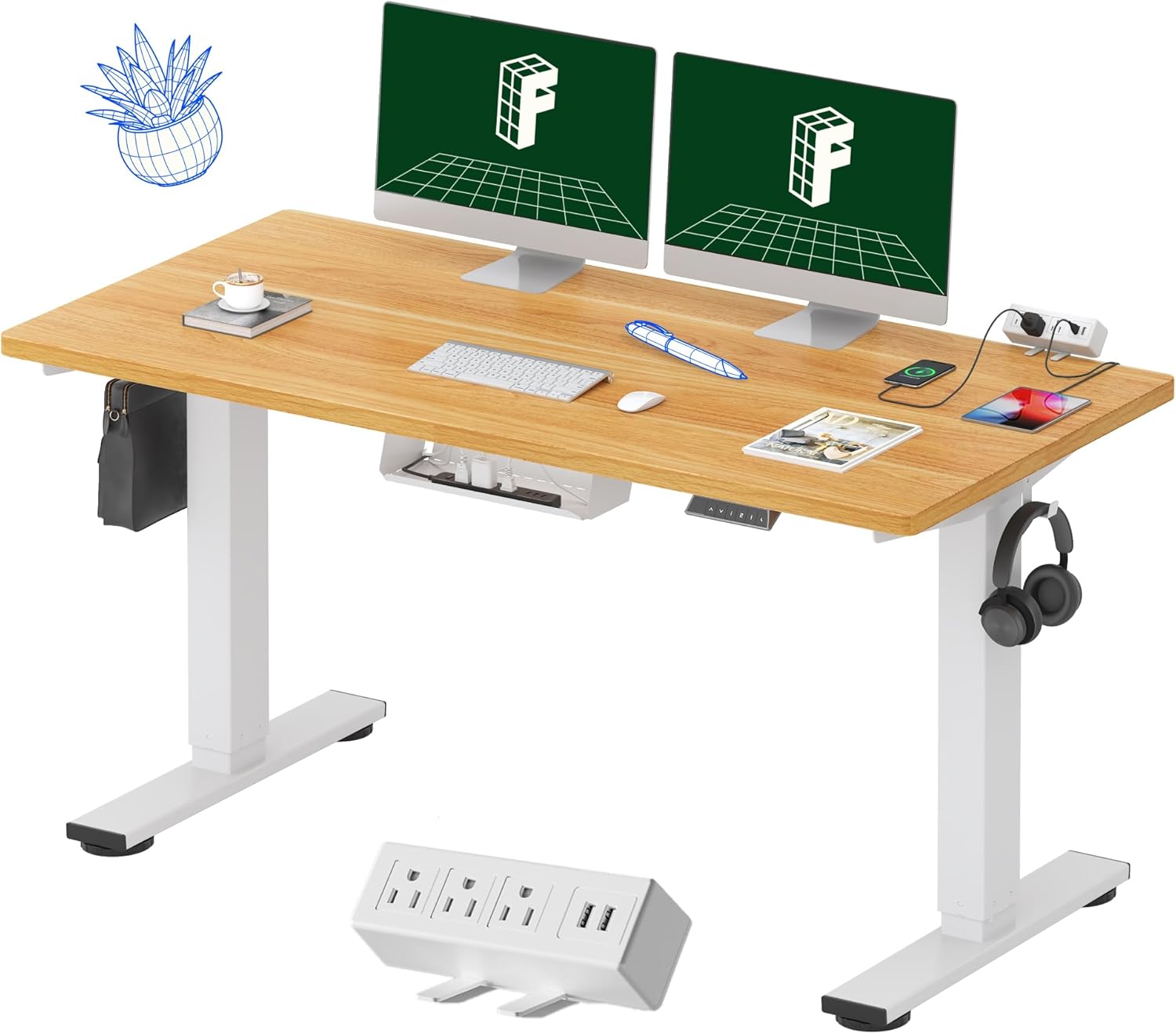
A grommet alone is not cable management. Add a J-channel cable tray under the desktop, a vertical cable sock from the tray down to the floor, and a multi-outlet power strip mounted to the underside of the desk itself. When the desk rises, the entire bundle rises with it. The grommet's only job is to get cables from the surface into that managed tray.
For a deeper walkthrough of under-desk wiring, see our guide on standing desk cable management and our breakdown of best cable trays for sit-stand desks.
Common Mistakes That Actually Do Void Warranties
You can add grommet holes standing desk without voiding warranty coverage if you avoid these mistakes:
- Drilling through the motor wiring channel, severing a wire
- Removing the controller box from its mounting tabs
- Cutting into the steel frame crossbar with a metal-cutting bit
- Using a router without a template, leading to a gouge that exposes the particleboard core
- Drilling without checking the underside first
If you nick the cable channel, stop, document the damage, and contact support before you do anything else. Most manufacturers will sell you a replacement wire harness for under $30 if you ask honestly.
When to Skip Drilling and Use a Clamp-On Grommet Instead
If your desktop is glass, tempered, or under 0.75 inches thick, do not drill. Use a clamp-on edge grommet that grips the rear edge of the desk and routes cables over the lip. These cost $15-25 and require zero modification. They look slightly less clean than a flush grommet, but they preserve the desktop entirely and are removable when you sell the desk. For more on this approach, read our piece on no-drill desk accessories.
Frequently Asked Questions
Does drilling a grommet hole void the VIVO standing desk warranty?
No. VIVO's published warranty covers the frame, motors, and controller separately from the desktop. Drilling a clean grommet hole in the wood top, away from the steel crossbar and the wiring channel, does not affect motor or frame coverage. Email VIVO support before drilling and save their written reply for your records.
What size Forstner bit should I use for a standard standing desk grommet?
Use a 60mm (2-3/8 inch) Forstner bit for small grommets that pass a few cables, or an 80mm (3-1/8 inch) bit for larger grommets that fit a power strip cord plus monitor and USB cables. Always match the bit to the grommet's outer barrel diameter, not the visible flange.
Can I drill a grommet hole in a particleboard or MDF standing desk top?
Yes, both cut cleanly with a sharp Forstner bit if you use painter's tape on both surfaces and a sacrificial scrap board underneath. The melamine layer on top can chip if you rush, so run the drill at low speed and let the bit do the work. Particleboard is the most common standing desk material and the procedure is identical.
Where on the desktop is it safe to drill without hitting the motor wires?
The safe zone is typically 2-3 inches from the rear edge and 4-6 inches in from each frame upright, behind the monitor stand area. Flip the desk over first and photograph the underside so you can see exactly where the motor cable channel runs. Mark hazards in painter's tape before you flip it back upright.
Do I need to tell the manufacturer before I add a grommet hole?
You're not required to, but it's smart. A one-paragraph email to support describing your plan and asking for written confirmation that the frame warranty is preserved costs nothing and gives you documentation if a motor fails later. VIVO, Veken, and ErGear all respond to these requests within a business day.
What's the best replacement grommet for a freshly drilled hole?
Snap-in plastic grommets in matte black are the cheapest and most forgiving, since the flange hides minor chip-out. Brushed aluminum grommets look premium on wood-veneer tops like the Veken. Whichever you pick, buy the grommet first and drill the hole to match its barrel diameter exactly, not the other way around.
Can I add a second grommet hole later if I need more cable capacity?
Yes. Each grommet is an independent cut, and adding a second one follows the same safe-zone and warranty rules as the first. Most people end up adding a second grommet within a year, usually on the opposite side of the desk for a phone charger and headphone cable. Plan the placement now even if you only drill one today.
Key Takeaways
- Choosing the right add grommet holes standing desk without voiding warranty means matching capacity and output ports to your actual devices
- Always check actual watt-hours (Wh), not just watts — runtime depends on Wh, not peak output
- Also covers: drill grommet hole desktop
- Also covers: cable grommet diy standing desk
- Also covers: grommet hole uplift warranty
- Compare price-per-Wh across models to find the best value for your budget