To anchor standing desk to wall earthquake safety standards, you need three things: a metal anti-tip bracket or heavy-duty furniture strap rated for at least the weight of your loaded desktop, a stud-mounted anchor point (never just drywall), and a flexible connection that lets the desk move up and down if it's height-adjustable. The fastest reliable method is to attach an L-bracket or steel safety strap to a wall stud behind the desk, then bolt the other end to the rear underside of the desktop frame. For sit-stand desks, use a slack steel cable or webbing strap so the column can still travel its full range. Below is the full step-by-step, the hardware list, and the desk models that anchor most easily.
Why Anchoring a Standing Desk Matters in Seismic Zones
Standing desks are top-heavy by design. A 60-inch electric desk with a monitor arm, dual displays, and a loaded cable tray can carry 80-150 pounds of payload, most of it concentrated above the column's center of gravity. During a magnitude 5+ earthquake, the lateral acceleration on that mass can easily exceed the static friction holding rubber feet to a hardwood floor. The desk doesn't need to fall over to injure someone — even a 6-inch lurch into a chair or a person crouched in a Drop-Cover-Hold-On position can cause serious harm, and a tipped desk can block an exit route or sever a power cord and start a fire.



Anchoring is not optional in California, Oregon, Washington, Alaska, Hawaii, British Columbia, Japan, Chile, New Zealand, Taiwan, Turkey, Italy, or any other ICC/IBC seismic design category D or higher region if you want real anchor standing desk to wall earthquake safety protection. Renters' insurance often won't cover furniture-related injuries during a quake if reasonable precautions weren't taken, and OSHA expects employer-provided home-office equipment in high-seismic areas to be secured.
What You Need Before You Start
Anchoring a sit-stand desk is different from anchoring a bookshelf because the desktop moves. You need hardware that tolerates 20+ inches of vertical travel without binding or yanking the bracket out of the wall. Here is the minimum kit:
- Stud finder (magnetic or electronic) — drywall anchors alone will not hold during shaking.
- 2 heavy-duty furniture safety straps rated 150 lb or higher, ideally steel cable or 1-inch nylon webbing with metal buckles, not plastic.
- #10 or #12 wood screws, at least 2.5 inches long, to bite a full inch into the stud.
- Lag bolts and washers if you're using L-brackets instead of straps.
- Drill with pilot bit, level, pencil, tape measure.
- Loctite Threadlocker Blue on the desk-side screws so vibration doesn't loosen them over months.
Avoid adhesive-only anti-tip kits (the ones with 3M VHB pads). They work for kids' dressers in low-seismic regions but creep under sustained shear load and fail in extended shaking events.
Step-by-Step: How to Anchor Standing Desk to Wall Earthquake Safety Method
Step 1 — Position the Desk and Find the Studs
Place the desk in its final location with the back edge 1-2 inches from the wall. You need that gap because the desktop will flex slightly when someone leans on the front edge, and a desk pressed flat against drywall will scuff or crack the paint with every sit-to-stand cycle. Run the stud finder horizontally across the wall at the height of the desk's rear cross-beam (typically 28-30 inches from the floor at lowest setting). Mark every stud you find with painter's tape. In US framing, studs are usually 16 inches on center; in older homes or in Europe, 24 inches is common.
Step 2 — Lower the Desk to Its Minimum Height
This is the position where the cable or strap will be at its longest extension. Anchor with the desk lowered so that when it rises, the slack disappears progressively but never goes fully taut at the top of its travel. If you anchor at maximum height, the strap will be slack and useless at the bottom — exactly the height most people sit at.
Step 3 — Install the Wall Anchor Point
Drive a #10 x 2.5-inch wood screw with a fender washer directly into the stud, leaving about 1/8 inch of thread exposed. If you're using an L-bracket, mount the wall-side leg flush against the drywall and into the stud with two screws. Do NOT use only drywall anchors, toggle bolts, or molly bolts as your sole anchor — drywall fails in tension during seismic shear loading, and the screws will pop straight out.
Step 4 — Attach the Desk Side
On the underside of the desktop, near the rear edge but inboard of the lift column, drill a 1/8-inch pilot hole into the desktop's particleboard or MDF substrate. Drive a #10 screw with the strap's eyelet seated under the screw head. Add Loctite Blue to the threads. If your desktop is solid hardwood (bamboo, walnut) you can go larger — a #12 x 1.5-inch screw is ideal.
Step 5 — Tune the Slack
With the desk at minimum height, the strap should hang in a gentle U-shape, not taut. Raise the desk to maximum height and verify the strap is not yanking on either anchor point. The total range of travel on most electric desks is 19-25 inches, so your strap needs at least 28 inches of working length between anchor points.
Step 6 — Mirror on the Opposite Side
Install a second anchor 12-18 inches from the first, ideally into a different stud. Two anchor points distribute lateral load and prevent the desk from pivoting around a single fastener during a torsional shake.
Which Standing Desks Are Easiest to Anchor?
Not all sit-stand desks are equally friendly to retrofit anchoring. You want a desk with a solid rear cross-beam, a thick desktop (1 inch or more), and an exposed underside that's free of motors and control boxes where the rear edge meets the frame. The three models below all meet that bar and are widely stocked in 2026.
| Model | Width | Capacity | Rear Frame Access | Best For |
|---|---|---|---|---|
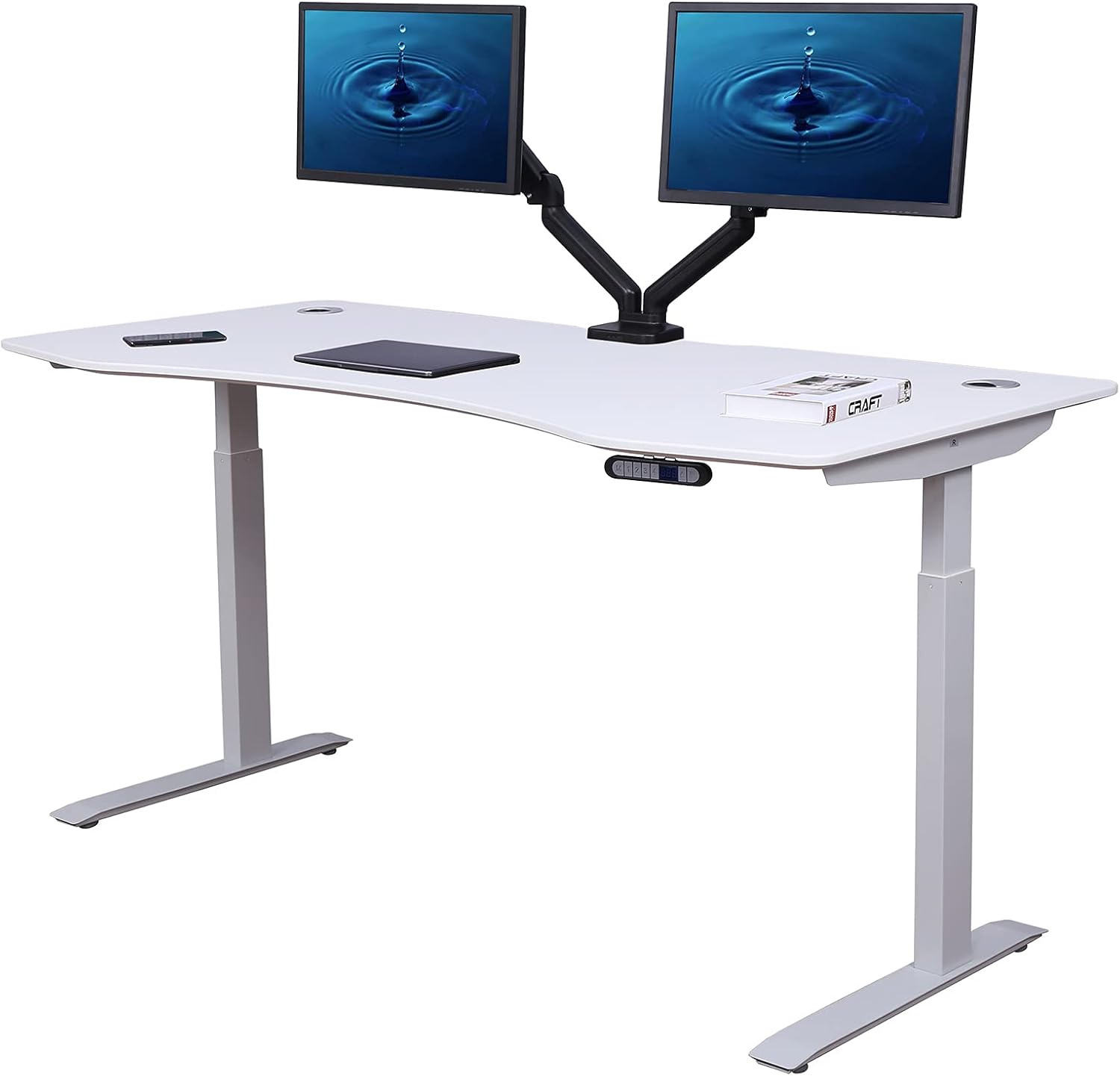
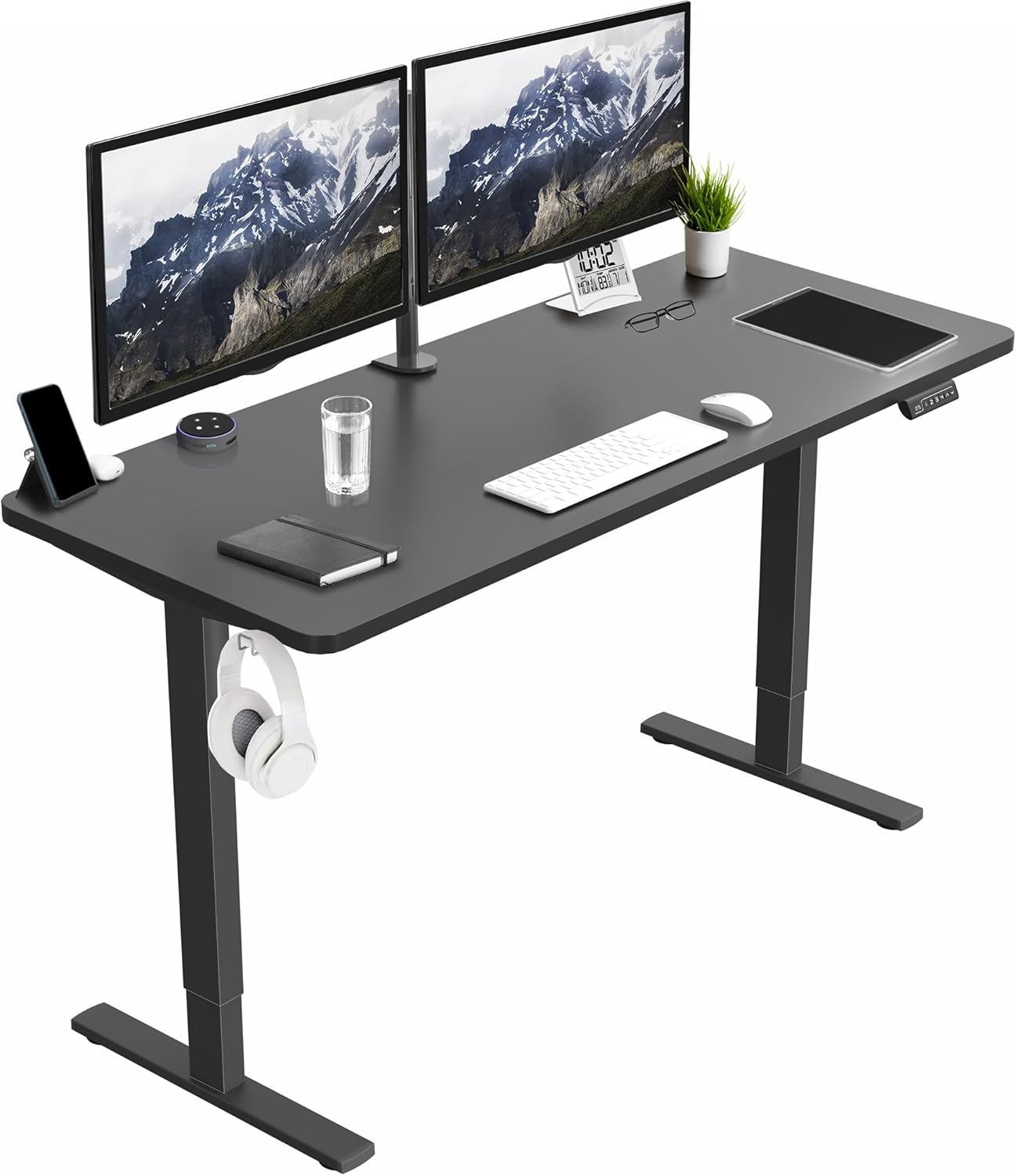
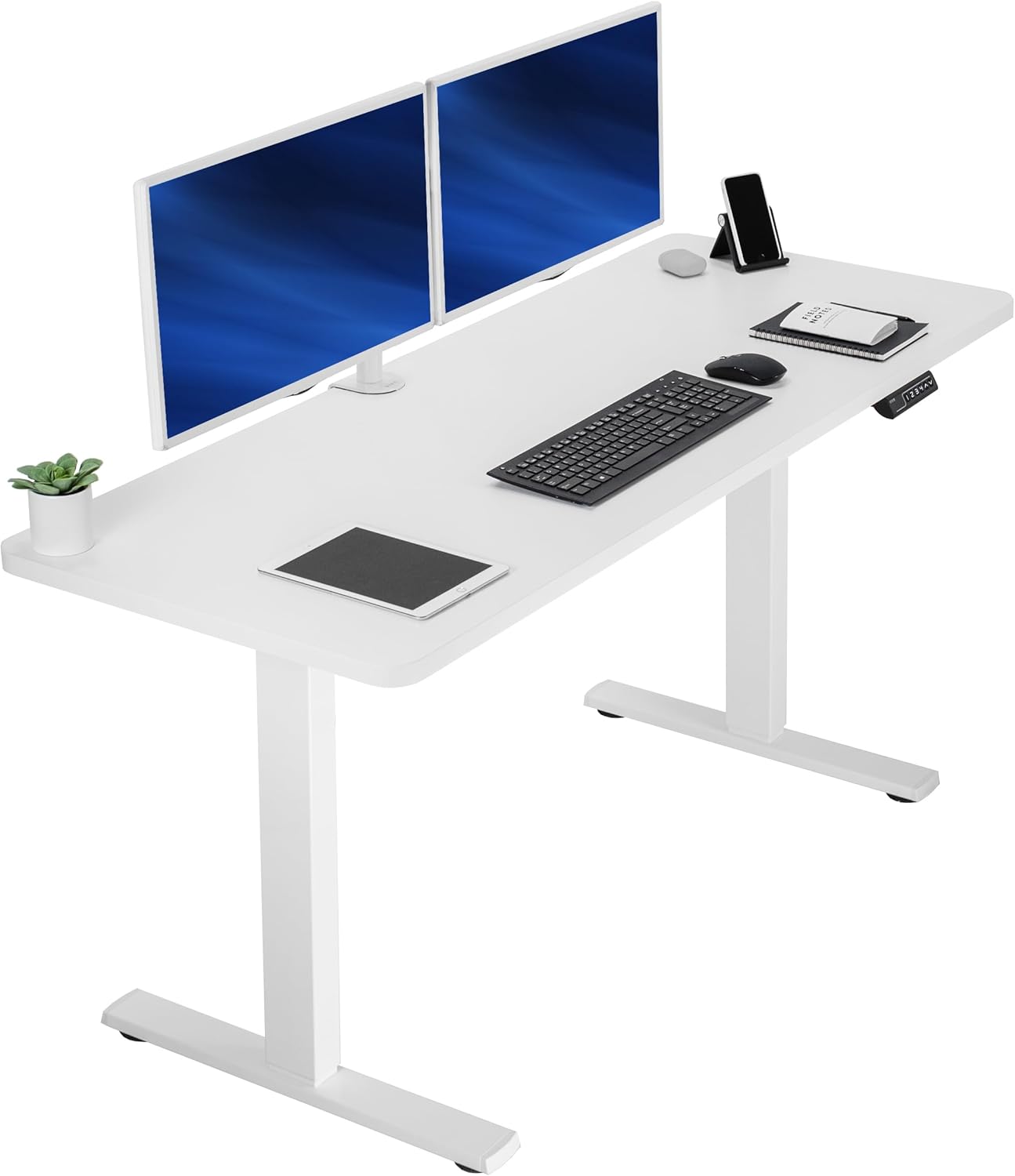
| VIVO Electric 60x24 | 60 in | 220 lb | Excellent — wide rear beam | Large dual-monitor setups in seismic zones |
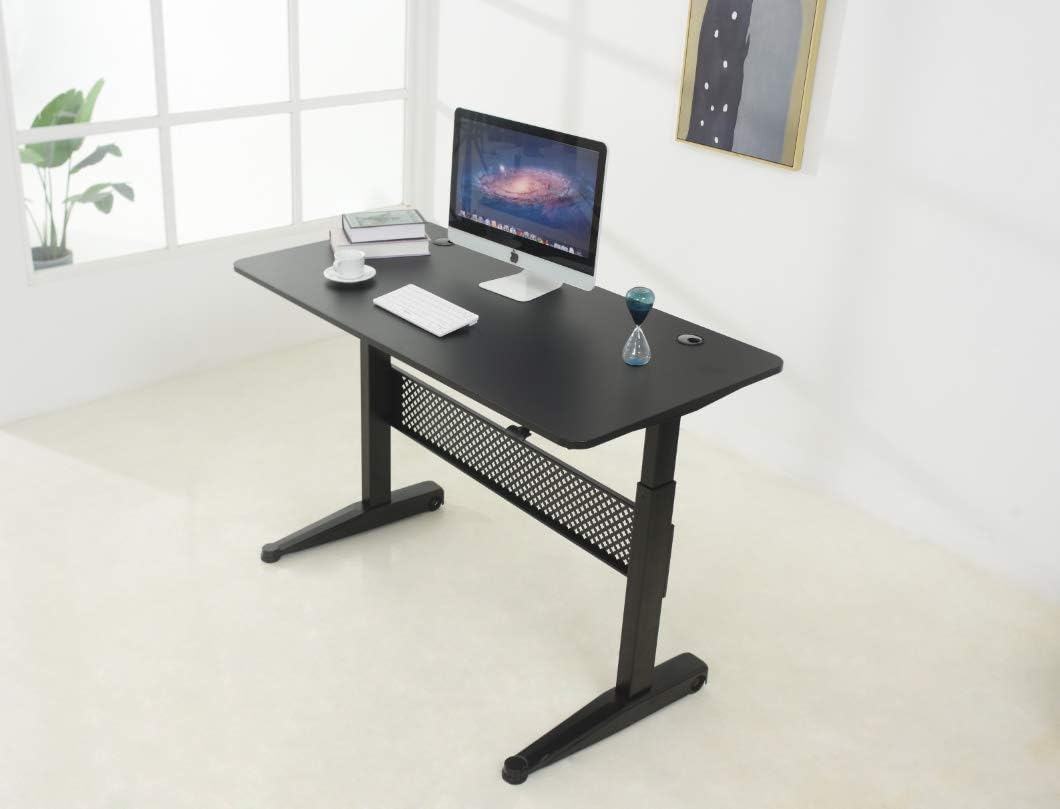
| Veken 47.2" Wood Top | 47.2 in | 176 lb | Good — solid wood substrate | Small offices, hardwood-screw anchoring |
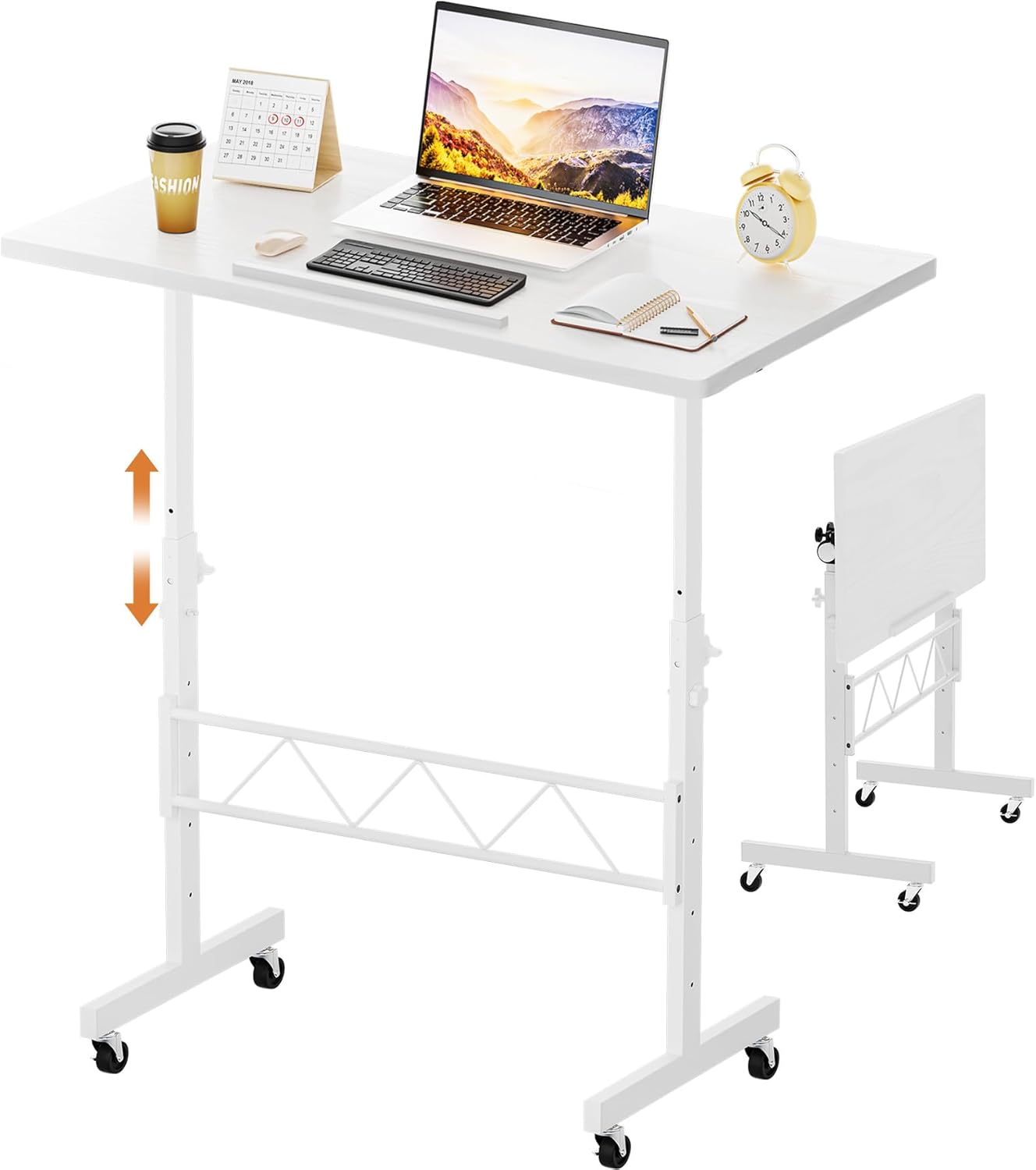
| ErGear 48x24 | 48 in | 176 lb | Good — open underside | Budget builds, apartments, renters |
VIVO Electric 60 x 24 Standing Desk (220 lb capacity)
The VIVO's 60-inch frame gives you the most flexibility for placing two anchor points at least 16 inches apart, hitting two separate studs. The 220-pound capacity also means you can mount a heavy monitor arm and still have margin before the column motor strains. Its rear cross-beam is a flat steel channel that accepts #10 sheet-metal screws directly — no need to drill into the desktop substrate if you prefer to anchor to the frame instead. For larger workstations in California, the Pacific Northwest, or Tokyo apartments, this is the easiest unit to retrofit. View the VIVO 60x24 on Amazon.
Veken 47.2" Standing Desk with Wood Desktop
The Veken's solid wood top is a meaningful advantage for anchoring because wood holds wood screws far better than the engineered particleboard used on most budget desks. A #12 screw driven into the rear edge of this top will pull out at over 400 pounds of force — well above any realistic lateral load from a strap during shaking. The 47-inch width fits most home-office nooks and apartment bedrooms. View the Veken Wood Standing Desk on Amazon.
ErGear 48 x 24 Electric Standing Desk
The ErGear is the budget pick and the easiest to anchor for renters because its lighter frame means you can use slightly smaller hardware (single #10 screws into each stud) and still hit a 5:1 safety factor. The memory presets let you mark a specific height as your "anchored neutral" so you always return the strap to known slack. View the ErGear 48x24 on Amazon.
Common Mistakes That Defeat the Anchor
The most frequent failure I see is people anchoring to drywall using a plastic butterfly anchor rated "50 lb." That rating is for static vertical load on a picture frame, not cyclic shear during ground motion. Use studs. Period.
The second most common mistake is anchoring the desk in its raised position, leaving the strap dangling uselessly when the desk is lowered. Always anchor at minimum height.
Third: using one anchor instead of two. A single anchor lets the desk pivot during a quake and can actually accelerate tipping. Two anchors, spaced wide, lock the rear edge to the wall plane.
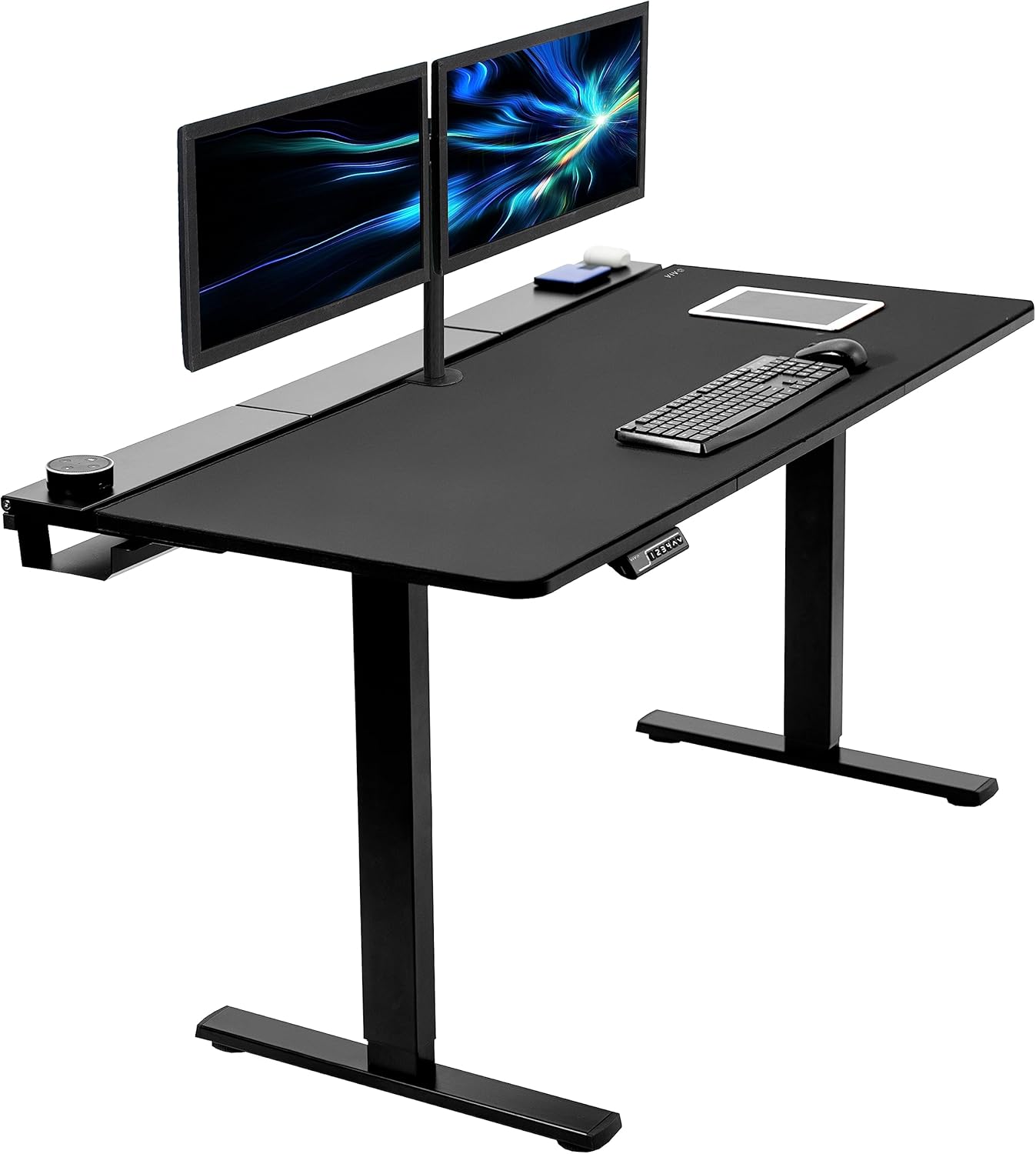
Fourth: forgetting the monitor and accessories. The desk anchor protects the desk, but your monitor still flies off. Pair this guide with our monitor arm seismic securing guide and our cable management for moving desks walkthrough.
Renters: Can You Anchor Without Damaging Walls?
Yes, but with caveats. Two #10 screw holes per anchor leave patch-and-paint repairs that cost about $5 in spackle and 10 minutes per hole — well within the wear-and-tear allowance of most leases. Compare that to a $1,200 monitor or a hospital visit. If your landlord truly forbids any wall penetration, look at floor-anchor options or weighted-base solutions, though these are significantly less effective for top-heavy sit-stand desks. For a deeper look at low-impact options, see our renter-friendly anchoring guide.
Frequently Asked Questions
How much does it cost to anchor a standing desk for earthquake safety?
A complete two-point anchor kit using nylon webbing safety straps and stud screws runs $15-$25. Steel L-brackets with lag bolts cost $30-$45. The labor is 20-30 minutes if you already own a drill and stud finder. Compared to the $400-$700 price of a mid-range electric standing desk, anchoring adds about 4-6% to total cost.
Will anchoring void my standing desk warranty?
Most major brands — VIVO, Veken, ErGear, FlexiSpot, Uplift — explicitly allow aftermarket anchor straps as long as you don't drill new holes through the lift column itself or modify the motor housing. Always confirm with the manufacturer's support team in writing before drilling into the desktop if you're concerned. Drilling small pilot holes into the underside of the desktop, away from the column, is universally acceptable.
Can I anchor a standing desk to a concrete or brick wall?
Yes, and the connection is even stronger than wood-stud framing. Use a 1/4-inch masonry bit, sleeve anchors or wedge anchors rated for shear, and the same straps or brackets. For brick veneer (common on older homes), drive the anchor into the mortar joint, not the brick face itself, to avoid spalling. Predrill with a hammer drill.
Do I need to anchor my standing desk if I live on a high floor?
Yes — in fact, upper floors typically experience amplified ground motion compared to the slab on grade because the building flexes. A 5th-floor apartment in a mid-rise can see 1.5-3x the lateral acceleration of the ground floor during the same event. Anchoring is more important on upper floors, not less.
What's the difference between an anti-tip strap and an earthquake strap?
Anti-tip straps (the kind included with IKEA dressers) are designed to prevent slow tipping when a toddler climbs the furniture. They're typically rated 50-100 lb static load. Earthquake straps are designed for cyclic shock loading and are rated 150-300 lb dynamic load, with metal buckles instead of plastic. For a standing desk, use earthquake-rated hardware.
Should I anchor the desk frame or the desktop?
Anchor the frame if it has a rear cross-beam that's accessible (the VIVO 60x24 does). The frame is steel and won't pull out under any realistic load. If the frame isn't accessible, anchor the desktop near the rear edge, at least 4 inches inboard from the edge to avoid splitting. Never anchor the lift column itself — it needs to move freely.
How often should I check the anchor straps?
Inspect every 6 months: tug the strap, check that the screws haven't backed out (Loctite helps), and verify the slack is still appropriate at minimum desk height. After any actual seismic event above magnitude 4, re-inspect immediately and replace any strap showing fraying, stretch, or buckle deformation. Nylon webbing has a useful life of about 7-10 years even without seismic loading, due to UV degradation if the desk is near a window.
Key Takeaways
- Choosing the right anchor standing desk to wall earthquake safety means matching capacity and output ports to your actual devices
- Always check actual watt-hours (Wh), not just watts — runtime depends on Wh, not peak output
- Also covers: earthquake proof standing desk renter
- Also covers: secure standing desk california quake
- Also covers: wall anchor electric standing desk
- Compare price-per-Wh across models to find the best value for your budget