Fitting a standing desk under low window sill in a rental comes down to three numbers: your sill height from the floor, the desk's collapsed (lowest) height, and the desk's maximum standing height. You want the collapsed height plus your monitor stack to clear the sill by at least 1 inch when seated, and the standing height to put your elbows at 90 degrees without the desktop slamming into the sill on the way up. In 2026, most affordable electric sit-stand desks collapse to around 28 inches and rise to 47-48 inches, which is workable under sills as low as 32-34 inches off the floor if you plan carefully and skip any wall-mounted accessories your landlord would charge you for.
The rental-friendly math behind a standing desk under low window sill
Before you buy anything, grab a tape measure and write down four numbers. First, the distance from your finished floor to the bottom edge of the window sill (the trim, not the glass). Second, the depth from the wall to the front edge of the sill, since some sills protrude 1-3 inches and eat into your desktop depth. Third, your seated elbow height (sit in your usual chair, bend your elbow 90 degrees, measure floor to elbow). Fourth, your standing elbow height with shoes on.
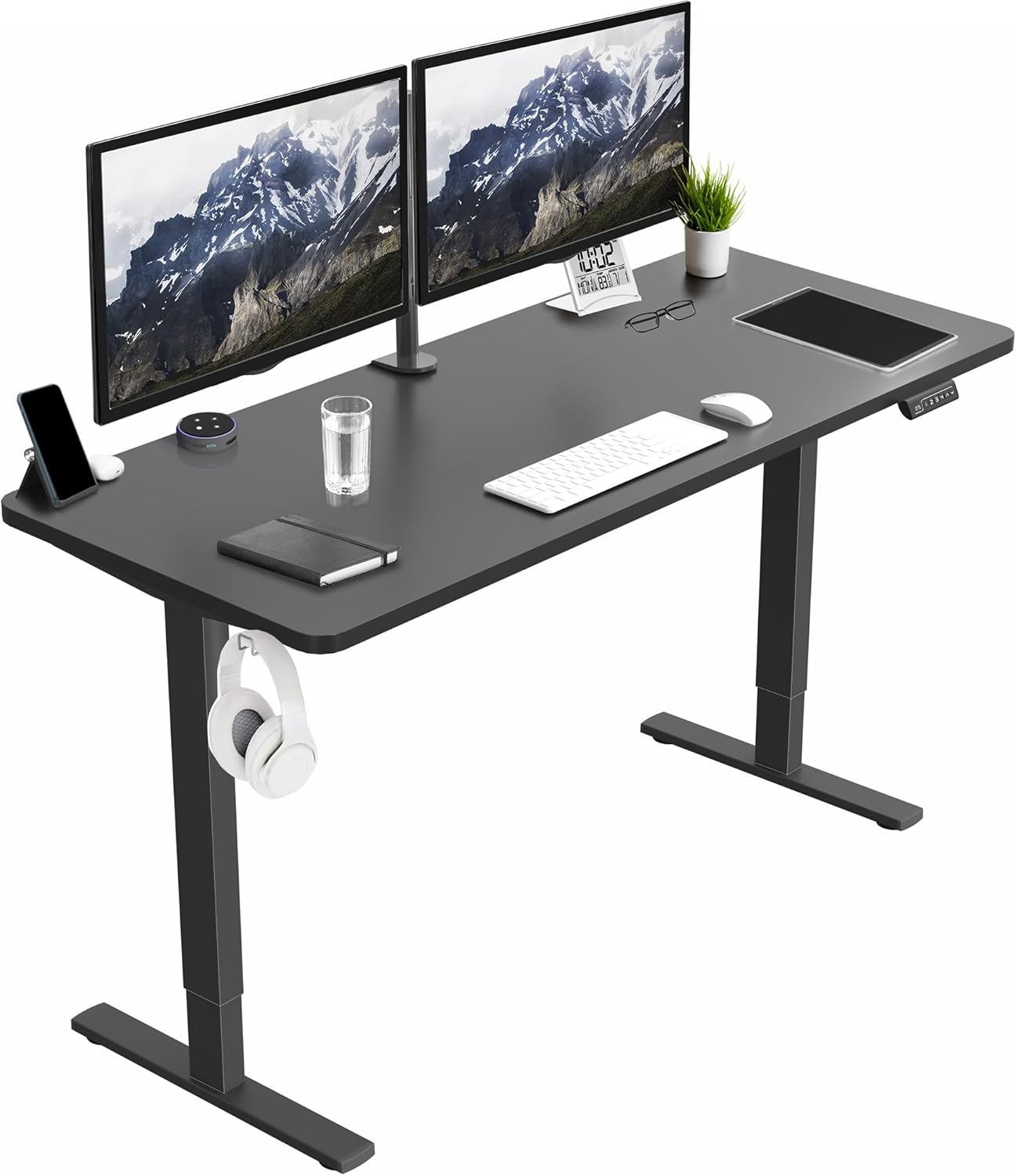



The seated number tells you the minimum desktop height you need. The standing number tells you the maximum desktop height you'll actually use. If your sill is lower than your standing elbow height, you have a real problem: the desk physically cannot rise to its ideal standing position without colliding with the wall, sill, or window frame. This is the core challenge of putting a standing desk under low window sill conditions, and it's solvable with the right desk choice, smart placement, and a few zero-damage rental hacks.
Why low window sills break most standing desk setups
A typical residential window sill in an apartment built between 1960 and 2010 sits 30 to 36 inches off the floor. A standard seated desk surface is 28-30 inches. So far, so good. The problem appears when you try to stand: ergonomic standing height for an average 5'8" adult is around 42-44 inches, and for taller users, 46-48 inches. If your sill is 34 inches off the floor and your desktop is currently at 30 inches, raising the desk 14 more inches means the back edge of the desktop will collide with the sill, the desk motor will stall, or worse, the desk will lift the windowsill trim right off the wall.
You have four real options: (1) pull the desk forward so the back edge clears the sill entirely, (2) buy a desk shallow enough that even when pushed against the wall the surface sits below the sill, (3) accept a lower-than-ideal standing height and use a monitor arm to compensate, or (4) angle the desk so only one corner sits under the window. Most renters end up combining options 1 and 3.
What to look for in a desk for this exact problem
You need three specs the product listings rarely highlight: minimum (collapsed) height, maximum height, and frame depth. Skip any desk whose frame extends behind the desktop, since that frame will hit the wall before the desktop does. Prioritize desks with a slim crossbar or no crossbar, anti-collision sensors (so the motor stops before damaging your rental), and memory presets so you can program a "safe stand" height that clears your sill.
Comparison: three desks that work under low sills
| Desk | Width x Depth | Height range | Best for sill height | Capacity |
|---|---|---|---|---|
| ErGear 48 x 24 Electric | 48" x 24" | ~28" - 47.6" | 32"+ sills | 176 lbs |
| Veken 47.2" Wood Top | 47.2" x 23.6" | ~28.7" - 48" | 33"+ sills | 154 lbs |
| VIVO Electric 60 x 24 | 60" x 24" | ~28.5" - 48" | 33"+ sills, wide windows | 220 lbs |
ErGear 48 x 24 Electric Standing Desk - best budget pick for shallow rooms
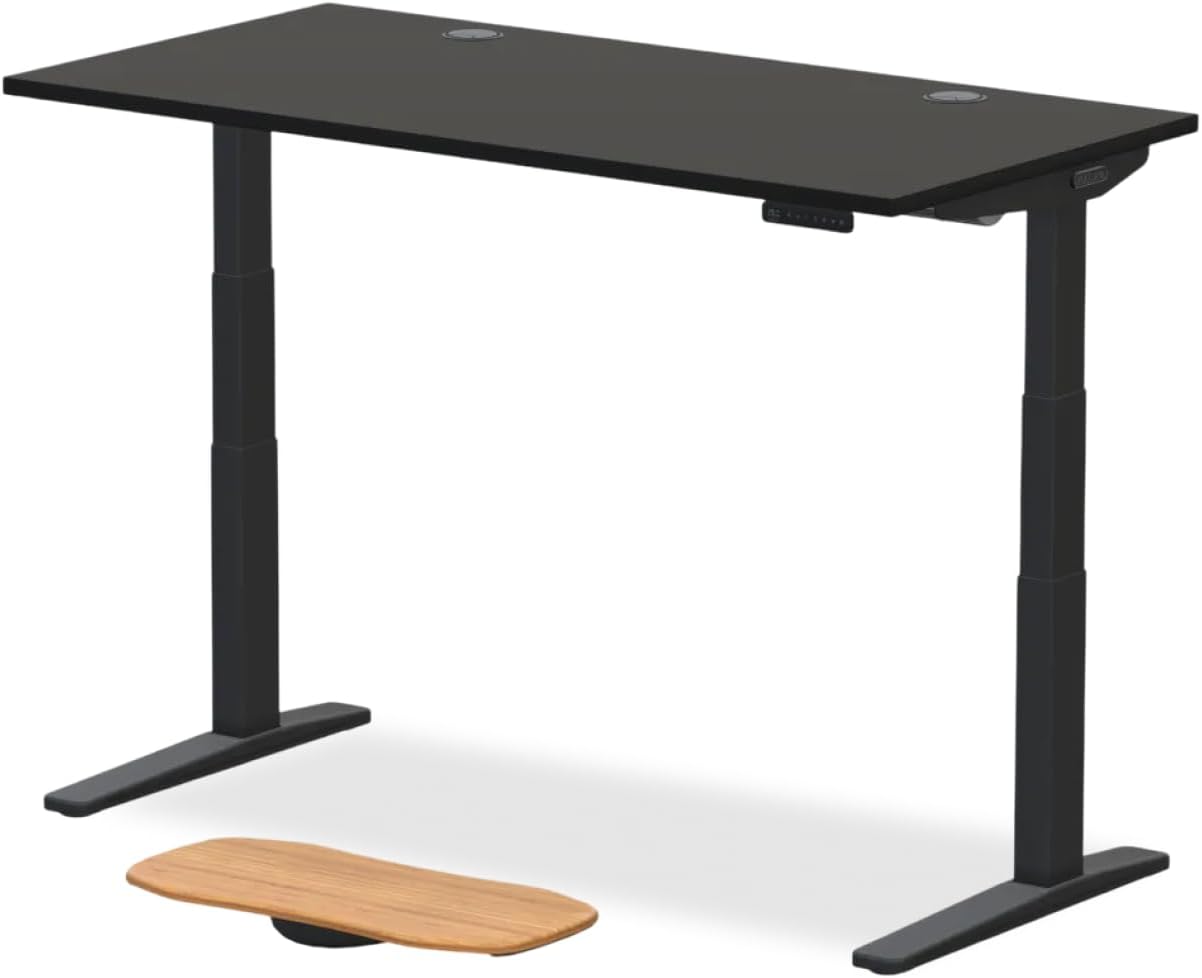
If your sill sits around 32-34 inches off the floor and you're working in a bedroom corner, the ErGear 48 x 24 is the easiest match. The 24-inch depth lets you pull the desk forward 4-6 inches and still have room for a chair behind you, which is exactly what you need to clear a protruding sill. The dual-motor lift is smoother than the single-motor budget desks, and the memory presets let you save a "max safe height" that won't crash the desktop into the trim. The collapsed height around 28 inches sits comfortably below almost any residential sill. Check current price: ErGear Height Adjustable Electric Standing Desk on Amazon.
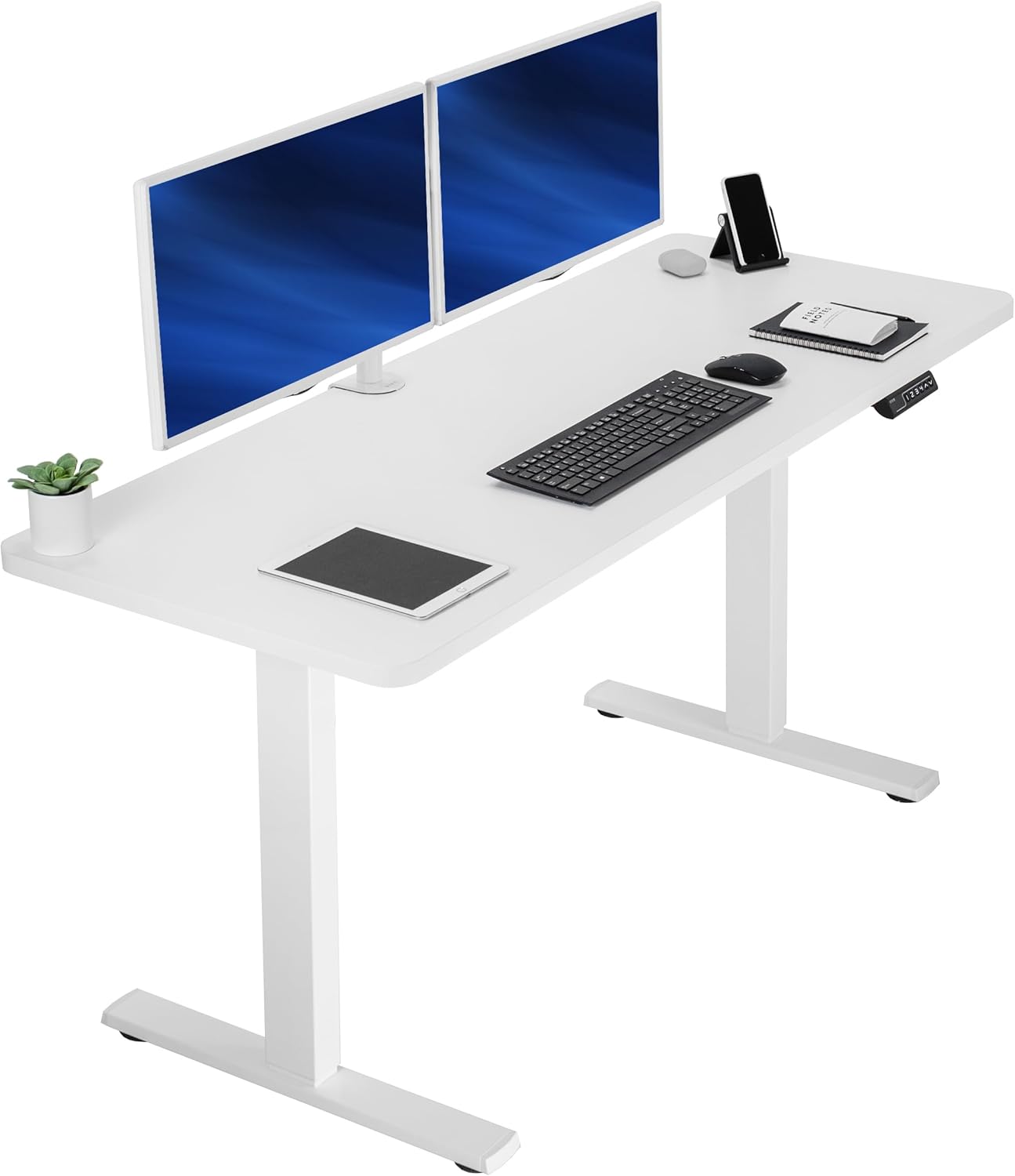
Veken 47.2" Standing Desk with Wood Desktop - best looking for living-room offices
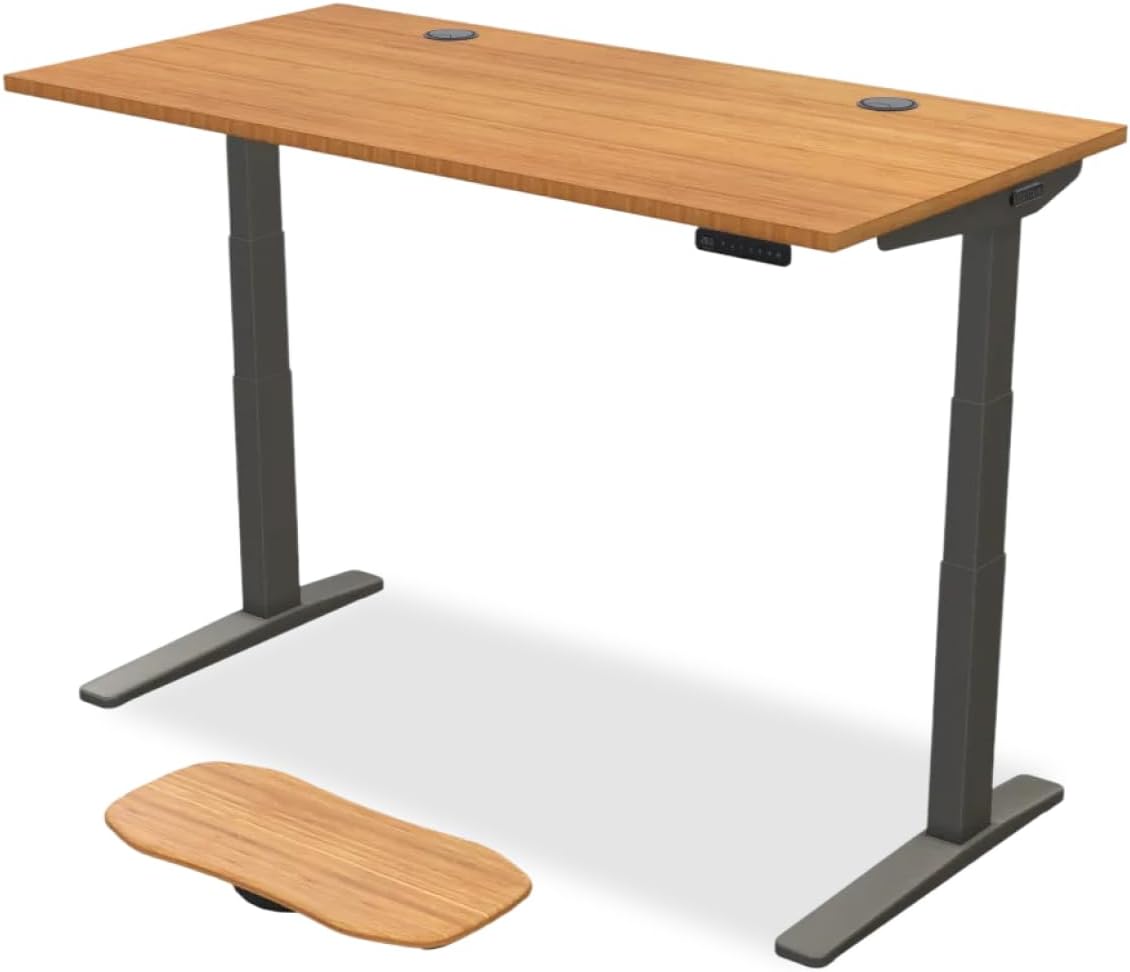
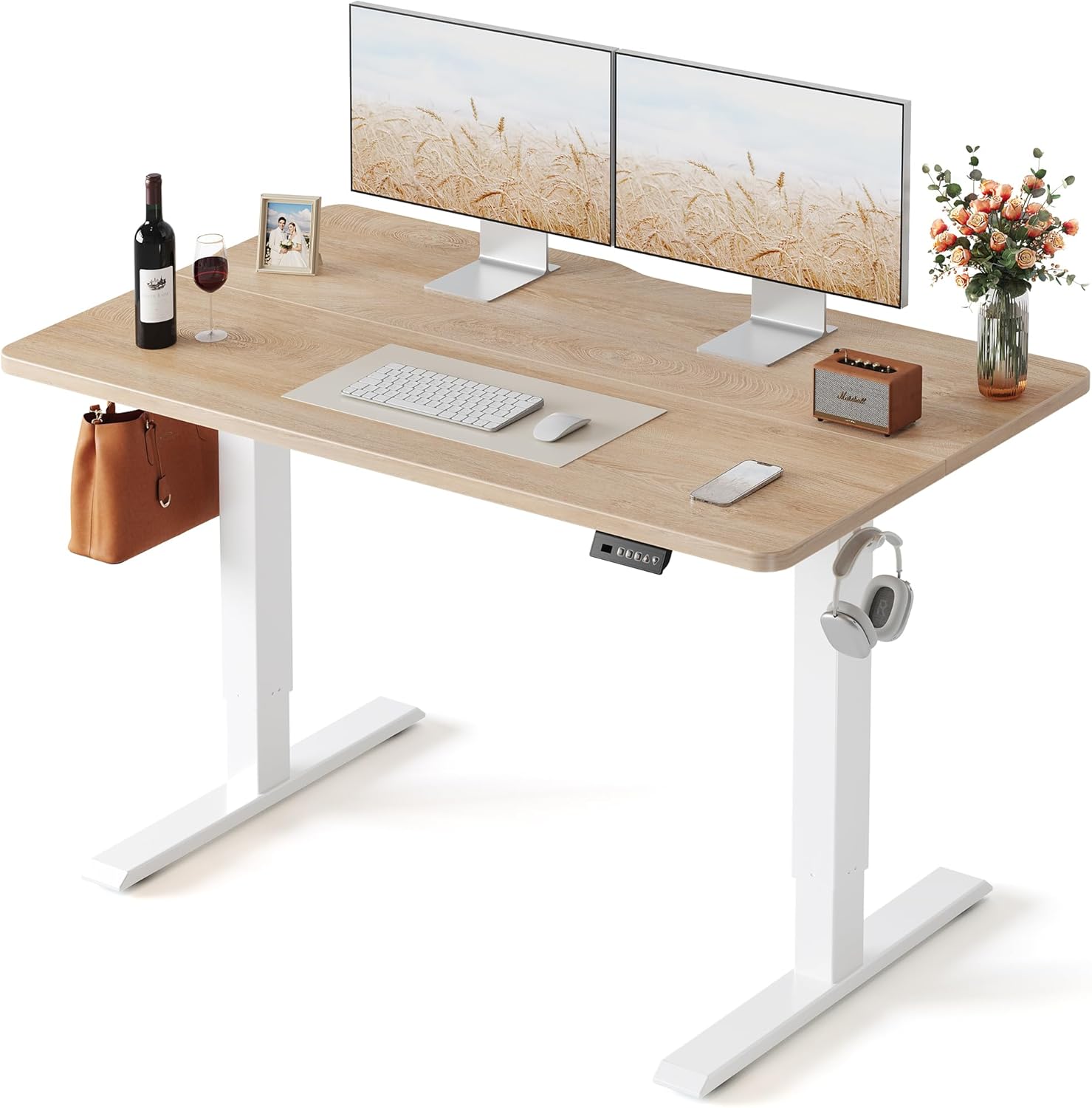
Renters working from a shared space often need a desk that doesn't scream "office furniture." The Veken's wood-grain desktop blends into a living room better than the black laminate options, and the 47.2-inch width fits under most standard double-hung windows without overhanging the trim on either side. The 23.6-inch depth is slightly shallower than the ErGear, which gives you another half-inch of breathing room if your sill protrudes. Memory presets handle the same "safe stand" trick. See it here: Veken 47.2" Standing Desk on Amazon.
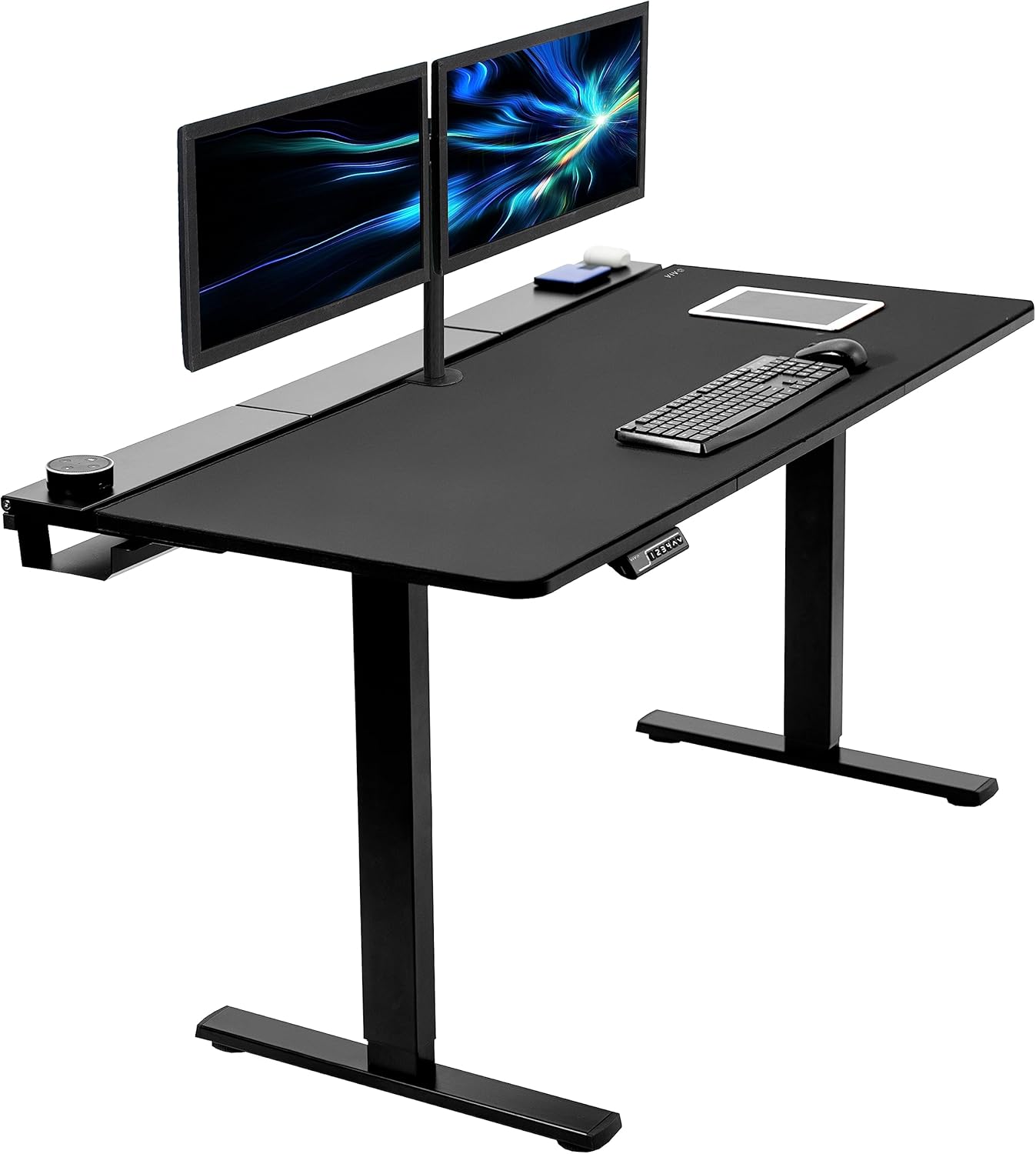
VIVO Electric 60 x 24 - best for wide bay windows or dual monitors
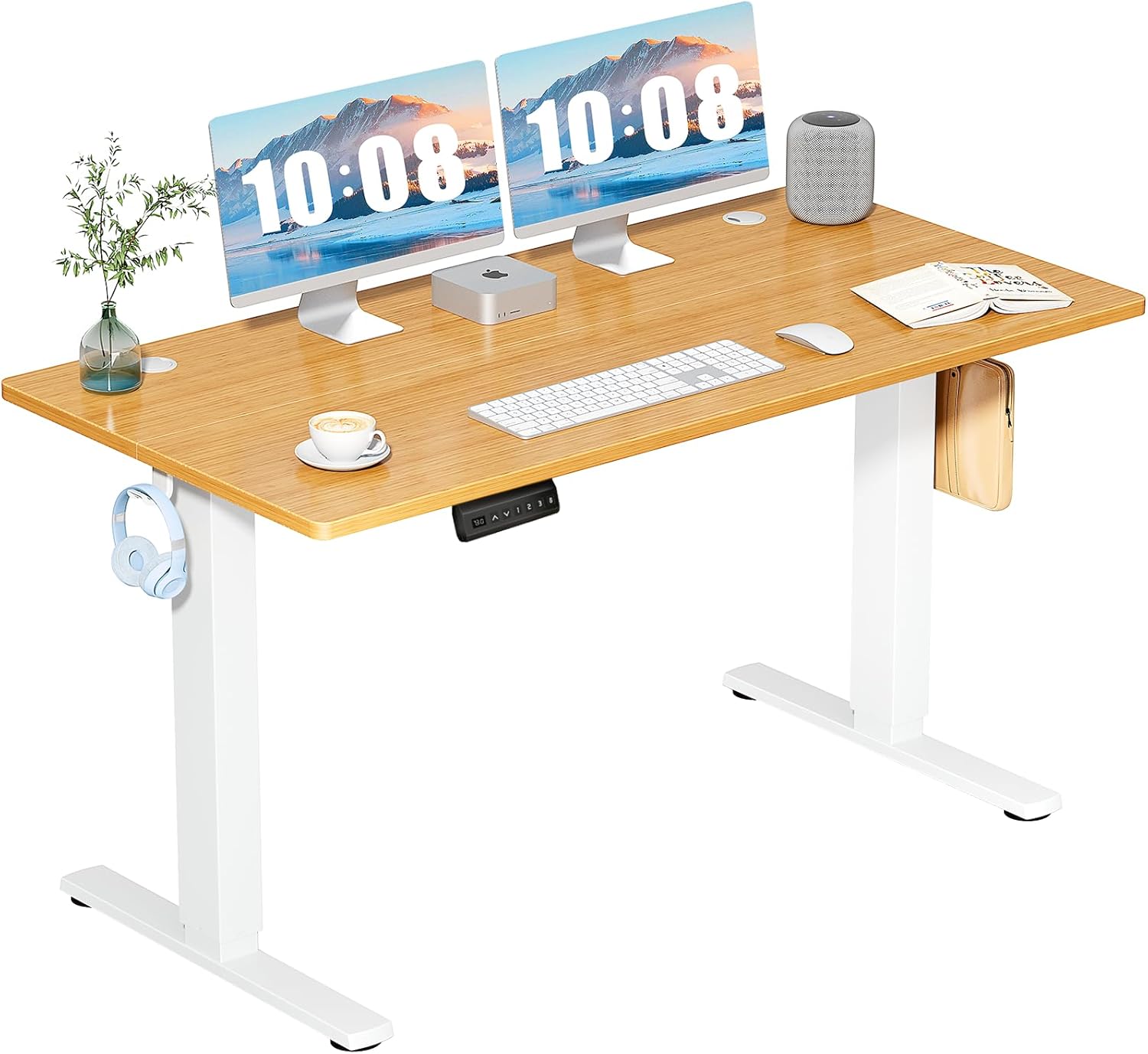
If your low sill spans a wide window (bay window, picture window, or two windows side by side), the VIVO 60 x 24 gives you the surface area to run dual monitors and still angle the desk so only the center sits under the sill. The 220-lb capacity is the highest of the three, which matters if you stack a heavy monitor arm, mechanical keyboard tray, or laptop docking station. Anti-collision sensors are a real benefit here, since the wider desktop means more surface area that could potentially hit the sill. Available at: VIVO Electric 60 x 24 Standing Desk on Amazon.
Rental-safe installation: no drilling, no damage
The whole point of using a freestanding electric desk is avoiding any wall mounting that risks your security deposit. Three small details make a big difference. First, put felt pads under the four feet of the frame. Hardwood floors in older rentals dent easily, and electric desks are heavy once loaded. Second, route your power cable away from the window-side wall using a removable adhesive cable channel (the kind sold for renters specifically) rather than drilling a hole or stapling it down. Third, if your sill protrudes more than 1.5 inches, place a thin foam bumper strip on the back edge of the desktop. This protects both the desk finish and the windowsill trim if the desk ever bumps the sill when you adjust the height.
For more on protecting your floors and walls while setting up an ergonomic workspace in a rental, see our guide on rental-friendly office setups and our walkthrough on choosing a standing desk for a small apartment.
Programming the memory presets so the desk never hits the sill
This is the single most useful trick when you put a standing desk under low window sill conditions: use the memory presets as a software limit. Most electric desks (including all three above) have a control panel with 3-4 saved heights. Raise the desk manually to about 1 inch below your sill, then save that as your "max" preset. Save your seated height as another preset. From now on, you only ever press preset buttons - you never use the up/down buttons to freehand the height. This eliminates the risk of accidentally raising the desk too far and damaging the windowsill trim.
If your specific desk doesn't expose a way to set a hard upper limit in firmware, the preset workflow above is your best workaround. Anti-collision sensors are a backup, not a primary defense - they react to resistance, which means the desk has already touched something by the time they engage.
Monitor arms and laptop stands when your standing height is compromised
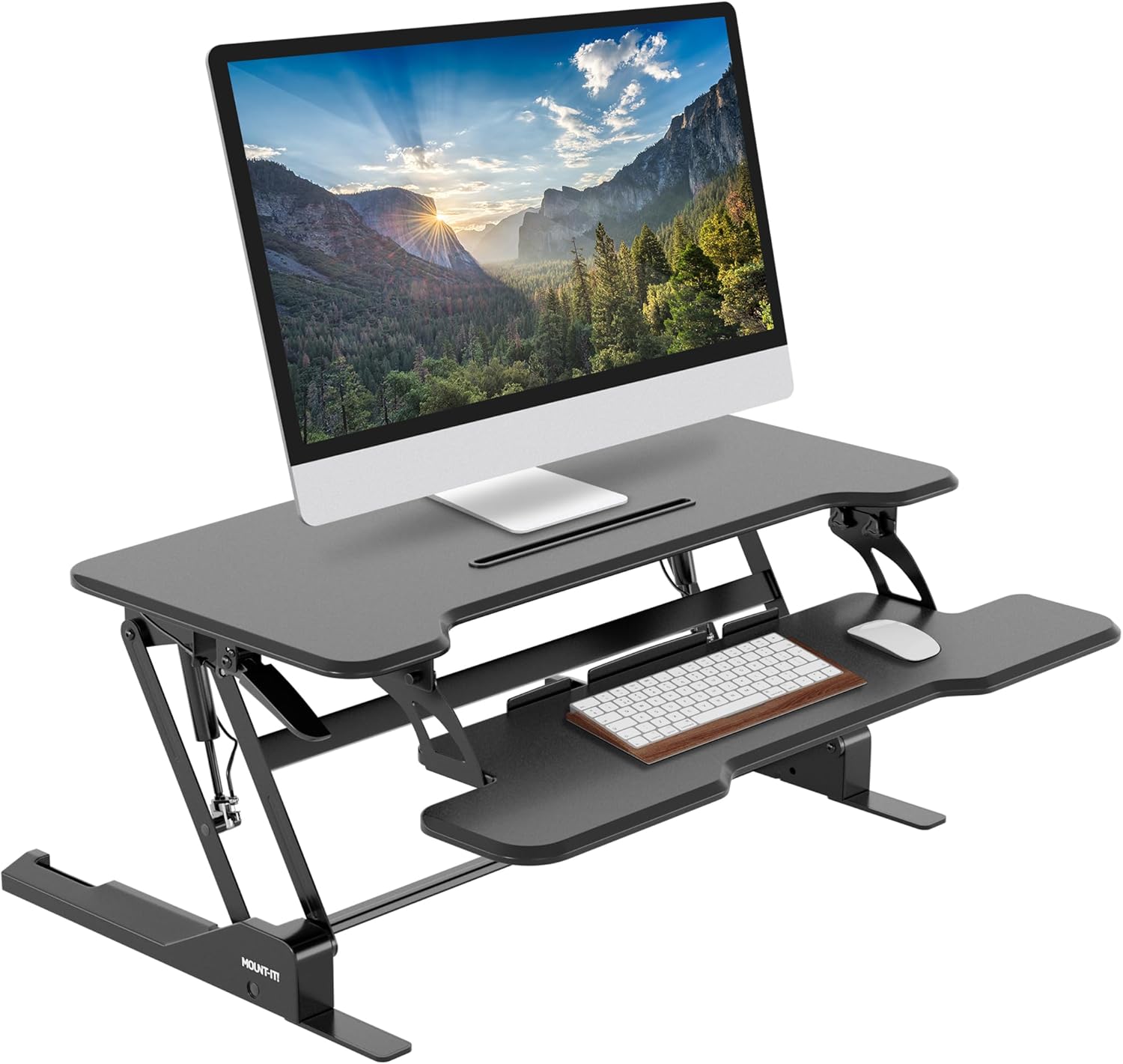
If your sill physically prevents the desktop from rising to your true ergonomic standing height, raise your monitor instead. A clamp-on monitor arm adds 6-12 inches of effective screen height without changing the desktop position. Combined with a desk that only rises to, say, 40 inches (instead of your ideal 44 inches), the monitor arm puts your screen at the correct eye level. Your wrists will still be slightly higher than ideal, but a low-profile keyboard and a wrist rest mitigate this. This compromise is far healthier than abandoning the standing setup entirely.
Placement strategies that maximize sill clearance
The simplest fix is sometimes the best: don't put the desk directly against the window wall. Pulling the desk forward 8-12 inches gives the back of the desktop a clear path upward, and the gap behind becomes useful space for a power strip, cable management, or a small plant. If the room layout makes this impossible, try angling the desk diagonally so only one front corner sits under the window. The diagonal orientation also gives you a more interesting view while working - you face the window at an angle rather than staring straight at the wall.
Frequently Asked Questions
How do I measure my window sill height correctly for a standing desk?
Measure from the finished floor (carpet or hardwood, whatever your desk will sit on) to the bottom edge of the sill trim - not the glass. Take the measurement at the exact spot where the back edge of the desk will sit, since floors and sills are rarely perfectly level. Subtract 1 inch as a safety buffer; that's your maximum allowable desktop height.
What if my window sill is only 30 inches off the floor?
A 30-inch sill is below standard seated desk height, which means even sitting down your desktop would hit the sill if pushed against the wall. Pull the desk forward at least the depth of the sill protrusion plus 2 inches, or rotate the desk perpendicular to the window so the sill is to your side rather than behind you. A 24-inch deep desk with a 30-inch sill is workable; a 30-inch deep desk almost certainly is not.
Can I use a manual crank standing desk instead of electric to save money?
Yes, but you lose the memory presets that protect your sill. With a manual crank you'll need to count rotations or mark the support column with painter's tape (rental-safe) at your max-safe height. Electric desks with anti-collision sensors are worth the extra $80-150 specifically because of the sill-collision risk.
Will my landlord care if I put a standing desk under the window?
Freestanding furniture is universally allowed in rentals - no landlord approval needed. The concern is only damage to the sill, trim, or floor. As long as you use felt pads under the feet, route cables without drilling or stapling, and use memory presets to prevent the desktop from hitting the sill, there is no issue at move-out.
Does a treadmill desk work under a low window sill?
A walking pad under a standing desk raises the floor reference height by 4-5 inches, which means your usable standing range shrinks by the same amount. If your sill barely accommodates a standard desk, adding a walking pad will eliminate any standing clearance. Either skip the treadmill or pull the desk completely out from under the window when walking.
Can I block natural light with the desk and monitor?
This is a real downside of placing a desk under a window. A 27-inch monitor on a clamp arm will block roughly the bottom third of the window when raised to eye level. Mitigate this by using a thinner monitor profile, mounting the monitor on a side-clamp arm that swings off the window when not in use, or accepting reduced light during work hours. For more on this trade-off, see our guide on positioning your desk for natural light.
What's the best desk depth for a sill that protrudes 2 inches?
A 23.6-inch or 24-inch deep desk gives you the most flexibility. Push the back edge to 2.5 inches from the wall and the desktop will clear the protruding sill entirely while still leaving roughly 21 inches of usable depth - enough for a monitor at arm's length plus a keyboard. Avoid 28-30 inch deep desks under protruding sills unless you can pull the desk well forward into the room.
How much weight should the desk handle for a typical home office setup?
A dual-monitor setup with arm, keyboard, laptop dock, and a few accessories totals about 50-70 lbs. All three desks above comfortably exceed this. The 220-lb VIVO is overkill for a typical user but valuable if you ever lean on the desk while standing - the heavier-rated frames flex less and feel more stable when you press down on the front edge.
Key Takeaways
- Choosing the right standing desk under low window sill means matching capacity and output ports to your actual devices
- Always check actual watt-hours (Wh), not just watts — runtime depends on Wh, not peak output
- Also covers: low window sill standing desk fit
- Also covers: desk under window clearance issue
- Also covers: standing desk apartment window height
- Compare price-per-Wh across models to find the best value for your budget