The fastest flexispot e7 pro desktop sagging fix is to add a center crossbeam or aftermarket support bracket beneath the desktop, redistribute heavy monitors closer to the steel frame legs, and re-torque every frame-to-top bolt with a thread-locking compound. If your factory MDF or bamboo top has already deformed more than 3/16 inch in the middle, you cannot reverse the bow with hardware alone, you will need to replace the desktop with a thicker hardwood slab or migrate the E7 Pro base under a reinforced aftermarket top. This guide walks you through every option, from a 10-minute tightening pass to a full surface swap.
Why the Flexispot E7 Pro Desktop Sags in the Middle
The E7 Pro frame itself is rated for 355 lbs and almost never fails, the sagging you see is almost always in the desktop surface, not the steel. Three issues drive it: the factory MDF/bamboo tops are typically only 1 inch (25 mm) thick, the frame crossbar sits forward of true center on wider configurations, and the included mounting screws back out over months of sit/stand cycling. Add a 34-inch ultrawide plus a second monitor on a heavy VESA arm clamped to the rear edge, and you create a cantilever load the unsupported middle span cannot carry.



If you bought the 55 or 63 inch configuration, the issue is magnified because Flexispot ships the same crossbar geometry across sizes, so the middle 18 to 22 inches of desktop has no underlying steel to push against. Heavy monitor arms then concentrate downward force right where the surface is weakest.
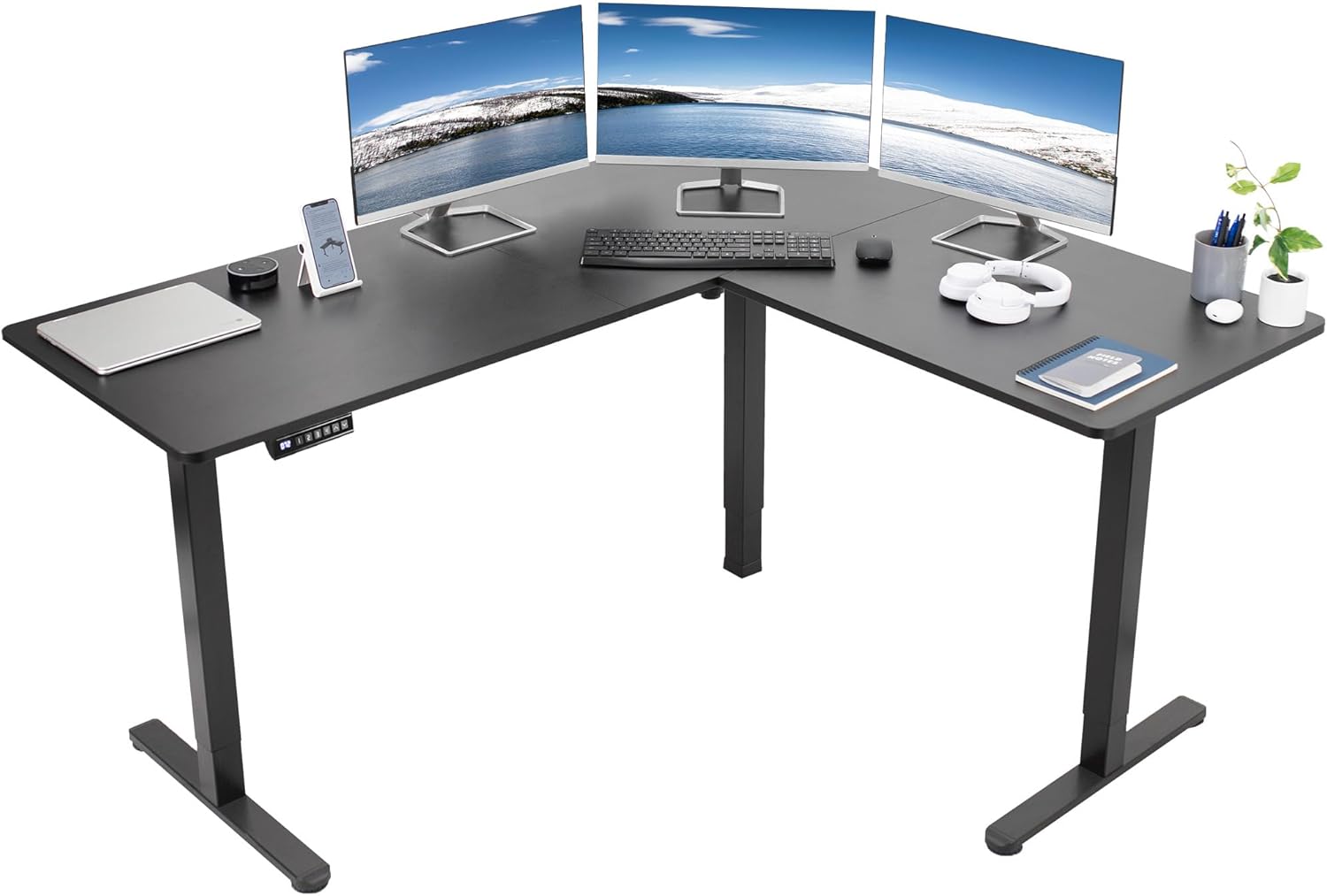
Step 1: Audit the Load Before You Buy Anything
Pull everything off the desk and check three things with a straightedge laid across the long axis. Measure the gap at the middle: under 1/8 inch is normal seasonal movement, 1/8 to 1/4 inch is recoverable with reinforcement, and beyond 1/4 inch usually means permanent fiber compression in the MDF core. Next, weigh your monitors and arm hardware, a 34-inch curved ultrawide plus a dual-arm mount routinely exceeds 35 lbs and that entire mass is hanging off the back lip.
Finally, inspect the four corner brackets and the center crossbar bolts. If you can turn any screw more than a quarter turn by hand, your frame has been working loose every time the column motors fire, and that micro-movement contributes to the perceived sag even when the top itself is fine.
Step 2: Re-Torque the Frame (The Free Fix)
This is the flexispot e7 pro desktop sagging fix most owners skip and most often resolves visible bow under 1/8 inch. Lower the desk to its minimum height, flip it gently onto a blanket so you can access the underside, and back out every wood screw connecting the steel frame to the desktop. Apply a single drop of medium-strength threadlocker (blue Loctite 242 or equivalent) to each screw, then re-drive them in a star pattern, starting from the center crossbar and working outward to the leg brackets. Torque to firm hand-tight, never with an impact driver, which will strip the MDF.
While you have access, swap the factory 3/4 inch screws for 1 inch #10 wood screws if your desktop is solid wood or 1 inch coarse-thread MDF screws if your top is particleboard. The deeper bite alone can pull a mildly bowed top back to flat once the frame contacts the surface evenly across its full footprint. For more wiring tips while you have the desk inverted, see our cable management guide for standing desks.
Step 3: Add a Center Support Beam
If straightedge measurement showed 1/8 to 1/4 inch of deflection, you need to extend the structural span. Buy a 4-foot length of 1.5 inch x 1.5 inch x 1/8 inch aluminum angle stock from any hardware store (about $18). Cut it to span between the two leg uprights on the centerline of your desk, drill three pilot holes through the vertical face, and bolt it directly into the underside of the desktop with 5/8 inch wood screws. Position the angle so the horizontal flange points down, giving you a stiff I-beam-style profile right under the area where monitors load the surface.
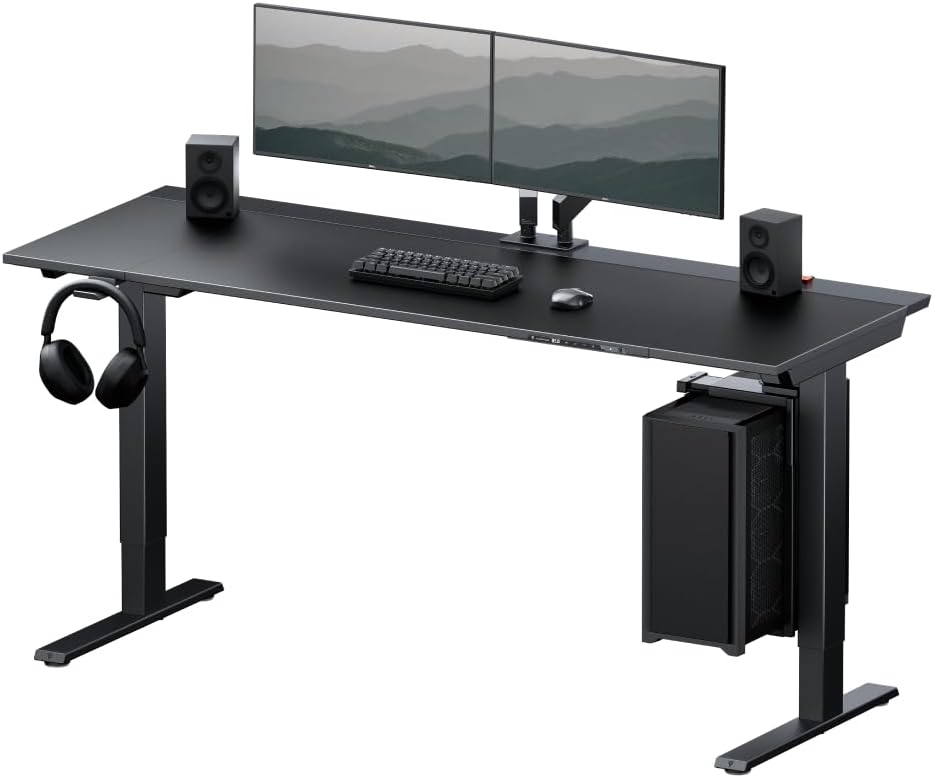
For a no-tools option, an under-desk drawer or CPU sling mounted across the centerline of the desk will also stiffen the span by triangulating the load. Just confirm the mounting bracket runs the full width between the leg uprights and not just at one corner.
Step 4: Move the Monitor Arm Clamp Inward
Most VESA arms ship with C-clamps designed to grip the rear edge of the desktop. On a sagging E7 Pro top this is the worst possible position because every pound of monitor weight becomes a lever pulling down on an unsupported span. Two options work well: switch to a grommet-mount base that bolts through the desktop directly above the rear crossbar, or shift the clamp inward by 6 to 8 inches so it grips closer to the center steel beam. Either move can cut your effective middle load by 40 percent or more.
Step 5: When to Replace the Desktop Entirely
If your straightedge reveals more than 1/4 inch of permanent bow, the MDF fibers have compressed and no amount of reinforcement will return the surface to flat under load. You have two paths: source a 1.5 inch thick solid hardwood slab (maple, walnut, or rubberwood butcher block) and bolt the E7 Pro frame to it, or replace the entire desk with a unit whose top is engineered for monitor loads from the factory.
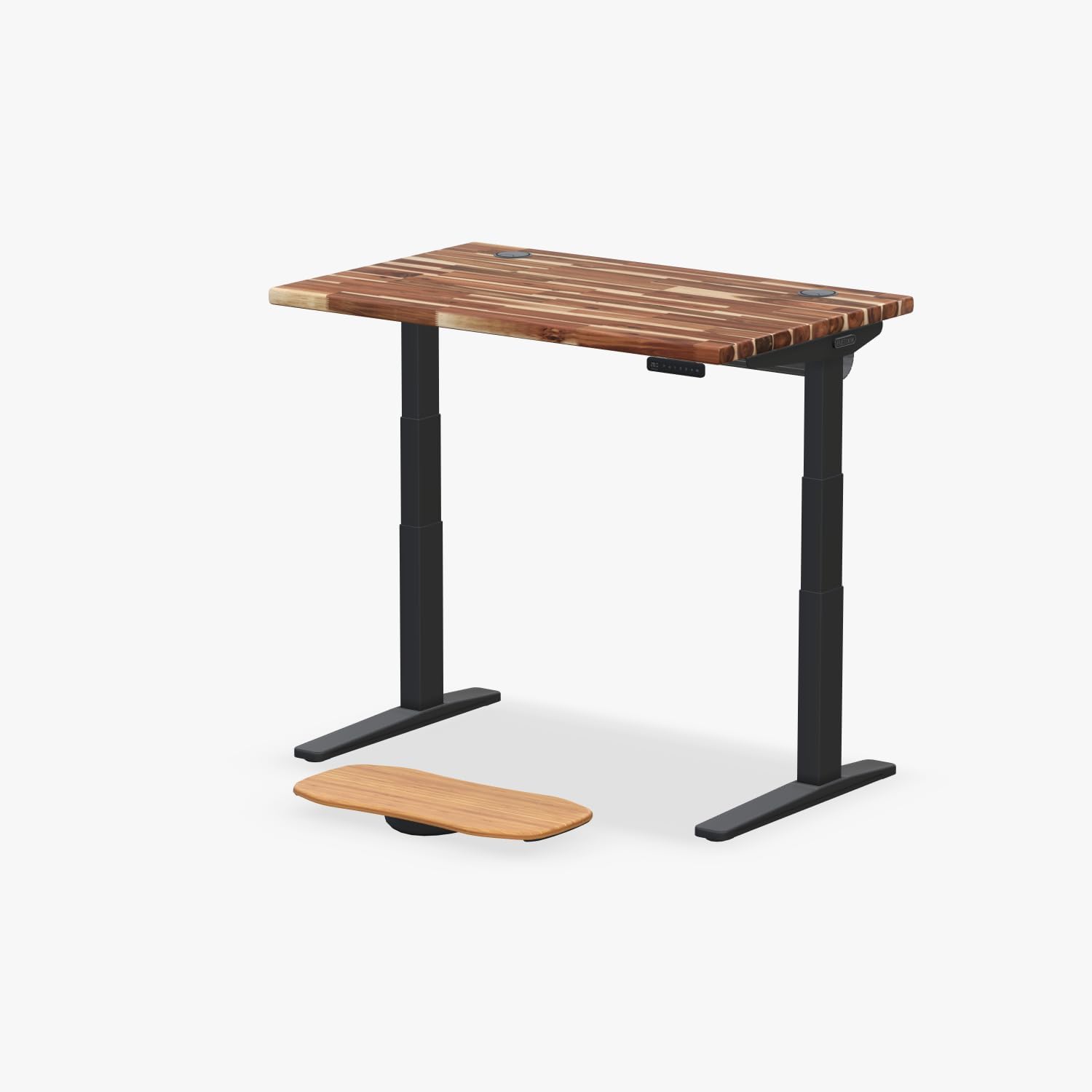
If you choose a hardwood slab replacement, drill new pilot holes that match the E7 Pro frame footprint and use 1.25 inch wood screws. A 60 x 30 inch rubberwood top weighs around 70 lbs and effectively eliminates sag for any realistic monitor configuration. Read our desktop material comparison before you buy raw lumber, plywood and bamboo behave very differently under sustained load.
Comparison: Replacement Desk Options If You Skip the Repair
| Desk | Top Size | Weight Capacity | Best For |
|---|---|---|---|
| VIVO Electric 60 x 24 | 60 x 24 in | 220 lbs | Wide monitor setups, ultrawide plus laptop |
| Veken 47.2 inch | 47.2 x 23.6 in | 176 lbs | Single 27 to 32 inch monitor, smaller spaces |
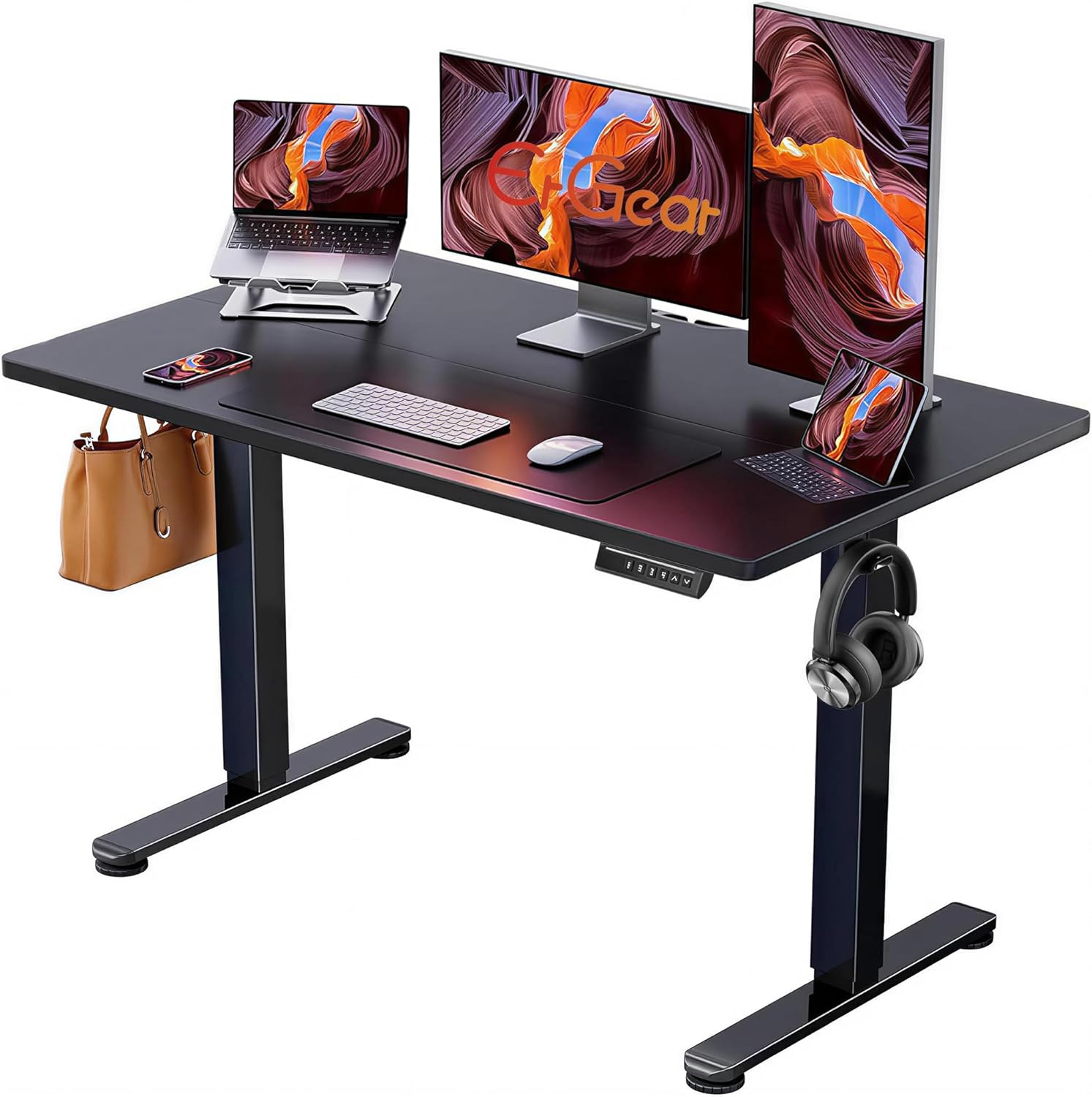
| ErGear 48 x 24 | 48 x 24 in | 176 lbs | Budget memory-preset setup, moderate loads |
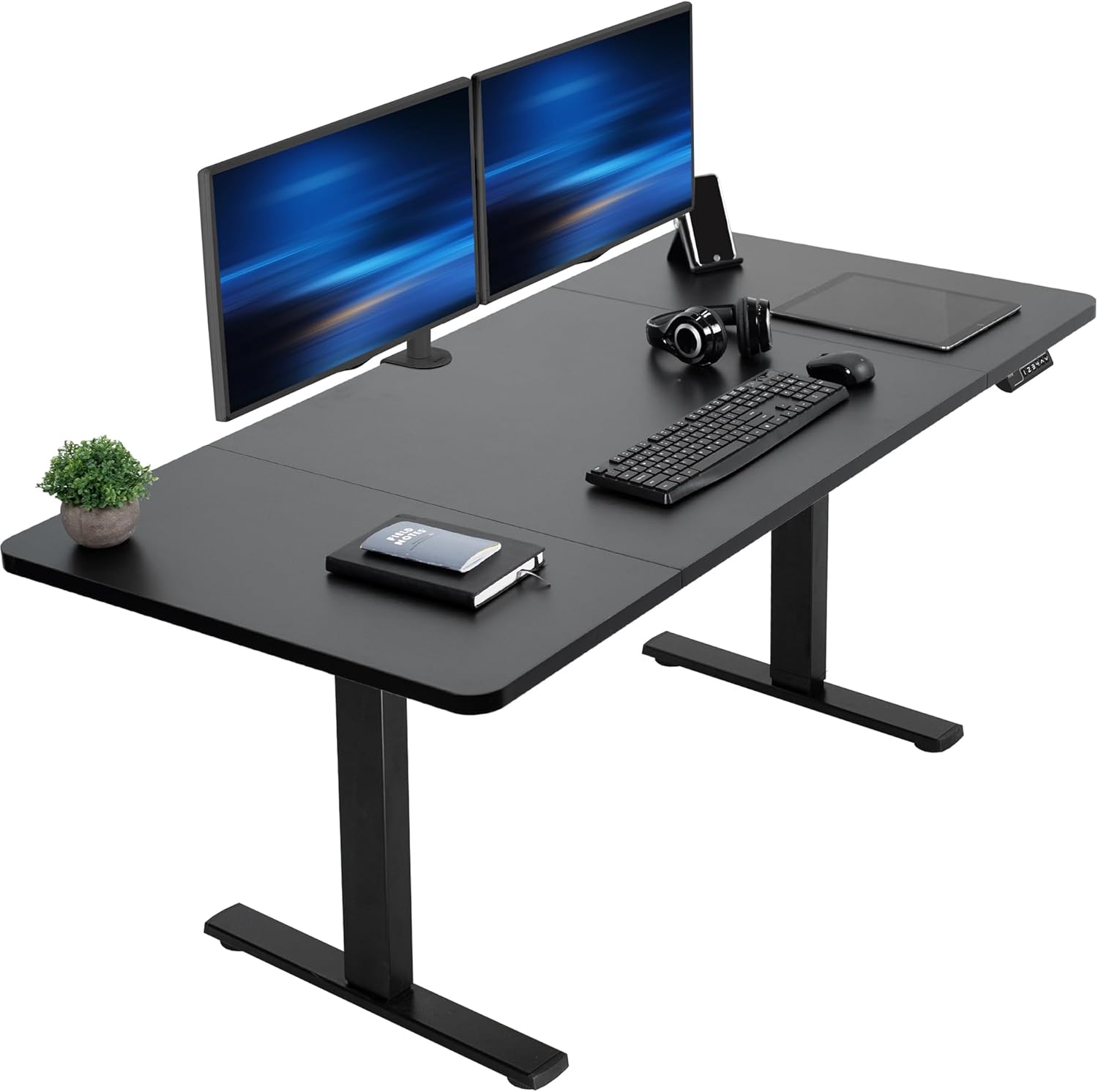
VIVO Electric 60 x 24 Standing Desk (220 lb capacity)
If your E7 Pro problems trace back to running an ultrawide plus a vertical secondary monitor, the VIVO Electric 60 x 24 gives you the same 60 inch footprint with a tougher engineered top and dual-motor lift that holds 220 lbs without measurable mid-span deflection. The factory desktop is thicker than the E7 Pro's standard MDF, and the included memory presets behave identically to what you are used to. This is the closest one-for-one swap for a sagging E7 Pro 60 inch configuration. Check the VIVO 60 x 24 on Amazon.
Veken 47.2 inch Standing Desk with Wood Desktop
Owners who downsized after upgrading to a single 32 inch monitor often find a 47 inch desk eliminates the sag problem entirely, because the unsupported span shrinks and the wood desktop is structurally stiffer than the E7 Pro's MDF. The Veken's natural wood top resists the seasonal swelling that compounds E7 Pro sagging in humid climates. Good fit for a home office where the monitor arm clamps inward of the rear edge. View the Veken standing desk on Amazon.
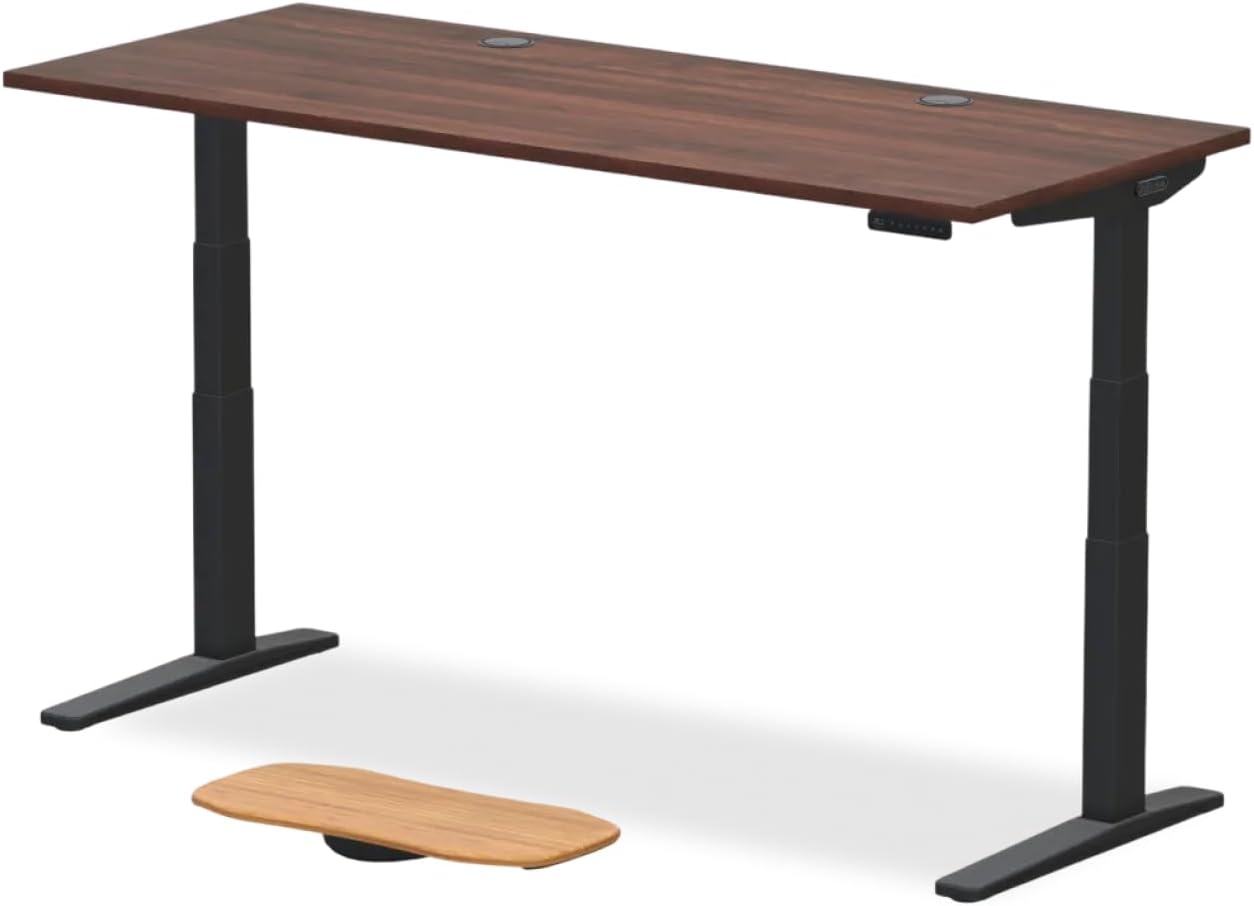
ErGear 48 x 24 Sit Stand Desk with Memory Presets
For a budget-conscious replacement that keeps the four memory presets you rely on, the ErGear 48 x 24 hits the right balance. The 48 inch width is short enough that a center support is not required for typical monitor loads, and the steel frame plus engineered top combination is more rigid out of the box than the E7 Pro at the same size. A solid choice if you want to redirect the cost of repair toward a fresh desk warranty. See the ErGear height-adjustable desk on Amazon.
Preventing Future Sag on Any Standing Desk
Whether you keep the E7 Pro or migrate to a new base, two habits prevent recurrence. First, never clamp heavy monitor arms to the rear edge of a 1 inch desktop, always bolt through grommet holes within 6 inches of the steel frame. Second, retorque every frame screw after the first 90 days of use, the wood fibers compress slightly as bolts seat and the resulting micro-gaps amplify column-motor vibration into long-term loosening. For more long-term care guidance, our standing desk maintenance checklist covers monthly and yearly inspection tasks.
Frequently Asked Questions
Can I add a steel center brace to the Flexispot E7 Pro frame myself?
Yes. A 1.5 inch aluminum or steel angle stock cut to span between the two leg uprights and bolted to the underside of the desktop is the most common DIY fix. Drill pilot holes first, use 5/8 inch wood screws, and orient the brace so its vertical flange sits perpendicular to the desktop surface for maximum stiffness against bending loads.
Will the Flexispot warranty cover a sagging desktop?
Flexispot's warranty typically covers the frame and motors for five years but the desktop itself only for one year, and warranty agents often classify sag as wear caused by overloading rather than a defect. Document your monitor weights and submit photos within the desktop warranty window if you want a replacement top from Flexispot directly, otherwise plan on a DIY repair or aftermarket top.
How thick should a replacement desktop be to prevent sagging under monitor load?
A solid hardwood top should be at least 1.25 inches thick, and engineered tops (bamboo, plywood, MDF) should be at least 1.5 inches thick to resist long-term creep under a 30 to 40 lb monitor arm load. Thinner tops will sag eventually no matter how stiff the frame is, especially across spans wider than 48 inches.
Does a monitor arm cause more sag than placing monitors directly on the desk?
Yes, substantially. A monitor arm clamped to the rear edge creates a lever that multiplies the downward force on the desktop, often producing 2 to 3 times the effective load of the same monitor sitting on a stand. Switching to a grommet-mount arm positioned over the rear steel crossbar can immediately reduce mid-desk deflection by 30 percent or more.
Is the Flexispot E7 Pro frame still good if I just replace the desktop?
Almost always yes. The E7 Pro's dual-motor frame is one of the most durable in its price bracket and the column geometry is industry-standard, so you can pair it with any aftermarket top up to 70 x 30 inches. Just confirm the new top is at least 1.25 inches thick and pre-drill pilot holes that match the existing frame bracket pattern.
Why does my desktop seem fine when lowered but sags when raised?
Column flex amplifies any desktop bow at standing height because the legs telescope upward and lose some torsional rigidity at full extension. The desktop itself does not change shape between heights, but a perfectly flat top will appear to have more visible sag at 44 inches than at 28 inches simply because your eye line is closer to the surface. Reinforcing the desktop almost always resolves the visual issue at both heights.
Should I just buy a new desk instead of attempting a flexispot e7 pro desktop sagging fix?
If the sag is under 1/4 inch and your frame is under three years old, repair is almost always cheaper and faster than replacement. If the bow exceeds 1/4 inch or you can hear creaking from the leg columns under load, consider a full replacement with a unit like the VIVO 60 x 24 (220 lb capacity) that is engineered for heavier monitor configurations from day one.
Key Takeaways
- Choosing the right flexispot e7 pro desktop sagging fix means matching capacity and output ports to your actual devices
- Always check actual watt-hours (Wh), not just watts — runtime depends on Wh, not peak output
- Also covers: e7 pro bowing under monitor weight
- Also covers: flexispot tabletop deflection repair
- Also covers: heavy monitor desktop reinforcement
- Compare price-per-Wh across models to find the best value for your budget