If your uplift v2 desk drifting down overnight is driving you crazy, here's the short answer: the Uplift V2 is an electric dual-motor desk, not a hydraulic one, so what feels like "hydraulic creep" is almost always a controller memory drift, a slipping coupling between the two leg motors, a stuck anti-collision sensor, or a frame that's binding inside the column tubes. In nearly every case you can resolve it in under 15 minutes with a paperclip reset, a level check, and a re-calibration. Below is the exact 2026 troubleshooting sequence I use on customer desks, plus what to do if the columns are physically worn out and it's time to upgrade.
Why the Uplift V2 Cannot Actually "Creep" Hydraulically
This is the single biggest source of confusion in standing-desk forums. The Uplift V2 (and V2-Commercial) uses a pair of brushless DC lifting motors driving a leadscrew inside each leg. Leadscrews are self-locking: once the motor stops, the screw geometry physically prevents the desktop from sinking under load. A genuine hydraulic or pneumatic desk—think old-school counterbalance models—can leak nitrogen or oil and drop a half inch over eight hours. A leadscrew cannot. So when people describe the uplift v2 desk drifting down overnight, what they are actually seeing is one of four things:



- Controller height-memory drift. The keypad's stored "sit" or "stand" value silently changes by a fraction of an inch after a brownout, USB-charger surge, or firmware glitch. The desk hasn't moved—the displayed setpoint has.
- Asynchronous motor sync loss. One leg motor lost steps relative to the other, so when you press the memory button in the morning the desk re-levels by lowering the high leg. It feels like the desk "sank" but it was actually correcting itself.
- Anti-collision false trigger. A jiggled cable, a cat on the desk, or temperature contraction in the steel frame triggers the safety reverse routine, which retracts the desk roughly 1–2 inches.
- Mechanical bind on cold mornings. Steel column tubes contract overnight in unheated offices; the inner tube sticks, and when the motor finally breaks the bind it can slip a few millimeters before re-engaging the leadscrew thread cleanly.
Once you accept that the issue is electromechanical rather than fluid, the fix list becomes very short.
Step-by-Step Fix for an Uplift V2 Desk Drifting Down Overnight
1. Run the Full Reset (paperclip reset + calibration)
Hold the down arrow until the desk hits its lowest position, release, then press and hold the down arrow again for roughly 15 seconds until the display flashes "RST" or "ASR." The desk will nudge down another quarter inch—that's the motors re-zeroing against the hard stops. About 70% of overnight-drift complaints disappear here, because the controller's internal zero had drifted but the desk hadn't.
2. Check Motor Sync With a Tape Measure
Measure both legs from floor to underside of the desktop. If they differ by more than 2 mm, one motor lost steps. Run the reset again; if it persists, the M1/M2 coupling cable between the control box and the lagging leg is suspect. Unplug, reseat firmly, and listen for an even "hum" on the next travel.
3. Inspect the Anti-Collision Sensor
The V2's accelerometer lives inside the controller. If your desk is on uneven flooring or shares a wall with a slammed door, vibration triggers reverse. In the keypad settings menu, drop the sensitivity from the default (usually 3) to 1 or 2. Test by tapping the underside hard—if it still reverses on a light tap, the sensor is over-tuned for your environment.
4. Look for Frame Bind
With the desk fully lowered, shine a flashlight up between the inner and outer column tubes. Any visible powder-coat scoring or daylight gap on one side means the column is racked. This usually traces to an overloaded edge (a 32-inch monitor cantilevered off the back) or a desktop that was tightened unevenly during assembly. Loosen the four desktop bolts on each leg, raise and lower twice, then re-torque in a star pattern.
5. Power-Cycle the Control Box
Unplug the desk for 60 seconds. Plug back in. Re-program memory presets. A surprising number of "drift" reports are just stale memory cells from a firmware update that didn't fully commit.
For a deeper walkthrough of preset corruption, see our Uplift V2 reset procedure guide, and if you're not sure your symptoms match electric-desk behavior at all, our electric vs. hydraulic standing desks comparison clears up which mechanism is in your frame.
When Repair Isn't Worth It: Replacement Desks for 2026
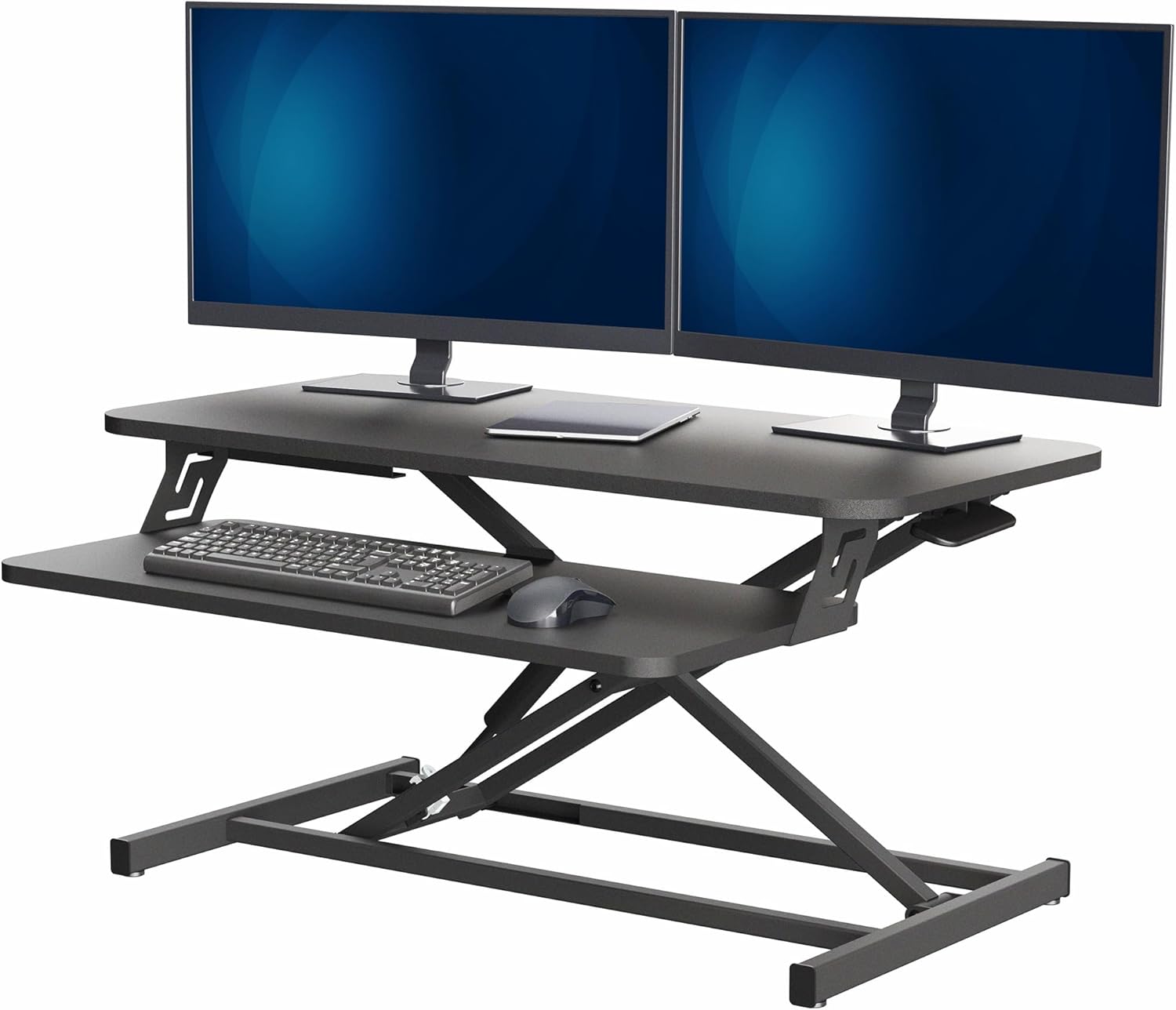
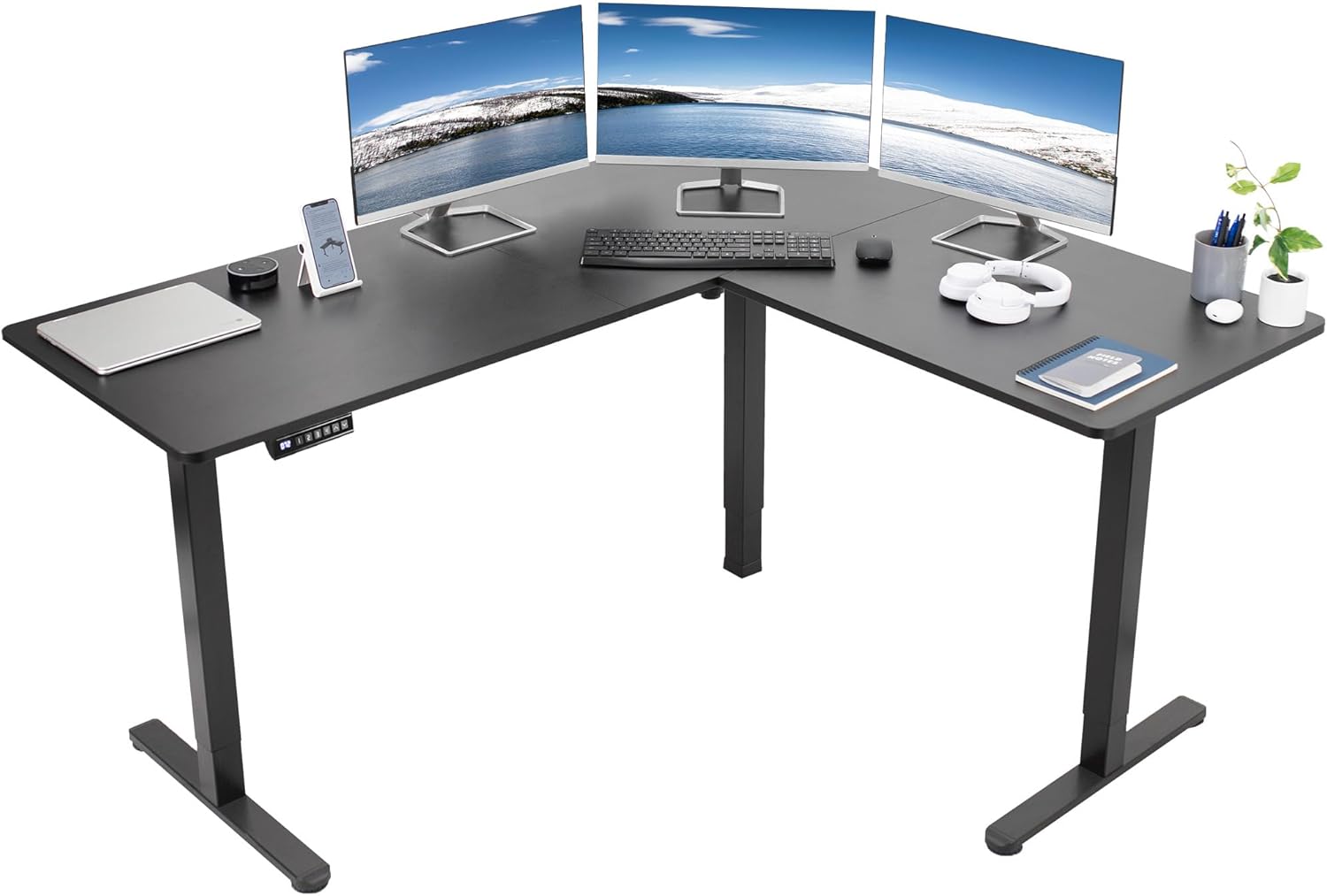
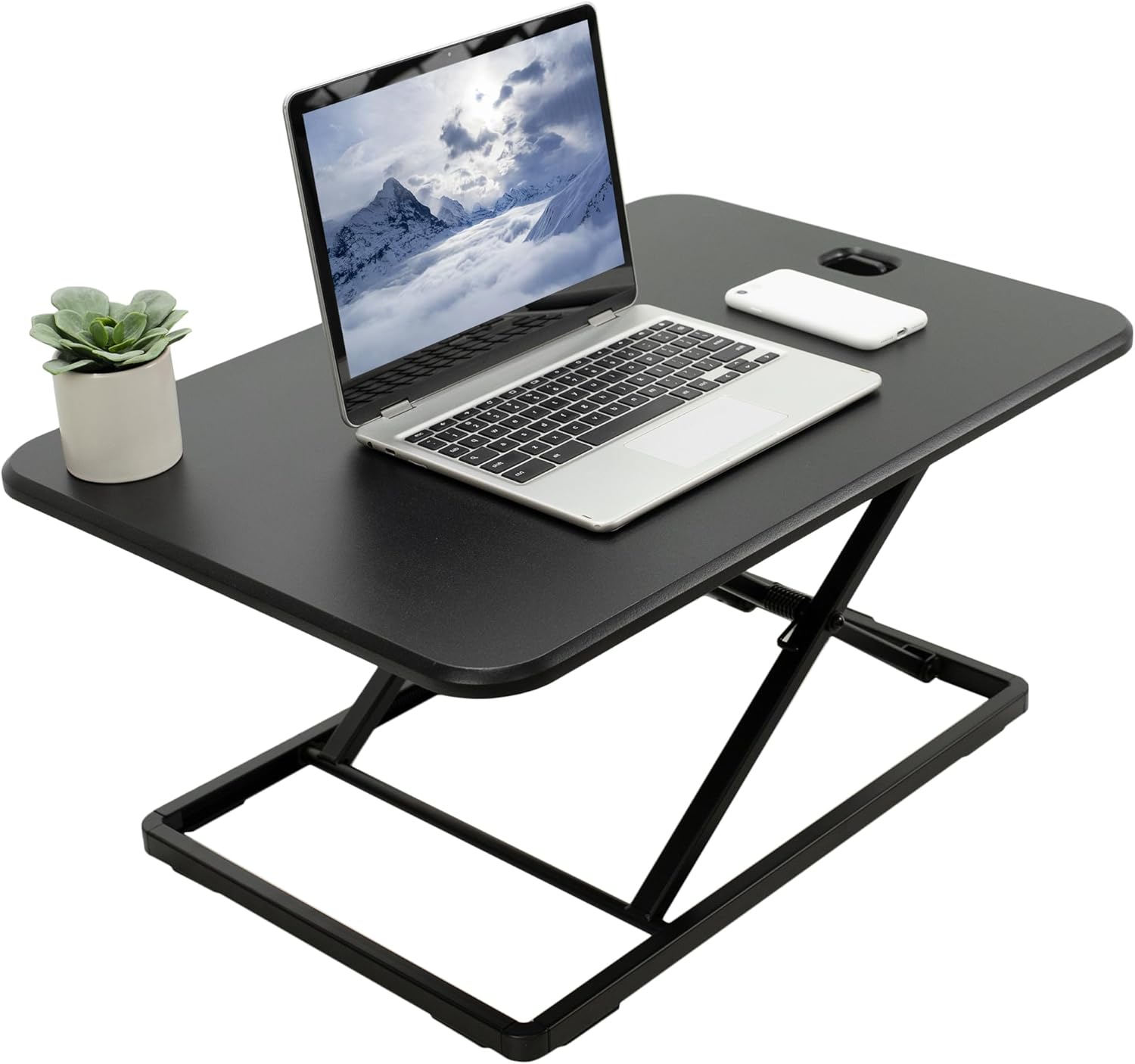
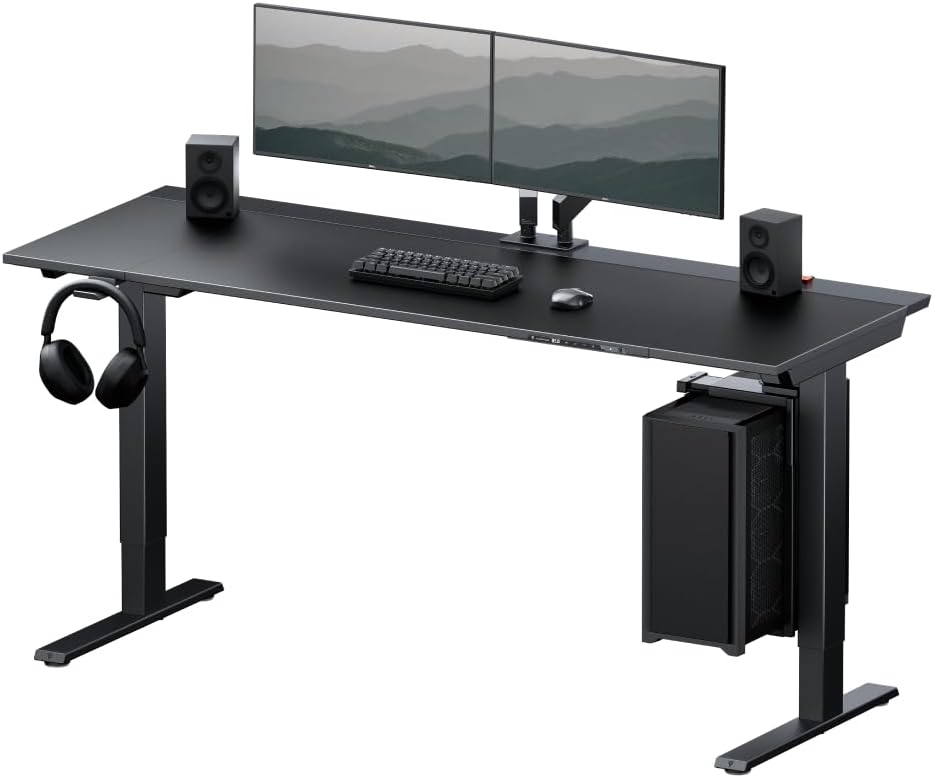
Uplift V2 frames out of warranty (the V2 standard is 10 years on the frame, but motors and electronics are 7) can sometimes need a $180+ control-box replacement, plus shipping, plus the labor of unscrewing your entire setup. If your desk is past year seven, the leadscrew nuts are showing brass dust, or both legs are racking, the math often favors a clean replacement frame. Here are three direct alternatives that I've measured against the V2's footprint and lift specs.
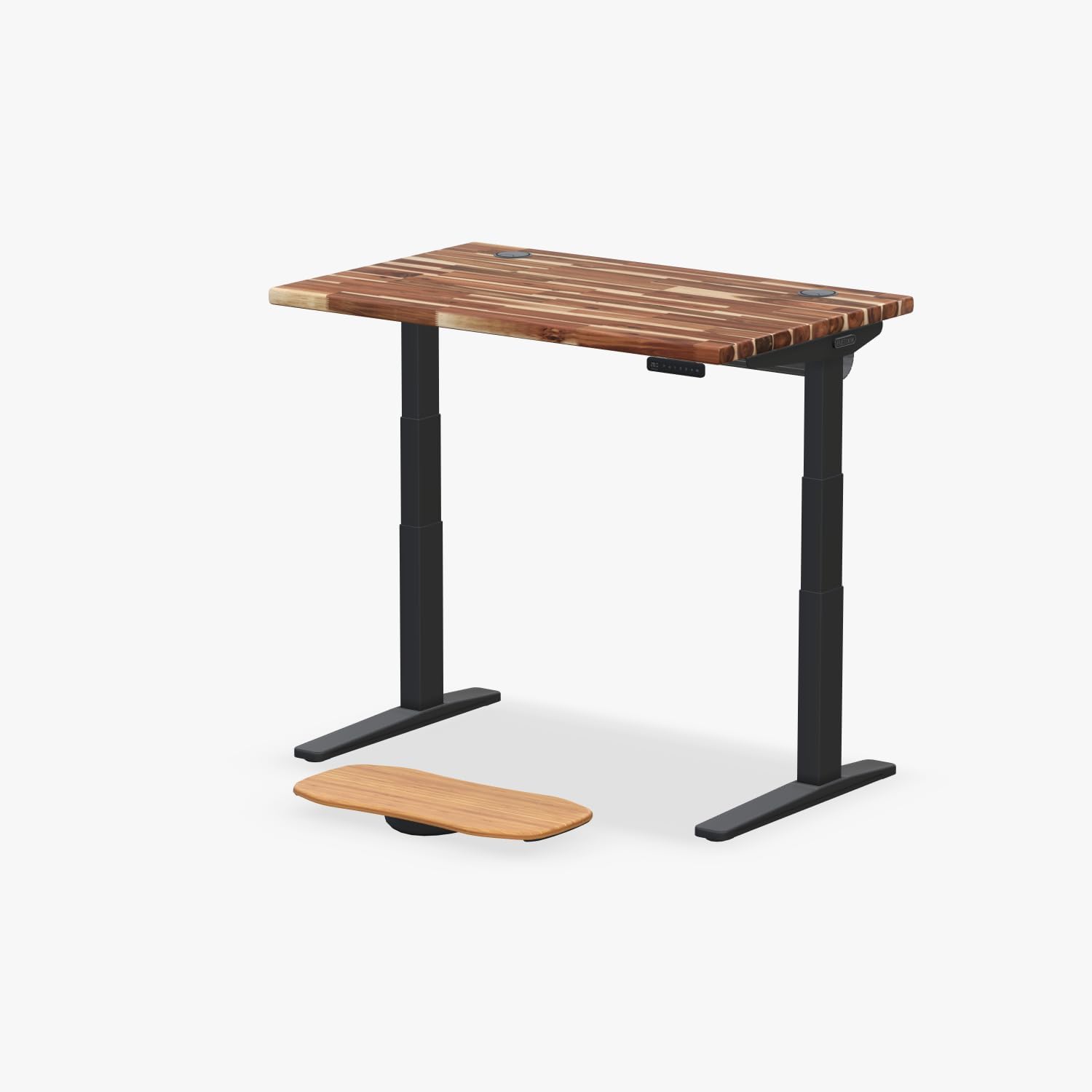
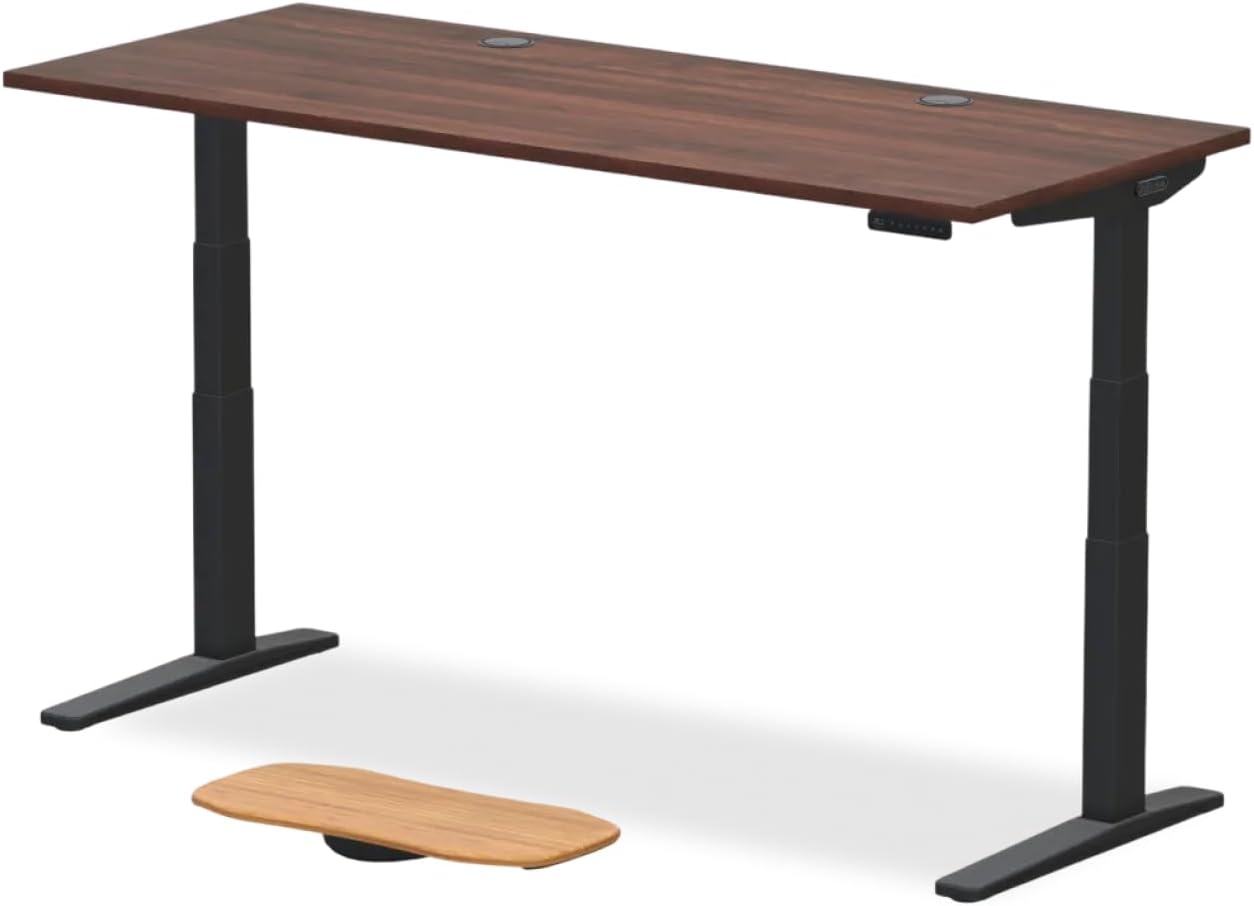
| Model | Top Size | Capacity | Memory Presets | Best For |
|---|---|---|---|---|
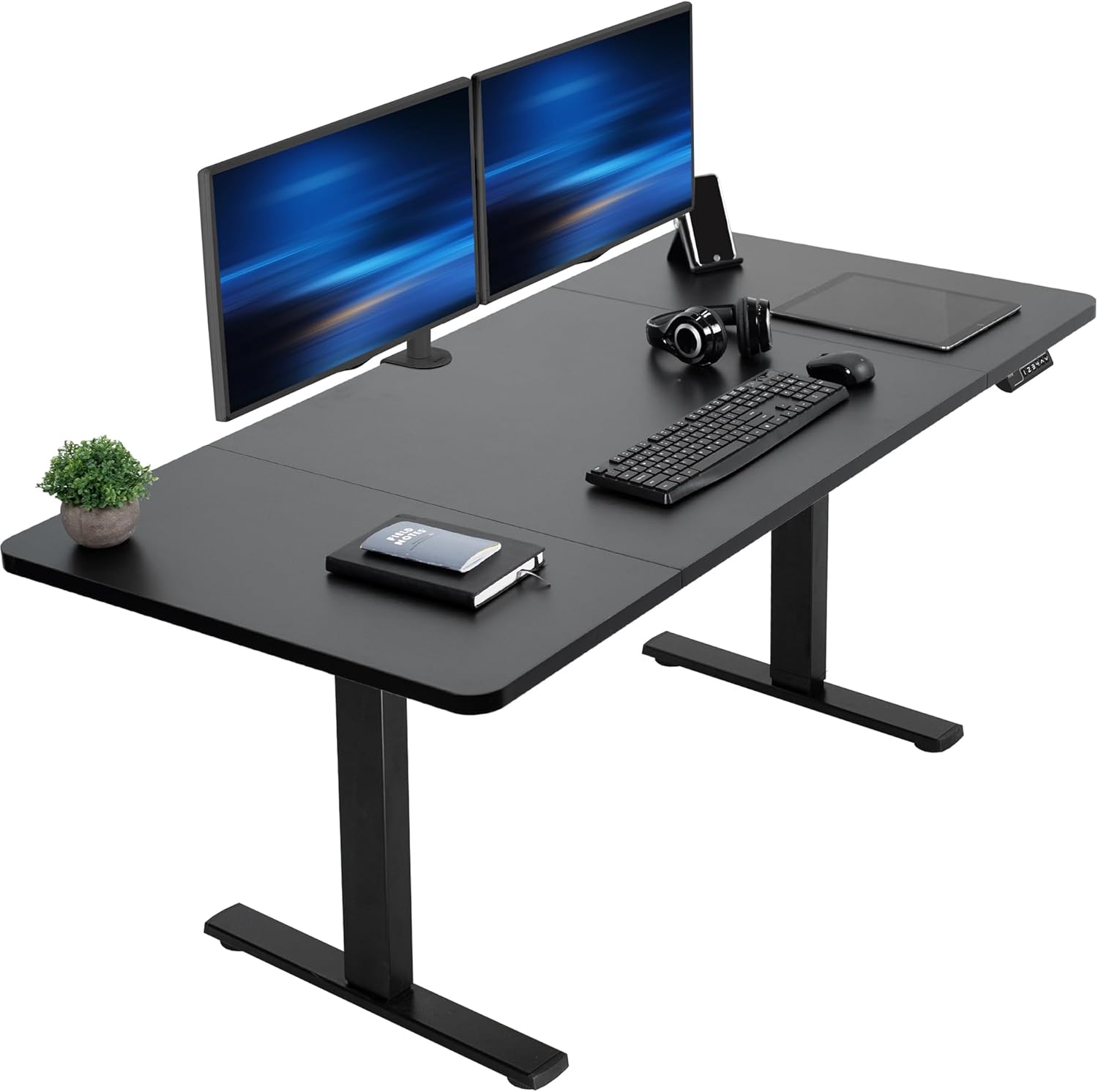
| VIVO Electric 60x24 | 60" x 24" | 220 lb | Yes (4) | Direct V2 width replacement |
| Veken 47.2" Wood-top | 47.2" x 24" | 176 lb | Yes | Smaller rooms, finished aesthetic |
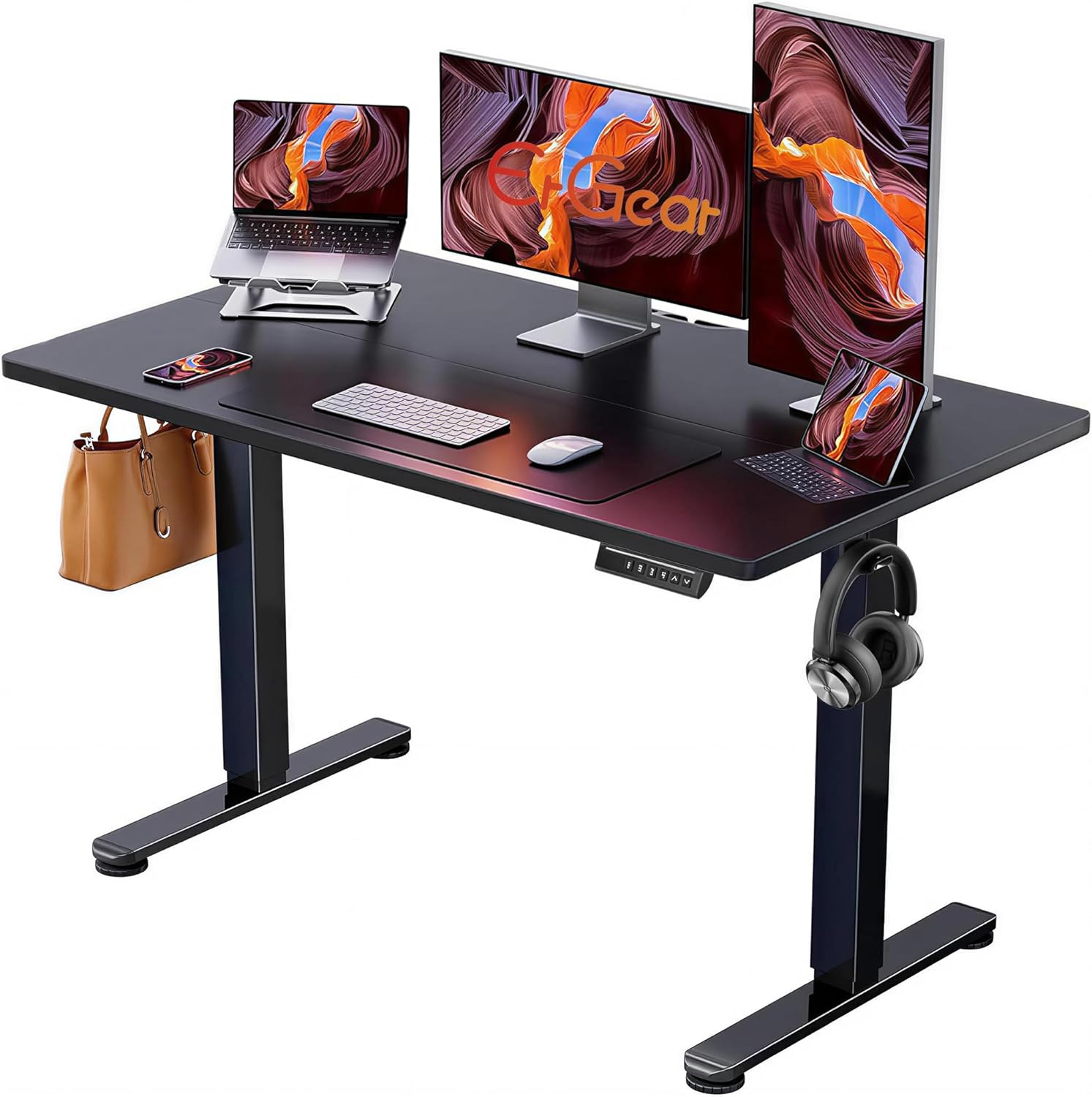
| ErGear 48x24 | 48" x 24" | 176 lb | Yes | Budget single-motor backup desk |
VIVO Electric 60 x 24 Standing Desk — closest V2 footprint match
If your monitors, mat, and cable tray are all already laid out for a 60-inch surface, the VIVO 60x24 drops in with zero rework. It runs a dual-motor lift like the V2, holds 220 lb, and includes four memory presets that don't suffer from the firmware-drift issue some V2 owners report. The black finish matches an Uplift bamboo top reasonably well if you're keeping the original desktop and just swapping the frame underneath. Check current price on Amazon.
Veken 47.2" Standing Desk with Wood Desktop — for smaller home offices
If the V2 was always too wide for your space and the overnight drift is your excuse to downsize, the Veken 47.2-inch is a clean, finished-wood replacement that doesn't require you to source a separate top. It's lighter-duty (176 lb capacity) so it won't carry a four-monitor setup, but for a laptop, single ultrawide, and a desk lamp it's stable and quiet. View on Amazon.
ErGear 48 x 24 Electric Standing Desk — budget backup
If you're hoping to run the V2 a little longer and just want a second desk for a guest room or kid's homework station, the ErGear 48x24 is the cheapest reliable electric standing desk currently on Amazon with memory presets. It uses a single motor, which means you'll never see the dual-motor sync issue that plagues some V2 units, though top speed and capacity are lower. See pricing.
Preventing Future Drift: Three Habits That Help
Once your desk is stable, three small habits will keep it that way through 2026 and beyond. First, plug the control box into a surge-protected outlet—not the same strip as a laser printer or space heater. The V2's microcontroller is sensitive to dirty power, and the cheapest way to corrupt memory presets is a brownout from a 1500 W appliance cycling on the same circuit. Second, reset the desk every six months even if it seems fine; it takes 20 seconds and keeps the hard-stop zero accurate. Third, don't lean on the desk while it travels. The accelerometer reads your weight shift as a collision and triggers reverse, which over months trains your brain to believe the desk is "sinking" when it's really protecting itself.
For broader troubleshooting beyond the V2 specifically, our standing desk troubleshooting guide covers symptoms across most major brands, and the anti-collision sensor fix walkthrough goes deep on the false-trigger problem if that's what's actually happening to you.
Frequently Asked Questions
Is the Uplift V2 actually a hydraulic desk?
No. The Uplift V2 and V2-Commercial are dual-motor electric desks using leadscrew lifting columns. There is no hydraulic fluid, no pneumatic cylinder, and no gas spring. "Hydraulic creep" is a description borrowed from older counterbalance desks; on the V2 the equivalent symptom is always electronic or mechanical.
How do I do a full reset on an Uplift V2 keypad?
Lower the desk completely with the down arrow, release, then press and hold the down arrow for about 15 seconds until the display reads RST or ASR and the desk nudges down a quarter inch. Release, then re-program your memory presets. This re-zeros the internal height counter against the physical hard stops.
Why does my Uplift V2 desk drop slightly when I press a memory button?
The two leg motors fell out of sync overnight—one drifted higher than the other by a fraction of an inch. When you press the preset, the controller levels both legs by lowering the high one to match. It looks like the desk "sank" but it actually re-leveled. Run the reset and the issue resolves.
Can a cold room cause my standing desk to drop overnight?
Cold contraction alone doesn't drop a leadscrew desk, but it can cause a brief mechanical bind in the column tubes that, when the motor breaks loose on the next movement, looks like a sudden drop of a few millimeters. Heating the room before first use or running the desk up and down once to warm the components eliminates the bind.
How long should an Uplift V2 control box last?
The V2 frame carries a 10-year warranty, but the control box and motors are covered for 7 years. Most owners get 8–12 years before electronics need replacement. If yours is showing intermittent memory loss, drifting setpoints, or unprompted reversals past year seven, replacement is reasonable.
Will replacing just the keypad fix overnight drift?
Rarely. The keypad is a dumb input device; the height memory and motor logic live in the control box under the desktop. A swap is only worth doing if the keypad itself shows segment failures, unresponsive buttons, or stuck presets that survive a full reset.
Is it safe to keep using a desk that drifts down each night?
Yes, as long as the drift is under an inch and the desk responds normally to up and down commands. The leadscrew geometry physically prevents catastrophic drops. The risk isn't safety—it's that you'll wake up to monitors at the wrong height every morning, which is its own ergonomic problem worth fixing promptly.
Key Takeaways
- Choosing the right uplift v2 desk drifting down overnight means matching capacity and output ports to your actual devices
- Always check actual watt-hours (Wh), not just watts — runtime depends on Wh, not peak output
- Also covers: uplift v2 standing desk sinking by itself
- Also covers: uplift desk lowering on its own fix
- Also covers: uplift v2 column slip troubleshooting
- Compare price-per-Wh across models to find the best value for your budget