Mounting a standing desk near baseboard heater fins or a cast-iron radiator is doable, but it takes planning. The short answer: keep the desk frame at least 3–6 inches off the heating element, never block airflow vents on top of the heater, route power cables away from hot surfaces, and pick a desk with a shallow depth (24 inches works well) so the back edge clears the heater's convection path. If you have a hydronic baseboard, also avoid pinching copper fins with desk feet. Below, we walk through the exact clearances, materials to avoid, and three standing desks that work especially well when your only free wall has a heater running along it.
Why placing a standing desk near a baseboard heater needs extra thought
Baseboard heaters and old-style radiators rely on convection: cool air enters the bottom, gets heated by metal fins or hot water pipes, and rises out the top. When you push furniture flush against them, you trap that heat, which creates three problems. First, the room stops warming evenly because the convection loop is choked. Second, the back panel of your desk and any cables behind it can reach surface temperatures of 120–180°F, well above the 140°F threshold where common PVC cable jackets begin to soften. Third, electric baseboard units have a built-in high-limit safety switch that will cut power if airflow is restricted, and repeated trips can shorten the heater's life.
When shopping for standing desk near baseboard heater, it pays to compare specs, capacity, and real-world runtime before committing.
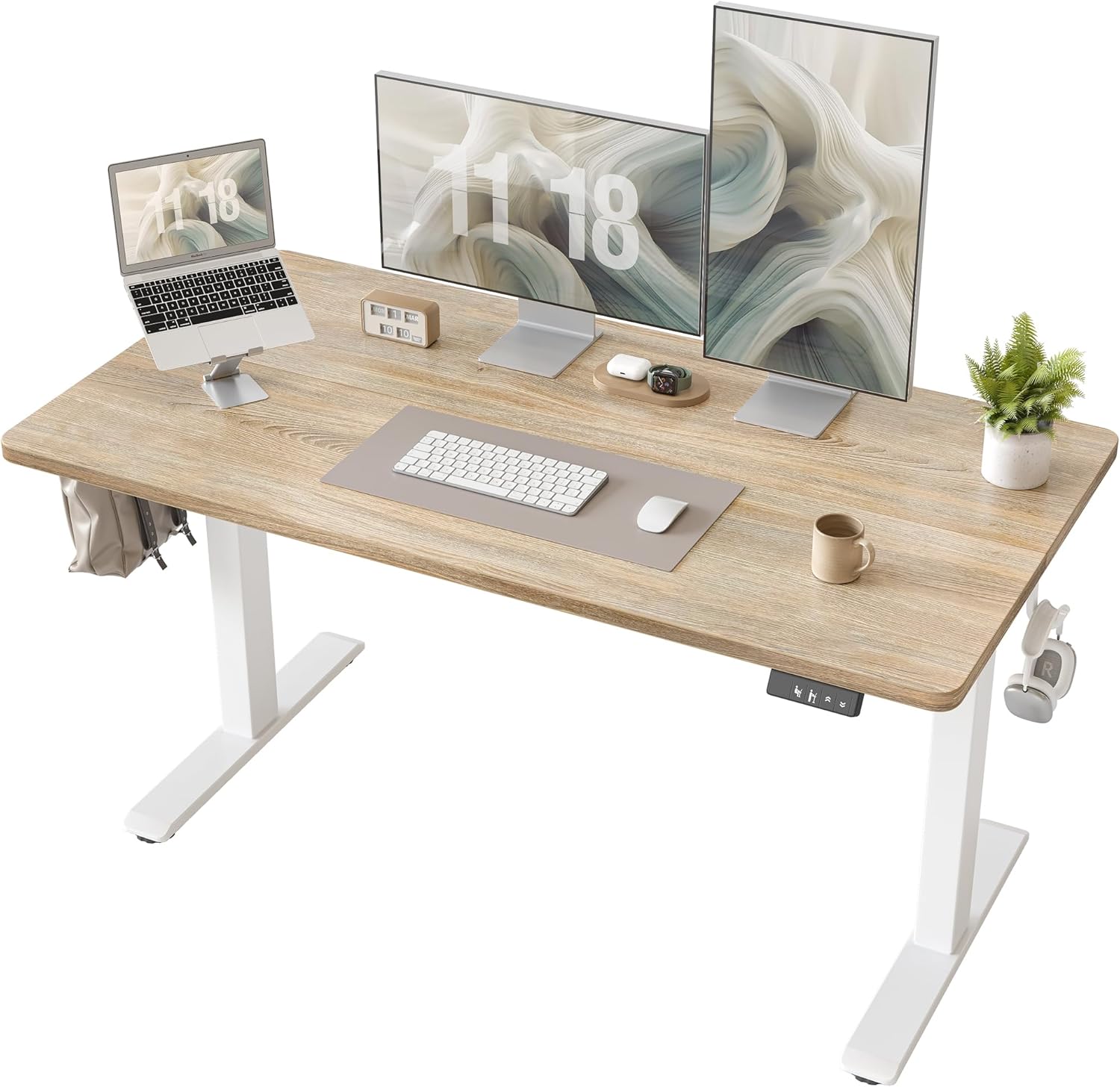



The good news: a properly positioned standing desk near baseboard heater installations is perfectly safe and, in many small apartments and bonus rooms, the only realistic layout. The trick is choosing a desk with the right depth and frame design, then leaving enough air gap behind and above the heater.
Clearances every manufacturer agrees on
Across electric baseboard brands (Cadet, King, Marley) and hydronic systems (Slant/Fin, Runtal), the published minimum clearances are surprisingly consistent. Use these as your floor, not your ceiling:
- Front of heater to nearest object: 12 inches absolute minimum; 6 inches if the object is above the top vent.
- Top of heater to underside of desk: 6 inches if the desk overhangs the heater; ideally the desk's back edge stops short of the heater entirely.
- Outlet and cord clearance: never run a power cord above or directly behind a baseboard heater. Most electrical codes prohibit receptacles directly above the heater for this reason.
- Curtains, rugs, and cable sleeves: keep at least 3 inches above and to the sides.
For radiators (cast iron or panel-style), bump the top clearance to 8–10 inches because the radiating surface is hotter and the heat plume is more aggressive.
The three desk-design features that matter most
When you're shopping for a desk that will live near a heat source, ignore the marketing and focus on these three specs:
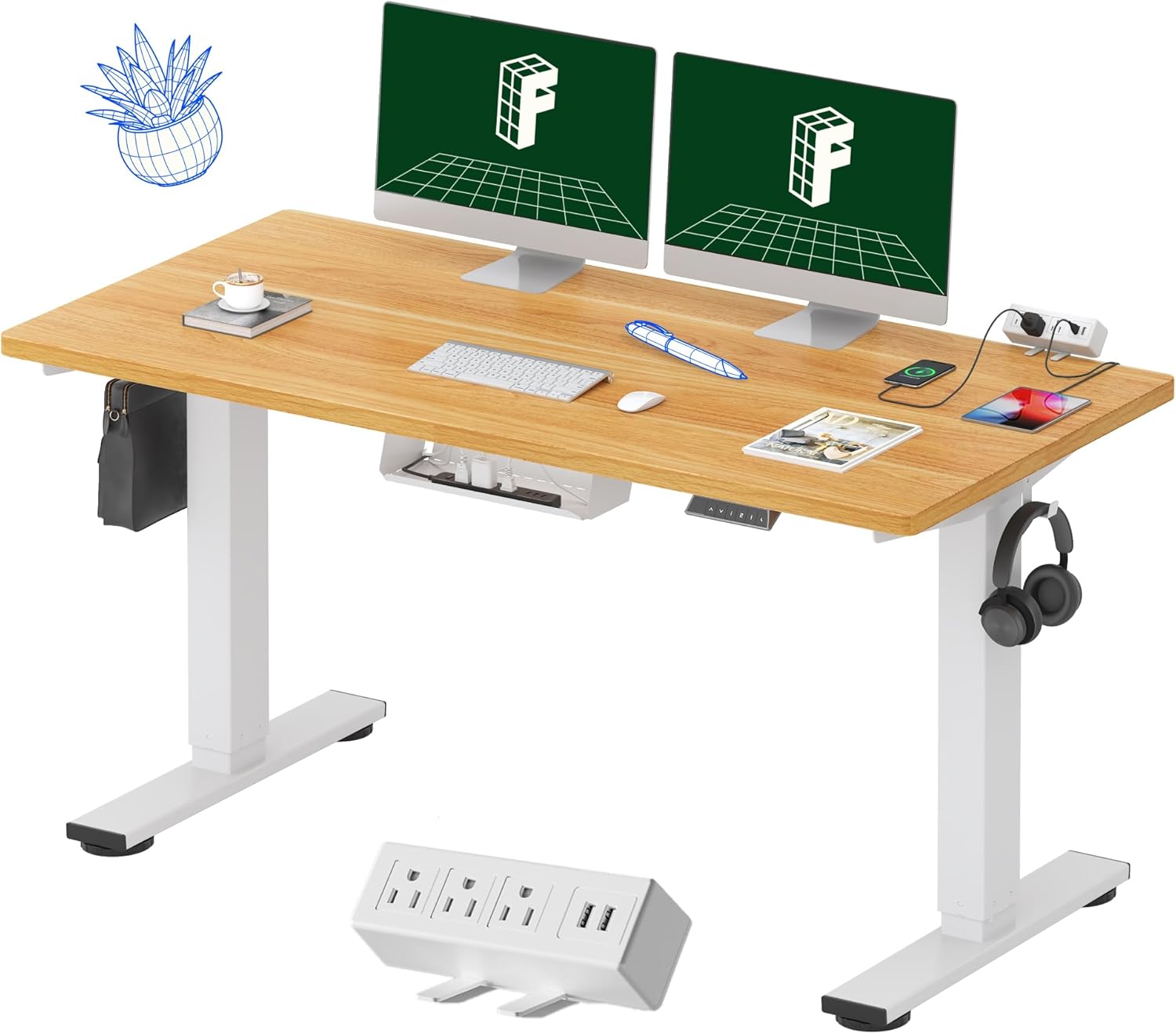
- Desktop depth of 24 inches or less. A 30-inch deep top forces the desk frame closer to the wall and traps heat. A 24-inch top lets you pull the desk forward 6 inches and still have room for a monitor arm.
- C-leg or T-leg frame, not a U-shaped base. C-legs sit at the corners and leave the entire space under the desk open for convection. Cross-braced bases trap warm air.
- Cable tray that mounts to the underside, not the back panel. A back-mounted cable tray sits inches from the heater's top vent. An underside tray keeps wires near the center of the desk, well away from the heat plume.
Three standing desks that work well over or beside a baseboard heater
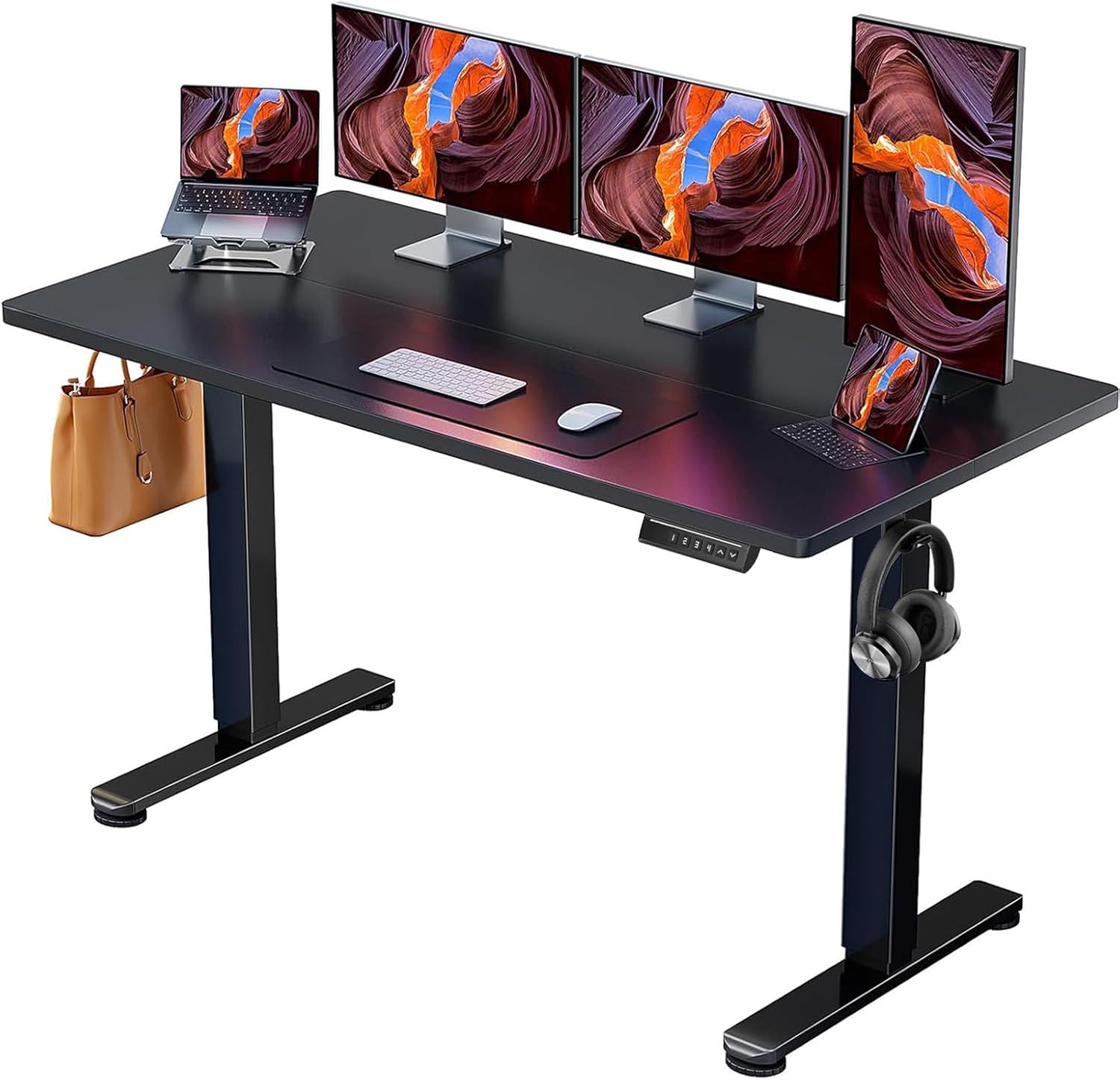
Best for tight rooms: ErGear 48 x 24 Electric Standing Desk
The ErGear's 24-inch depth is the single most important feature on this list. With the desktop only 24 inches deep, you can park the desk 8–10 inches off the wall and still have a comfortable typing position. The C-leg frame leaves the area under the desk completely open, so warm air from the baseboard heater rises straight up the wall behind it instead of getting trapped. Memory presets let you save a sitting and standing height so you're not bending over to fish behind a hot heater for the up/down buttons. At this size and price, it's the desk I'd hand to anyone with a small bedroom office that backs onto an electric baseboard. Check current price on Amazon.
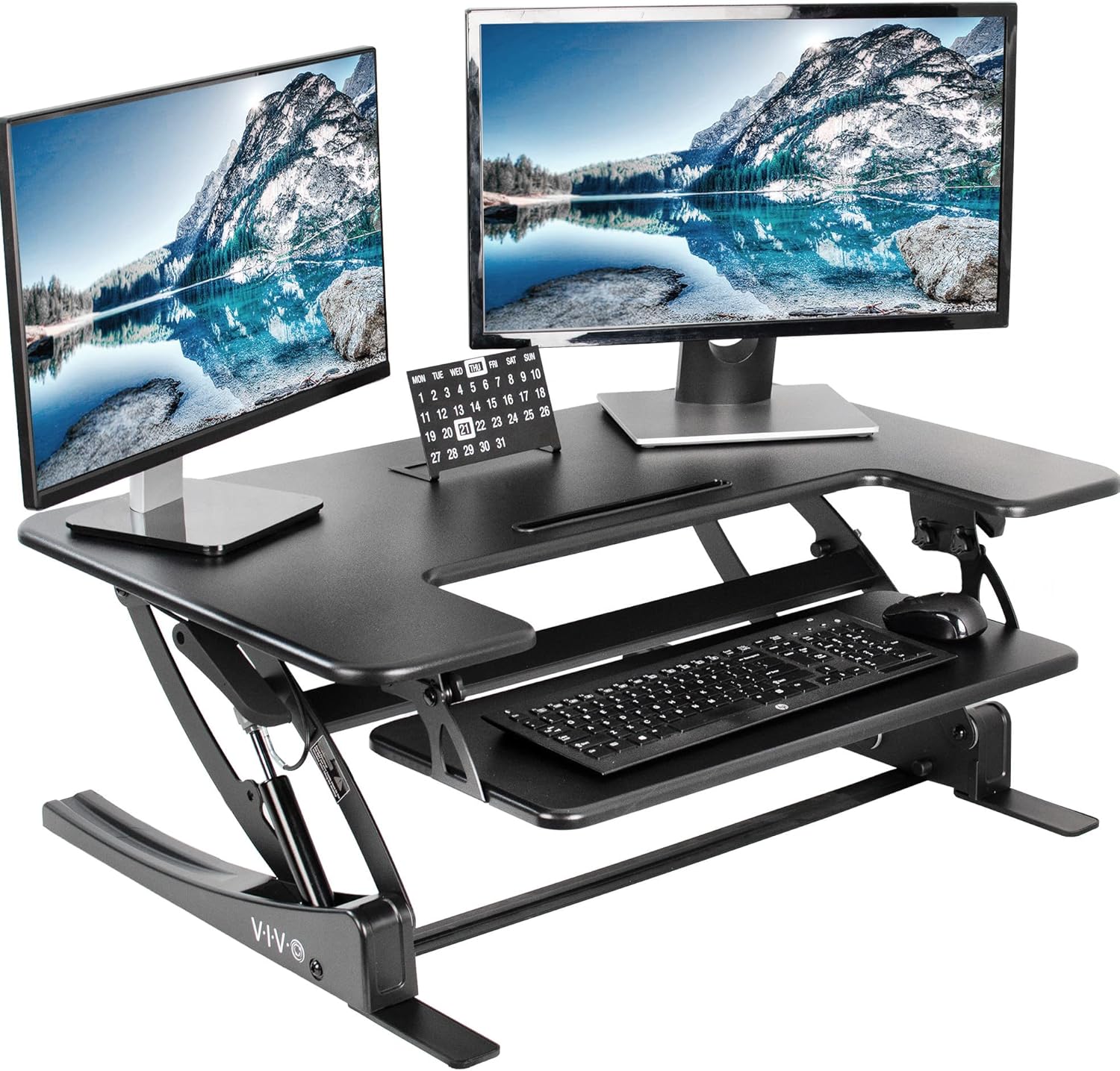
Best for wider walls: VIVO Electric 60 x 24 in Standing Desk
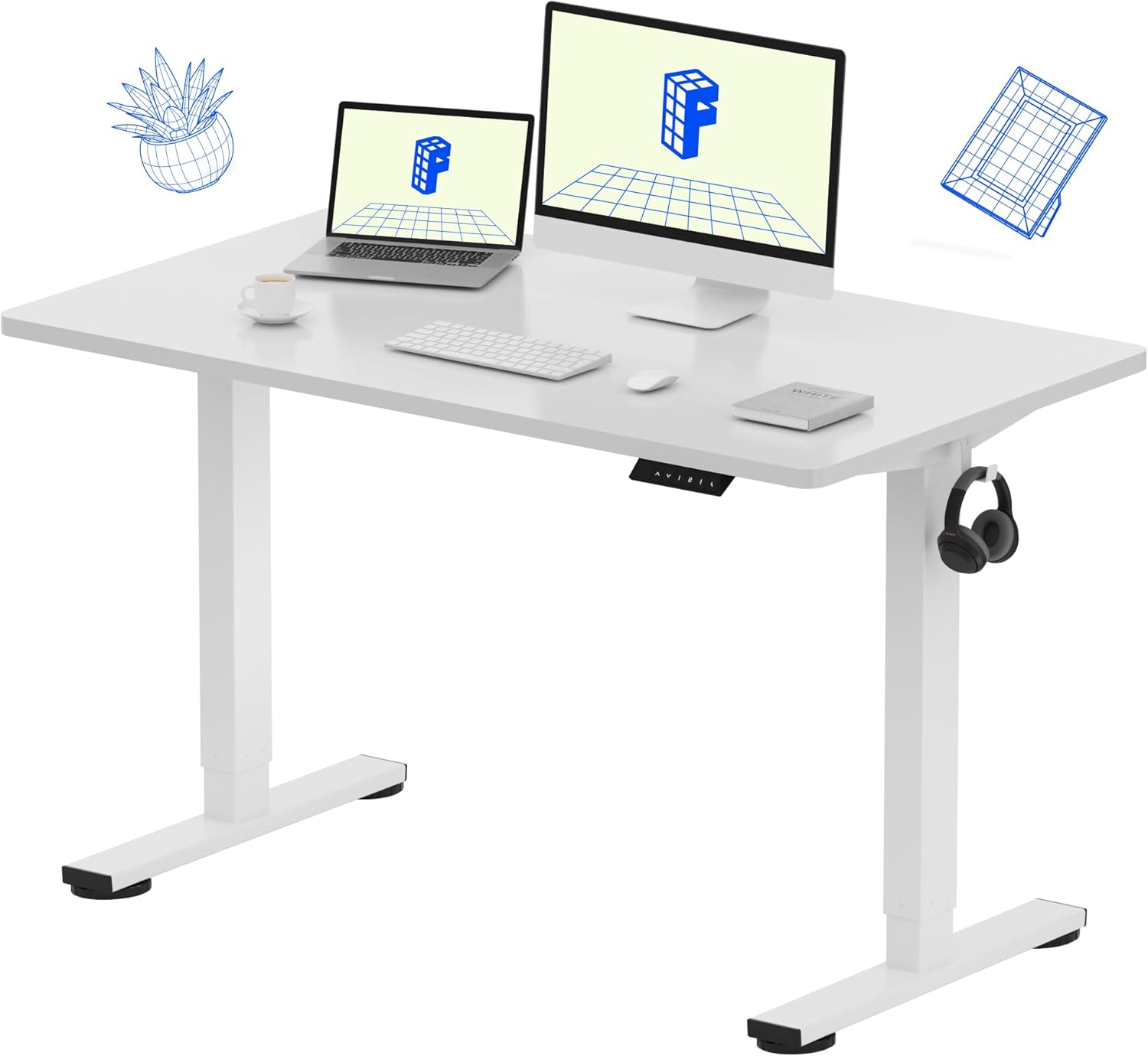
If your baseboard heater runs the full length of the wall, a 60-inch desktop spans most of it and gives you room to push monitors toward the outer corners (away from the warmest center span of the heater, which is usually hottest near the thermostat). The 24-inch depth is still narrow enough to allow good clearance, and the 220 lb capacity means you're not stressing the frame even with a dual-monitor setup, a laptop dock, and a heavy mat. The memory controller is identical in concept to the ErGear's, but the wider deck makes cable routing easier because you can run everything through an underside tray that sits inches inboard from the heater's top edge. See the VIVO 60-inch on Amazon.
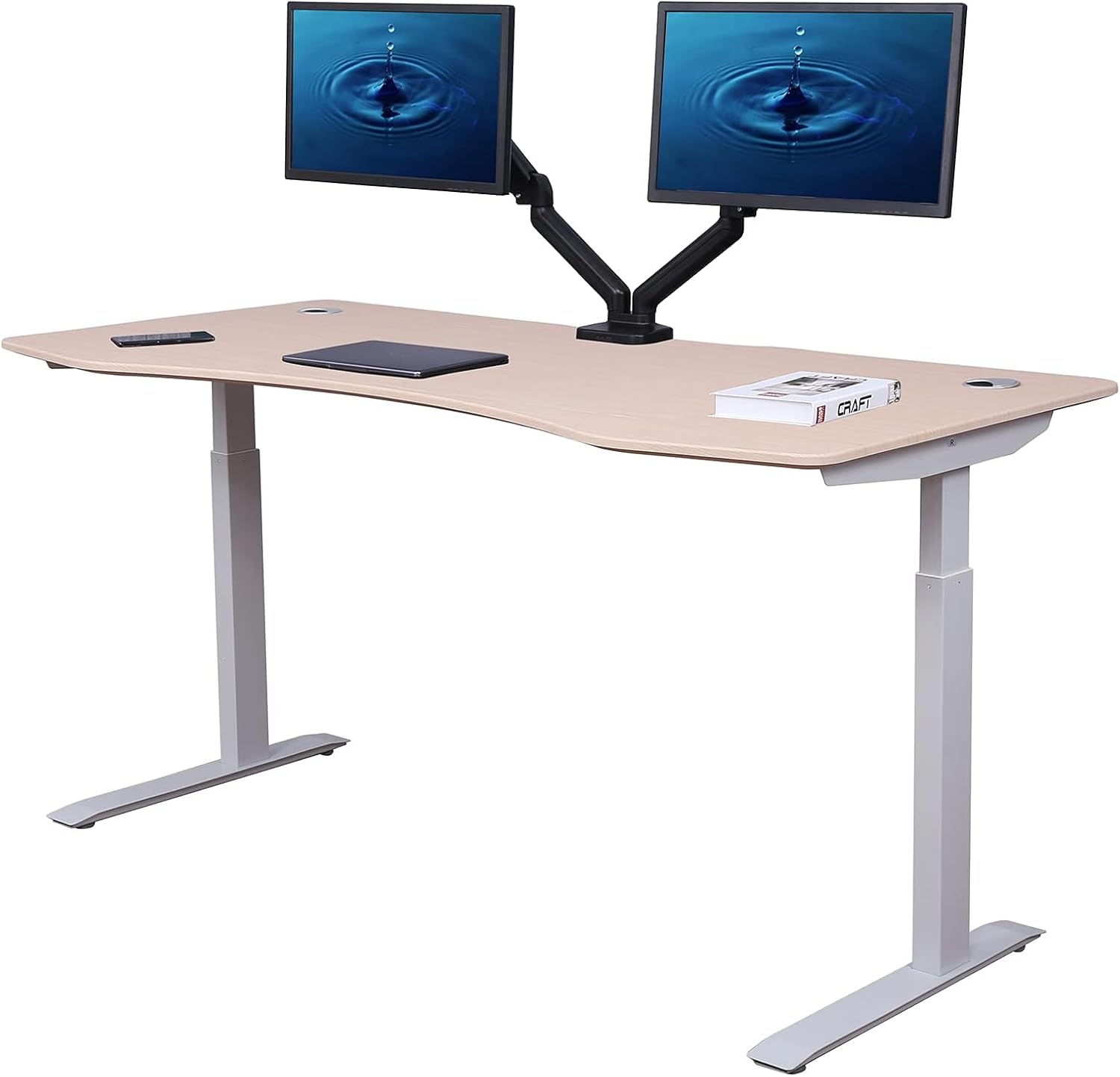
Best for warmer aesthetics: Veken 47.2" Standing Desk with Wood Desktop
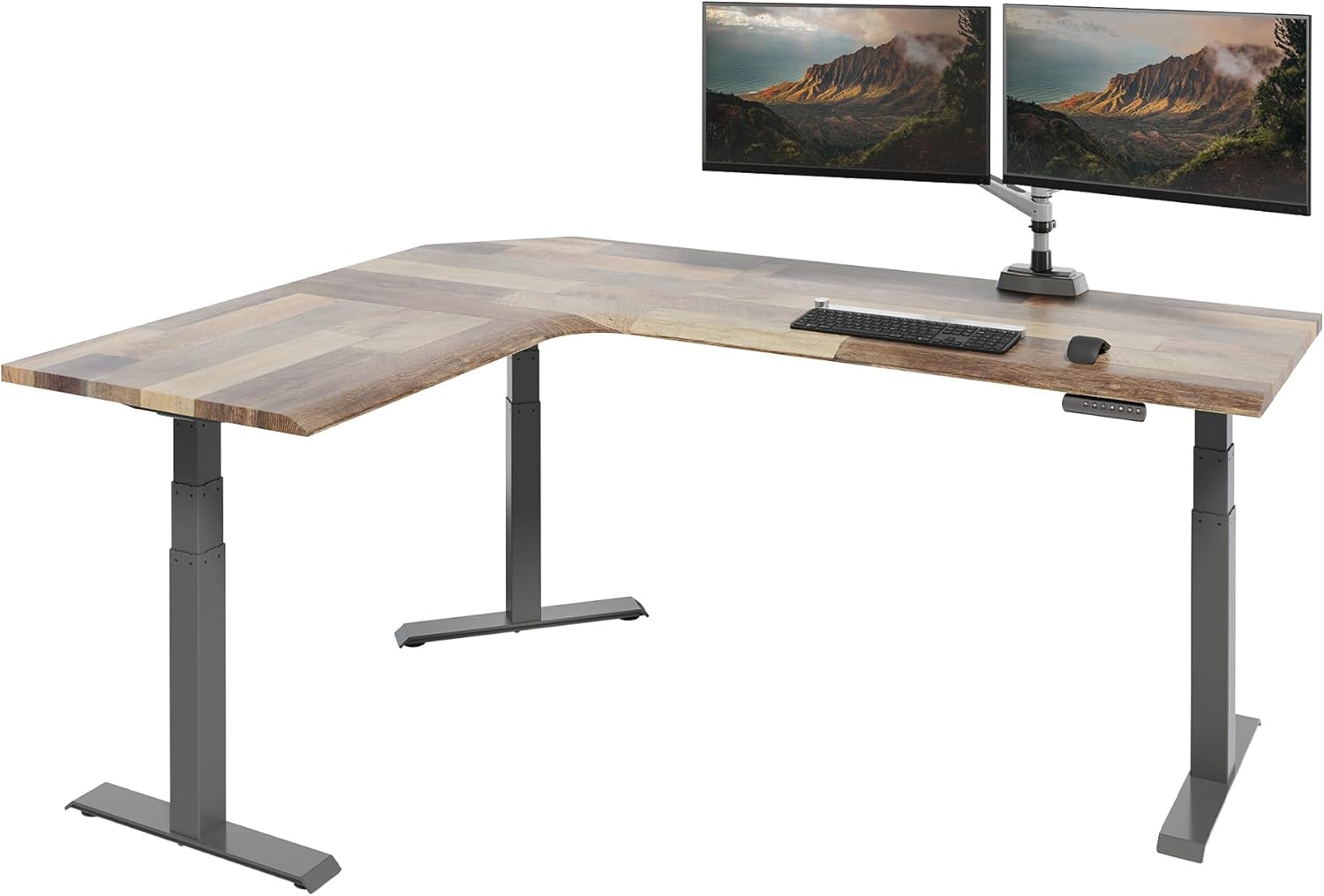
If your office is in a living space and you want the desk to look like furniture rather than a workstation, the Veken's wood-look desktop is the friendliest option in this roundup. The 47.2-inch width works in most apartment-sized rooms, and the depth keeps the back edge a safe distance from a baseboard heater. One real-world tip: wood and wood-laminate tops handle ambient heat better than glass desktops, which can develop stress patterns from prolonged one-sided warming. View the Veken desk on Amazon.
Quick comparison: which desk fits your heater situation?
| Desk | Size | Depth | Best for | Heater-side note |
|---|---|---|---|---|
| ErGear 48 x 24 | 48" wide | 24" | Small rooms, single monitor | C-leg frame maximizes airflow under desk |
| VIVO 60 x 24 | 60" wide | 24" | Long wall with full-length baseboard | 220 lb capacity, dual-monitor friendly |
| Veken 47.2" | 47.2" wide | Standard | Living-room offices | Wood top resists heat marking better than glass |
How to actually position the desk: a 6-step setup
- Measure the heater first. Note the total length, the height of the top vent off the floor, and the distance from the wall to the front face. Most baseboards are 7–10 inches tall and stick out 2.5–3.5 inches.
- Set the desk depth aside. Add 6 inches of clearance to the heater's depth. If your heater sticks out 3 inches, the back edge of your desk should sit at least 9 inches off the wall.
- Check outlet placement. The desk's motor needs to plug in somewhere that isn't directly above the heater. Use a side wall outlet or a floor outlet if available.
- Mount the cable tray under the desktop, near the front. Keep at least 4 inches between any cable and the heater's top edge.
- Use a heat-resistant power strip. Cheap surge protectors with thin PVC cords can soften over time. Look for one rated for at least 167°F (75°C).
- Run the desk through a full sit/stand cycle. Confirm nothing on the desk (monitor arm clamp, cable tray, rear edge) collides with the heater or wall at any height.
What about radiators instead of baseboard heaters?
Cast-iron radiators are a different beast. They're taller (usually 18–28 inches), throw heat in all directions, and often have steam or hot water valves that need access for bleeding. If your only free wall has a radiator, the best approach is to set the desk perpendicular to the wall (so the short side faces the radiator) rather than parallel. This gives you full clearance and keeps the radiator's controls reachable. A 24-inch deep desktop is again the sweet spot, because a 30-inch top will often overhang the radiator and cook the underside.
For a deeper dive, see our guide on standing desk layouts for small bedrooms, which covers perpendicular and L-shape configurations in detail.
Materials and accessories to skip
- Glass desktops directly over heat. Tempered glass handles heat fine, but uneven warming can stress the edges over months.
- Felt-bottom desk pads that wrap the rear edge. They wick warm air upward and can scorch.
- PVC cable management spines. Use braided sleeves or metal raceways instead.
- Memory-foam anti-fatigue mats placed in front of the heater. The mat is fine; just don't let it overlap the heater's front face.
For an accessory roundup that pairs well with this setup, our piece on cable management for standing desks covers heat-rated trays and sleeves specifically.
When to call an electrician instead
If your only available outlet is directly above the baseboard heater, stop and call a licensed electrician. Adding a new receptacle on a side wall is usually a one-hour job and a few hundred dollars, and it eliminates the worst long-term risk of this layout: a melted cord behind a desk you can't easily move. It's also the moment to ask whether the heater's thermostat is line-voltage or low-voltage, because that affects whether you can safely add a smart plug or schedule.
Frequently Asked Questions
Can a standing desk safely sit directly above an electric baseboard heater?
It can, as long as the desktop overhangs the heater by no more than a few inches and you maintain at least 6 inches of vertical clearance between the top of the heater and the underside of the desk. The bigger risk isn't the desk itself but the cables and power strip mounted under it; keep all wiring at least 4 inches inboard from the heater's front edge.
How far should a standing desk be from a hot water baseboard heater?
Hydronic baseboards run cooler on the surface than electric ones (typically 140–160°F vs. 200°F+) but the heat plume is just as strong. Aim for the same 6-inch top clearance and 12-inch front clearance. A 24-inch deep desktop set 8–10 inches off the wall hits both targets comfortably.
Will heat from a radiator damage my standing desk motor?
Modern dual-motor standing desks have motors rated for ambient operating temperatures up to about 104°F (40°C). As long as the motors aren't sitting in the direct heat plume of a radiator, they'll be fine. The two motors are usually mounted at the top of each leg, well above any baseboard, so the most exposed part is actually the control box, which you should mount on the underside of the desk near the user's side, not the wall side.
Is it okay to put a monitor arm on a desk that's near a heater?
Yes, but mount it on the side of the desk farthest from the warmest part of the heater (usually the middle). LCD and OLED panels are rated for ambient operation up to 95–104°F, and you don't want the back of the monitor sitting in the rising convection column. A side-mounted arm with the monitor pulled forward keeps the screen out of the heat path.
What desktop material handles heat best near a baseboard?
Solid wood and high-pressure laminate over MDF both handle ambient heat exposure well. Bamboo is also excellent. Avoid thin veneer over particleboard, which can delaminate over years of one-sided warming, and glass tops, which look great but can show stress patterns at the edges.
Should I turn off the heater while I'm working at the desk?
No need. The clearances above assume the heater is running normally. What you should do is set the thermostat a couple of degrees lower than you would in an empty room, because the desk and your body both block some convection and the room will feel warmer than the thermostat reads. A smart line-voltage thermostat with an external sensor solves this elegantly.
Can I build a shelf or cover over the baseboard heater so the desk fits closer?
Manufacturer-approved baseboard heater covers exist and are usually safe; DIY enclosures are not. Any cover must maintain the original air gap at the bottom intake and the top vent. Most code inspectors will flag a desk back panel that effectively becomes a heater cover. If you want the desk truly flush to the wall, install a real heater enclosure designed for the job, and only then push furniture against it.
What's the single best desk choice if my whole apartment has baseboard heat?
For most readers, the ErGear 48 x 24 is the best all-around pick because the 24-inch depth and C-leg frame solve the clearance problem without forcing you into a tiny work surface. Step up to the VIVO 60 x 24 only if you actually need the wider top for dual monitors or a larger work setup.
Key Takeaways
- Choosing the right standing desk near baseboard heater means matching capacity and output ports to your actual devices
- Always check actual watt-hours (Wh), not just watts — runtime depends on Wh, not peak output
- Also covers: standing desk clearance radiator old home
- Also covers: desk against hot water baseboard safe
- Also covers: standing desk near steam radiator gap
- Compare price-per-Wh across models to find the best value for your budget