To prevent secretlab magnus pro fingerprint smudges, wipe the powder-coated metal surface daily with a dry microfiber cloth, apply a thin coat of anti-fingerprint spray formulated for matte-coated metals every 2-3 weeks, cover high-touch zones with the magnetic deskmat or a leather-style pad, and keep hand oils off the surface by using a wrist rest. The matte black finish on the Magnus Pro is especially prone to showing skin oils, lotion residue, and water spots because light scatters across the textured coating and highlights every smear. The good news: with a 60-second daily habit and the right supplies, you can keep the desk looking showroom-fresh.
This 2026 guide walks through exactly why the Magnus Pro shows fingerprints so easily, the daily and weekly routine that prevents buildup, the products that work (and the ones that ruin the coating), and what to do if you've already got stubborn smudges baked in. We'll also cover alternative desks worth considering if the fingerprint maintenance feels like too much hassle.
Why the Magnus Pro Shows Fingerprints So Easily
The Secretlab Magnus Pro uses a matte powder-coated steel surface. Unlike glossy finishes that hide oils, the micro-textured matte coating creates thousands of tiny ridges where skin oil, sebum, and lotion settle. When ambient light hits the desk at an angle, those oily patches reflect differently than the surrounding coating—and suddenly every fingerprint, palm smear, and forearm rest mark becomes visible.



Three factors make secretlab magnus pro fingerprint smudges worse:
- Skin oil composition. Natural sebum contains squalene and triglycerides that bond loosely with powder coating, leaving a visible film.
- Hand lotion and sanitizer residue. Glycerin-based moisturizers and alcohol-based sanitizers leave a film that's harder to remove than plain oil.
- Ambient lighting. Overhead LED panels and window light at low angles dramatically amplify the appearance of smudges. The same desk under softer, diffused light may look spotless.
Understanding the cause is the key to prevention—you're not trying to scrub harder, you're trying to keep oil from contacting the surface in the first place.
The 60-Second Daily Routine That Actually Works
Most Magnus Pro owners over-clean, which actually accelerates wear on the coating. Here's the minimal-effort daily routine that keeps smudges at bay:
- Dry microfiber wipe (30 seconds). Use a clean, dedicated microfiber cloth—nothing that's touched glass cleaner or furniture polish. Wipe in straight overlapping passes from one edge to the other. Avoid circular motions, which redistribute oil rather than lift it.
- Spot-treat high-touch zones (30 seconds). Lightly mist a second microfiber with distilled water (never tap water—mineral deposits cause spotting) and wipe the front edge, mousepad border, and keyboard tray area where forearms rest.
That's it. Do this at the end of every workday and you'll prevent 90% of the smudge buildup that owners complain about online.
What NOT to Use
- Glass cleaner (Windex). Ammonia breaks down powder coating over time and leaves a streaky film.
- Furniture polish (Pledge). Silicone-based sprays create a slippery surface that attracts more dust and shows new fingerprints almost immediately.
- Paper towels. The cellulose fibers are abrasive enough to micro-scratch the matte coating over hundreds of wipes, dulling the finish.
- Disinfecting wipes (Clorox, Lysol). The bleach and quaternary ammonium compounds discolor matte black coatings—you'll see lighter patches within months.
Weekly Deep Clean: The 5-Minute Method
Once a week, do a slightly deeper pass:
- Clear the desk completely. Lift mats, monitors, and accessories rather than dragging them across the surface.
- Mix a 50/50 solution of distilled water and isopropyl alcohol (70% or lower—higher concentrations can dull matte coatings).
- Lightly mist a microfiber cloth (never spray directly onto the desk—liquid can seep into the cable tray and screw holes).
- Wipe in long parallel strokes, edge to edge.
- Immediately follow with a dry microfiber to prevent water spotting.
- Let the desk air-dry for 5 minutes before replacing items.
This routine lifts the lotion residue and oxidized oils that the daily wipe leaves behind, restoring the deep matte black look.
Prevention Tools: Stop Smudges Before They Start
The single best fingerprint prevention strategy is coverage. The Magnus Pro magnetic deskmat covers the central 80% of the desk where your hands actually rest. If you already own one and still see smudges, it's because the exposed edges, front lip, and area behind the keyboard tray are taking all the contact.

Consider these add-ons:
- Leather wrist rest pads under your keyboard and mouse to prevent forearm contact with the metal.
- Edge protectors on the front lip where you naturally grip when adjusting your chair.
- Anti-fingerprint coating spray rated for matte powder coating (search "oleophobic spray for matte metal")—apply once every 2-3 weeks for a low-energy surface that resists oil bonding.
- Cotton or microfiber sleeve covers if you wear watches or bracelets that scrape the surface.
Alternative Desks Worth Considering
If the daily maintenance feels excessive—or you're still in the research phase before buying—a desk with a wood, laminate, or bamboo surface will show far fewer fingerprints than the Magnus Pro's metal coating. These three are popular sit-stand alternatives in 2026 that don't carry the matte-metal smudge problem:
VIVO Electric 60 x 24 in Standing Desk
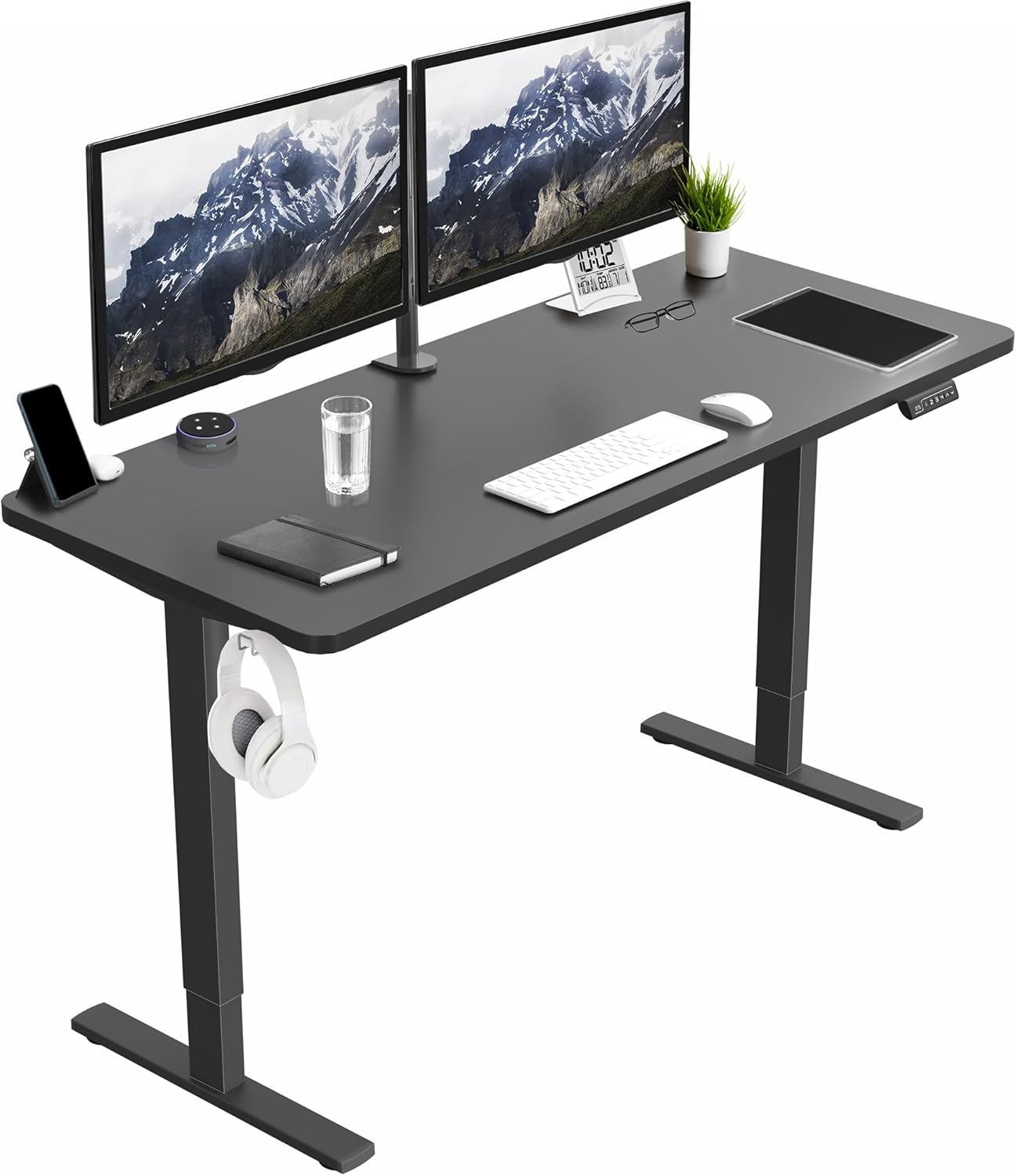
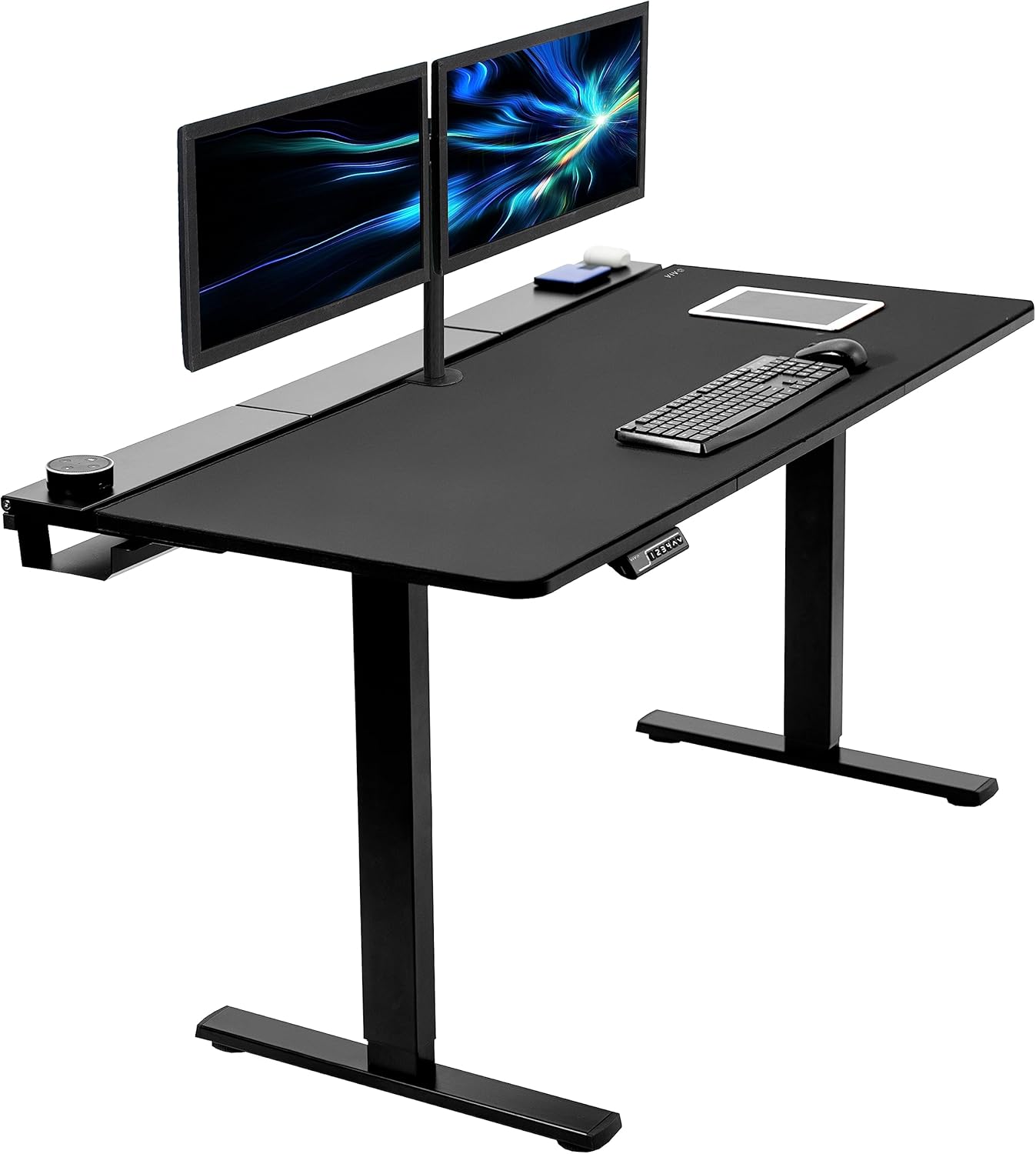
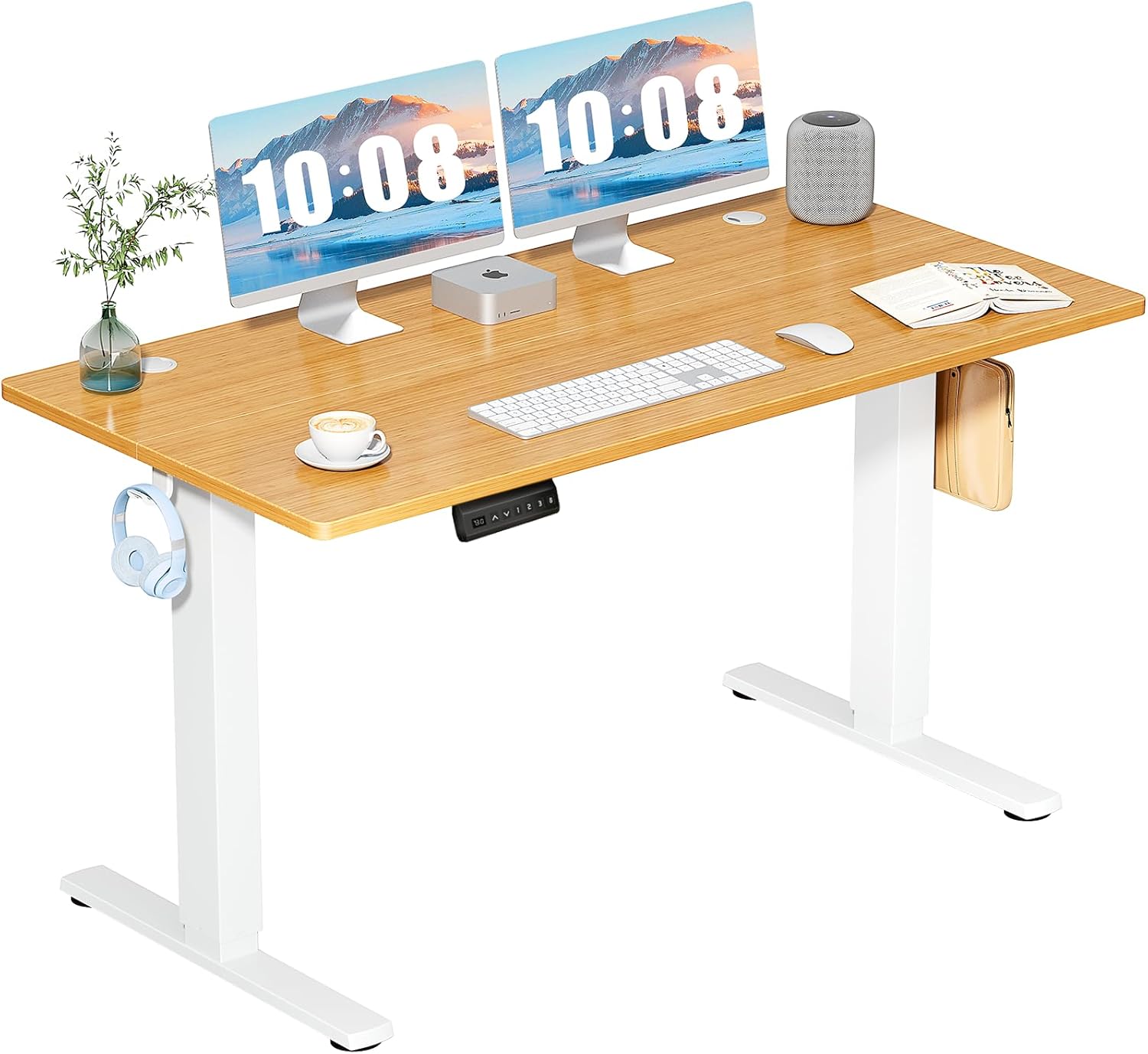
The VIVO Electric 60 x 24 offers a 220 lb weight capacity, memory presets, and a wide black laminate worksurface that hides fingerprints almost entirely. At 60 inches wide, it gives you the same horizontal real estate as a standard Magnus Pro layout without the metal coating to fuss over. The laminate finish wipes clean with a dry cloth in seconds, and you don't need anti-smudge sprays or special microfibers. View the VIVO Electric 60 x 24 on Amazon.
Veken 47.2" Standing Desk with Wood Desktop
For users who prefer warmer aesthetics, the Veken 47.2" features a real wood-look desktop that masks daily smudges and shows almost no fingerprints. The natural grain pattern visually breaks up any smears, so even after a full day of typing you won't see the streak patterns that plague matte black metal. It's a quieter visual workspace and far lower maintenance. Check the Veken 47.2" on Amazon.
ErGear Height Adjustable Electric Standing Desk
The ErGear 48 x 24 hits the sweet spot for smaller home offices. Its matte laminate top resists smudges, scratches, and water spots—and at this size it works perfectly with a 27-32" monitor setup. Memory presets save your sit and stand positions, and the surface needs nothing more than a weekly dry wipe. See the ErGear standing desk on Amazon.
Magnus Pro vs Alternative Desks: Fingerprint Comparison
| Desk | Surface Type | Fingerprint Visibility | Daily Maintenance | Width |
|---|---|---|---|---|
| Secretlab Magnus Pro | Matte powder-coated steel | Very High | 60-sec wipe required | 59" |
| VIVO Electric 60 x 24 | Black laminate | Low | Weekly dry wipe | 60" |
| Veken 47.2" Wood | Wood-grain laminate | Very Low | Weekly dry wipe | 47.2" |
| ErGear 48 x 24 | Matte laminate | Low | Weekly dry wipe | 48" |
Fixing Smudges That Are Already There
If your Magnus Pro already has visible streaks, palm prints, or that hazy oil film, here's the recovery process:
- Lift the dried oil first. Use a dry microfiber to remove dust—don't add liquid yet, or you'll just spread the oil.
- Apply diluted isopropyl alcohol (50/50 with distilled water). Mist onto a fresh microfiber, then wipe in one direction across the affected area.
- Re-wipe with a clean dry microfiber immediately. Don't let the alcohol solution evaporate on its own—that's how streaks form.
- Repeat in sections. Don't try to do the whole desk at once. Work in 18-inch zones to maintain control.
- Finish with a dry buff. One final pass with a clean dry microfiber blends any micro-edges between cleaned sections.
For really stubborn buildup (think: months of skipped cleaning), a single drop of dish soap diluted in distilled water can cut through the bonded oil, but you must follow with a thorough clean-water wipe to prevent soap residue.
Related Setup Tips
If you're optimizing your Magnus Pro workspace, also check our guides on the best deskmats for matte metal desks, cable management for standing desks, and ergonomic wrist rests for mechanical keyboards—all of which directly impact how often you'll contact the bare metal surface.
Frequently Asked Questions
What is the best cleaning cloth for Secretlab Magnus Pro fingerprint smudges?
Use a high-GSM (300+) split-fiber microfiber cloth, ideally one designated for optics or electronics. The split fibers grip oil molecules rather than just pushing them around. Wash it separately from other laundry in fragrance-free detergent and never use fabric softener, which coats the fibers and ruins their grip.
Does the Magnus Pro magnetic deskmat fully prevent fingerprint marks?
It prevents fingerprints on the covered area but leaves about 8-12 inches of exposed metal on each side, plus the front lip. Most owners still see smudges along the mat's perimeter, which is why edge protectors and a daily 60-second wipe are still recommended even with a full deskmat.
Can I use car detailing spray to prevent fingerprints on my Magnus Pro?
Avoid car detailing sprays—they contain waxes and silicones designed for clear-coat paint, not powder coating. These products leave a slippery residue that initially looks great but attracts dust and creates new smear patterns within hours. Stick to oleophobic coatings made specifically for matte metal finishes.
Why do fingerprints come back so fast on my Secretlab Magnus Pro?
Three usual suspects: hand lotion or sanitizer leaving residue, harsh ambient lighting amplifying micro-smudges that were always there, or using paper towels and household cleaners that dull the coating over time. Switch to dry microfiber daily and you'll notice the difference within a week.
Will an anti-fingerprint coating void my Magnus Pro warranty?
Secretlab's warranty covers manufacturing defects, not cosmetic wear from aftermarket products. Using a properly formulated oleophobic spray for matte metal won't void coverage, but applying solvents, acetone, or abrasive polishes could be cited as user damage if you ever file a claim. When in doubt, check Secretlab's care guide before applying anything.
How do I remove water spots from the Magnus Pro surface?
Water spots usually come from tap water minerals drying on the matte coating. Mist a microfiber with distilled water and a few drops of white vinegar, wipe gently across the spot, then immediately dry-buff with a clean microfiber. This dissolves the mineral residue without damaging the powder coating.
Is the matte white Magnus Pro better at hiding fingerprints than the black version?
Yes, noticeably so. The lighter coating reflects light more uniformly, which masks the differential reflection that makes oil smudges visible on black. Owners of the white version report dramatically fewer fingerprint complaints—if you're still in the buying phase and smudges are a concern, the lighter color is the easier choice for daily maintenance.
The Bottom Line
Preventing secretlab magnus pro fingerprint smudges is mostly about habit, not heroic cleaning. A 60-second daily microfiber wipe, a weekly 50/50 isopropyl pass, full deskmat coverage, and avoiding the wrong products (Windex, Pledge, paper towels, disinfecting wipes) will keep the matte black finish looking sharp for years. If the maintenance feels like overkill, laminate-topped sit-stand desks like the VIVO 60", Veken 47.2", or ErGear 48" offer the same ergonomic benefits with a fraction of the upkeep—worth considering before your next desk purchase in 2026.
Key Takeaways
- Choosing the right secretlab magnus pro fingerprint smudges means matching capacity and output ports to your actual devices
- Always check actual watt-hours (Wh), not just watts — runtime depends on Wh, not peak output
- Also covers: magnus pro metal desk smudge
- Also covers: clean secretlab magnus desktop
- Also covers: magnus pro matte finish care
- Compare price-per-Wh across models to find the best value for your budget