If your flexispot e7 control panel stuck blinking issue just appeared, the fastest fix is a full reset: unplug the desk from the wall for 30 seconds, plug it back in, then press and hold the down arrow on the keypad until the desk lowers, bumps the frame, and beeps. Release, then press and hold the down arrow again until the display shows the lowest height (usually 24.4 inches or 60 cm) and stops blinking. This re-calibrates the dual motors and clears the safety lockout that triggers the blinking display in the first place.
Below is the complete 2026 troubleshooting walkthrough for every variation of the flexispot e7 control panel stuck blinking problem, including error codes like E01, E02, ASr, HOT, and RST, plus what to do if the reset never completes and you need to replace the desk entirely.
Why the Flexispot E7 Display Blinks in the First Place
The E7 uses a dual-motor synchronized lifting system. Each leg has its own motor and an internal hall-effect sensor that counts rotations. When the two legs drift out of sync by more than a few millimeters, when the desk hits an obstruction, or when power is interrupted mid-movement, the control box throws a safety lockout. The keypad responds by blinking the current height reading, blinking the word RST, or flashing an error code like E01 or ASr.



The blink is not a malfunction. It is the desk asking you to perform a re-homing cycle so it can find its absolute lowest position again. Until you complete that cycle, every button press will be ignored except the down arrow.
The Standard Reset (Works for 90% of Cases)
This is the procedure Flexispot support walks customers through first. Run it before anything else.
- Clear everything off the desktop and pull the desk at least 12 inches away from any wall, shelf, or filing cabinet that could obstruct downward travel.
- Unplug the power cord from the wall outlet. Wait a full 30 seconds. This drains the capacitors in the control box.
- Plug the power cord back in. Do not press anything yet.
- Press and hold the down arrow on the keypad. Keep holding even after the desk reaches its mechanical floor and you hear a soft clunk or beep.
- Continue holding for 3 to 5 more seconds after the clunk, then release.
- Press and hold the down arrow again. The desk should drop another fraction of an inch, beep twice, and the display should stop blinking and show a steady height number.
If the flexispot e7 control panel stuck blinking issue persists past step 6, the standard reset failed and you need the advanced procedure below.
Advanced Reset for Stubborn Blinking (E01, E02, ASr Codes)
When error codes appear alongside the blink, the motors are reporting a desynchronization that the standard reset cannot resolve on its own. Here is the manufacturer-recommended sequence:
- Unplug the desk and wait 60 seconds this time.
- Disconnect both motor cables from the control box. They are the two thick black cables with locking connectors. Press the small tab and pull straight out. Do not yank by the wire.
- Inspect each connector for bent pins, dust, or signs of liquid. A single bent pin will cause E02 forever.
- Reconnect both cables firmly until you hear the locking tab click.
- Plug the desk back in and immediately run the standard reset above.
For ASr (asynchronous rotation) specifically, you may need to repeat the down-arrow hold three or four times. The control box re-counts the motor revolutions on each pass and gradually narrows the gap between the two legs.
What If the Display Shows HOT
HOT means the duty cycle has been exceeded. The E7's motors are rated for roughly 2 minutes of continuous movement followed by 18 minutes of rest. If you have been raising and lowering the desk repeatedly, the thermal sensor in the control box has tripped. There is no reset for this. Walk away for 20 minutes, come back, and the HOT message will clear on its own. After that, run the standard reset to clear any residual blinking.
Replacing the Keypad Itself
If the display blinks even after a successful re-homing cycle, the keypad's internal connection to the control box may be damaged. The RJ-style cable that runs from the keypad to the control box is identical to a phone handset cord and tends to fail at the kink where it bends under the desktop. Unplug it from both ends, swap in a replacement cable (Flexispot sells them for under $15, or any 4P4C handset cord with matched polarity works), and retest. If a fresh cable restores function, you have isolated the fault. If not, the keypad PCB itself is dead and needs replacement.
Comparison: When the E7 Is Beyond Repair, Here Are Strong Replacements
Sometimes the control box itself has failed and the repair cost approaches the price of a new desk. If your E7 is out of its two-year warranty and the blinking display will not clear after every step above, these three 2026 alternatives are the closest matches in size, weight capacity, and dual-motor design.
| Desk | Size | Capacity | Best For |
|---|---|---|---|
| VIVO Electric Standing Desk | 60 x 24 in | 220 lbs | Dual-monitor power users who liked the E7's footprint |
| Veken 47.2" Standing Desk | 47.2 in wide | 176 lbs | Smaller home offices or secondary workstations |
| ErGear Height Adjustable Desk | 48 x 24 in | 176 lbs | Budget replacements with memory presets |
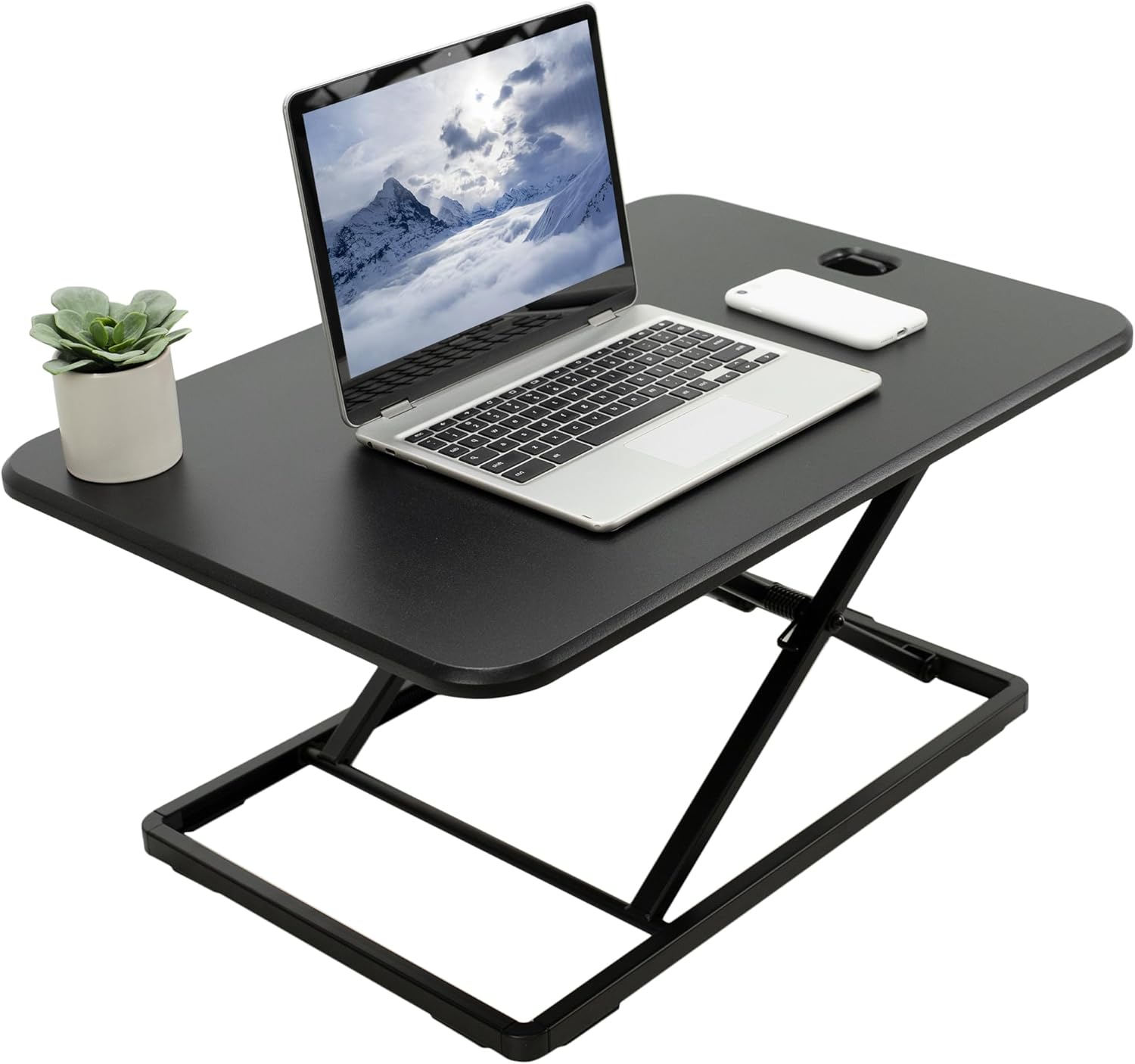
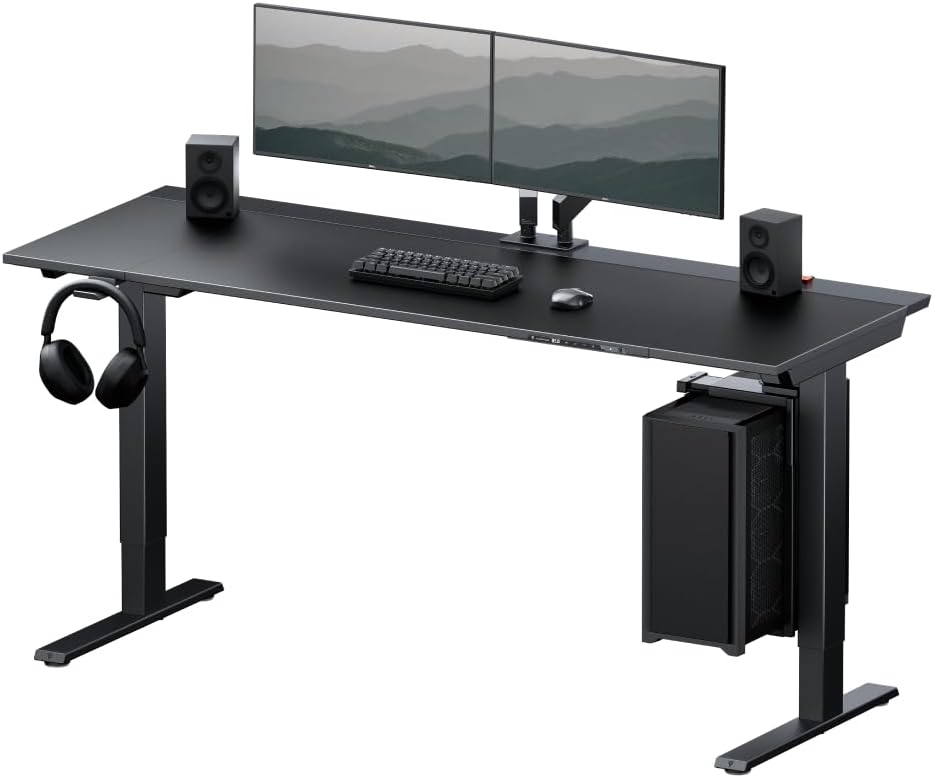
VIVO Electric 60 x 24 in Standing Desk (Memory, 220 lbs)
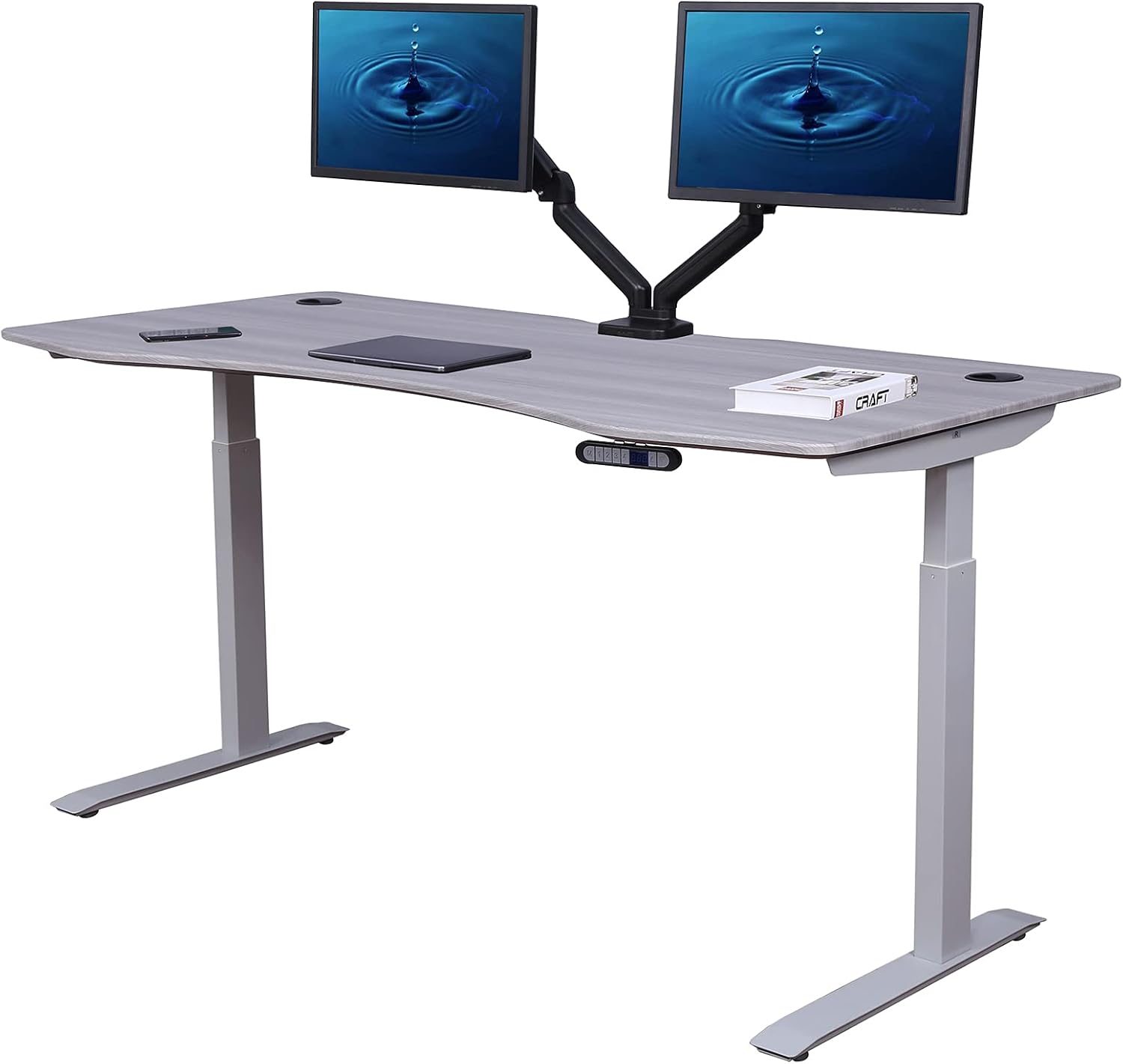
The VIVO is the closest spec-for-spec replacement for a failed Flexispot E7. You get the same 60-inch surface, the same 220-pound load rating, and a four-preset memory keypad. The dual-motor system uses a simpler synchronization algorithm that is less prone to the asynchronous-rotation faults that plague the E7's later firmware revisions. Cable management trays are included and the matte black finish matches most existing E7 accessories. Check current pricing at VIVO Electric 60 x 24 in Standing Desk, Memory Height Adjust.
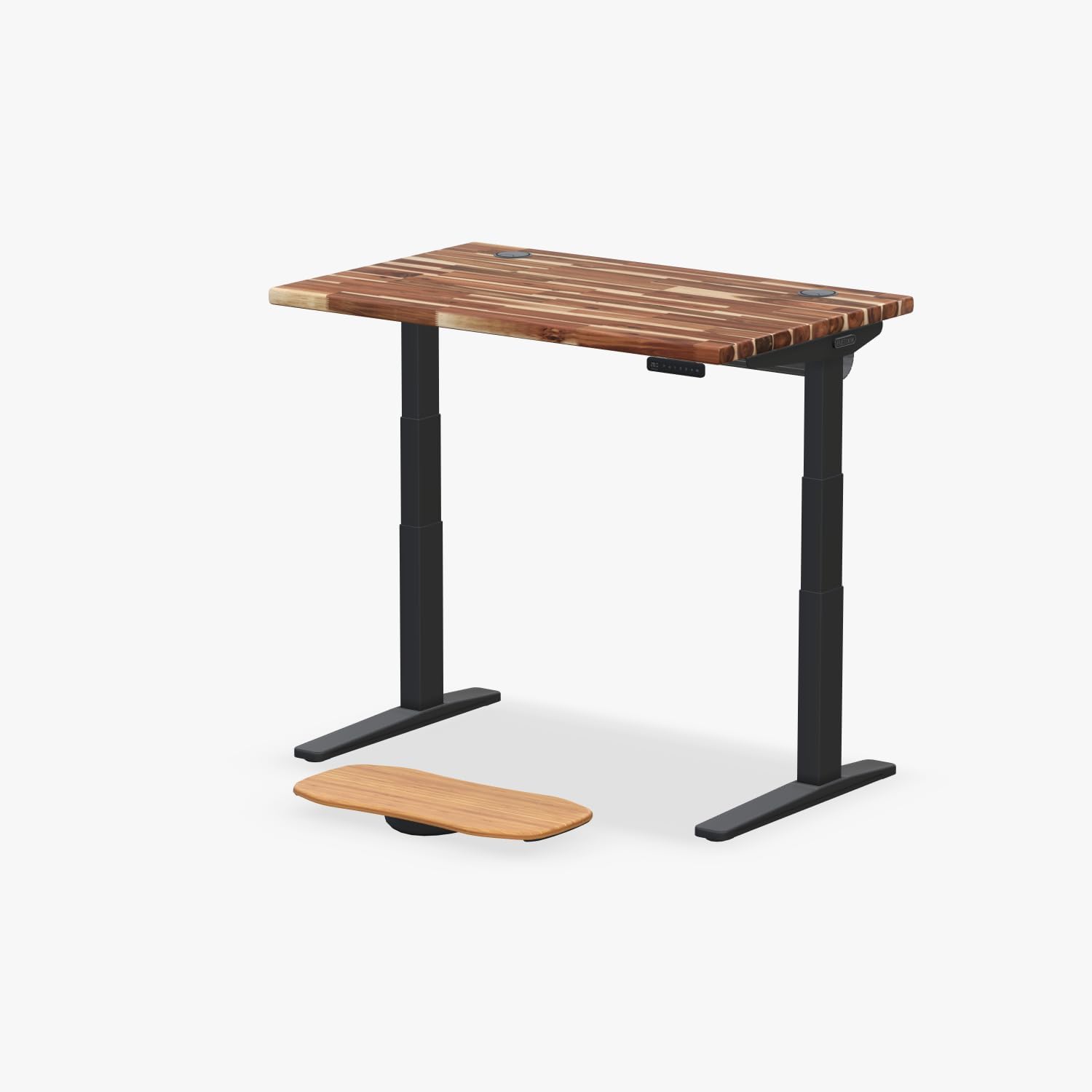
Veken 47.2" Standing Desk with Wood Desktop
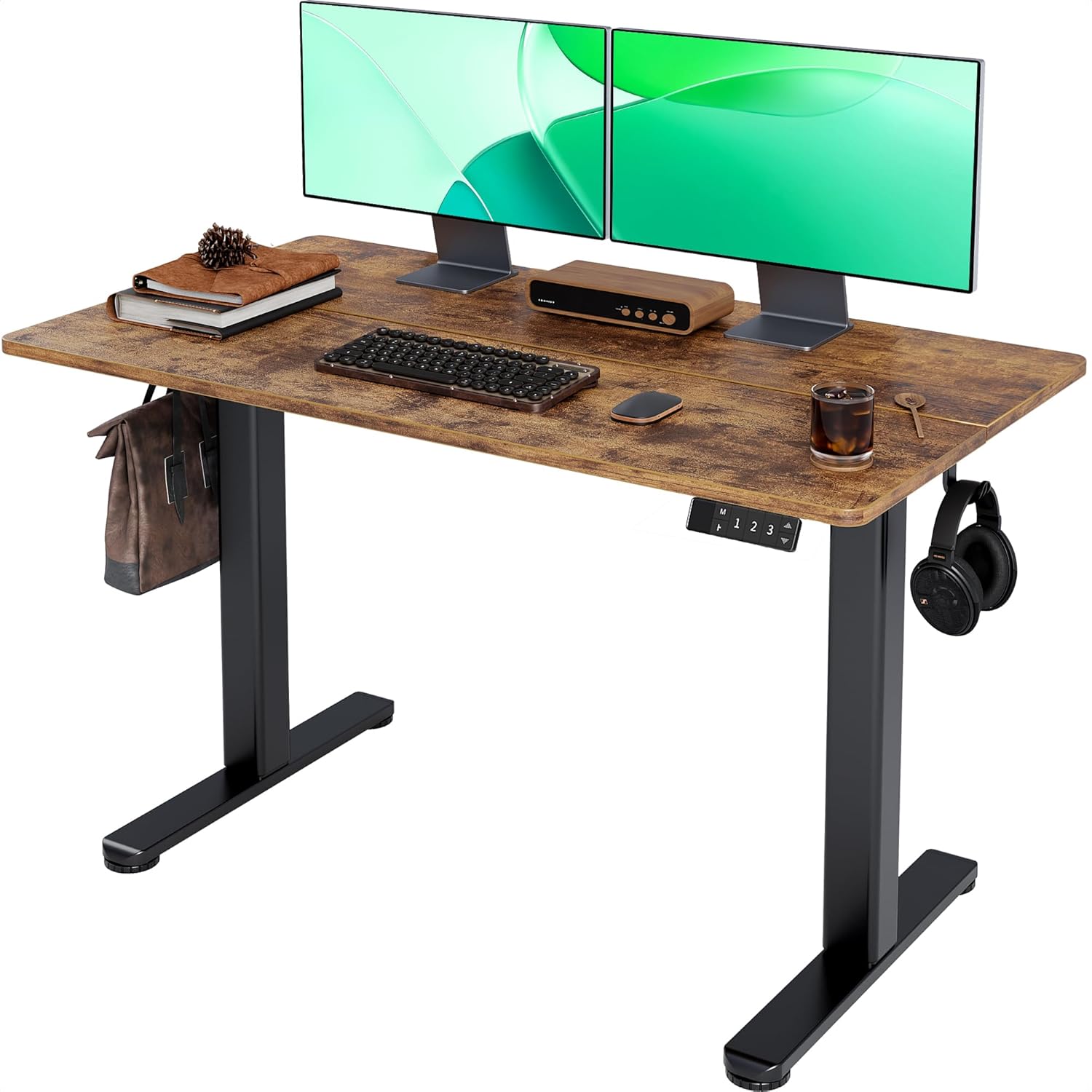
If your E7 is failing in a smaller room or you want to retire it to a guest office, the Veken 47.2-inch is the right size step-down. The wood desktop is genuinely solid (not laminated MDF) and the lifting system is quieter at 45 dB versus the E7's roughly 50 dB. The trade-off is a 176-pound capacity instead of 220, which is fine for a single monitor and a laptop dock but tight for a dual-arm setup. See it at Veken 47.2" Standing Desk, Adjustable Height Office Desk wit.
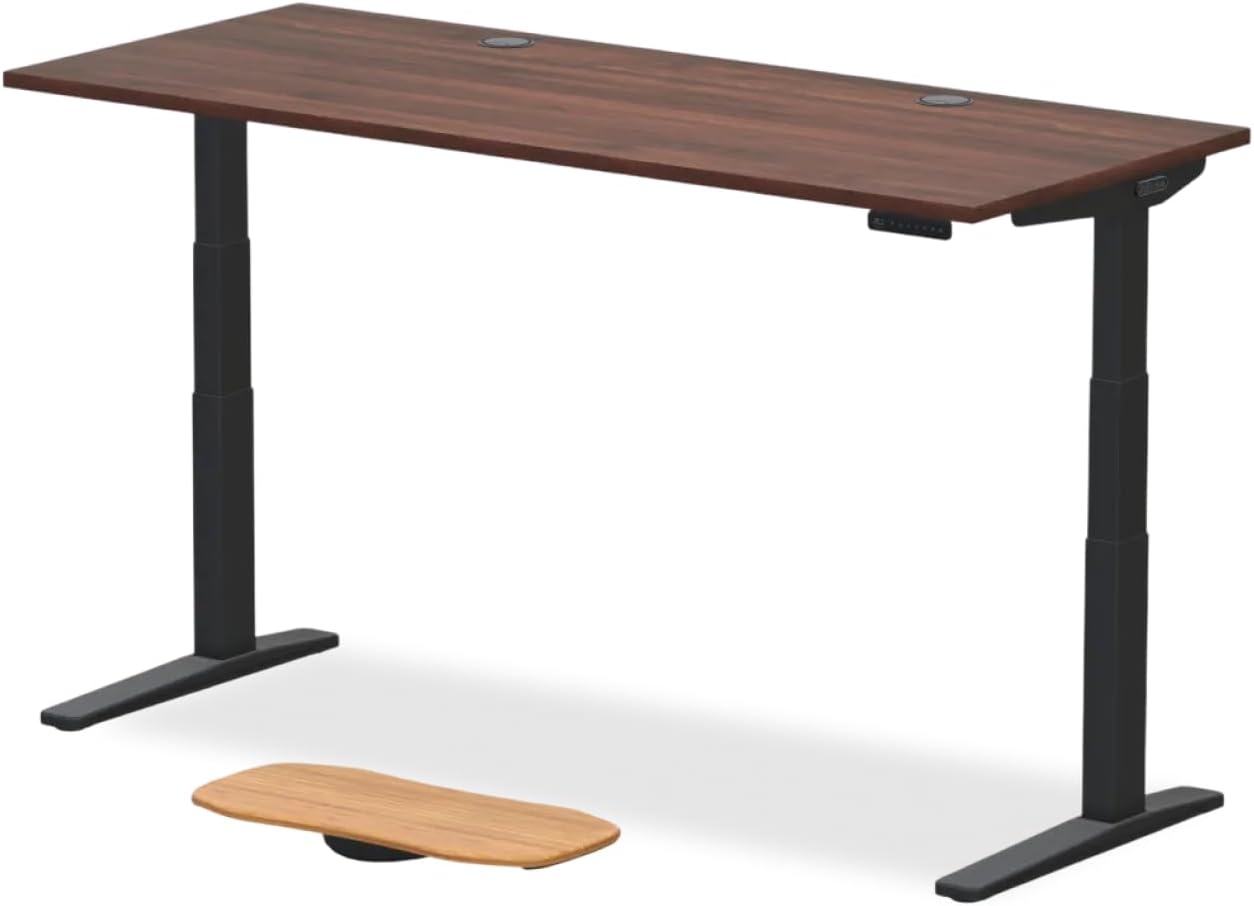
ErGear 48 x 24 in Height Adjustable Standing Desk
The ErGear is the budget pick. It uses a single-motor design rather than the E7's dual-motor setup, which means you will never see an asynchronous-rotation error because there is nothing to desynchronize. The travel speed is slower (about 1 inch per second versus the E7's 1.4) but the four memory presets and anti-collision sensor work reliably. Good for anyone who lost faith in dual-motor desks after the E7 experience. View it at ErGear Height Adjustable Electric Standing Desk, 48 x 24 Inc.
Preventing the Blinking Display from Coming Back
Once you have cleared the flexispot e7 control panel stuck blinking issue, three habits will keep it from returning. First, never unplug the desk while it is mid-movement; always let it reach the target height before cutting power. Second, keep at least 4 inches of clearance under both legs and never store boxes there, since a brief mechanical bind will trigger the same lockout. Third, re-run the standard reset every six months as preventive maintenance. The hall-effect sensors drift slightly over time and a periodic re-home prevents the drift from compounding into a desync fault.
For more on keeping electric desks healthy, see our guide on standing desk maintenance checklists and our breakdown of dual-motor versus single-motor standing desks.
When to Call Flexispot Support Versus Replacing the Desk
Flexispot's warranty covers the frame for five years and the motor and electronics for two years (as of 2026). If your desk is under two years old, do not attempt the advanced reset before contacting support, because opening the control box may void coverage. If you are between two and five years in, the frame is still covered but the electronics are not, and a replacement control box from Flexispot runs $90 to $140 plus shipping. Past five years, replacement is almost always the better economic choice. Our guide to when to replace a standing desk walks through the math in detail.
Frequently Asked Questions
Why does my Flexispot E7 keep showing RST on the display?
RST means the desk has detected that its position memory no longer matches reality. This happens after a power outage, after the desk is physically moved while unplugged, or after a motor briefly stalls. The fix is the standard reset above: hold the down arrow until the desk hits its mechanical floor, release, then hold it again until you hear two beeps. RST will clear and a normal height reading will replace it.
How do I fix Flexispot E7 error code E01?
E01 indicates an overcurrent event in one of the two motors, almost always caused by an obstruction or a binding leg. Lower the desk fully, remove anything that could be touching the frame including cable ties that are too tight, then run the standard reset. If E01 returns immediately, disconnect both motor cables from the control box, inspect for bent pins, reseat them, and try again. Persistent E01 after a clean reseat usually means one motor has failed and needs replacement.
Can I reset the Flexispot E7 without using the keypad?
No. The control box has no hidden reset button and there is no smartphone app that can trigger a re-home cycle on the E7. Every reset must be initiated by pressing and holding the down arrow on the physical keypad. If your keypad is dead, you must replace the keypad first before you can clear the blinking display.
Why does my Flexispot E7 only go down and not up after a reset?
This is normal during the re-homing cycle. Until the desk successfully completes its calibration, the up arrow is locked out as a safety measure. Finish the standard reset by holding the down arrow a second time after the initial floor-bump. Once you hear two beeps and the display shows a steady number, the up arrow will work again. If it still does not, the up button itself may have failed or its underlying membrane switch is dirty.
How long does the Flexispot E7 reset procedure take in 2026?
A clean reset takes under 45 seconds: 30 seconds unplugged, 10 seconds holding the down arrow to bottom out, and 5 seconds for the second hold to confirm calibration. The advanced reset with motor-cable reseating adds about 5 minutes. If you are still struggling after 15 minutes, the issue is hardware, not procedure, and you should contact support or move to a replacement desk.
Does the Flexispot E7 have a factory reset that erases memory presets?
Yes. After completing the standard reset, press and hold the M button along with the down arrow for 8 seconds. The display will flash S-1 through S-4 as it clears each preset slot. This is useful if a corrupted preset is causing the desk to behave erratically at certain heights. You will need to re-program your favorite sitting and standing heights afterward.
Is a blinking Flexispot E7 display covered under warranty?
If the desk is within its two-year electronics warranty window and the blinking will not clear after the standard reset, yes. Flexispot will typically ship a replacement control box or keypad free of charge after a brief phone or chat diagnosis. Keep your original order confirmation handy. Past two years, you are on your own for electronics but the frame remains covered for three more years.
Key Takeaways
- Choosing the right flexispot e7 control panel stuck blinking means matching capacity and output ports to your actual devices
- Always check actual watt-hours (Wh), not just watts — runtime depends on Wh, not peak output
- Also covers: flexispot e7 keypad blinking fix
- Also covers: reset flexispot e7 display
- Also covers: e7 controller frozen reset
- Compare price-per-Wh across models to find the best value for your budget