If you're losing standing desk on floating floor stability — laminate planks shifting under the feet, the desktop swaying every time you lean on it, or vinyl seams creeping open when you raise the height — the culprit is almost never the desk itself. Floating floors aren't glued or nailed down; they ride as a single sheet over a foam underlay, expanding and contracting with temperature and humidity. A heavy, top-loaded standing desk concentrates weight onto four small feet, which fights that floating design. The fix is a three-step approach: spread the load, decouple lateral drift, and choose a frame that resists rocking. Here's exactly how to do it in 2026, plus three desks that survive laminate and LVP without trouble.
Why Floating Floors and Standing Desks Don't Naturally Get Along
Floating floors — click-lock laminate, engineered hardwood, and luxury vinyl plank (LVP) — are engineered to expand and contract as a single connected surface. The planks click together at the edges and rest on a thin foam or cork underlay, with a 1/4" to 3/8" expansion gap hidden behind your baseboard. When you put a heavy, narrow-footed object on top, three things happen:
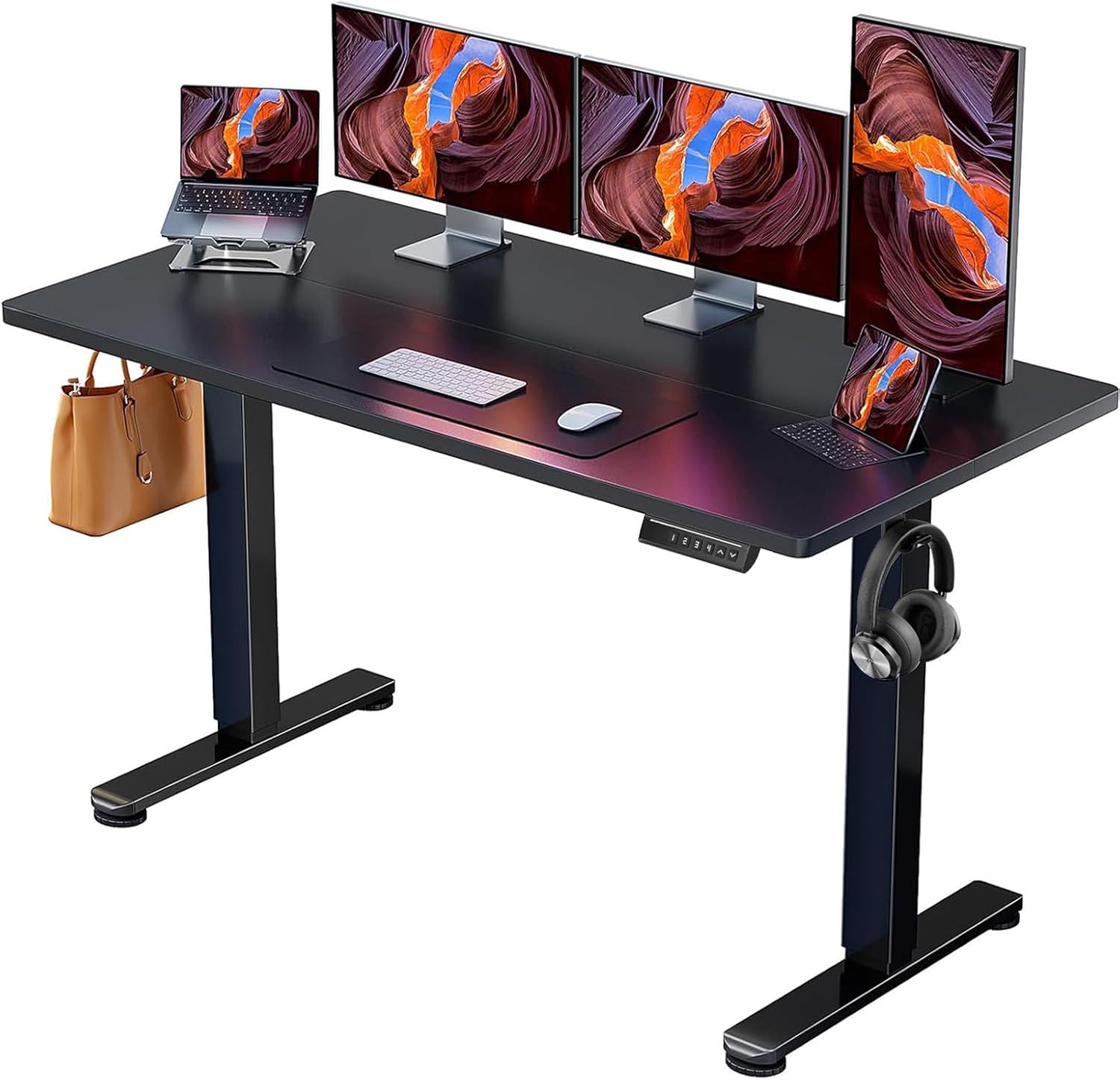



- Point-load deflection. The foam underlay compresses unevenly under the desk feet, creating tiny dips that the desk now rocks in.
- Lateral creep. Every time you lean, type, or push back from the desk, you transfer a small horizontal force into the floor. Over weeks, the desk migrates and the floor migrates with it.
- Seam separation. When the desk lifts (electric height adjustment) or shifts, it can pull adjacent planks slightly apart at the click joints, leaving visible gaps.
None of this is the floor's fault — it's behaving exactly as designed. The job is to install the desk in a way that respects the floor's need to move.
The Quick Fix Checklist
Before buying anything new, run through this list. Most floating-floor wobble problems are solved by the first three items alone.
- Level the feet. Every quality standing desk has adjustable glides at the bottom of each leg. Use a bubble level on the desktop and turn each foot until all four contact the floor with even pressure. A rocking desk on a flat floor almost always means one foot is short.
- Add a load-spreading underlay. Cut a piece of 1/8" to 1/4" hardboard, MDF, or thick felt the same footprint as the desk base. This distributes the weight over a larger area of underlay, dramatically reducing point compression.
- Use heavy-duty felt or rubber pads under each foot. Felt prevents scratching; thin rubber adds grip that stops lateral creep without bonding to the floor.
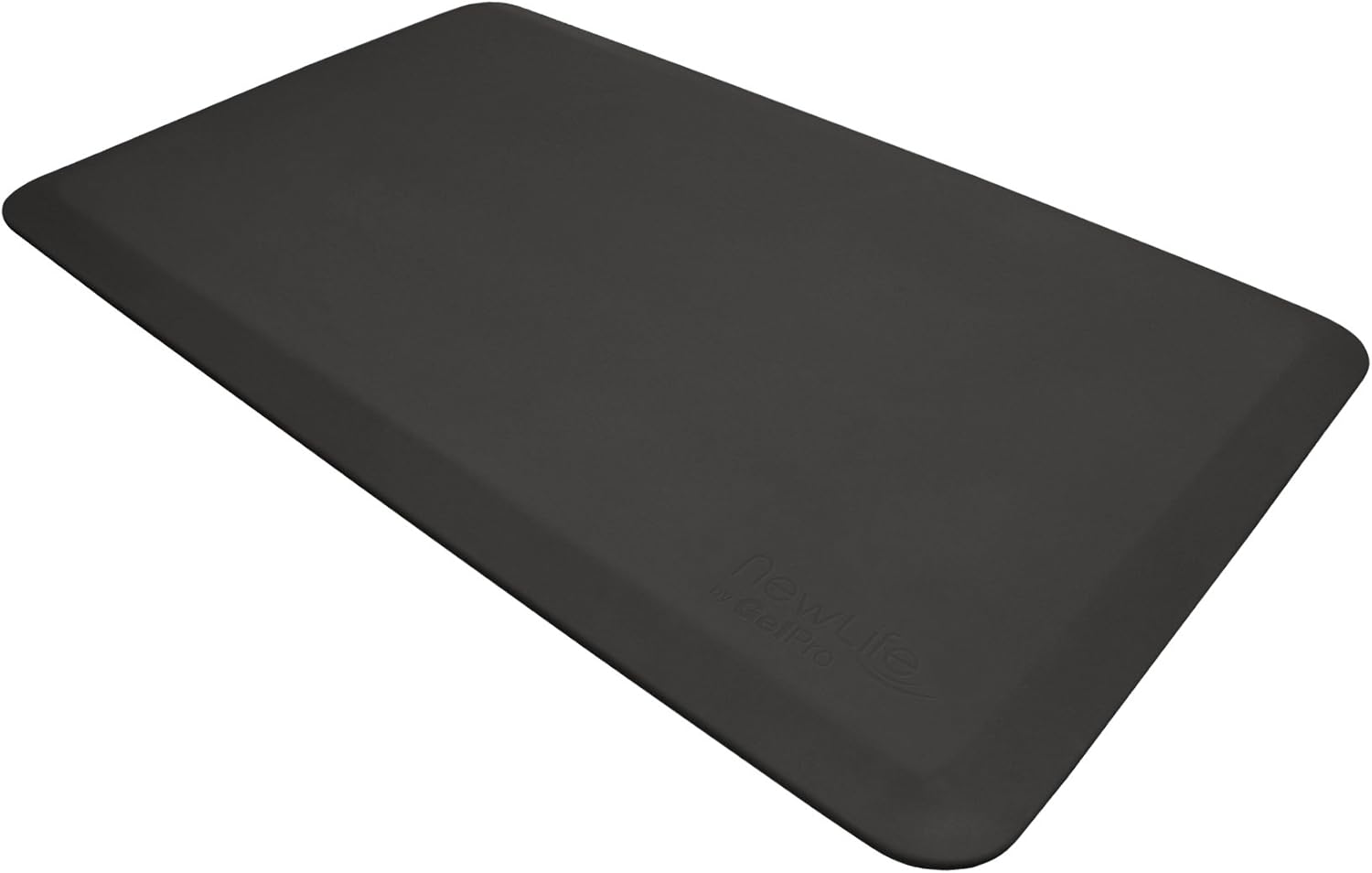
- Anchor with a heavy anti-fatigue mat in front. Your own body weight on the mat helps pin the floor section and reduces the floating-creep effect.
- Re-check baseboard expansion gaps. If the floor has nowhere to expand into, any added weight makes buckling worse. A quick visual check around the desk area confirms nothing is pinched.
- Pick a frame with a wide foot stance. The further apart the feet, the lower the tipping moment and the less the floor sees side-to-side force.
The single biggest factor in standing desk on floating floor stability is foot stance width relative to the desktop. That's what drives our product picks below.
Best Standing Desks for Floating Floors in 2026
I focused on three desks that combine wide foot bases, dual-motor or robust single-motor frames, and reasonable weight capacity. All three work well on click-lock laminate and LVP when paired with the underlay trick above.
| Desk | Top Size | Foot Stance | Weight Capacity | Best For |
|---|---|---|---|---|
| VIVO Electric 60x24 | 60" x 24" | Wide, dual-leg | 220 lbs | Heavy multi-monitor setups |
| Veken 47.2" | 47.2" x 24" | Medium | ~176 lbs | Compact home offices |
| ErGear 48x24 | 48" x 24" | Medium, dual-leg | 176 lbs | Budget-conscious buyers |
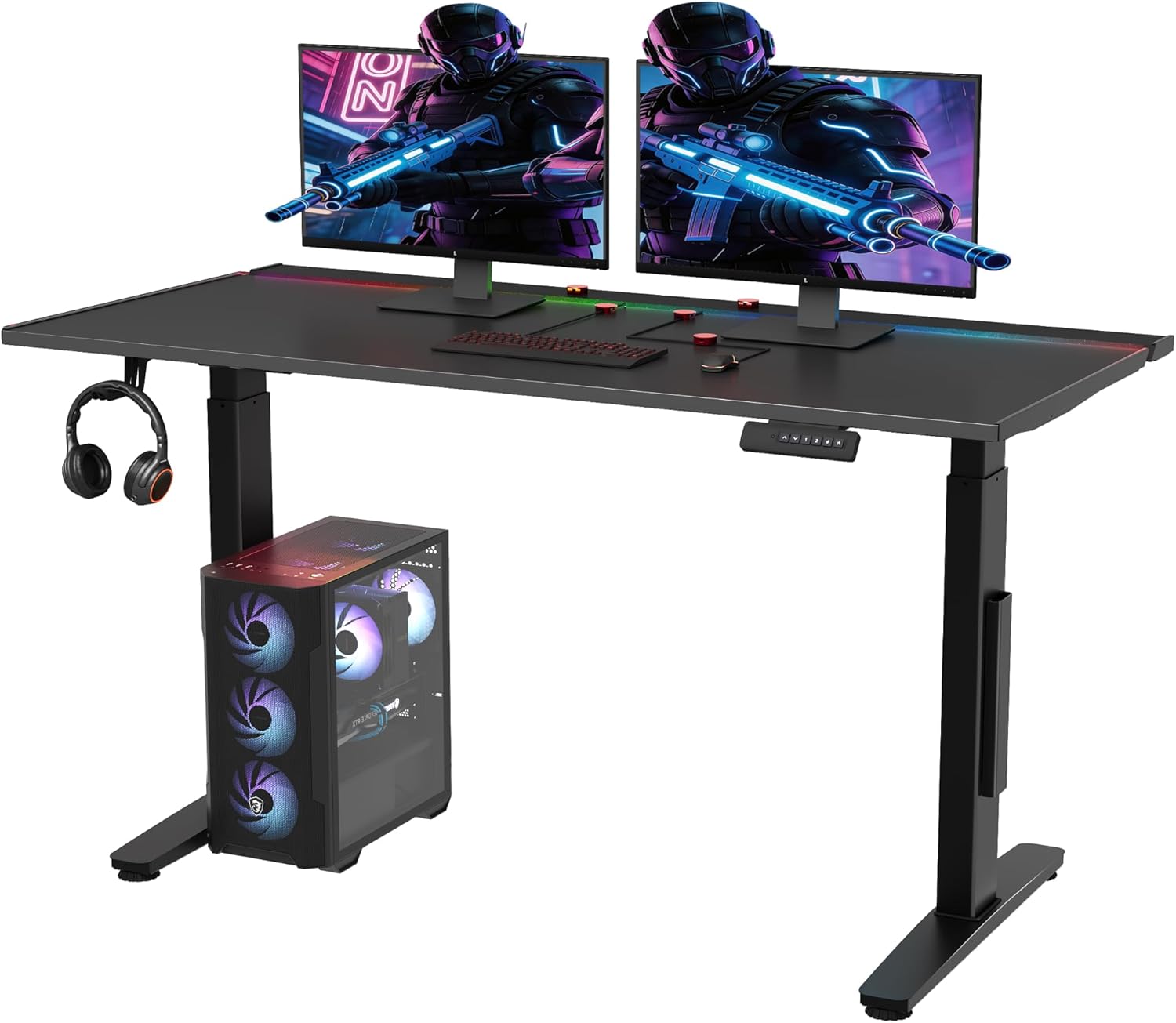
VIVO Electric 60 x 24 in Standing Desk — Best for Heavy Setups on Floating Floors
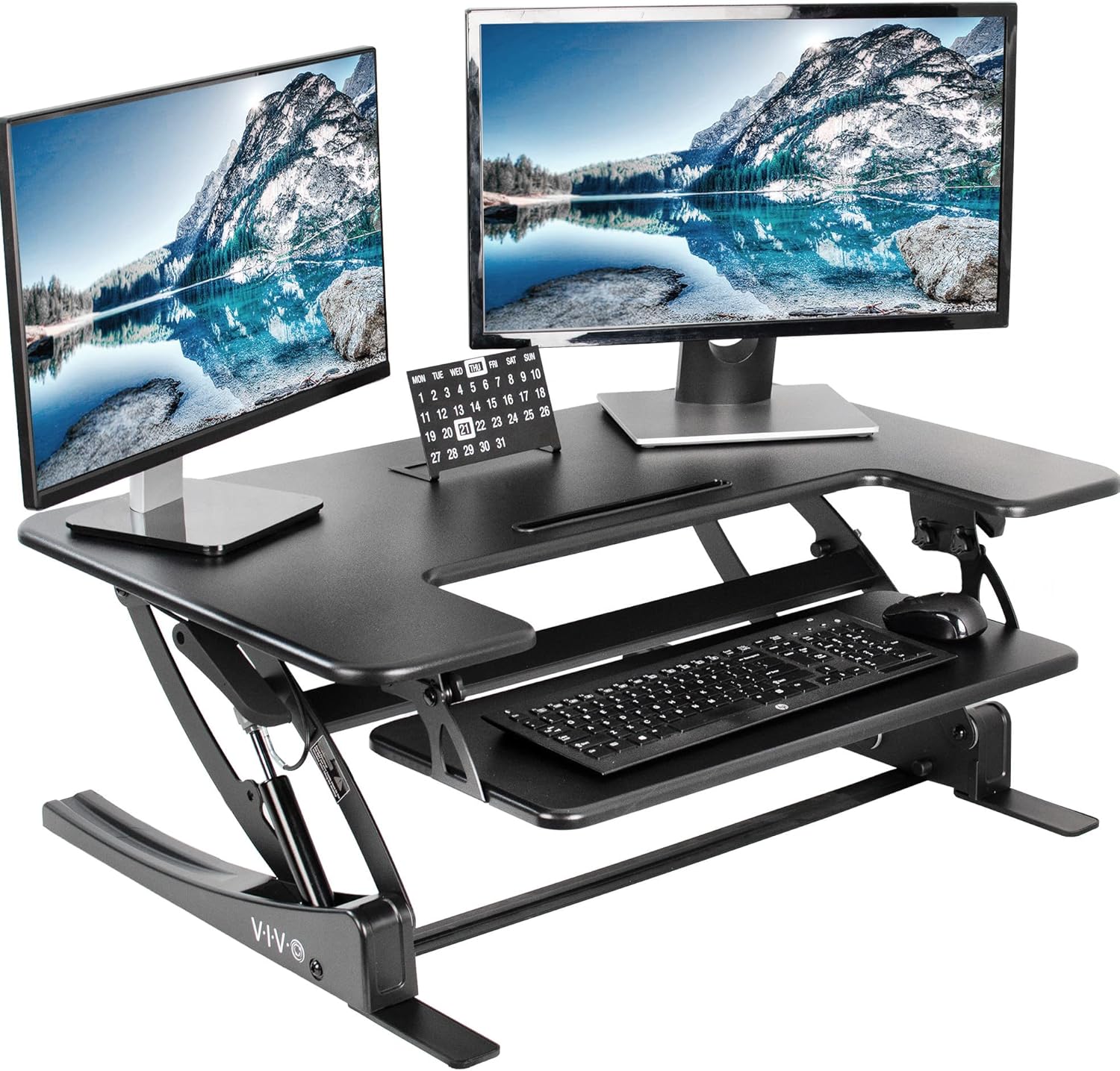
If you run dual monitors, a heavy mechanical keyboard, and a docking station, the extra mass actually helps floor stability — but only if the frame doesn't twist. The VIVO 60x24 uses a wide dual-leg base with crossbar reinforcement, which gives it a noticeably steady feel even at full extension. Its 220 lb capacity is genuinely useful here because you can lay a thick MDF underlay below the feet without eating into your real load budget. Memory presets are a small but real benefit on floating floors, since smoother, more consistent height changes are easier on the laminate seams than jerky manual adjustments. Check the VIVO 60x24 on Amazon.
Veken 47.2" Standing Desk — Best Compact Pick
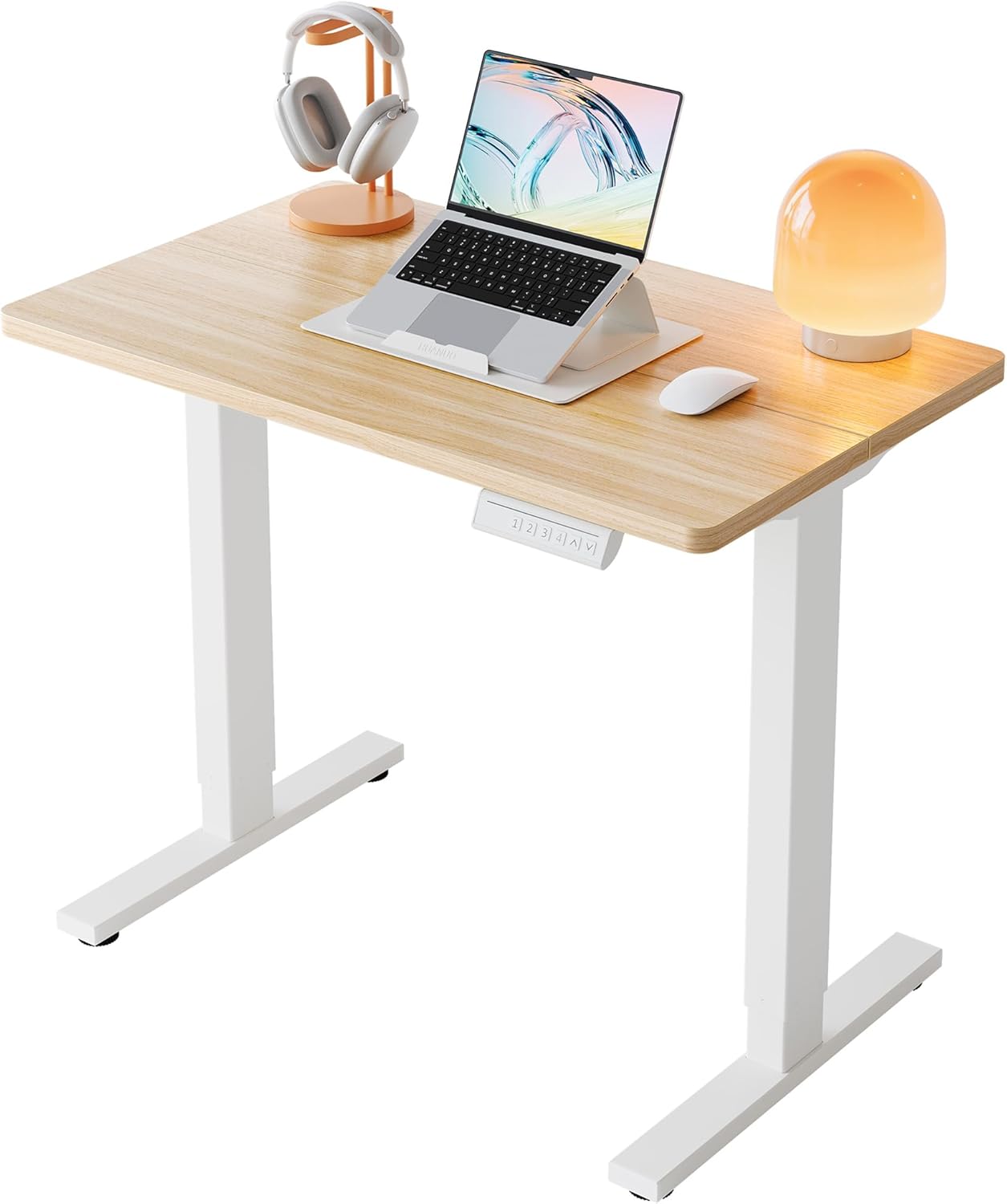
For a smaller room or a corner office, the Veken 47.2" hits a sweet spot. The wood desktop adds a bit of mass compared to laminated MDF tops, which helps damp out the high-frequency wobble that floating floors can amplify. The narrower footprint makes it easier to position over a single "zone" of laminate, which is helpful if you've noticed certain spots of your floor are bouncier than others — you can simply place the desk in a stiffer area. Pair it with a hardboard underlay cut to its base and you've got a very stable workstation in a small footprint. See the Veken 47.2" on Amazon.
ErGear 48 x 24 in Electric Standing Desk — Best Budget Pick
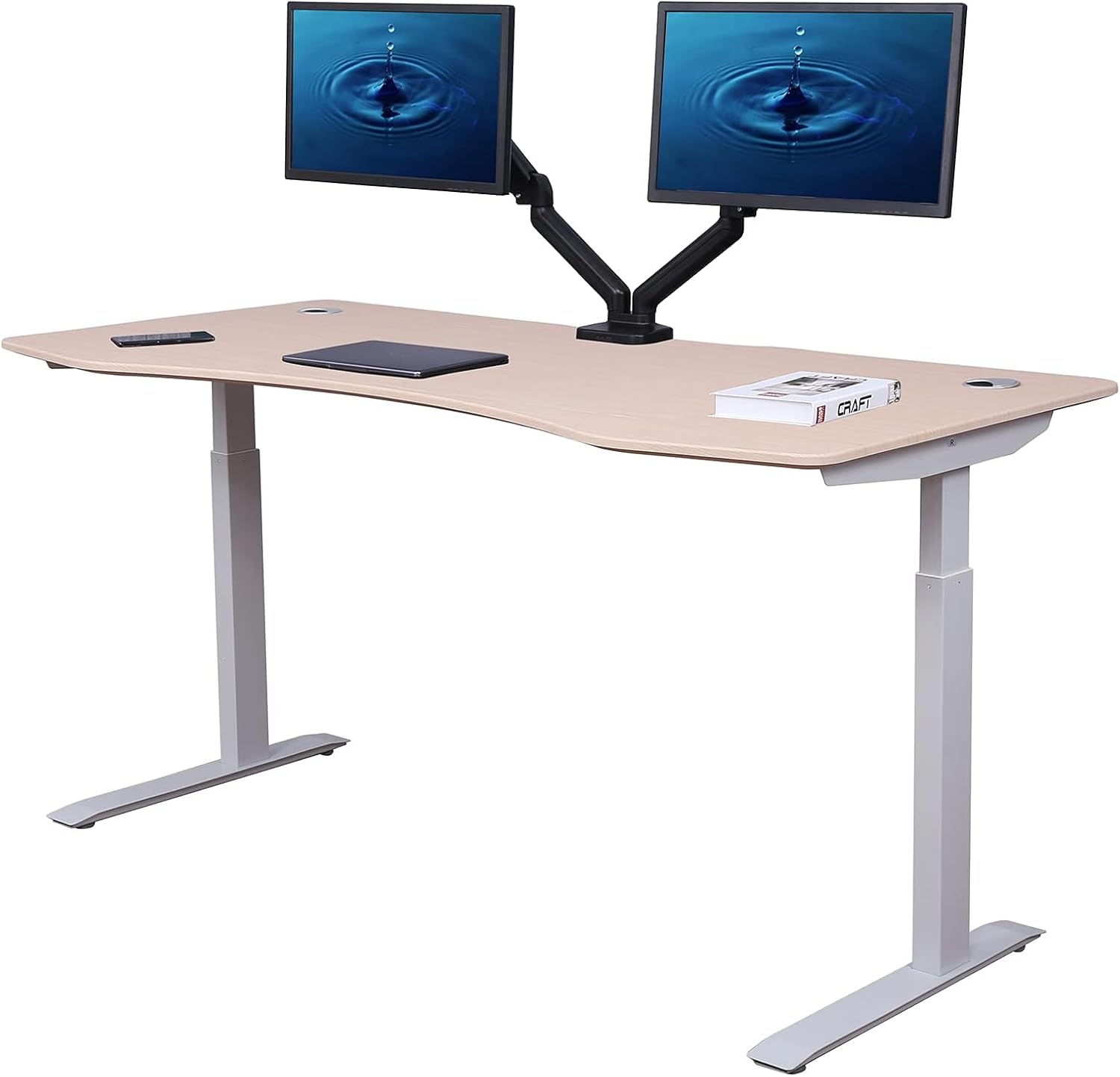
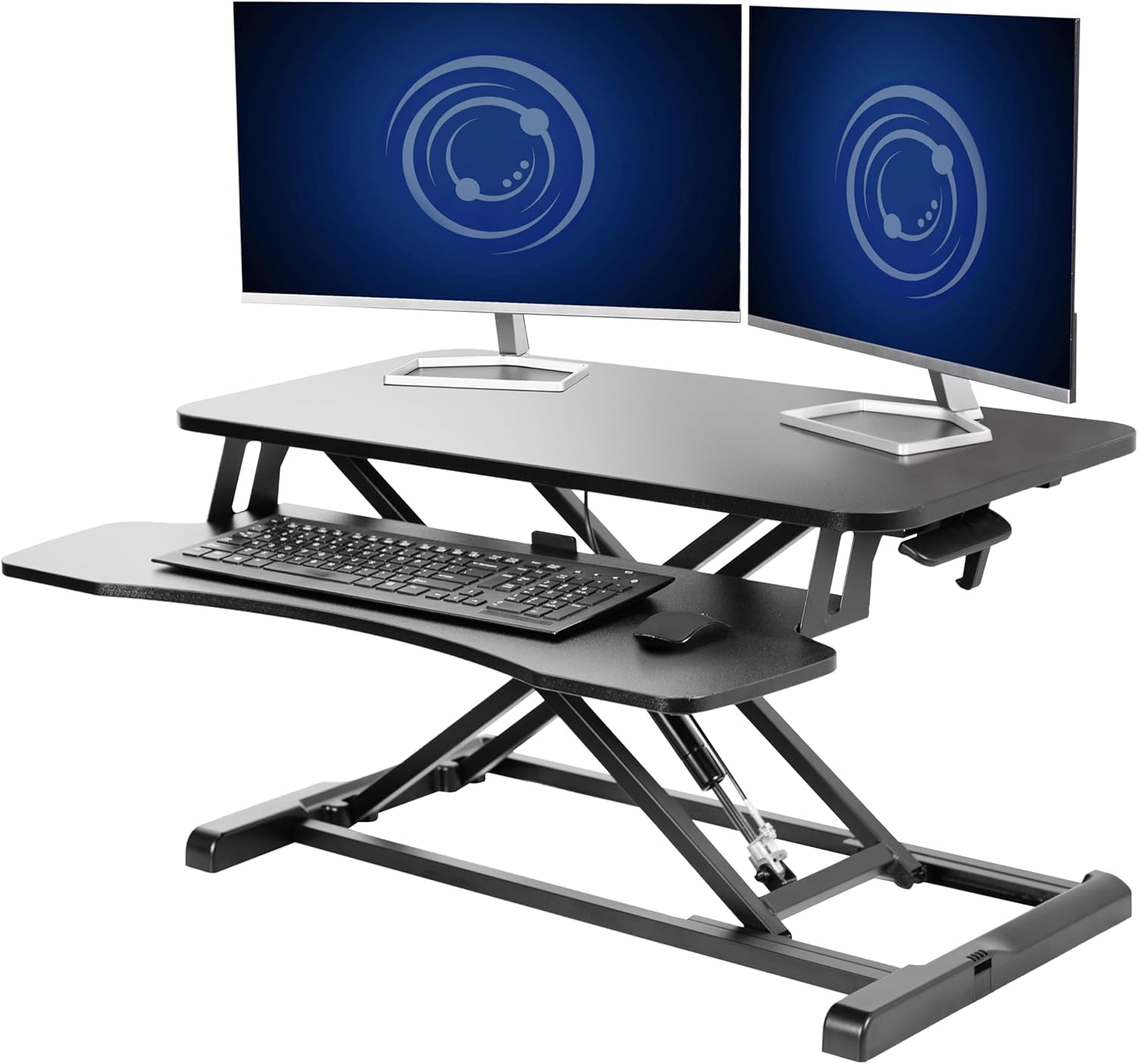
The ErGear 48x24 punches above its price for floating-floor users because of its dual-motor frame and memory presets. Two motors mean both legs lift in sync, which matters on uneven underlay — a single-motor desk lifting one leg first can momentarily lever the foot against the floor and tug on the laminate. The 176 lb capacity is plenty for most home setups. Add felt-and-rubber stack pads under each foot and this desk solves the wobble problem at the lowest entry cost of the three. View the ErGear desk on Amazon.
Step-by-Step: Securing the Desk Without Damaging the Floor
Here's the process I recommend for anyone setting up a new standing desk over laminate or vinyl. It takes about 30 minutes and uses materials you can get at any hardware store.
- Assemble the desk on a different surface (carpet, garage floor, or cardboard) so you're not dragging the unfinished frame across the laminate.
- Cut a hardboard or 1/4" MDF panel to match the desk base footprint plus an inch on every side. Paint or seal the edges if you want it to disappear visually.
- Place a thin felt layer under the hardboard — this protects the laminate finish and gives the floor a tiny amount of slip so seasonal floor movement doesn't fight the desk weight.
- Set the desk on the hardboard and level each foot with a 9-inch bubble level placed in two perpendicular directions across the top.
- Add rubber-faced felt pads under each leveling glide for grip without bonding.
- Position a heavy anti-fatigue mat directly in front. The mat's weight plus your standing weight effectively pins that section of floor.
- Don't anchor the desk to the wall on a floating floor. Wall anchoring fights the floor's expansion and creates the very buckling you're trying to avoid. If you need lateral support, use a freestanding monitor arm with a clamp instead.
If you're also dealing with monitor sway, a separate desk wobble fix guide covers crossbar reinforcement and frame upgrades worth checking once the floor side is handled.
What Not to Do
- Don't screw the desk feet directly into laminate. Click-lock planks lose structural integrity when penetrated and you'll void any flooring warranty.
- Don't use adhesive grip strips (the heavy-duty kind sold for area rugs). They can pull the vinyl wear layer off LVP when you eventually move the desk.
- Don't ignore room humidity. If your laminate is moving seasonally, a 40-55% humidity range will keep it more stable than any hardware tweak. A simple hygrometer near the desk is a cheap diagnostic.
- Don't oversize the desktop relative to the frame. A 72" top on a frame designed for 60" amplifies any sway, which is then transmitted into the floor.
For more on protecting flooring under work-from-home setups, our guide to ergonomic office flooring options goes deeper on chair mats, area rugs, and underlay choices that complement standing desk on floating floor stability.
Frequently Asked Questions
Will a standing desk damage my laminate or vinyl floating floor?
Not if you spread the load. The risk isn't the desk's weight (most floating floors handle hundreds of pounds per square foot easily) — it's the concentrated point load under four small feet causing localized underlay compression. A 1/4" hardboard panel under the base, with felt pads above and below, eliminates the risk for typical home desks under 220 lbs total loaded weight.
Why does my standing desk wobble more when it's fully raised on laminate?
Two compounding issues. First, raising the desk increases the lever arm, so any base movement is magnified at the desktop. Second, floating floors flex slightly under load, and that flex shows up most when the center of mass is highest. A wider foot stance (like the VIVO 60x24's) reduces both effects. Crossbar-reinforced frames also help significantly.
Should I put my standing desk on a rug over laminate?
A low-pile rug with a thin non-slip pad is fine and can actually help by adding mass over that floor section. Avoid thick plush rugs — they create an unstable squishy platform that magnifies wobble. The hardboard panel method generally outperforms a rug for pure stability.
How do I stop my LVP planks from shifting when the desk moves?
LVP shifts because rolling chair wheels and dragged desk feet apply horizontal force. Replace hard plastic chair wheels with rubberized rollerblade-style wheels, never drag the desk (lift to reposition), and add felt pads under the feet to reduce the friction coefficient that lets sliding initiate.
Is a single-motor or dual-motor desk better for floating floors?
Dual-motor is clearly better. Single-motor desks lift one leg slightly before the other, briefly transferring uneven force into the floor. Dual-motor desks like the ErGear 48x24 and VIVO 60x24 lift evenly and put less stress on click-lock seams during height changes.
Can I screw a standing desk frame to the subfloor through the laminate?
No. Penetrating a floating floor anchors it to the subfloor, which prevents seasonal expansion and contraction. You'll end up with buckled planks across the entire room, not just under the desk. The whole point of the floating-floor design is that nothing should be fastened through it.
What's the ideal anti-fatigue mat for use over laminate with a standing desk?
Look for a mat at least 3/4" thick, around 20" x 32" or larger, with a non-staining bottom (no rubber that off-gasses onto vinyl). Heavier mats around 5-8 lbs help pin the floor section. Avoid PVC mats with plasticizers that can leach into LVP wear layers over years of contact.
Final Take
Solving standing desk on floating floor stability is mostly a five-dollar problem disguised as a five-hundred-dollar problem. A hardboard load-spreader, felt-and-rubber pads, a properly leveled frame with a wide foot stance, and a quality anti-fatigue mat will handle 90% of cases. If you're still in the market for the desk itself, the VIVO 60x24 is the safest pick for heavier multi-monitor setups, the Veken 47.2" is the best compact option, and the ErGear 48x24 is the value choice. Pick the one that matches your room, install it the right way, and the floor and desk will coexist for years without drama.
Key Takeaways
- Choosing the right standing desk on floating floor stability means matching capacity and output ports to your actual devices
- Always check actual watt-hours (Wh), not just watts — runtime depends on Wh, not peak output
- Also covers: desk sliding on vinyl plank floor
- Also covers: stop standing desk wandering laminate
- Also covers: standing desk floor grippers
- Compare price-per-Wh across models to find the best value for your budget