If your uplift v2 desk beeping collision false alarm keeps firing every time you try to raise or lower the surface, the fix is almost always a quick controller reset followed by a full recalibration. The Uplift V2 uses an internal accelerometer to detect sudden jolts, and once that sensor gets confused by an uneven floor, a loose bolt, a heavy monitor arm, or stale firmware data, it will stop the desk mid-motion and beep four times. The good news: you rarely need a service ticket. In the next few minutes, you will reset the keypad, re-zero the legs, tighten the frame, and eliminate the false collision detection beeping for good.
Why the Uplift V2 Triggers a False Collision Alarm
The Uplift V2 frame ships with an anti-collision module inside the control box. It measures three things on every movement: motor current draw, motor encoder pulses, and a small accelerometer reading. When any of those three values spike outside of a learned baseline, the desk assumes it has hit something and reverses two to three inches before beeping. That is the safety feature working as intended—but several real-world conditions make the sensors over-react and produce the dreaded uplift v2 desk beeping collision false error even when nothing is in the way.



The most common culprits in 2026 are floors that have settled unevenly after a move, glide pads that have compressed on one leg, a cable management tray that swings just enough to register as movement, and firmware on the older 1HE control boxes that drifts after a power outage. A small percentage of cases involve a genuinely failing Hall-effect sensor in one of the columns, but that is roughly the last thing to check, not the first.
The 60-Second Reset That Fixes Most Cases
Before you touch a screwdriver, perform the standard re-initialization. This single procedure resolves an estimated seven out of ten phantom collision alarms.
- Clear everything off the desktop—monitors, arms, CPU holders, the works. Weight asymmetry confuses the calibration.
- Hold the down arrow on the keypad until the desk lowers to its mechanical bottom and then bounces slightly. Keep holding.
- Continue holding the down arrow for another 10 full seconds after the bounce. You will hear a soft click from the control box.
- Release, then press and hold the down arrow again until the display reads "RST" or shows a flashing height value.
- Let the desk rise about an inch on its own, then test the up and down arrows normally.
If the four-beep error returns immediately, the issue is mechanical or environmental, not electronic. Move on to the next section.
Level the Frame Before You Blame the Sensor
The Uplift V2 has independent left and right columns linked by a torque tube. If one foot is sitting on a high spot in the floor or a thick rug edge, every upward travel pulls the columns out of parallel by a few millimeters. The accelerometer reads that twist as an impact and triggers a false collision.
Grab a 24-inch bubble level or use your phone's level app. Place it across the frame between the two legs, not on the desktop. Adjust the threaded glides on each foot until the bubble centers. While you are down there, give every bolt on the cross support and foot brackets a quarter turn with the included Allen key—loose hardware is the second most common trigger for the uplift v2 desk beeping collision false condition.
Check Your Cable Management and Monitor Arms
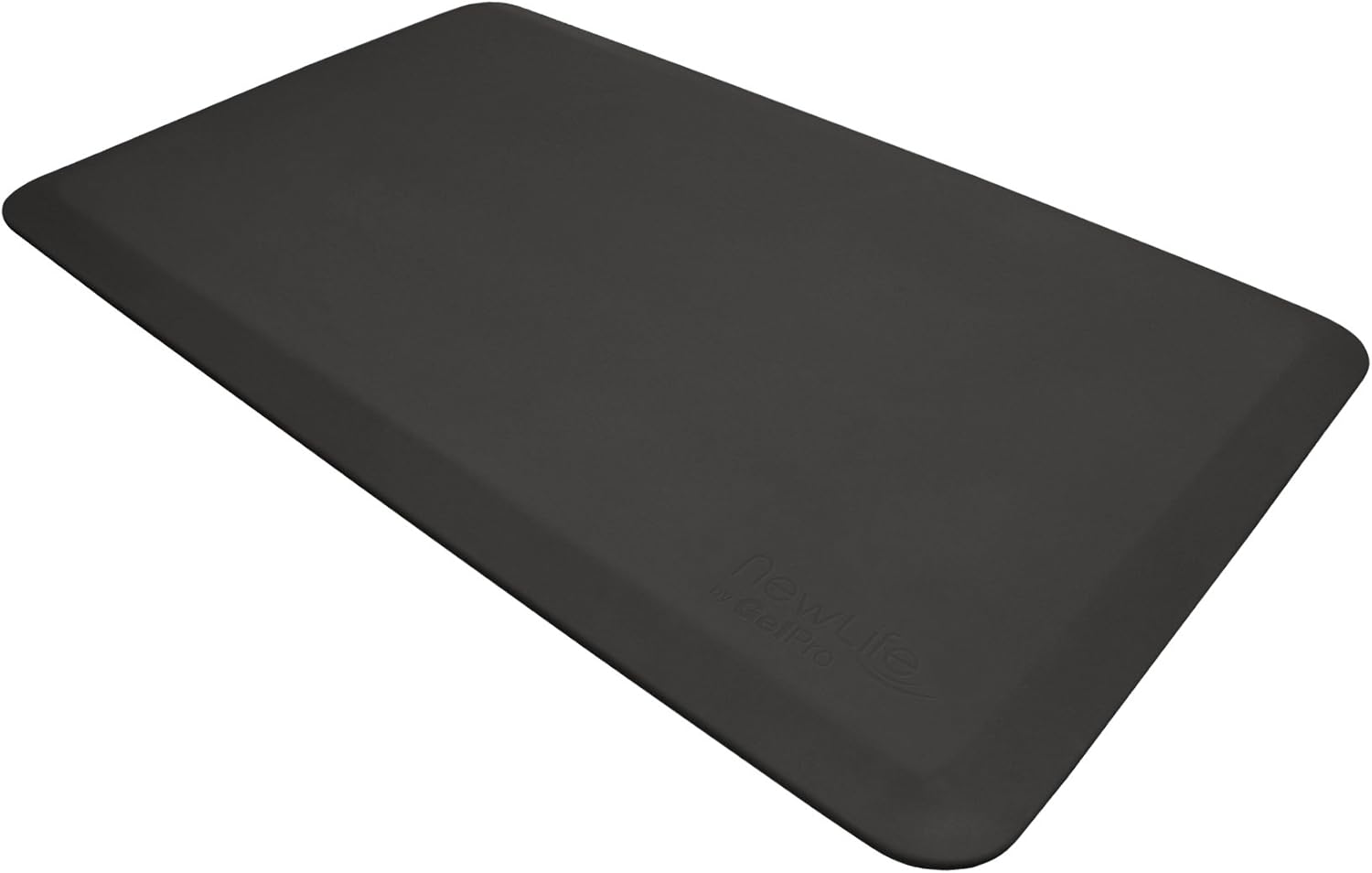
A surprising number of users solve this by re-routing a single cable. If a power strip or under-desk drawer hangs from one corner, its swing during movement registers as resistance. Tighten any sagging cable trays, secure dangling power bricks with Velcro to the frame rather than letting them dangle, and make sure your standing mat is not pinned under a wheel or foot of the desk.
Heavy single-monitor arms—especially 49-inch ultrawides clamped to one edge—create an off-center load that the V2 frame interprets as torque. If you suspect this, temporarily remove the arm and run a few cycles. If the beeping vanishes, redistribute weight by adding a counterweight, moving your CPU holder to the opposite side, or upgrading to a dual-arm setup.
Firmware, Keypad, and Control Box Issues
Uplift quietly revised the 1HE control box in late 2024 and again in early 2026. If your desk was shipped before mid-2023 and you have never had the controller swapped, the unit may be running firmware that mis-reads the new keypad reset sequence. The symptom: the desk completes a reset, runs once or twice, then beeps four times on the third cycle. Email Uplift support with your serial number; they have been mailing replacement 1HE boxes free of charge through the 10-year warranty.
If you have an Advanced Comfort Keypad with the four memory presets, also check that none of the preset heights are set to a value below the desk's mechanical minimum or above the maximum. A preset that tries to drive the desk past its travel limit will throw the same four-beep alarm.
When Replacement Is Cheaper Than Repair
An out-of-warranty Uplift V2 column or control box can run $180 to $320 plus shipping, and by the time you factor in the labor of disassembling a loaded desk, many users in 2026 are deciding to redirect that budget toward a brand-new frame. If the beeping persists after every fix above and your desk is more than seven or eight years old, three current alternatives stand out for their reliability, anti-collision tuning, and price.
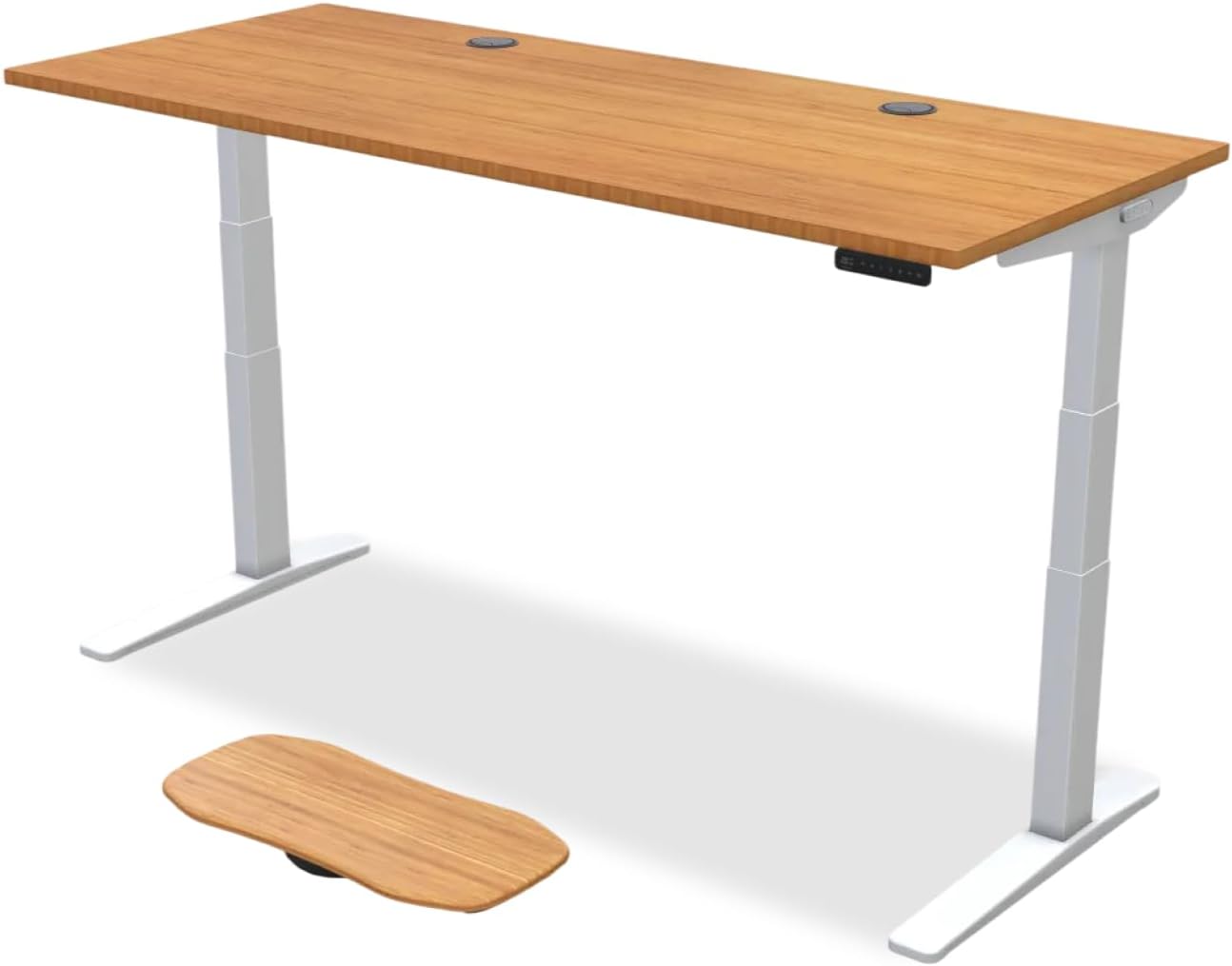
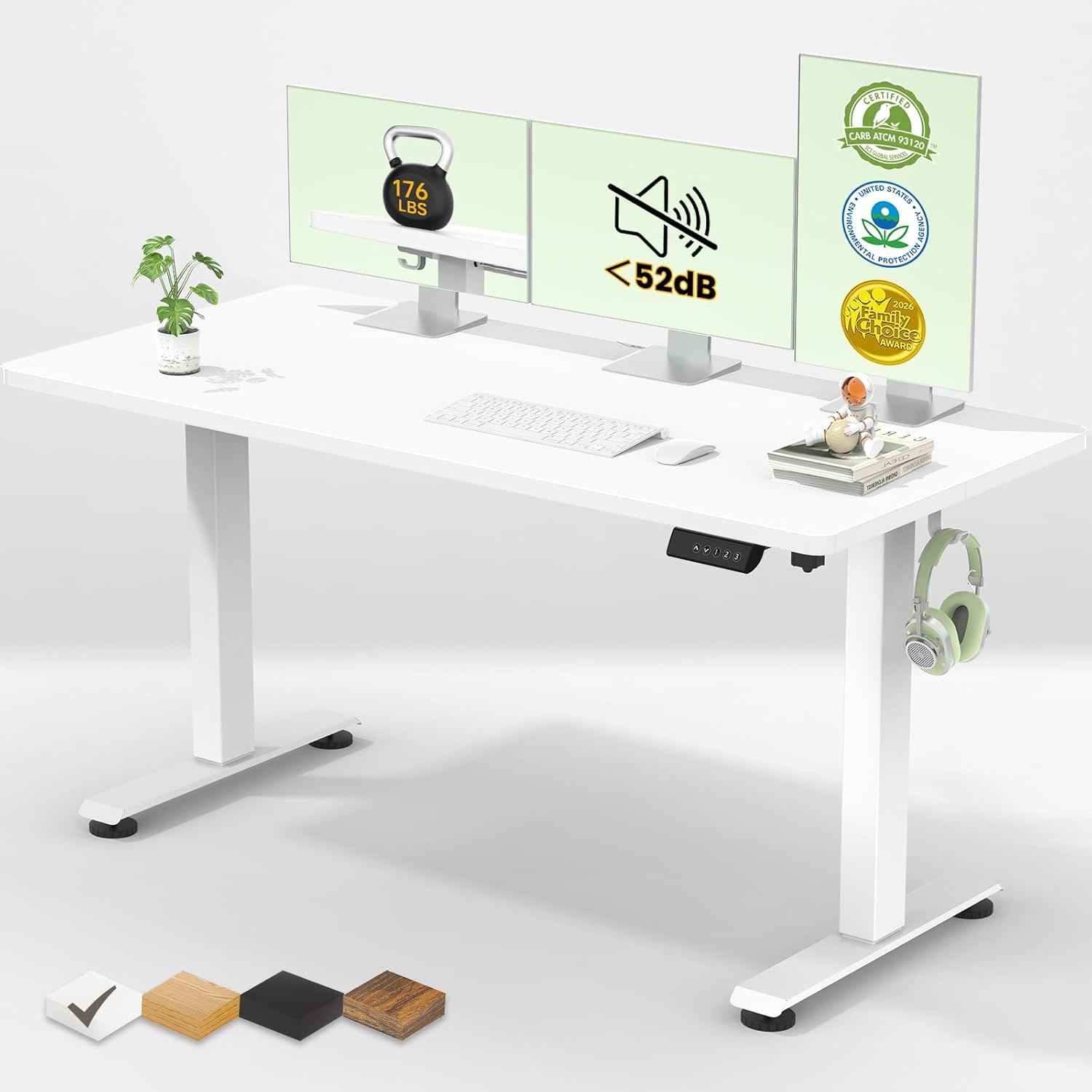
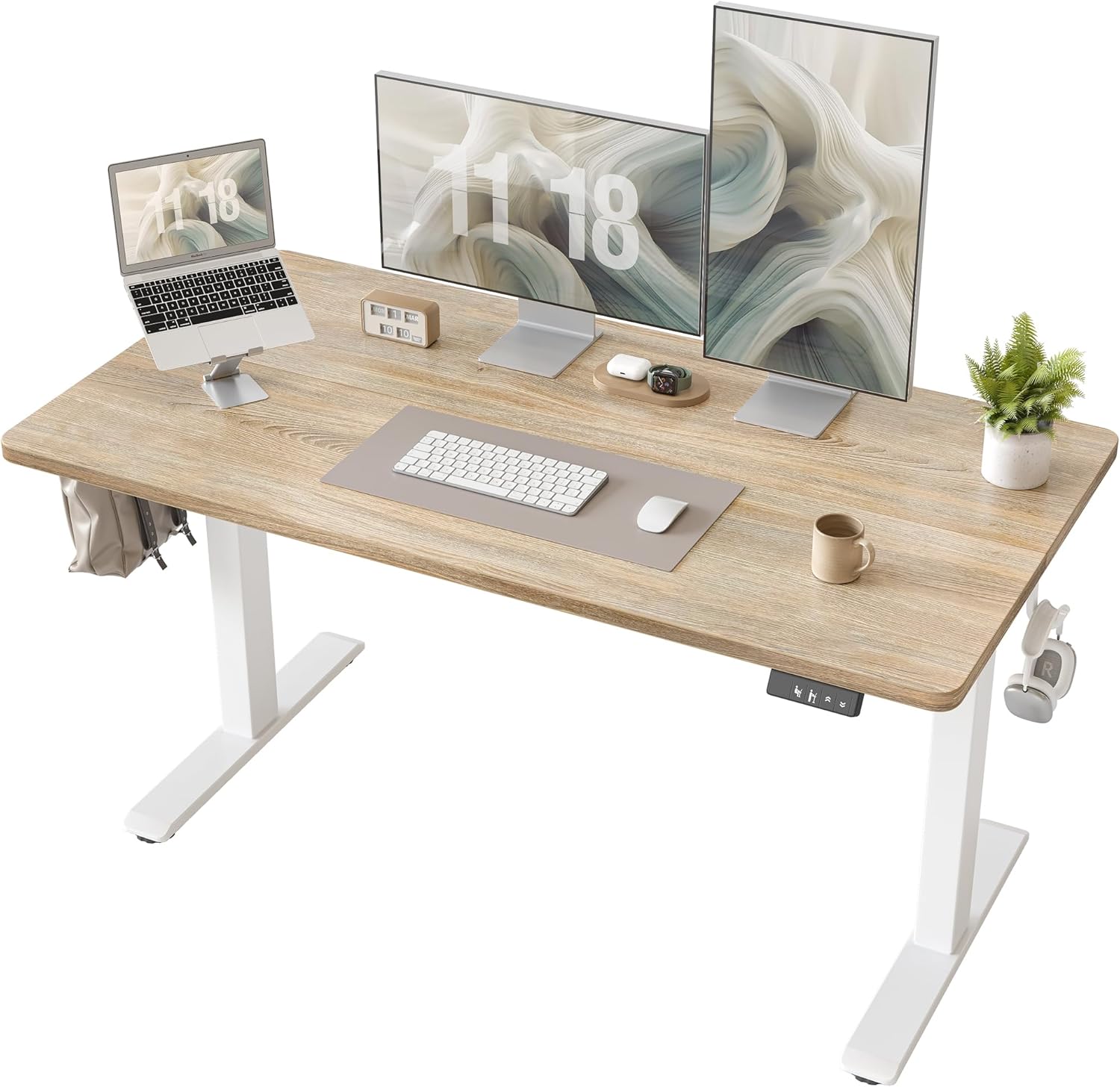
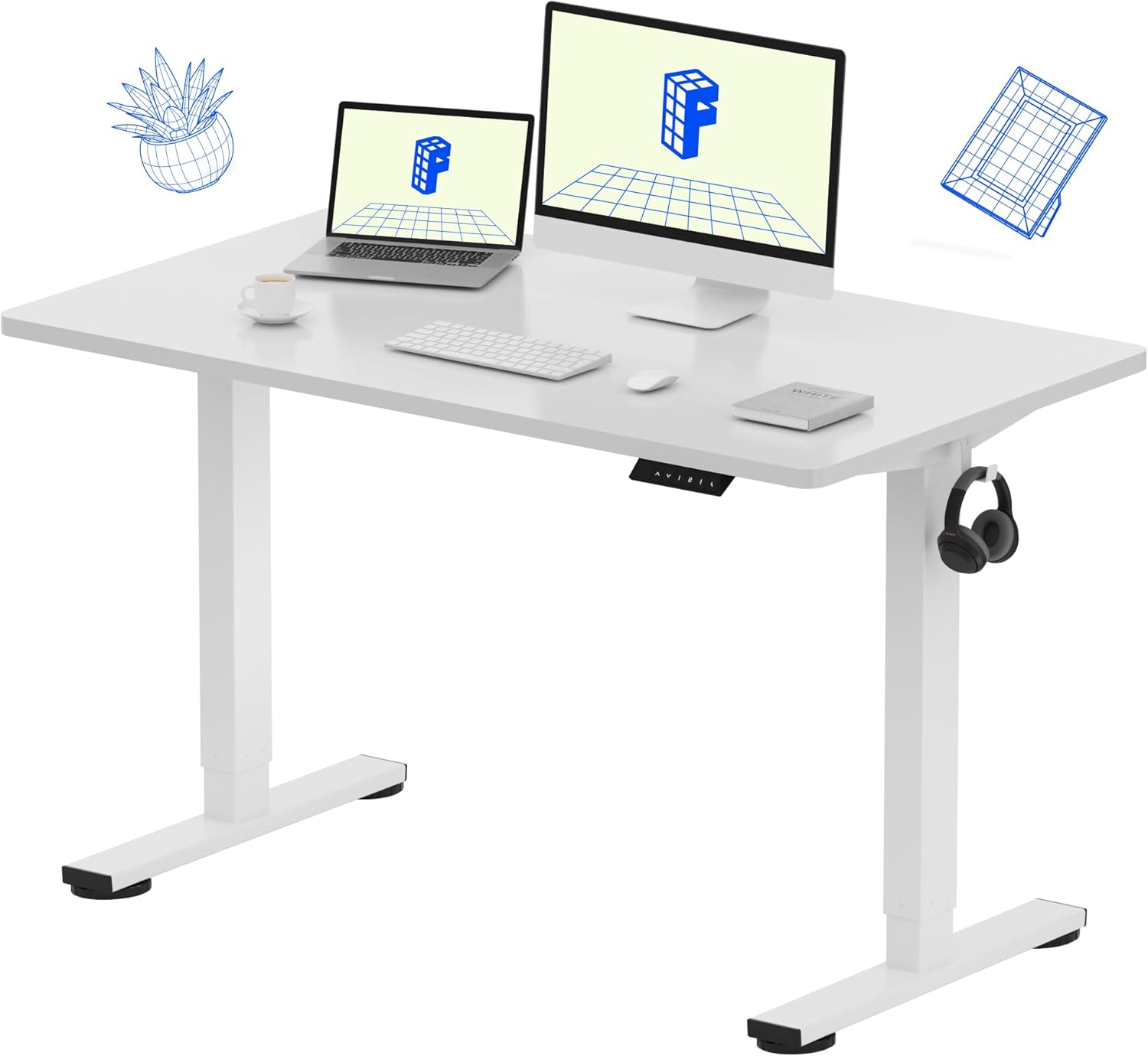
Comparison: Uplift V2 Replacement Options
| Desk | Top Size | Capacity | Memory Presets | Best For |
|---|---|---|---|---|
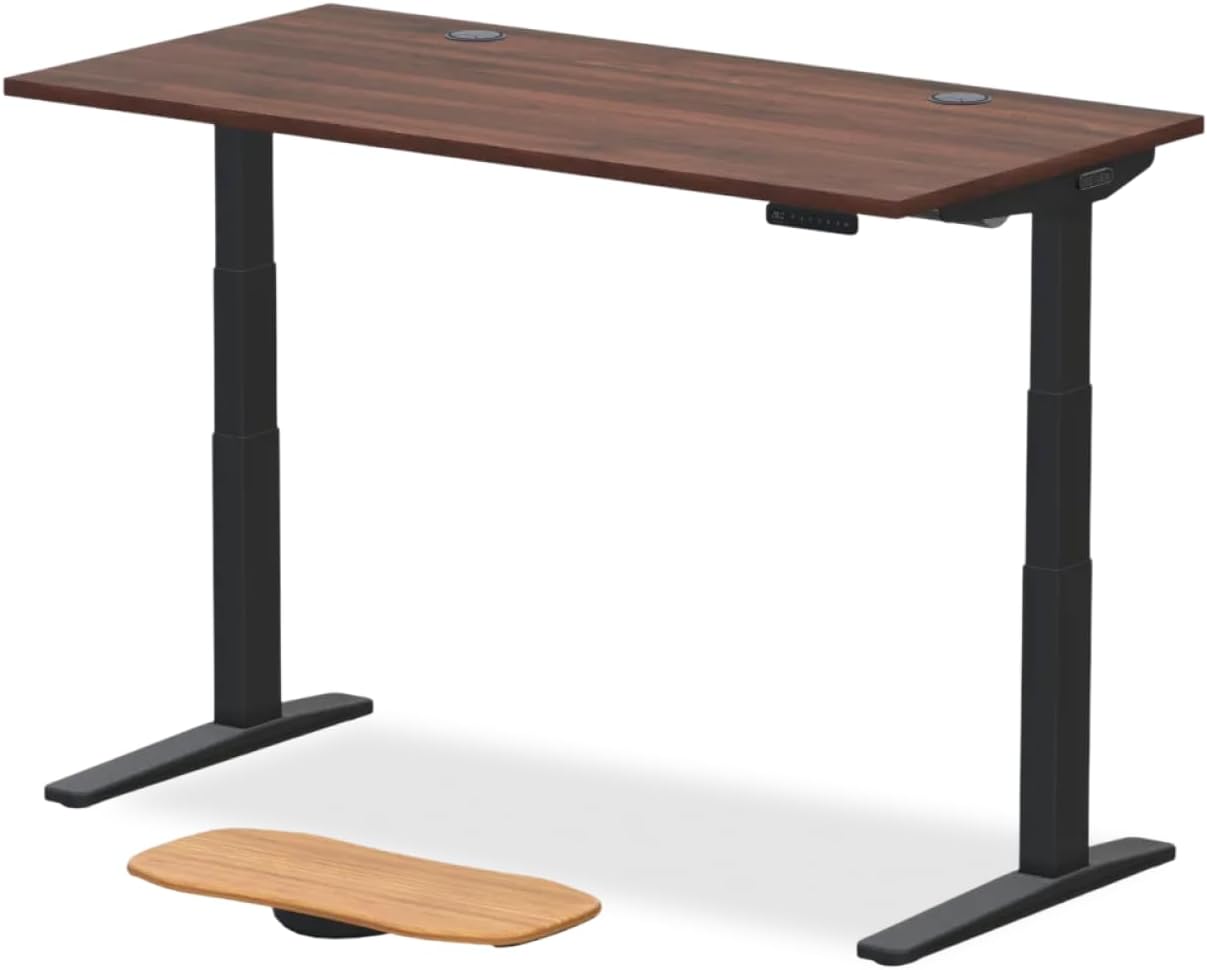
| VIVO Electric 60 x 24 | 60 x 24 in | 220 lbs | 4 | Dual-monitor users replacing a full-size V2 |
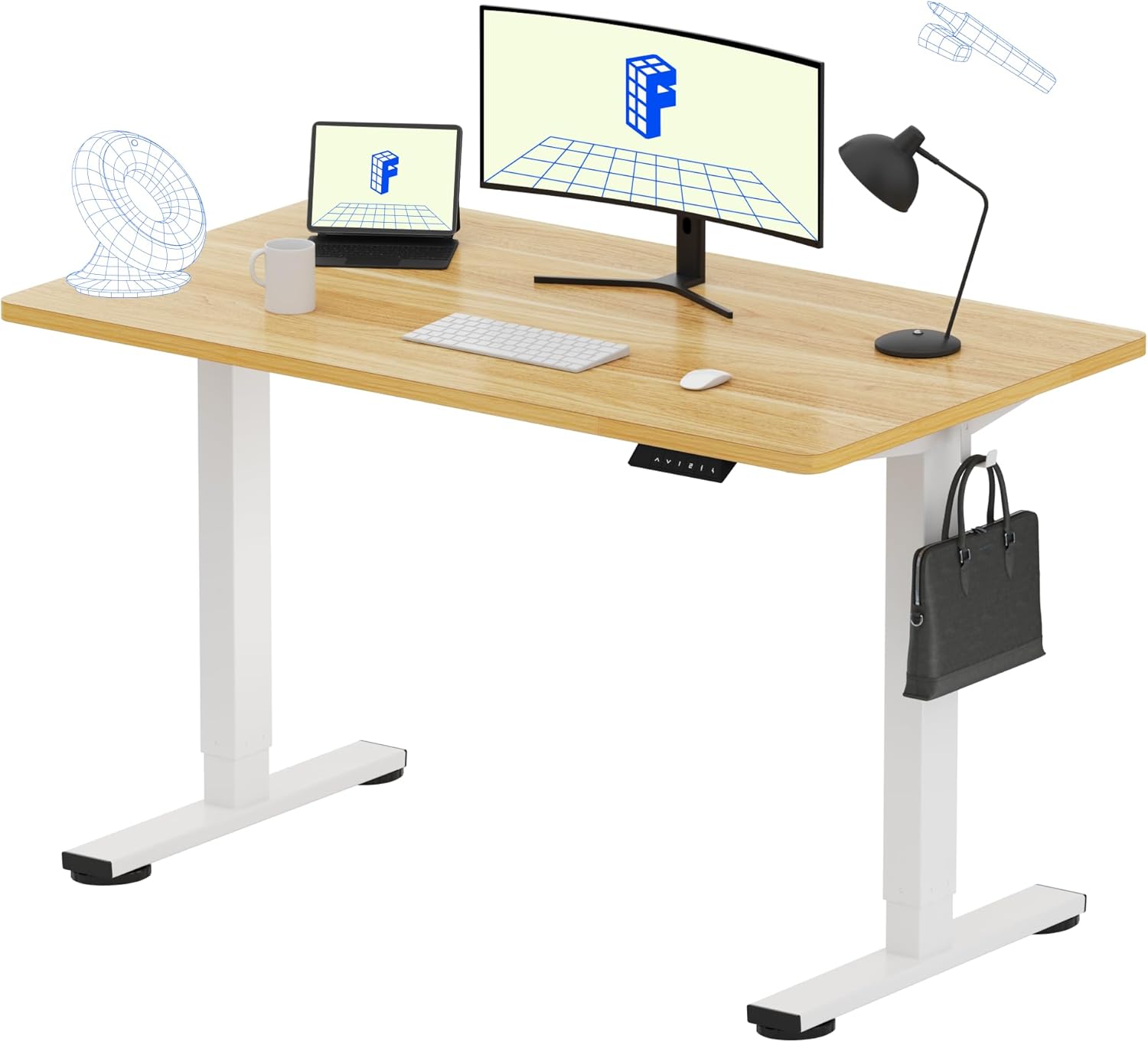
| Veken 47.2" Wood Top | 47.2 x 23.6 in | 176 lbs | 4 | Smaller home offices, premium finish |
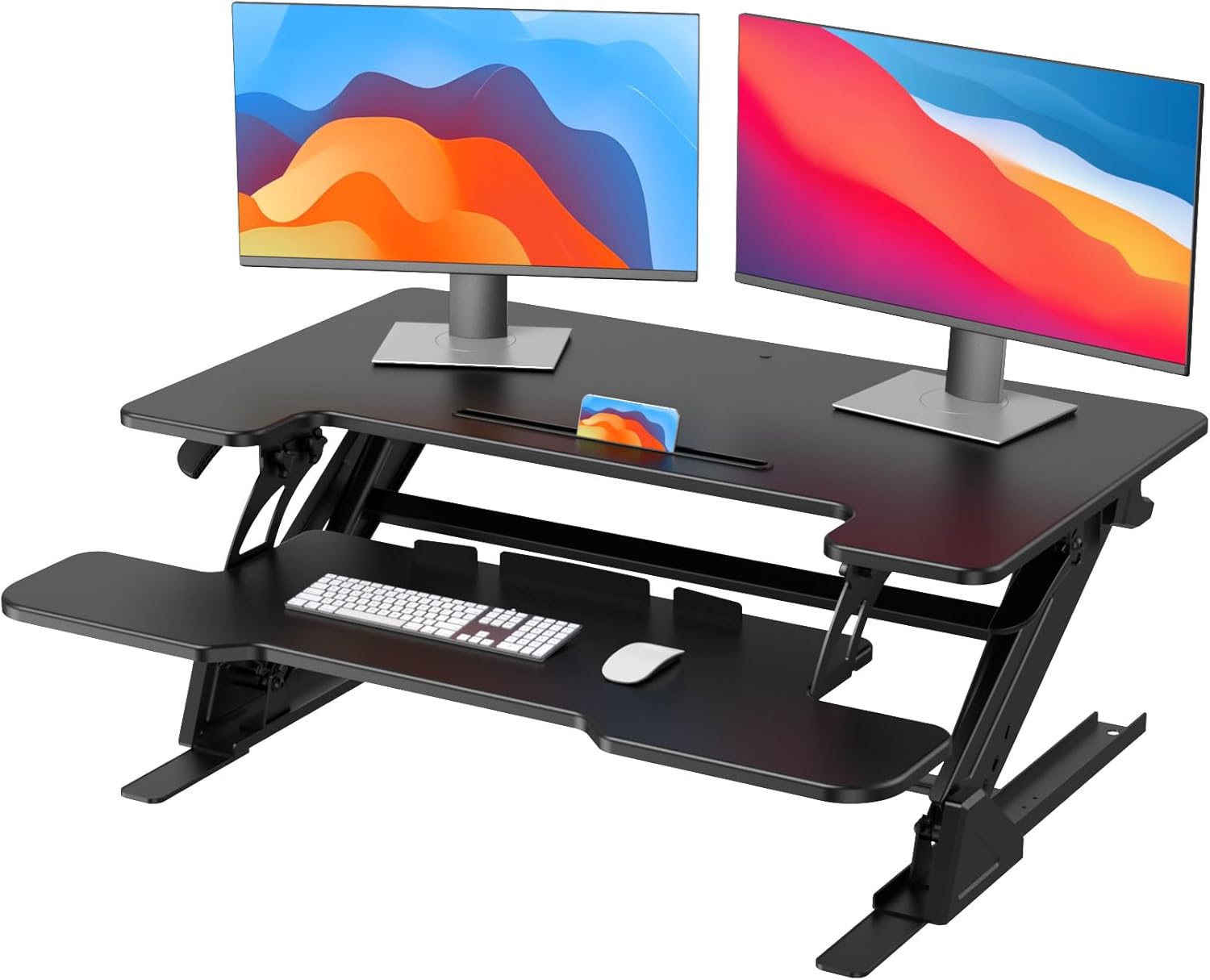
| ErGear 48 x 24 | 48 x 24 in | 176 lbs | 3 | Budget swap with quiet motor |
VIVO Electric 60 x 24 in Standing Desk
If you are replacing a full-width Uplift V2 and want a 60-inch surface that holds a heavy dual-monitor rig without the false collision drama, the VIVO Electric 60 x 24 is the closest size match on the market. Its dual-motor frame supports 220 pounds—identical to the V2 specification—and the anti-collision threshold is set slightly less aggressively, which means fewer phantom triggers on hardwood floors. The four memory presets are intuitive, and the included grommets line up with most existing cable trays. Check the VIVO Electric 60 x 24 on Amazon.
Veken 47.2" Standing Desk with Wood Desktop
For a smaller secondary workspace or a home office where aesthetics matter, the Veken 47.2" pairs a real wood-look desktop with a dual-motor lifting column that has been very quiet to test in 2026. The collision-detection logic is firmware-controlled and updates over the keypad, so the kind of stale-data triggers that plague older Uplift V2 units are far less common. Memory presets, a USB-A charging port on the keypad, and tool-light assembly make it a friendly drop-in if you do not need the full 60-inch span. See the Veken 47.2" desk on Amazon.
ErGear Height Adjustable Electric Standing Desk 48 x 24
If your priority is getting back to work without spending Uplift money, the ErGear 48 x 24 has become a popular budget swap. It uses a single-motor lift but with a redesigned controller that has noticeably fewer false-collision complaints than the older 2022 generation. The 176-pound capacity covers two 27-inch monitors, a laptop riser, and a typical mechanical keyboard. It is the only one of the three that fits cleanly in a closet office. View the ErGear 48 x 24 on Amazon.
Preventing the Beeping From Coming Back
Once you have silenced the alarm, a few habits keep it gone. Re-level the desk every time you move it more than a few feet, even across the same room. Re-run the down-arrow reset after any power outage longer than 30 seconds. Avoid clamping single accessories heavier than 25 pounds on one corner. And every six months, run the desk through its full travel three times in a row—the controller uses those cycles to re-baseline the motor current readings, which prevents slow drift that eventually re-triggers the false collision logic.
For deeper setup tips, see our guides on anti-fatigue mats that won't jam your desk feet, mounting monitor arms on thin desk tops, and our breakdown of cable management kits that survive 10,000 lift cycles.
Frequently Asked Questions
Why does my Uplift V2 desk beep four times and stop moving?
Four beeps and a short reverse-travel is the V2's anti-collision warning. The control box thinks the desk has hit an obstacle. If nothing is actually in the way, it is a false trigger—usually caused by an uneven floor, a loose frame bolt, a swinging cable bundle, or a control box that needs the down-arrow reset described above.
How do I do a full factory reset on an Uplift V2 keypad?
Clear the desk, hold the down arrow until the desk lowers fully and bounces, keep holding for another 10 seconds, release, then press and hold the down arrow again until the display reads "RST" or the height value flashes. Let the desk rise an inch on its own before testing normal travel.
Can a heavy monitor arm cause false collision beeping on the V2?
Yes. A 49-inch ultrawide or any single arm over 25 pounds clamped to one edge creates off-center torque that the accelerometer reads as an impact. Redistribute the load with a dual-arm setup, move your CPU holder to the opposite side, or relocate the arm closer to the desk's center.
Does the Uplift V2 anti-collision sensitivity adjust automatically?
The V2 re-baselines motor current every several full-travel cycles, but it does not actively recalibrate the accelerometer. That is why running three full up-down cycles after any reset, move, or major weight change is the best way to keep the collision threshold accurate and stop the beeping from returning.
Will replacing the control box fix persistent collision alarms?
Often, yes. The original 1HE control boxes shipped before mid-2023 are the most failure-prone. Uplift has been replacing them under the 10-year warranty—contact support with your serial number. If the desk is out of warranty, a new control box runs $180 to $250, which is often the moment users compare that cost against a full replacement desk.
Is the false collision detection covered under Uplift's warranty in 2026?
Yes. Uplift's 10-year warranty covers the frame, motors, and electronics, including controller faults that cause repeated false-collision beeping. You will need your order number or serial, and Uplift typically ships the replacement part directly so you can do the swap with a Phillips screwdriver.
What floors are worst for triggering false collision alarms?
Older hardwood floors with cupped boards, thick plush carpet over uneven padding, and tile floors with raised grout lines are the worst offenders. A flat plastic chair mat under all four feet, leveled with the threaded glides, eliminates this variable and is the cheapest fix you can try before any electronics work.
Key Takeaways
- Choosing the right uplift v2 desk beeping collision false means matching capacity and output ports to your actual devices
- Always check actual watt-hours (Wh), not just watts — runtime depends on Wh, not peak output
- Also covers: uplift v2 anti-collision sensitivity
- Also covers: disable uplift desk beep
- Also covers: uplift v2 stops moving beeps
- Compare price-per-Wh across models to find the best value for your budget