If you wake up with a sore rotator cuff from side sleeping and spend eight hours at a desk, the steelcase leap v2 vs gesture shoulder pain debate has a clear winner: the Gesture, thanks to its 360-degree 3D LiveBack arms that follow your elbow into any posture. The Leap V2 is still excellent for low-back support, but side sleepers with chronic shoulder issues usually need arm rests that travel inward, downward, and sideways without forcing the deltoid into compression. Below, we break down the ergonomic differences, then pair each chair with a sit-stand desk so you can offload the shoulder entirely for part of the day.
Why side sleepers with shoulder pain need a different chair
Side sleeping compresses the glenohumeral joint for six to eight hours a night. By morning, the supraspinatus tendon is already inflamed, the subacromial space is narrowed, and the upper trapezius has been firing overtime to stabilize the head. Sit down at a desk with fixed armrests too high or too far apart, and you re-trigger the same impingement pattern. That's why a chair's armrest geometry matters far more than its mesh pattern or lumbar gimmick when shoulder pain is the primary complaint.



Both Steelcase chairs are tier-one office seating, but they were designed for different bodies and different work styles. The Leap V2 launched in 2006 for keyboard-heavy desk workers; the Gesture launched in 2013 specifically to support how people actually sit when they use smartphones, tablets, and split monitors. That difference shows up immediately in the armrests.
Steelcase Leap V2 vs Gesture: the side-by-side comparison
Here is the honest ergonomic comparison for the steelcase leap v2 vs gesture shoulder pain question, focused only on the features that matter when your shoulder is the limiting factor.
| Feature | Leap V2 | Gesture |
|---|---|---|
| Armrest axes of motion | 4D (height, width, pivot, depth) | 4D plus 360-degree arm pivot at the shoulder |
| Arm pad travel inward | Limited; pads stop near hip line | Pads cross the body centerline |
| Minimum armrest height | 7.5 in above seat | 6.5 in above seat |
| Back recline behavior | Natural Glide flexes lumbar | 3D LiveBack tracks shoulder blades |
| Best for | Lower back pain, long static typing | Shoulder pain, tablet use, varied posture |
| Seat depth adjustment | 4 in slider | 4 in slider |
| Warranty | 12 years | 12 years |
| Typical 2026 price | $1,200-$1,500 new | $1,500-$1,900 new |
The armrest difference in plain English
On the Leap V2, you can move the armrest up, down, in, out, and rotate it slightly. But the pads themselves stop at a fixed inward limit. If your shoulder pain forces you to type with your elbows tucked tight against your ribs, the Leap V2 arms run out of inward travel before they reach the position your shoulder actually wants. You end up with a one-inch gap between elbow and pad, and your trapezius takes the load.
The Gesture's arms pivot at the base, not just at the pad. The whole arm assembly swings inward, outward, forward, or back. You can rest a phone-holding elbow across your lap, or pull both pads tight against your sides for a keyboard-and-trackball setup, without the pad geometry fighting you. For a side sleeper whose left or right shoulder is irritated, this single feature is worth the price difference.
Back support: where the Leap V2 fights back
The Leap V2's Natural Glide System lets you recline while the seat slides forward, keeping you close to your monitor without losing lumbar contact. The lumbar adjustment is also more granular than the Gesture's. If your shoulder pain has a thoracic component (mid-back tightness pulling on the rotator cuff), the Leap V2's flexible upper back can actually outperform the Gesture for some users.
The Gesture's 3D LiveBack moves with your shoulder blades, which sounds great but provides less lumbar pressure than the Leap V2 at deep recline. If you spend most of your day reclined past 110 degrees, the Leap V2 is the better cradle.
The case for adding a standing desk to either chair
No chair, including the Gesture, can fully unload an irritated shoulder for eight straight hours. Standing for 20-30 minutes every 90 minutes reduces compressive load on the shoulder girdle and lets the rotator cuff blood-flow recover. If you're spending $1,500 on a chair to manage shoulder pain, pairing it with a height-adjustable desk is the single highest-leverage upgrade you can stack on top. See our guide to electric standing desks for shoulder pain in 2026 for the full rundown.
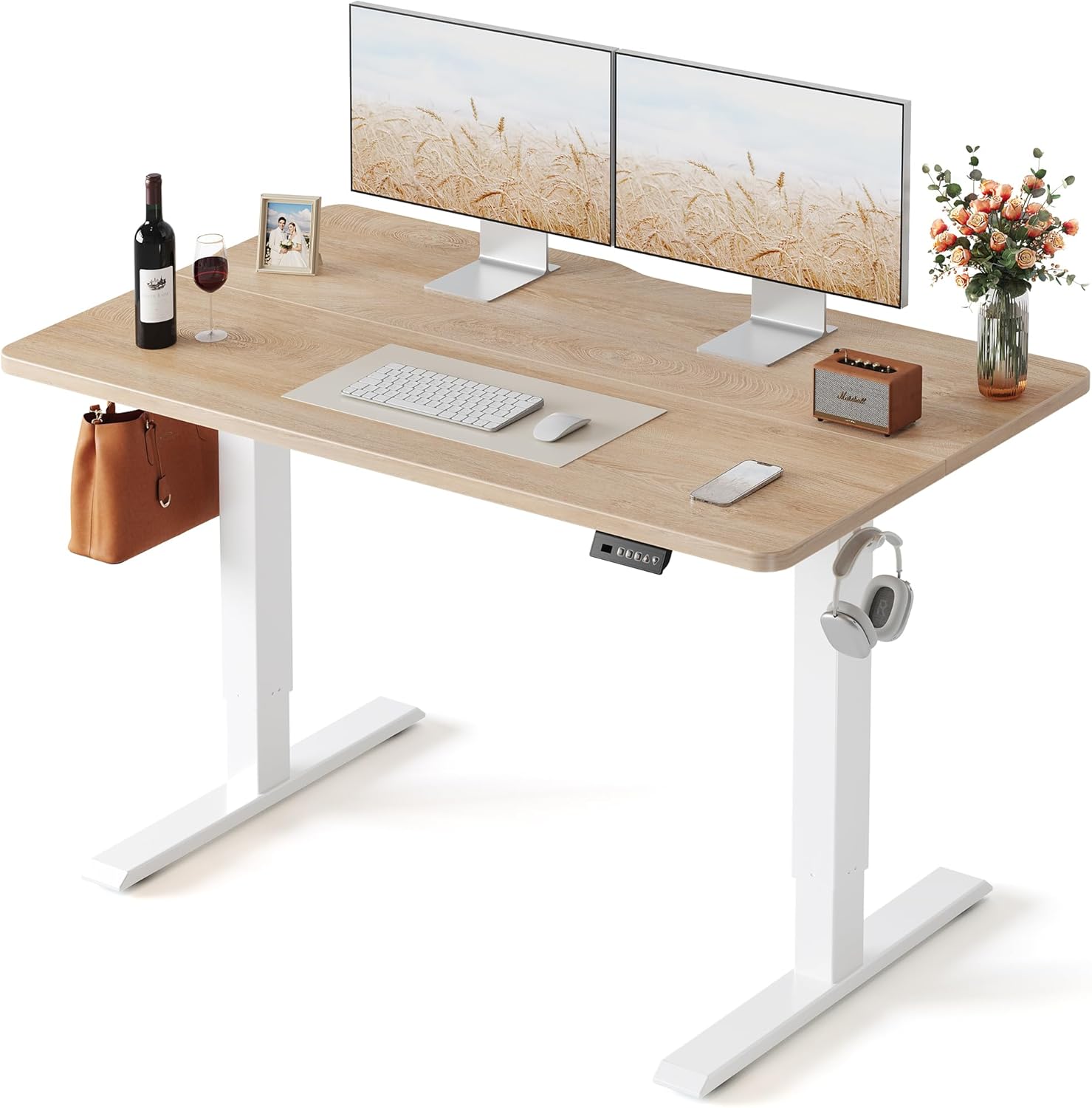
VIVO Electric 60 x 24 in Standing Desk (best for dual-monitor side sleepers)
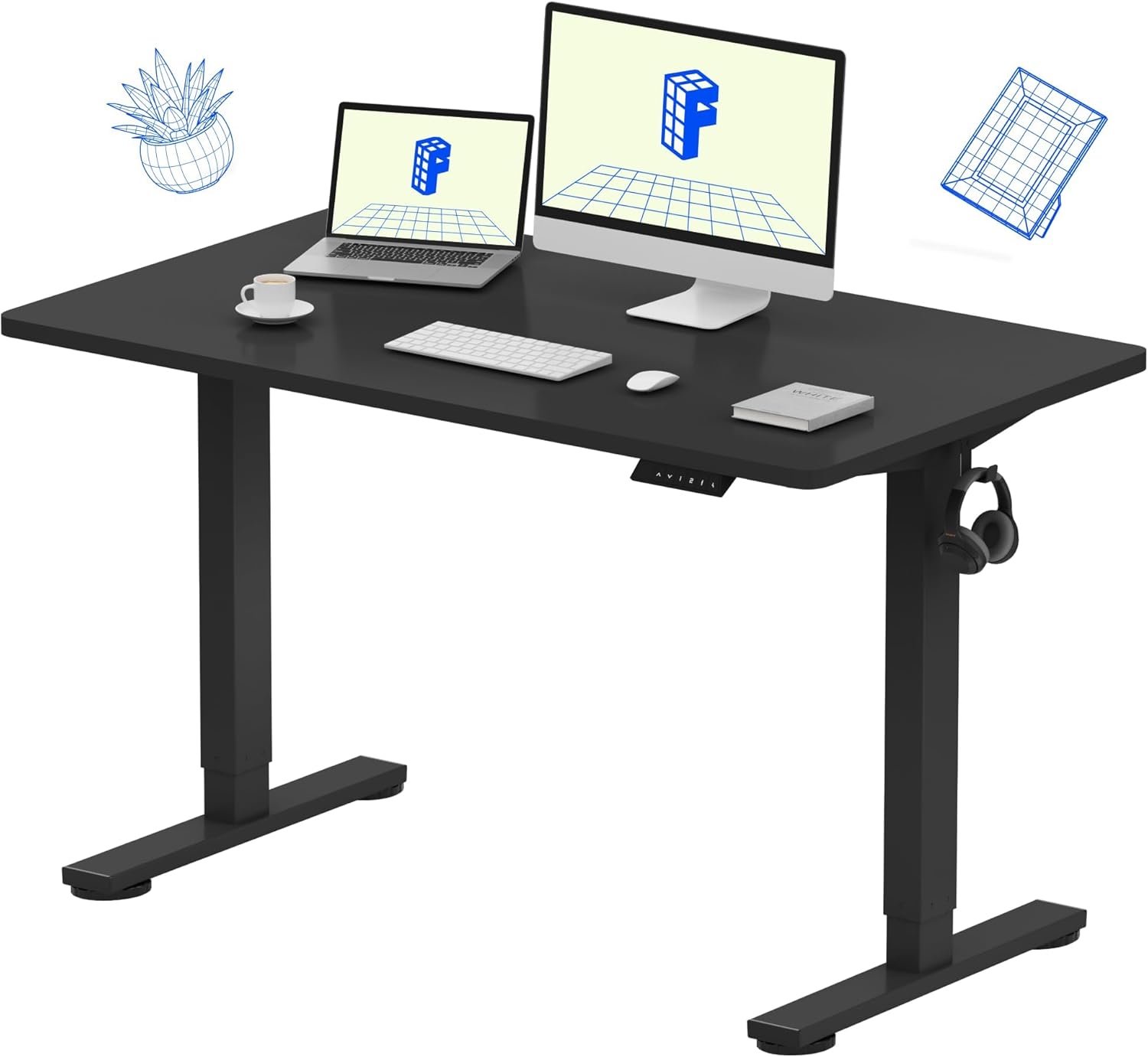
If you run dual monitors and need them set at slightly different heights to avoid neck rotation (a common compensation for shoulder pain), the 60-inch VIVO gives you the width to spread the screens without one of them creeping into your peripheral vision. The 220 lb weight capacity also means you can mount a monitor arm for the painful side, floating the screen forward so you never have to reach. Memory presets save your seated and standing heights so you switch positions without thinking. Check the VIVO 60 x 24 on Amazon.
Veken 47.2" Standing Desk (best compact pairing for the Gesture)
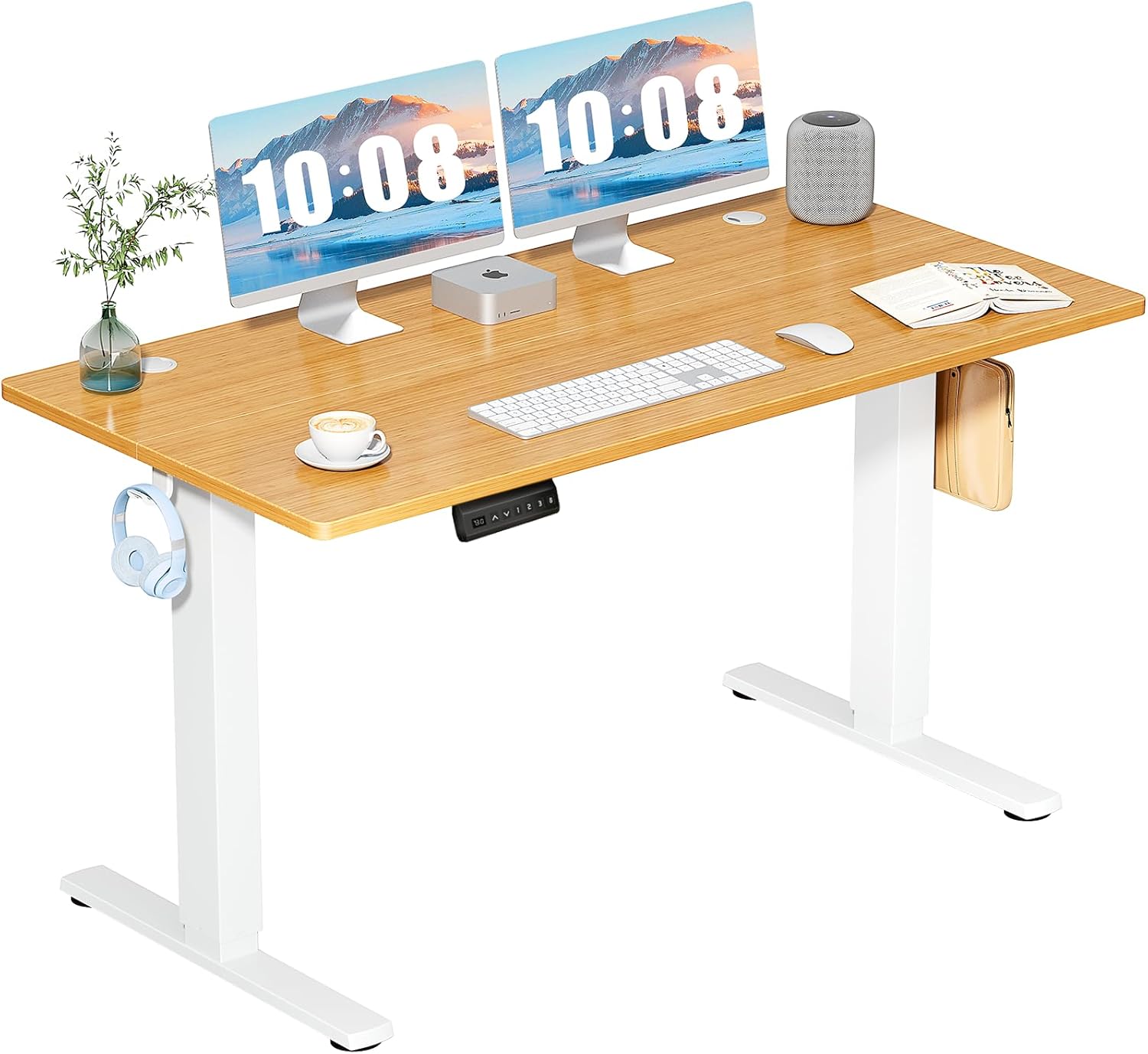
The Gesture's swiveling arms benefit from a desk that doesn't crowd you. The Veken 47.2-inch wood-top desk leaves room for the arms to swing inward without banging into a keyboard tray or drawer. It's also light enough to position perpendicular to a window, which matters for side sleepers because afternoon glare on a painful-side monitor will make you rotate your trunk and re-irritate the shoulder. See the Veken 47.2 on Amazon.
ErGear 48 x 24 Standing Desk (best budget pairing for the Leap V2)
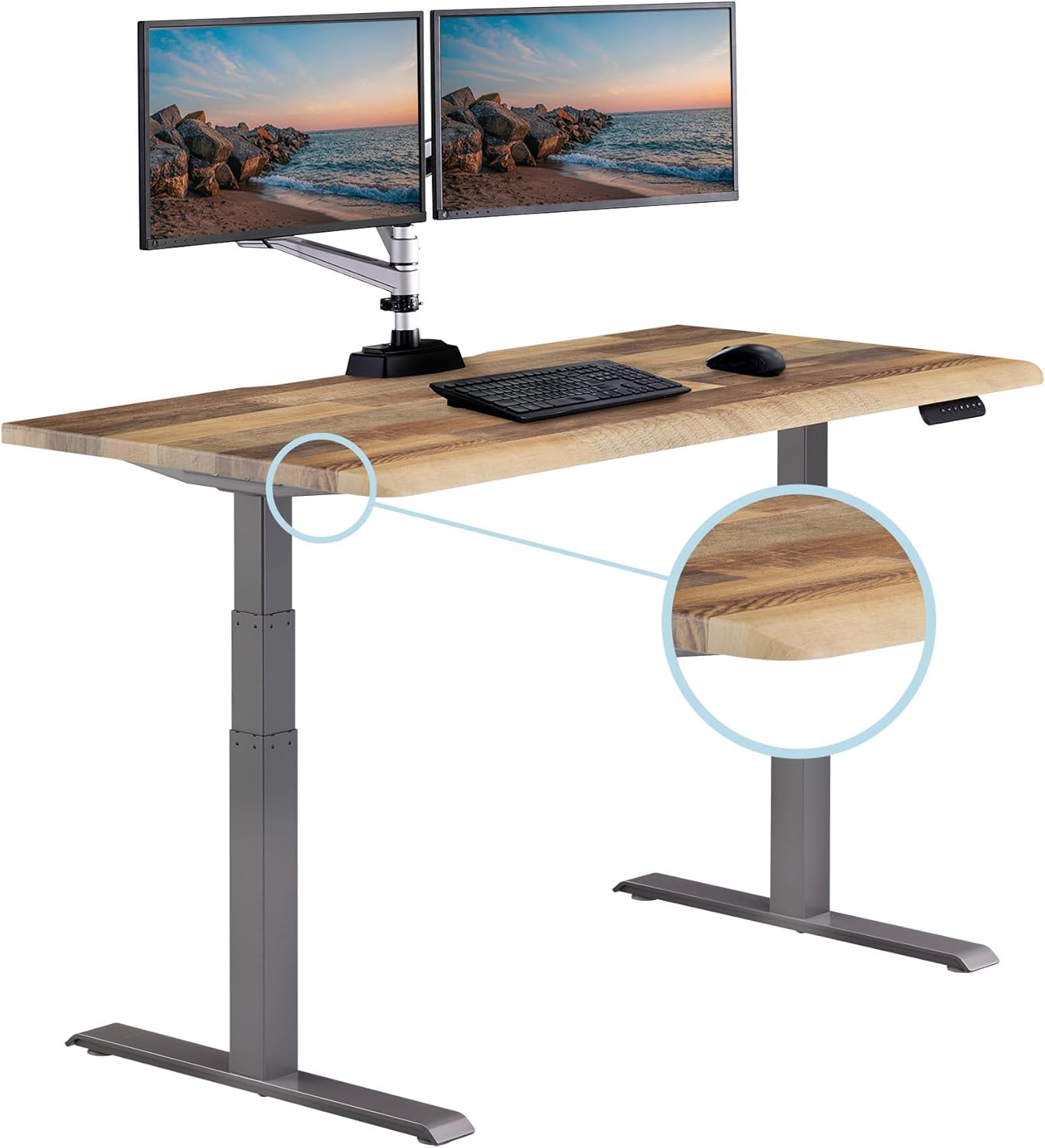
If you've already spent the money on a Leap V2 and want a no-frills standing desk to round out the setup, the ErGear 48 x 24 is the workhorse pick. Memory presets, electric height adjustment, and a 48-inch top that fits a single ultrawide monitor. For side sleepers with shoulder pain, the value is in the reliable preset recall: you'll switch between sit and stand far more often when the transition is one button press. View the ErGear standing desk on Amazon.
How to set up either chair if your shoulder is the limiting factor
Whichever chair you choose, the setup protocol for shoulder pain is the same. Start with your feet flat and your hips slightly higher than your knees. Drop the armrests until your shoulders fall fully into their sockets with no upward shrug, then raise them only enough that your forearms rest on the pads without pressing down. If your trapezius is firing, your arms are too high. If your elbow is hanging off the back of the pad, the pad is too far forward.
For the painful side specifically, run the armrest one notch lower than the healthy side. This sounds counterintuitive but it lets the irritated shoulder rest in its natural drop position rather than being forced into symmetry. Steelcase armrests adjust independently for exactly this reason.
What about the Steelcase Series 1, Series 2, or Karman?
The Series 1 and Series 2 are budget Steelcase chairs that lack the arm geometry needed for shoulder pain relief. The Karman is interesting (very light, mesh seat) but its 4D arms have less inward travel than the Gesture. If you're shopping inside the Steelcase lineup specifically for shoulder issues, the Gesture remains the right answer in 2026. For broader options, our ergonomic chairs for rotator cuff problems guide covers Herman Miller and Humanscale alternatives.
The verdict for side sleepers with shoulder pain
Pick the Gesture if your primary complaint is shoulder pain that flares during the workday, if you use a phone or tablet alongside your computer, or if you frequently shift posture. Pick the Leap V2 if your shoulder pain is secondary to lower back or thoracic issues, if you sit in deep recline most of the day, or if the $300-$400 price difference matters more than the marginal armrest improvement. Either way, pair the chair with a sit-stand desk and a written rule about hourly position changes. The chair alone, even the Gesture, will not solve a shoulder problem that gets reinforced every night by side sleeping.
For sleep-side recommendations that complement your desk setup, see our piece on desk setup during shoulder impingement recovery.
Frequently Asked Questions
Is the Steelcase Gesture worth the extra $300 over the Leap V2 if I have shoulder pain?
For side sleepers with active shoulder pain, yes. The Gesture's 360-degree arm pivot is the specific feature that resolves the most common compensation pattern (trapezius firing to hold the arm up because the chair's armrest can't reach the position your shoulder wants). If your shoulder pain is mild or intermittent, the Leap V2 with carefully tuned armrests is enough.
Can the Steelcase Leap V2 armrests be replaced with the Gesture's armrests?
No. The arm mounting points and mechanisms are completely different. Steelcase does not sell a retrofit kit. If you bought a Leap V2 and the armrests aren't working for your shoulder, your options are aftermarket arm pad replacements (which help with elbow comfort but not geometry), or selling the chair and moving to the Gesture.
Which chair is better for side sleepers who also have a herniated disc?
The Leap V2 has the edge for lumbar disc issues because of its Natural Glide System and more granular lumbar adjustment. If you have both a herniated disc and shoulder pain, the right answer depends on which is currently more limiting. Many people in this situation buy the Leap V2 and pair it with a standing desk to manage the shoulder side.
How long should a side sleeper with shoulder pain sit before standing up?
Most physical therapists recommend a posture change every 30-45 minutes for active shoulder issues, with a full standing interval of 15-20 minutes every 90 minutes. Memory presets on an electric standing desk make this realistic; manual cranks do not. The ErGear and VIVO models above both have one-button presets.
Does the Steelcase Gesture work for petite users with shoulder pain?
Yes, and arguably better than the Leap V2 for users under 5'4". The Gesture's minimum armrest height is one inch lower than the Leap V2, which matters when your natural elbow position is closer to your hip. Petite side sleepers with shoulder pain frequently report the Leap V2 armrests sit too high even at the lowest setting.
What desk height should I use to avoid aggravating shoulder pain?
Set your desk so your elbows form a 90-100 degree angle with your shoulders fully relaxed (not shrugged). For most adults that's 27-29 inches seated and 40-44 inches standing. The 1.5-inch difference between Leap V2 and Gesture minimum armrest heights means you may need slightly different desk heights with each chair. Adjustable desks let you fine-tune without committing.
Do these chairs come with a trial period for shoulder pain testing?
Steelcase authorized dealers in 2026 typically offer 30-day return windows on both the Leap V2 and the Gesture. Buy from a dealer that explicitly offers returns; the chairs feel different over a full work week than they do in a five-minute showroom test. Shoulder pain in particular needs at least 5-7 full days of use to assess.
Key Takeaways
- Choosing the right steelcase leap v2 vs gesture shoulder pain means matching capacity and output ports to your actual devices
- Always check actual watt-hours (Wh), not just watts — runtime depends on Wh, not peak output
- Also covers: leap v2 shoulder support
- Also covers: gesture chair side sleepers
- Also covers: steelcase chair for rotator cuff
- Compare price-per-Wh across models to find the best value for your budget